On this page
A remote team cannot work a trade show floor, so the software has to do the finding and the follow-up: capture, score and route each enquiry, and keep the history on a shared record. The tools below do that work at published prices, from fourteen to one thousand two hundred and fifty dollars a month. HubSpot Marketing Hub leads the list because it puts forms, email and automation on one shared record for fifteen dollars a seat a month, and the other six are judged on one test: whether a lead survives the handover between people who never meet.
How we researched this
We checked every price on the vendor pricing page on November 28, 2026, and only included tools with a published US dollar list price and a free trial or free plan. The tools in this list cover email, journeys, CRM and website visitor identification, and every one of them publishes its price. Prices change, so confirm the current figure on the vendor site before you buy.
Compare the tools
| Name | Best for | Starting price | Free plan | |
|---|---|---|---|---|
 HubSpot Marketing Hub | Remote teams that want every lead on one shared record | $15/seat/month | Free plan | Visit |
 ActiveCampaign | Remote teams that need leads scored and routed without a daily standup | $15/month | No free plan; 14-day free trial | Visit |
 Mailchimp | Remote teams that want email anyone can send without a handover | $13/month | Free plan (250 contacts) | Visit |
| Zoho Marketing Automation | Remote teams already on Zoho CRM that want journeys in the same system | $14/month | Free edition | Visit |
 Keap | Remote teams that want CRM, email and automation in one deep system | $249/month | No free plan; 14-day free trial | Visit |
| Pardot | Remote B2B teams that run Salesforce and need serious lead nurturing | $1,250/org/month | No free plan; demo available | Visit |
| Leadfeeder | Remote teams that want to know which companies visit their website | $79/month | Free Lite plan (100 companies/mo) | Visit |
The lead generation software for remote teams, compared
1. HubSpot Marketing Hub
Best for: Remote teams that want every lead on one shared record
Paid tool Starting price: $15/seat/month · Fifteen dollars per seat per month billed annually on the Starter plan, or twenty dollars month to month; new customers currently see a seven-dollar first-year offer, which is a promotion rather than the list price
Free plan: Free plan
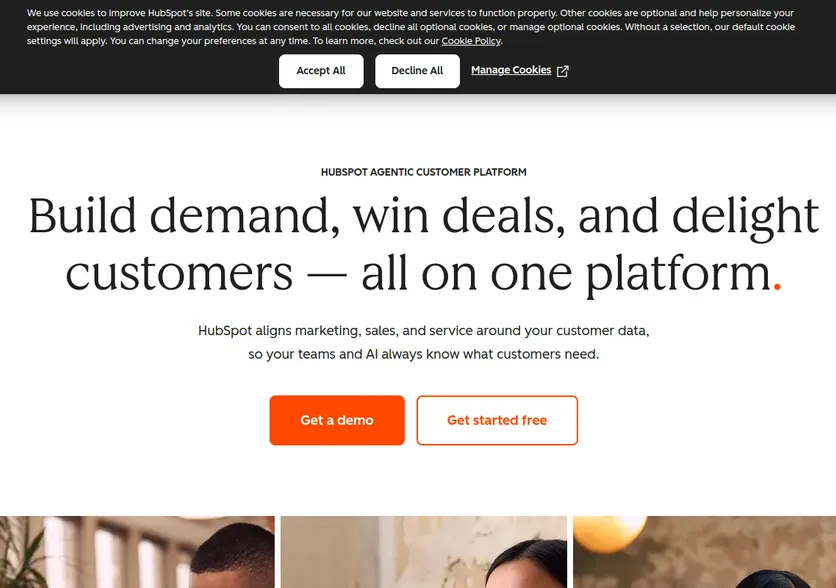
A remote team cannot follow up on leads by walking to a colleague's desk, so HubSpot Marketing Hub keeps every enquiry on a shared record with forms, email and automation for fifteen dollars a seat a month. A lead captured in one time zone is worked in another without a handover meeting, because the history is on the record. The Starter plan covers a small team, and the free plan is enough to prove the workflow before paying.
What we like
- Every lead lives on one shared record
- Follow-up runs across time zones without handovers
- Free plan proves the workflow before paying
Watch out for
- The price is per seat, so a second user doubles it
- Lead scoring needs the higher tiers
How to try it
- Put the HubSpot form on the website and connect it to the shared inbox
- Build a follow-up sequence that runs across time zones
- Check the contact record before each first call to see the full history
2. ActiveCampaign
Best for: Remote teams that need leads scored and routed without a daily standup
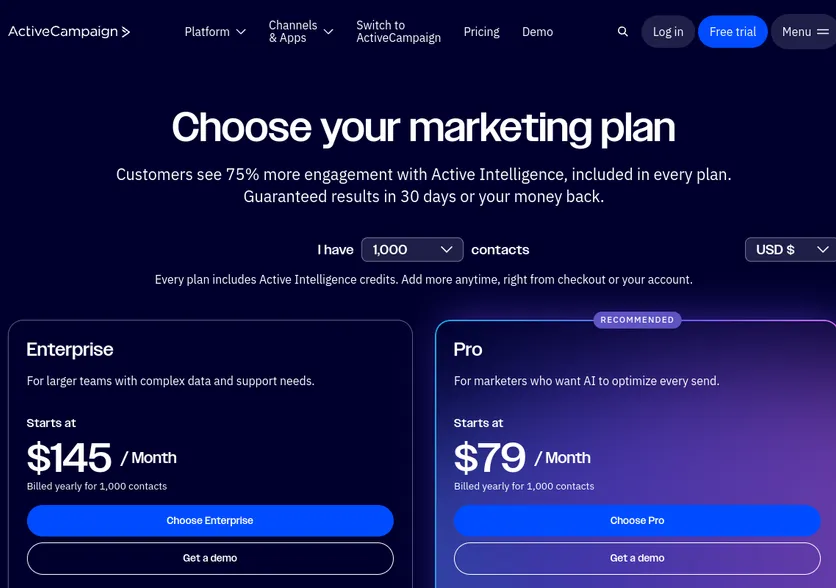
Paid tool Starting price: $15/month · Fifteen dollars per month on the Starter plan for one thousand contacts billed yearly, or nineteen dollars month to month; Plus is forty-nine dollars and Pro is seventy-nine dollars
Free plan: No free plan; 14-day free trial
When a remote team needs leads scored and routed without a daily standup, ActiveCampaign does the routing, with automation, tags and lead scoring for fifteen dollars a month. A hot lead can trigger a task for the right rep in the right time zone, while a cold one enters a nurture sequence on its own. The Starter plan covers one thousand contacts, and the higher tiers add the sales automation a growing team eventually needs.
What we like
- Lead scoring routes hot leads to the right rep
- Automation runs without a daily standup
- Tags keep leads sorted by source and interest
Watch out for
- No free plan, only a fourteen-day trial
- The price rises with the contact count
How to try it
- Import leads and tag them by source and interest
- Build an automation that scores leads and assigns them
- Set a nurture sequence for leads that are not ready yet
3. Mailchimp
Best for: Remote teams that want email anyone can send without a handover
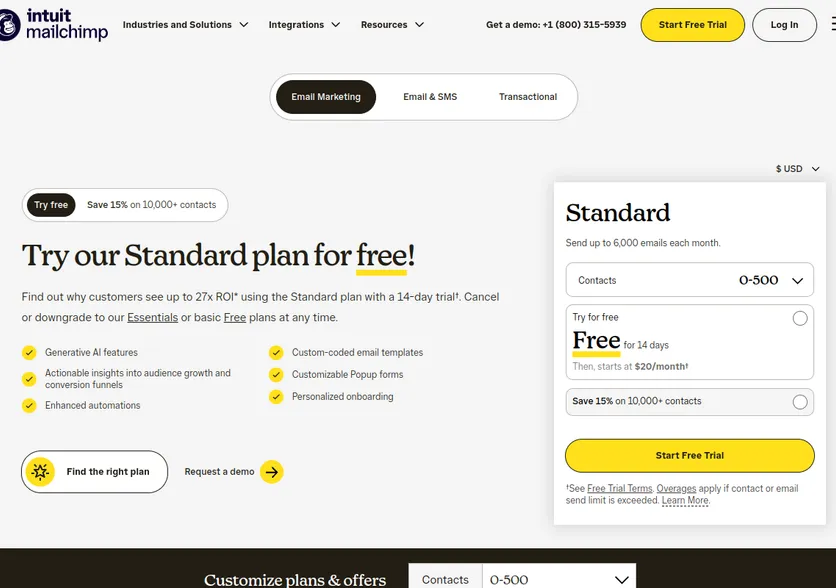
Paid tool Starting price: $13/month · Thirteen dollars per month on the Essentials plan for five hundred contacts on monthly billing, or about eleven dollars with annual prepay; Standard is twenty dollars and Premium is three hundred and fifty dollars
Free plan: Free plan (250 contacts)
Remote teams need email that anyone can send without a handover meeting, and Mailchimp keeps it simple, with newsletters, landing pages and basic automation for thirteen dollars a month. A campaign drafted in one time zone can be reviewed and sent in another, because the audience and the templates live in one account. The Essentials plan covers five hundred contacts, and the free plan covers two hundred and fifty.
What we like
- Simple email any teammate can send
- Landing pages capture leads without a developer
- Free plan covers two hundred and fifty contacts
Watch out for
- Automation is basic on the Essentials plan
- The price rises steeply as the list grows
How to try it
- Import leads and sort them into audiences
- Draft a campaign and let a teammate review it
- Send and watch opens and clicks from anywhere
4. Zoho Marketing Automation
Best for: Remote teams already on Zoho CRM that want journeys in the same system
Paid tool Starting price: $14/month · Fourteen dollars per month on the Standard plan billed annually for one thousand contacts, or nineteen dollars month to month; Professional is twenty-two dollars billed annually and Enterprise is forty-four dollars
Free plan: Free edition
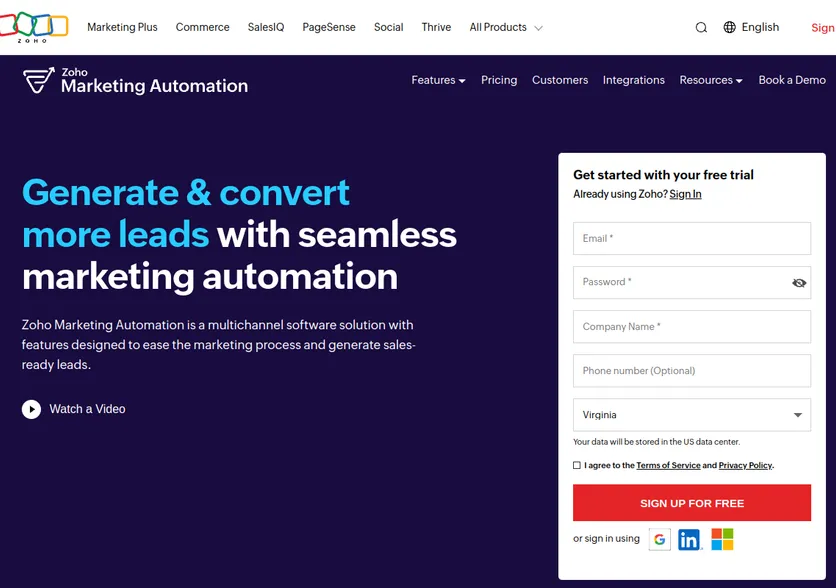
A remote team already on Zoho CRM should not buy a second platform for journeys, and Zoho Marketing Automation keeps email, social, SMS and web journeys in the same system for fourteen dollars a month. The Standard plan covers one thousand contacts with lead scoring and lifecycle stages, and the native two-way sync means sales sees the same lead record marketing sees. It is the cheapest full journey tool in this list.
What we like
- Native two-way sync with Zoho CRM
- Email, social and SMS journeys in one tool
- Cheapest full journey tool in this list
Watch out for
- Only makes sense for teams already on Zoho
- The price rises with the contact count
How to try it
- Connect Zoho Marketing Automation to the Zoho CRM account
- Build a journey that scores leads and moves them by stage
- Let sales work the same lead record marketing nurtures
5. Keap
Best for: Remote teams that want CRM, email and automation in one deep system
Paid tool Starting price: $249/month · Two hundred and forty-nine dollars per month on the Pro plan billed annually for one thousand five hundred contacts and two users, or two hundred and ninety-nine dollars month to month; Max is two hundred and eighty-nine dollars, and a mandatory onboarding fee from four hundred and ninety-nine dollars applies
Free plan: No free plan; 14-day free trial
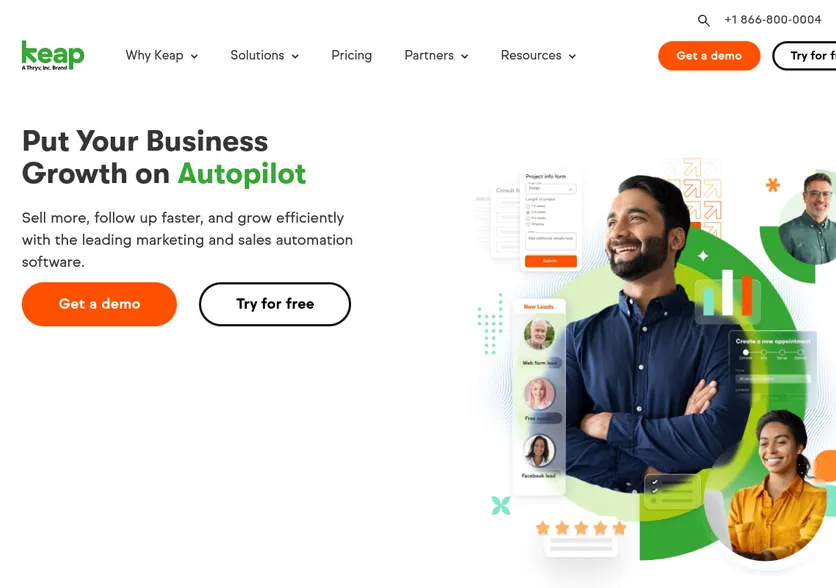
Keap is the deep end of this list, combining CRM, email, texting, payments and a visual automation builder for two hundred and forty-nine dollars a month. A remote team can run the whole follow-up from one system, with campaigns, appointments and invoices sharing the same contact record. The Pro plan covers one thousand five hundred contacts and two users, and a mandatory onboarding fee applies, so the first year costs more than the monthly figure suggests.
What we like
- CRM, email, texting and payments in one system
- Visual automation builder runs whole sequences
- Covers two users and one thousand five hundred contacts
Watch out for
- Mandatory onboarding fee from $499 one-time
- Price rises with the contact count
How to try it
- Import contacts and build the first campaign in the visual builder
- Set up appointments and payments on the same record
- Run the follow-up sequence and watch the pipeline
6. Pardot
Best for: Remote B2B teams that run Salesforce and need serious lead nurturing
Paid tool Starting price: $1,250/org/month · One thousand two hundred and fifty dollars per org per month on the Growth+ plan billed annually, for ten thousand contacts; Plus+ is two thousand seven hundred and fifty dollars and Advanced+ is four thousand four hundred dollars, and every edition needs an annual contract
Free plan: No free plan; demo available
Pardot is Salesforce's B2B marketing automation platform, now sold as Marketing Cloud Account Engagement, and it brings lead scoring, grading and Engagement Studio to a remote team for one thousand two hundred and fifty dollars per org a month. The Growth+ plan covers ten thousand contacts with forms, landing pages and automation rules, all on an annual contract. It is the enterprise pick in this list, and it only makes sense for a team already running Salesforce.
What we like
- Deep lead scoring and grading for B2B teams
- Engagement Studio runs complex nurture journeys
- Built for teams already running Salesforce
Watch out for
- Enterprise price for a remote team of any size
- Requires Salesforce Enterprise or Unlimited edition
How to try it
- Connect Account Engagement to the Salesforce org
- Build a scoring model and a nurture journey in Engagement Studio
- Hand scored leads to sales with the full history attached
7. Leadfeeder
Best for: Remote teams that want to know which companies visit their website
Paid tool Starting price: $79/month · Seventy-nine dollars per month on the Discover plan billed annually, or one hundred and thirteen dollars month to month, for up to fifty identified companies; Activate is three hundred and sixty-nine dollars and the price rises with company volume
Free plan: Free Lite plan (100 companies/mo)
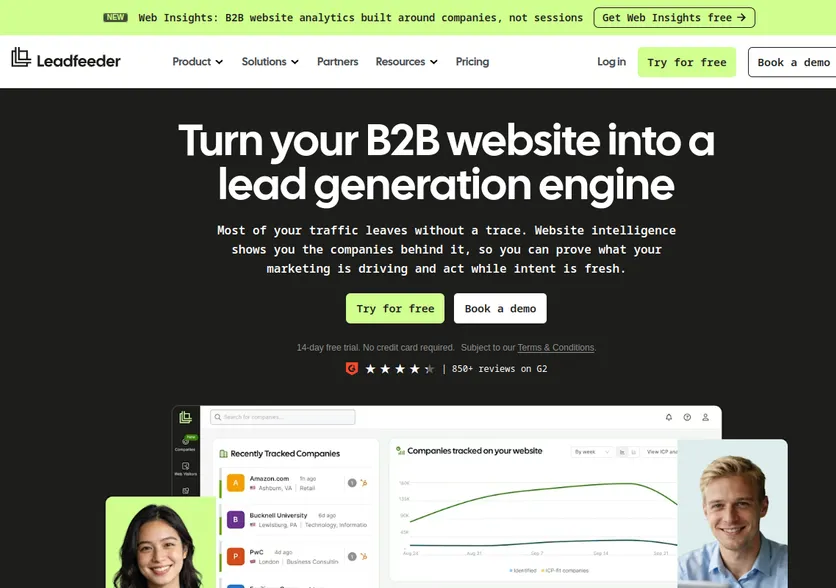
A remote team cannot see who walks into the office, and Leadfeeder shows who walks onto the website, identifying visiting companies and syncing them to the CRM for seventy-nine dollars a month. The Discover plan covers up to fifty companies a month with full profiles, ad reports and real-time alerts, and unlimited users can work the same feed. It is the only tool in this list that generates leads from traffic the team already has.
What we like
- Turns anonymous website traffic into named companies
- Unlimited users can work the same feed
- Free Lite plan covers one hundred companies a month
Watch out for
- The price rises with the number of companies identified
- Contact emails and phones need the Activate plan
How to try it
- Install the Leadfeeder tracker on the website
- Review the identified companies each morning
- Sync the best fits to the CRM and assign follow-up
Prices above were checked on each vendor’s own website on Nov 28, 2026 and can change — the vendor’s page is the final word. Vendor links are editorial: nobody paid to be listed or ranked here. Vendors who want a featured listing can see how it works on our Get listed page.
How a remote team should generate leads
Start with the shared record, because a remote team cannot work a lead it cannot see. Put every form, inbox and chat into one system, agree who owns which leads, and automate the first reply so no enquiry waits for a time zone to wake up. Score leads simply at first, with one hot signal and one cold signal, and refine the model only when the team trusts it. Review the pipeline together once a week, using the same record the customer sees, because a lead that looks warm to marketing and cold to sales is a lead about to be lost.
Before you buy
- Check that every lead lands on a shared record, since a remote team cannot follow up by walking over
- Confirm the price covers the contact count and the seats the whole remote team needs
- Ask whether automation and scoring are included or locked behind the higher tiers
- Test the handover from marketing to sales with one real lead, across time zones, before you commit
- Run a trial with the team's actual lead volume, not the vendor demo data
Official websites
Official websites of the products reviewed above. Features and prices were checked against these sites when this guide was written, and they can change, so confirm on the vendor site before you buy.
Frequently asked questions
What is lead generation software for remote teams?
It is software that finds and follows up with potential customers for a team spread across time zones: forms, email, scoring and automation that keep every lead on a shared record. The tools in this list cover email, journeys, CRM and website visitor identification. For a remote team, the point is the record: a lead captured in one time zone must be workable in another without a handover meeting.
What does HubSpot Marketing Hub cost for a remote team?
HubSpot Marketing Hub costs fifteen dollars per seat per month billed annually on the Starter plan, or twenty dollars month to month. Forms, email and automation share one contact record, so a lead is followed up wherever the team sits. A free plan is available, and new customers currently see a seven-dollar first-year offer, which is a promotion rather than the list price.
Which tool is best for a remote team on a budget?
Leadfeeder is the pick for website traffic, since it names the companies visiting the site for seventy-nine dollars a month. Zoho Marketing Automation is the pick for a team already on Zoho CRM, at fourteen dollars a month. Keap and Pardot are the deep picks: Keap at two hundred and forty-nine dollars a month, and Pardot at one thousand two hundred and fifty dollars per org a month for a Salesforce team.
Can these tools hand leads from marketing to sales?
Yes, and the handover is the part to test. Marketing captures and scores the lead, sales works it, and both need the same record with the full history attached. The tools in this list that do this best are HubSpot, ActiveCampaign and Pardot, because the score, the emails and the CRM record live together. A trial should run one real lead through the whole handover before the team commits.
How should a remote team start generating leads?
Start with the shared record, because a remote team cannot follow up on a lead it cannot see. Put every form and inbox into one system, agree who works which leads, and automate the first reply so no enquiry waits for a time zone to wake up. Measure the reply time weekly, since speed is the metric a remote team controls most directly.
Compare the seven tools above, then start with a free trial on the tool that matches how your remote team already handles leads before you pay for a full year.
Browse Marketing & Ads Calculators tools