On this page
Developers hate spammy outreach, which is exactly why they need lead tools that find the right person and stop there. Apollo is the pick that fits a developer workflow, with a huge contact database, sequences and an API that plugs into the stack a team already runs. This guide compares eight lead generation tools for software developers, with live 2026 prices, free plans and trials, so a technical team can build pipeline without becoming a spam factory.
How we researched this
We checked the pricing page of every vendor on this list on November 26, 2026, and kept only tools that publish a real dollar price. Each tool had to find verified business contacts, support outreach or enrichment through an API, and suit a technical buyer who checks data quality before features, and we compared entry prices, free plans and credit models.
Compare the tools
| Name | Best for | Starting price | Free plan | |
|---|---|---|---|---|
 Apollo | Developer teams that want a huge contact database plus sequences in one tool | $49/user/month | Free plan | Visit |
 Hunter | Developers who need to find and verify business emails quickly | $49/month | Free plan | Visit |
 Lusha | Developer teams that enrich contacts with verified emails and phone numbers | $49.90/month | Free plan | Visit |
 Snov | Developers who want email finding, verification and outreach in one cheap plan | $39/month | Free plan | Visit |
 Skrapp | Developers and sales teams that find emails on LinkedIn | $39/month | Free plan | Visit |
 Instantly | Developer teams that run high-volume cold email with warmup built in | $94/month | Free trial | Visit |
 Lemlist | Developer teams that want multichannel outreach with personalization | $69/month | 14-day free trial | Visit |
 Reply | Developer teams that want unlimited mailboxes and multichannel sequences | $59/user/month | 14-day free trial | Visit |
The tools, compared
1. Apollo
Best for: Developer teams that want a huge contact database plus sequences in one tool
Paid tool Starting price: $49/user/month · Basic plan, $49 a user a month billed annually; $65 on monthly billing
Free plan: Free plan
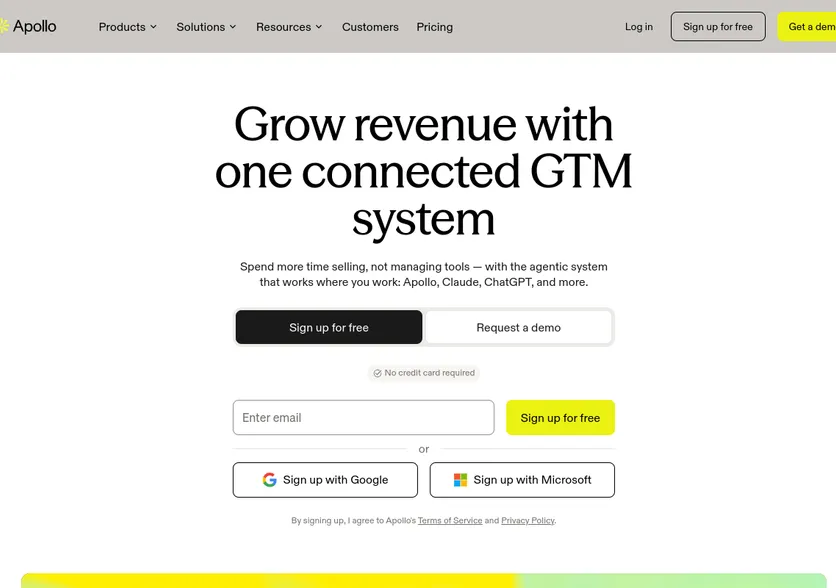
A developer team does not want five tools for one pipeline, and Apollo combines the database, the sequences and the API in a single subscription. Its Basic plan costs $49 a user a month billed annually, and the platform covers finding contacts, enriching them, sequencing outreach and tracking replies. It is the best all-round pick for a technical team that wants one tool from list to reply.
What we like
- Huge contact database with sequences built in
- API covers finding, enrichment and outreach
- Free plan is genuinely usable for testing
Watch out for
- Credits cap how much data each seat can use
- Seat price rises with the Professional tier
How to try it
- Open the Apollo pricing page and start the free plan
- Build a list of target accounts with the search filters
- Connect the API and enrich a test batch before launching a sequence
2. Hunter
Best for: Developers who need to find and verify business emails quickly
Paid tool Starting price: $49/month · Starter plan, $49 a month on monthly billing; $34 a month on annual billing
Free plan: Free plan
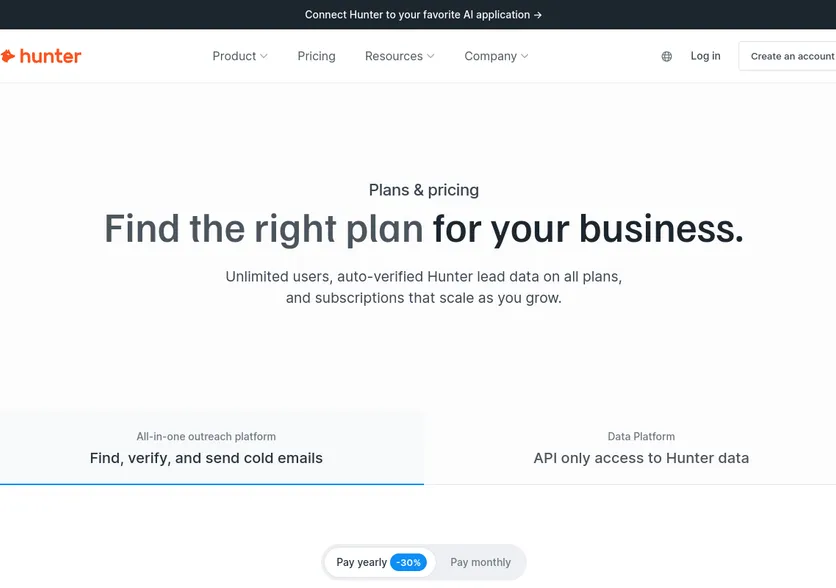
Finding one email should take seconds, not a research project, and Hunter is the fastest way to do it. Its Starter plan costs $49 a month on monthly billing, and the finder returns verified emails for a domain or a name in one call. It is the pick for a developer who needs a reliable email lookup inside a script, a form or a quick manual check.
What we like
- Fast, simple email finder with verification
- API is clean and well documented
- Free plan covers light use
Watch out for
- Narrower than full database platforms
- Credit limits bite on large lists
How to try it
- Open the Hunter pricing page and start the free plan
- Test the finder on ten real domains you already know
- Connect the API and verify emails before any outreach
3. Lusha
Best for: Developer teams that enrich contacts with verified emails and phone numbers
Paid tool Starting price: $49.90/month · Starter plan, $49.90 a month on monthly billing; $37.45 on annual billing
Free plan: Free plan
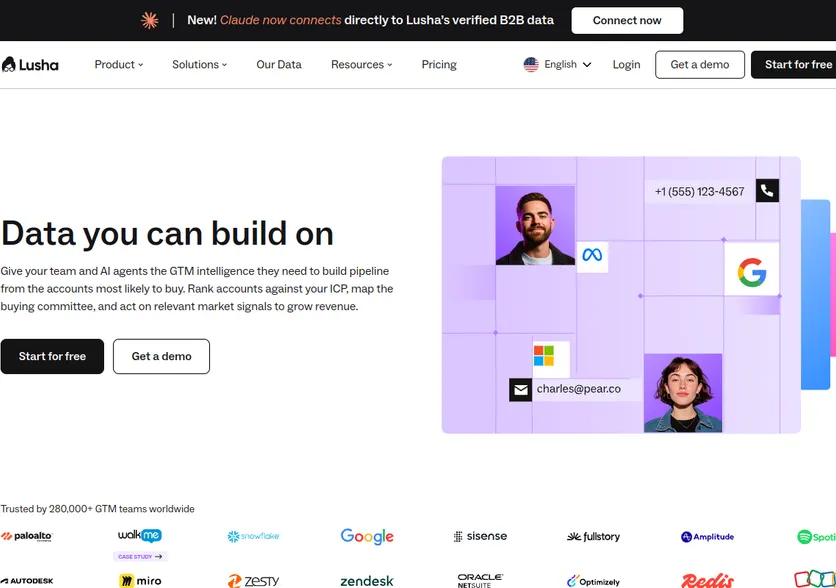
A name without a working email is a dead lead, and Lusha exists to close that gap. Its Starter plan costs about fifty dollars a month on monthly billing, and the platform returns verified emails and direct phone numbers for contacts and companies. It is the pick for a team that enriches lists in bulk and needs the data to survive a bounce check.
What we like
- Verified emails and direct dials in one place
- Strong enrichment for bulk lists
- Browser extension works on LinkedIn and company sites
Watch out for
- Credit model charges per enriched contact
- Phone data costs more credits than email
How to try it
- Open the Lusha pricing page and start the free plan
- Enrich a test list and check the bounce rate
- Connect the API or CRM integration for ongoing enrichment
4. Snov
Best for: Developers who want email finding, verification and outreach in one cheap plan
Paid tool Starting price: $39/month · Starter plan, $39 a month on monthly billing; a Black Friday promo shows $20 a month on annual billing
Free plan: Free plan
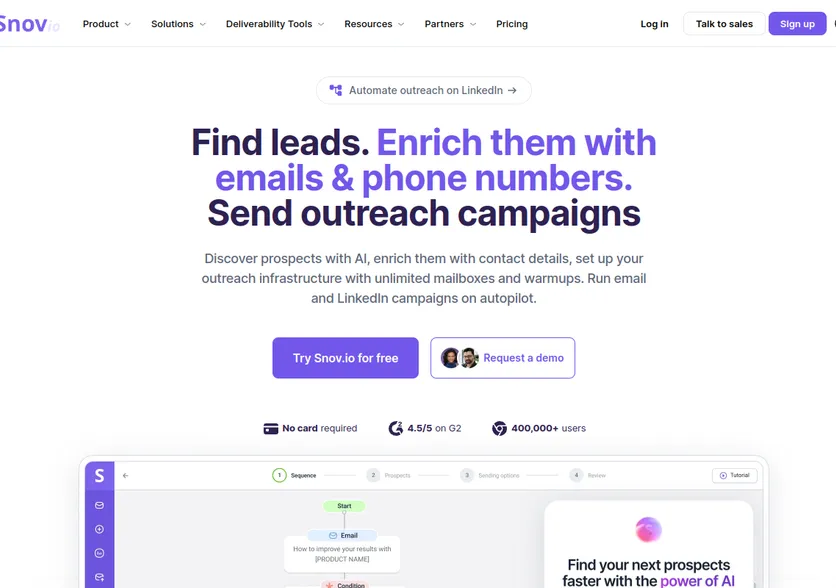
A developer team on a budget needs finding, verification and sending in one place, and Snov bundles all three for $39 a month. Its Starter plan covers the finder, the verifier and the campaign tool, with an API for automation. It is the best budget pick for a team that wants to run outreach without paying for three separate subscriptions.
What we like
- Finding, verification and outreach in one plan
- Lowest entry price among the full-featured tools
- API covers the core workflows
Watch out for
- Database is smaller than Apollo or Lusha
- Interface feels dated in places
How to try it
- Open the Snov pricing page and start the free plan
- Find and verify a test list of fifty contacts
- Build a short sequence and check deliverability on a small send
5. Skrapp
Best for: Developers and sales teams that find emails on LinkedIn
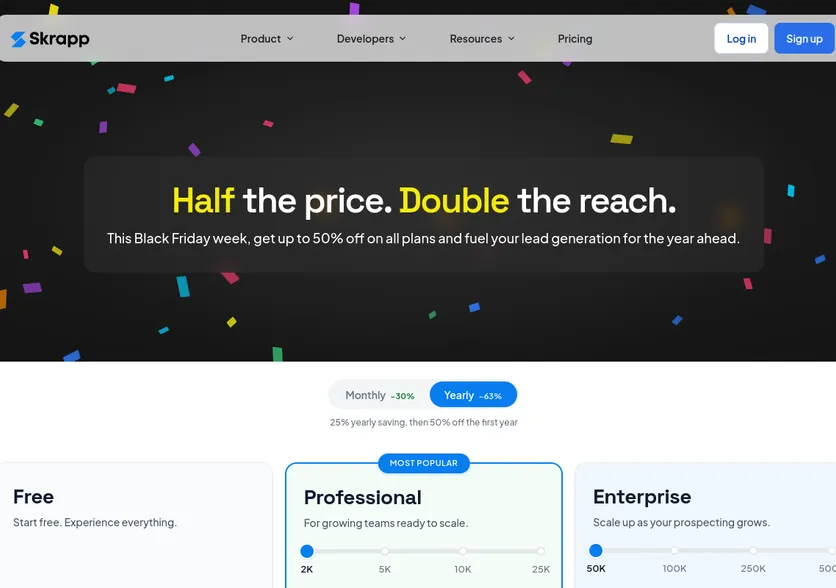
Paid tool Starting price: $39/month · Professional plan, $39 a month billed annually; a Black Friday promo shows $15 for the first year
Free plan: Free plan
Prospecting usually starts on LinkedIn, and Skrapp meets the user there with a browser extension. Its Professional plan costs $39 a month billed annually, and the extension finds verified emails while you browse profiles or Sales Navigator lists. It is the pick for a team that builds lists from LinkedIn and wants the emails without leaving the page.
What we like
- LinkedIn extension finds emails in place
- Credits roll over month to month
- Fair credit policy charges only for valid emails
Watch out for
- Narrower than full database platforms
- Team features need higher tiers
How to try it
- Open the Skrapp pricing page and start the free plan
- Install the browser extension and test it on ten profiles
- Export a list and verify the bounce rate before a campaign
6. Instantly
Best for: Developer teams that run high-volume cold email with warmup built in
Paid tool Starting price: $94/month · Starter bundle, $94 a month on monthly billing; $85 on annual billing
Free plan: Free trial
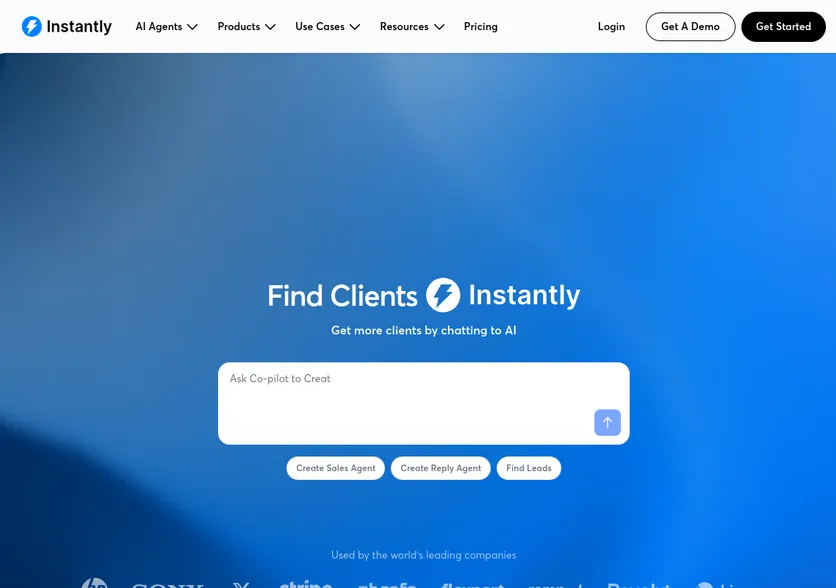
Cold email at scale fails on deliverability before it fails on copy, and Instantly is built around that truth. Its Starter bundle costs $94 a month on monthly billing, and the platform combines unlimited warmup, a large lead database and outreach in one place. It is the pick for a team that sends thousands of emails a month and needs the infrastructure to land them.
What we like
- Unlimited warmup protects sender reputation
- Lead database included in the bundle
- Scales to very high sending volumes
Watch out for
- Highest entry price among the outreach tools
- Needs a warmup period before full volume
How to try it
- Open the Instantly pricing page and compare the bundles
- Connect mailboxes and let warmup run for two weeks
- Build a lead list from the database and launch a small test campaign
7. Lemlist
Best for: Developer teams that want multichannel outreach with personalization
Paid tool Starting price: $69/month · Email plan, $69 a month on monthly billing; $55 a month on annual billing
Free plan: 14-day free trial
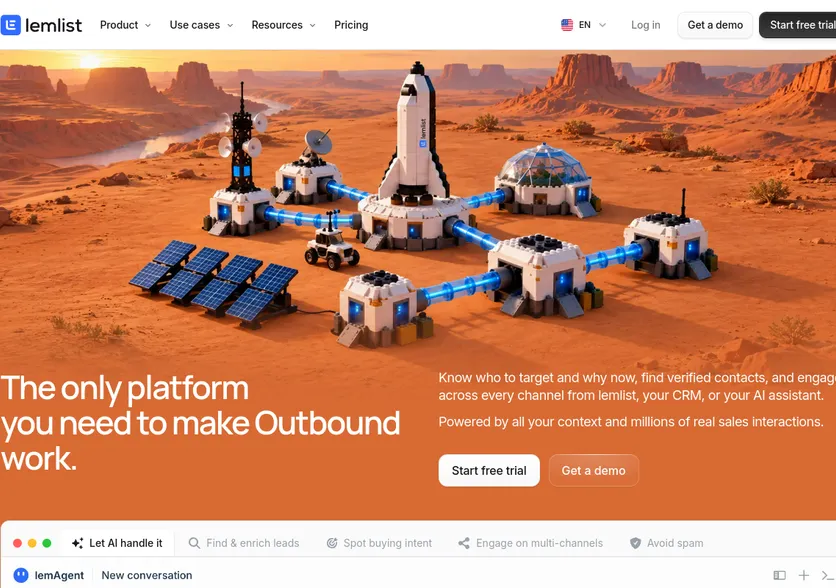
An email that looks like a template gets deleted like a template, and Lemlist is built to make outreach feel personal at scale. Its Email plan costs $69 a month on monthly billing, and the platform adds LinkedIn steps, personalized images and a large lead database. It is the pick for a team that wants multichannel sequences without hiring a sales operations specialist.
What we like
- Multichannel sequences with LinkedIn steps
- Personalized images and videos in emails
- Built-in warmup and deliverability tools
Watch out for
- Pricier than email-only tools
- Lead data is an add-on, not included
How to try it
- Open the Lemlist pricing page and start the 14-day trial
- Connect a mailbox and set up deliverability protection
- Build a multichannel sequence with email and LinkedIn steps
8. Reply
Best for: Developer teams that want unlimited mailboxes and multichannel sequences
Paid tool Starting price: $59/user/month · Email Volume plan, from $59 a user a month
Free plan: 14-day free trial
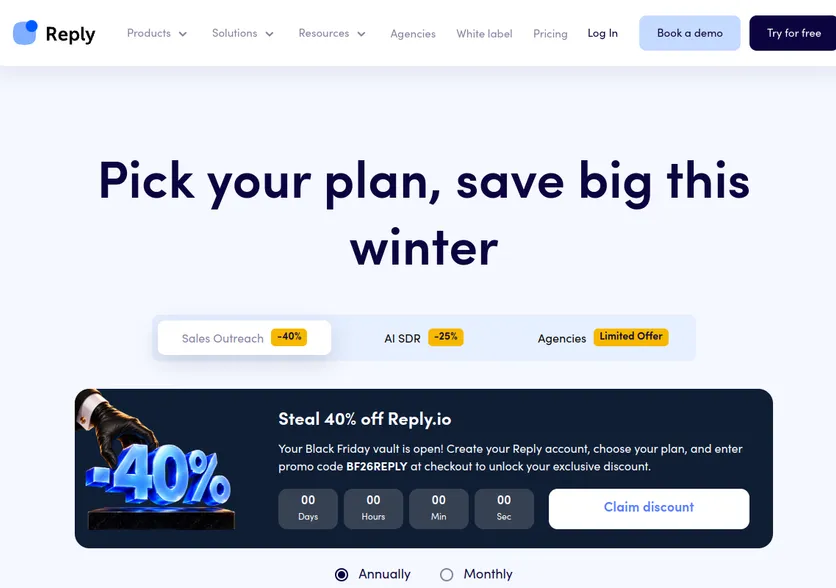
A team that scales outreach hits the mailbox limit first, and Reply removes it with unlimited mailboxes. Its Email Volume plan starts at $59 a user a month, and the platform covers email, LinkedIn, calls and SMS with an AI assistant that drafts and handles replies. It is the pick for a team that wants every channel in one workspace without counting mailboxes.
What we like
- Unlimited mailboxes on paid plans
- Email, LinkedIn, calls and SMS in one tool
- AI assistant drafts and categorizes replies
Watch out for
- Price is per user, so team costs add up
- Advanced features need the higher plans
How to try it
- Open the Reply pricing page and start the 14-day trial
- Connect mailboxes and set up warmup
- Build a multichannel sequence and test the AI reply handling
Prices above were checked on each vendor’s own website on Nov 26, 2026 and can change — the vendor’s page is the final word. Vendor links are editorial: nobody paid to be listed or ranked here. Vendors who want a featured listing can see how it works on our Get listed page.
How to judge a lead tool as a developer
Start with data quality, not the feature list: run the same ten test contacts through every trial and count how many emails bounce, because a cheap tool with bad data costs more than an expensive tool with good data. Check the API first, since a developer team will automate enrichment and syncing rather than clicking through a dashboard. Understand the credit model before paying, because credits that expire, or that charge for bad results, quietly double the bill. Finally, test deliverability on a small list, since a tool that lands in spam is worse than no tool at all.
Before you buy
- Test the same ten contacts in every trial and count the bounces before paying.
- Check the API docs and rate limits before assuming automation is possible.
- Ask whether credits are charged for bad or unverified results.
- Confirm the tool verifies emails in real time, not from a stale database.
- Run a small campaign first and measure reply rate, not just open rate.
Official websites
Official websites of the products reviewed above. Features and prices were checked against these sites when this guide was written, and they can change, so confirm on the vendor site before you buy.
Frequently asked questions
What is the cheapest lead generation tool for developers?
Snov and Skrapp both start at $39 a month, making them the cheapest paid picks here. Hunter and Apollo both start at $49 a month, while Lusha starts at about fifty dollars a month. The right cheap pick depends on the job: Snov suits outreach, Skrapp suits LinkedIn-based finding, and Hunter suits fast email verification.
Do these tools verify emails before I send?
Yes, most of them do. Hunter, Snov, Skrapp and Apollo all verify emails as part of finding them, and several refund credits when a lookup fails. Real-time verification matters because databases decay fast: a contact that changed jobs last month will bounce if the data is stale. Always run a verification pass on a list before a campaign, even when the tool claims the data is fresh.
Can I use these tools through an API?
Yes. Apollo, Hunter, Lusha, Snov and Skrapp all offer APIs for finding, verifying and enriching contacts, and Instantly, Lemlist and Reply expose APIs for sequences and campaigns. Check the rate limits and credit costs on the pricing page, since API calls usually consume the same credits as dashboard use. A free plan or trial is the best way to test the API before committing.
Which tool is best for LinkedIn-based prospecting?
Skrapp is built for LinkedIn, with a browser extension that finds emails while you browse profiles and Sales Navigator lists. Lusha and Apollo also offer LinkedIn extensions with larger databases behind them. For a developer team, the extension matters less than the API: pick the tool whose data quality survives a test batch, then use the extension as a convenience.
Is there a free plan for a solo developer?
Yes. Apollo, Hunter, Lusha, Snov and Skrapp all have free plans with a monthly credit allowance, and the outreach tools offer free trials. Start on the free plan to test data quality on your real target accounts, then pay when the monthly volume outgrows the free credits.
Need a quick marketing estimate? Try free marketing calculators on Toolsvine right in your browser.
Browse Marketing & Ads Calculators tools