On this page
A brief is judged on its weakest page, and the errors that hurt most are the ones spellcheck never sees: a wrong citation, an inconsistent term, a fact the record does not support. The seven tools below draft, proofread and check briefs before they are filed. BriefCatch leads because it combines proofreading and citation checks inside Word from 60 dollars a seat a month, and the other six are judged on the same test: whether the brief that leaves the office is the one the team intended.
How we researched this
We checked every price on November 28, 2026, and only included tools with a published US dollar list price. The big AI legal platforms in this category, including Clio Draft, Lexis+ AI, Westlaw Precision, CoCounsel and Harvey, publish no prices, so they are not in this list, and WordRake is joining BriefCatch and will stop renewing subscriptions, so it is not listed separately. Prices change, so confirm the current figure on the vendor site before you buy.
Compare the tools
| Name | Best for | Starting price | Free plan | |
|---|---|---|---|---|
| BriefCatch | Teams that want the strongest Word-based brief editor with proofreading and citation checks | $60/seat/month | Free trial | Visit |
| Clearbrief | Teams that want citations verified against the actual court record | $300/user/month | Free trial | Visit |
| Briefpoint | Teams that want discovery documents turned into trial-ready briefs | $150/attorney/month | Free trial | Visit |
| TypeLaw | Teams that need a polished brief produced from a rough draft, per filing | $1,895/brief | No free plan; demo available | Visit |
| PerfectIt | Teams that want a Word proofreading add-in at a yearly price under 150 dollars | $115/year | Free trial | Visit |
 Gavel Exec | Teams that want AI-drafted legal documents with a free query allowance | $160/user/month | Free trial | Visit |
| Jural | Small teams that want a simple AI drafting tool at a low monthly price | $24/user/month | Free trial | Visit |
The legal brief writing software for in-house legal teams, compared
1. BriefCatch
Best for: Teams that want the strongest Word-based brief editor with proofreading and citation checks
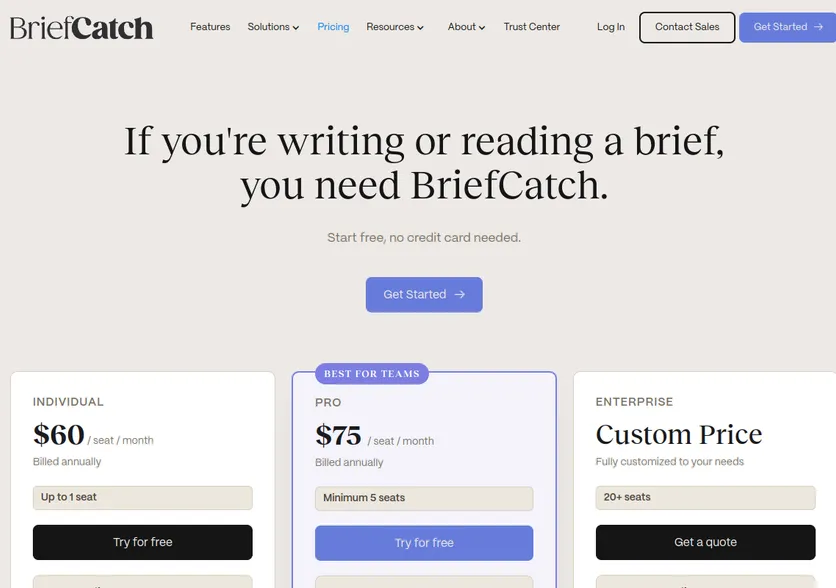
Paid tool Starting price: $60/seat/month · Individual starts at sixty dollars a seat a month on yearly billing; Pro is seventy-five dollars a seat a month, and WordRake is joining BriefCatch and will stop renewing subscriptions
Free plan: Free trial
The strongest Word-based editor in this list is BriefCatch, with Individual plans from 60 dollars a seat a month on yearly billing. It combines proofreading with citation checks in Microsoft Word, so the brief never leaves the document where it was written. WordRake, its closest rival, is joining BriefCatch and will stop renewing subscriptions, which makes BriefCatch the long-term home for both user bases.
What we like
- Works inside Microsoft Word where the brief already lives
- Proofreading plus citation checks in one sidebar
- WordRake users are moving here, so it is the long-term platform
Watch out for
- Only works inside Microsoft Word
- No published price for large team plans
How to try it
- Install the Word add-in and open the brief
- Run the proofreading and citation checks from the sidebar
- Apply the fixes and check the citations before filing
2. Clearbrief
Best for: Teams that want citations verified against the actual court record
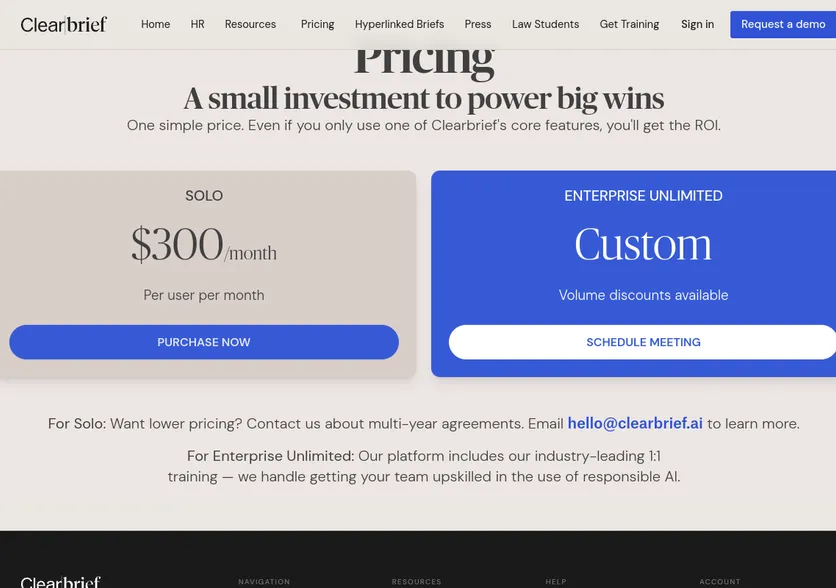
Paid tool Starting price: $300/user/month · Solo costs three hundred dollars a user a month, up from an older two hundred dollar rate; higher tiers are sold by quote
Free plan: Free trial
Citations checked against the real court record are the point of Clearbrief, with Solo at 300 dollars a user a month. It verifies the facts and citations in a brief against the record, and the AI-generated citation table can be attached to the brief as an exhibit. The 300 dollar figure is a rise from an older 200 dollar rate, and the price means this is a tool for teams whose briefs carry real filing risk, not routine letters.
What we like
- Verifies citations against the actual court record
- Citation table can be filed as an exhibit
- Built for high-stakes briefs where a bad cite costs a case
Watch out for
- Most expensive tool in this list by a wide margin
- Higher tiers are quote-only
How to try it
- Upload the brief and the record documents it cites
- Run the fact and citation verification
- Attach the AI-generated citation table as an exhibit
3. Briefpoint
Best for: Teams that want discovery documents turned into trial-ready briefs
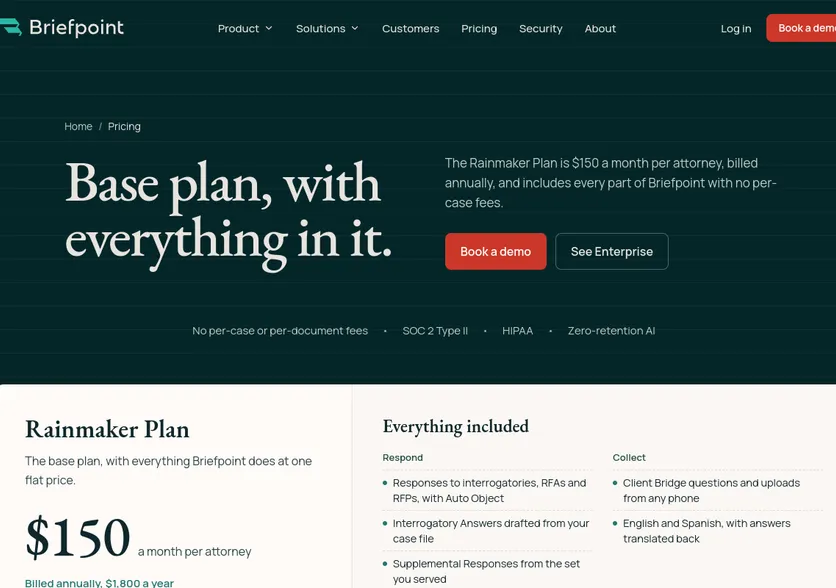
Paid tool Starting price: $150/attorney/month · Rainmaker costs one hundred fifty dollars an attorney a month on yearly billing; other tiers are sold by quote
Free plan: Free trial
Discovery documents turned into trial-ready briefs are what Briefpoint does, with Rainmaker at 150 dollars an attorney a month on yearly billing. It drafts the brief from the discovery record, so the team starts from a structured draft rather than a blank page. That suits an in-house team handling litigation where the record is large and the deadline is short.
What we like
- Drafts from the discovery record, not a blank page
- Built for trial-ready briefs under deadline pressure
- Rainmaker pricing is published per attorney
Watch out for
- Only Rainmaker pricing is published
- No published price for larger team plans
How to try it
- Upload the discovery documents for the case
- Let Briefpoint draft the brief from the record
- Review and edit the draft before filing
4. TypeLaw
Best for: Teams that need a polished brief produced from a rough draft, per filing
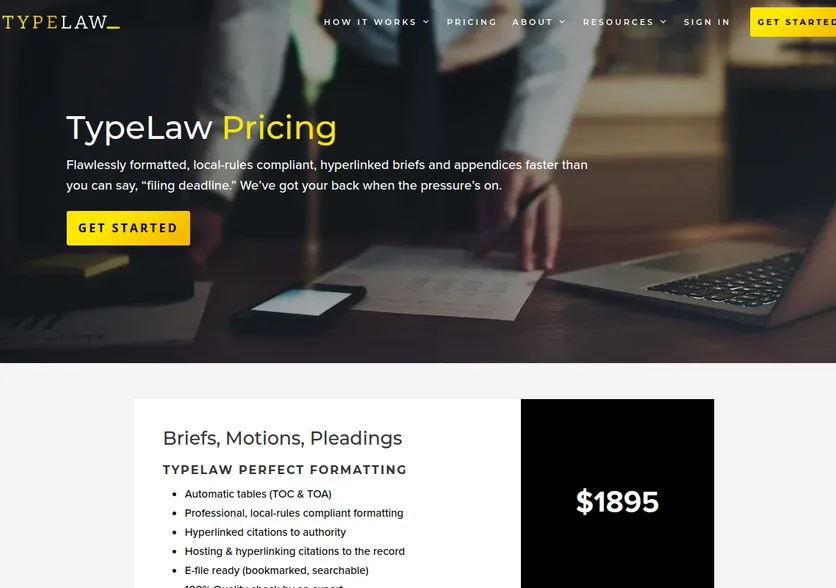
Paid tool Starting price: $1,895/brief · TypeLaw costs one thousand eight hundred ninety-five dollars per brief, and the same price applies to an appendix; rush service is nine hundred ninety-five dollars, and a third-party guide quotes eight hundred ninety-five dollars per filing, which disagrees with the published figure
Free plan: No free plan; demo available
A polished brief produced from a rough draft is the service TypeLaw sells, at 1,895 dollars per brief. The per-brief price includes formatting, tables of authorities and proofreading, and the same price applies to an appendix, with a 995 dollar rush option when the deadline is tight. A one-off quote of 895 dollars per filing appears in some third-party guides, but two agreeing sources put the published price at 1,895 dollars.
What we like
- Per-brief pricing, so you pay only when you file
- Formatting and tables of authorities included
- Rush option available at 995 dollars
Watch out for
- No subscription option, only per-brief pricing
- Rush service costs extra
How to try it
- Submit the draft brief and the record documents
- TypeLaw formats the brief and builds the tables
- Review the polished brief and file it
5. PerfectIt
Best for: Teams that want a Word proofreading add-in at a yearly price under 150 dollars
Paid tool Starting price: $115/year · Professional starts at one hundred fifteen dollars a year on annual billing; a third-party guide lists seventy dollars a year, but a November 2026 vendor-page check supports the one hundred fifteen dollar figure
Free plan: Free trial
A Word proofreading add-in at a yearly price is the cheapest way into this list, and PerfectIt does it from 115 dollars a year on annual billing. It checks consistency, abbreviations, capitalization and hyphenation across a document, which is exactly the kind of error that slips past spellcheck in a long brief. One third-party guide lists 70 dollars a year, but a November 2026 vendor-page check supports the 115 dollar figure.
What we like
- Cheapest tool in this list at 115 dollars a year
- Catches consistency errors spellcheck misses
- Works inside Microsoft Word
Watch out for
- Proofreading only, no citation or record checks
- No per-month billing option published
How to try it
- Install the Word add-in and open the brief
- Run the consistency checks from the sidebar
- Apply the fixes and check the document before filing
6. Gavel Exec
Best for: Teams that want AI-drafted legal documents with a free query allowance
Paid tool Starting price: $160/user/month · Exec costs one hundred sixty dollars a user a month or one thousand seven hundred forty dollars a user a year, and includes twenty-five free queries a month for AI drafting
Free plan: Free trial
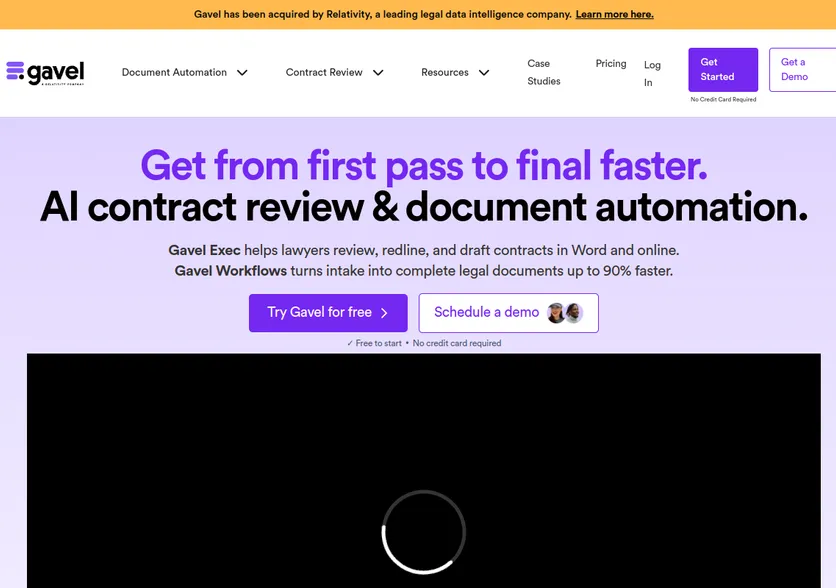
AI-drafted legal documents with a free query allowance are the offer from Gavel, with Exec at 160 dollars a user a month or 1,740 dollars a user a year. The plan includes 25 free queries a month for AI drafting, and it suits an in-house team that wants drafting speed without a per-brief charge. Gavel Exec is the published entry point for teams that need AI drafting as a subscription rather than a service.
What we like
- 25 free AI queries a month on Exec
- Subscription pricing, no per-brief charge
- Drafting, automation and documents in one platform
Watch out for
- 25 free queries a month may not cover a busy team
- No published price for higher tiers
How to try it
- Start a new document in Gavel and describe what it should cover
- Use the free monthly queries to draft and refine the text
- Export the document to Word for final review
7. Jural
Best for: Small teams that want a simple AI drafting tool at a low monthly price
Paid tool Starting price: $24/user/month · Solo costs twenty-four dollars a user a month on yearly billing; Firm is forty-nine dollars a user a month
Free plan: Free trial
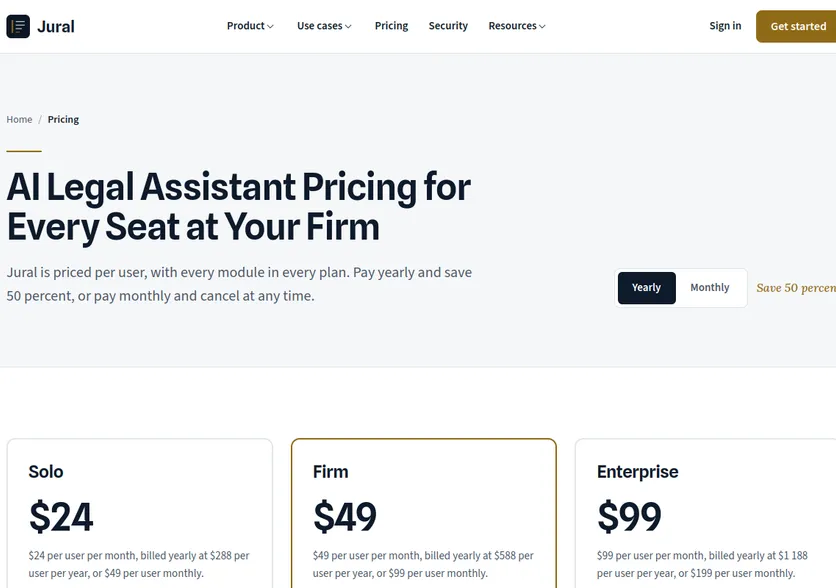
A simple AI drafting tool at a low monthly price is what Jural offers, with Solo at 24 dollars a user a month on yearly billing. It suits a small in-house team that wants AI help with drafting and review without the cost of the bigger platforms. Firm at 49 dollars a user a month adds team features, so the step up is clear when the team grows.
What we like
- Solo from 24 dollars a user a month on yearly billing
- Simple drafting and review without a big platform
- Clear step up to Firm at 49 dollars a user a month
Watch out for
- Newer platform with a smaller feature set
- No published price for larger team plans
How to try it
- Open a new document and describe what it should cover
- Let Jural draft and review the text
- Export the document for final review
Prices above were checked on each vendor’s own website on Nov 28, 2026 and can change — the vendor’s page is the final word. Vendor links are editorial: nobody paid to be listed or ranked here. Vendors who want a featured listing can see how it works on our Get listed page.
How an in-house legal team should check a brief before filing
Run the proofreading pass first, then the citation pass, because a clean draft makes the citation check faster, cheaper and far less stressful. Verify every citation against the record, not the draft, and treat any fact the record does not support as a red line that must be fixed before filing. Keep the final review in Word, where the brief was written, so nothing is lost in export. Finally, always file a day early when the deadline allows, because a rushed filing is where the errors that survive review get through.
Before you buy
- Confirm the tool edits inside Word or the browser your team already uses
- Check whether the citation and record checks cover the courts you file in
- Ask how many documents or filings the plan includes, and what overage costs
- Compare the annual total, including per-brief charges like TypeLaw
- Run one real brief through a trial before moving the team's templates
Official websites
Official websites of the products reviewed above. Features and prices were checked against these sites when this guide was written, and they can change, so confirm on the vendor site before you buy.
Frequently asked questions
What is legal brief writing software for in-house legal teams?
It is software that drafts, proofreads and checks a legal brief before it is filed. The tools in this list cover Word-based editing, citation verification against the court record, discovery-to-brief drafting and per-brief production. An in-house team uses them to cut drafting time and catch errors that a spellchecker misses.
What does BriefCatch cost?
BriefCatch Individual starts at 60 dollars a seat a month on yearly billing, and Pro is 75 dollars a seat a month. It works inside Microsoft Word and combines proofreading with citation checks. WordRake is joining BriefCatch and will stop renewing subscriptions.
What does Clearbrief cost?
Clearbrief Solo costs 300 dollars a user a month, up from an older 200 dollar rate. It verifies the facts and citations in a brief against the court record, and the AI-generated citation table can be attached to the brief as an exhibit. It is the most expensive tool in this list.
Why are the big AI legal platforms not on this list?
The big AI legal platforms, including Clio Draft, Lexis+ AI, Westlaw Precision, CoCounsel and Harvey, publish no prices and sell by quote, so they are not in this list. The tools here publish a price, which is why a team can compare them without a sales call. Spellbook and DraftWise also publish no prices.
Which tool is cheapest for an in-house legal team?
PerfectIt Professional starts at 115 dollars a year on annual billing, and Jural Solo is 24 dollars a user a month on yearly billing. PerfectIt only proofreads, while Jural drafts and reviews, so the right cheap option depends on whether the team needs editing or drafting. TypeLaw is the most expensive at 1,895 dollars per brief.
Compare the seven tools above, then start with a free trial or demo on the tool that matches your filing volume before you pay for a full year.
Browse Business Tools tools