
On this page
A mid-size firm juggles more cases than a solo practice, and a missed date is the one error that cannot be fixed with an apology. The eight tools below calculate deadlines from court rules or track them inside the matter file, so the date and the documents it depends on share one record. 8am MyCase leads because its Basic plan starts at 50 dollars a user a month and puts case, billing and calendaring in one system, and the other seven are judged on the same test: whether a deadline is calculated, assigned and visible before it is due.
How we researched this
We checked every price on November 28, 2026, and only included tools with a published US dollar list price. Lawmatics publishes tier names but no dollar figures, and Actionstep does not publish prices on its own page, so neither is in this list, and CompuLaw and CalendarRules are also quote-only. Prices change, so confirm the current figure on the vendor site before you buy.
Compare the tools
| Name | Best for | Starting price | Free plan | |
|---|---|---|---|---|
 8am MyCase | Mid-size firms that want case, billing and calendaring in one system | $50/user/month | Free trial | Visit |
 Clio Manage | Mid-size firms that want the most complete practice platform with calendaring built in | $59/user/month | Free trial | Visit |
 PracticePanther | Mid-size firms that want a simple platform with calendaring and billing | $59/user/month | Free trial | Visit |
 Rocket Matter | Mid-size firms that want calendaring plus document automation | $59/user/month | Free trial | Visit |
 CosmoLex | Mid-size firms that want calendaring with built-in accounting | $49/user/month | Free trial | Visit |
 Smokeball | Mid-size firms that want a strong client portal alongside calendaring | $49/user/month | Free trial | Visit |
| LawToolBox | Mid-size firms that want court-rule deadline calculation inside their platform | $39/user/month | Free trial | Visit |
 CARET Legal | Mid-size firms that want a full practice platform with a five-seat minimum | $79/user/month | Free trial | Visit |
The legal calendaring software for mid-size law firms, compared
1. 8am MyCase
Best for: Mid-size firms that want case, billing and calendaring in one system
Paid tool Starting price: $50/user/month · Basic costs fifty dollars a user a month on yearly billing (sixty dollars monthly); Pro is one hundred dollars and Advanced one hundred thirty dollars a user a month
Free plan: Free trial
A mid-size firm needs one system that scales without a rebuild, and 8am MyCase gives it from 50 dollars a user a month on yearly billing on Basic. The calendar tracks deadlines and court dates alongside the case file, so the firm sees the deadline and the documents it depends on in the same view. Pro at 100 dollars and Advanced at 130 add more automations as the firm grows.

What we like
- Case, billing and calendar in one system
- Basic from 50 dollars a user a month on yearly billing
- Strong client portal for sharing deadlines
Watch out for
- No free plan, only a trial
- Advanced features need the higher tiers
How to try it
- Create the case and add its deadlines to the calendar
- Assign the deadline tasks to the team members who own them
- Check the calendar daily for upcoming court dates
2. Clio Manage
Best for: Mid-size firms that want the most complete practice platform with calendaring built in
Paid tool Starting price: $59/user/month · Manage Starter starts at forty-nine dollars a user a month; Core, Signature and Elite are now quote-gated on the vendor page, so only the entry figure is published
Free plan: Free trial
Scale without a rebuild is the case for Clio, whose Manage plan starts at 49 dollars a user a month. Calendaring sits inside the matter file, so deadlines, tasks and documents share one record and nothing is retyped between them. Higher tiers are now quote-gated on the vendor page, so a mid-size firm should get the Core, Signature and Elite prices in writing before budgeting.

What we like
- Calendaring inside the matter file, not a separate tool
- Most widely used practice platform in this list
- Strong integrations with court and e-filing tools
Watch out for
- Higher tiers are quote-only, so the full price needs a sales call
- No free plan, only a trial
How to try it
- Create the matter and add the key deadlines to its calendar
- Assign the deadline tasks to the team members who own them
- Check the matter calendar daily for upcoming court dates
3. PracticePanther
Best for: Mid-size firms that want a simple platform with calendaring and billing
Paid tool Starting price: $59/user/month · Solo costs forty-nine dollars a user a month on yearly billing (fifty-nine dollars monthly); Essential is sixty-nine dollars and Business eighty-nine dollars a user a month
Free plan: Free trial
Simplicity at scale is the offer from PracticePanther, with Solo at 49 dollars a user a month on yearly billing. The calendar tracks deadlines and court dates, and the same system handles time, billing and client intake, so the firm does not need a separate calendar tool. Essential at 69 dollars and Business at 89 add more automations as the firm grows.

What we like
- Simple setup with calendaring, billing and intake together
- Solo from 49 dollars a user a month on yearly billing
- Strong mobile app for checking deadlines on the go
Watch out for
- No free plan, only a trial
- Advanced automations need the higher tiers
How to try it
- Create the matter and add its deadlines to the calendar
- Assign the deadline tasks to the team members who own them
- Check the calendar daily for upcoming court dates
4. Rocket Matter
Best for: Mid-size firms that want calendaring plus document automation
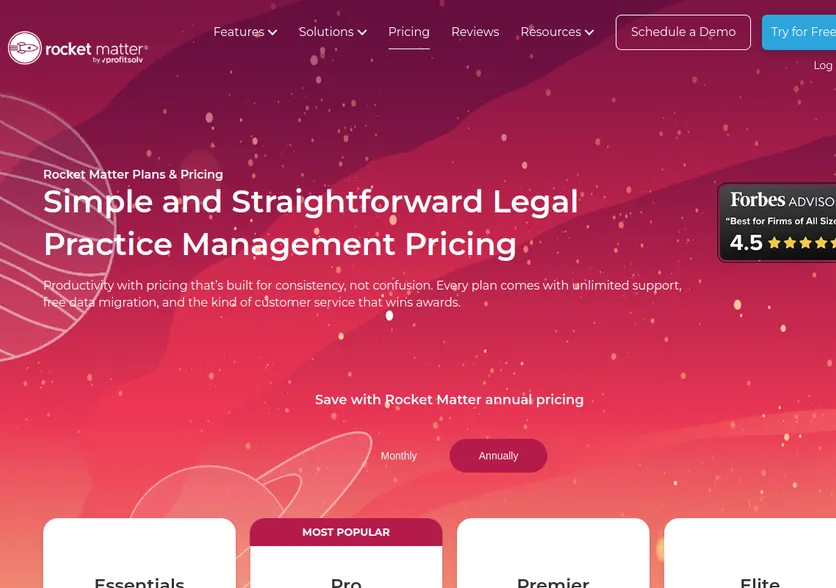
Paid tool Starting price: $59/user/month · Essentials costs fifty-nine dollars a user a month billed annually; Pro is ninety-five dollars and Premier is one hundred and fifteen dollars a user a month. Older forty-nine, seventy-nine and ninety-nine dollar figures are stale - the vendor FAQ still says plans start at forty-nine dollars
Free plan: Free trial
Document automation alongside calendaring is the combination Rocket Matter sells, with Essentials at 59 dollars a user a month. The calendar tracks deadlines and court dates, and the document automation builds the filings those deadlines depend on, so the firm does not switch tools between the calendar and the brief. Pro at 95 dollars and Premier at 115 add more automations for firms that file often.
What we like
- Document automation built into the same platform
- Essentials from 59 dollars a user a month
- Strong for firms that file often
Watch out for
- No free plan, only a trial
- Advanced automations need the higher tiers
How to try it
- Create the matter and add its deadlines to the calendar
- Use document automation to build the filings the deadlines need
- Check the calendar daily for upcoming court dates
5. CosmoLex
Best for: Mid-size firms that want calendaring with built-in accounting
Paid tool Starting price: $49/user/month · Launch costs forty-nine dollars a user a month on yearly billing (fifty-nine dollars monthly); Core is ninety-nine dollars and Pro one hundred twenty-nine dollars a user a month
Free plan: Free trial
Built-in accounting alongside calendaring is the draw of CosmoLex, with Launch at 49 dollars a user a month on yearly billing. The calendar tracks deadlines and court dates, and the same system handles trust accounting, billing and time, so the firm does not need a separate accounting tool. Core at 99 dollars and Pro at 129 add more automations for firms that handle their own billing.

What we like
- Built-in accounting and trust accounting included
- Launch from 49 dollars a user a month on yearly billing
- Strong for firms that handle their own billing
Watch out for
- No free plan, only a trial
- Advanced automations need the higher tiers
How to try it
- Create the matter and add its deadlines to the calendar
- Assign the deadline tasks to the team members who own them
- Check the calendar daily for upcoming court dates
6. Smokeball
Best for: Mid-size firms that want a strong client portal alongside calendaring
Paid tool Starting price: $49/user/month · Bill costs forty-nine dollars a user a month and Boost eighty-nine dollars; Grow and Prosper+ are quote-only. A third-party scrape of the pricing page from April 2026 showed a flat one hundred forty-nine dollars a seat a month for all four tiers, which disagrees with the vendor-supplied figures used here
Free plan: Free trial
Client communication alongside calendaring is what Smokeball offers, with Bill at 49 dollars a user a month and Boost at 89 dollars. The calendar tracks deadlines and court dates, and the client portal shares documents and updates with clients without email. Grow and Prosper+ are quote-only, so the two published tiers are the ones to budget from.
What we like
- Strong client portal for sharing deadline updates
- Bill from 49 dollars a user a month
- Good for firms that work closely with clients
Watch out for
- Grow and Prosper+ are quote-only
- No free plan, only a trial
How to try it
- Create the matter and add its deadlines to the calendar
- Share the deadline updates with the client through the portal
- Check the calendar daily for upcoming court dates
7. LawToolBox
Best for: Mid-size firms that want court-rule deadline calculation inside their platform
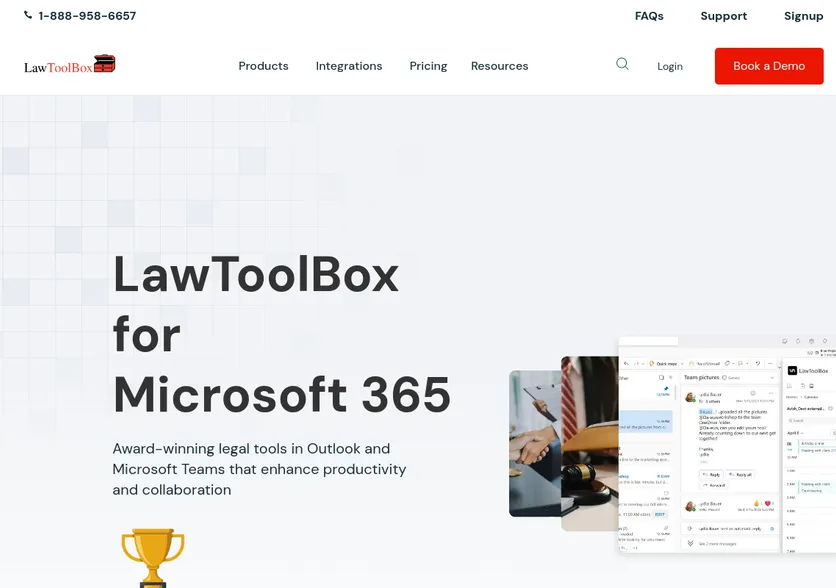
Paid tool Starting price: $39/user/month · LawToolBox costs thirty-nine dollars a user a month on yearly billing for teams of two to nine users (forty-six dollars monthly), with integrations at four dollars a user a month on top; the price falls to twenty-one to twenty-four dollars at eighty or more users, and an older October 2026 read lists thirty-five dollars
Free plan: Free trial
The deadline calculator in this list is LawToolBox, at 39 dollars a user a month on yearly billing for teams of two to nine users. It calculates deadlines from court rules rather than a manual calendar entry, and integrations with practice platforms cost 4 dollars a user a month on top. The price falls to 21 to 24 dollars at 80 or more users, so larger firms pay less per seat.
What we like
- Calculates deadlines from court rules, not manual entries
- Integrations with practice platforms for 4 dollars a user a month
- Price falls to 21 to 24 dollars at 80 or more users
Watch out for
- No logo on file, and no free plan, only a trial
- One-year minimum term on the yearly plan
How to try it
- Set up the court rules for the jurisdictions you file in
- Let LawToolBox calculate the deadlines from the trigger dates
- Sync the calculated deadlines into your practice platform calendar
8. CARET Legal
Best for: Mid-size firms that want a full practice platform with a five-seat minimum
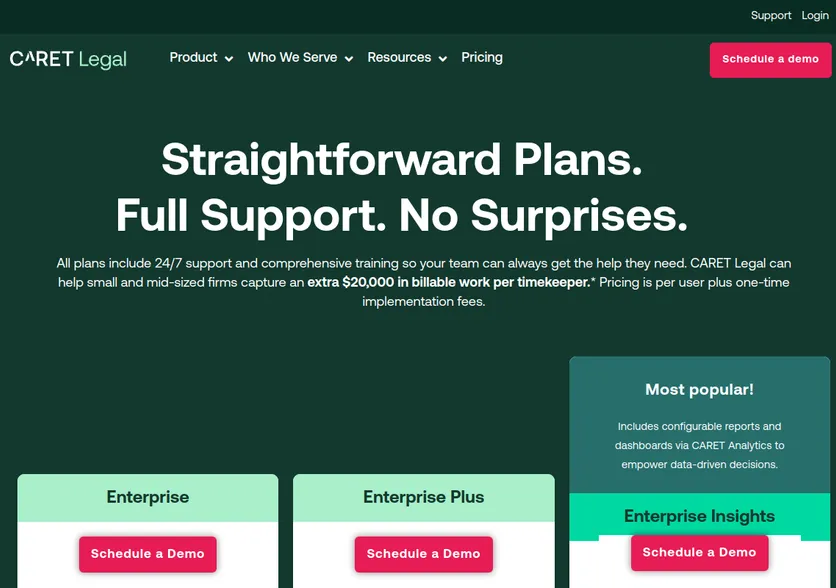
Paid tool Starting price: $79/user/month · Enterprise costs seventy-nine dollars a user a month on yearly billing; Enterprise Plus is ninety-nine dollars and Enterprise Insights one hundred nineteen dollars, with a five-seat minimum and implementation fees. An older Q3 2026 guide lists Core at sixty-nine dollars, Pro at eighty-nine and Advanced at one hundred nine dollars, which disagrees with the November 2026 vendor-page read used here
Free plan: Free trial
A full practice platform with calendaring is what CARET Legal offers, with Enterprise at 79 dollars a user a month on yearly billing. The calendar tracks deadlines and court dates alongside the matter file, and the platform handles billing, time and documents in the same system. A five-seat minimum and implementation fees apply, so the real first-year cost is higher than the per-user figure alone.
What we like
- Full practice platform with calendaring built in
- Enterprise from 79 dollars a user a month on yearly billing
- Strong for firms that want one system for everything
Watch out for
- Five-seat minimum and implementation fees apply
- No free plan, only a trial
How to try it
- Create the matter and add its deadlines to the calendar
- Assign the deadline tasks to the team members who own them
- Check the calendar daily for upcoming court dates
Prices above were checked on each vendor’s own website on Nov 28, 2026 and can change — the vendor’s page is the final word. Vendor links are editorial: nobody paid to be listed or ranked here. Vendors who want a featured listing can see how it works on our Get listed page.
How a mid-size law firm should manage court deadlines
Calculate every deadline from the court rule, not from memory, because a manual entry is where the error starts. Assign each deadline an owner with a reminder date a week before it is due, so the firm has time to act and prepare the filing. Keep the deadline, the matter file and the documents it depends on in one system, so nothing is retyped between them. Finally, review the calendar together every morning as a firm habit, because a deadline that is visible is a deadline that gets met.
Before you buy
- Confirm the tool calculates deadlines from your court rules, not just a calendar entry
- Check whether court sync and conflict checks are included or paid add-ons
- Ask how the price scales as the firm adds users and cases
- Compare the annual total, including per-user pricing at your firm size
- Run one real deadline cycle on a trial before moving the firm's calendar
Official websites
Official websites of the products reviewed above. Features and prices were checked against these sites when this guide was written, and they can change, so confirm on the vendor site before you buy.
Frequently asked questions
What is legal calendaring software for mid-size law firms?
It is software that tracks court deadlines, calculates due dates from court rules and reminds the firm before anything is missed. The tools in this list include practice platforms with calendaring built in and a dedicated deadline calculator. A mid-size firm uses them to stop relying on a shared calendar and a spreadsheet for dates that decide a case.
What does 8am MyCase cost for a mid-size firm?
8am MyCase Basic costs 50 dollars a user a month on yearly billing, or 60 dollars monthly, with Pro at 100 dollars and Advanced at 130 dollars a user a month. The calendar tracks deadlines and court dates alongside the case file. It is the best overall pick for a mid-size firm that wants one system.
What does CARET Legal cost?
CARET Legal Enterprise costs 79 dollars a user a month on yearly billing, with Enterprise Plus at 99 dollars and Enterprise Insights at 119 dollars. A five-seat minimum and implementation fees apply. An older Q3 2026 guide lists Core at 69 dollars, which disagrees with the November 2026 vendor-page read used here.
What does LawToolBox cost?
LawToolBox costs 39 dollars a user a month on yearly billing for teams of two to nine users, with integrations at 4 dollars a user a month on top. It calculates deadlines from court rules rather than a manual calendar entry. The price falls to 21 to 24 dollars at 80 or more users.
Why are Lawmatics and Actionstep not on this list?
Lawmatics publishes tier names but no dollar figures, so it is not in this list, and Actionstep does not publish prices on its own page. CompuLaw and CalendarRules are also quote-only. The tools here publish a price, which is why a firm can compare them without a sales call.
Compare the eight tools above, then start with a free trial or demo on the tool that matches your firm's size before you pay for a full year.
Browse Business Tools tools