
On this page
Real estate intake runs on deadlines that cannot move: a closing date is set, the lender needs documents on a schedule, and a buyer who cannot reach the firm will call the next attorney on the list. The intake job is to capture the property, the parties and the closing date in one pass, then keep everyone updated until the keys change hands. Lawcus leads this list because its visual pipelines track each closing from inquiry to signing, and the other seven are ranked on how well they collect closing facts, schedule around lenders and keep the file moving.
How we researched this
We checked every price on the vendor pricing page on November 28, 2026, and only included tools with a published US dollar list price and a free trial or free plan, so Lawmatics and Smokeball are not in this list. Prices change, so confirm the current figure on the vendor site before you buy.
Compare the tools
| Name | Best for | Starting price | Free plan | |
|---|---|---|---|---|
 Lawcus | Real estate firms that want a pipeline for every closing | $39/user/month | Free trial | Visit |
 Clio | Real estate firms that want intake inside a full practice platform | $49/user/month | Free trial | Visit |
 8am MyCase | Real estate firms that want intake plus payments together | $50/user/month | Free trial | Visit |
 PracticePanther | Real estate firms that want intake forms with texting | $49/user/month | Free trial | Visit |
 CaseFox | Small real estate firms that need intake on the lowest budget | $39/user/month | Free Solo plan for 2 users and 4 cases | Visit |
 CARET Legal | Real estate firms that want onboarding help with intake setup | $79/user/month | Free demo | Visit |
 Calendly | Real estate firms that book consultations around closings | $10/user/month | Free plan | Visit |
 Typeform | Real estate firms that want intake clients actually finish | $28/month | Free plan | Visit |
The legal intake software for real estate law firms, compared
1. Lawcus
Best for: Real estate firms that want a pipeline for every closing
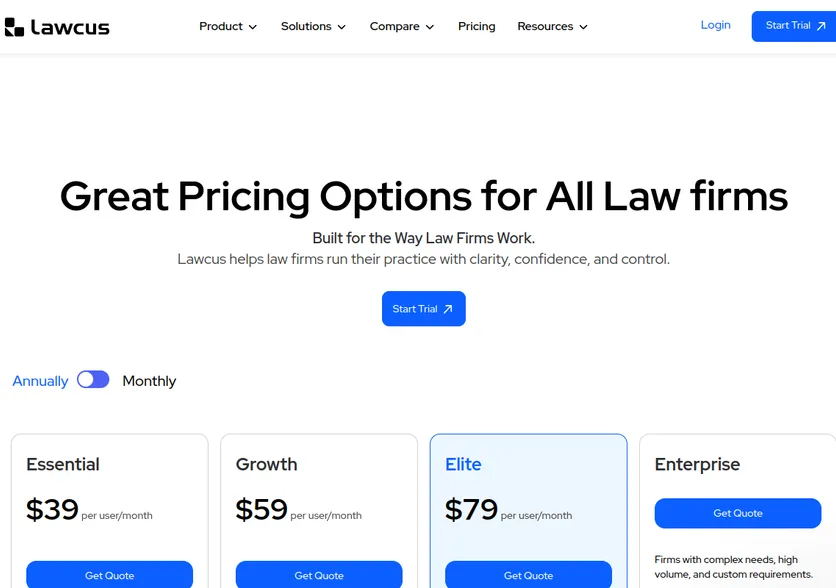
Paid tool Starting price: $39/user/month · Thirty-nine dollars per user a month billed annually on Essential, or forty-nine dollars month to month; Growth is fifty-nine dollars and Elite is seventy-nine dollars a month billed annually
Free plan: Free trial
For a real estate firm that tracks closings on a board, this Lawcus plan costs thirty-nine dollars per user a month billed annually, and its kanban pipelines show every inquiry from first call through contract review to closing day. Intake and CRM tools sit beside case management, billing and trust accounting, and the Growth tier adds Nova AI and custom fields for properties, parties and closing dates. Text messaging is a ten-dollar add-on per attorney a month for firms that chase buyers and sellers by SMS.
What we like
- Visual pipelines make a closing-heavy intake easy to manage
- Essential covers case, billing and trust accounting at thirty-nine dollars
- Growth adds AI, custom fields and accounting integrations
Watch out for
- The deepest intake automation sits on the seventy-nine-dollar Elite tier
- Two-way texting costs extra as a paid add-on
How to try it
- Set up one kanban pipeline per transaction type, from inquiry to closing
- Add custom fields for property, parties, lender and closing date
- Move the card to a matter when the client signs the engagement
2. Clio
Best for: Real estate firms that want intake inside a full practice platform
Paid tool Starting price: $49/user/month · Forty-nine dollars per user a month on the Starter plan; Clio Grow, the client-intake suite, is now sold as an add-on to Core and Signature plans and included in Elite, so confirm the add-on price for intake
Free plan: Free trial
For a real estate firm that already runs on Clio, this Clio plan starts at forty-nine dollars per user a month, and intake runs through Clio Grow, now sold as an add-on to Core and Signature and included in Elite. Grow screens new clients, books consultations and captures the first facts with customizable intake forms, while the practice side holds documents, deadlines and trust accounting. That matters when a closing involves escrow funds and a date that cannot slip.

What we like
- Intake, matters, documents and deadlines share one system
- Online booking and lead screening cut phone tag with buyers and sellers
- Elite bundles Grow with the full practice management suite
Watch out for
- Intake is an add-on, not in the forty-nine-dollar Starter plan
- The add-on price is not published, so the total needs a quote
How to try it
- Add Clio Grow to Core or Signature, or take Elite to include it
- Build a closing intake form with property, parties and closing date
- Open the matter from the intake record with deadlines already set
3. 8am MyCase
Best for: Real estate firms that want intake plus payments together
Paid tool Starting price: $50/user/month · Fifty dollars per user a month billed annually on Basic, or sixty dollars month to month; Pro is one hundred dollars and Advanced is one hundred thirty dollars per user a month billed annually, and client intake sits on Pro
Free plan: Free trial
For a real estate firm that collects flat closing fees, this 8am MyCase plan costs fifty dollars per user a month billed annually, and its Pro tier adds the client intake, automated workflows and unlimited eSignature a closing desk needs. Clients sign the engagement letter and pay the retainer through the built-in LawPay portal, and the 10-day trial is enough to run one closing intake from first call to signed agreement.

What we like
- Pro adds intake, workflows and unlimited eSignature for one hundred dollars
- LawPay payments and trust accounting are built in, not bolted on
- No setup fee and no long-term contract on any tier
Watch out for
- Intake is not on Basic, so the real price for intake is the Pro tier
- The client portal is limited on Basic until the firm upgrades
How to try it
- Start on Basic and move to Pro to switch on client intake
- Build one intake workflow per transaction type with automated follow-ups
- Send the engagement letter for eSignature and collect the fee online
4. PracticePanther
Best for: Real estate firms that want intake forms with texting
Paid tool Starting price: $49/user/month · Forty-nine dollars per user a month billed annually on Solo, or fifty-nine dollars month to month; Essential is sixty-nine dollars, Business is eighty-nine dollars and Business Pro is one hundred fourteen dollars a month billed annually, and intake forms sit on Business
Free plan: Free trial
For a real estate firm coordinating buyers, sellers and agents, this PracticePanther plan costs forty-nine dollars per user a month billed annually, and its Business tier adds the intake forms and native two-way texting that keep everyone answering. A closing that starts as an inquiry carries its documents, deadlines and billing into the same record, so nothing is retyped when the file opens. A seven-day trial covers a full week of real intake before the firm pays.

What we like
- Native two-way texting reaches buyers and agents who ignore email
- Business adds intake forms, eSignature and LEDES billing
- Seven-day trial needs no credit card
Watch out for
- Intake forms need the eighty-nine-dollar Business tier
- Trust accounting waits for Business Pro at one hundred fourteen dollars
How to try it
- Start on Solo and upgrade to Business to switch on intake forms
- Send the intake form and engagement letter by text
- Convert the signed intake into a matter with billing attached
5. CaseFox
Best for: Small real estate firms that need intake on the lowest budget
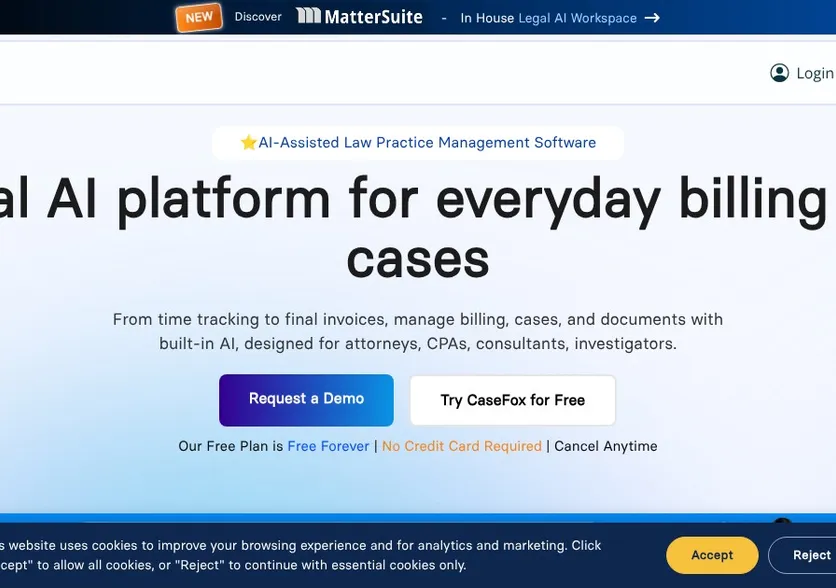
Paid tool Starting price: $39/user/month · Thirty-nine dollars per user a month billed annually on Pro, or forty-five dollars month to month; the free Solo plan covers two users and four cases, Enterprise is seventy-nine dollars billed annually, and the vendor pricing page no longer resolves, so confirm the current price before buying
Free plan: Free Solo plan for 2 users and 4 cases
For a small real estate practice watching every dollar, this CaseFox plan costs thirty-nine dollars per user a month billed annually, and its free Solo plan covers two users and four cases with the full Pro feature set. Intake and conflict checks run beside time tracking, billing and trust accounting, so a two-person firm can take a closing from first call to invoice without a second subscription. AI document drafting helps turn intake answers into the first draft of a closing document.
What we like
- The only free plan in this list that covers real cases
- Intake and conflict checks sit beside billing and trust accounting
- Lowest paid starting price in this list
Watch out for
- Fewer intake automations than the dedicated intake tools here
- The vendor pricing page no longer resolves, so confirm the price first
How to try it
- Start on the free Solo plan and test intake on live closings
- Run the conflict check on every new party before opening a matter
- Move to Pro when the caseload passes four cases
6. CARET Legal
Best for: Real estate firms that want onboarding help with intake setup
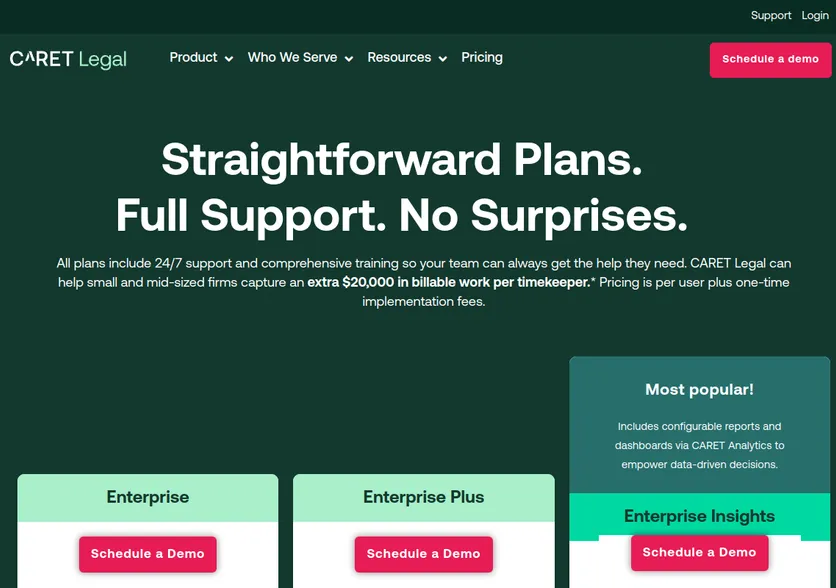
Paid tool Starting price: $79/user/month · Seventy-nine dollars per user a month billed annually on Enterprise; Enterprise Plus is ninety-nine dollars and Enterprise Insights is one hundred nineteen dollars a month billed annually, plus one-time implementation fees
Free plan: Free demo
For a real estate firm that wants help configuring intake, this CARET Legal plan costs seventy-nine dollars per user a month billed annually, and every plan includes dedicated onboarding, training and 24/7 phone support. Built-in email, document management and calendaring hold the closing file together, while Enterprise Plus adds automated workflows that route a new inquiry to the right attorney. One-time implementation fees apply, so the first bill is higher than the monthly rate.
What we like
- 24/7 phone support and hands-on onboarding on every plan
- Enterprise Plus adds workflows, analytics and custom permissions
- Built-in email keeps closing messages on the matter
Watch out for
- One-time implementation fees sit on top of the monthly price
- No free plan, only a demo before buying
How to try it
- Take Enterprise and let onboarding configure the closing workflow
- Route each new inquiry to the attorney handling that transaction type
- Use the client portal to collect documents and signed agreements
7. Calendly
Best for: Real estate firms that book consultations around closings
Paid tool Starting price: $10/user/month · Ten dollars per user a month billed annually on Standard, or twelve dollars month to month; Teams is sixteen dollars per user a month billed annually, and a free plan covers basic one-on-one scheduling
Free plan: Free plan
For a real estate firm whose calendar bends around closings, this Calendly plan costs ten dollars per user a month billed annually, and its booking pages let a buyer or seller pick a consultation time without phone tag. Routing forms screen the caller first, then send the qualified ones to the right attorney, and automated reminders cut no-shows on the week of closing. A free plan covers basic one-on-one scheduling for a solo attorney.

What we like
- Routing forms screen callers before they reach the calendar
- Automatic reminders cut no-shows in closing week
- Free plan covers basic one-on-one booking
Watch out for
- It books meetings only, so the case file lives in another tool
- Lead routing and forms need the paid Standard plan
How to try it
- Build a consultation event type with a routing form in front of it
- Let buyers and sellers book around closing dates from the link
- Send reminders automatically so no one misses the signing
8. Typeform
Best for: Real estate firms that want intake clients actually finish
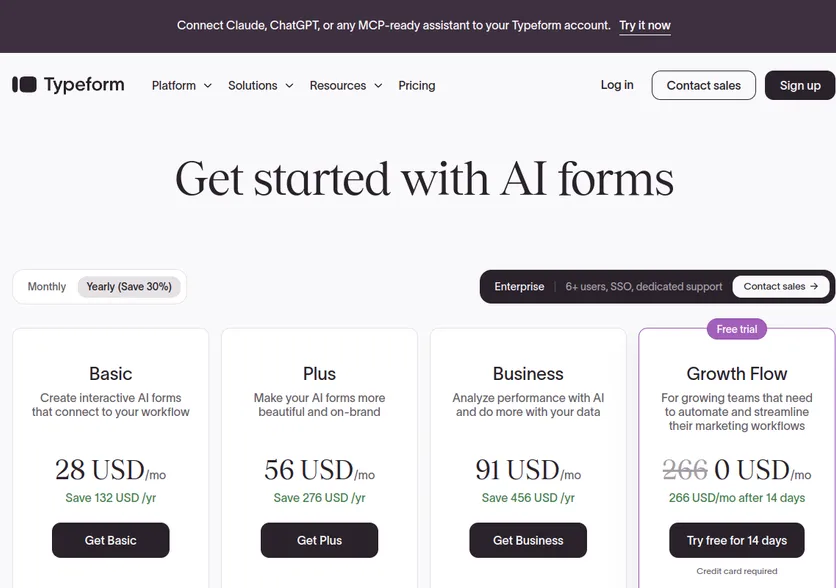
Paid tool Starting price: $28/month · Twenty-eight dollars a month billed annually on Basic, or thirty-nine dollars month to month; Plus is fifty-six dollars and Business is ninety-one dollars a month billed annually, and a free plan exists with limited responses
Free plan: Free plan
For a real estate firm losing clients to long intake packets, this Typeform plan costs twenty-eight dollars a month billed annually, and its one-question-at-a-time forms feel more like a conversation than a closing checklist. Logic jumps skip irrelevant sections, so a buyer answers only what their transaction needs, and integrations push the answers into the firm case system. The free plan covers a small intake flow while the firm tests whether completion rates improve.
What we like
- Conversational forms lift completion rates on long intakes
- Logic jumps hide irrelevant questions from each client
- Hundreds of integrations move answers into case software
Watch out for
- Only one hundred responses a month on Basic
- No case management, so it always pairs with another tool
How to try it
- Build the intake form one question at a time with logic jumps
- Embed it on the firm site or send it by text after the first call
- Push finished responses into the case system automatically
Prices above were checked on each vendor’s own website on Nov 28, 2026 and can change — the vendor’s page is the final word. Vendor links are editorial: nobody paid to be listed or ranked here. Vendors who want a featured listing can see how it works on our Get listed page.
How a real estate firm should run intake
Start with the closing date, not the client story. A real estate intake that does not record the closing date on day one is a file that will surprise someone later, so the first facts are the property, the parties, the lender and the date. Collect documents early and in one place, because a closing stalls on the missing document, not on the legal work. Keep buyers, sellers and agents updated from the same record, because most closing-week panic comes from someone who did not know the status. Finally, track where each closing came from, because real estate firms live on agent referrals, and the agent who sends closings deserves the firm's attention.
Before you buy
- Check that intake forms capture the property, the parties, the lender and the closing date in one pass
- Confirm the answers flow into the matter file instead of waiting in an inbox for retyping
- Ask whether conflict checks cover all parties, including agents and lenders, before the file opens
- Count the cost per user across the whole closing desk, including paralegals who only touch intake
- Run one real closing intake end to end, from first call to signing day, on the free trial before you commit
Official websites
Official websites of the products reviewed above. Features and prices were checked against these sites when this guide was written, and they can change, so confirm on the vendor site before you buy.
Frequently asked questions
What is legal intake software for real estate law firms?
It is software that collects a new real estate client's facts before the file opens: the property, the parties, the lender, the contract terms and the closing date, then turns that intake into a matter file. The tools in this list do it through intake pipelines, closing forms, or intake suites inside a practice system. The goal is the same in every case: a complete file on day one, so the closing never waits on a missing fact.
Do real estate firms need real estate-specific intake software?
No dedicated real estate intake tool publishes a price, so real estate firms run on general legal intake tools and adapt them. The adaptation is mostly custom fields: property address, parties, lender and closing date, plus a pipeline that mirrors the transaction. A firm that closes mostly purchases can template its intake once and reuse it. A firm across purchases, sales and refinances needs the flexible fields more than any real estate label.
What does Lawcus cost for a real estate firm?
Lawcus costs thirty-nine dollars per user a month billed annually on Essential, or forty-nine dollars month to month. Growth is fifty-nine dollars and Elite is seventy-nine dollars a month billed annually. The visual kanban pipelines that track each closing come standard, while the deepest intake automation sits on Elite. Two-way text messaging is a ten-dollar add-on per attorney a month, and a free trial is available.
Can a generic form tool handle real estate intake?
It can handle the questionnaire, not the intake. Jotform and Typeform collect property facts, uploads and signatures well, and they cost far less than a practice platform. What they cannot do is run conflict checks, open a matter, or track the closing date against the file. Most real estate firms pair a form tool with a case system, or pick one platform that does both, and the right answer depends on how many closings the firm handles each month.
Compare the eight tools above, then start with a free trial on the tool that matches how your firm takes a closing before you pay for a full year.
Browse Business Tools tools