On this page
Most real estate leads never become clients because the follow-up fails, not because the law was wrong. A CRM-first approach treats every enquiry as a deal in a pipeline, with stages, reminders and a next step that never goes missing. HubSpot Sales Hub leads this list because it pairs a free CRM with a twenty-dollar Starter plan that tracks every lead from first call to signed file, and the other seven tools are ranked on the same test: how reliably a lead is chased until it signs or says no.
How we researched this
We checked every price on the vendor pricing page on November 28, 2026, and only included CRM tools with a published US dollar list price and a free plan or free trial. This post takes the CRM-first angle: the tools here manage leads as a sales pipeline, while the companion post covers practice management tools that open matters. Prices change, so confirm the current figure on the vendor site before you buy.
Compare the tools
| Name | Best for | Starting price | Free plan | |
|---|---|---|---|---|
 HubSpot Sales Hub | Real estate firms that want a free CRM with room to grow into sales automation | $20/seat/month | Free plan with basic CRM tools | Visit |
 Pipedrive | Real estate firms that want a visual pipeline for every lead | $14/user/month | Free trial | Visit |
 Zoho CRM | Real estate firms that want full CRM features at a low price | $14/user/month | Free plan for up to three users | Visit |
| Salesforce Sales Cloud | Real estate firms that want the deepest CRM with room to scale | $25/user/month | Free Suite for up to two users | Visit |
 monday sales CRM | Real estate firms that want leads managed on visual boards | $12/seat/month | Free trial | Visit |
 Freshsales | Real estate firms that want built-in phone and email on the lead record | $9/user/month | Free trial | Visit |
 Close | Real estate firms that live on the phone and want calling built in | $35/user/month | Free trial | Visit |
 Capsule | Small real estate firms that want a simple CRM with a free start | $18/user/month | Free plan for two users and two hundred fifty contacts | Visit |
The real estate law firm lead management software, compared
1. HubSpot Sales Hub
Best for: Real estate firms that want a free CRM with room to grow into sales automation
Paid tool Starting price: $20/seat/month · Twenty dollars per seat per month on the Starter plan; a new-customer promotion shows seven dollars per seat per month billed annually, which is not the list price. Professional is ninety dollars per seat per month billed annually plus a one thousand five hundred dollar onboarding fee, and Enterprise starts at one hundred fifty dollars
Free plan: Free plan with basic CRM tools
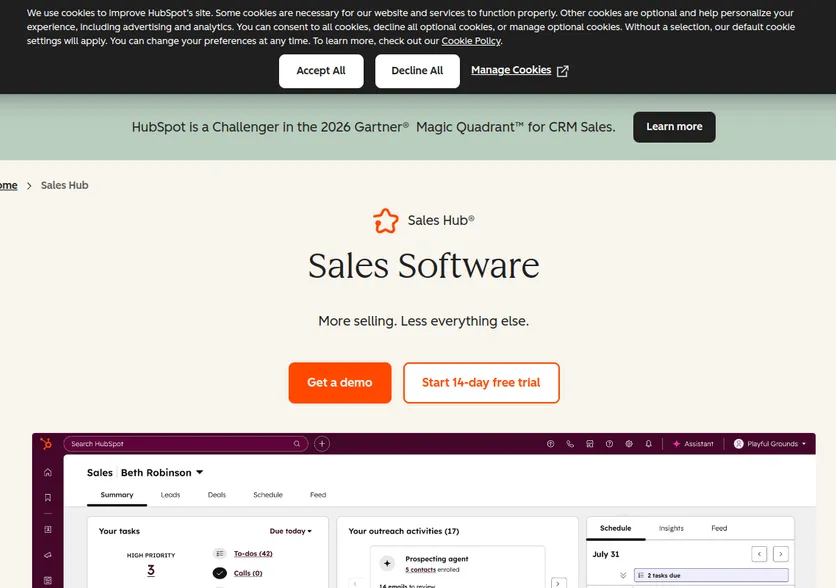
For a firm that wants to start free and grow into automation, HubSpot Sales Hub offers the widest free CRM in this list, with contacts, deals and email tracking included. The Starter plan adds deal pipelines, meeting scheduling and simple automation, so every buyer or seller enquiry gets a stage and a next step. The system scales from a solo to a team without a migration, which suits a firm that plans to grow its caseload.
What we like
- Free CRM covers contacts, deals and email tracking
- Pipelines show every lead beside its next step
- Scales from solo to team without migration
Watch out for
- The advertised seven-dollar promo is not the list price
- Onboarding fees start on the Professional plan
How to try it
- Add every new enquiry as a deal in the pipeline
- Set the next step and reminder for each lead
- Move the deal to signed when the client engages
2. Pipedrive
Best for: Real estate firms that want a visual pipeline for every lead
Paid tool Starting price: $14/user/month · Fourteen dollars per user per month billed annually on the Essential plan (twenty-four dollars on monthly billing); Advanced is twenty-nine dollars, Professional is forty-nine dollars, Power is sixty-four dollars and Enterprise is ninety-nine dollars
Free plan: Free trial
A pipeline you can see is a pipeline you can manage, and Pipedrive is built around a visual deal board where every lead sits in its stage. Drag a deal forward when the client replies, set the next activity, and the board shows exactly which leads need a call today. Email and calendar sync keep the conversation on the deal, so nothing about a buyer or seller is lost in an inbox.

What we like
- Visual pipeline makes stalled leads obvious
- Email and calendar sync keep conversations on the deal
- Low entry price for a small firm
Watch out for
- No free plan, only a trial, so the first month is paid
- Document and matter features need another tool
How to try it
- Create a pipeline stage for enquiry, consultation, signed and closed
- Add every lead as a deal with its next activity set
- Review the board each morning and call every stalled deal
3. Zoho CRM
Best for: Real estate firms that want full CRM features at a low price
Paid tool Starting price: $14/user/month · Fourteen dollars per user per month billed annually on the Standard plan (twenty dollars on monthly billing); Professional is twenty-three dollars, Enterprise is forty dollars and Ultimate is fifty-two dollars
Free plan: Free plan for up to three users
Budget matters when the firm is small, and Zoho CRM packs lead scoring, workflows and reporting into a fourteen-dollar plan with a free tier for three users. Leads arrive from the website, email or forms, and automation moves them through the pipeline while the team works the closings. The free plan covers a partner and two staff, which makes it the cheapest real CRM start in this list.

What we like
- Free plan covers up to three users
- Lead scoring and workflows included at a low price
- Wide integration list with other Zoho apps
Watch out for
- Interface takes a day to learn properly
- Best value only inside the wider Zoho setup
How to try it
- Import leads from the website form into the pipeline
- Set a workflow that assigns each new lead within minutes
- Score leads so the hottest buyers get called first
4. Salesforce Sales Cloud
Best for: Real estate firms that want the deepest CRM with room to scale
Paid tool Starting price: $25/user/month · Twenty-five dollars per user per month on the Starter Suite; Pro Suite is one hundred dollars billed annually, Core is one hundred ninety-five dollars, Advanced is three hundred ninety-five dollars and Max is five hundred fifty dollars
Free plan: Free Suite for up to two users
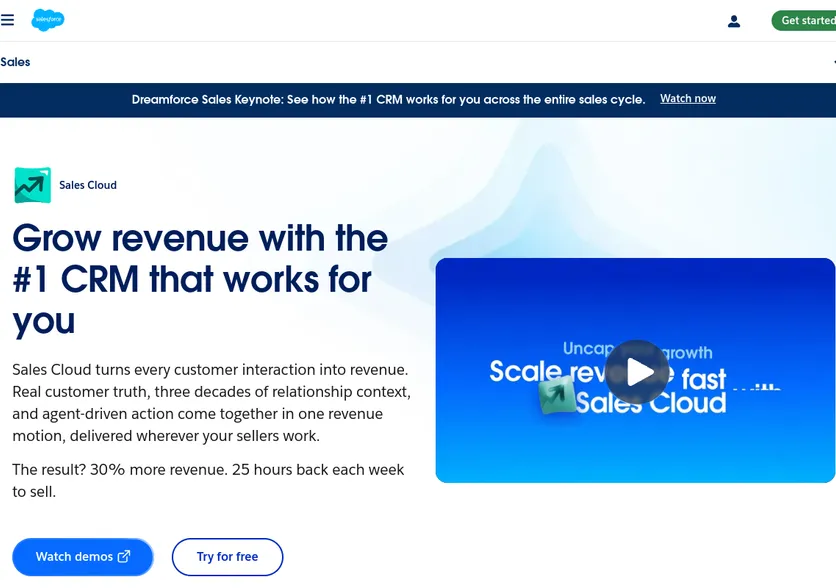
For a firm that plans to grow past a handful of attorneys, Salesforce Sales Cloud offers the deepest CRM in this list, with pipelines, forecasting and automation that scale without a platform change. The Starter Suite covers leads, contacts and deals at twenty-five dollars, and the higher suites add the reporting and AI features a larger team needs. The trade-off is setup time, so this suits a firm with someone to own the system.
What we like
- Deepest CRM features in this list
- Scales from small team to large firm without migration
- Strong reporting and forecasting on higher tiers
Watch out for
- Setup takes longer than the simpler CRMs
- Higher suites climb fast in price per user
How to try it
- Build a lead pipeline with stages for every enquiry type
- Set automation that routes new leads to the right attorney
- Review the forecast weekly to see signed work coming
5. monday sales CRM
Best for: Real estate firms that want leads managed on visual boards
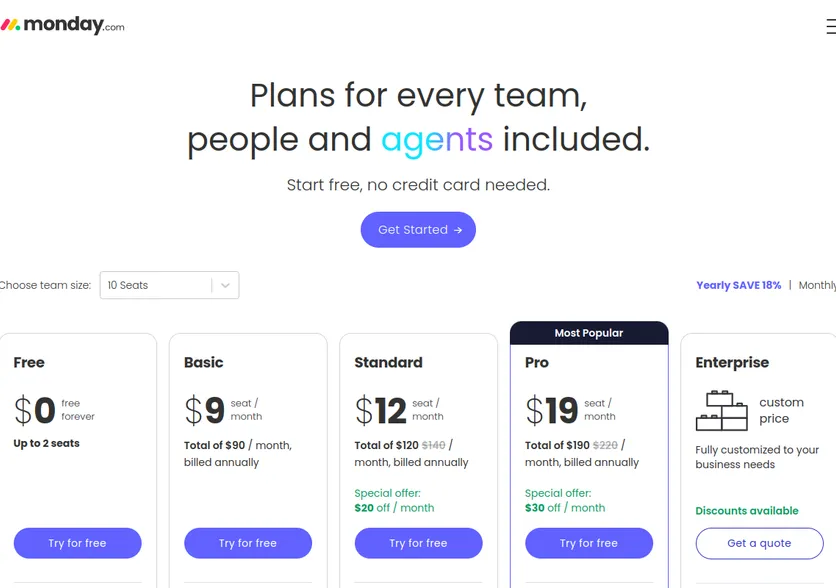
Paid tool Starting price: $12/seat/month · Twelve dollars per seat per month billed annually on the Basic plan (eighteen dollars on monthly billing); Standard is seventeen dollars, Pro is twenty-eight dollars and Ultimate is quoted. Plans need at least three seats, so the real floor is thirty-six dollars a month
Free plan: Free trial
A firm that already thinks in boards will take to monday sales CRM quickly, because leads live on visual boards with columns for stage, value and next step. Automations move deals forward, send reminders and notify the team when a lead goes quiet. The three-seat minimum sets a real floor of thirty-six dollars a month, which suits a small team that works together on the same board.
What we like
- Visual boards make the pipeline easy to scan
- Automations chase quiet leads without manual work
- Easy to learn for teams new to CRM
Watch out for
- Three-seat minimum means the floor is thirty-six dollars a month
- Lead features are lighter than dedicated sales CRMs
How to try it
- Create a board with a column for each pipeline stage
- Add automations that remind the team about quiet leads
- Review the board in the weekly team meeting
6. Freshsales
Best for: Real estate firms that want built-in phone and email on the lead record
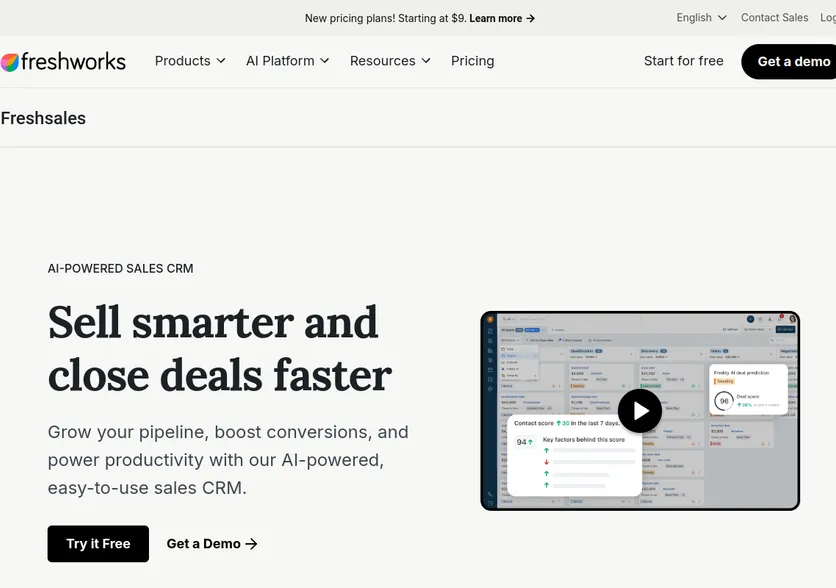
Paid tool Starting price: $9/user/month · Nine dollars per user per month billed annually on the Growth plan (eleven dollars on monthly billing); Pro is thirty-nine dollars and Enterprise is fifty-nine dollars. No free plan, with a twenty-one day trial
Free plan: Free trial
Calling leads is the job, and Freshsales puts the phone and the email on the lead record itself, so the conversation never leaves the CRM. Built-in telephony logs calls automatically, email tracking shows when a client opens a message, and the pipeline shows which deals need attention. The nine-dollar Growth plan is the cheapest paid start in this list, with a twenty-one day trial to test it.
What we like
- Built-in phone and email on the lead record
- Cheapest paid plan in this list at nine dollars
- Email open tracking shows which leads are warm
Watch out for
- No free plan, only a twenty-one day trial
- Smaller integration list than the biggest CRMs
How to try it
- Log every call against the lead with the built-in phone
- Send follow-up emails from the deal and track opens
- Work the pipeline daily from the deals view
7. Close
Best for: Real estate firms that live on the phone and want calling built in
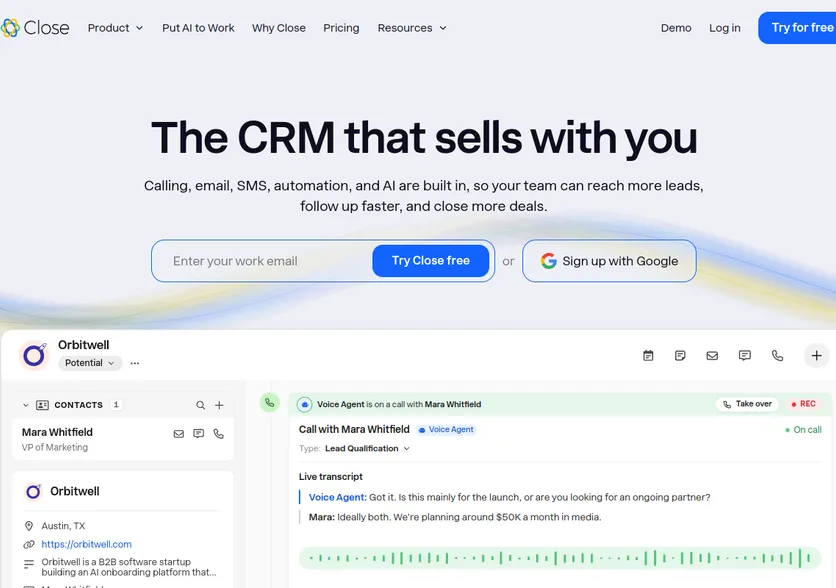
Paid tool Starting price: $35/user/month · Thirty-five dollars per user per month billed annually on the Essentials plan (forty-nine dollars on monthly billing); Solo is nine dollars billed annually for one user only, Growth is ninety-nine dollars and Scale is one hundred thirty-nine dollars. Calls and texts bill as usage on top
Free plan: Free trial
Some firms win work by calling, and Close is built for exactly that, with power dialling, SMS and email inside the CRM. The Essentials plan at thirty-five dollars gives a small team calling, pipelines and reporting in one place, and the Growth plan adds the power dialler for volume outreach. Calls and texts bill as usage on top, so the firm should budget for the phone time it actually uses.
What we like
- Calling, SMS and email built into the CRM
- Power dialler on the Growth plan for volume outreach
- Automatic call logging saves admin time
Watch out for
- Calls and texts bill as usage on top of the subscription
- Solo plan covers one user only, so teams start at Essentials
How to try it
- Import the lead list and start the calling queue
- Log every call and SMS against the lead automatically
- Move signed leads out of the calling queue the same day
8. Capsule
Best for: Small real estate firms that want a simple CRM with a free start
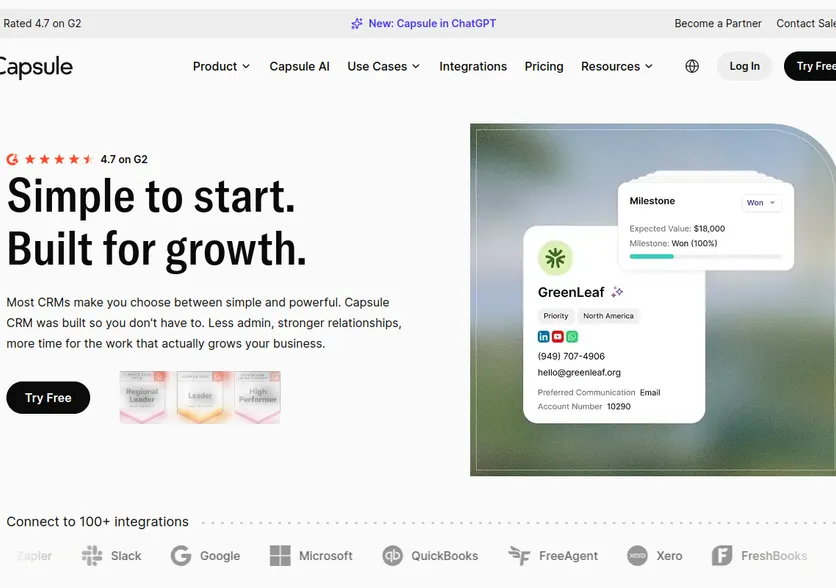
Paid tool Starting price: $18/user/month · Eighteen dollars per user per month billed annually on the Starter plan (twenty-two dollars on monthly billing); Growth is thirty-six dollars and Advanced is fifty-four dollars per user per month
Free plan: Free plan for two users and two hundred fifty contacts
A small firm does not need a sales machine to manage leads well, and Capsule keeps it simple with contacts, pipelines and tasks in a clean interface. The free plan covers two users and two hundred fifty contacts, which suits a partner and an assistant, and the Starter plan at eighteen dollars adds the features a growing firm needs. Setup takes an afternoon, not a project.
What we like
- Free plan covers two users and two hundred fifty contacts
- Simple setup that takes an afternoon
- Clean interface with no learning curve
Watch out for
- No built-in phone or email tracking
- Automation is lighter than the bigger CRMs
How to try it
- Add every new enquiry as a contact with its next task
- Set a task for each follow-up so no lead is forgotten
- Review the pipeline weekly and close out dead leads
Prices above were checked on each vendor’s own website on Nov 28, 2026 and can change — the vendor’s page is the final word. Vendor links are editorial: nobody paid to be listed or ranked here. Vendors who want a featured listing can see how it works on our Get listed page.
How a real estate law firm should run a CRM pipeline
Treat every lead as a deal with a next step and a date. A firm that logs each enquiry in the CRM the day it arrives, sets the next action before closing the record, and reviews the board every morning will sign more files than a firm with a better website. Call new leads within the hour, chase the quiet ones three times across a week, then close them out honestly. Track which sources send the deals that sign, and spend more where the signed files come from. Score every lead when it arrives, so the hottest buyers get the first call and the cold ones wait their turn.
Before you buy
- Check that leads, calls and emails live on the same deal record
- Confirm whether the price is per seat and how many seats you must buy
- Ask how website enquiries flow into the pipeline automatically
- Test the pipeline on a phone, since follow-up happens away from the desk
- Run a trial with twenty real leads before you commit to a year
Official websites
Official websites of the products reviewed above. Features and prices were checked against these sites when this guide was written, and they can change, so confirm on the vendor site before you buy.
Frequently asked questions
What is real estate law firm lead management software?
It is CRM software that captures enquiries from buyers, sellers and agents, tracks them through a pipeline, and makes sure every lead gets a follow-up until it signs or says no. The tools in this list do that through deal boards, reminders, email tracking and automation. None of them files a closing, but a well-run pipeline means the firm signs the clients its marketing already paid to find.
How much does CRM software cost for a real estate law firm?
The tools in this list start at nine to thirty-five dollars per user per month billed annually, and several have free plans. Freshsales is cheapest at nine dollars, while Pipedrive and Zoho CRM are fourteen dollars and HubSpot Sales Hub starts at twenty dollars. Close is thirty-five dollars on Essentials, so compare the total for the whole team, including any per-seat minimums.
Should a law firm use a CRM or practice management software for leads?
Use a CRM when lead volume and follow-up are the bottleneck, and practice management when the bottleneck is the matter itself. A CRM tracks enquiries, calls and pipeline stages better, while practice software opens matters and bills closings better. Many firms use both: the CRM chases the lead, and the signed client moves into the practice system. The companion post covers the practice management angle.
How many times should a firm follow up a lead?
Three times across a week is a good rule: a call within the hour, an email the next day, and a final call or message three days later. After that, close the lead out honestly and move on. Leads that go quiet after three attempts rarely sign, and chasing them longer costs time that should go to fresh enquiries. Log every attempt in the CRM so the team can see the history.
Can a CRM track which lead sources actually sign clients?
Yes, and that is its most valuable report. Tag every lead with its source, agent, website form or referral, and review which sources produce signed files rather than just calls. The tools in this list all report on pipeline by source. Spend more where signed files come from, and cut sources that send calls but never clients.
Compare the eight tools above, then start with a free plan or trial on the CRM that matches how your team already follows up before you pay for a full year.
Browse Business Tools tools