On this page
Estate planning research means statutes, case law, tax rules and probate procedure, and getting a citation wrong can unravel a whole plan. The seven tools below give a firm that research at very different prices, from a budget case-law service to an AI workspace that drafts from cited answers. Fastcase leads the list because it covers appellate case law and statutes for all fifty states for sixty-five dollars a month, and it is free for most lawyers through their bar association, and the rest are ranked on the same test: how much trustworthy research they deliver for the price.
How we researched this
We checked every price on the vendor pricing page on November 28, 2026, and only included tools with a published US dollar list price. The big research platforms that sell by quote, including Westlaw, Lexis+, Bloomberg Law, vLex and HeinOnline, publish no usable list price, so they are not in this list. Prices change, so confirm the current figure on the vendor site before you buy.
Compare the tools
| Name | Best for | Starting price | Free plan | |
|---|---|---|---|---|
| Fastcase | Estate firms that need affordable primary law | $65/month | Free trial available | Visit |
| UniCourt | Firms that research court records and dockets | $49/user/month | Free trial available | Visit |
| Docket Alarm | Firms tracking filings on contested estates | $99/month | Free plan available | Visit |
| Trellis | Firms that need state trial court records | $80/month | Free trial available | Visit |
| Quimbee | Firms training juniors on estate doctrine | $33/month | Free trial available | Visit |
 Paxton AI | Firms that want AI research with cited drafting | $499/user/month | 7-day free trial | Visit |
 Gavel Exec | Firms drafting wills and trusts against playbooks | $160/user/month | No free plan; 25 free queries per user, no card required | Visit |
The legal research software for estate planning firms, compared
1. Fastcase
Best for: Estate firms that need affordable primary law
Paid tool Starting price: $65/month · Sixty-five dollars a month on the Appellate plan ($695 a year); Premium is $95 a month ($995 a year) and adds federal district and bankruptcy courts; Enterprise is quoted; free for most US lawyers through their state bar association, which bundles vLex Fastcase as a member benefit
Free plan: Free trial available
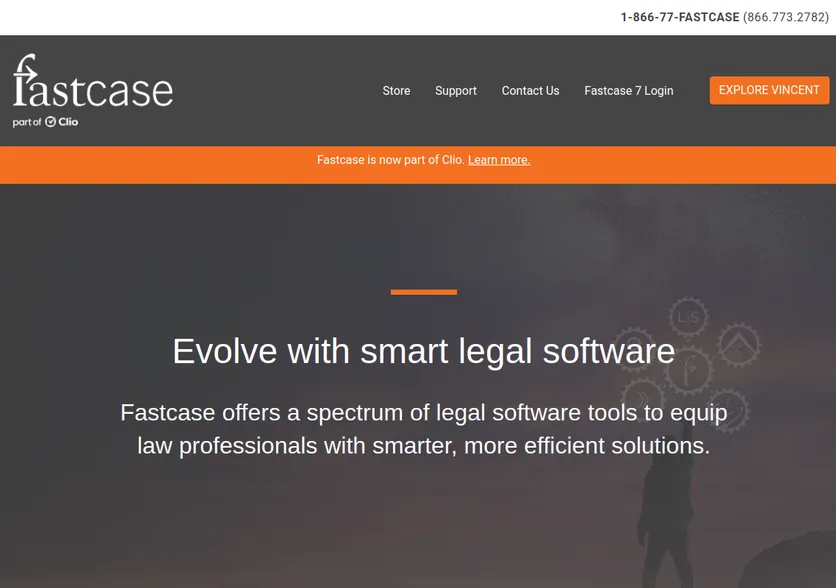
For an estate planning firm that needs reliable case law without a premium subscription, this Fastcase plan costs sixty-five dollars a month on Appellate, and it covers appellate case law and statutes for all fifty states. Its Bad Law Bot authority check flags bad law before a citation reaches a filing, and most US lawyers already get it free through their state bar association. It is the budget baseline every other research tool here is measured against.
What we like
- Appellate case law and statutes for all 50 states
- Bad Law Bot authority check flags bad law fast
- Free through more than 80 bar associations
Watch out for
- Premium is needed for federal district and bankruptcy courts
- No secondary sources or treatises at this price
How to try it
- Search the case law or statute database by citation or keyword
- Run the authority check on any case before citing it
- Save the research to the matter file for the estate plan
2. UniCourt
Best for: Firms that research court records and dockets
Paid tool Starting price: $49/user/month · Forty-nine dollars per user a month billed annually on Solo ($59 billed monthly); higher tiers are $199 and $399 a month; API access is quoted separately
Free plan: Free trial available
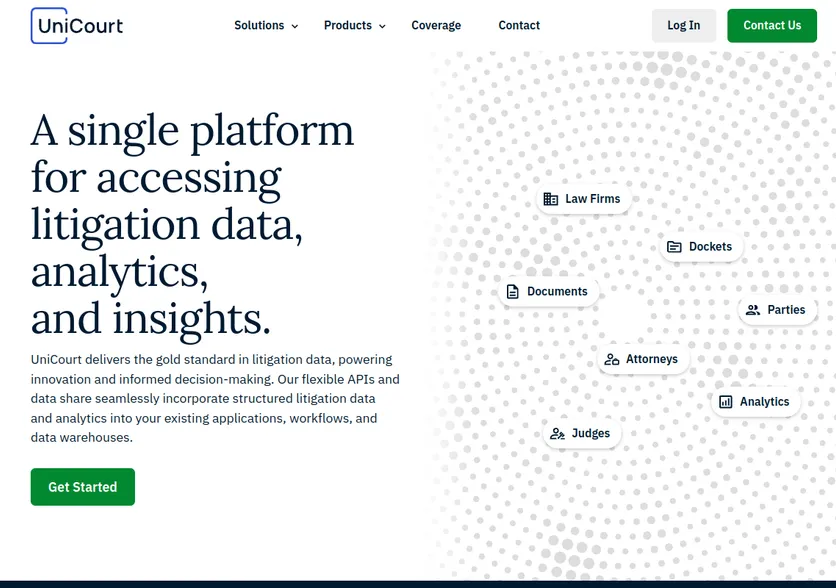
When the research question turns on what actually happened in court, this UniCourt plan costs forty-nine dollars per user a month billed annually on Solo, and it pulls federal and state court records into one search. Dockets update daily, case analytics show patterns across similar matters, and the starter price is the lowest in the court-records group. It suits a firm that tracks probate and estate litigation alongside its planning work.
What we like
- Federal and state court records in one search
- Daily-updated dockets with case analytics
- The cheapest starter in the court-records group
Watch out for
- The deepest analytics sit on the higher tiers
- API access is a separate quoted product
How to try it
- Search the court records by party, case number or attorney
- Open the docket and track the cases that matter to the firm
- Export the filings and analytics into the estate file
3. Docket Alarm
Best for: Firms tracking filings on contested estates
Paid tool Starting price: $99/month · Ninety-nine dollars a month per legal professional on the flat-fee membership; a pay-as-you-go choice is $39.99 a month plus per-use fees; a free tier with restricted access is available
Free plan: Free plan available
A firm that follows contested estates needs to know the moment a filing lands, and this Docket Alarm plan costs ninety-nine dollars a month per legal professional on the flat-fee membership. It tracks federal and state dockets, covers patent and trademark boards as well, and a pay-as-you-go choice is available at thirty-nine dollars and ninety-nine cents a month plus per-use fees. A free tier with restricted access lets the firm test coverage first.
What we like
- Federal and state docket tracking in one place
- Covers PTAB, TTAB and the International Trade Commission too
- Free tier lets a firm test coverage before paying
Watch out for
- The flat fee adds up fast for a three-lawyer firm
- The interface feels dense for occasional users
How to try it
- Search the docket database for the parties or matters to watch
- Set alerts for new filings on the tracked cases
- Pull the filings and calendar the deadlines they create
4. Trellis
Best for: Firms that need state trial court records
Paid tool Starting price: $80/month · Eighty dollars a month on Personal ($768 a year); Research is $140 a month with 1,200 content views and Research and Judge Analytics is $210 a month; the price rises steeply for multi-state work
Free plan: Free trial available
State trial court records are the blind spot of most research tools, and this Trellis plan costs eighty dollars a month on Personal to cover them. It mines state trial court dockets that older products never reached, and its judge analytics show how a judge has ruled before, which helps frame a probate argument. The price rises steeply for multi-state work, so a firm should check its own states first.
What we like
- State trial court records other research tools never covered
- Judge analytics show how a judge has ruled before
- Motion analytics help frame the argument for the court
Watch out for
- Multi-state coverage raises the price steeply
- The entry plan has no judge analytics
How to try it
- Search the state trial court records for similar cases
- Open the judge profile to check past rulings
- Save the motion analytics to support the filing strategy
5. Quimbee
Best for: Firms training juniors on estate doctrine
Paid tool Starting price: $33/month · Thirty-three dollars a month on Study Aids, or $276 a year ($23 a month); owned by BARBRI since February 2025, when the old Bronze, Silver and Gold tiers were consolidated into the single Study Aids plan; a 7-day free trial covers up to 10 case briefs
Free plan: Free trial available
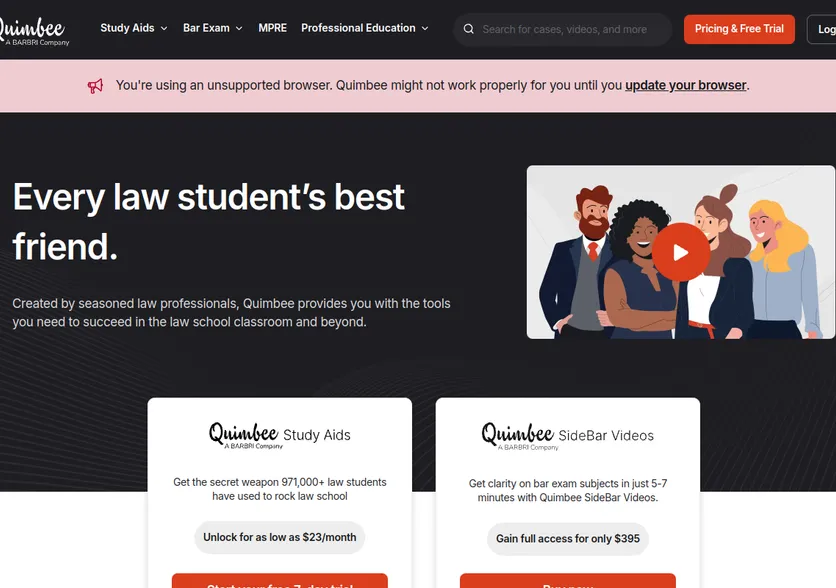
Junior staff need to get up to speed on estate doctrine fast, and this Quimbee plan costs thirty-three dollars a month on Study Aids, with thousands of attorney-written briefs keyed to the standard casebooks. Video lessons, outlines and flashcards sit in the same subscription, and issue-spotter essays with model answers help train new hires. It is a study aid rather than a firm research platform, so it supports research rather than replacing it.
What we like
- 47,500 plus attorney-written briefs keyed to 1,000 plus casebooks
- Video lessons, outlines and flashcards in the same subscription
- Issue-spotter essays with model answers for training juniors
Watch out for
- Built for law students, so firm research depth is limited
- The single plan means paying for everything even if only briefs are used
How to try it
- Search the brief library for the case behind the estate question
- Read the brief and watch the short video lesson
- Use the outline and flashcards to brief the junior on the file
6. Paxton AI
Best for: Firms that want AI research with cited drafting
Paid tool Starting price: $499/user/month · Four hundred and ninety-nine dollars per user a month on Individual, or $2,999 per user a year; Enterprise is quoted; a 7-day trial needs a credit card
Free plan: 7-day free trial
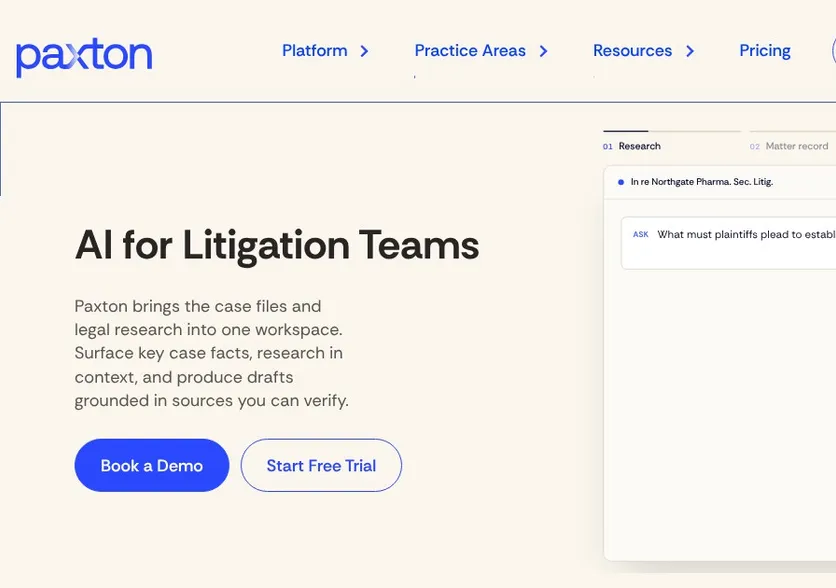
For a firm that wants research, drafting and document review in one workspace, this Paxton AI plan costs four hundred and ninety-nine dollars per user a month on Individual, and it organises everything by matter. Its AI citator checks every citation it returns, and cited answers feed straight into drafted memos. It is the most expensive tool here, and the only one that drafts from the research it finds.
What we like
- Matter-organized research with cited answers
- AI citator checks every citation it returns
- Drafting and document review in the same workspace
Watch out for
- The price is high for a solo or small estate practice
- Enterprise features need a quoted plan
How to try it
- Open the matter workspace and upload the estate documents
- Ask the research question and check the cited sources
- Draft the memo from the cited answers inside the workspace
7. Gavel Exec
Best for: Firms drafting wills and trusts against playbooks
Paid tool Starting price: $160/user/month · One hundred and sixty dollars per user a month, or $1,740 per user billed annually; 1,000 queries per user a month on paid plans; team pricing for 10 or more seats; Gavel was acquired by Relativity in June 2026
Free plan: No free plan; 25 free queries per user, no card required
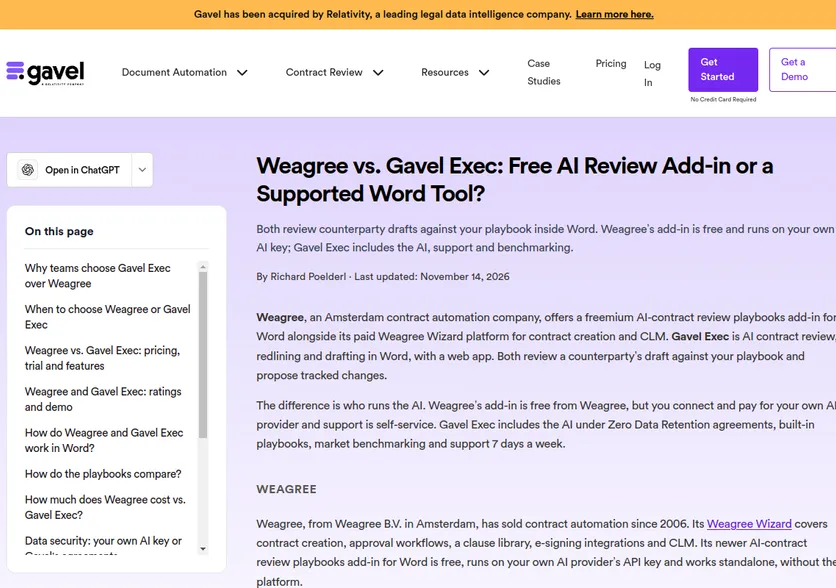
Estate work is mostly documents, and this Gavel Exec plan costs one hundred and sixty dollars per user a month, reviewing wills and trusts against the firm's own playbooks in Word. Redlines arrive as tracked changes with margin comments, and the team can share playbooks so every drafter applies the same standards. It covers the drafting end of research, not case law, so it pairs with Fastcase rather than replacing it.
What we like
- Playbook redlines arrive as tracked changes in Word
- Contract review, drafting and benchmarking in one add-in
- Playbooks can be shared across the team
Watch out for
- Built for contracts, so case-law research is not its job
- The monthly rate has no discount without the annual plan
How to try it
- Open the contract in Word and launch the Gavel Exec add-in
- Run the playbook review and accept or reject each redline
- Save the redlined draft and log the review in the matter
Prices above were checked on each vendor’s own website on Nov 28, 2026 and can change — the vendor’s page is the final word. Vendor links are editorial: nobody paid to be listed or ranked here. Vendors who want a featured listing can see how it works on our Get listed page.
How to research an estate question without a wrong citation
Start with the statute, not the search box, because estate planning turns on the code of one state and a national database will happily answer the wrong one. Check every citation with an authority tool before it reaches a document, since AI and fast searching both produce confident, plausible, wrong citations. Save the research to the matter file with the date it was run, because tax and probate rules move and a memo from last year is not evidence. Finally, check the bar association first: most lawyers already get Fastcase free, and paying for a second service before checking is the most common waste in this list.
Before you buy
- Confirm the tool covers the firm's own state statutes and case law, not just federal law
- Check whether secondary sources such as treatises and forms are included or cost extra
- Ask if the tool checks citations against real cases, since invented citations are the biggest AI risk
- Make sure the firm is not already getting the tool free through a bar association membership
- Test the search on a real estate question before paying, and verify the citations by hand
Official websites
Official websites of the products reviewed above. Features and prices were checked against these sites when this guide was written, and they can change, so confirm on the vendor site before you buy.
Frequently asked questions
What is legal research software for estate planning firms?
It is software that gives a firm access to statutes, case law, court records and secondary sources for estates, trusts and probate work. Good tools add citators that check whether a case is still good law, plus search filters that narrow results to the firm's own state. Estate firms also use court-record tools to track contested matters and AI tools that draft memos from cited answers.
How much does Fastcase cost for a law firm?
Fastcase costs sixty-five dollars a month on the Appellate plan, or six hundred and ninety-five dollars a year, and Premium is ninety-five dollars a month or nine hundred and ninety-five dollars a year. Premium adds federal district and bankruptcy courts. Enterprise is quoted. Most US lawyers pay nothing, because more than eighty bar associations bundle vLex Fastcase as a free member benefit.
Is Westlaw or Lexis+ better for estate planning research?
Both are comprehensive, with deep secondary sources, treatises and forms that Fastcase does not offer, but neither publishes a usable list price for a small firm and both sell by quote. Thomson Reuters lists Westlaw Advantage from about two hundred and fifty-six dollars a month for a single circuit, which puts it far above the tools in this list. A small estate firm should start with Fastcase and add a premium platform only when the work demands it.
Can I get legal research software for free?
Yes, in two ways: most US lawyers already get Fastcase free through their state bar association, and Docket Alarm offers a free tier with restricted access. CourtListener offers free federal opinions and dockets with no subscription at all. Free options lack the depth, secondary sources and AI features of the paid tools, so they suit occasional lookups rather than daily research.
Which tool is best for a small estate planning firm?
Fastcase is the best pick for most small estate firms, at sixty-five dollars a month with fifty-state case law and statutes, and free for most lawyers through their bar. UniCourt at forty-nine dollars a user a month is the best addition when the firm tracks court records. Paxton AI is the strongest AI research tool here, but at four hundred and ninety-nine dollars a month it suits only firms that research and draft every day.
Compare the seven tools above, then check the firm's bar association benefits and start with a free trial on the tool that covers the firm's own state before paying for a full year.
Browse Business Tools tools