On this page
Litigation runs on deadlines, and a missed task can cost a client a case. The eight tools below track every task against the matter it belongs to, from filing dates to discovery checklists, and they all publish a dollar price. Casefleet leads the list at thirty dollars a user a month because it ties tasks to facts, witnesses and evidence in one chronology. The other seven are ranked on the same test: how clearly they show what is due, who owns it and when it is done.
How we researched this
We checked every price on the vendor pricing page on November 28, 2026, and only included tools with a published US dollar list price. Filevine, Litify, Actionstep and LEAP sell by quote, so they are not in this list, and Smokeball is left out because its published prices conflict across sources. Prices change, so confirm the current figure on the vendor site before you buy.
Compare the tools
| Name | Best for | Starting price | Free plan | |
|---|---|---|---|---|
| Casefleet | Litigation teams that organise facts, witnesses and evidence | $30/user/month | 14-day free trial | Visit |
 TimeSolv | Firms that bill hourly, fixed-fee and contingency work | $43/user/month | 30-day free trial | Visit |
 Clio | Firms that want trust accounting built into every plan | $49/user/month | 7-day free trial | Visit |
 CosmoLex | Firms that want built-in accounting without QuickBooks | $49/user/month | Free trial | Visit |
 PracticePanther | Firms that want every plan published with no sales call | $49/user/month | 7-day free trial | Visit |
 MyCase | Solo and small firms that want one all-in-one system | $50/user/month | 10-day free trial | Visit |
 Bill4Time | Billing-focused firms that want a clear published ladder | $39/user/month | 14-day free trial | Visit |
 Rocket Matter | Litigation firms that need matter dashboards and LEDES billing | $59/user/month | Free trial | Visit |
The legal task management software for litigation firms, compared
1. Casefleet
Best for: Litigation teams that organise facts, witnesses and evidence
Paid tool Starting price: $30/user/month · Thirty dollars per user a month billed annually on Starter, or forty dollars billed monthly; Advanced AI is one hundred and forty dollars billed annually and removes the document cap
Free plan: 14-day free trial
This Casefleet plan costs thirty dollars a user a month, and it organises litigation around facts, witnesses and evidence instead of folders. Every task sits against the fact or document it belongs to, and the chronology builds itself as the team works. It is the cheapest litigation-specific tool in this list, and the most focused on the evidence itself.

What we like
- Facts, witnesses and documents linked in one chronology
- Evidence citations that tie every fact to its source
- No seat minimum, so a single attorney can start
Watch out for
- Starter caps each case at twenty documents
- Full-text search and AI need the Advanced AI plan
How to try it
- Build the case chronology from your documents
- Link facts to witnesses, issues and evidence
- Export the timeline for the brief or the hearing
2. TimeSolv
Best for: Firms that bill hourly, fixed-fee and contingency work
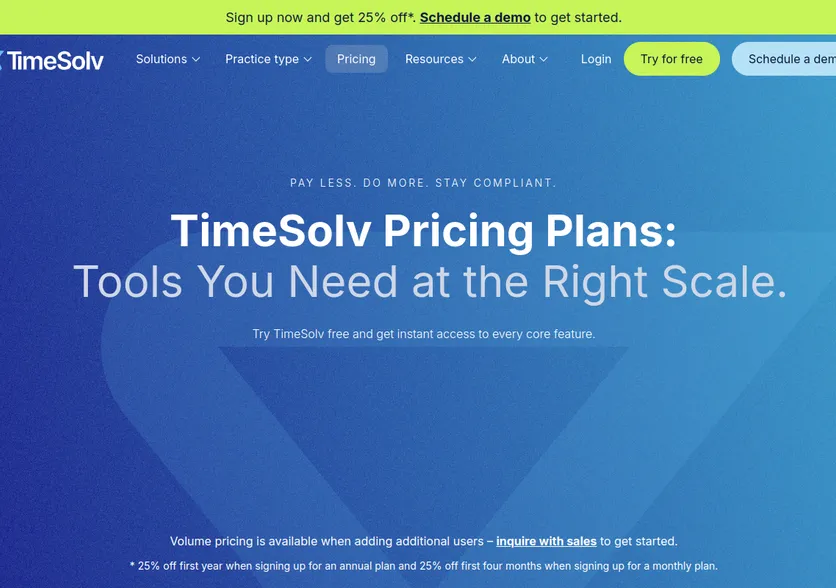
Paid tool Starting price: $43/user/month · Forty-three dollars per user a month on Pro billed annually; Legal is fifty-eight dollars, and the twenty-five percent first-year promotion is not the list price
Free plan: 30-day free trial
This TimeSolv plan costs forty-three dollars a user a month, and it is built around time tracking for lawyers first and everything else second. Litigation teams get timers on every screen, batch billing and LEDES export, with fixed-fee and contingency billing alongside hourly. It is the pick for a firm that bills in several ways and wants one timekeeper for all of them.
What we like
- Time tracking built for lawyers, with timers on every screen
- Batch billing and LEDES export for insurer clients
- Fixed-fee and contingency billing alongside hourly
Watch out for
- No built-in trust accounting reconciliation
- The interface is functional rather than modern
How to try it
- Set up the matter with rates and billing rules
- Start the timer and log time against the matter
- Generate batch invoices and send them to clients
3. Clio
Best for: Firms that want trust accounting built into every plan
Paid tool Starting price: $49/user/month · Forty-nine dollars per user a month is the published starting price for the Starter plan; higher tiers are quoted by sales rather than published, and the older EasyStart, Essentials, Advanced and Expand ladder no longer appears on the vendor pricing page
Free plan: 7-day free trial
This Clio plan costs forty-nine dollars a user a month, and it puts matter management, time tracking and trust accounting in one place. Litigation teams get deadlines, documents and billing tied to each matter, with timers that log straight to the right case. It is the safest default when the firm wants one system that covers the whole case from intake to invoice.

What we like
- Trust accounting built into every plan, including the entry tier
- One-click timers that log time straight to the right matter
- More than two hundred and fifty integrations with tools firms already use
Watch out for
- Higher tiers are quoted, so the full cost is not public
- The per-seat price adds up quickly as the firm grows
How to try it
- Create a matter and set the client, rates and deadlines
- Start the timer from any matter and log time as you work
- Generate the invoice and send it through the client portal
4. CosmoLex
Best for: Firms that want built-in accounting without QuickBooks
Paid tool Starting price: $49/user/month · Forty-nine dollars per user a month on the Launch plan; Core is ninety-nine dollars and Pro is one hundred and twenty-nine dollars, with higher tiers quoted by sales rather than published
Free plan: Free trial
This CosmoLex plan costs forty-nine dollars a user a month, and it combines matter management with built-in legal accounting. Litigation teams get time tracking, billing and trust accounting in one login, with no QuickBooks subscription to maintain. It is the pick for a firm that wants its books and its cases in the same system.

What we like
- Built-in legal accounting with no QuickBooks subscription needed
- Matter management, billing and trust accounting in one login
- Time tracking and expenses tied to each matter
Watch out for
- Higher tiers are quoted rather than published
- The interface feels dated next to newer rivals
How to try it
- Open a matter and record the client and fee arrangement
- Track time and expenses against the matter daily
- Run the invoice and reconcile the trust ledger
5. PracticePanther
Best for: Firms that want every plan published with no sales call
Paid tool Starting price: $49/user/month · Forty-nine dollars per user a month billed annually on Solo, or fifty-nine dollars billed monthly; Essential is sixty-nine dollars, Business is eighty-nine dollars and Business Pro is one hundred and fourteen dollars, all billed annually
Free plan: 7-day free trial
This PracticePanther plan costs forty-nine dollars a user a month, and it puts matter workflows, document templates and payments on every seat. Litigation teams can build task and event workflows for each case type, then track time and bill from the same matter. It is the pick for a firm that wants its process written down once and followed every time.

What we like
- All four plans are published, with no sales call needed
- Workflows and document templates on every plan
- PantherPayments and QuickBooks sync included from Solo
Watch out for
- Trust accounting sits only in the top Business Pro plan
- Court deadline calculation needs a separate LawToolBox subscription
How to try it
- Set up a matter with tasks, events and templates
- Turn on workflows so deadlines assign themselves
- Bill the matter and collect payment through PantherPayments
6. MyCase
Best for: Solo and small firms that want one all-in-one system
Paid tool Starting price: $50/user/month · Fifty dollars per user a month billed annually on Basic, or sixty dollars billed monthly; Pro is one hundred dollars a user a month billed annually and Advanced is one hundred and thirty dollars, with MyCase Accounting adding thirty-nine dollars per user a month on Pro and Advanced
Free plan: 10-day free trial
This MyCase plan costs fifty dollars a user a month, and it combines case management, billing, trust accounting and a client portal in one login. Litigation teams get time entry, invoicing and unlimited document storage from the first seat, with intake forms and texting from Pro. It is the pick for a firm that wants the whole matter workflow in a single, easy system.

What we like
- Case, billing, trust accounting and a client portal in one system
- Unlimited document storage on every plan
- Two-way texting and intake forms from the Pro plan
Watch out for
- The Open API is only on the Advanced plan
- Accounting costs thirty-nine dollars extra per user a month
How to try it
- Add the case and invite the client to the portal
- Log time and expenses against the matter as they happen
- Send the invoice and take payment online
7. Bill4Time
Best for: Billing-focused firms that want a clear published ladder
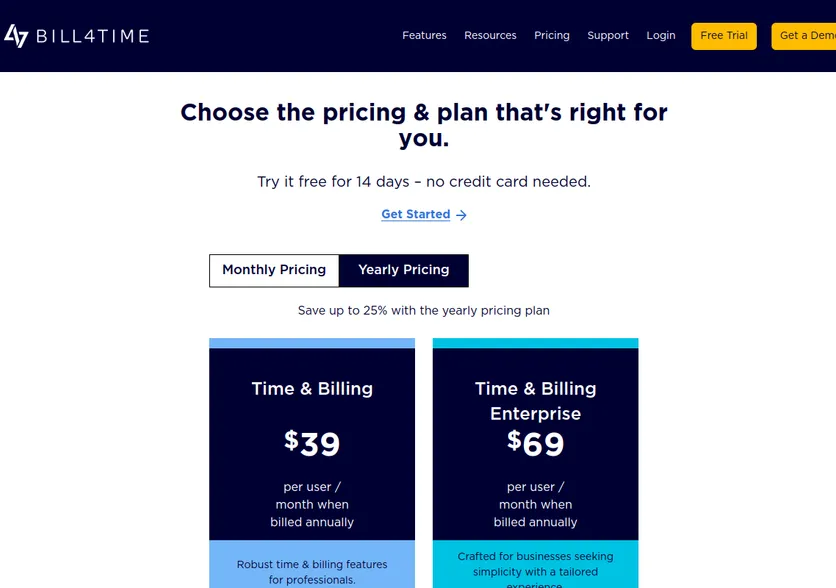
Paid tool Starting price: $39/user/month · Thirty-nine dollars per user a month billed annually on Time and Billing, or forty-nine dollars billed monthly; Legal Pro is fifty-nine dollars billed annually and adds trust accounting, conflict checks and LEDES export
Free plan: 14-day free trial
This Bill4Time plan costs thirty-nine dollars a user a month, and it focuses on getting time recorded and invoices out. Litigation teams get timers, expenses, invoicing and a client portal, with trust accounting and LEDES on the Legal plans. It is the pick for a firm that wants billing done well without paying for a full practice suite.
What we like
- Four published plans with a clear step up at each tier
- Trust accounting and LEDES export on the Legal plans
- QuickBooks sync and a client portal on every plan
Watch out for
- Legal features start on Legal Pro, not the cheapest plan
- No built-in document management for matter files
How to try it
- Create the client and matter with billing rates
- Record time with the timer or manual entries
- Invoice from the time entries and track payment
8. Rocket Matter
Best for: Litigation firms that need matter dashboards and LEDES billing
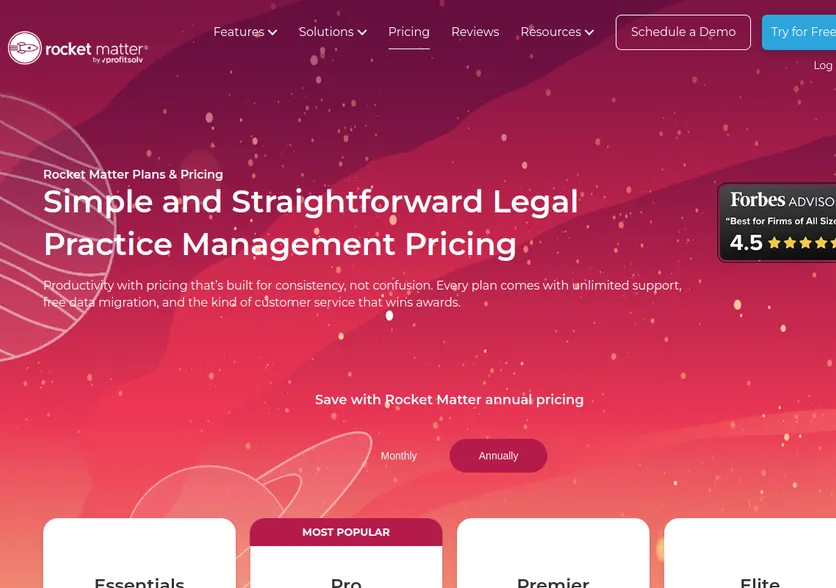
Paid tool Starting price: $59/user/month · Fifty-nine dollars per user a month on Essentials; Pro is ninety-five dollars and Premier is one hundred and fifteen dollars, and the older forty-nine dollar FAQ figure is stale
Free plan: Free trial
This Rocket Matter plan costs fifty-nine dollars a user a month, and it puts matter dashboards, document automation and billing in one place. Litigation teams see tasks, time and billing for each case at a glance, with LEDES export for insurer clients. It is the pick for a firm that lives on its matter dashboard and bills insurers in LEDES format.
What we like
- Matter dashboards that show tasks, time and billing at a glance
- Document automation and e-signature built in
- LEDES billing for insurance defence work
Watch out for
- The entry plan is fifty-nine dollars a user a month
- Some advanced reporting needs the top Premier plan
How to try it
- Create the matter and set the task list
- Log billable time from the matter dashboard
- Invoice the client and track payment status
Prices above were checked on each vendor’s own website on Nov 28, 2026 and can change — the vendor’s page is the final word. Vendor links are editorial: nobody paid to be listed or ranked here. Vendors who want a featured listing can see how it works on our Get listed page.
How to keep litigation tasks from slipping
Start with the matter, not the task list. Every task in a litigation file should carry the matter it belongs to, the person who owns it and the date it is due, because a floating task is a missed deadline. Build templates for the case types the firm runs most, so discovery, filing and trial preparation follow the same steps every time. Review the task list at the start of each week and reassign anything that has stalled. Finally, close tasks with a note on what happened, because the next attorney on the case will read the history before asking questions.
Before you buy
- Check that every task links to a matter, a person and a due date
- Ask whether court deadline calculation is included or a paid extra
- Confirm the price covers all users, not just the first few seats
- Test the workflow templates on a real case before you commit
- Make sure time entries and documents stay tied to the same matter
Official websites
Official websites of the products reviewed above. Features and prices were checked against these sites when this guide was written, and they can change, so confirm on the vendor site before you buy.
Frequently asked questions
What is legal task management software for litigation firms?
It is software that ties every task to the matter it belongs to, with deadlines, owners and checklists for filing, discovery and trial preparation. The tools in this list add matter-linked tasks, templates and reminders, so nothing falls through when a case changes hands. A good tool shows what is due, who owns it and what is already done, in one view.
How much does Casefleet cost?
Casefleet costs thirty dollars a user a month billed annually on the Starter plan, or forty dollars billed monthly. The Advanced AI plan costs one hundred and forty dollars a user a month billed annually and adds document intelligence, full-text search and unlimited documents. There is no seat minimum, so a single attorney can start on Starter and upgrade later.
Can a litigation firm start for free?
Most tools in this list offer a free trial rather than a free plan, including Casefleet with fourteen days and Clio with seven days. The trials cover the full paid features, so a firm can test task workflows on a live case before paying. None of the eight tools has a permanent free plan, so budget for the per-seat price after the trial ends.
Which tool is best for a litigation firm?
Casefleet is the strongest fit for pure litigation work because it organises facts, witnesses and evidence in one chronology from thirty dollars a user a month. Clio is the better all-rounder when the firm also needs billing and trust accounting in the same system. TimeSolv is the value pick when the firm bills in several ways and wants LEDES export.
Do these tools handle court deadlines?
Most of them do, with task templates and date rules that build deadlines from a filing or hearing date. PracticePanther includes task and event workflows on every plan, though court deadline calculation itself needs a separate LawToolBox subscription. Check the deadline rules for your jurisdiction before you rely on any tool to calculate a date.
Compare the eight tools above, then start with a free trial on the tool that matches how your litigation team already works before you pay for a full year.
Browse Business Tools tools