On this page
Small law firms run on scattered tools, so workflow automation can remove manual steps across intake, matters and billing if the tool fits the firm instead of the other way around. The seven tools below automate the daily work of a small practice at prices that scale with headcount. PracticePanther leads the list because its Solo plan covers workflows, templates and payments for forty-nine dollars per user a month, and the other six tools are ranked on the same practical test: how much of the intake-to-invoice workflow they handle for the price.
How we researched this
We checked every price on the vendor pricing page on November 28, 2026, and only included tools with a published US dollar list price. Smokeball, Filevine, Litify and Actionstep publish no prices, so they are not in this list. Prices change, so confirm the current figure on the vendor site before you buy.
Compare the tools
| Name | Best for | Starting price | Free plan | |
|---|---|---|---|---|
 PracticePanther | Small firms that want the cheapest entry into workflow automation | $49/user/month | 7-day free trial | Visit |
 MyCase | Small firms focused on billing, payments and profitability | $50/user/month | 10-day free trial | Visit |
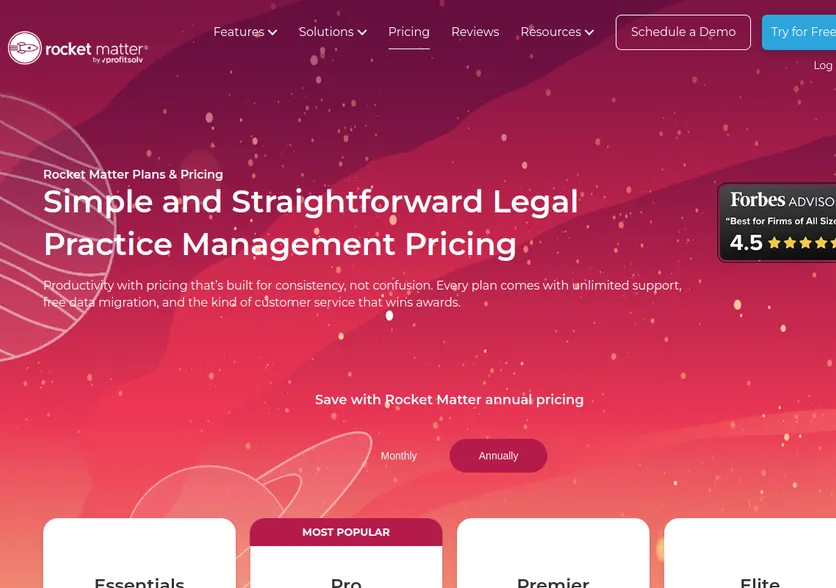
 Rocket Matter | Small practices that want a single source of truth for firm management | $59/user/month | Free trial | Visit |
 CosmoLex | Firms that want trust accounting built into practice management | $49/user/month | Free trial | Visit |
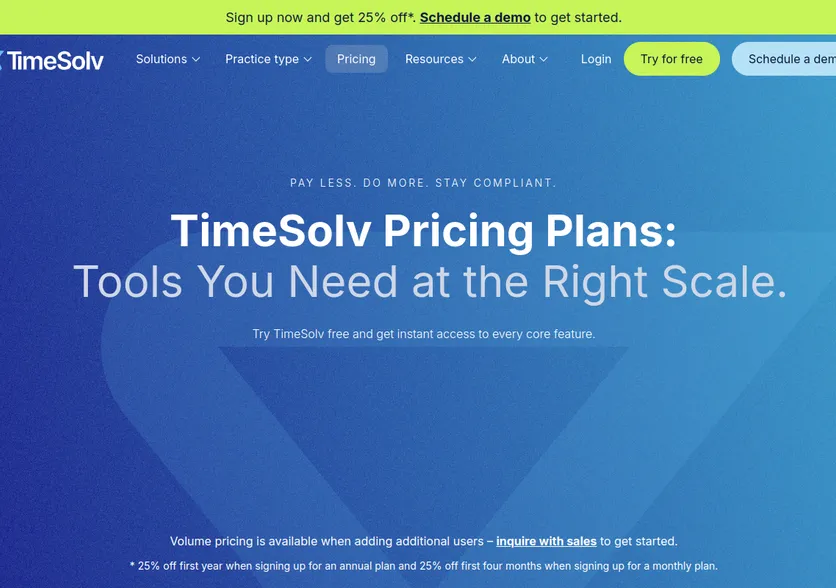
 TimeSolv | Firms whose main pain is capturing billable time and invoicing | $43/user/month | 30-day free trial | Visit |
 Clio | Firms that want the market-leading platform and the most integrations | $49/user/month | 7-day free trial | Visit |
| Lawmatics | Intake-heavy firms that want more inquiries to become signed clients | $199/month | Free demo | Visit |
The legal workflow automation software for small law firms, compared
1. PracticePanther
Best for: Small firms that want the cheapest entry into workflow automation
Paid tool Starting price: $49/user/month · Forty-nine dollars per user a month on the Solo plan billed annually, or fifty-nine dollars billed monthly; Essential is sixty-nine dollars, Business is eighty-nine dollars and Business Pro is one hundred and fourteen dollars
Free plan: 7-day free trial
For a small law firm, PracticePanther Solo at forty-nine dollars per user a month billed annually is the most affordable way to get real workflow automation. It puts task and event workflows, document templates, time tracking and its own payments tool on the entry plan, so routine steps run the same way every time. The plan also includes a client portal, internal chat and QuickBooks Online sync, which covers most of what a firm of a few lawyers needs day to day.

What we like
- Workflows and document templates on the entry plan
- Native payments included from Solo
- Client portal and QuickBooks sync built in
Watch out for
- Intake forms and two-way texting need Business
- Complete accounting is reserved for Business Pro
How to try it
- Set up task and event workflows for common matters
- Create document templates and invite clients to the portal
- Track time and collect payments through PantherPayments
2. MyCase
Best for: Small firms focused on billing, payments and profitability
Paid tool Starting price: $50/user/month · Fifty dollars per user a month on the Basic plan billed annually, or sixty dollars billed monthly; Pro is one hundred dollars a user a month and Advanced is one hundred and thirty dollars; MyCase is part of 8am
Free plan: 10-day free trial
A small firm that bills by the hour will feel the difference in MyCase, which starts at fifty dollars per user a month billed annually on the Basic plan. Cases, clients, billing and payments sit together, with trust accounting, online payments and unlimited document storage included from the start. The setup suits firms that want a single system for daily matter work and the money side, rather than reconciling two products at month end.

What we like
- Billing and payments unified with case work
- Trust accounting on the entry plan
- Unlimited document storage included
Watch out for
- Automated workflows and intake need the Pro plan
- No open API on the Basic plan
How to try it
- Add a matter with its client, contacts and documents
- Configure time entry, invoicing and trust accounting
- Send invoices and accept online payments in the same place
3. Rocket Matter
Best for: Small practices that want a single source of truth for firm management
Paid tool Starting price: $59/user/month · Fifty-nine dollars per user a month on the Essentials plan billed annually; Pro is ninety-five dollars and Premier is one hundred and fifteen dollars; the older forty-nine dollar figure in some guides is stale
Free plan: Free trial
Small firms that want one steady system rather than a bundle of add-ons should look at Rocket Matter, whose Essentials plan costs fifty-nine dollars per user a month billed annually. Matters, time, billing and operations run from a single workspace, which keeps the office organized without a long configuration project. It is a practical pick for a practice that values dependable core management over deep customization.
What we like
- One workspace for matters, time and billing
- Simple setup with no long configuration
- Designed around firm efficiency and growth
Watch out for
- Custom workflow logic is limited
- AI-driven document handling needs a different tool
How to try it
- Enter matters, clients and billing rates
- Record time and expenses against each matter
- Bill clients and check firm performance each month
4. CosmoLex
Best for: Firms that want trust accounting built into practice management
Paid tool Starting price: $49/user/month · Forty-nine dollars per user a month on the Launch plan; Core is ninety-nine dollars and Pro is one hundred and twenty-nine dollars; prices are per user per month
Free plan: Free trial
What sets CosmoLex apart is accounting: the Launch plan costs forty-nine dollars per user a month and includes trust accounting alongside matter management, time and billing. A firm no longer needs a separate bookkeeping product, because the ledgers and the casework live in the same system. That makes it a strong fit for firms whose month-end reconciliation currently eats hours.

What we like
- Trust accounting included from the entry plan
- Matter, time and billing in one system
- No separate accounting tool to reconcile
Watch out for
- Automation is leaner on the Launch plan
- Bigger firms will need Core or Pro
How to try it
- Migrate matters and clients into CosmoLex
- Set up billing, time tracking and trust ledgers
- Reconcile operating and trust accounts each month
5. TimeSolv
Best for: Firms whose main pain is capturing billable time and invoicing
Paid tool Starting price: $43/user/month · Forty-three dollars per user a month on the Pro plan billed annually; Legal is fifty-eight dollars per user a month; the twenty-five percent first-year promotion is not the list price
Free plan: 30-day free trial
If the main problem is unbilled hours rather than case management, TimeSolv Pro at forty-three dollars per user a month billed annually is the cheapest fix in this list. It handles time tracking, invoicing and payments cleanly, and the Legal plan adds document management and deeper reporting for firms that want more. A small firm can start with billing alone and add practice management later if it needs it.
What we like
- Lowest entry price in this list
- Straightforward time tracking and invoicing
- Thirty-day trial to test real billing
Watch out for
- No case management on the Pro plan
- Document management needs the Legal plan
How to try it
- Add clients, matters and hourly rates
- Track time and expenses as work happens
- Send invoices and take payments online
6. Clio
Best for: Firms that want the market-leading platform and the most integrations
Paid tool Starting price: $49/user/month · Forty-nine dollars per user a month on the EasyStart plan billed annually, or fifty-nine dollars billed monthly; Essentials is eighty-nine dollars, Advanced is one hundred and nineteen dollars and Complete is one hundred and forty-nine dollars
Free plan: 7-day free trial
For forty-nine dollars per user a month billed annually, Clio EasyStart buys into the largest practice management ecosystem a small firm can choose. Core case and contact management, calendaring, tasks, time and expense tracking, invoicing and trust accounting all come with the entry plan, plus access to more than two hundred and fifty integrations. It is the safest long-term pick when a firm expects to grow and add tools around its core system.

What we like
- Largest integration library in this list
- Trust accounting on every plan
- Full core feature set from EasyStart
Watch out for
- Templates and the client portal need Essentials
- AI and intake add-ons cost extra
How to try it
- Create matters, clients and contacts
- Turn on time tracking, billing and trust accounting
- Add the integrations your firm relies on
7. Lawmatics
Best for: Intake-heavy firms that want more inquiries to become signed clients
Paid tool Starting price: $199/month · One hundred and ninety-nine dollars a month flat on the Lite plan and two hundred and ninety-nine dollars on the Pro plan, last published in June 2026; the vendor pricing page now lists Essential, Premium and Enterprise with no dollar figures, so confirm the current price before buying
Free plan: Free demo
Where the other tools in this list manage matters, Lawmatics Lite at one hundred and ninety-nine dollars a month flat wins new ones, by automating intake forms, follow-up, e-signature and booking. The flat per-firm price means a growing team does not pay more for every new seat, which suits intake-heavy practices such as personal injury and family law. Most firms pair it with a practice management system rather than using it alone.

What we like
- Per-firm pricing that does not grow with headcount
- Intake forms, drip follow-up and e-signature
- Purpose-built for law firm marketing
Watch out for
- Not a full practice management system
- Current prices are no longer published by the vendor
How to try it
- Design intake forms and automated follow-up sequences
- Link Lawmatics with your matter management tool
- Measure conversion from inquiry to signed client
Prices above were checked on each vendor’s own website on Nov 28, 2026 and can change — the vendor’s page is the final word. Vendor links are editorial: nobody paid to be listed or ranked here. Vendors who want a featured listing can see how it works on our Get listed page.
How to pick workflow automation for a small firm
Map your current process from intake through billing before you look at any demo, because the tool should fit the steps you actually run. Client intake and time capture are the usual starting points, since both touch revenue directly, while document generation and billing follow once intake is consistent. Ask each vendor to demonstrate your specific workflow rather than a generic tour, and confirm how much configuration your team must maintain. Check the per-user price at your real headcount and the cost of the tier that holds the features you need, since entry plans often hide automation behind an upgrade. Finally, run a trial on a real matter end to end, from first inquiry to paid invoice, before signing an annual contract.
Before you buy
- Check that automation covers your actual intake and matter steps, not just a demo flow
- Confirm how the tool connects with your existing billing and document systems
- Ask how much configuration and staff training the setup requires
- Verify support options and data migration help for a small team
- Review security and data handling practices against your obligations
Official websites
Official websites of the products reviewed above. Features and prices were checked against these sites when this guide was written, and they can change, so confirm on the vendor site before you buy.
Frequently asked questions
What should a small law firm automate first?
Client intake and time capture are the common starting points because both touch revenue directly. Document generation and billing follow once intake is consistent. Choose a tool whose stated strengths match the step you most want to remove from manual handling, rather than buying the platform with the longest feature list.
How much does PracticePanther cost for a small firm?
PracticePanther Solo costs forty-nine dollars per user a month billed annually, or fifty-nine dollars billed monthly. Essential is sixty-nine dollars, Business is eighty-nine dollars and Business Pro is one hundred and fourteen dollars, all per user a month on annual billing. A five-person firm on Solo pays two hundred and forty-five dollars a month billed annually.
Can one platform handle intake, matters and billing?
Several practice management platforms combine cases, clients, billing and payments in one place, including MyCase, PracticePanther, Clio and Rocket Matter. Intake-focused tools like Lawmatics may still complement them for marketing automation. Map your workflow first, then check whether one system covers enough of it.
How do I judge legal AI features in workflow tools?
Look at which specific tasks the AI supports and how outputs are reviewed before use. Ask vendors to demonstrate the feature on matter types like yours. Keep expectations grounded in documented capabilities rather than broad claims, and confirm whether AI features sit on the plan you would actually buy.
How long does setup usually take for a small firm?
It depends on how configurable the platform is and how much data you migrate. Broader tools with workflow control tend to need more planning, while simpler systems move faster. Ask each vendor what onboarding involves for a firm your size before deciding, and budget staff time for template and workflow setup.
Compare the seven tools above, then start with a free trial on the tool that matches your biggest bottleneck, intake, time capture or billing, before you pay for a full year.
Browse Business Tools tools