On this page
Outside sales is a routing problem as much as a selling problem, and the right map turns a scattered territory into a day of visits in the right order. The seven tools below range from pure route planners to full CRMs with maps built in, and each one is judged on how well it helps a rep see customers, plan routes and log visits. Badger Maps leads the list because its Business plan costs fifty-eight dollars per user a month and is built purely for route planning, and the other six are ranked on the same test.
How we researched this
We checked every price on the vendor pricing page or in a vendor-published plan list on November 28, 2026, and only included tools with a published US dollar list price. SPOTIO and the Route4Me platform sell by quote, Google Maps Platform and Mapbox bill by usage, and Esri ArcGIS publishes no simple figure, so they are not in this list. Prices change, so confirm the current figure on the vendor site before you buy.
Compare the tools
| Name | Best for | Starting price | Free plan | |
|---|---|---|---|---|
| Badger Maps | Field reps whose main job is covering territory | $58/user/month | 14-day free trial | Visit |
 Zoho CRM | Small outside sales teams wanting a CRM with maps | $14/user/month | Free plan | Visit |
| Map My Customers | Sales managers needing territory and coverage visibility | $99/user/month | Free demo | Visit |
| SalesRabbit | Door-to-door teams canvassing neighbourhoods | $49/user/month | Free plan | Visit |
| CallProof | Field teams wanting a visit-focused CRM | $30/user/month | Free demo | Visit |
| Geo2 | Small teams needing routes and tracking cheaply | $15.99/user/month | Free demo | Visit |
| Salesforce Maps | Enterprise teams already running Salesforce CRM | $75/user/month | Free trial | Visit |
The mapping software for outside sales, compared
1. Badger Maps
Best for: Field reps whose main job is covering territory
Paid tool Starting price: $58/user/month · Fifty-eight dollars per user a month on the Business plan billed annually ($69 billed monthly); Enterprise is $95 billed annually ($109 monthly); territory add-ons cost extra
Free plan: 14-day free trial
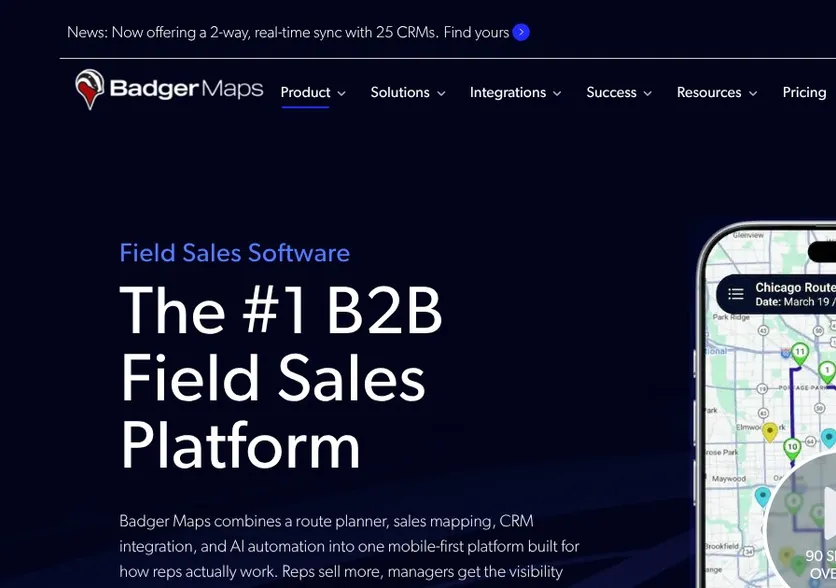
Badger Maps Business costs fifty-eight dollars per user a month on annual billing, and it is the purest route planner in this list for reps who drive between accounts all day. It visualises customers on a map, builds routes in minutes and tracks check-ins, so a rep can cover more accounts with less windshield time. It suits outside sales teams whose main job is covering territory, not managing a CRM.
What we like
- Fast route planning and optimisation
- Visualise accounts and coverage on a map
- Check-ins and visit history per customer
Watch out for
- No full CRM features, only light contact data
- Territory design costs extra as an add-on
How to try it
- Import customer locations and set up territories
- Build a route for the day in a few minutes
- Log check-ins and notes after each visit
2. Zoho CRM
Best for: Small outside sales teams wanting a CRM with maps
Paid tool Starting price: $14/user/month · Fourteen dollars per user a month on the Standard plan billed annually ($20 billed monthly); Professional is $23, Enterprise is $40 and Ultimate is $52 billed annually; free for up to three users
Free plan: Free plan
Zoho CRM Standard costs fourteen dollars per user a month on annual billing, and it is the cheapest way to put customer locations on a map inside a real CRM. Pipeline, contacts, tasks and map views live in one system, so a rep can see where a deal sits and where the customer sits at the same time. It suits small outside sales teams that want a CRM first and mapping as a useful feature.

What we like
- Full CRM with mapping built in
- Free plan for up to three users
- Lowest published price in this list
Watch out for
- Route planning is lighter than a dedicated planner
- Advanced maps sit on higher plans
How to try it
- Import contacts with addresses for map views
- Plan the day by location and pipeline stage
- Log calls and visits against each contact
3. Map My Customers
Best for: Sales managers needing territory and coverage visibility
Paid tool Starting price: $99/user/month · Ninety-nine dollars per user a month on the Industry Leader plan billed annually with a five-user minimum; Enterprise is $139 and Field Intelligence is $199
Free plan: Free demo
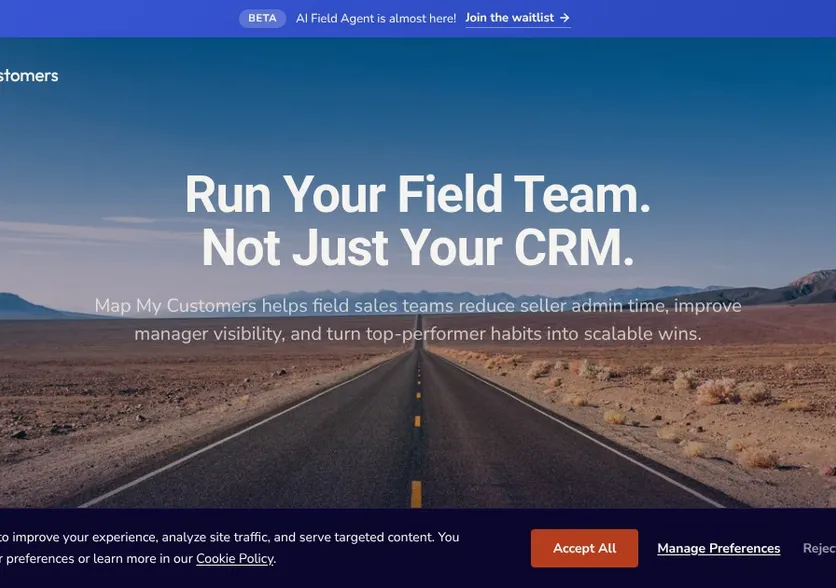
Map My Customers Industry Leader starts at ninety-nine dollars per user a month, and it maps accounts visually so managers can see coverage gaps at a glance. Territory tools, pipeline views and activity tracking help sales leaders coach reps on where they actually spend their time. It suits managers who run a field team and want visibility into every account and every visit.
What we like
- Visual territory and coverage mapping
- Pipeline and activity tracking for managers
- Built for outside sales specifically
Watch out for
- Five-user minimum on the entry plan
- Higher price than the pure route planners
How to try it
- Import accounts and draw your territories
- Assign accounts to reps by territory
- Review visit activity and coverage weekly
4. SalesRabbit
Best for: Door-to-door teams canvassing neighbourhoods
Paid tool Starting price: $49/user/month · Forty-nine dollars per user a month on the Pro plan billed annually ($75 billed monthly); Team is $59 a month billed monthly; Lite is free for one user; Enterprise is quoted
Free plan: Free plan
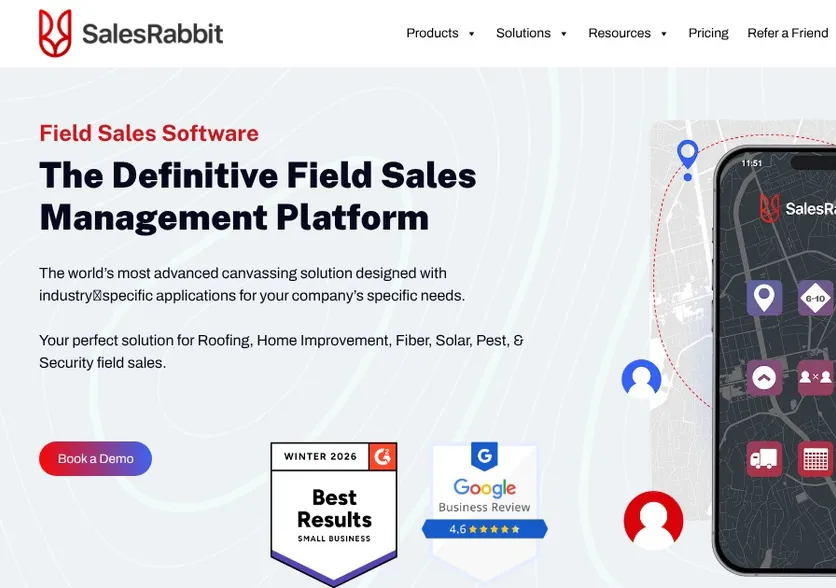
SalesRabbit Pro costs forty-nine dollars per user a month on annual billing, and it is built for door-to-door teams who canvass neighbourhoods rather than offices. Mapping, canvassing and CRM tools come together with contracts and payments, so a rep can knock, pitch and close at the door. It fits solar, pest control, roofing and other door-to-door sales teams that live on the map.
What we like
- Mapping and canvassing in one app
- Contracts and payments at the door
- Free Lite plan for one user
Watch out for
- Monthly billing costs more than annual
- Enterprise features need a quote
How to try it
- Draw canvass areas on the map
- Track doors, pitches and closes live
- Follow up from the CRM after each visit
5. CallProof
Best for: Field teams wanting a visit-focused CRM
Paid tool Starting price: $30/user/month · Thirty dollars per user a month on the Lite plan billed annually; Plus is $40 and Voice is $90 billed annually; a free trial is offered
Free plan: Free demo
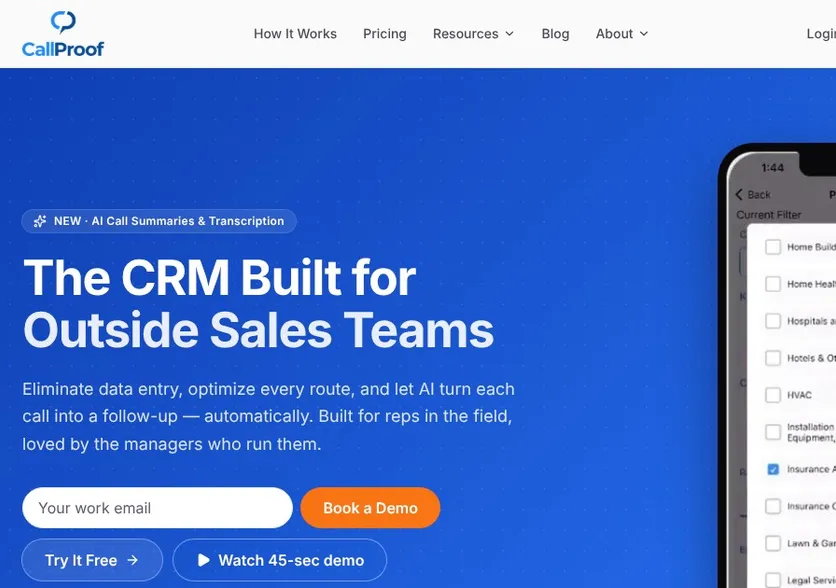
CallProof Lite costs thirty dollars per user a month on annual billing, and it is a field sales CRM with mapping built in rather than bolted on. Reps plan routes, log visits and record calls from one mobile app, and managers see activity in real time. It suits field teams that want a CRM shaped around visits and calls rather than a generic sales pipeline.
What we like
- CRM with mapping built in
- Call and visit logging in one app
- Real-time activity for managers
Watch out for
- Smaller ecosystem than the big CRMs
- Voice features need the top plan
How to try it
- Import contacts and set up territories
- Plan routes and log visits from the app
- Review call and visit activity daily
6. Geo2
Best for: Small teams needing routes and tracking cheaply
Paid tool Starting price: $15.99/user/month · Fifteen dollars and ninety-nine cents per user a month on the Advanced plan for up to ten users; Enterprise is $49.99 per user a month
Free plan: Free demo
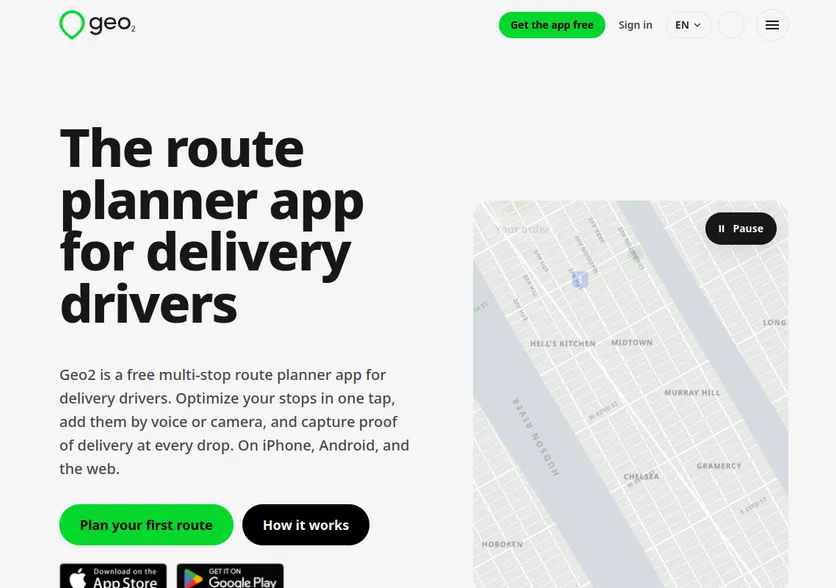
Geo2 Advanced costs fifteen dollars and ninety-nine cents per user a month, and it is a small route-planning tool that covers planning, live driver positions and proof of delivery. It suits delivery and service teams as well as outside sales, with scheduling and tracking in one simple interface. It is the cheapest published price here for a team that mainly needs routes and tracking.
What we like
- Lowest published price in this list
- Live driver positions and proof of delivery
- Simple interface with little setup
Watch out for
- Limited CRM features beyond locations
- Advanced plan caps at ten users
How to try it
- Import stops and build the daily route
- Share live positions with the office
- Collect proof of delivery at each stop
7. Salesforce Maps
Best for: Enterprise teams already running Salesforce CRM
Paid tool Starting price: $75/user/month · Seventy-five dollars per user a month as reported by third-party pricing trackers; Salesforce does not publish a Maps price and a Salesforce CRM licence is required on top
Free plan: Free trial
Salesforce Maps is reported at seventy-five dollars per user a month, and it only makes sense for teams already paying for Salesforce CRM. It adds territory management, routing and live location to Salesforce records, so reps work inside the CRM they already use. It is the priciest option here per user once the CRM licence is added, so it fits enterprise Salesforce shops, not small teams.
What we like
- Territory management inside Salesforce
- Routing and live location on CRM records
- Enterprise-grade reporting and controls
Watch out for
- Price is third-party reported, not published
- Needs a Salesforce CRM licence on top
How to try it
- Connect Maps to your Salesforce org
- Build territories from CRM records
- Plan routes and review rep locations daily
Prices above were checked on each vendor’s own website on Nov 28, 2026 and can change — the vendor’s page is the final word. Vendor links are editorial: nobody paid to be listed or ranked here. Vendors who want a featured listing can see how it works on our Get listed page.
How to set up mapping software so reps actually use it
Start with clean location data, because a map built on bad addresses wastes every route it plans. Import customer addresses, check a sample against the map, and fix the bad ones before you hand the app to the team. Let reps plan one real day with the tool during the trial and measure the time saved against the old way, since that single test beats any feature list. Give managers a weekly coverage view so gaps become visible before the quarter ends. Finally, keep the tool on the rep's phone, not only on a desktop, because a map that cannot travel is a map nobody checks.
Before you buy
- Ask whether route planning is included or sold as a paid add-on
- Check how the tool handles territories, coverage gaps and reassignment
- Confirm mobile access works offline where coverage is patchy
- Test the import with your real customer addresses before you buy
- Ask how visit and call activity flows back to your CRM
Official websites
Official websites of the products reviewed above. Features and prices were checked against these sites when this guide was written, and they can change, so confirm on the vendor site before you buy.
Frequently asked questions
What is the best mapping software for outside sales?
Badger Maps leads this list because its Business plan costs fifty-eight dollars per user a month and is built purely for route planning. Zoho CRM is the best value pick at fourteen dollars per user a month for teams that want a CRM with maps, while SalesRabbit suits door-to-door teams. The right choice depends on whether you need routing, CRM features or both.
How much does mapping software for outside sales cost?
Published prices in this list run from fifteen dollars and ninety-nine cents per user a month at Geo2 to ninety-nine dollars per user a month at Map My Customers. Badger Maps costs fifty-eight dollars and CallProof thirty dollars per user a month on annual billing. Add-on costs for territory design and mobile access can lift the real bill, so ask about them.
Do I need a CRM or a route planner?
A route planner like Badger Maps suits reps who mainly drive between accounts, while a CRM like Zoho CRM suits teams that need pipeline and contact management with maps. Some tools, including CallProof and SalesRabbit, combine both. Choose based on where your team loses the most time each day.
Can mapping software work offline?
Some field apps offer offline maps and visit logging, but coverage varies by vendor. Ask the vendor directly whether routes, addresses and check-ins work without signal, and test it on a real day before you commit. This matters most for rural territories and buildings with poor reception.
What should I test during a free trial?
Plan a full day of visits with your real customer list and compare the route against your current method. Check import quality, check-in speed and how activity flows to managers. Then confirm pricing for your user count and whether territory tools cost extra before you sign.
Compare the seven tools above, then trial the route planner that matches how your reps actually spend their day before you pay.
Browse Business Tools tools