On this page
Remote teams cannot rely on hallway knowledge about which accounts are active, so account intelligence has to do the noticing for them. The seven tools below surface buying signals, reveal who is visiting your site, and enrich accounts with verified contact data, all from a shared workspace. Apollo.io leads the list because its Basic plan costs forty-nine dollars per seat a month and combines a contact database with sequences and a dialer, and the other six are ranked on the same test.
How we researched this
We checked every price on the vendor pricing page or in an in-app price disclosure on November 28, 2026, and only included tools with a published US dollar list price. ZoomInfo, Clearbit, Bombora, RollWorks, Terminus, Intentsify, Cognism, Demandbase and 6sense sell by quote, while Leadfeeder and Albacross publish euro prices only, so they are not in this list. Prices change, so confirm the current figure on the vendor site before you buy.
Compare the tools
| Name | Best for | Starting price | Free plan | |
|---|---|---|---|---|
 Apollo.io | Remote teams wanting one place to find and contact accounts | $49/user/month | Free plan | Visit |
 Lusha | Remote teams finding accounts on LinkedIn | $37.45/user/month | Free plan | Visit |
 Snitcher | Remote teams wanting a shared view of site visitors | $49/month | 14-day free trial | Visit |
| RB2B | Remote teams selling in the United States | $79/month | Free plan | Visit |
| LeadIQ | Remote teams prospecting heavily on LinkedIn | $36/user/month | Free plan | Visit |
| Seamless.AI | Remote teams that pay for data accuracy over volume | $147/user/month | Free plan | Visit |
 Clay | Remote teams building enrichment workflows | $185/month | Free plan | Visit |
The account intelligence software for remote teams, compared
1. Apollo.io
Best for: Remote teams wanting one place to find and contact accounts
Paid tool Starting price: $49/user/month · Forty-nine dollars per seat a month on the Basic plan billed annually; Professional is $79 and Organization is $119 with a three-seat minimum; monthly billing costs more; free plan included
Free plan: Free plan
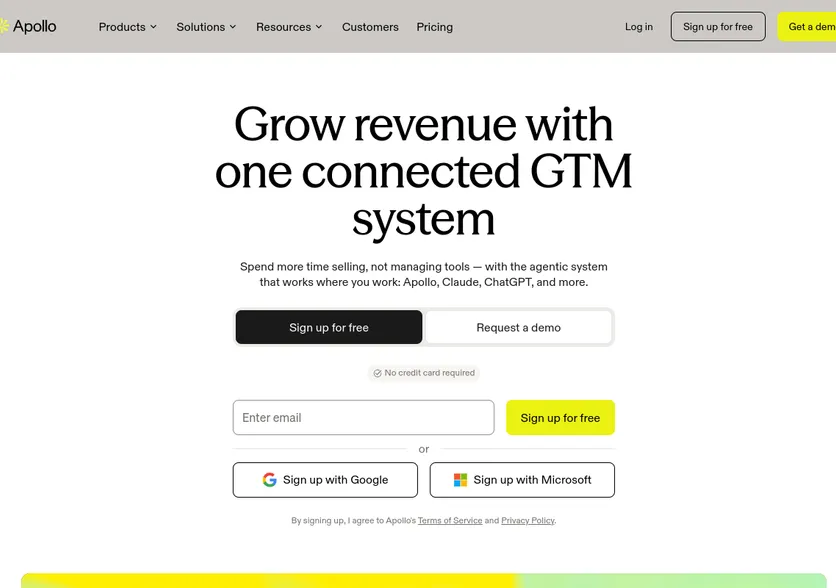
Apollo.io Basic costs forty-nine dollars per seat a month on annual billing, and it is the only tool here that combines a contact database with sequences and a dialer. A remote rep can find an account, enrich the contacts, and start an outreach sequence without switching tools. It fits distributed teams that want one place for finding, enriching and contacting accounts.
What we like
- Contact database, sequences and dialer in one tool
- Free plan with 100 email credits a month
- Easy contact enrichment from the browser
Watch out for
- Data quality varies by industry and region
- Advanced features push you to higher plans
How to try it
- Search the database for accounts by size and industry
- Enrich contacts and save them to a list
- Start a sequence and track replies
2. Lusha
Best for: Remote teams finding accounts on LinkedIn
Paid tool Starting price: $37.45/user/month · Thirty-seven dollars and forty-five cents a month on the Starter plan billed annually ($49.90 billed monthly); Pro is $52.45 and Premium is $299.95; Lusha's published figures vary by page and credit slider, so confirm the seat and credit mix on the pricing page
Free plan: Free plan
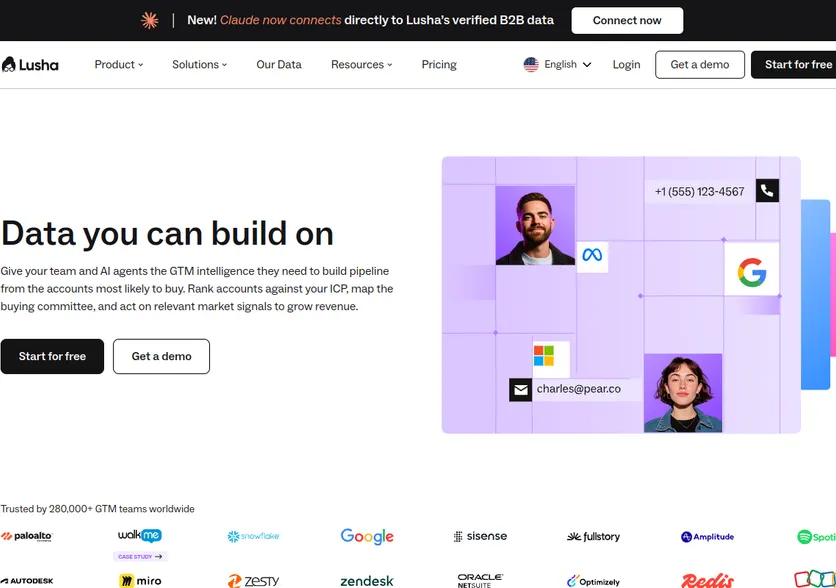
Lusha Starter costs thirty-seven dollars and forty-five cents a month on annual billing, and it reveals verified emails and phone numbers from LinkedIn and the web. The browser extension puts contact data on the profile a rep is already looking at, which keeps research inside the workflow instead of in a separate tab. It suits remote teams that find accounts on LinkedIn and need reliable contact details fast.
What we like
- Verified emails and phone numbers in one click
- Browser extension works on LinkedIn profiles
- Free plan with a small monthly credit allowance
Watch out for
- Published prices vary by page and credit slider
- Premium pricing jumps sharply for full access
How to try it
- Install the browser extension and connect your CRM
- Reveal contacts while browsing LinkedIn profiles
- Export verified contacts to your sequences
3. Snitcher
Best for: Remote teams wanting a shared view of site visitors
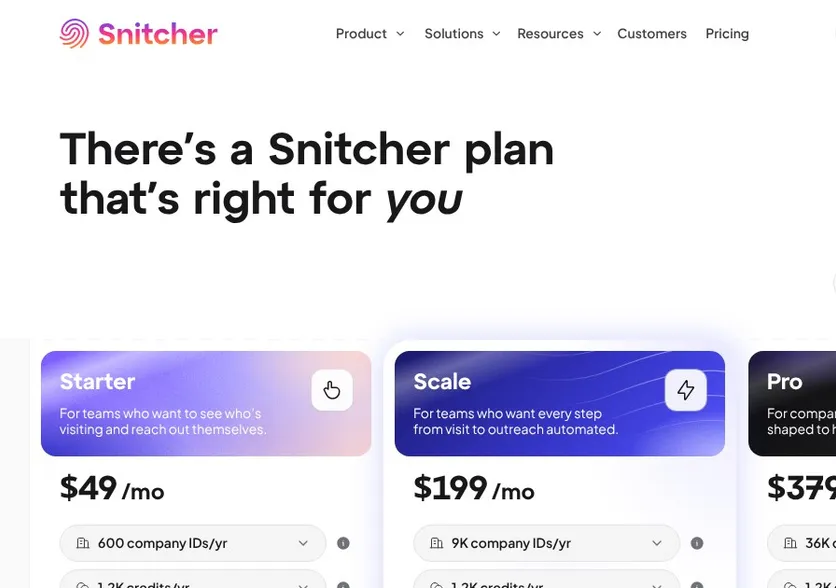
Paid tool Starting price: $49/month · Forty-nine dollars a month billed annually ($79 billed monthly) for up to 50 identified companies; the price rises in bands with volume; unlimited seats on every plan
Free plan: 14-day free trial
Snitcher starts at forty-nine dollars a month on annual billing, and it names the companies visiting your website, then pushes the best fits to your CRM. A remote team gets a shared list of accounts showing interest, with no seat fees, so everyone can watch the same signals. It fits distributed teams that want a simple shared view of who is already looking at them.
What we like
- Unlimited seats on every plan
- Company identification with CRM sync
- Simple setup with a single tracking script
Watch out for
- Company-level data only, no named people
- Price rises in bands as volume grows
How to try it
- Install the tracking script on your website
- Set filters for the accounts you care about
- Sync matched companies to your CRM
4. RB2B
Best for: Remote teams selling in the United States
Paid tool Starting price: $79/month · Seventy-nine dollars a month for person-level identification; company-level identification is free; built for United States traffic
Free plan: Free plan
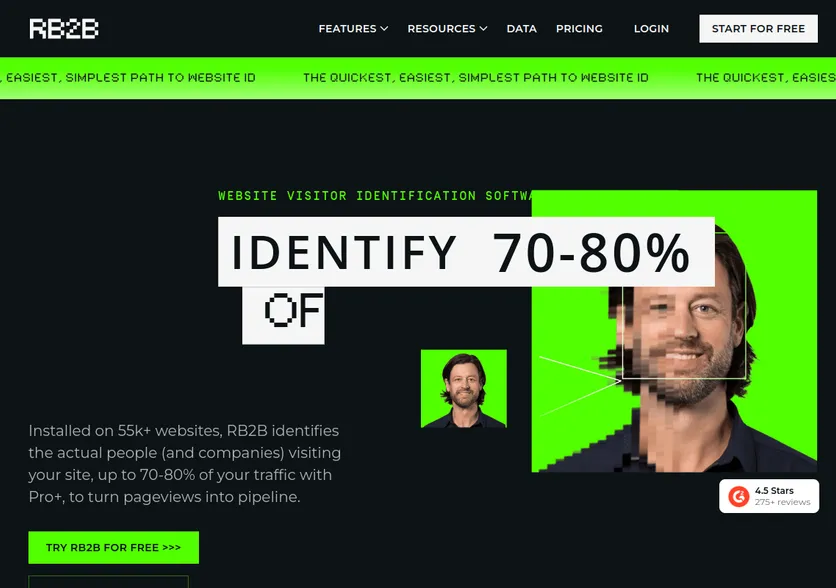
RB2B charges seventy-nine dollars a month for person-level identification, and it matches anonymous website visitors to named people for United States traffic. That is the sharpest signal in this list, since it names the person behind the visit instead of only the company. It fits remote teams selling in the United States who want to act on hot traffic the same day.
What we like
- Person-level identification, not just company
- Free company-level identification tier
- Real-time alerts when a person visits
Watch out for
- Built for United States traffic only
- Match rates vary by visitor data quality
How to try it
- Install the tracking script on your website
- Turn on person-level identification alerts
- Route hot visitors to sales the same day
5. LeadIQ
Best for: Remote teams prospecting heavily on LinkedIn
Paid tool Starting price: $36/user/month · Thirty-six dollars per user a month on the Essential plan billed annually ($45 billed monthly); Pro is $79; some guides list Essential at $39, so confirm on the pricing page
Free plan: Free plan
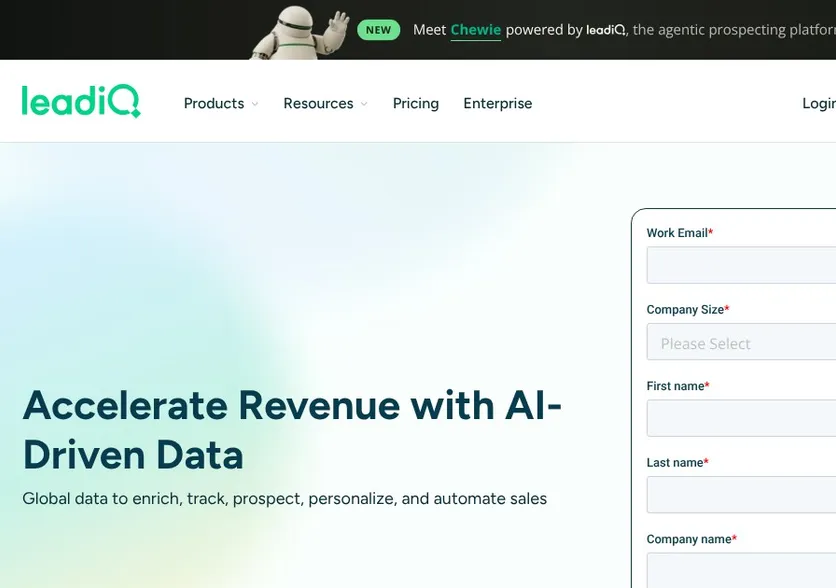
LeadIQ Essential costs thirty-six dollars per user a month on annual billing, and it captures contact data from LinkedIn with one click and syncs it to your CRM. A rep can build a list while browsing, verify emails in the flow, and push clean contacts into sequences without a spreadsheet. It suits remote teams that prospect heavily on LinkedIn and want that data in the CRM the same day.
What we like
- One-click capture from LinkedIn profiles
- Email verification inside the workflow
- Direct sync to CRM and sales tools
Watch out for
- Published prices differ across sources
- Advanced features need the Pro plan
How to try it
- Install the extension and connect your CRM
- Capture contacts while browsing LinkedIn
- Verify and push contacts to your sequences
6. Seamless.AI
Best for: Remote teams that pay for data accuracy over volume
Paid tool Starting price: $147/user/month · One hundred and forty-seven dollars per user a month on the Basic plan as shown inside the app; higher tiers are quoted in-app and the price is not published on a public pricing page
Free plan: Free plan
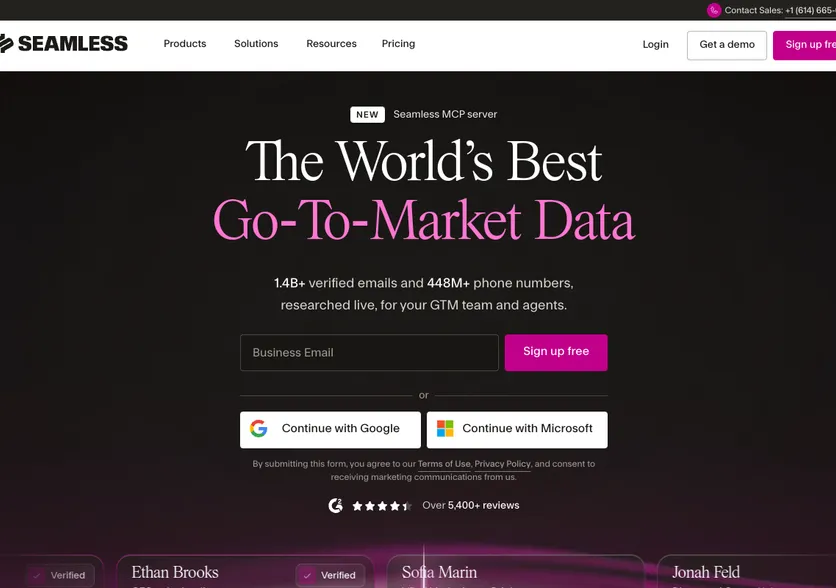
Seamless.AI Basic is listed at one hundred and forty-seven dollars per user a month inside the app, and it searches contacts in real time rather than from a stale list. The search engine verifies emails and phone numbers as it runs, which suits teams that burn budget on bad data. It is the priciest tool here per user, so it pays only when data accuracy is worth more than volume.
What we like
- Real-time contact search with verification
- AI-powered list building and enrichment
- Deep search across company and contact data
Watch out for
- Price is shown in-app, not on a public page
- Higher tiers are quoted, not published
How to try it
- Search for contacts by title, company and location
- Verify emails and phones before saving
- Push verified contacts to your CRM
7. Clay
Best for: Remote teams building enrichment workflows
Paid tool Starting price: $185/month · One hundred and eighty-five dollars a month on the Launch plan with 2,500 data credits; Growth is $495 a month; the old $149 Starter plan was replaced in March 2026
Free plan: Free plan
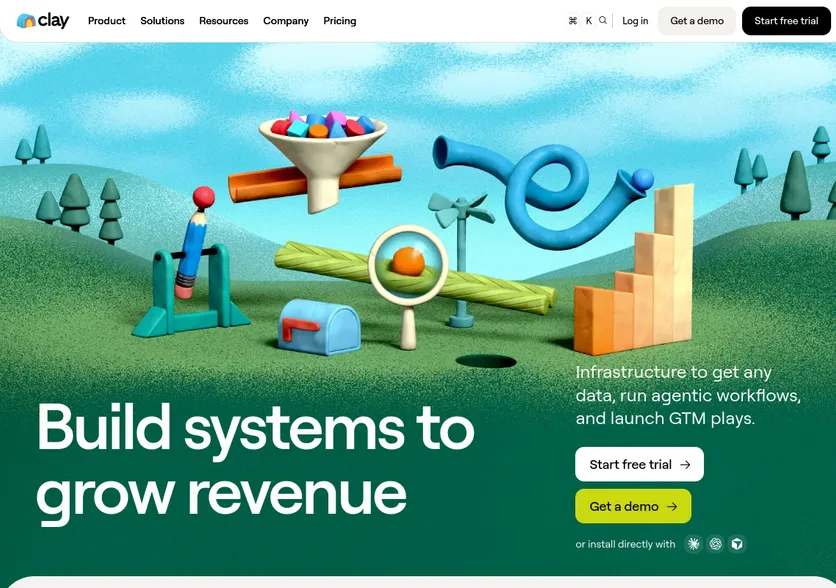
Clay Launch starts at one hundred and eighty-five dollars a month, and it chains more than fifty data providers into waterfall enrichment workflows. A remote team can build one workflow that enriches an account through several sources, scores it and pushes the result to the CRM automatically. It fits teams that treat enrichment as a system to design, not a search box to query.
What we like
- Waterfall enrichment across fifty-plus providers
- AI agents that research and write per account
- Deep automation for lists and scoring
Watch out for
- Steep learning curve for new users
- Credits burn fast on large lists
How to try it
- Connect your data providers and CRM
- Build a waterfall enrichment workflow
- Score accounts and sync results automatically
Prices above were checked on each vendor’s own website on Nov 28, 2026 and can change — the vendor’s page is the final word. Vendor links are editorial: nobody paid to be listed or ranked here. Vendors who want a featured listing can see how it works on our Get listed page.
How remote teams share account signals without stepping on each other
Start with one shared signal, not seven. Pick the single signal your team will act on first, such as companies visiting the pricing page, and agree who owns the follow-up before you add more tools. Put the signal in the CRM or a shared channel, because a signal only the marketing team sees is a signal sales will miss. Review the list together each week and prune the accounts that never respond, since a bloated target list hides the accounts that are actually warm. Finally, keep enrichment credits in one place and check burn monthly, because five reps enriching the same accounts will empty any plan fast.
Before you buy
- Confirm whether the price is per user, per month or by credit volume
- Ask what the tool does for international accounts, not only United States traffic
- Check how visitor signals flow into your CRM and who gets notified
- Test data accuracy on a sample of your real accounts before you buy
- Ask how the tool handles privacy rules and opt-out requests
Official websites
Official websites of the products reviewed above. Features and prices were checked against these sites when this guide was written, and they can change, so confirm on the vendor site before you buy.
Frequently asked questions
What is account intelligence software?
Account intelligence software gathers buying signals and contact data about target accounts so sales and marketing can act on the right companies at the right time. It includes visitor identification, contact enrichment and intent signals, and it usually syncs the result to a CRM. Remote teams use it to replace the office knowledge they lose when everyone works apart.
How much does account intelligence software cost?
Published prices in this list run from thirty-six dollars per user a month at LeadIQ to one hundred and eighty-five dollars a month at Clay. Apollo Basic costs forty-nine dollars per seat and Snitcher forty-nine dollars a month for up to fifty companies. Some tools charge by credit volume, so test with a real list before you commit.
Do I need visitor identification or contact data?
Visitor identification shows which accounts are already interested in your site, while contact data lets you reach the right people at those accounts. Most teams need both, so pair a tool like Snitcher with a data tool like Apollo or Lusha. Start with the signal that matches your biggest gap.
Is there a free account intelligence tool?
Yes. Apollo, Lusha, LeadIQ, Seamless.AI and Clay all offer free plans with limited credits, and RB2B offers free company-level identification. Free plans suit small teams testing data quality, but growing teams usually need a paid plan for the volume they actually use.
What should remote teams watch out for?
Watch for credit burn, since five reps enriching the same accounts can empty a plan in days. Confirm data coverage for your target countries, because several tools focus on United States traffic. Finally, agree who owns each signal, or the same account will get five different messages in one week.
Compare the seven tools above, then trial the account intelligence tool that matches your team's biggest signal gap before you pay.
Browse Marketing & Ads Calculators tools