On this page
A photographer’s business runs on bookings, and most of them are won or lost in the hours after an inquiry arrives. The tools below turn that first message into a signed contract, a paid deposit, and a delivered gallery without the photographer chasing paperwork by hand. HoneyBook leads the list because it handles inquiries, contracts, invoices, and payments in one place for thirty dollars a month, and it feels built for photographers rather than adapted from a generic CRM. The other six tools are ranked on the same test: how much of the booking workflow they automate for the price.
How we researched this
We checked every price on the vendor pricing page on November 28, 2026, and only included tools with a published US dollar list price. Sprout Studio has no published software price, so it is not in this list, and Tave was acquired by VSCO and rebranded as VSCO Workspace, with its price disclosed with that context. Prices change, so confirm the current figure on the vendor site before you buy.
Compare the tools
| Name | Best for | Starting price | Free plan | |
|---|---|---|---|---|
 HoneyBook | Photographers who want booking, contracts and payments in one place | $30/month | No free plan, free trial | Visit |
 Dubsado | Photographers who want deep control over studio workflows | $20/month | Free plan limited to 3 clients | Visit |
 Studio Ninja | Photographers who want the cheapest full studio manager | $16/month | No free plan, 7-day free trial | Visit |
| Tave | Photographers who want a long-standing studio manager | $24.99/month | No free plan, 14-day free trial | Visit |
| 17hats | Small studios that want leads, bookings and bookkeeping together | $50/month | No free plan, free trial | Visit |
 Pixieset | Photographers who want galleries, print sales and follow-ups cheaply | $8/month | Free plan with 3 GB storage | Visit |
 ShootProof | Photographers who want proofing, print sales and follow-ups for less | $8.33/month | Free plan up to 100 photos | Visit |
The marketing automation software for photographers, compared
1. HoneyBook
Best for: Photographers who want booking, contracts and payments in one place
Paid tool Starting price: $30/month · Thirty dollars per month on the Starter plan billed annually under the November 2026 fall offer; the standard annual rate was twenty-nine dollars earlier in the year
Free plan: No free plan, free trial
The HoneyBook Starter plan costs thirty dollars a month billed annually, and it is built for photographers who sell sessions, not just send emails: it handles inquiries, contracts, invoices, and payments alongside email follow-ups. A photographer can reply to an inquiry with a brochure, send a contract for e-signature, and collect a deposit without leaving the platform. The fall offer price is thirty dollars, while the standard annual rate was twenty-nine dollars earlier in the year, so confirm which rate applies before buying.

What we like
- Inquiries, contracts, invoices and payments in one place
- Polished client experience built for photographers
- Automated follow-ups chase deposits and reviews
Watch out for
- Fall offer price may differ from the standard annual rate
- Workflow control is lighter than Dubsado
How to try it
- Set up an inquiry form that sends a brochure automatically
- Build a contract and deposit invoice that go out together
- Turn on payment reminders and a review request after delivery
2. Dubsado
Best for: Photographers who want deep control over studio workflows
Paid tool Starting price: $20/month · Twenty dollars per month on the Starter plan, or two hundred dollars per year billed annually
Free plan: Free plan limited to 3 clients
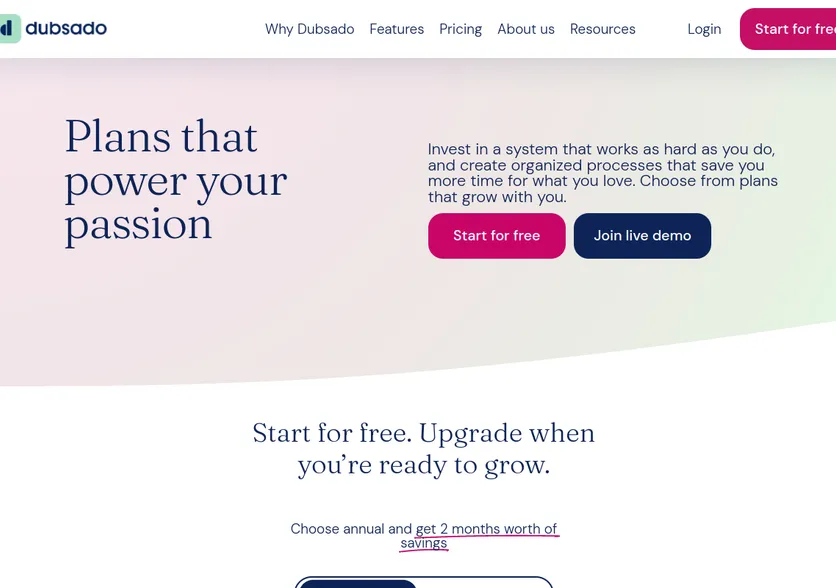
For twenty dollars a month, Dubsado gives a photographer the workflows that keep a busy studio organized: branded proposals, contracts, questionnaires, invoices, and automated emails that go out at the right moment. A shoot can move from inquiry to booking to gallery delivery with each step triggering the next email or form. The free tier covers only three clients, so a working photographer will need the paid plan, and the interface takes a weekend to learn properly.
What we like
- Deep workflow control with branded forms and questionnaires
- Automates each stage from inquiry to delivery
- Workflow templates speed up setup for common session types
Watch out for
- Free tier covers only three clients
- Interface takes a weekend to learn properly
How to try it
- Build a workflow from inquiry to booking to gallery delivery
- Create branded proposals, contracts and questionnaires
- Set up automated emails for each stage of the shoot
3. Studio Ninja
Best for: Photographers who want the cheapest full studio manager
Paid tool Starting price: $16/month · Sixteen dollars per month on the Starter plan, or one hundred sixty dollars per year billed annually
Free plan: No free plan, 7-day free trial
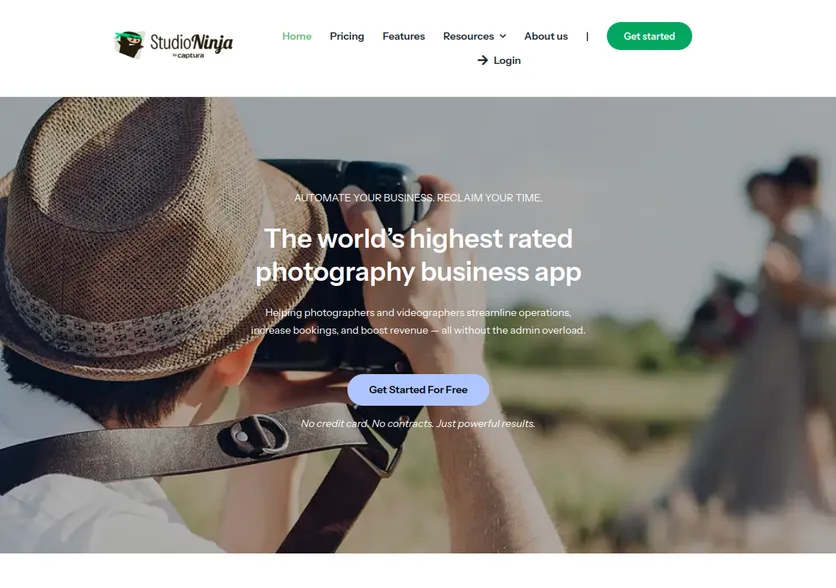
The Studio Ninja Starter plan costs sixteen dollars a month, and it is the cheapest full studio manager on this list, covering leads, bookings, invoices, contracts, and automated reminders. A photographer can set up a workflow that sends a pre-shoot questionnaire, a payment reminder, and a gallery delivery email without touching each one by hand. The Starter plan caps at five active jobs and one user, so a growing studio will outgrow it and need the Pro plan.
What we like
- Cheapest full studio manager on this list
- Leads, bookings, invoices and contracts in one place
- Automated reminders keep shoots on schedule
Watch out for
- Starter caps at five active jobs and one user
- Smaller feature set than the pricier studio tools
How to try it
- Set up a booking workflow with questionnaire and payment reminders
- Connect invoices and contracts to each shoot
- Turn on automated reminders for upcoming sessions
4. Tave
Best for: Photographers who want a long-standing studio manager
Paid tool Starting price: $24.99/month · Twenty-four dollars and ninety-nine cents per month on the Solo plan; the annual-billed rate is twenty-two dollars and forty-nine cents per month
Free plan: No free plan, 14-day free trial
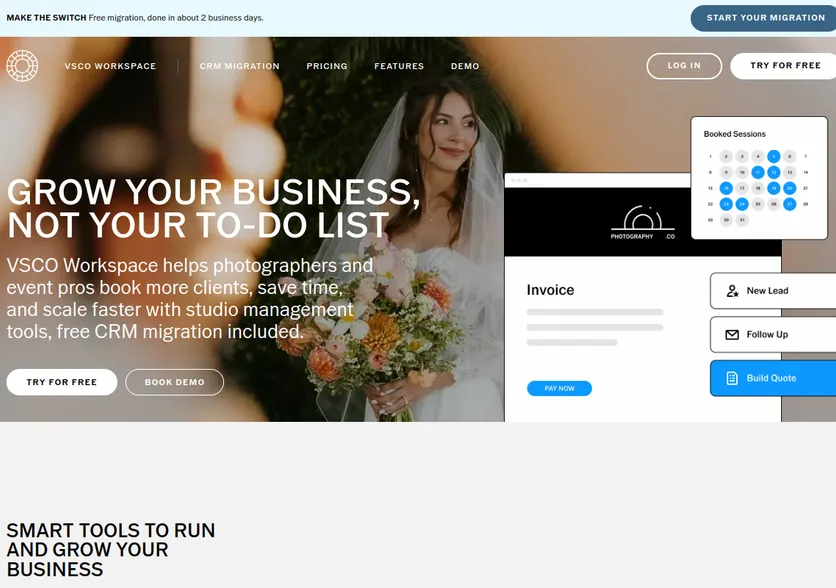
At twenty-four dollars and ninety-nine cents a month, Tave is a long-standing studio manager that now lives inside VSCO Workspace, with leads, quotes, contracts, invoices, and questionnaires in one place. A photographer can build a booking workflow that sends the contract and the deposit invoice the moment a client says yes. The catch is that full Workspace CRM is sold only inside VSCO One at forty-one dollars and sixty-seven cents a month billed annually, so the standalone price may not buy the full feature set.
What we like
- Long-standing studio manager with deep booking workflows
- Leads, quotes, contracts and invoices in one place
- Questionnaires built for photography sessions
Watch out for
- Full Workspace CRM may require the VSCO One bundle
- Rebrand means the pricing picture is still settling
How to try it
- Set up a booking workflow from quote to contract to deposit
- Build questionnaires for each session type
- Connect invoices so payments and reminders run together
5. 17hats
Best for: Small studios that want leads, bookings and bookkeeping together
Paid tool Starting price: $50/month · Fifty dollars per month billed annually, or sixty dollars per month billed monthly
Free plan: No free plan, free trial
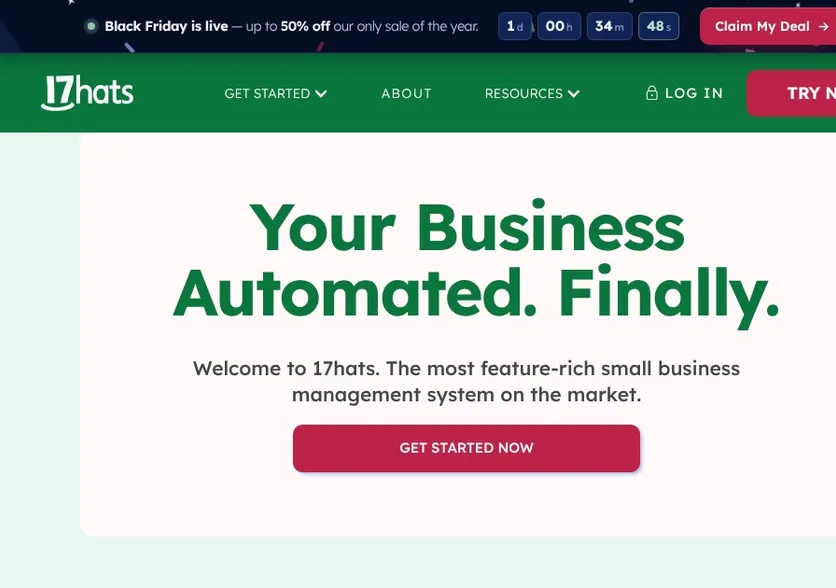
The 17hats plan costs fifty dollars a month billed annually, and it covers the whole small-studio workflow: leads, quotes, contracts, invoices, scheduling, and bookkeeping in one dashboard. A photographer can automate the client journey from first inquiry to final gallery delivery and keep the books in the same place. The price is higher than the other studio tools here, and the learning curve is real, but a photographer who uses every feature gets their money's worth.
What we like
- Leads, bookings, contracts and bookkeeping in one place
- Automates the full client journey
- Good fit for a photographer who uses every feature
Watch out for
- Highest price among the studio tools here
- Learning curve is real for new users
How to try it
- Set up the client journey from inquiry to gallery delivery
- Connect quotes, contracts and invoices to each booking
- Turn on bookkeeping so income and expenses stay organized
6. Pixieset
Best for: Photographers who want galleries, print sales and follow-ups cheaply
Paid tool Starting price: $8/month · Eight dollars per month on the Client Gallery Basic plan billed annually; the monthly-billed rate is ten dollars
Free plan: Free plan with 3 GB storage
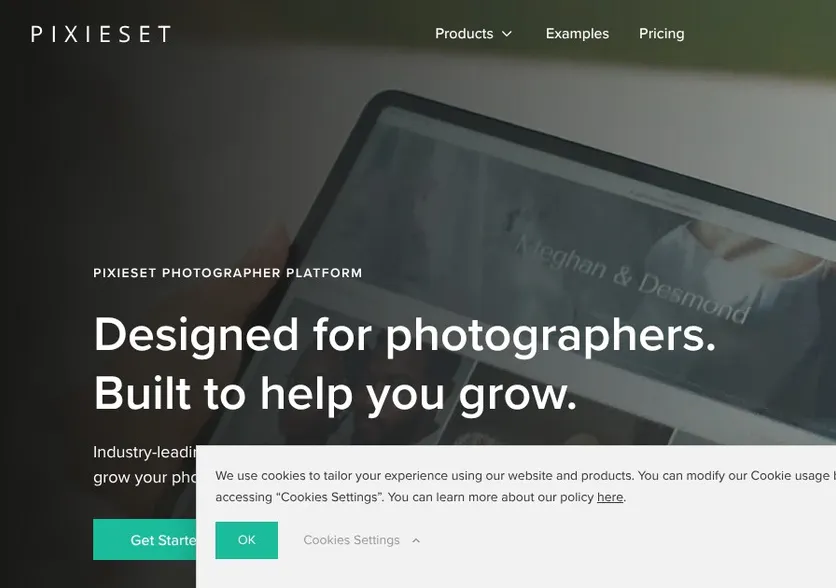
The Pixieset Client Gallery Basic plan costs eight dollars a month billed annually, and it is the cheapest way for a photographer to deliver galleries, sell prints, and send automated follow-ups from the same platform. A client can view their photos, order prints, and get a reminder to buy before the gallery expires, all without the photographer lifting a finger. The free plan includes three gigabytes of storage, which is enough to test the platform before paying.
What we like
- Cheapest paid plan for galleries and print sales
- Gallery expiry reminders drive print orders
- Free plan includes three gigabytes of storage
Watch out for
- Not a full studio manager, so contracts need another tool
- Print pricing and lab options vary by region
How to try it
- Upload a gallery and set the print store prices
- Turn on the expiry reminder so clients order before the gallery closes
- Send a follow-up email after delivery asking for a review
7. ShootProof
Best for: Photographers who want proofing, print sales and follow-ups for less
Paid tool Starting price: $8.33/month · Eight dollars and thirty-three cents per month on the Starter plan billed annually at ninety-nine dollars and ninety-nine cents per year
Free plan: Free plan up to 100 photos
At eight dollars and thirty-three cents a month billed annually, ShootProof is the cheapest paid plan on this list, and it pairs gallery delivery with online proofing, print sales, and email follow-ups. A photographer can send a gallery, let clients mark their favorites, and nudge them to order before the gallery closes. The Starter plan includes twenty gigabytes of storage, and the free plan covers one hundred photos, so a new photographer can start without spending anything.
What we like
- Cheapest paid plan on this list
- Online proofing lets clients mark favorites
- Free plan covers one hundred photos
Watch out for
- Online booking is a paid add-on
- Studio management features are lighter than HoneyBook
How to try it
- Upload a gallery and turn on client proofing
- Set print prices and the gallery expiry date
- Send a reminder email before the gallery closes
Prices above were checked on each vendor’s own website on Nov 28, 2026 and can change — the vendor’s page is the final word. Vendor links are editorial: nobody paid to be listed or ranked here. Vendors who want a featured listing can see how it works on our Get listed page.
How a photographer should set up marketing automation
Start with the inquiry, not the Instagram post. The highest-value automation for a photographer is the reply that goes out within minutes of an inquiry, with a brochure, a booking link, and a clear next step. Next, automate the contract and the deposit, because a booked date that is not paid for is a date that can be lost. Then set up the gallery workflow: a delivery email, a reminder to order prints before the gallery expires, and a review request a week later. Tag clients by session type, so a wedding client never gets a message about mini sessions. Finally, send a yearly anniversary email to past clients, because a family that booked once is the easiest booking you will ever win.
Before you buy
- Confirm the tool sends contracts and deposit invoices, not just emails
- Check whether gallery delivery and print sales are included or need another app
- Make sure inquiry replies go out within minutes, even after hours
- Ask if the price covers your active job count, not just the client count
- Test the client experience from inquiry to gallery, because a clunky portal loses bookings
Official websites
Official websites of the products reviewed above. Features and prices were checked against these sites when this guide was written, and they can change, so confirm on the vendor site before you buy.
Frequently asked questions
What is the best marketing automation software for photographers?
HoneyBook is the best overall choice for most photographers because it handles inquiries, contracts, invoices, and payments in one place for thirty dollars a month billed annually. A photographer on a tight budget can start with Pixieset at eight dollars a month for galleries and print sales, or Dubsado at twenty dollars a month for workflows. The right pick depends on whether the studio needs booking and payments first or gallery delivery first.
How much does marketing automation cost for a photographer?
The tools in this list start at eight dollars a month for Pixieset Client Gallery Basic and eight dollars and thirty-three cents a month for ShootProof Starter. A full studio manager costs sixteen dollars a month for Studio Ninja, twenty dollars for Dubsado, or fifty dollars a month for 17hats. Most photographers can run their whole booking workflow for under thirty dollars a month.
Do photographers need a CRM or just a gallery tool?
A gallery tool delivers photos, but a studio manager tracks the business: who inquired, who signed, who paid, and who is due a follow-up. A photographer who only delivers galleries still has to chase contracts and deposits by hand, which is where bookings are lost. The tools in this list combine both jobs, so the gallery and the paperwork live in the same system.
Can marketing automation win more bookings for a photographer?
Yes, and the fastest win is the instant inquiry reply. A photographer who answers within minutes books far more sessions than one who replies the next day, and automation makes that reply instant even at midnight. A short sequence that sends the brochure, then a follow-up two days later, recovers inquiries that would otherwise go to another photographer.
Is HoneyBook or Dubsado better for a photography studio?
HoneyBook is better for a photographer who wants booking, contracts, and payments in a polished client experience, with less setup. Dubsado is better for a photographer who wants deep control over workflows, questionnaires, and branded forms, and is willing to spend a weekend learning it. HoneyBook costs thirty dollars a month while Dubsado costs twenty dollars a month, so Dubsado is the cheaper of the two.
Compare the seven tools above, then start with the free plan or trial on the one that matches how your studio already books clients before you pay for a full year.
Browse Marketing & Ads Calculators tools