On this page
A clinic runs on phones and tablets, from check-in to charting in the exam room, and a lost device can expose patient data. The eight tools below keep the whole fleet under control from one console, with enrollment, app management and remote wipe for the devices a practice actually uses. Microsoft Intune leads the list because it manages every platform inside the Microsoft 365 it already runs, for eight dollars a user a month, and the other seven tools are ranked on the same practical test: how much of the fleet they cover for the price.
How we researched this
We checked every price on the vendor pricing page on November 28, 2026, and only included tools with a published US dollar list price. Jamf Pro, SOTI MobiControl, Ivanti Neurons for MDM, Kandji and Omnissa Workspace ONE publish no prices for their device plans, so they are not in this list, and Meraki Systems Manager is excluded because Cisco announced its end of life in December 2025, with new licences ending June 3, 2026 and support ending June 3, 2029, so it should not be recommended for a new deployment. Prices change, so confirm the current figure on the vendor site before you buy.
Compare the tools
| Name | Best for | Starting price | Free plan | |
|---|---|---|---|---|
| Microsoft Intune | Healthcare teams already on Microsoft 365 that want device management included | $8/user/month | 30-day free trial | Visit |
 Hexnode UEM | Healthcare teams that want a polished console with a free trial | $2.20/device/month | 14-day free trial | Visit |
 Miradore | Healthcare teams that want a simple per-device price with a free tier | $2.75/device/month | Free plan | Visit |
 Scalefusion | Healthcare teams that want the most flexible device management at a low price | $2/device/month | 14-day free trial | Visit |
| ManageEngine Mobile Device Manager Plus | Healthcare teams that want the cheapest entry price with a free tier | $1.28/device/month | Free plan | Visit |
 Mosyle Business | Apple-only healthcare teams that want the lowest price per device | $1/device/month | Free plan | Visit |
 NinjaOne | Healthcare teams that want device management alongside endpoint monitoring | $3.75/device/month | 14-day free trial | Visit |
| AirDroid Business | Healthcare teams that want the lowest Android device price with kiosk mode | $1/device/month | 14-day free trial | Visit |
The mobile device management software for healthcare, compared
1. Microsoft Intune
Best for: Healthcare teams already on Microsoft 365 that want device management included
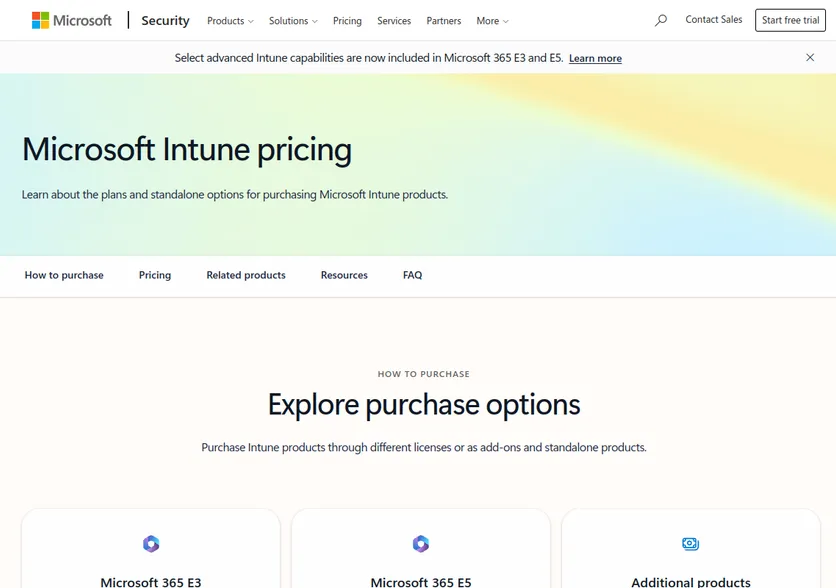
Paid tool Starting price: $8/user/month · Eight dollars per user per month for Plan 1; Plan 2 and the Intune Suite are higher tiers with additional features, with a 30-day free trial
Free plan: 30-day free trial
For a clinic that already runs on Microsoft 365, this Microsoft Intune plan costs eight dollars a user a month. It manages Windows, macOS, iOS and Android devices with app deployment, security policies and conditional access, all from the Microsoft admin centre. The price is the Plan 1 rate, which suits a practice that wants device management alongside its Microsoft licences without a separate console.
What we like
- Built into Microsoft 365, so no separate console to learn
- Covers Windows, macOS, iOS and Android devices
- Conditional access that blocks unmanaged devices
Watch out for
- The price is per user, not per device, so a clinician with two devices costs more
- Setup is heavier than on the standalone MDM tools
How to try it
- Enroll devices through Microsoft Entra ID
- Set compliance policies and push the clinical apps
- Use conditional access to block unmanaged devices
2. Hexnode UEM
Best for: Healthcare teams that want a polished console with a free trial
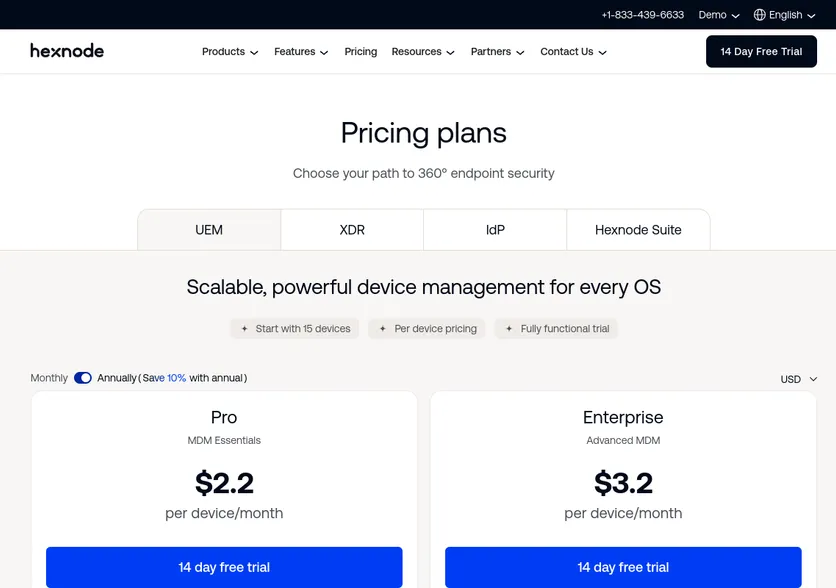
Paid tool Starting price: $2.20/device/month · Two dollars twenty cents per device per month billed annually on the Pro plan, or $2.40 month to month; Enterprise is $3.20 and Ultimate is $4.70 per device per month, with Ultra quoted by sales, a 15-device minimum and a 14-day free trial
Free plan: 14-day free trial
For a clinic that wants a polished console and a clear price per device, this Hexnode UEM plan costs two dollars twenty cents a device a month billed annually. It manages Android, iOS, Windows, macOS and tvOS with remote control, kiosk mode and app management, which suits a practice with shared tablets at the front desk and in exam rooms. The price is the annual rate for the Pro plan.
What we like
- A polished console that is easy to learn
- Covers Android, iOS, Windows, macOS and tvOS
- Remote control and kiosk mode on the Pro plan
Watch out for
- A fifteen-device minimum applies on the paid plans
- The top tier is quoted by sales, not listed publicly
How to try it
- Enroll devices with zero-touch or QR code setup
- Set up kiosk mode for shared tablets in exam rooms
- Monitor the fleet and push updates from the console
3. Miradore
Best for: Healthcare teams that want a simple per-device price with a free tier
Paid tool Starting price: $2.75/device/month · Two dollars seventy-five cents per device per month billed annually on the Premium plan, or $3.30 month to month; Premium Plus is $3.95 billed annually or $4.75 monthly, with a free plan for up to 50 devices and a 14-day free trial; Miradore is now part of GoTo
Free plan: Free plan
For a clinic that wants a simple per-device price, this Miradore plan costs two dollars seventy-five cents a device a month billed annually. It manages Android, iOS, Windows and macOS with app management, security policies and remote actions, which suits a practice with a mix of staff phones and shared tablets. The price is the annual rate for the Premium plan, with a free tier for up to fifty devices underneath.
What we like
- A free plan for up to fifty devices
- A simple per-device price with no hidden extras
- Covers Android, iOS, Windows and macOS
Watch out for
- The free plan caps at fifty devices
- Minimum payment terms apply below fifteen devices
How to try it
- Enroll devices with the free plan for up to fifty devices
- Set up security policies and push the clinical apps
- Upgrade to Premium when the fleet grows past fifty devices
4. Scalefusion
Best for: Healthcare teams that want the most flexible device management at a low price
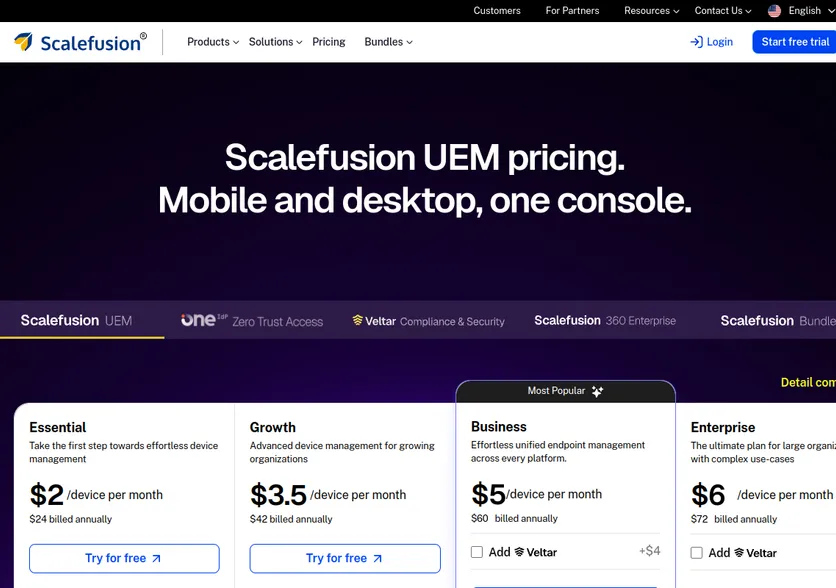
Paid tool Starting price: $2/device/month · Two dollars per device per month billed annually on the Essential plan, with a 10-device minimum; Growth is $3.50, Business is $5 and Enterprise is $6 per device per month, with a 14-day free trial and a 360 Suite at $12.42 per device per month
Free plan: 14-day free trial
For a practice that manages a mixed fleet of phones and tablets, this Scalefusion plan costs two dollars a device a month billed annually. It covers Android, iOS, Windows and macOS with remote control, kiosk mode and app management in one console, which suits a clinic with shared devices at the front desk and in exam rooms. The price is the annual rate for the Essential plan.
What we like
- One console for Android, iOS, Windows and macOS
- Kiosk mode and remote control included
- A low entry price for a full device platform
Watch out for
- A ten-device minimum applies even for the smallest fleets
- The 360 Suite costs far more than the entry plan
How to try it
- Enroll devices with a QR code or zero-touch setup
- Lock shared tablets into kiosk mode for patient use
- Push apps and updates to the whole fleet at once
5. ManageEngine Mobile Device Manager Plus
Best for: Healthcare teams that want the cheapest entry price with a free tier
Paid tool Starting price: $1.28/device/month · One dollar twenty-eight cents per device per month on the cloud Standard plan, from $645 per year for 50 devices, or about $1.08 per device per month billed annually; Professional cloud is $2.38 per device per month, on-prem Standard is $9.90 per device per year, with a free plan for up to 25 devices and extra technicians from $445 per year
Free plan: Free plan
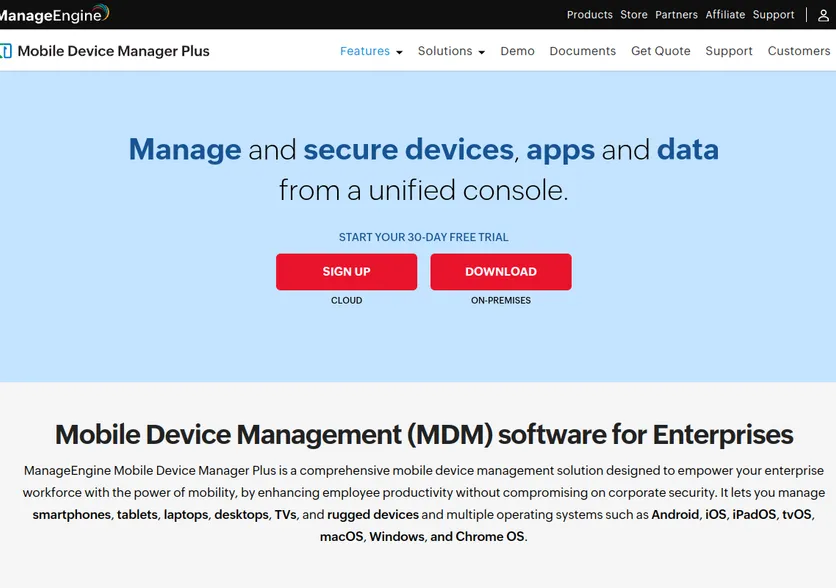
For a practice that wants the lowest entry price, this ManageEngine Mobile Device Manager Plus plan costs one dollar twenty-eight cents a device a month on the cloud Standard plan. It manages Android, iOS, Windows and ChromeOS with app management, security policies and remote troubleshooting, which suits a clinic with a small fleet and a tight budget. The price is the annual rate for the smallest paid band of fifty devices, with a free plan for up to twenty-five devices underneath.
What we like
- The cheapest entry price in this list
- A free plan for up to twenty-five devices
- Covers Android, iOS, Windows and ChromeOS
Watch out for
- The smallest paid cloud band is fifty devices
- The interface is busier than on the simpler MDM tools
How to try it
- Enroll devices with the free plan for up to twenty-five devices
- Set up security policies and push the clinical apps
- Upgrade to the paid cloud plan when the fleet grows
6. Mosyle Business
Best for: Apple-only healthcare teams that want the lowest price per device
Paid tool Starting price: $1/device/month · One dollar per device per month billed annually on the Premium plan, with a 30-license minimum; Fuse is $3 per Mac and $1.50 per iOS device per month, with a free plan for up to 30 devices; Apple devices only
Free plan: Free plan
For a clinic that runs only Apple devices, this Mosyle Business plan costs one dollar a device a month billed annually. It manages iPhones, iPads and Macs with app deployment, security policies and remote control, all from a console built for Apple, which suits a practice with iPads in every exam room. The price is the annual rate for the Premium plan, with a free tier for up to thirty devices underneath.
What we like
- The lowest price in this list for Apple devices
- Built for Apple, not adapted from a generic MDM
- A free plan for up to thirty devices
Watch out for
- Apple devices only, so Android and Windows fleets need another tool
- A thirty-license minimum applies on the paid plan
How to try it
- Enroll Apple devices with zero-touch setup
- Push the clinical apps and set security policies
- Lock shared iPads into kiosk mode for patient use
7. NinjaOne
Best for: Healthcare teams that want device management alongside endpoint monitoring
Paid tool Starting price: $3.75/device/month · Three dollars seventy-five cents per device per month for up to 50 endpoints, falling to $1.50 per device per month at 10,000 endpoints; mid-bands are quoted by sales, with a 14-day free trial; mobile device management is a separately priced add-on at roughly $1 to $4 per device per month extra
Free plan: 14-day free trial
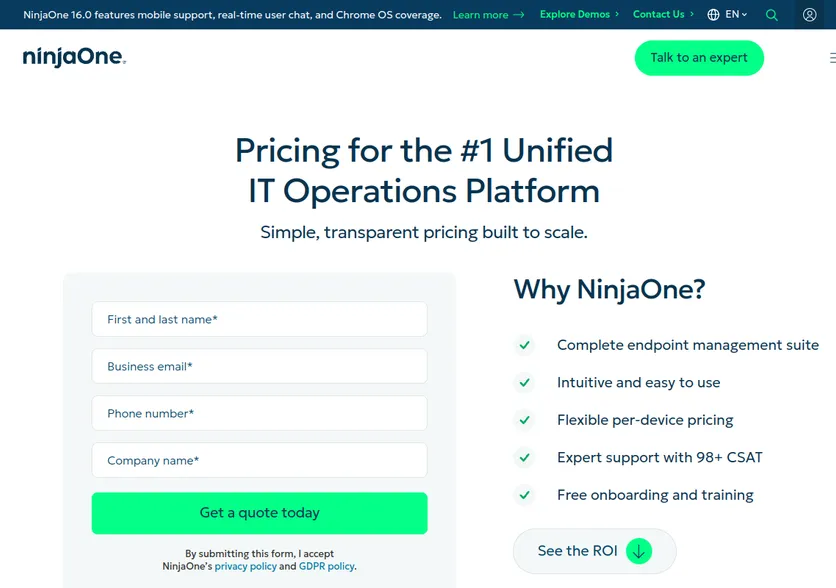
For a practice that wants device management with endpoint monitoring in one place, this NinjaOne plan costs three dollars seventy-five cents a device a month. It covers remote monitoring and management for endpoints, with mobile device management as a separately priced add-on, which suits a clinic that already uses NinjaOne for its computers. The price is the published rate for up to fifty endpoints, with lower per-device rates for larger fleets.
What we like
- Endpoint monitoring and device management in one console
- A published price range that scales with fleet size
- Strong remote troubleshooting for clinical devices
Watch out for
- Mobile device management costs extra on top of the base price
- The mid-band rates are quoted, not published
How to try it
- Enroll endpoints and set up monitoring alerts
- Add the mobile device management add-on for phones
- Push apps and policies to the whole fleet from one console
8. AirDroid Business
Best for: Healthcare teams that want the lowest Android device price with kiosk mode
Paid tool Starting price: $1/device/month · One dollar per device per month on the Basic plan, or $12 per device per year; Standard is $1.75 and Enterprise is $2.75 per device per month, with annual billing, a 10-device minimum and a 14-day free trial; Android-only for remote access, with Windows also listed on Enterprise
Free plan: 14-day free trial
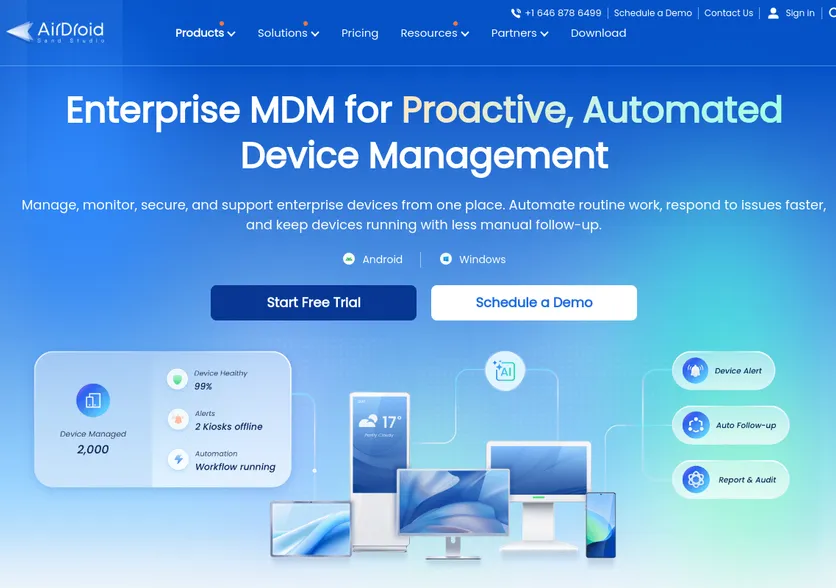
For a clinic that runs Android tablets in exam rooms, this AirDroid Business plan costs one dollar a device a month. It covers remote control, kiosk mode, app management and geofencing for Android devices, with Windows support on the Enterprise tier, which suits a practice that wants shared tablets locked to the check-in app. The price is the annual rate for the Basic plan.
What we like
- The lowest Android device price in this list
- Remote control and kiosk mode on the Basic plan
- Geofencing and location tracking for shared devices
Watch out for
- Android-only for remote access, so Apple fleets need another tool
- Kiosk and geofencing add-ons cost extra on some tiers
How to try it
- Enroll Android devices with a QR code
- Lock tablets into kiosk mode for patient check-in
- Use remote control to help staff on site
Prices above were checked on each vendor’s own website on Nov 28, 2026 and can change — the vendor’s page is the final word. Vendor links are editorial: nobody paid to be listed or ranked here. Vendors who want a featured listing can see how it works on our Get listed page.
How to roll out device management for a healthcare team
Start with enrollment, not the policy. A tool that takes an hour to enroll a device will not get used, so test the setup on five devices before you buy. Lock shared tablets into kiosk mode first, because that is the change patients and staff notice most. Push updates overnight, since a device that updates during a visit wastes the clinician's time. Finally, write down the wipe procedure and test it once, because a lost device with patient data is a matter of when, not if.
Before you buy
- Confirm the price covers every device, because most tools charge per device
- Check whether the tool supports the compliance rules your practice must meet
- Ask if remote wipe and lost-device lock are included or need a higher tier
- Make sure the tool manages the platforms your staff actually use
- Test device enrollment, since a tool that is hard to set up will not get used
Official websites
Official websites of the products reviewed above. Features and prices were checked against these sites when this guide was written, and they can change, so confirm on the vendor site before you buy.
Frequently asked questions
What is mobile device management software for healthcare?
Mobile device management software for healthcare keeps the phones and tablets a practice uses under control from one console. It enrolls devices, pushes clinical apps and updates, locks shared tablets into kiosk mode, and wipes a device if one is lost or stolen. The tools in this list differ mainly in price, in which platforms they manage, and in whether remote control and kiosk mode are included on the entry plan.
Which tool is cheapest for a healthcare practice?
Mosyle Business is the cheapest at one dollar a device a month billed annually, but it manages Apple devices only. AirDroid Business is also one dollar a device a month, for Android devices. For a mixed fleet, ManageEngine Mobile Device Manager Plus is the cheapest at one dollar twenty-eight cents a device a month on the cloud Standard plan, with a free plan for up to twenty-five devices.
Can a healthcare practice manage devices for free?
Yes, with ManageEngine Mobile Device Manager Plus, which is free for up to twenty-five devices, Miradore, which is free for up to fifty devices, and Mosyle Business, which is free for up to thirty Apple devices. The free tiers cover enrollment, app management and security policies, which is enough for a small practice to start. When the fleet grows, the paid plans start at one dollar a device a month.
How much does Microsoft Intune cost for healthcare?
Microsoft Intune Plan 1 costs eight dollars a user a month, and it manages Windows, macOS, iOS and Android devices with app deployment, security policies and conditional access. The price is per user rather than per device, so a clinician with a phone and a tablet counts as one user. Higher tiers add remote help and advanced analytics for larger practices.
How do I choose between these device tools?
Pick the tool that matches the devices the practice already owns. If the fleet is Apple only, Mosyle costs one dollar a device a month. If it is Android only, AirDroid costs the same. If the fleet is mixed, Scalefusion and Hexnode cover every platform for about two dollars a device a month. If the practice already uses Microsoft 365, Intune keeps device management inside the same admin centre.
Compare the eight tools above, then start with a free trial on the tool that fits how your healthcare team already works before you pay for a full year.
Browse Security & Privacy tools