On this page
Every laptop, phone and tablet in a company is a door into the network, and an enterprise with hundreds of them cannot secure each one by hand. Autonomous endpoint management enrolls devices, pushes patches, enforces policies and wipes lost hardware on its own, so the IT team sets the rules once and the software does the rest. We compared eight tools on live 2026 prices. Microsoft Intune is our top pick for most enterprises, because it is already included in many Microsoft 365 plans and manages every platform from one console.
How we researched this
We kept only endpoint management tools with a published price on their own website and a real autonomous feature set, such as automated patching and policy enforcement. NinjaOne, Kandji, Tanium and Automox were dropped because none publishes a clear price, and Kandji has also rebranded as Iru, while IBM MaaS360 is included with a note that IBM lists tier ranges rather than one flat rate. Every price below is the vendor list price checked on November 27, 2026, with the annual-billed figure as the headline and the monthly-billed figure in the note.
Compare the tools
| Name | Best for | Starting price | Free plan | |
|---|---|---|---|---|
 Microsoft Intune | Enterprises already on Microsoft 365 | $8/user/month | No free plan; free trial available | Visit |
 Jamf | Apple-only fleets at enterprise scale | $12.50/device/month | No free plan; free trial available | Visit |
 Mosyle | Apple fleets on a tight budget | $1/device/month | Free plan available, up to thirty devices | Visit |
 Hexnode | Multi-platform fleets that want kiosk mode | $2.20/device/month | No free plan; free trial available | Visit |
 Scalefusion | Mixed fleets that need device and app control | $2/device/month | No free plan; free trial available | Visit |
 ManageEngine Endpoint Central | Enterprises that want on-premises control | $795/year | Free edition available, up to twenty-five endpoints | Visit |
 IBM MaaS360 | Enterprises that already buy IBM | $4.24/device/month | No free plan; free trial available | Visit |
 Miradore | Small enterprises that want a free start | $2.75/device/month | Free plan available, up to fifty devices | Visit |
The autonomous endpoint management software, compared
1. Microsoft Intune
Best for: Enterprises already on Microsoft 365
Paid tool Starting price: $8/user/month · Plan 1 as a standalone subscription; the Suite add-on is ten dollars per user per month; Intune is often included in Microsoft 365 plans
Free plan: No free plan; free trial available
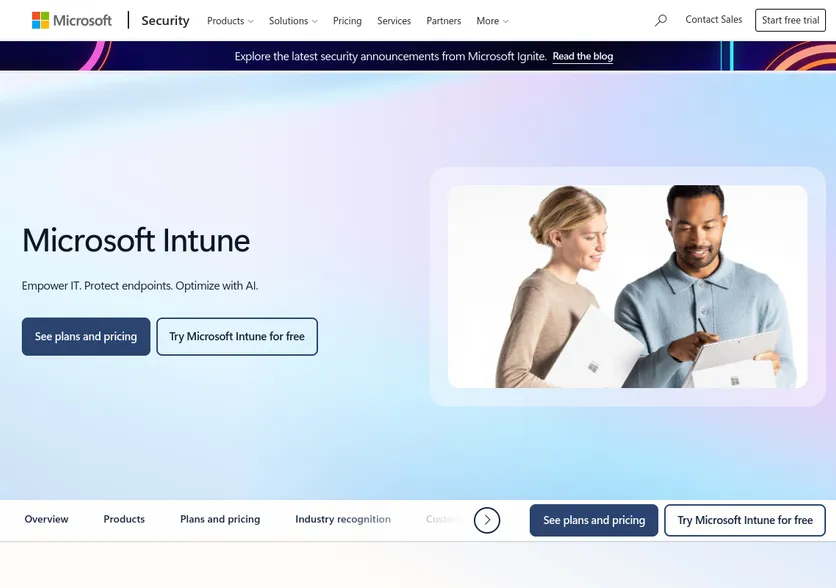
Microsoft Intune is the default choice for an enterprise that already lives in Microsoft 365, and it is often included in the licenses the company already pays for. The Microsoft Intune Plan 1 costs eight dollars per user per month as a standalone subscription, and the Suite add-on costs ten dollars more. It manages Windows, Mac, iOS and Android from one console, and it is the most complete option here for a Microsoft shop.
What we like
- Often included in Microsoft 365 plans
- Manages Windows, Mac, iOS and Android
- Deep integration with Microsoft security tools
Watch out for
- Standalone price adds up for a large workforce
- Suite features cost ten dollars more per user
How to try it
- Enroll your Windows and Mac devices in Intune.
- Set compliance policies that require encryption and a lock screen.
- Push apps and updates to devices from the same console.
2. Jamf
Best for: Apple-only fleets at enterprise scale
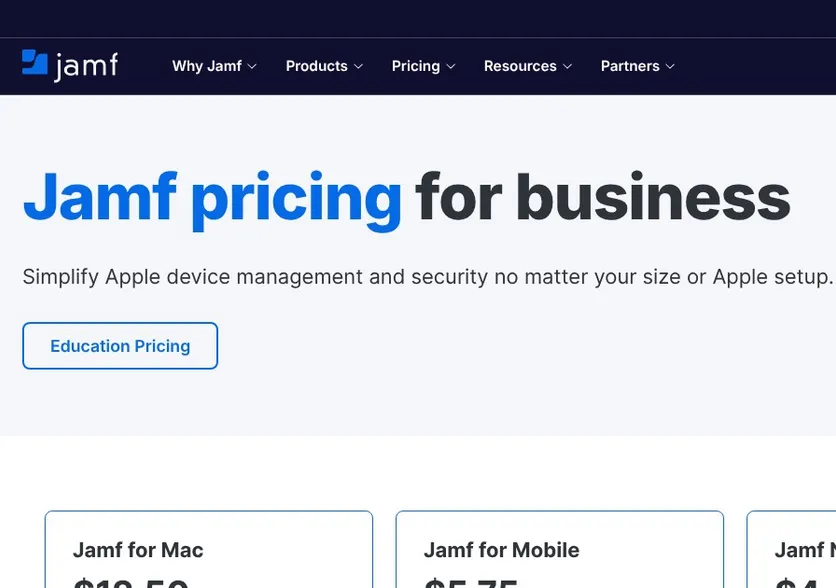
Paid tool Starting price: $12.50/device/month · Jamf for Mac, billed annually; Jamf for Mobile five dollars and seventy-five cents; Jamf Now from four dollars; twenty-five-device minimum
Free plan: No free plan; free trial available
Jamf is the Apple management specialist, and for a fleet of Macs, iPhones and iPads it is still the deepest tool on this list. The Jamf for Mac plan costs twelve dollars and fifty cents per device per month billed annually, and Jamf for Mobile covers phones and tablets for less. The twenty-five-device minimum is the main catch, so it fits an enterprise fleet rather than a small office.
What we like
- Deepest Apple management on this list
- Zero-touch deployment for new devices
- Strong security and compliance features
Watch out for
- Twenty-five-device minimum blocks small teams
- Most expensive per-device price on this list
How to try it
- Enroll your Macs in Jamf for Mac and your phones in Jamf for Mobile.
- Set up zero-touch deployment so new devices configure themselves.
- Push apps and security policies to the whole fleet at once.
3. Mosyle
Best for: Apple fleets on a tight budget
Paid tool Starting price: $1/device/month · Business Premium, billed annually; Fuse three dollars per Mac and one dollar fifty per iPhone or iPad; free for up to thirty devices; thirty-licence minimum
Free plan: Free plan available, up to thirty devices
Mosyle is the budget Apple option, and it is strikingly cheap: Business Premium costs one dollar per device per month billed annually. The Mosyle free plan covers up to thirty devices, so a small office can start without paying anything. The thirty-licence minimum on the paid plans is the catch, but for a fleet of thirty or more Apple devices, Mosyle is the cheapest serious option on this list.
What we like
- One dollar per device on Business Premium
- Free plan for up to thirty devices
- Automated patching built in
Watch out for
- Thirty-licence minimum on paid plans
- Apple-only, no Windows or Android management
How to try it
- Enroll your first thirty devices on the free plan.
- Upgrade to Business Premium when the fleet grows past thirty.
- Set up automated patching so devices update themselves.
4. Hexnode
Best for: Multi-platform fleets that want kiosk mode
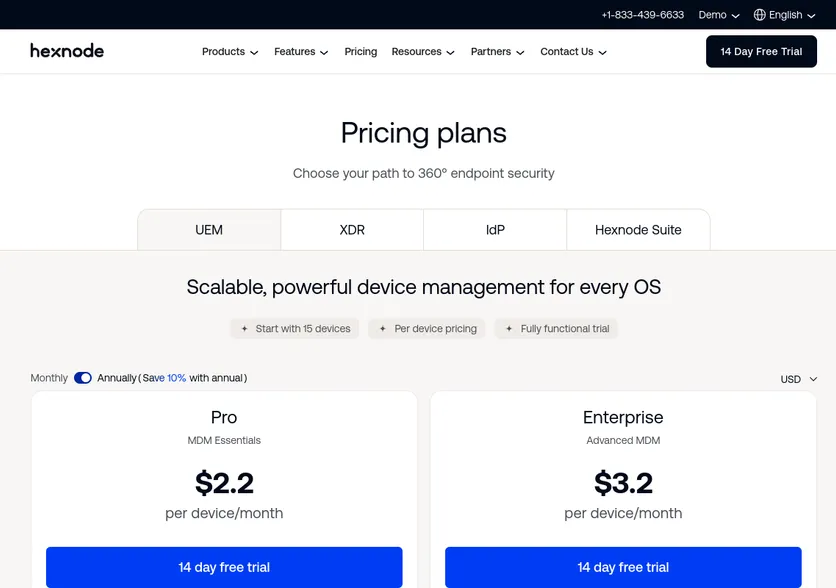
Paid tool Starting price: $2.20/device/month · Pro plan, billed annually; two dollars forty per device per month billed monthly; Enterprise three dollars twenty and Ultimate four dollars seventy; fifteen-device minimum
Free plan: No free plan; free trial available
Hexnode manages Windows, Mac, iOS, Android and more from one console, and it is one of the cheapest multi-platform tools here. The Hexnode Pro plan costs two dollars and twenty cents per device per month billed annually, and the higher tiers add the features a larger enterprise needs. Kiosk mode is a standout: it locks a device to a single app, which suits retail and frontline fleets.
What we like
- Manages every major platform from one console
- Strong kiosk mode for shared devices
- Low per-device price for a multi-platform tool
Watch out for
- Fifteen-device minimum on paid plans
- Some features need the higher tiers
How to try it
- Enroll a mix of Windows, Mac and mobile devices.
- Set up kiosk mode for any shared or public-facing device.
- Push patches and apps to the whole fleet from one console.
5. Scalefusion
Best for: Mixed fleets that need device and app control
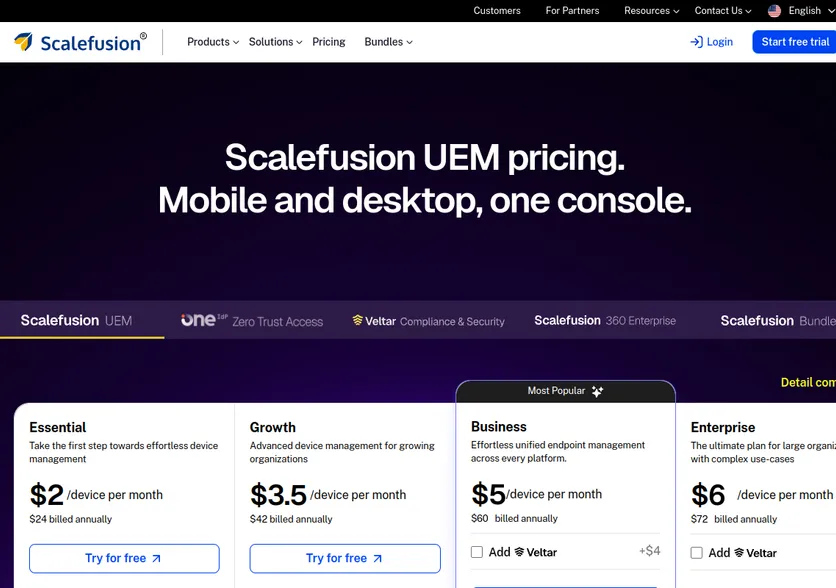
Paid tool Starting price: $2/device/month · Essential plan, billed annually; Growth three dollars fifty, Business five dollars and Enterprise six dollars; ten-device minimum; annual billing only
Free plan: No free plan; free trial available
Scalefusion is another multi-platform option, and it is priced for a fleet that wants control without a big bill. The Scalefusion Essential plan costs two dollars per device per month billed annually, and the higher tiers add the features a larger enterprise needs. It is annual billing only, so there is no monthly option, and the ten-device minimum is the lowest on this list after the free tiers.
What we like
- Two dollars per device on the Essential plan
- Ten-device minimum, the lowest here
- Annual billing keeps the price simple
Watch out for
- Annual billing only, no monthly option
- Smaller brand than Jamf or Intune
How to try it
- Enroll your devices and set up device profiles by team.
- Lock down app installs and push the apps each team needs.
- Use the dashboard to spot devices that miss patches.
6. ManageEngine Endpoint Central
Best for: Enterprises that want on-premises control
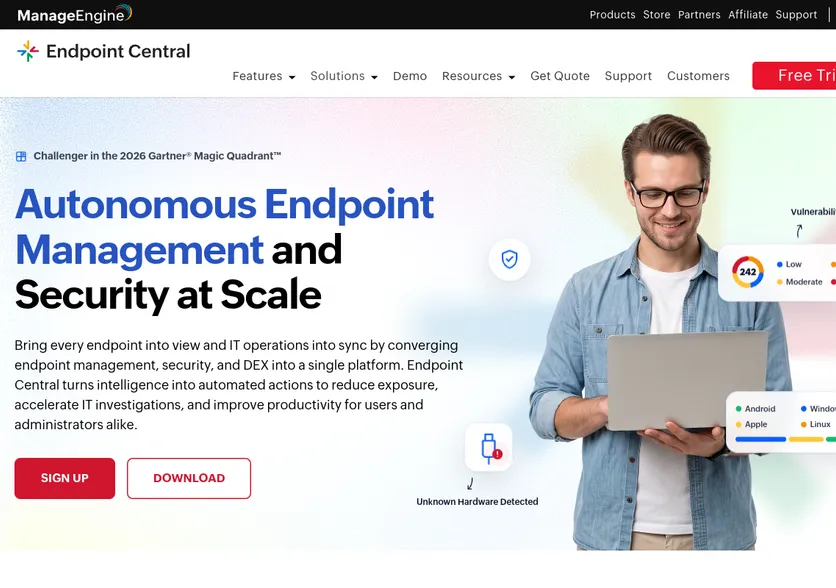
Paid tool Starting price: $795/year · Professional edition for fifty endpoints, on-premises, annual subscription; that works out to about one dollar thirty-two per endpoint per month; the cloud Professional edition lists at one thousand forty-five dollars per year; free edition for up to twenty-five endpoints
Free plan: Free edition available, up to twenty-five endpoints
ManageEngine Endpoint Central is the on-premises option on this list, and it is the pick for an enterprise that wants its management server inside its own network. The ManageEngine Endpoint Central Professional edition costs seven hundred ninety-five dollars a year for fifty endpoints, which works out to about one dollar and thirty-two cents per endpoint per month. The cloud edition costs more, and the free edition covers up to twenty-five endpoints.
What we like
- On-premises option for strict enterprises
- Low per-endpoint price at fifty endpoints
- Free edition for up to twenty-five endpoints
Watch out for
- On-premises setup needs IT staff to run it
- Cloud edition costs more than on-premises
How to try it
- Install Endpoint Central on your own server or use the cloud edition.
- Enroll fifty endpoints on the Professional plan.
- Set up patch management and push updates on a schedule.
7. IBM MaaS360
Best for: Enterprises that already buy IBM
Paid tool Starting price: $4.24/device/month · Essentials edition; Fast Start from one dollar fifty; Deluxe about six dollars sixty-three and Enterprise about nine dollars fifty-four per device per month in reported tier ranges; confirm the quote, as IBM lists ranges rather than a single flat rate
Free plan: No free plan; free trial available
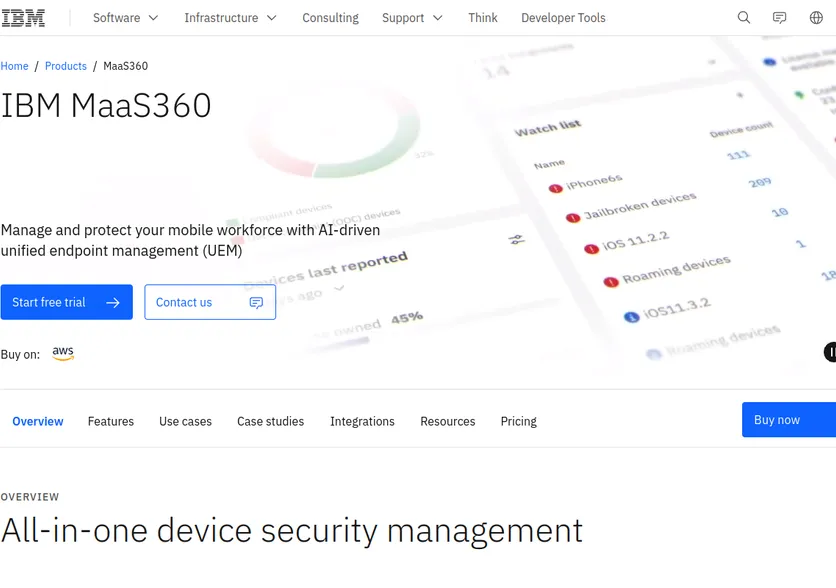
IBM MaaS360 is the endpoint tool for an enterprise that already buys IBM, and it covers mobile devices, desktops and laptops from one console. The IBM MaaS360 Essentials edition lists at about four dollars and twenty-four cents per device per month, with higher editions priced by tier. IBM lists ranges rather than a single flat rate, so confirm the quote before you buy, but the Essentials figure is a fair headline for comparison.
What we like
- One console for mobile and desktop devices
- Strong fit for existing IBM customers
- AI-driven insights on device risk
Watch out for
- IBM lists tier ranges, not one flat rate
- Higher editions cost much more per device
How to try it
- Enroll your devices in MaaS360 Essentials.
- Set compliance policies for encryption and lock screens.
- Push apps and security updates to the fleet.
8. Miradore
Best for: Small enterprises that want a free start
Paid tool Starting price: $2.75/device/month · Premium plan, billed annually; three dollars thirty per device per month billed monthly; Premium Plus three dollars ninety-five billed annually or four dollars seventy-five billed monthly; free for up to fifty devices
Free plan: Free plan available, up to fifty devices
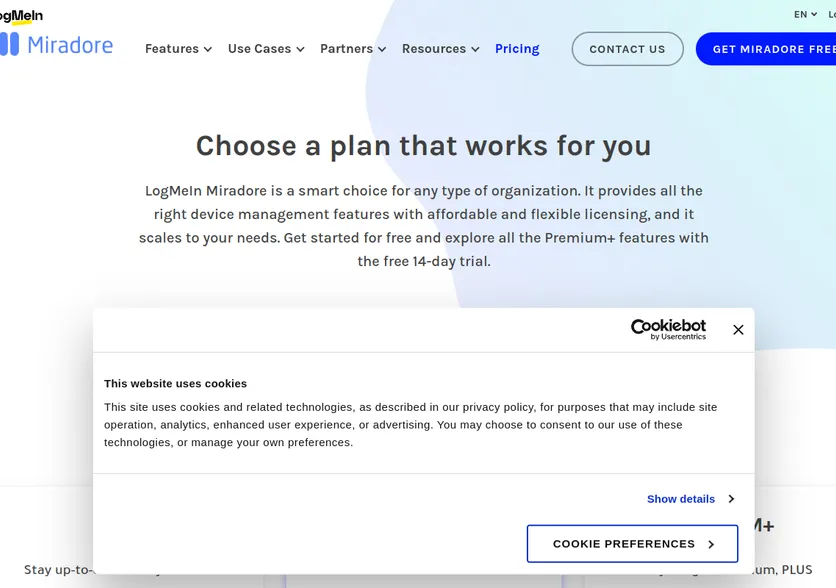
Miradore is the friendly option on this list: a clean interface, a free plan for up to fifty devices, and a Premium plan that costs two dollars and seventy-five cents per device per month billed annually. The Miradore Premium plan adds the automation and reporting a growing fleet needs, and the Premium Plus plan adds more still. It is the best pick for a small enterprise that wants to start free and grow into a paid plan.
What we like
- Free plan for up to fifty devices
- Clean interface that small teams learn fast
- Low Premium price for a growing fleet
Watch out for
- Premium Plus costs more for advanced features
- Smaller brand than Intune or Jamf
How to try it
- Enroll your first fifty devices on the free plan.
- Upgrade to Premium when you need automation and reporting.
- Set up patch schedules so devices update without manual work.
Prices above were checked on each vendor’s own website on Nov 27, 2026 and can change — the vendor’s page is the final word. Vendor links are editorial: nobody paid to be listed or ranked here. Vendors who want a featured listing can see how it works on our Get listed page.
How to buy endpoint management without paying for devices you do not have
The first number to check is the device minimum. Jamf needs twenty-five devices, Mosyle needs thirty licences on paid plans, Hexnode needs fifteen and Scalefusion needs ten. A small office with twelve devices would pay for empty seats on most of these, so count your fleet before you compare the per-device price. The free tiers are generous here: Miradore covers fifty devices and Mosyle covers thirty, so a small team may never need to pay at all.
The second number is per device versus per user. Intune charges eight dollars per user, while everyone else charges per device, and the two models scale differently. A user with a laptop and a phone costs eight dollars on Intune but two device fees elsewhere, so Intune wins for multi-device users and loses for shared devices. And check the platform mix: an Apple-only tool is a bad buy for a mixed fleet, no matter how cheap the per-device price looks.
Before you buy
- Count your devices by platform, because Apple-only tools charge differently from multi-platform ones.
- Check the device minimum, because a twenty-five-device minimum is a problem for a small office.
- Confirm the plan includes patch management and not just inventory and remote lock.
- Ask whether the price is per device or per user, since the two models scale very differently.
- Test enrollment on a real device before you commit, because a painful setup never gets finished.
Official websites
Official websites of the products reviewed above. Features and prices were checked against these sites when this guide was written, and they can change, so confirm on the vendor site before you buy.
Frequently asked questions
What is autonomous endpoint management software?
Autonomous endpoint management software keeps every device in a company secure and up to date without an IT person touching each one. It enrolls devices, pushes apps and patches, enforces security policies and locks or wipes a lost device. The autonomous part is the automation: patches, compliance checks and remediation happen on a schedule instead of waiting for a human.
Should we pick an Apple-only tool or a multi-platform tool?
If your fleet is mostly Apple, Jamf or Mosyle will do a better job than a generalist tool. If your fleet is mostly Windows, Intune is the natural pick. If the fleet is mixed, Hexnode, Scalefusion or Miradore manage every platform from one console. Count your devices by platform first, then shortlist the tools that cover your mix.
How much should an enterprise pay per device?
Per-device pricing is the norm here, and the range is wide: Mosyle is one dollar per device, while Jamf is twelve dollars and fifty cents. Intune is different because it charges per user at eight dollars. For a fleet of a hundred devices, the difference between one dollar and twelve dollars is more than a thousand dollars a month, so the per-device price is the number to compare.
Why are NinjaOne, Kandji, Tanium and Automox not on this list?
NinjaOne, Kandji, Tanium and Automox were all dropped because none of them publishes a clear price for endpoint management. Kandji has also rebranded as Iru, which makes its pricing harder to trace. If your team needs one of them, ask for a quote and compare the per-device cost against Mosyle at one dollar or Hexnode at two dollars and twenty cents.
Can we start endpoint management for free?
Yes, and it is the cheapest way to test a tool. Mosyle is free for up to thirty devices and Miradore is free for up to fifty, while ManageEngine Endpoint Central has a free edition for twenty-five endpoints. Use the free tier on real devices, not test devices, and judge the tool on whether enrollment and patching actually work without manual help.
Start with Microsoft Intune if your enterprise already runs Microsoft 365, or compare the per-device pricing above before you pick an endpoint tool.
Browse Security & Privacy tools