On this page
A church office holds more than files. It holds member records, donation history, sermon notes, photos and years of work that cannot be recreated if a computer fails. Backup software copies all of it to a safe place automatically, so a stolen laptop or a ransomware attack becomes an inconvenience instead of a disaster. We compared eight backup tools on live 2026 prices. Backblaze is our top pick for most churches, because it offers unlimited storage for one flat price per computer.
How we researched this
We kept only backup tools with a published price on their own website and a real fit for a small church office. Veeam was dropped because its paid plans are quote-only and its free Community Edition covers only ten workloads, while IDrive and Carbonite are listed at their list or renewal prices rather than their first-year discounts, because the renewal price is what a church will pay year after year. Every price below is the vendor list price checked on November 27, 2026, with the annual figure as the headline.
Compare the tools
| Name | Best for | Starting price | Free plan | |
|---|---|---|---|---|
 Backblaze | Churches that want unlimited backup for one price | $99/year | No free plan; free trial available | Visit |
 IDrive | Churches with several computers and phones | $99.50/year | Free plan available, ten gigabytes | Visit |
 Acronis True Image | Churches that want local plus cloud backup | $49.99/year | No free plan; free trial available | Visit |
 EaseUS Todo Backup | Budget backup for a single church PC | $39.95/year | Free edition available | Visit |
 Macrium Reflect | Churches that want fast disk imaging | $49.99/year | No free plan; free trial available | Visit |
 Carbonite | Churches that want set-and-forget cloud backup | $95.99/year | No free plan; free trial available | Visit |
 CrashPlan | Churches with a small staff team | $88/user/year | No free plan; free trial available | Visit |
| AOMEI Backupper | Churches that want a low-cost lifetime option | $39.95/year | Free Standard edition available | Visit |
The backup software, compared
1. Backblaze
Best for: Churches that want unlimited backup for one price
Paid tool Starting price: $99/year · Computer Backup plan per computer, billed annually; nine dollars per month billed monthly; unlimited storage with external drives included; fifteen-day trial
Free plan: No free plan; free trial available
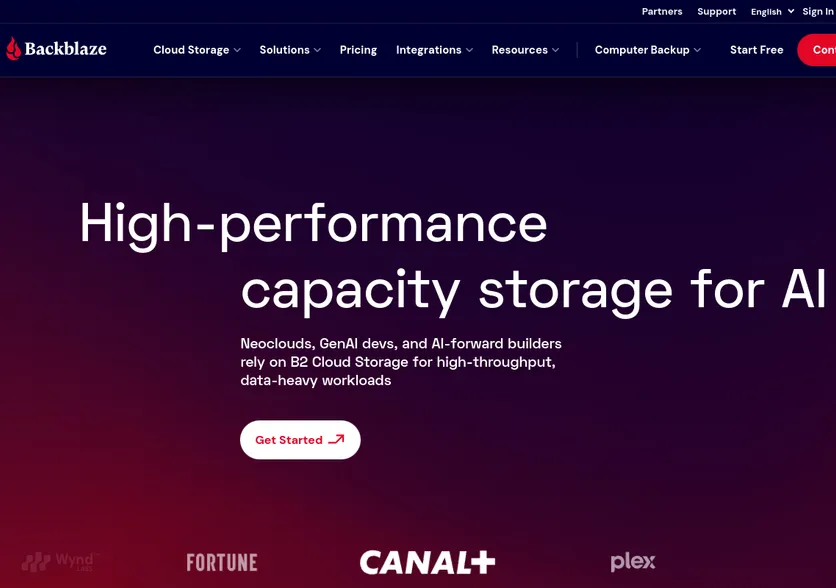
Backblaze is the simplest backup on this list: one price, one computer, unlimited storage, and external drives included. The Backblaze Computer Backup plan costs ninety-nine dollars a year per computer, or nine dollars a month, and there is no storage limit to worry about. It is the best pick for a church that wants to set up backup once and forget about it, because the unlimited storage means nobody has to watch the usage.
What we like
- Unlimited storage for one flat price
- External drives included
- Set it up once and forget it
Watch out for
- Priced per computer, so costs grow with the office
- No free plan, only a fifteen-day trial
How to try it
- Install Backblaze on the church office computer.
- Let it back up everything, including external drives.
- Test a restore of one file to make sure it works.
2. IDrive
Best for: Churches with several computers and phones
Paid tool Starting price: $99.50/year · Personal five-terabyte plan at the list or renewal price; the first year is seventy-nine dollars fifty as an introductory discount, so the headline is the renewal price; unlimited devices; ten-gigabyte free plan
Free plan: Free plan available, ten gigabytes
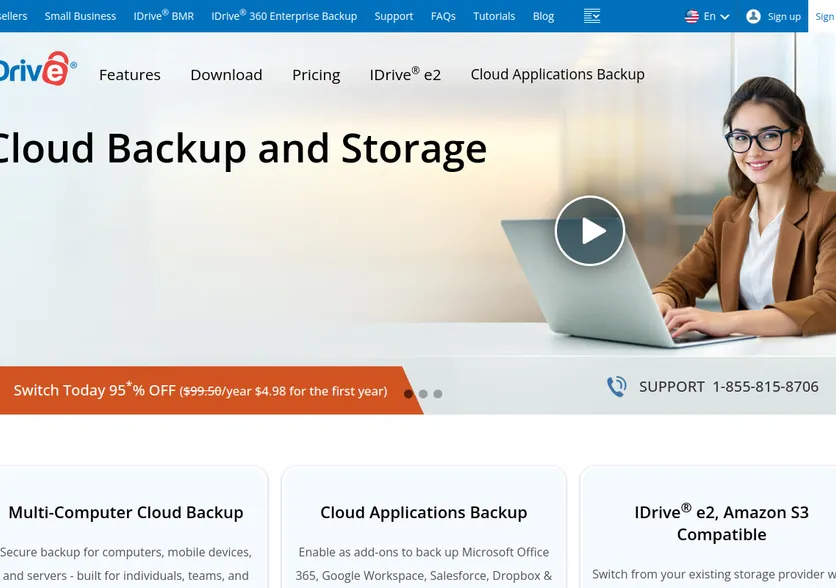
IDrive is the multi-device pick on this list: one plan covers unlimited devices, so a church can back up the office computers, the pastor's laptop and the staff phones under a single subscription. The IDrive Personal five-terabyte plan costs ninety-nine dollars and fifty cents a year at the list price, although the first year is seventy-nine dollars and fifty cents as an introductory discount. We use the list price as the headline, because the renewal price is what a church will pay year after year.
What we like
- Unlimited devices on one plan
- Five terabytes of storage included
- Free plan with ten gigabytes to try
Watch out for
- First-year discount hides the renewal price
- Five terabytes is a cap, not unlimited storage
How to try it
- Sign up for the Personal five-terabyte plan.
- Install IDrive on every computer and phone in the office.
- Set the backup schedule and check the first backup completes.
3. Acronis True Image
Best for: Churches that want local plus cloud backup
Paid tool Starting price: $49.99/year · Essentials plan for one computer, billed annually; Premium one hundred twenty-four dollars ninety-nine per year with one terabyte of cloud storage; formerly Acronis Cyber Protect Home Office
Free plan: No free plan; free trial available
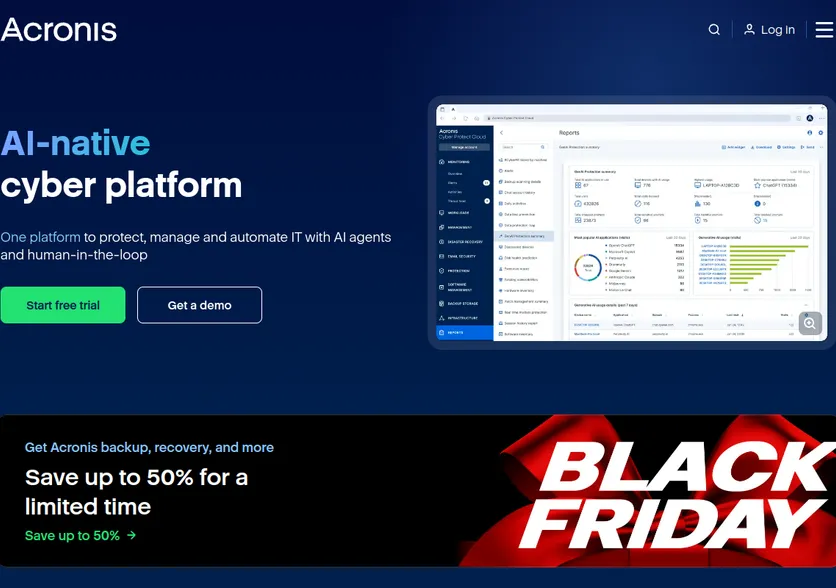
Acronis True Image is the full-featured backup on this list: local disk images, cloud backup and ransomware protection in one tool. The Acronis True Image Essentials plan costs forty-nine dollars and ninety-nine cents a year for one computer, and the Premium plan adds one terabyte of cloud storage. It was formerly called Acronis Cyber Protect Home Office, so do not be confused if you see the old name in reviews.
What we like
- Local disk images plus cloud backup
- Ransomware protection built in
- Full disk restore when a computer fails
Watch out for
- Essentials has no cloud storage included
- Formerly Cyber Protect Home Office, so reviews use both names
How to try it
- Install True Image on the church office computer.
- Set up a local backup to an external drive.
- Add the cloud backup on the Premium plan for off-site safety.
4. EaseUS Todo Backup
Best for: Budget backup for a single church PC
Paid tool Starting price: $39.95/year · Home plan for one PC, billed annually; perpetual licence fifty-nine dollars ninety-five; free edition available
Free plan: Free edition available
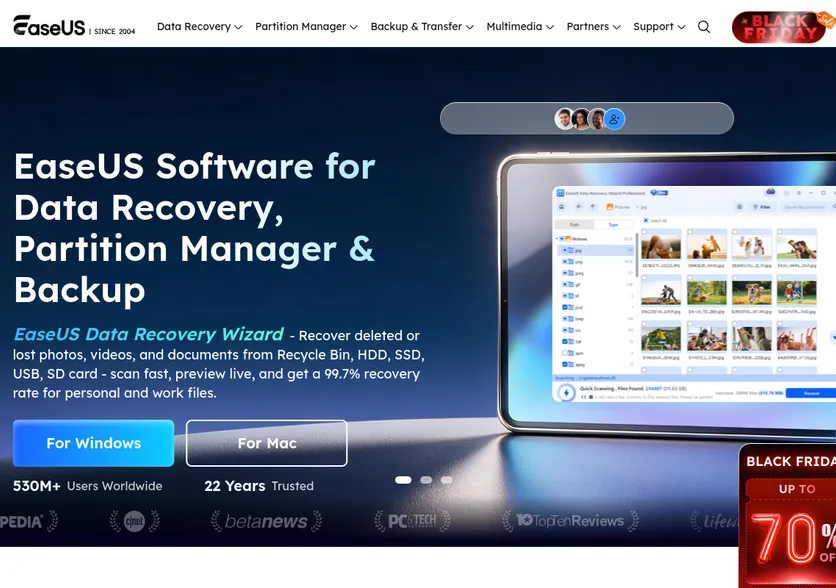
EaseUS Todo Backup is the budget pick on this list: the Home plan costs thirty-nine dollars and ninety-five cents a year for one PC, and there is a free edition for a church that wants to try before it pays. The EaseUS Todo Backup tool covers full disk images, file backup and scheduled backups, which is everything a small church office needs. A perpetual licence is also available for fifty-nine dollars and ninety-five cents, which suits a church that prefers to pay once.
What we like
- Cheapest paid plan on this list
- Free edition to try before you pay
- Perpetual licence available for one payment
Watch out for
- Home plan covers one PC only
- Cloud backup is not included at this price
How to try it
- Install Todo Backup Home on the church PC.
- Set a scheduled backup to an external drive.
- Test a file restore to confirm the backup works.
5. Macrium Reflect
Best for: Churches that want fast disk imaging
Paid tool Starting price: $49.99/year · Reflect X Home for one PC, billed annually; Standalone Workstation sixty-five dollars per seat per year for commercial use; thirty-day trial; the free edition was retired with Reflect eight
Free plan: No free plan; free trial available
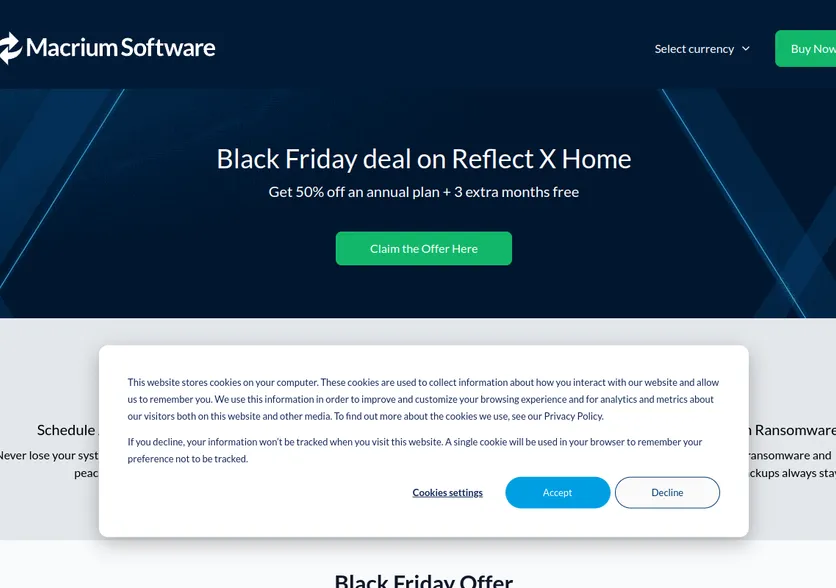
Macrium Reflect is the disk imaging specialist: it takes a full image of a computer and restores it fast when the hardware fails. The Macrium Reflect X Home plan costs forty-nine dollars and ninety-nine cents a year for one PC, and the Workstation plan covers commercial use at sixty-five dollars per seat per year. The free edition was retired with Reflect 8, so there is no free tier anymore, but the imaging speed is the best on this list.
What we like
- Fastest disk imaging on this list
- Full restore when hardware fails
- Thirty-day trial to test it
Watch out for
- No free edition anymore
- Home licence is personal use, not commercial
How to try it
- Install Reflect X Home on the church PC.
- Take a full disk image to an external drive.
- Test the restore media so you can recover if the PC fails.
6. Carbonite
Best for: Churches that want set-and-forget cloud backup
Paid tool Starting price: $95.99/year · Safe Basic plan with unlimited storage for one computer, billed annually; a first-year sale price of fifty-seven dollars fifty-nine has been listed, so the headline is the regular annual price; keeps only the twelve most recent versions of each file
Free plan: No free plan; free trial available
Carbonite is the set-and-forget cloud backup: install it once and it backs up every file automatically, with unlimited storage on the Basic plan. The Carbonite Safe Basic plan costs ninety-five dollars and ninety-nine cents a year for one computer, although a first-year sale price of fifty-seven dollars and fifty-nine cents has been listed. We use the regular annual price as the headline. The main limit is version history: Carbonite keeps only the twelve most recent versions of each file.
What we like
- Unlimited storage on the Basic plan
- Automatic backup with no manual work
- Set it up once and forget it
Watch out for
- Keeps only the twelve most recent file versions
- First-year sale price hides the renewal price
How to try it
- Install Carbonite Safe Basic on the office computer.
- Let it back up every file automatically.
- Check the backup status weekly so nothing is missed.
7. CrashPlan
Best for: Churches with a small staff team
Paid tool Starting price: $88/user/year · Professional plan, billed annually at seven dollars thirty-three per user per month; Enterprise one hundred twenty dollars per user per year; Essential two dollars ninety-nine per month for individuals
Free plan: No free plan; free trial available
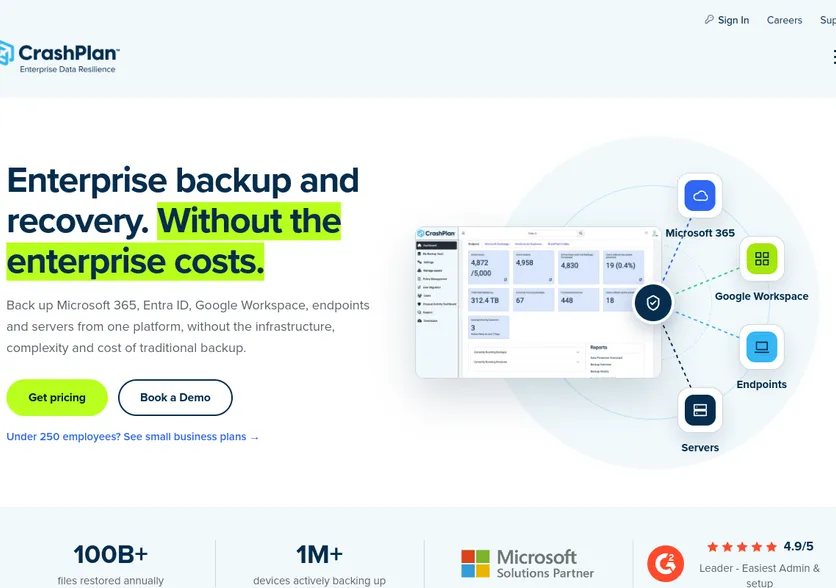
CrashPlan is the team backup on this list: it charges per user per year, and each user can back up unlimited devices. The CrashPlan Professional plan costs eighty-eight dollars per user per year, which works out to about seven dollars and thirty-three cents per user per month. It is the best pick for a church with a small staff team, because each staff member gets their own backup and the admin can manage them all from one console.
What we like
- Each user backs up unlimited devices
- Central admin console for the whole team
- Unlimited storage per user
Watch out for
- Priced per user, so costs grow with staff
- No free plan, only a free trial
How to try it
- Sign up for the Professional plan for your staff team.
- Install CrashPlan on each staff member's devices.
- Set the backup schedule and check the admin console weekly.
8. AOMEI Backupper
Best for: Churches that want a low-cost lifetime option
Paid tool Starting price: $39.95/year · Professional plan, billed annually; free Standard edition available; lifetime or one-time licence options also sold
Free plan: Free Standard edition available
AOMEI Backupper is the low-cost backup on this list, and it is the one to pick if a church prefers to pay once rather than every year. The AOMEI Backupper Professional plan costs thirty-nine dollars and ninety-five cents a year, and lifetime or one-time licence options are also sold. The free Standard edition covers basic backup for a church that wants to try before it pays, and the interface is straightforward enough for a volunteer to run.
What we like
- Lifetime licence option for one payment
- Free Standard edition to try
- Simple interface a volunteer can run
Watch out for
- Cloud backup is not included at this price
- Smaller brand than Backblaze or Acronis
How to try it
- Install Backupper Professional on the church PC.
- Set a scheduled backup to an external drive.
- Consider the lifetime licence if the church prefers to pay once.
Prices above were checked on each vendor’s own website on Nov 27, 2026 and can change — the vendor’s page is the final word. Vendor links are editorial: nobody paid to be listed or ranked here. Vendors who want a featured listing can see how it works on our Get listed page.
How to pick backup software a volunteer can actually run
The most important feature in church backup software is not the price. It is whether the backup runs on its own. A backup that needs someone to remember to plug in a drive or click a button will be forgotten, and the first time the church needs it will be the first time it discovers the backup is months old. Backblaze, Carbonite and IDrive all run automatically, which is why they score well here. Set the schedule once, then check the status every week.
The second decision is local versus cloud. A local backup to an external drive restores fast, but it does not help if the building floods or the drive is stolen with the computer. A cloud backup is slower to restore, but it survives anything that happens to the building. Acronis True Image does both, and it is the best pick for a church that wants the safety of both. And test a restore: a backup you have never restored is a hope, not a backup.
Before you buy
- Check how many computers the plan covers, because a per-computer price multiplies fast across an office.
- Confirm the plan includes cloud storage or whether local backup is all you get.
- Ask how many file versions the plan keeps, since some tools keep only the last twelve.
- Make sure the backup runs automatically, because a manual backup is a backup that never happens.
- Test a restore before you commit, because a backup you cannot restore is not a backup.
Official websites
Official websites of the products reviewed above. Features and prices were checked against these sites when this guide was written, and they can change, so confirm on the vendor site before you buy.
Frequently asked questions
What is backup software, and why does a church need it?
Backup software copies the files on a church computer to a safe place, so the church can recover them if the computer fails, is stolen or is hit by ransomware. Cloud backup stores the copies online, while local backup stores them on an external drive. Most churches need both: a local backup for a fast restore and a cloud backup for safety if the building is damaged.
How should a church choose a backup plan?
Count the computers and the people first. If the church has one office PC, Backblaze or EaseUS Todo Backup will do. If it has several computers and phones, IDrive covers unlimited devices on one plan. If it has a staff team, CrashPlan charges per user and each user can back up unlimited devices. Pick the pricing model that matches the church, not the cheapest headline.
How much should a church pay for backup software?
Expect forty to one hundred dollars a year per computer for a good backup tool. EaseUS Todo Backup and AOMEI Backupper are about forty dollars a year, Acronis True Image and Macrium Reflect are about fifty dollars, and Backblaze and Carbonite are about ninety-six to ninety-nine dollars with unlimited storage. IDrive is ninety-nine dollars and fifty cents a year for unlimited devices, which is the best value for a multi-device church.
Why is Veeam not on this list?
Veeam is the enterprise standard for backup, but its paid plans are quote-only for most buyers and its free Community Edition covers only ten workloads. For a church, the tools on this list are a better fit: they are priced per computer or per user, they include cloud storage, and they are simple enough for a volunteer to run. Veeam is overkill for a church office.
Can a church back up for free?
Yes, and it is the cheapest way to start. IDrive has a free plan with ten gigabytes, EaseUS Todo Backup has a free edition, and AOMEI Backupper has a free Standard edition. Ten gigabytes is enough for documents and photos, but it will not cover a full computer with videos and music. Use the free tier to test the tool, then buy the plan that covers the whole computer.
Start with Backblaze if you want unlimited backup for one flat price, or compare the per-computer pricing above first.
Browse Security & Privacy tools