On this page
A stockout is not a lost sale unless you let it be one. A shopper who finds the size they want sold out will buy it somewhere else, unless your store lets them join a waitlist and tells them the moment it returns. Backorder software does exactly that, and the best apps also take preorders for products that have not arrived yet. We compared eight Shopify apps on live 2026 prices. STOQ is our top pick for most growing stores: it covers preorders and alerts for ten dollars a month.
How we researched this
We kept only Shopify apps with a verifiable US dollar price on their App Store listing and a real back-in-stock or preorder feature. Kanal WhatsApp was dropped because it charges in euros, and PreOrder Globo was dropped because its App Store pricing was not verifiable in this round. Every price below is the App Store list price checked on November 27, 2026, with the entry plan as the headline and the higher tiers in the note, and where an app is listed under more than one name, we say so plainly.
Compare the tools
| Name | Best for | Starting price | Free plan | |
|---|---|---|---|---|
 Swym Back in Stock Alerts | Stores that want alerts plus preorders in one app | $19.99/month | No free plan; trial available | Visit |
 Appikon Back in Stock | Stores that want reliable email alerts | $19.99/month | Free plan available, ten emails per month | Visit |
 Amp Back in Stock and Preorder Plus | Stores that sell preorders as well as alerts | $19/month | Free plan available, ten notifications per month | Visit |
| STOQ | Stores that want preorders first and alerts second | $10/month | Free plan available, ten preorders and thirty emails per month | Visit |
| Notify Me! Back in Stock | Stores that want preorders on a budget | $9.90/month | Free Lite plan, ten notifications and five preorders | Visit |
| Kbite | Small stores that want the cheapest alerts | $5/month | Free plan available, thirty emails per month | Visit |
 PreProduct | Stores that want true preorders with deposits | $29.99/month | No free plan; free trial available | Visit |
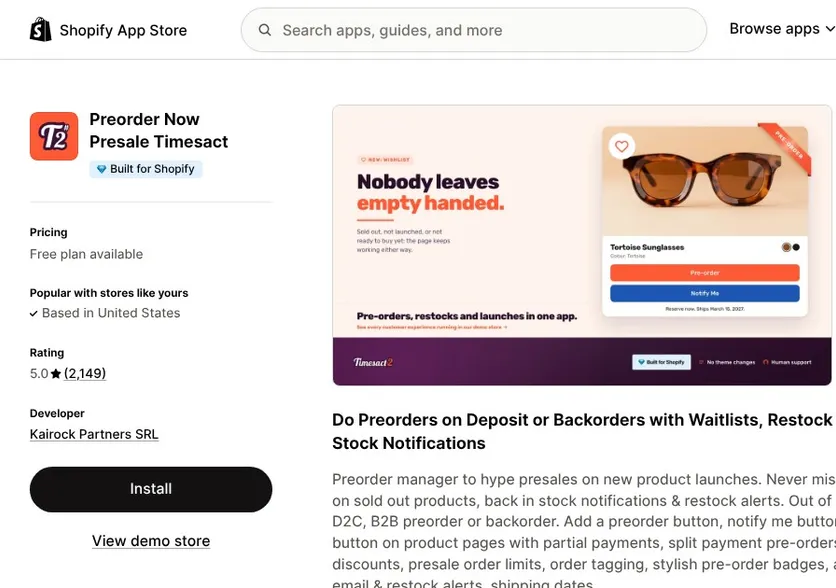
 Preorder Now by Timesact | Stores that want flexible preorder pricing | $5/month | No free plan; free trial available | Visit |
The backorder management software, compared
1. Swym Back in Stock Alerts
Best for: Stores that want alerts plus preorders in one app
Paid tool Starting price: $19.99/month · Starter plan with one thousand alert requests per month; Pro fifty-nine dollars ninety-nine and Premium ninety-nine dollars ninety-nine per month; no free tier, trial only
Free plan: No free plan; trial available
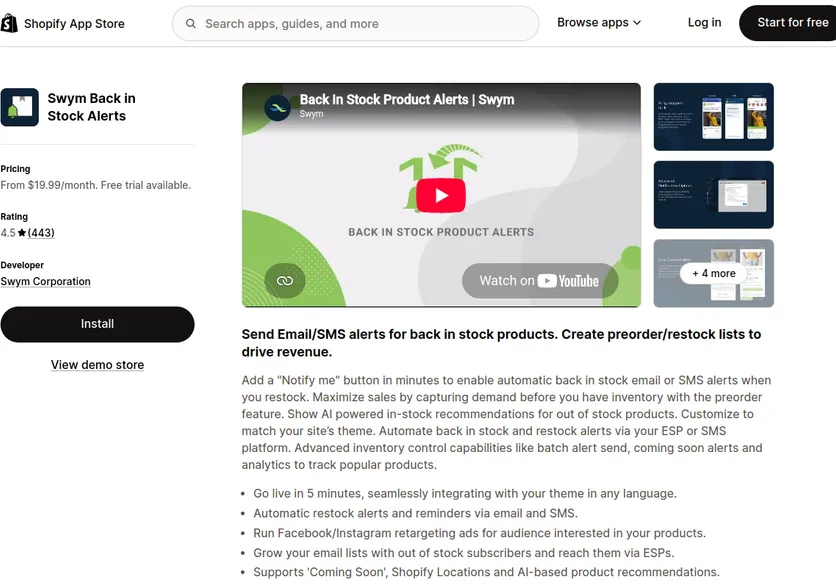
Swym Back in Stock Alerts is the most established app on this list, with email and SMS alerts plus preorder alerts for products that are still weeks away. The Swym Starter plan costs nineteen dollars and ninety-nine cents a month for one thousand alert requests, and the higher tiers add more volume and analytics. There is no free tier, only a thirty-day trial, so it suits a store that already has steady sales.
What we like
- Email and SMS alerts in one app
- Preorder alerts for products still on the way
- Demand analytics show what to restock first
Watch out for
- No free tier, only a thirty-day trial
- Alert requests cap how many restocks you can announce
How to try it
- Install Swym and add the notify button to your product pages.
- Set up email and SMS alerts for out-of-stock variants.
- Review the demand analytics to see which products to restock first.
2. Appikon Back in Stock
Best for: Stores that want reliable email alerts
Paid tool Starting price: $19.99/month · Starter plan with three hundred emails per month; Pro twenty-nine dollars ninety-nine and Premium forty-nine dollars ninety-nine per month; free plan with ten emails per month
Free plan: Free plan available, ten emails per month
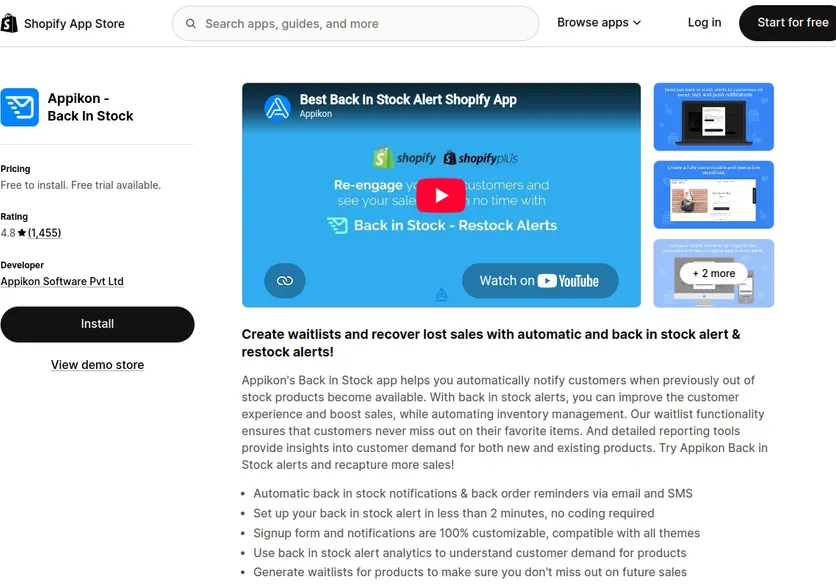
Appikon Back in Stock is the straightforward email alert app on this list: a notify button on the product page, an automatic email when the item returns, and a dashboard that shows what the alerts recovered. The Appikon Back in Stock Starter plan costs nineteen dollars and ninety-nine cents a month for three hundred emails, and the free plan covers ten emails a month for a tiny store. It does one job well and does not try to do more.
What we like
- Simple setup with a clear notify button
- Free plan with ten emails a month
- Dashboard shows recovered revenue
Watch out for
- Email only, no SMS on the entry plan
- Three hundred emails a month caps a busy store
How to try it
- Install Appikon and add the notify button to sold-out products.
- Customize the button and the email to match your store.
- Check the dashboard to see which alerts turned into orders.
3. Amp Back in Stock and Preorder Plus
Best for: Stores that sell preorders as well as alerts
Paid tool Starting price: $19/month · Starter plan with five hundred notifications per month and unlimited preorders; Growth forty-nine dollars and Pro ninety-nine dollars per month; free plan with ten notifications per month; vendor site backinstock dot org
Free plan: Free plan available, ten notifications per month
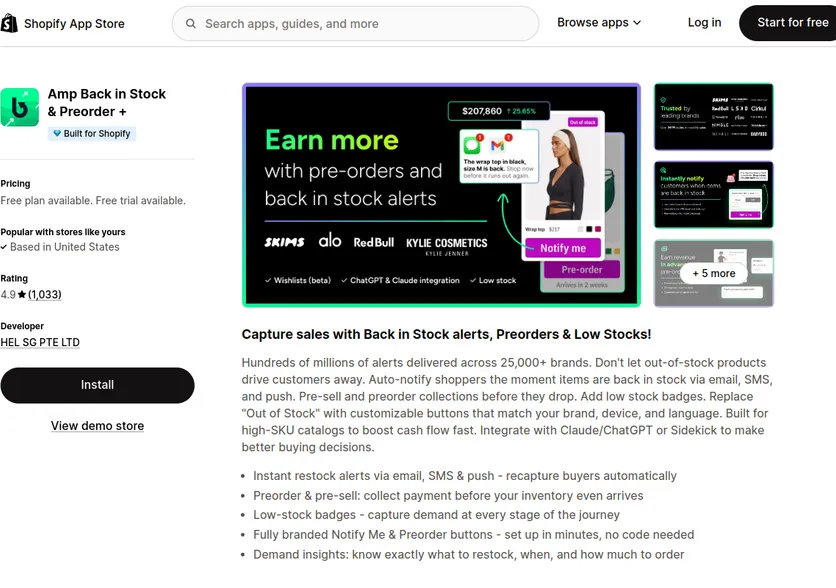
Amp Back in Stock and Preorder Plus does both jobs in one app: back-in-stock alerts and true preorders with unlimited preorder volume on the Starter plan. The Amp Starter plan costs nineteen dollars a month for five hundred notifications, and the free plan covers ten notifications a month. It is the best pick on this list for a store that wants to take money for products that have not arrived yet.
What we like
- Unlimited preorders on the Starter plan
- Alerts and preorders in one app
- Free plan with ten notifications a month
Watch out for
- Five hundred notifications a month caps a busy store
- Preorder setup needs care with delivery dates
How to try it
- Install Amp and turn on back-in-stock alerts for sold-out products.
- Enable preorders on the products that are still on the way.
- Set the preorder message so customers know when to expect delivery.
4. STOQ
Best for: Stores that want preorders first and alerts second
Paid tool Starting price: $10/month · Lite plan with one hundred preorders and one thousand email and SMS messages; Pro twenty-nine dollars and Unlimited sixty-nine dollars per month; free plan with ten preorders and thirty emails per month; formerly Restock Rocket
Free plan: Free plan available, ten preorders and thirty emails per month
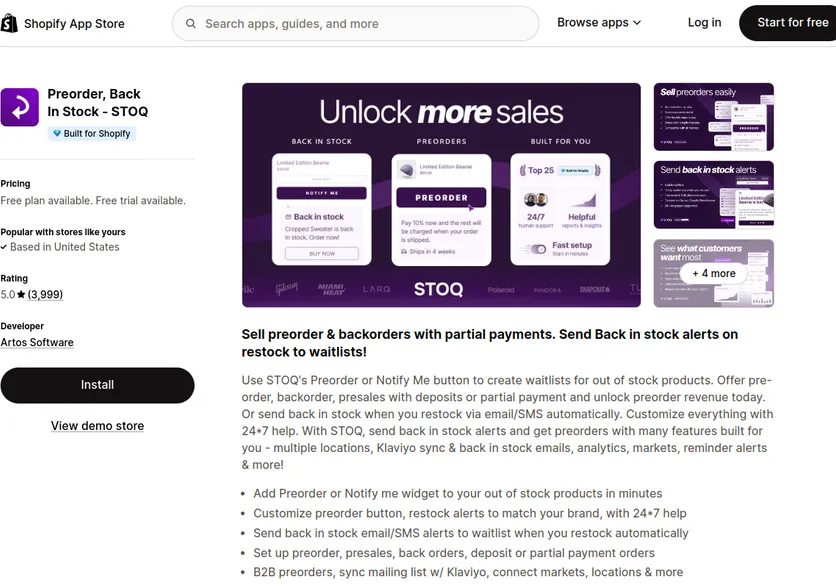
STOQ is the preorder-first app on this list, and it is the cheapest way to sell products before they arrive. The STOQ Lite plan costs ten dollars a month for one hundred preorders and one thousand email and SMS messages, and the free plan covers ten preorders. It was formerly called Restock Rocket, so do not be confused if you see the old name in reviews. It is our top pick because it does the preorder job well at half the price of the rivals.
What we like
- Cheapest preorder plan on this list
- Preorders and alerts in one app
- Free plan with ten preorders a month
Watch out for
- One hundred preorders a month caps a busy store
- Formerly Restock Rocket, so reviews use both names
How to try it
- Install STOQ and enable preorders on the products you want to sell early.
- Set the preorder message and the expected delivery date.
- Turn on back-in-stock alerts for the products you cannot preorder.
5. Notify Me! Back in Stock
Best for: Stores that want preorders on a budget
Paid tool Starting price: $9.90/month · Kickstart plan with five hundred preorders and alerts; Starter nineteen dollars ninety and Standard thirty-nine dollars ninety per month; free Lite plan with ten notifications and five preorders; preorder overage about fifteen to twenty cents per unit
Free plan: Free Lite plan, ten notifications and five preorders
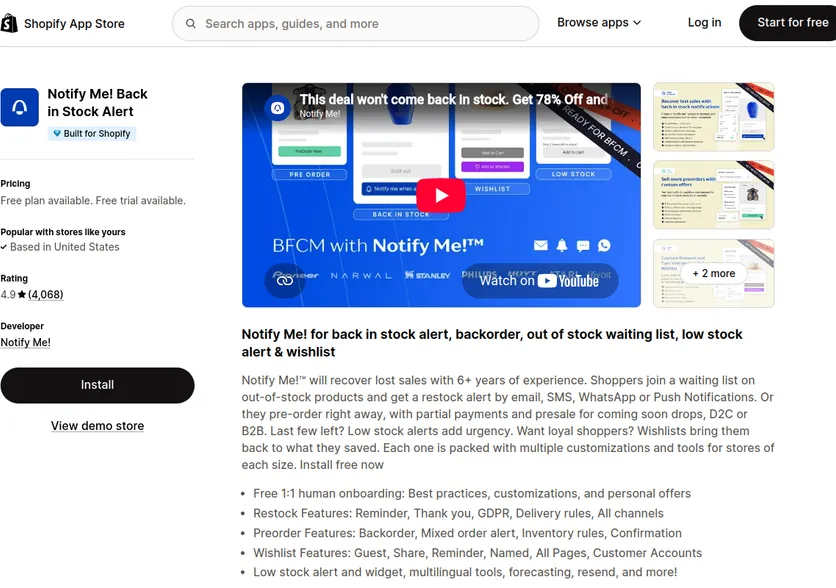
Notify Me is the budget preorder app: the Kickstart plan costs nine dollars and ninety cents a month for five hundred preorders and alerts, which is more volume than STOQ gives you for a similar price. The Notify Me free Lite plan covers ten notifications and five preorders, so a tiny store can start without paying. Preorder overage costs about fifteen to twenty cents per unit, which is worth knowing before a big preorder launch.
What we like
- Five hundred preorders for under ten dollars
- Free Lite plan to start
- Email, SMS and push alerts included
Watch out for
- Preorder overage costs fifteen to twenty cents per unit
- Smaller review base than Swym or STOQ
How to try it
- Install Notify Me and add the notify button to sold-out products.
- Enable preorders on the products you want to sell early.
- Watch the preorder count so you do not hit the overage charge.
6. Kbite
Best for: Small stores that want the cheapest alerts
Paid tool Starting price: $5/month · Basic plan with five hundred emails per month; Starter nine dollars and Pro nineteen dollars per month; free plan with thirty emails per month and unlimited subscribers
Free plan: Free plan available, thirty emails per month
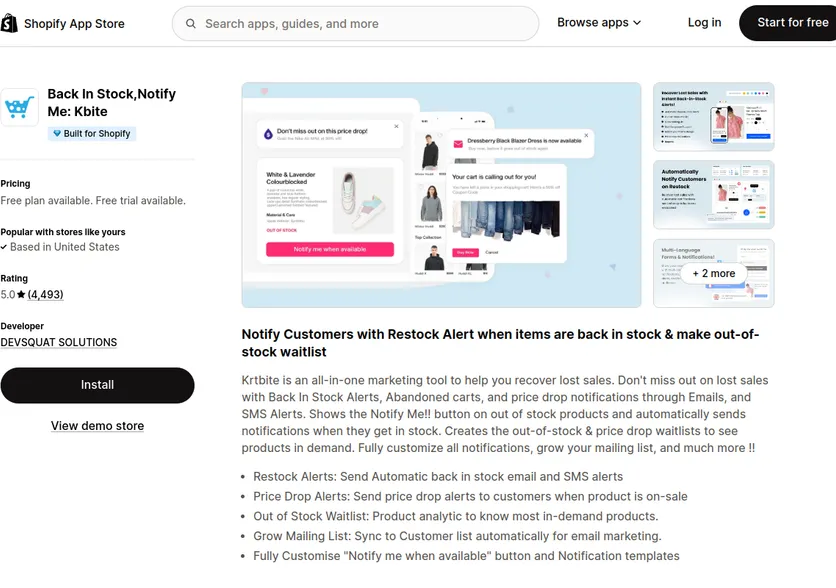
Kbite is the cheapest alert app on this list: the Basic plan costs five dollars a month for five hundred emails, and the free plan covers thirty emails a month with unlimited subscribers. The Kbite app is also listed as Krtbite and CartBite, so do not be confused if you see the other names. It does not do preorders, but for a small store that only needs email alerts, nothing here beats the price.
What we like
- Cheapest plan on this list at five dollars
- Free plan with thirty emails a month
- Unlimited subscribers on the free plan
Watch out for
- No preorder feature
- Five hundred emails a month caps a busy store
How to try it
- Install Kbite and add the notify button to sold-out products.
- Customize the button and the email to match your store.
- Upgrade to Basic when you pass thirty emails a month.
7. PreProduct
Best for: Stores that want true preorders with deposits
Paid tool Starting price: $29.99/month · Growth plan; lower tiers charge a commission of half a percent of paid preorder revenue, and Scale Plus charges zero percent; true preorders with deferred or deposit billing; PreProduct no longer publishes a pricing page, so twenty-nine dollars ninety-nine is the last published Growth price
Free plan: No free plan; free trial available
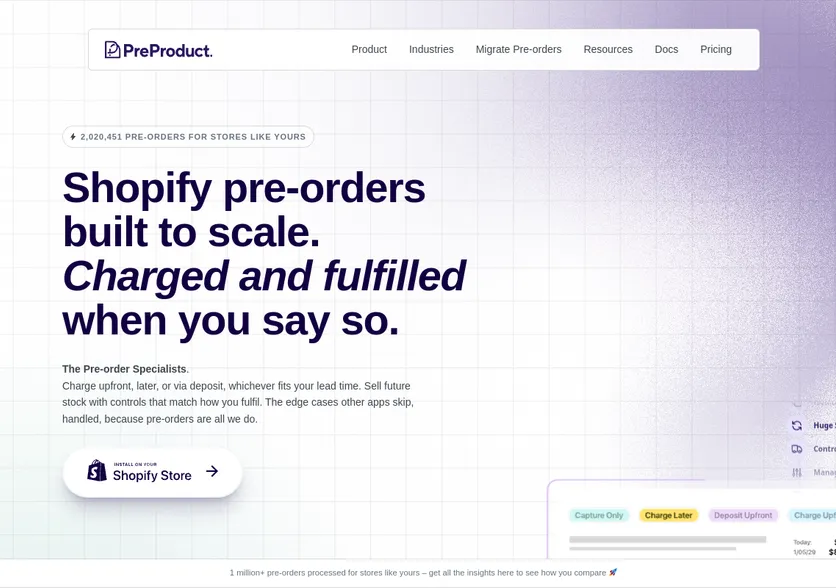
PreProduct is the specialist preorder app on this list: it takes true preorders with deferred billing or deposits, so a customer can pay now or pay later for a product that has not arrived. The PreProduct Growth plan costs twenty-nine dollars and ninety-nine cents a month, and the lower tiers charge a commission of half a percent of paid preorder revenue. It costs more than the alert apps, but it is the only one here built for serious preorder volume.
What we like
- True preorders with deferred or deposit billing
- Built for serious preorder volume
- Commission drops to zero on the top tier
Watch out for
- Most expensive app on this list
- Commission on lower tiers adds to the cost
How to try it
- Open the PreProduct site and start a trial
- Set the preorder terms and the expected delivery date.
- Track paid preorders and charge customers when the stock arrives.
8. Preorder Now by Timesact
Best for: Stores that want flexible preorder pricing
Paid tool Starting price: $5/month · Flex plan from five dollars per month by monthly orders; Fixed plans: Basic twenty-three dollars, Grow forty-seven dollars, Advanced seventy-three dollars and Plus one hundred seventeen dollars
Free plan: No free plan; free trial available
Preorder Now by Timesact is the flexible preorder app: the Flex plan starts at five dollars a month and scales with monthly orders, while the Fixed plans give a predictable monthly price. The Preorder Now app is built by Timesact, and it combines preorders with discount offers so a store can sell early and reward early buyers. It is a good fit for a store that wants preorder pricing to match its actual order volume.
What we like
- Flex plan scales with your order volume
- Preorders plus discount offers in one app
- Low starting price of five dollars a month
Watch out for
- Flex pricing grows with order volume
- No free plan, only a free trial
How to try it
- Install Preorder Now and choose the Flex or Fixed plan.
- Enable preorders on the products you want to sell early.
- Add a discount offer to reward customers who preorder.
Prices above were checked on each vendor’s own website on Nov 27, 2026 and can change — the vendor’s page is the final word. Vendor links are editorial: nobody paid to be listed or ranked here. Vendors who want a featured listing can see how it works on our Get listed page.
How to pick a backorder app without paying for alerts you never send
The price trap in backorder apps is the notification cap. Swym gives you one thousand alert requests a month, Appikon gives you three hundred emails, and Kbite gives you five hundred emails for five dollars. A store with fifty sold-out products will burn through a small cap in days, so count your out-of-stock products before you compare the monthly price. The free plans are useful for testing, but most of them cap at ten to thirty alerts a month, which is not enough for a real store.
The second decision is alerts versus preorders. Kbite only does alerts, while STOQ, Amp and Notify Me do both, and PreProduct is built for preorders alone. If your products come back in stock quickly, alerts are enough. If your products take weeks to arrive, preorders matter more, because they take the money now instead of hoping the shopper comes back. And check the button: a notify button that clashes with your theme will cost you signups no matter how good the app is.
Before you buy
- Check the notification limit on the exact plan, because alert caps decide how many restocks you can announce.
- Confirm the app supports preorders as well as alerts, since the two features are often sold separately.
- Ask whether SMS alerts cost extra per message on top of the monthly plan.
- Make sure the notify button matches your theme so it looks like part of your store.
- Test the app on a real out-of-stock product before you pay for an annual plan.
Official websites
Official websites of the products reviewed above. Features and prices were checked against these sites when this guide was written, and they can change, so confirm on the vendor site before you buy.
Frequently asked questions
What is backorder management software?
Backorder management software handles the products your store has run out of. It lets shoppers join a waitlist, sends them an alert when the item returns, and takes preorders for products that have not arrived yet. For a growing store, it turns a stockout from a lost sale into a sale that waits, and it shows which products customers want most.
What is the difference between back-in-stock alerts and preorders?
Alerts are for products that will return soon: the shopper leaves an email and gets a message when the item is back. Preorders are for products that are still on the way: the shopper pays now or leaves a deposit and the order ships when the stock arrives. Most stores need both, which is why STOQ, Amp and Notify Me cover both jobs in one app.
How much should a growing store pay for backorder software?
Expect five to twenty dollars a month for a small store. Kbite and Preorder Now both start at five dollars, STOQ starts at ten dollars, and Swym, Appikon and Amp all start around nineteen dollars. The price that matters is the notification limit: a cheap plan with a low cap costs more once you count the alerts you actually send.
Why are Kanal and PreOrder Globo not on this list?
Kanal WhatsApp is a strong app, but it charges in euros at eighty-nine euros a month, so it does not fit a US dollar comparison. PreOrder Globo and Alert Me are also solid, but their App Store pricing was not verifiable in this round. The eight apps on this list all have verifiable US dollar prices on their App Store listings, checked on November 27, 2026.
Can a small store start with a free backorder app?
Yes, and it is the cheapest way to start. Appikon, Amp, STOQ, Notify Me and Kbite all have free plans, and Swym and PreProduct offer free trials. Use the free plan on a real out-of-stock product, not a test product, and judge the app on whether the notify button looks right on your theme and whether the alerts actually turn into orders.
Start with STOQ if you want preorders and alerts in one cheap app, or compare the alert limits above before you pick a backorder tool.
Browse Business Tools tools