On this page
Retail devices live on the shop floor, not in an office, so they need to stay locked to the right app, keep working when staff change, and survive being dropped by a customer. The eight tools below manage point-of-sale tablets, price checkers and staff phones across many locations from one console. Hexnode UEM leads because its kiosk modes and multi-store controls fit retail best, and the rest are ranked on the same question: how well they keep a device useful to a shopper and useless to a thief.
How we researched this
We checked every price on the vendor pricing page on November 28, 2026, and only included tools with a published US dollar list price. Quote-only retail platforms such as SOTI, Esper and NinjaOne publish no prices, so they are not in this list. Prices change, so confirm the current figure on the vendor site before you buy.
Compare the tools
| Name | Best for | Starting price | Free plan | |
|---|---|---|---|---|
 Mosyle Business | Small Apple-based retailers and single stores | $1/device/month | Free plan (up to 30 devices) | Visit |
| ManageEngine Mobile Device Manager Plus | Retail chains with mixed Android, iOS and Windows hardware | $1.28/device/month | Free plan (up to 25 devices) | Visit |
 Scalefusion | Retailers that need locked-down kiosk tablets and registers | $2/device/month | 14-day free trial | Visit |
 Hexnode UEM | Retail chains that need kiosk mode across many stores | $2.20/device/month | 14-day free trial | Visit |
 Miradore | Small retailers that want simple management with a generous free tier | $2.75/device/month | Free plan (up to 50 devices) | Visit |
| SureMDM | Retailers running rugged Android scanners and handhelds | $3.99/device/month | 30-day free trial | Visit |
| Microsoft Intune | Retailers already invested in Microsoft 365 | $8/user/month | No free plan; 30-day free trial | Visit |
 Jamf Pro | Apple-based retail chains with iPad point-of-sale fleets | $12.50/device/month | No free plan; free trial | Visit |
The mobile device management software for retail, compared
1. Mosyle Business
Best for: Small Apple-based retailers and single stores
Paid tool Starting price: $1/device/month · One dollar per device a month billed annually on the Premium plan, free for up to 30 devices; Fuse is $3 per Mac and $1.50 per iOS device a month, with a 30-license minimum on paid plans
Free plan: Free plan (up to 30 devices)
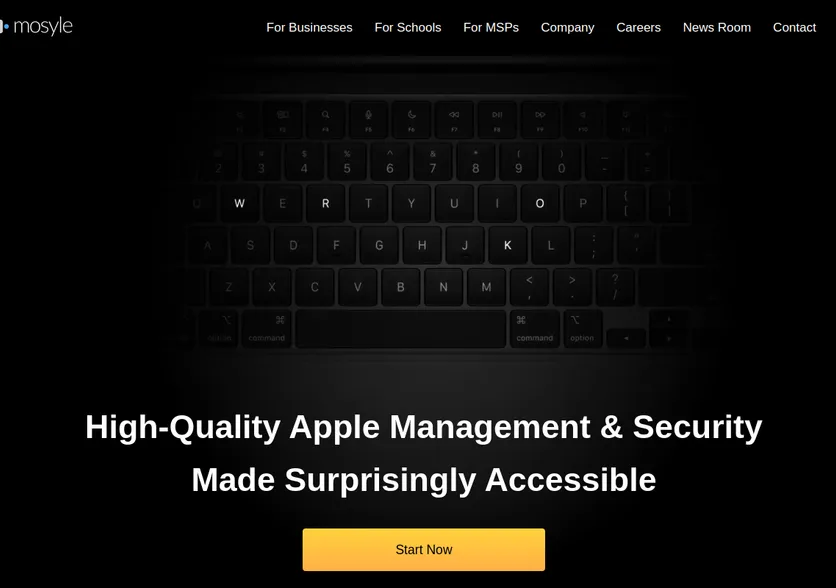
This Mosyle Business plan costs one dollar per device a month on annual billing, and it suits a small retailer running iPads at the till. It enrolls devices over the air, pushes the point-of-sale app and locks the device to the apps a shop needs. A single store or a small chain can manage every register tablet from one console for less than a coffee a month per device.
What we like
- Free for up to 30 devices with no time limit
- Simple enrollment and app deployment for iPads
- The lowest paid price in this list
Watch out for
- Apple only, so Android registers need another tool
- Paid plans carry a 30-license minimum
How to try it
- Create an account and enroll the register tablets on the free tier
- Push the point-of-sale app and lock each device to it
- Set passcode policies and test a remote lock on a spare device
2. ManageEngine Mobile Device Manager Plus
Best for: Retail chains with mixed Android, iOS and Windows hardware
Paid tool Starting price: $1.28/device/month · One dollar and twenty-eight cents per device a month on the Standard cloud plan, with up to 20 percent off annual billing; Professional is $2.38 per device a month, and the on-premises Standard edition is $9.90 per device a year
Free plan: Free plan (up to 25 devices)
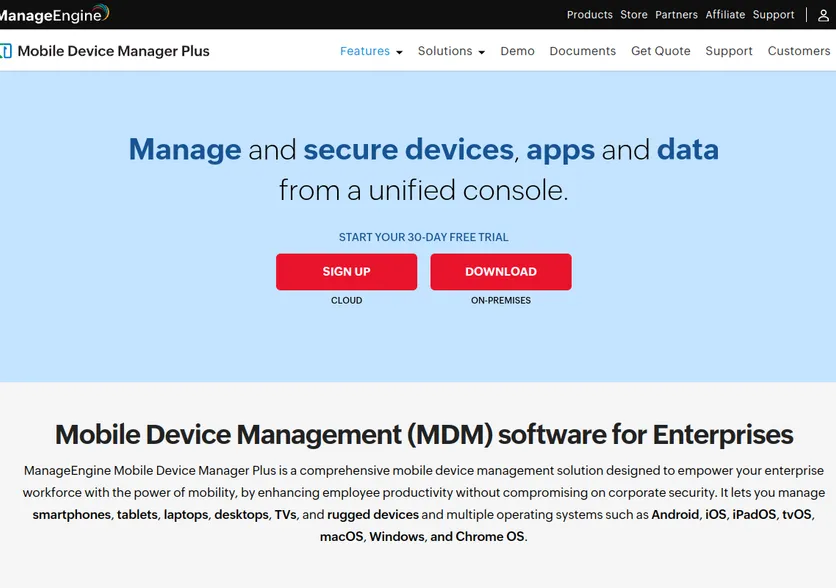
This ManageEngine Mobile Device Manager Plus plan costs one dollar and twenty-eight cents per device a month, and it manages the mixed hardware a retailer actually owns. It handles Android tablets, iPads, Windows registers and ChromeOS kiosks from one dashboard, pushing apps and security policies to every store at once. A chain with different devices in different locations gets one console for the whole estate.
What we like
- Covers Android, iOS, Windows and ChromeOS in one place
- Free for up to 25 devices
- Bulk app deployment across many store locations
Watch out for
- The interface feels dense next to newer rivals
- Kiosk features are stronger on retail-focused competitors
How to try it
- Sign up and enroll a test group of devices from one store
- Build profiles for registers, price checkers and staff phones
- Push apps and policies to every location from the dashboard
3. Scalefusion
Best for: Retailers that need locked-down kiosk tablets and registers
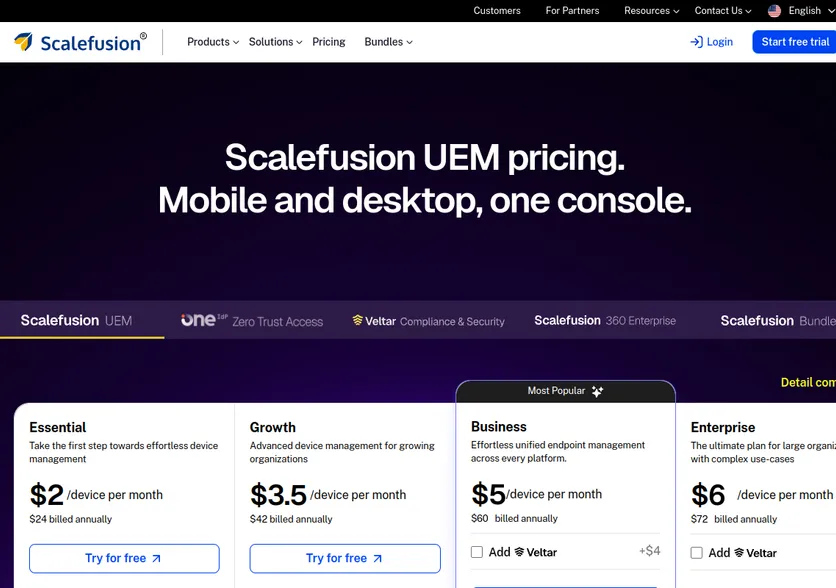
Paid tool Starting price: $2/device/month · Two dollars per device a month billed annually on the Essential plan, with a 10-device minimum; Growth is $3.50, Business is $5 and Enterprise is $6 per device a month
Free plan: 14-day free trial
This Scalefusion plan costs two dollars per device a month on annual billing, and its kiosk mode is made for the shop floor. It locks a tablet to a single app or a small set of approved apps, so a price checker stays a price checker and a register stays a register no matter who picks it up. Remote monitoring shows battery and connectivity per device, which helps a manager spot a dead tablet before the lunch rush.
What we like
- Excellent kiosk and single-app lockdown modes
- Remote device health and battery monitoring
- Covers Android, iOS, Windows and macOS
Watch out for
- No permanent free plan, only a 14-day trial
- The Essential tier is light on advanced reporting
How to try it
- Start a trial and enroll floor devices with a QR code
- Create a kiosk profile locking each device to its store apps
- Monitor battery and connectivity from the remote dashboard
4. Hexnode UEM
Best for: Retail chains that need kiosk mode across many stores
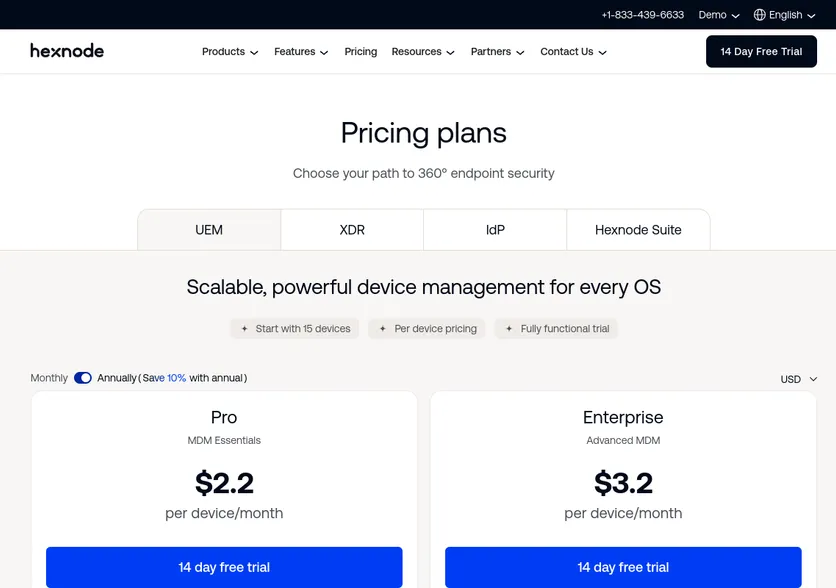
Paid tool Starting price: $2.20/device/month · Two dollars and twenty cents per device a month on the Pro plan, billed annually; Enterprise is $3.20 and Ultimate is $4.70, with annual billing saving about 10 percent. Older listings show a $1.08 Express tier that no longer appears on the vendor pricing page
Free plan: 14-day free trial
This Hexnode UEM plan costs two dollars and twenty cents per device a month, and it is the most complete retail device manager in this list. It locks tablets into kiosk mode, manages devices across many stores from one console, and separates staff apps from anything personal on a shared device. A retailer can push a new promotion app to every location at once and know within minutes which devices took it.
What we like
- Strongest kiosk and multi-location controls in this list
- Manages five platforms including tvOS from one console
- Bulk enrollment and zero-touch setup for new stores
Watch out for
- No permanent free plan, only a 14-day trial
- Some advanced automations need the higher tiers
How to try it
- Start a trial and enroll devices store by store
- Build kiosk profiles for registers, price checkers and signage
- Push apps to all locations and check compliance per store
5. Miradore
Best for: Small retailers that want simple management with a generous free tier
Paid tool Starting price: $2.75/device/month · Two dollars and seventy-five cents per device a month billed annually on the Premium plan, or three dollars and thirty cents month to month; Premium Plus is $3.95 billed annually. Miradore is now part of GoTo, sold as LogMeIn Miradore
Free plan: Free plan (up to 50 devices)
This Miradore plan costs two dollars and seventy-five cents per device a month on annual billing, and it is the simplest option for a small retailer. It inventories every device, pushes the apps each store needs and flags anything that falls out of compliance, all from a console a store manager can learn in an afternoon. The free tier covers fifty devices, which is enough for several small shops.
What we like
- Free for up to 50 devices
- Fast setup with an easy-to-learn console
- Automatic inventory and compliance alerts
Watch out for
- Fewer kiosk and automation features than retail specialists
- The GoTo rebrand may confuse buyers searching for Miradore
How to try it
- Create a free account and enroll the devices from one store
- Set security policies and push the apps each location needs
- Review the compliance dashboard weekly and fix flagged devices
6. SureMDM
Best for: Retailers running rugged Android scanners and handhelds
Paid tool Starting price: $3.99/device/month · Three dollars and ninety-nine cents per device a month billed annually on the Standard plan, or four dollars and ninety-nine cents month to month; Premium is $5.49 and Enterprise is $7.99 per device a month, with no device minimum
Free plan: 30-day free trial
This SureMDM plan costs three dollars and ninety-nine cents per device a month on annual billing, and it is built for the rugged Android hardware retailers actually deploy. It manages handheld scanners, rugged tablets and point-of-sale devices, locks them into kiosk mode and tracks them across stores and warehouses. The tool comes from 42Gears, a company that has focused on retail and logistics devices for years.
What we like
- Built for rugged Android retail and warehouse hardware
- Strong kiosk mode and remote troubleshooting tools
- No device minimum on any paid plan
Watch out for
- No permanent free plan, only a 30-day trial
- Less polished for Apple-only fleets than Jamf or Mosyle
How to try it
- Start a trial and enroll rugged devices from one location
- Lock handhelds and tablets into kiosk mode for store use
- Use remote cast to help staff fix a device without a visit
7. Microsoft Intune
Best for: Retailers already invested in Microsoft 365
Paid tool Starting price: $8/user/month · Eight dollars per user a month for Intune Plan 1; Plan 2 is sold as an add-on to Plan 1, and Intune is also bundled in Microsoft 365 E3 and E5 plans, so check an existing Microsoft license before buying it on its own
Free plan: No free plan; 30-day free trial
This Microsoft Intune plan costs eight dollars per user a month, and it fits a retailer already running on Microsoft 365. It manages Windows registers, staff laptops and phones alongside app protection and conditional access, so a lost device can be blocked from company data fast. The per-user price covers every device one employee uses, which helps when the same person works the till and the back office.
What we like
- Per-user pricing covers all of one person's devices
- Deep integration with Microsoft 365 and Entra ID
- Strong conditional access and app protection policies
Watch out for
- The console has a steep learning curve for newcomers
- Kiosk controls are weaker than on retail-focused rivals
How to try it
- Add Intune Plan 1 to the Microsoft 365 admin center
- Enroll registers and staff devices and assign policies by role
- Connect conditional access so lost devices lose company data
8. Jamf Pro
Best for: Apple-based retail chains with iPad point-of-sale fleets
Paid tool Starting price: $12.50/device/month · Twelve dollars and fifty cents per device a month billed annually for Jamf for Mac, with a 25-device minimum; Jamf for Mobile is $5.75 per device a month. Some November 2026 reads note Jamf no longer lists a stand-alone Jamf Pro price on its pricing page, so confirm the figure at checkout
Free plan: No free plan; free trial
This Jamf Pro plan costs twelve dollars and fifty cents per device a month on annual billing, and it is the deepest option for a retailer standardized on iPads. It automates zero-touch enrollment for new stores, pushes the point-of-sale app to every register at once and enforces encryption and compliance across the fleet. A chain that runs its whole shop floor on Apple hardware will not find deeper control anywhere else.
What we like
- The deepest Apple management and automation available
- Zero-touch enrollment for new store openings
- Rich compliance reporting for security audits
Watch out for
- The highest price in this list, with a 25-device minimum
- Apple only, so mixed fleets need a second tool
How to try it
- Enroll the fleet with zero-touch deployment
- Build smart groups per store and automate app policies
- Review compliance reports and remediate flagged devices
Prices above were checked on each vendor’s own website on Nov 28, 2026 and can change — the vendor’s page is the final word. Vendor links are editorial: nobody paid to be listed or ranked here. Vendors who want a featured listing can see how it works on our Get listed page.
How to keep shop-floor devices working when staff change every shift
Retail devices are shared, dropped and left on chargers overnight, so the rollout should start with the lock, not the app. Put every register and price checker into kiosk mode first, so a customer can only reach the apps the store approves, then push the point-of-sale software to the whole fleet at once. Test enrollment with one store before the chain, because a process that works in head office may fall apart when a store manager has to do it between customers. Keep a spare device enrolled and ready in every location, and check battery and connectivity from the dashboard before the weekend rush, not during it.
Before you buy
- Lock every floor device into kiosk mode before it reaches a customer
- Check whether the price is per device or per user, and what it covers
- Confirm the tool handles the platforms your registers actually run
- Test enrollment with one store before rolling out to the chain
- Keep a spare enrolled device ready in every store location
Official websites
Official websites of the products reviewed above. Features and prices were checked against these sites when this guide was written, and they can change, so confirm on the vendor site before you buy.
Frequently asked questions
What is mobile device management software for retail?
It is software that manages the tablets, registers, scanners and staff phones a retailer uses across one or many stores. An admin can push apps, lock devices into kiosk mode, enforce security policies and wipe a stolen device from a single console. The tools in this list cover Apple, Android, Windows and ChromeOS hardware, and the best fit depends on which devices a store runs and how many locations it has.
How much does retail device management cost per device?
Entry prices in this list run from one dollar per device a month on Mosyle Business to twelve dollars and fifty cents on Jamf Pro, both billed annually. Most tools charge per device, while Microsoft Intune charges eight dollars per user a month and covers every device that person uses. Free tiers exist on Mosyle, ManageEngine and Miradore, so a small retailer can start without paying.
What is kiosk mode and why do retailers need it?
Kiosk mode locks a device to one app or a small set of approved apps, so a register stays a register and a price checker stays a price checker no matter who picks it up. It stops customers and staff from opening a browser, changing settings or installing games on a shop device. Scalefusion, Hexnode and SureMDM all offer strong kiosk modes, and they are the first feature to test for any shop-floor rollout.
Can I manage devices in many stores from one place?
Yes, every tool in this list manages devices across locations from a single console, and most let you group devices by store. You can push a new app or policy to every location at once, then check which devices took the update and which need attention. Hexnode and ManageEngine are especially strong for multi-store fleets, with per-store groups and compliance views.
Which tool is best for a small retail store?
Mosyle Business is the best start for a small Apple-only store, because it is free up to 30 devices and then costs one dollar per device a month. Miradore is the best free start for a mixed fleet, with fifty devices free. A store running rugged Android handhelds should look at SureMDM first, since it was built for that hardware.
Compare the eight tools above, then start with the free tier or trial on the tool that matches the devices already on the shop floor before you pay for a full year.
Browse Business Tools tools