On this page
A startup cannot buy every phone its users own, so it rents them by the minute in the cloud. The eight tools below run apps on real devices and emulators, catch layout bugs before launch, and fit a small team budget. LambdaTest leads because its entry plan is cheap and its device coverage is wide, and the rest are ranked on the same test: how fast a small team can find a bug on a phone it does not own.
How we researched this
We checked every price on the vendor pricing page on November 28, 2026, and only included tools with a published US dollar list price. Quote-only testing platforms such as Perfecto, HeadSpin and BitBar publish no prices, so they are not in this list, and LambdaTest rebranded to TestMu AI in January 2026, with its pricing page now redirecting to the new brand. Prices change, so confirm the current figure on the vendor site before you buy.
Compare the tools
| Name | Best for | Starting price | Free plan | |
|---|---|---|---|---|
 LambdaTest | Startups that need cheap live testing on real devices | $15/month | Free plan (2-minute sessions) | Visit |
| TestingBot | Startups that test daily and want one flat monthly price | $20/month | 14-day free trial | Visit |
 BrowserStack | Startups that need the widest real-device coverage | $29/month | Free trial | Visit |
 Sauce Labs | Startups planning to automate tests as they grow | $39/month | Free trial | Visit |
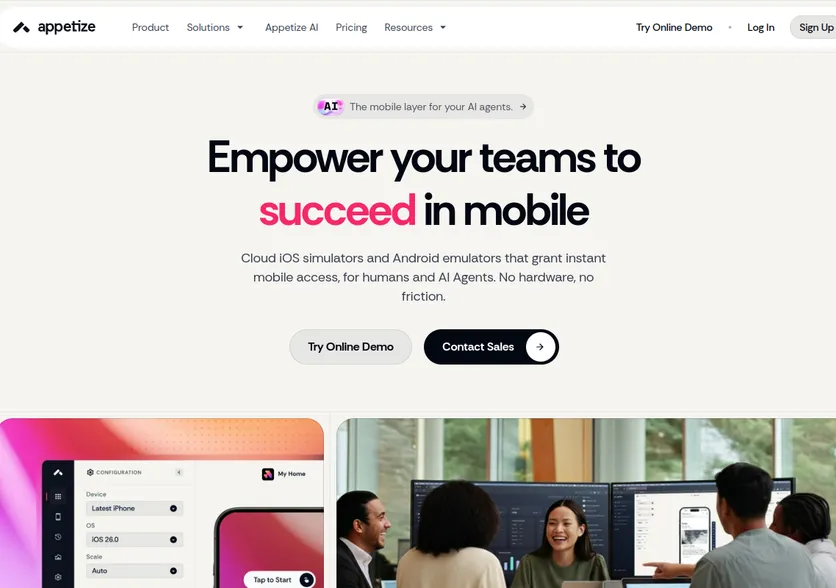
| Appetize.io | Startups that need instant app demos and quick virtual checks | $59/month | Free plan (30 minutes a month) | Visit |
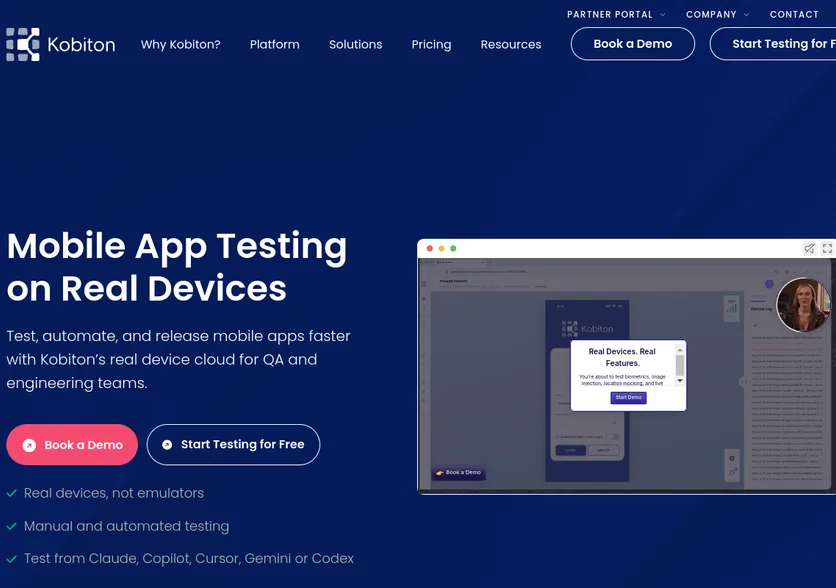
 Kobiton | Startups building a reusable automated test suite | $83/month | Free trial | Visit |
| pCloudy | Small teams that test together on several devices at once | $105/month | Free trial | Visit |
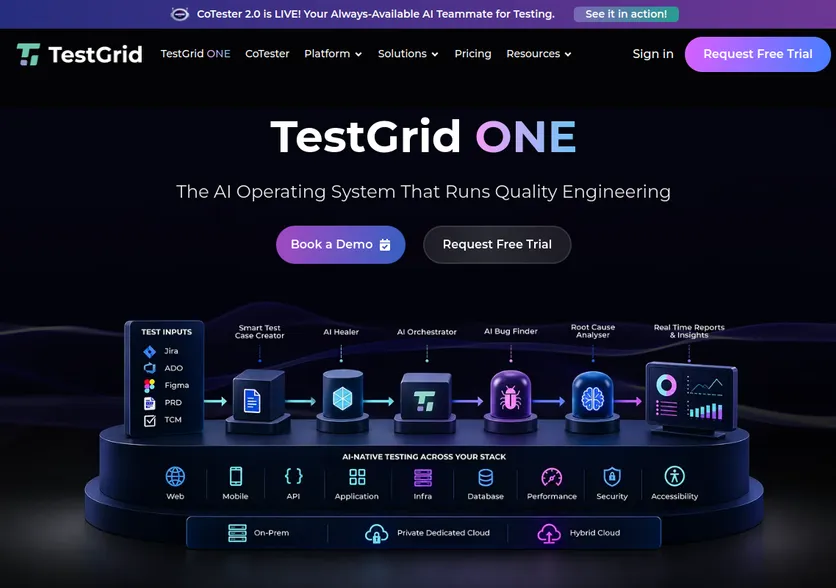
 TestGrid | Startups with a dedicated QA team testing full-time | $249/seat/month | Free trial | Visit |
The mobile device testing software for startups, compared
1. LambdaTest
Best for: Startups that need cheap live testing on real devices
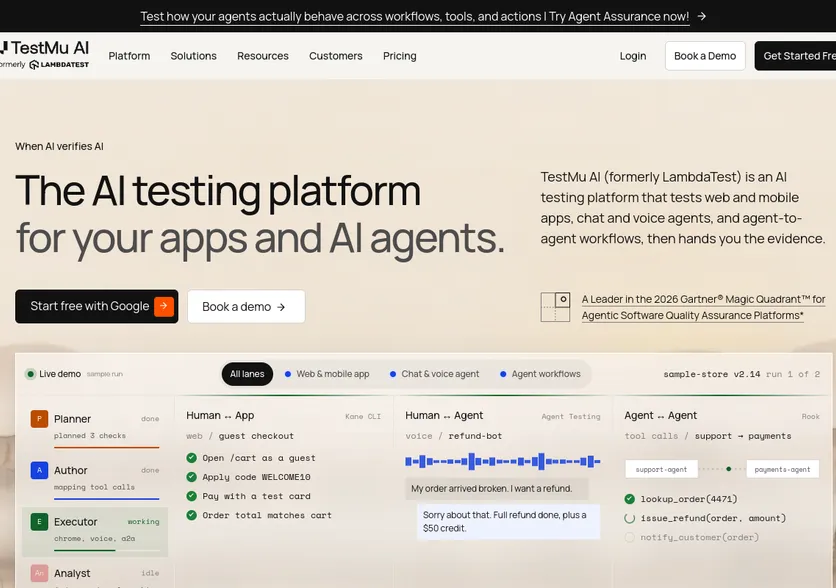
Paid tool Starting price: $15/month · Fifteen dollars a month per parallel billed annually on the Virtual Live plan; Real Device Plus Live is $39 a month per parallel. The free plan allows two-minute live sessions. LambdaTest rebranded to TestMu AI in January 2026, and lambdatest.com/pricing now redirects to testmuai.com
Free plan: Free plan (2-minute sessions)
This LambdaTest plan costs fifteen dollars a month per parallel on annual billing, and it is the cheapest way for a startup to test on real phones. It runs live manual tests on real iOS and Android devices, records the session and captures screenshots for every bug found. A small team can check a build on a dozen devices in an afternoon without owning any of them.
What we like
- The lowest entry price in this list
- Real iOS and Android devices in the cloud
- Session recordings and screenshots for every bug
Watch out for
- The free plan limits live sessions to two minutes
- Virtual and real device plans are priced separately
How to try it
- Start a free plan and run a live test on one real device
- Pick the devices your users actually own and test the build
- Record the session and share screenshots with the developer
2. TestingBot
Best for: Startups that test daily and want one flat monthly price
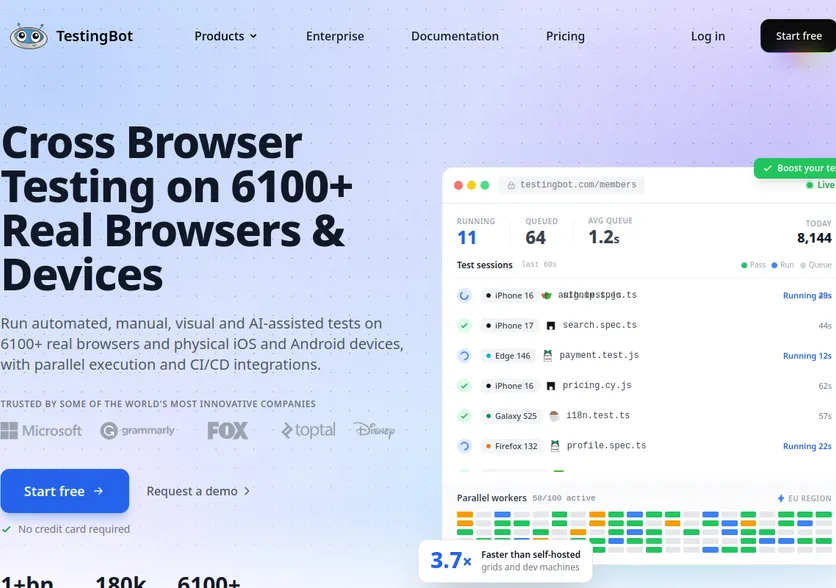
Paid tool Starting price: $20/month · Twenty dollars a month billed annually on the Live plan, or thirty dollars month to month; the plan includes unlimited live and visual testing on real iOS and Android devices. Some listings quote the price in euros, so confirm the dollar figure at checkout
Free plan: 14-day free trial
This TestingBot plan costs twenty dollars a month on annual billing, and it gives a startup unlimited live testing for one flat price. It runs apps on real iOS and Android devices, captures screenshots and video of every session, and supports visual testing so a layout change cannot slip through unnoticed. A team that tests every day gets more value here than on per-minute plans.
What we like
- Unlimited live and visual testing on one plan
- Real iOS and Android devices with video capture
- Simple pricing with no per-minute charges
Watch out for
- No permanent free plan, only a 14-day trial
- Smaller device library than BrowserStack or LambdaTest
How to try it
- Start a trial and pick the devices your users own
- Run a live test and record video of the session
- Turn on visual testing to catch layout changes automatically
3. BrowserStack
Best for: Startups that need the widest real-device coverage
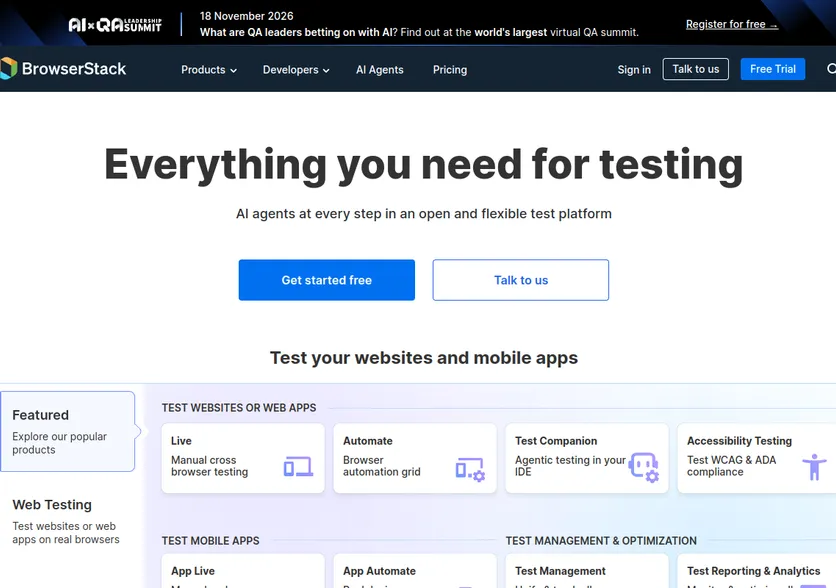
Paid tool Starting price: $29/month · Twenty-nine dollars per user a month billed annually on the Live Desktop plan, or thirty-nine dollars month to month; Desktop and Mobile is $39 a month per user, App Live Individual is $39 a month, and the Freelancer plan is $12.50 a month with 100 minutes
Free plan: Free trial
This BrowserStack plan costs twenty-nine dollars per user a month on annual billing, and it opens the largest real-device cloud a startup can rent. It covers thousands of real phones and tablets plus desktop browsers, with live testing, screenshots and integrations into the tools a team already uses. A startup that needs to test on obscure devices will find them here first.
What we like
- The largest real-device cloud in this list
- Live testing plus screenshots and automation in one place
- Deep integrations with common developer tools
Watch out for
- The entry plan is desktop only, so mobile costs more
- Per-user pricing adds up as the team grows
How to try it
- Start a trial and pick the devices your users actually own
- Run a live test on a real phone and capture screenshots
- Connect the tool to the team's bug tracker and CI pipeline
4. Sauce Labs
Best for: Startups planning to automate tests as they grow
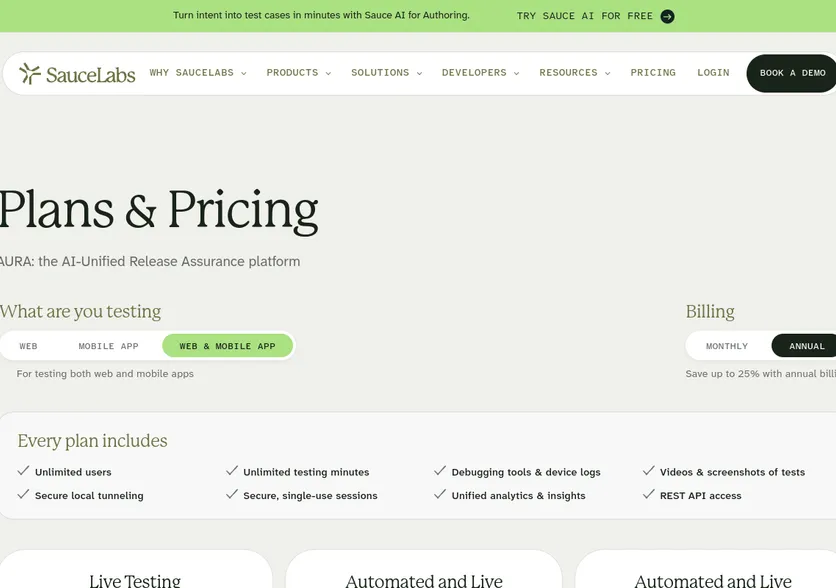
Paid tool Starting price: $39/month · Thirty-nine dollars a month billed annually on the Live Testing plan, or forty-nine dollars month to month; Virtual Device Cloud is $149 a month and Real Device Cloud is $199 a month, each with one parallel and unlimited users and minutes
Free plan: Free trial
This Sauce Labs plan costs thirty-nine dollars a month on annual billing, and it gives a startup unlimited users and minutes on one parallel. It runs live tests on real and virtual devices, records video of every session and plugs into continuous integration pipelines. A team that wants to automate tests as it grows can start here and scale without switching tools.
What we like
- Unlimited users and minutes on every plan
- Live and automated testing in one platform
- Strong continuous integration integrations
Watch out for
- Only one parallel on the entry plans
- Real device cloud costs much more than live testing
How to try it
- Start a trial and run a live test on a real device
- Set up one automated test in the CI pipeline
- Review the video recording and share the bug report
5. Appetize.io
Best for: Startups that need instant app demos and quick virtual checks
Paid tool Starting price: $59/month · Fifty-nine dollars a month billed annually on the Starter plan, or eighty-nine dollars month to month, with 500 minutes and three active devices; Premium is $319 a month billed annually. Appetize runs virtual devices only, with no real hardware, which is a real limit for device testing
Free plan: Free plan (30 minutes a month)
This Appetize plan costs fifty-nine dollars a month on annual billing, and it streams apps to a browser in seconds with no setup. It runs virtual devices only, so it is fast for demos and quick checks but cannot catch bugs that only appear on real hardware. A startup that needs to show an app to investors or test a build fast will like the speed, but it should pair Appetize with a real-device tool before launch.
What we like
- The fastest way to stream an app in a browser
- No setup, with 30 free minutes a month
- Easy sharing links for demos and reviews
Watch out for
- Virtual devices only, with no real hardware testing
- Costs more than real-device rivals at the entry tier
How to try it
- Sign up for the free plan and upload the app build
- Share a streaming link with a teammate or investor
- Run a quick check, then verify on a real device elsewhere
6. Kobiton
Best for: Startups building a reusable automated test suite
Paid tool Starting price: $83/month · Eighty-three dollars a month on the Startup plan, with 500 minutes; Accelerate is $399 a month, Scale is $9,000 a year, and Enterprise is quoted. The Startup plan is the only tier with a published monthly price below $100
Free plan: Free trial
This Kobiton plan costs eighty-three dollars a month, and it is built for teams that test the same devices again and again. It runs manual and automated tests on real devices, captures screenshots and performance data, and keeps a library of scripts a team can reuse. A startup with a growing test suite will get more from Kobiton than from a live-testing-only tool.
What we like
- Real devices with scripted and manual testing
- Reusable test scripts and performance data
- Good support for teams that test the same devices often
Watch out for
- The entry plan costs more than live-testing rivals
- No permanent free plan, only a free trial
How to try it
- Start a trial and enroll the devices the team tests most
- Record one manual test and save it as a reusable script
- Schedule the script to run on every new build
7. pCloudy
Best for: Small teams that test together on several devices at once
Paid tool Starting price: $105/month · One hundred and five dollars a month on the Manual Testing plan, billed annually, covering five users and five parallels; older listings show a $39 a month per-parallel device-manual figure that the vendor no longer lists as a standalone plan
Free plan: Free trial
This pCloudy plan costs one hundred and five dollars a month on annual billing, and it covers five users and five parallels at once. It runs manual tests on real Android and iOS devices, captures screenshots and logs, and lets several testers work at the same time. A small team that tests together will use all five parallels, which makes the price easier to justify than it looks.
What we like
- Five users and five parallels on one plan
- Real Android and iOS devices with logs and screenshots
- Good for teams that test in parallel
Watch out for
- The entry price is high for a solo tester
- Older per-parallel pricing no longer appears on the vendor site
How to try it
- Start a trial and invite the testing team
- Assign each tester a device and run manual tests together
- Review screenshots and logs and file bugs from the console
8. TestGrid
Best for: Startups with a dedicated QA team testing full-time
Paid tool Starting price: $249/seat/month · Two hundred and forty-nine dollars per seat a month on the Starter plan, with a four-seat minimum and four devices; older listings show $25 a month manual and $99 a month automation figures that the vendor no longer lists
Free plan: Free trial
This TestGrid plan costs two hundred and forty-nine dollars per seat a month, and it is the most expensive entry in this list. It combines manual and automated testing on real devices with a four-seat minimum, which makes sense only for a team that tests full-time. A startup with a dedicated QA team will use the capacity, but a small team should start cheaper and move up later.
What we like
- Manual and automated testing in one platform
- Four devices included with the four-seat minimum
- Built for teams that test every day
Watch out for
- The highest entry price in this list by a wide margin
- The four-seat minimum rules out solo testers
How to try it
- Start a trial and enroll the devices the team tests most
- Set up one automated test and run it on a real device
- Compare the cost against cheaper live-testing tools first
Prices above were checked on each vendor’s own website on Nov 28, 2026 and can change — the vendor’s page is the final word. Vendor links are editorial: nobody paid to be listed or ranked here. Vendors who want a featured listing can see how it works on our Get listed page.
How a startup tests on phones it does not own
List the devices your users actually own before you pick a tool, because a library of thousands of phones is useless if it misses the one model half your users carry. Start with the free plan or trial and run the same build on three devices, then look at how long each test takes and how clear the bug reports are. Real devices catch bugs emulators miss, especially around cameras, sensors and battery, so use virtual devices for speed and real ones before launch. Finally, check whether the price is per parallel, per user or per minute, because the cheapest headline can become the most expensive bill once the whole team starts testing.
Before you buy
- List the devices your users actually own before you pick a tool
- Check whether the price is per parallel, per user or per minute
- Confirm the plan includes real devices, not only virtual ones
- Test the bug reports on a real build before you pay
- Start on the cheapest plan and upgrade when testing grows
Official websites
Official websites of the products reviewed above. Features and prices were checked against these sites when this guide was written, and they can change, so confirm on the vendor site before you buy.
Frequently asked questions
What is mobile device testing software for startups?
It is software that runs a mobile app on real phones and tablets in the cloud, so a startup can test without buying every device its users own. A tester can run the app live, take screenshots, record video and file bugs from one console. The tools in this list cover real devices, virtual devices or both, and the best fit depends on how often the team tests and how many devices it needs.
How much does mobile device testing cost for a startup?
Entry prices in this list run from fifteen dollars a month per parallel on LambdaTest to two hundred and forty-nine dollars per seat a month on TestGrid, both billed annually. Most tools charge per parallel or per user, while Kobiton and pCloudy charge a flat monthly fee for a set of minutes or seats. Free plans exist on LambdaTest and Appetize, so a startup can test before paying.
Are real devices better than emulators for testing?
Yes, real devices catch bugs that emulators miss, especially around cameras, sensors, battery use and touch behavior. Emulators are faster and cheaper for quick checks during development, so most teams use both: virtual devices while building and real devices before launch. Appetize is virtual only, while LambdaTest, BrowserStack, Sauce Labs, Kobiton, pCloudy and TestGrid all offer real hardware.
What is a parallel in device testing pricing?
A parallel is one test session running at the same time, so one parallel means one tester can run one test at once. Two parallels let two tests run together, which matters when a team tests several devices at once or runs automated suites. LambdaTest charges fifteen dollars a month per parallel, and adding parallels is the main way the bill grows as testing scales.
Which tool is best for a startup on a tight budget?
LambdaTest is the best start, because it costs fifteen dollars a month per parallel and offers a free plan for short sessions. TestingBot is the best flat-rate option at twenty dollars a month with unlimited live testing. A startup that only needs occasional checks can stay on the free tiers of LambdaTest or Appetize and pay nothing at all.
Compare the eight tools above, then start with the free plan or trial on the tool that covers the devices your users actually own before you pay for a full year.
Browse Business Tools tools