On this page
A startup finds out its site is down from an angry customer, or from a monitoring tool that pages the team first. The eight tools below watch uptime, servers and errors, and wake someone up when something breaks. UptimeRobot leads because it is cheap, simple and free to start, and the rest are ranked on the same test: how fast a small team knows something is wrong and how clearly the alert says what broke.
How we researched this
We checked every price on the vendor pricing page on November 28, 2026, and only included tools with a published US dollar list price. Prices change, so confirm the current figure on the vendor site before you buy. UptimeRobot raised its prices in 2026, so older listings showing seven to nine dollars a month are out of date.
Compare the tools
| Name | Best for | Starting price | Free plan | |
|---|---|---|---|---|
 New Relic | Startups with a real application that need deep error tracing | $10/month | Free plan (100 GB ingest, 1 full user) | Visit |
 UptimeRobot | Startups that just need to know when the site goes down | $12/month | Free plan (50 monitors) | Visit |
 Datadog | Startups running real cloud infrastructure that need deep monitoring | $15/host/month | Free plan (up to 5 hosts) | Visit |
| Pingdom | Startups that want a proven uptime monitor with global checks | $16.50/month | No free plan; 30-day free trial | Visit |
 StatusCake | Startups that want uptime, speed and SSL checks in one tool | $20.41/month | Free plan (10 monitors, 5-minute checks) | Visit |
 Checkly | Startups with engineers who want monitoring as code | $24/month | Free plan (Hobby) | Visit |
 Better Stack | Startups that want uptime, logs and status pages in one tool | $29/month | Free plan (10 monitors) | Visit |
 OpManager | Startups that run their own servers and network hardware | $95/year | Free Edition (3 devices) | Visit |
The monitoring software for startups, compared
1. New Relic
Best for: Startups with a real application that need deep error tracing
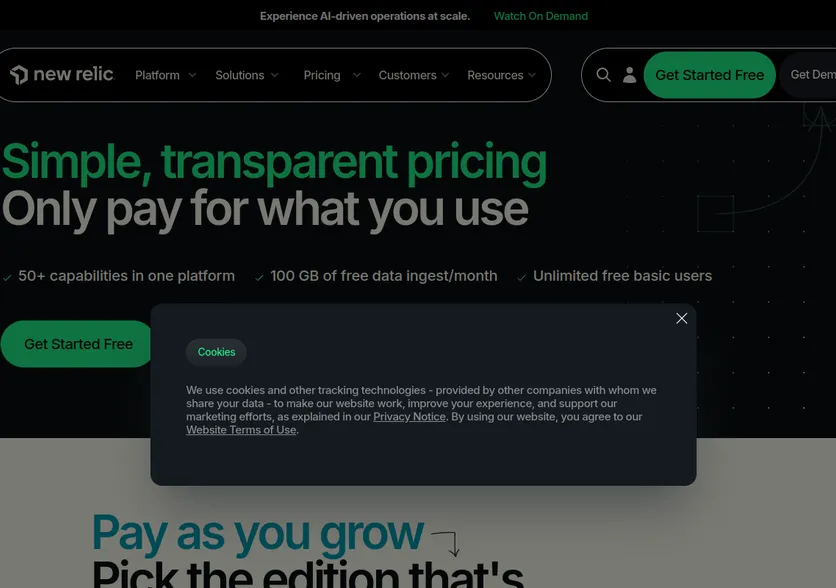
Paid tool Starting price: $10/month · Ten dollars a month for the first full platform user on the Standard plan, and $99 a month for each additional full user, up to five; Pro is $349 per user a month billed annually, and Core is $49 a month. The free plan includes 100 GB of ingest and one full user. The $10 first-user price is described as promotional in New Relic documentation
Free plan: Free plan (100 GB ingest, 1 full user)
This New Relic plan costs ten dollars a month for the first full platform user, and it is the deepest application monitoring in this list. It traces errors through the whole stack, shows which code change broke performance and alerts the team before users notice. A startup with a real application and a real engineering team will outgrow simple uptime checks and need this depth.
What we like
- The deepest application and error monitoring in this list
- Free plan with 100 GB of ingest and one full user
- Traces errors through the whole stack to the code that broke
Watch out for
- Additional full users cost $99 a month each
- The $10 first-user price is described as promotional
How to try it
- Sign up for the free plan and install the agent on the app
- Set up alerts for errors and slow response times
- Trace the first real error to the code that caused it
2. UptimeRobot
Best for: Startups that just need to know when the site goes down
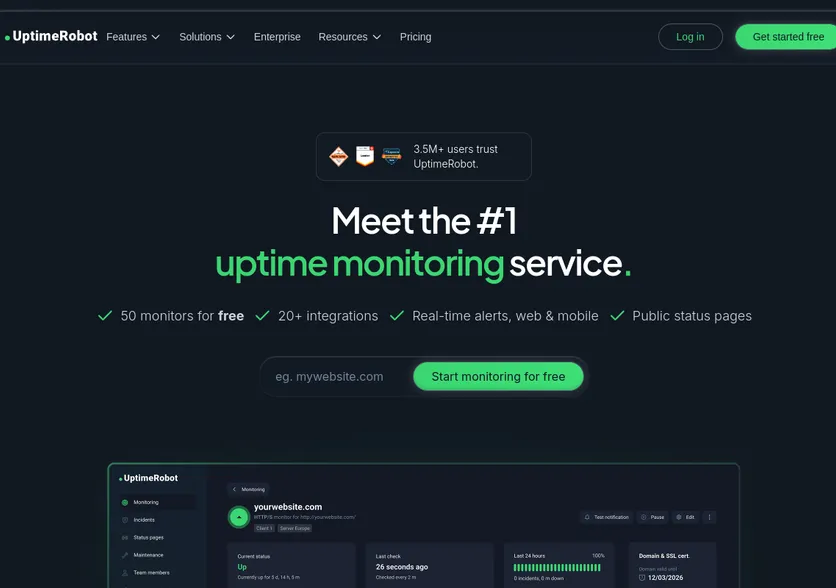
Paid tool Starting price: $12/month · Twelve dollars a month billed annually on the Solo plan, or thirteen dollars month to month; Team is $39 a month billed annually and Scale is $79 a month billed annually. The free plan covers 50 monitors. Older listings show $7, $8 or $9 a month, which are out of date after the 2026 price rise. Note that the Solo plan covers fewer monitors than the free plan
Free plan: Free plan (50 monitors)
This UptimeRobot plan costs twelve dollars a month on annual billing, and it is the simplest uptime monitor a startup can buy. It checks the site every minute, sends an alert the moment it goes down, and shows uptime history on a public status page. A team that just needs to know when the site breaks will find nothing simpler or cheaper.
What we like
- Free for 50 monitors with no time limit
- Checks every minute with instant alerts
- Simple setup that takes minutes
Watch out for
- The Solo plan covers fewer monitors than the free plan
- Older listings show lower prices that are now out of date
How to try it
- Sign up for the free plan and add the website
- Set up alerts by email, text or chat
- Add a public status page so customers can check uptime
3. Datadog
Best for: Startups running real cloud infrastructure that need deep monitoring
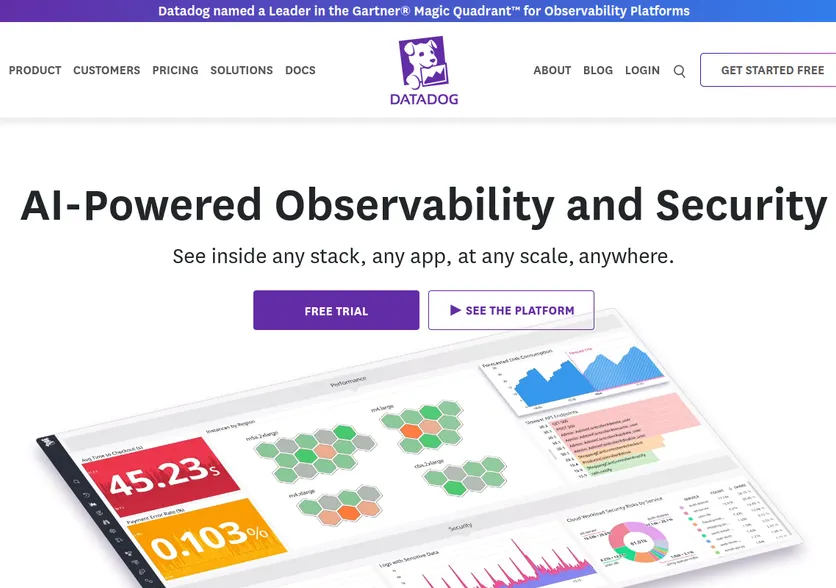
Paid tool Starting price: $15/host/month · Fifteen dollars per host a month billed annually on the Infrastructure Pro plan, or eighteen dollars on demand; APM is $31 a month per host, and logs are priced separately. The free plan covers up to five hosts
Free plan: Free plan (up to 5 hosts)
This Datadog plan costs fifteen dollars per host a month on annual billing, and it is the most complete infrastructure monitoring in this list. It watches servers, containers and applications from one dashboard, with hundreds of integrations into the tools a startup already runs. A team that runs real infrastructure in the cloud will grow into Datadog and stay there.
What we like
- Free for up to five hosts
- Hundreds of integrations with cloud and developer tools
- Infrastructure, APM and logs in one platform
Watch out for
- APM and logs cost extra on top of the host price
- The full power needs setup and a learning curve
How to try it
- Sign up for the free plan and install the agent on five hosts
- Set up alerts for CPU, memory and disk usage
- Add APM when the team needs to trace application errors
4. Pingdom
Best for: Startups that want a proven uptime monitor with global checks
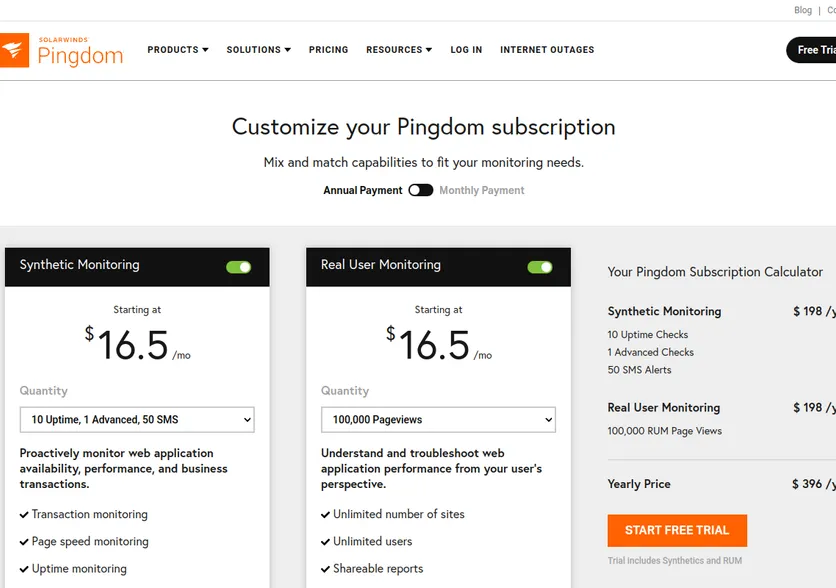
Paid tool Starting price: $16.50/month · Sixteen dollars and fifty cents a month billed annually on the Synthetic plan, or eighteen dollars month to month, covering 10 uptime checks, one advanced check and 50 SMS alerts; real user monitoring is a separate plan at the same entry price. The page shows prices in euros in some regions, so confirm the dollar figure at checkout
Free plan: No free plan; 30-day free trial
This Pingdom plan costs sixteen dollars and fifty cents a month on annual billing, and it is the classic uptime monitor that many teams started with. It checks the site from locations around the world, alerts the team when it goes down and shows real user experience alongside synthetic checks. A startup that wants a proven tool with a long track record will trust Pingdom.
What we like
- Checks from locations around the world
- Real user monitoring alongside synthetic checks
- A long track record and a trusted brand
Watch out for
- No free plan, only a 30-day trial
- Real user monitoring costs extra on a separate plan
How to try it
- Start a trial and add the website to monitor
- Set up alerts and choose the check locations
- Review the uptime report and share it with the team
5. StatusCake
Best for: Startups that want uptime, speed and SSL checks in one tool
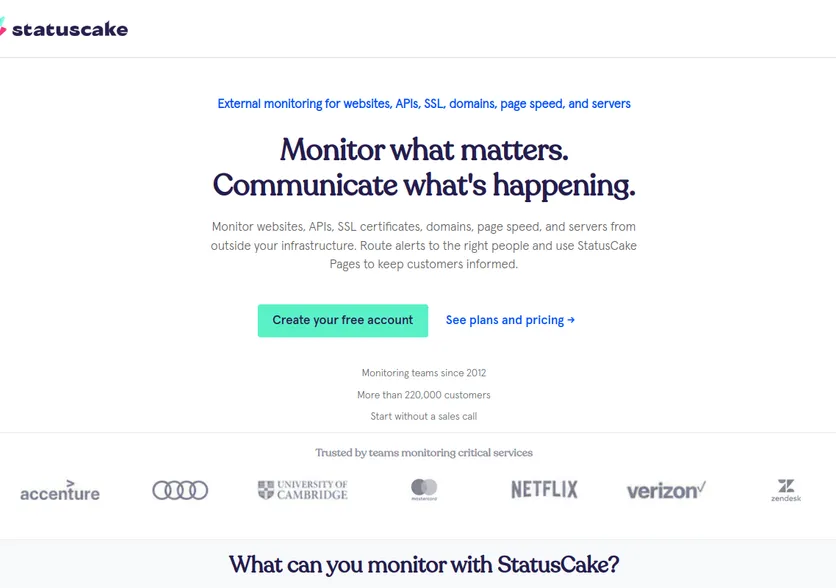
Paid tool Starting price: $20.41/month · Twenty dollars and forty-one cents a month billed annually on the Superior plan, or twenty-four dollars and forty-nine cents month to month; Business is $66.66 a month billed annually. The free plan covers 10 monitors with five-minute checks
Free plan: Free plan (10 monitors, 5-minute checks)
This StatusCake plan costs twenty dollars and forty-one cents a month on annual billing, and it covers uptime, page speed and SSL certificates in one place. It checks the site, tests how fast pages load and warns before a certificate expires, which catches three common failures with one tool. A startup that wants more than uptime checks without paying for a big platform will like the breadth.
What we like
- Uptime, page speed and SSL checks in one place
- Free plan with 10 monitors
- Simple setup with clear reports
Watch out for
- The price is not a round number, which makes budgeting awkward
- Less deep than Datadog or New Relic for infrastructure
How to try it
- Sign up for the free plan and add the website
- Turn on page speed and SSL certificate checks
- Set up alerts and a public status page
6. Checkly
Best for: Startups with engineers who want monitoring as code
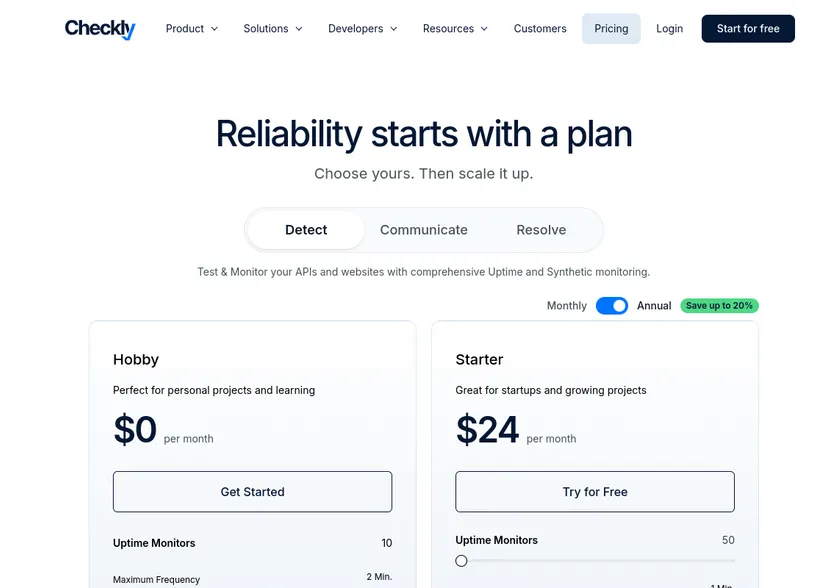
Paid tool Starting price: $24/month · Twenty-four dollars a month billed annually on the Starter plan, or twenty-nine dollars month to month; Team is $64 a month billed annually. The Hobby plan is free
Free plan: Free plan (Hobby)
This Checkly plan costs twenty-four dollars a month on annual billing, and it is built for developers who test their site like code. It runs API checks and browser checks from code, stores the checks in version control and alerts the team when a check fails. A startup with engineers who live in code will prefer Checkly over a dashboard they have to click through.
What we like
- Monitoring defined in code and stored in version control
- API and browser checks in one place
- A free Hobby plan for trying the tool
Watch out for
- Less friendly for non-technical team members
- The Team plan costs more than double the Starter plan
How to try it
- Sign up for the free Hobby plan and write the first check
- Add API checks for the endpoints the app depends on
- Connect alerts to the chat tool the team uses
7. Better Stack
Best for: Startups that want uptime, logs and status pages in one tool
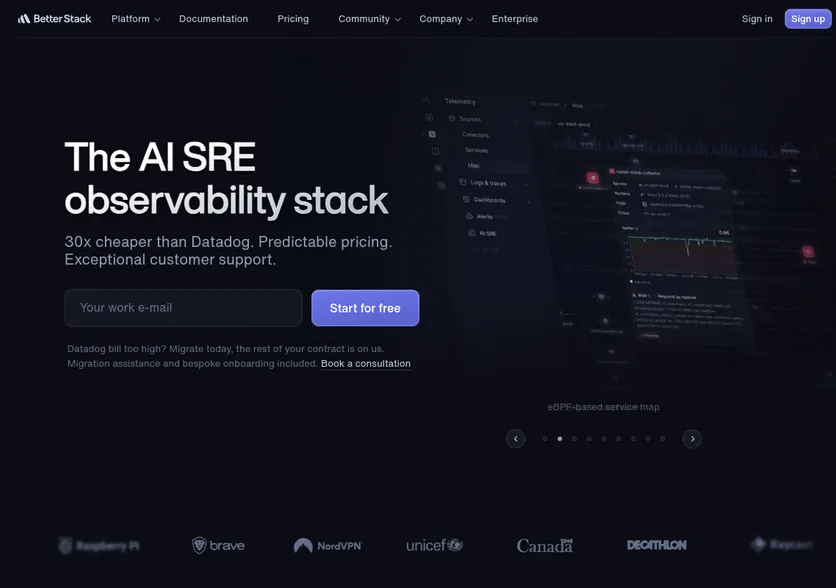
Paid tool Starting price: $29/month · Twenty-nine dollars a month billed annually for a responder license, or thirty-four dollars month to month; extra monitor packs cost $21 a month for 50 monitors. The free plan covers 10 monitors
Free plan: Free plan (10 monitors)
This Better Stack plan costs twenty-nine dollars a month on annual billing, and it combines uptime monitoring, logs and incident pages in one modern tool. It watches the site, collects logs from the app and publishes a status page customers can check, with on-call schedules for the team. A startup that wants one clean tool instead of three separate ones will find Better Stack the easiest to live with.
What we like
- Uptime, logs and incident pages in one place
- Free plan with 10 monitors
- A clean modern interface the team will actually use
Watch out for
- Extra monitors cost $21 a month per 50-monitor pack
- Less deep than Datadog for large infrastructure
How to try it
- Sign up for the free plan and add the website
- Connect logs from the app and set up alerts
- Publish a status page and set up an on-call schedule
8. OpManager
Best for: Startups that run their own servers and network hardware
Paid tool Starting price: $95/year · Ninety-five dollars a year for the Standard edition; Professional is $145 a year, Enterprise is $4,595 a year, and the Free Edition covers three devices. There is no Essential edition, despite some listings showing one
Free plan: Free Edition (3 devices)
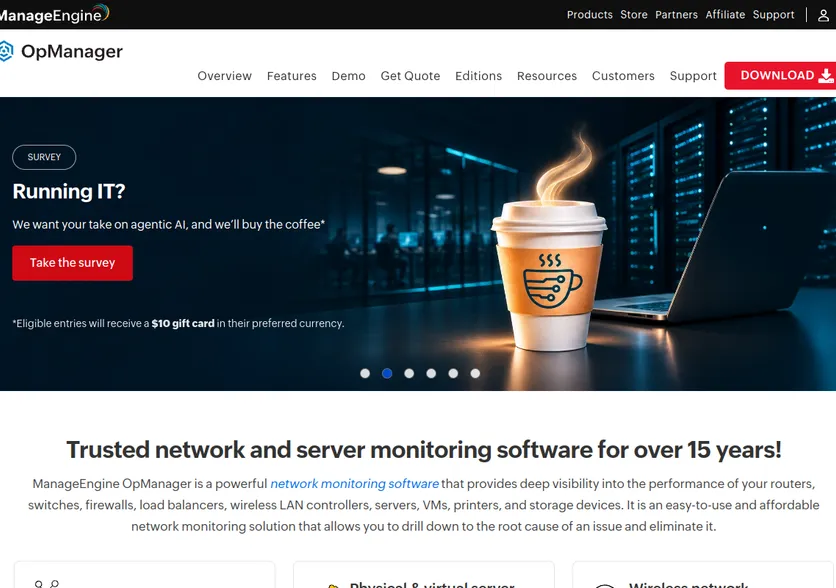
This OpManager plan costs ninety-five dollars a year, and it is the cheapest way to monitor a small network properly. It watches servers, switches and routers, maps the network and alerts the team when a device goes down. A startup that runs its own hardware will get enterprise-grade network monitoring for less than a hundred dollars a year.
What we like
- Full network monitoring for ninety-five dollars a year
- Free Edition covers three devices
- Network maps and device alerts built in
Watch out for
- Built for networks, not for web application monitoring
- The interface feels dated next to newer rivals
How to try it
- Install the Free Edition and add three devices
- Set up alerts for devices going down
- Upgrade to Standard when the network grows past three devices
Prices above were checked on each vendor’s own website on Nov 28, 2026 and can change — the vendor’s page is the final word. Vendor links are editorial: nobody paid to be listed or ranked here. Vendors who want a featured listing can see how it works on our Get listed page.
How a startup finds out something broke before customers do
Monitor what customers notice first, which is the website and the login page, then add servers and errors once those are covered. Set alerts to reach the person who can fix the problem, not the whole team, because an alert everyone gets is an alert nobody acts on. Test the alert path once a month by breaking something on purpose, since a monitoring tool that never pages is worse than no tool at all. Keep the status page honest and public, because customers forgive downtime faster when they can see what happened and when it will be fixed.
Before you buy
- Monitor the website and login page before servers and errors
- Send each alert to the person who can fix the problem
- Test the alert path once a month by breaking something on purpose
- Keep the status page honest and public for customers
- Start free and pay only when monitoring grows past the free limits
Official websites
Official websites of the products reviewed above. Features and prices were checked against these sites when this guide was written, and they can change, so confirm on the vendor site before you buy.
Frequently asked questions
What is monitoring software for startups?
It is software that watches a website, servers and applications, and alerts the team when something breaks. It checks uptime, response time, errors and resource use, and shows the results on a dashboard or a public status page. The tools in this list cover uptime, infrastructure, application errors and network devices, and the best fit depends on what the startup runs and how technical the team is.
How much does monitoring software cost for a startup?
Entry prices in this list run from ten dollars a month on New Relic to ninety-five dollars a year on OpManager, with most tools between twelve and twenty-nine dollars a month billed annually. Several tools offer free plans, including UptimeRobot with fifty monitors, Datadog with five hosts and Better Stack with ten monitors. A startup can often monitor its whole setup for free and pay only as it grows.
What is the difference between uptime and application monitoring?
Uptime monitoring checks whether the website responds, usually every minute, and alerts the team when it goes down. Application monitoring goes deeper, tracing errors through the code to find which change broke performance. UptimeRobot, Pingdom and StatusCake cover uptime, while New Relic and Datadog cover applications and infrastructure in depth.
Should a startup publish a public status page?
Yes, a public status page lets customers check whether the service is down without contacting support, which cuts support tickets during an outage. It also builds trust, because customers forgive downtime faster when they can see what happened and when it will be fixed. UptimeRobot, StatusCake and Better Stack all include status pages, and several offer them on the free plan.
Which tool is best for a startup on a tight budget?
UptimeRobot is the best start, because it is free for fifty monitors and costs twelve dollars a month when the team needs more. Better Stack is the best free start for teams that also want logs and a status page, with ten monitors free. A startup running its own hardware should look at OpManager, which costs ninety-five dollars a year for full network monitoring.
Compare the eight tools above, then start with the free plan or trial on the tool that watches what your customers notice first before you pay for a full year.
Browse Business Tools tools