On this page
A freelancer is the whole IT department for every client, so when a site or server goes down the alert lands on one phone. Datadog leads this list for depth, but most solo operators need something lighter and cheaper. These seven paid tools cover uptime checks, server metrics and status pages, with prices verified on each vendor site in November 2026.
How we researched this
We picked tools with published per-month prices, a plan a solo freelancer can actually afford, and monitoring that works without a team to run it. Every price below was read on the vendor pricing page and checked against a second source where the page was hard to read. Tools with quote-only enterprise pricing were left out.
Compare the tools
| Name | Best for | Starting price | Free plan | |
|---|---|---|---|---|
 Datadog | Freelancers who watch client servers and need deep infrastructure metrics | $15/month | Free tier with 1-day metric retention | Visit |
 PRTG Network Monitor | Freelancers who manage small business networks with many devices | $200/month | Free for up to 100 sensors | Visit |
 Site24x7 | Budget-conscious freelancers who need website, server and cloud monitoring in one place | $9/month | No free plan; 30-day free trial | Visit |
 UptimeRobot | Freelancers who mainly need simple uptime checks for client websites | $13/month | Free plan with 50 monitors | Visit |
 Freshping | Freelancers who want status pages alongside uptime monitoring | $11/month | Free Sprout plan with 50 checks | Visit |
 Better Stack | Freelancers who want uptime monitoring plus on-call alerting in one tool | $29/month | Free plan with 10 monitors | Visit |
 StatusCake | Freelancers who need fast checks and page speed monitoring together | $24.49/month | Free plan available | Visit |
The 7 best network monitoring tools for freelancers
1. Datadog
Best for: Freelancers who watch client servers and need deep infrastructure metrics
Paid tool Starting price: $15/month · Infrastructure Pro $15 per host a month billed annually, $18 on-demand; higher tiers add APM, logs and security monitoring
Free plan: Free tier with 1-day metric retention
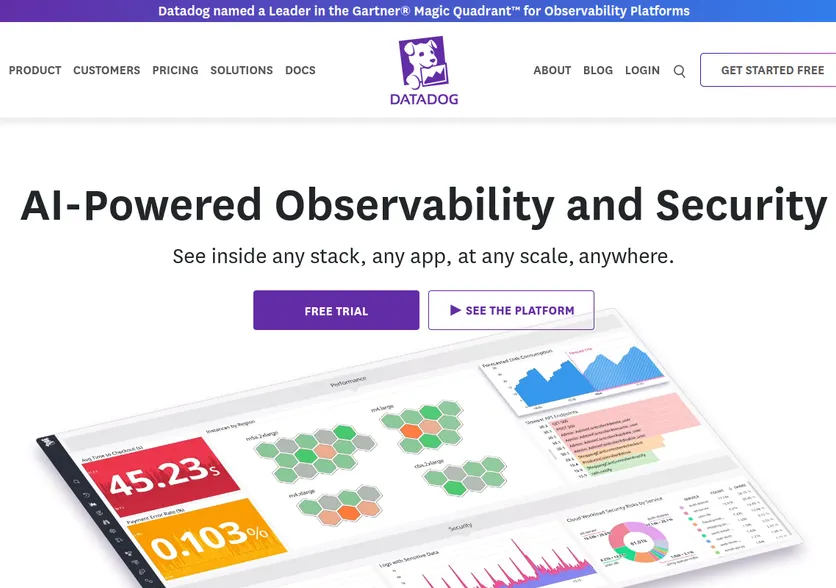
When a client site goes down at midnight, the freelancer is the one who gets the call, and Datadog is the heavyweight option for answering it with real data. This Datadog Infrastructure Pro plan starts at $15 per host a month on annual billing and tracks servers, containers, logs and synthetic checks from one dashboard. It is more platform than a solo freelancer usually needs, but for anyone managing several client servers it replaces three smaller tools at once.
What we like
- One dashboard for servers, logs and synthetic checks
- Hundreds of integrations with common services
- Alerting is fast and easy to route per client
Watch out for
- Per-host billing climbs quickly with many servers
- The interface has a real learning curve
How to try it
- Open the Datadog pricing page and start with the free tier to test the agent
- Install the agent on each client server and tag hosts by client name
- Set alert thresholds for CPU, disk and uptime, then route alerts to your phone
2. PRTG Network Monitor
Best for: Freelancers who manage small business networks with many devices
Paid tool Starting price: $200/month · PRTG 500 at $200 a month paid annually covers about 50 devices; larger licences scale to thousands of sensors
Free plan: Free for up to 100 sensors
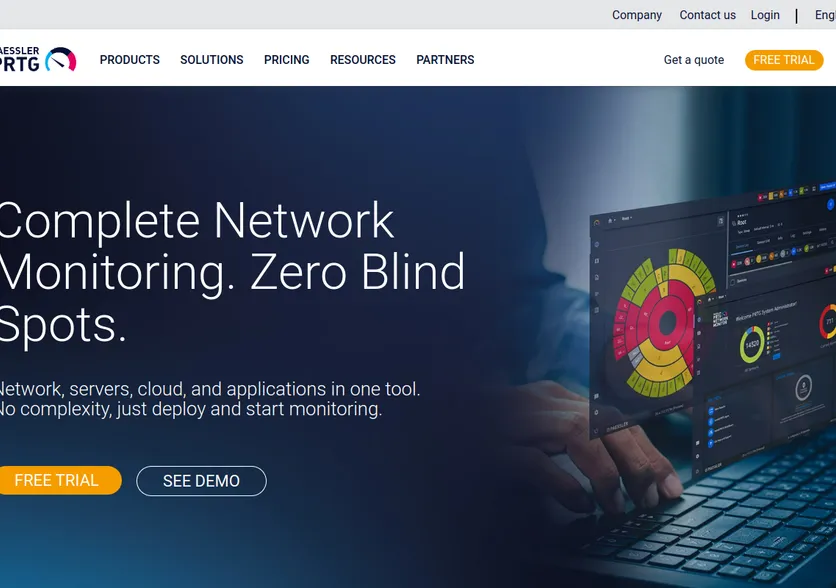
PRTG is the classic choice for watching a whole office network, and it suits freelancers who look after small business clients with routers, switches and servers on site. This PRTG 500 licence costs $200 a month on annual billing and covers around 50 devices with sensor-based monitoring for bandwidth, uptime and hardware health. The free tier covers up to 100 sensors, so a freelancer can trial it on a small client network before paying anything.
What we like
- Sensor model maps neatly onto real networks
- Free tier covers up to 100 sensors
- Dashboards and maps are easy to share with clients
Watch out for
- The $200 entry tier is steep for one freelancer
- Windows-only core server limits hosting choices
How to try it
- Download PRTG and run the free tier on a small client network first
- Add devices by IP address and let auto-discovery map the sensors
- Build one dashboard per client and set email alerts for sensor failures
3. Site24x7
Best for: Budget-conscious freelancers who need website, server and cloud monitoring in one place
Paid tool Starting price: $9/month · Plans start from $9 a month; yearly billing saves 10 percent; 30-day free trial on paid plans
Free plan: No free plan; 30-day free trial
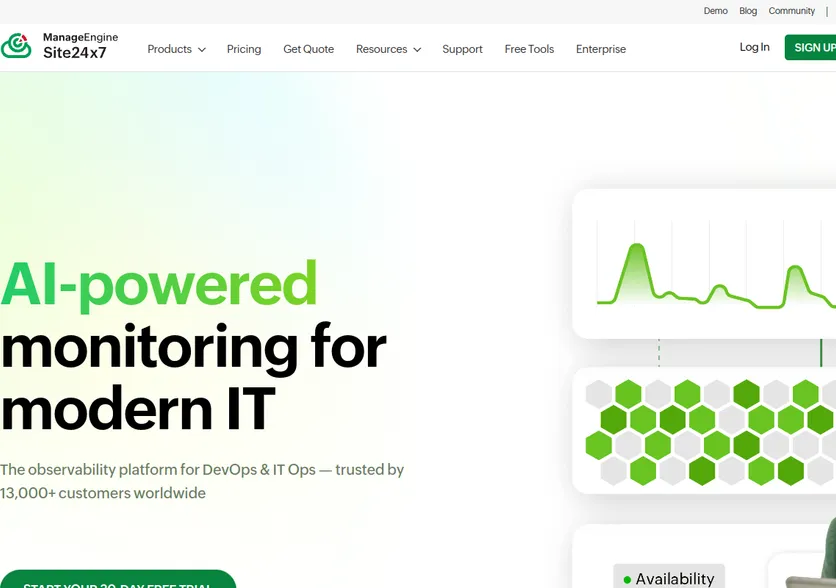
Site24x7 packs an unusual amount into its cheapest plan, which is why it earns a place here despite the enterprise-sounding name. This Site24x7 entry plan starts from $9 a month and covers website uptime, server health and cloud resources with alerts by email, SMS and chat apps. Yearly billing saves 10 percent, and the 30-day trial gives a freelancer a full month to prove it on live client sites.
What we like
- Lowest starting price on this list
- Website, server and cloud checks in one plan
- Reports are easy to send to clients each month
Watch out for
- No free tier, only a 30-day trial
- The dashboard can feel crowded at first
How to try it
- Start the 30-day trial and add every client website as a monitor
- Add server agents to the machines you are responsible for
- Group monitors by client so alerts and reports stay separate
4. UptimeRobot
Best for: Freelancers who mainly need simple uptime checks for client websites
Paid tool Starting price: $13/month · Solo plan $13 a month, $12 billed annually; 10 monitors with 60-second checks
Free plan: Free plan with 50 monitors
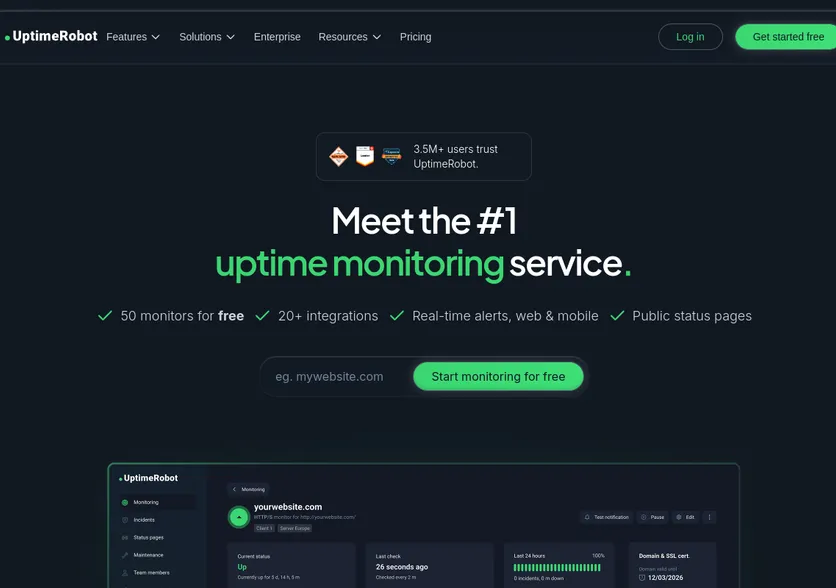
UptimeRobot does one job and does it well, which is exactly what a freelancer with ten client sites needs. This UptimeRobot Solo plan costs $13 a month and watches 10 monitors with checks every 60 seconds, plus keyword and port checks for deeper verification. The free plan covers 50 monitors with five-minute checks, so many solo operators never need to pay at all.
What we like
- Dead simple to set up in minutes
- Generous free plan with 50 monitors
- Status pages are included for client updates
Watch out for
- No server or infrastructure metrics
- Solo plan caps at 10 monitors
How to try it
- Create a free account and add each client site as a monitor
- Set 60-second checks on the Solo plan for sites that earn money
- Connect alerts to email and a chat app so nothing is missed
5. Freshping
Best for: Freelancers who want status pages alongside uptime monitoring
Paid tool Starting price: $11/month · Blossom $11 a month billed annually, $14 month-to-month; Garden plan $36 a month
Free plan: Free Sprout plan with 50 checks
Freshping comes from the Freshworks family and pairs uptime checks with public status pages, which is a nice touch when clients want to see for themselves that a site is healthy. This Freshping Blossom plan costs $11 a month on annual billing and adds more checks, faster intervals and team seats over the free Sprout plan. The free tier covers 50 checks, so a freelancer can run basic monitoring for every client without spending anything.
What we like
- Status pages look professional for clients
- Free Sprout plan covers 50 checks
- Backed by a large vendor with steady support
Watch out for
- Advanced alerting sits on higher tiers
- Fewer integrations than dedicated uptime tools
How to try it
- Sign up free and add client sites to the Sprout plan
- Publish a status page per client with their branding
- Upgrade to Blossom when you need faster checks or more monitors
6. Better Stack
Best for: Freelancers who want uptime monitoring plus on-call alerting in one tool
Paid tool Starting price: $29/month · Responder licence $29 a month billed annually, $34 monthly; free plan covers 10 monitors
Free plan: Free plan with 10 monitors
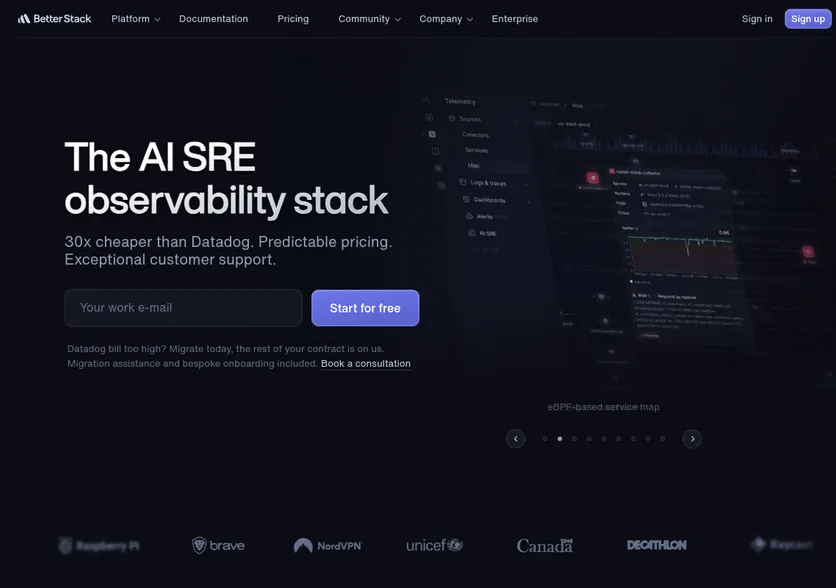
Better Stack started as an uptime monitor and grew into a full incident tool, which suits a freelancer who is also the on-call responder. This Better Stack Responder licence costs $29 a month on annual billing and combines uptime checks, status pages and on-call schedules with escalation rules. The free plan covers 10 monitors, so a small roster of client sites costs nothing until the workload grows.
What we like
- Uptime checks and on-call in one place
- Clean modern interface with fast setup
- Status pages and incident timelines included
Watch out for
- Responder tier is pricier than pure uptime tools
- Log management is a separate paid product
How to try it
- Add client sites to the free plan and set check intervals
- Create an on-call schedule that routes alerts to your phone
- Publish a status page and link it from client reports
7. StatusCake
Best for: Freelancers who need fast checks and page speed monitoring together
Paid tool Starting price: $24.49/month · Superior plan $24.49 a month, $20.41 billed annually; Business plan $79.99 a month
Free plan: Free plan available
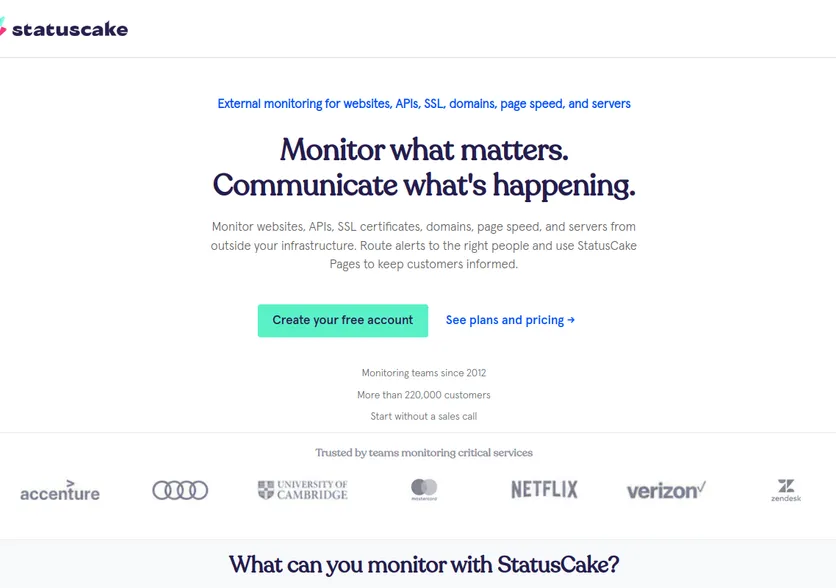
StatusCake has been around since the early days of uptime monitoring and still offers a solid mix of uptime, page speed and domain checks. This StatusCake Superior plan costs about $24 a month and adds faster check intervals, more monitors and SSL monitoring over the free tier. Page speed testing is the extra that sets it apart, since a slow client site is often the first sign of trouble.
What we like
- Page speed checks included alongside uptime
- SSL and domain expiry monitoring built in
- Long track record and stable service
Watch out for
- Pricing has odd cents that make budgeting awkward
- Interface feels older than newer rivals
How to try it
- Start on the free plan and add uptime checks for each client
- Enable page speed tests on the sites that matter most
- Turn on SSL expiry alerts so certificates never lapse unnoticed
Prices above were checked on each vendor’s own website on Nov 26, 2026 and can change — the vendor’s page is the final word. Vendor links are editorial: nobody paid to be listed or ranked here. Vendors who want a featured listing can see how it works on our Get listed page.
How to run monitoring for several clients without drowning in alerts
Start with one monitor per client site and a single alert channel you actually read, then add server checks only for the clients who pay for that level of care. Group everything by client so a midnight alert tells you whose site is down before you even open the app, and send a short monthly uptime report to each client so the monitoring shows up as value instead of invisible background work.
Before you buy
- Count every site, server and service you must watch before choosing a tier, because monitor limits decide the real price.
- Check the alert channels on the plan you buy, since SMS and phone alerts often cost extra or sit on higher tiers.
- Confirm the check interval, because five-minute checks can miss short outages that 60-second checks would catch.
- Ask whether status pages are included, since clients expect a public page when their site goes down.
- Test the free plan on one live client first to learn the alert noise before paying for the whole roster.
Official websites
Official websites of the products reviewed above. Features and prices were checked against these sites when this guide was written, and they can change, so confirm on the vendor site before you buy.
Frequently asked questions
What is the cheapest network monitoring tool for freelancers?
Site24x7 starts at $9 a month, the lowest paid entry on this list, while UptimeRobot and Freshping both offer free plans that cover 50 monitors. For pure uptime checks, the free tiers are often enough for a small client roster. Pay only when you need faster checks, more monitors or server metrics.
Do freelancers need server monitoring or just uptime checks?
Most freelance work only needs uptime checks on client websites, plus SSL expiry alerts so certificates never lapse. Server monitoring matters when you manage the hosting yourself or a client pays for that care. Start with uptime, then add server agents only for the clients who need them.
How many monitors does a typical freelancer need?
Count one monitor per client website, plus one per extra service such as a shop checkout or booking page. Ten to twenty monitors cover most solo rosters, which is why free plans with 50 monitors go so far. Server agents are counted separately, so check whether hosts or monitors are the billed unit.
Are status pages worth paying for as a freelancer?
Yes, when clients check on outages themselves. A status page turns a panicked phone call into a link you can share, and it makes your work look professional. UptimeRobot, Freshping and Better Stack all include status pages, so you rarely need to pay extra for one.
Can one monitoring tool cover several clients?
Yes, every tool here supports multiple monitors, and most let you group them by client for separate alerts and reports. The limit to watch is the monitor or host count on your tier. Pick a plan with headroom for two or three new clients so growth does not force an upgrade mid-contract.
Keep the rest of your freelance toolkit free — try Toolsvine's browser tools for invoices, budgets and time right now.
Browse Network & IP Tools tools