On this page
An ecommerce store loses money every minute it is down, and a slow checkout costs almost as much as a dead one, so monitoring has to watch both uptime and speed. The eight tools below cover that job for stores of every size, from a free monitor for a single shop to a browser-check tool that clicks through checkout like a customer. UptimeRobot leads because it watches fifty monitors for seven dollars a month and alerts the team before shoppers notice, and the rest are ranked on how well they protect revenue for the price.
How we researched this
We checked every price on the vendor pricing page on November 29, 2026, and only included tools with a published US dollar list price. The enterprise platforms that sell monitoring by quote, including Datadog, New Relic, Dynatrace and AppDynamics, publish no prices for a small store, so they are not in this list. Prices change, so confirm the current figure on the vendor site before you buy.
Compare the tools
| Name | Best for | Starting price | Free plan | |
|---|---|---|---|---|
 UptimeRobot | Stores that need cheap uptime checks with alerts | $7/month | Free plan (50 monitors) | Visit |
 Pingdom | Stores that want synthetic and real-user monitoring together | $10/month | No free plan; 30-day free trial | Visit |
 StatusCake | Stores that want a free tier plus page-speed checks | $20.41/month | Free plan | Visit |
 Better Stack | Stores that want monitoring and incident response in one app | $29/responder/month | Free plan (10 monitors) | Visit |
 Uptime.com | Stores that want real-user data beside uptime checks | $9/month | No free plan; 30-day money-back guarantee | Visit |
 Site24x7 | Stores that want website and server monitoring together | $9/month | Free plan | Visit |
 Checkly | Stores whose checkout flow needs API and browser checks | $24/month | Free plan (Hobby, 10 monitors) | Visit |
 Dotcom-Monitor | Stores that want monitoring from many global locations | $19.99/month | Free plan (up to 25 targets) | Visit |
The website monitoring software for ecommerce stores, compared
1. UptimeRobot
Best for: Stores that need cheap uptime checks with alerts
Paid tool Starting price: $7/month · Seven dollars a month on Solo billed annually; Team is twenty-nine dollars a month and Enterprise is fifty-four dollars a month; the free plan covers fifty monitors with five-minute checks
Free plan: Free plan (50 monitors)
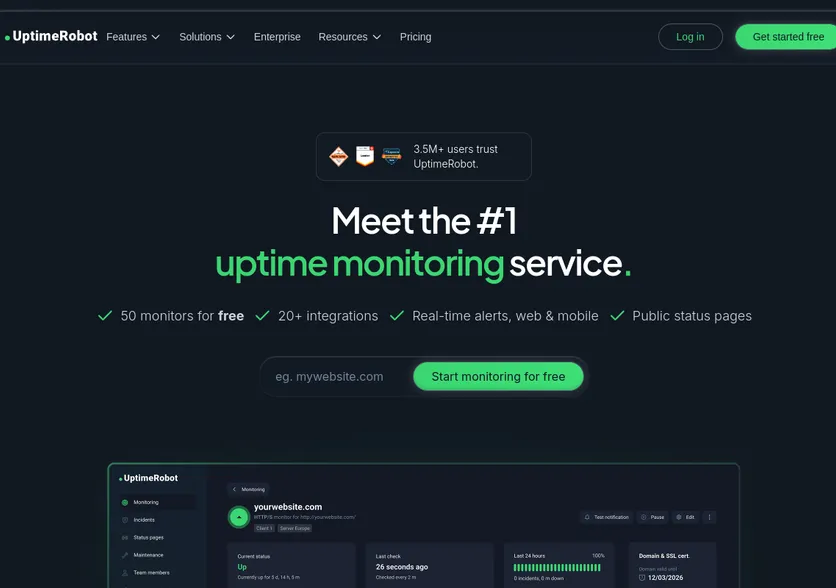
A store that loses a sale every minute it is down needs a monitor that costs seven dollars a month, and this UptimeRobot Solo plan watches fifty monitors and alerts the team the moment the site stops answering. Five-minute checks on the free plan catch most outages, and the paid plan adds one-minute checks, keyword monitoring and public status pages. It is the cheapest way for a small store to know about downtime before customers do.
What we like
- Free plan covers fifty monitors with five-minute checks
- Alerts arrive by email, SMS, Slack and webhook
- Status pages and keyword monitoring included on paid plans
Watch out for
- Five-minute checks on the free plan miss short outages
- Advanced features such as SSL monitoring need a paid plan
How to try it
- Add the store URL and pick the check interval
- Set alert contacts for email, SMS or Slack
- Add a public status page and link it from the store footer
2. Pingdom
Best for: Stores that want synthetic and real-user monitoring together
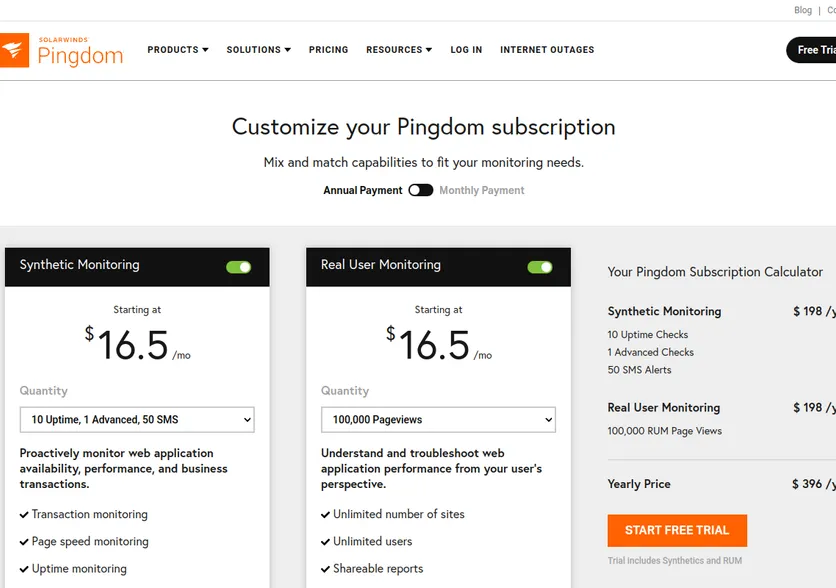
Paid tool Starting price: $10/month · Ten dollars a month is the starting figure for Synthetics and for Real User Monitoring; the pricing calculator puts the smallest synthetic option at sixteen dollars and fifty cents a month billed annually, or eighteen dollars month to month; no free plan, thirty-day free trial
Free plan: No free plan; 30-day free trial
A store owner who wants to know both whether the site is up and how fast real shoppers see it will find this Pingdom plan starts at ten dollars a month for synthetic checks and real-user monitoring. It runs page speed tests, transaction checks and uptime monitoring from more than one hundred locations, so a slow checkout shows up before customers complain. The price climbs as checks and locations are added, so a small store should start with the homepage and checkout only.
What we like
- Synthetic checks and real-user data in one dashboard
- Page speed and transaction monitoring included
- Checks run from more than one hundred global locations
Watch out for
- No free plan, only a thirty-day trial
- Costs climb fast when many checks and locations are added
How to try it
- Add the homepage and checkout URLs as uptime checks
- Turn on Real User Monitoring to see real visitor speeds
- Set alert thresholds and connect the alerts to the team chat
3. StatusCake
Best for: Stores that want a free tier plus page-speed checks
Paid tool Starting price: $20.41/month · Twenty dollars and forty-one cents a month on Superior billed annually, or twenty-four dollars and forty-nine cents month to month; Business is sixty-six dollars and sixty-six cents a month billed annually; some reads of the vendor page show euros, sixteen euros and sixty-six cents a month billed annually, so confirm the currency at checkout
Free plan: Free plan
A store that wants monitoring without paying anything at first gets a free plan here, and this StatusCake Superior plan costs twenty dollars and forty-one cents a month billed annually when the team outgrows it. It covers unlimited tests, page speed checks and domain monitoring, with status pages that carry the store branding on paid plans. Thirty-second checks need the Business plan, so a store that needs the fastest alerts should budget for that tier.
What we like
- Free plan with unlimited tests and ten monitors
- Page speed checks and domain monitoring included
- Status pages with custom branding on paid plans
Watch out for
- Thirty-second checks need the Business plan
- The vendor page shows euros in some reads, so check the currency
How to try it
- Add the store and product page URLs to monitor
- Turn on page speed checks for the checkout flow
- Publish a status page and share it with customers during outages
4. Better Stack
Best for: Stores that want monitoring and incident response in one app
Paid tool Starting price: $29/responder/month · Twenty-nine dollars per responder a month billed annually, or thirty-four dollars month to month; extra monitors cost twenty-one dollars a month per fifty on annual billing; the free plan covers ten monitors
Free plan: Free plan (10 monitors)
A store that wants uptime checks, logs and incident response in one place will find this Better Stack plan costs twenty-nine dollars per responder a month billed annually. It pairs monitoring with on-call schedules and escalation policies, so the right person gets paged instead of the whole team. The free plan covers ten monitors, which is enough for a small store to test the workflow before paying.
What we like
- Uptime, logs and incident response in one product
- On-call schedules and escalation policies built in
- Free plan covers ten monitors with no card
Watch out for
- Priced per responder, so a big on-call rota costs more
- Log management is a separate bill on top of monitoring
How to try it
- Add the store URL as a monitor with a thirty-second interval
- Create an on-call schedule for the team that answers alerts
- Connect the incident timeline to Slack for live updates
5. Uptime.com
Best for: Stores that want real-user data beside uptime checks
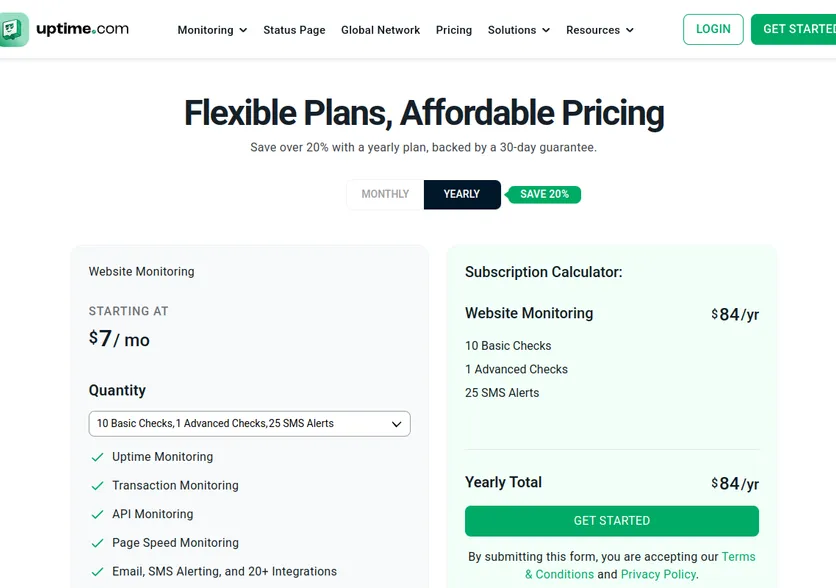
Paid tool Starting price: $9/month · Nine dollars a month billed monthly, or seven dollars a month billed annually at eighty-four dollars a year, for ten basic checks and one advanced check; status pages cost thirteen dollars a month extra and Real User Monitoring starts at seven dollars a month; no free plan, thirty-day money-back guarantee
Free plan: No free plan; 30-day money-back guarantee
A store that suspects slow pages cost more sales than downtime will like this Uptime.com plan at nine dollars a month billed monthly, or seven dollars a month billed annually. It adds Real User Monitoring beside uptime checks, so the team sees how real shoppers experience the store instead of guessing from synthetic tests. Status pages cost extra, and there is no free plan, only a thirty-day money-back guarantee.
What we like
- Real User Monitoring shows how real shoppers experience the store
- Transaction checks test the whole checkout flow
- Checks run every thirty seconds on paid plans
Watch out for
- No free plan, only a money-back guarantee
- Status pages and Real User Monitoring cost extra
How to try it
- Add the homepage, cart and checkout as separate checks
- Turn on Real User Monitoring to track real shopper speeds
- Set up a status page and link it from the store
6. Site24x7
Best for: Stores that want website and server monitoring together
Paid tool Starting price: $9/month · Nine dollars a month on Starter billed annually for ten websites or servers with one-minute checks; Pro is thirty-five dollars a month; the vendor site lists a free plan, though some reads say thirty-day trial only
Free plan: Free plan
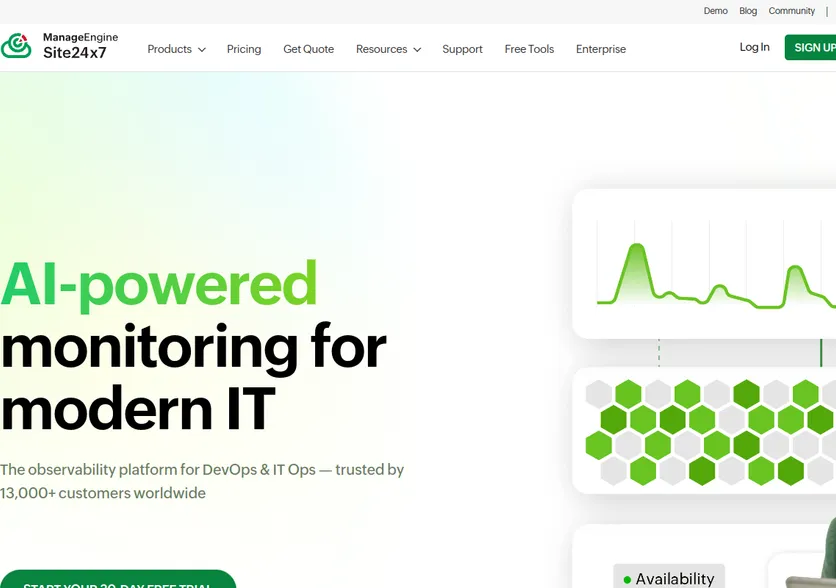
A store whose hosting server matters as much as its storefront gets both watched here, since this Site24x7 Starter plan costs nine dollars a month billed annually. It monitors websites, servers and applications in one console with one-minute checks, and a free plan covers small setups. The interface packs in many features, so a store owner should expect a learning curve before the first alert is set.
What we like
- Monitors websites, servers and applications in one console
- One-minute checks on the entry paid plan
- Free plan available for small setups
Watch out for
- The free plan limits are unclear across vendor reads
- The interface packs in many features and takes time to learn
How to try it
- Add the store URL and the hosting server as monitors
- Set one-minute check intervals for the checkout pages
- Create alert rules that page the on-call person first
7. Checkly
Best for: Stores whose checkout flow needs API and browser checks
Paid tool Starting price: $24/month · Twenty-four dollars a month on Detect Starter billed annually, or twenty-nine dollars month to month; Team is sixty-four dollars a month billed annually; Communicate and Resolve are separate paid modules; Hobby is free with ten monitors
Free plan: Free plan (Hobby, 10 monitors)
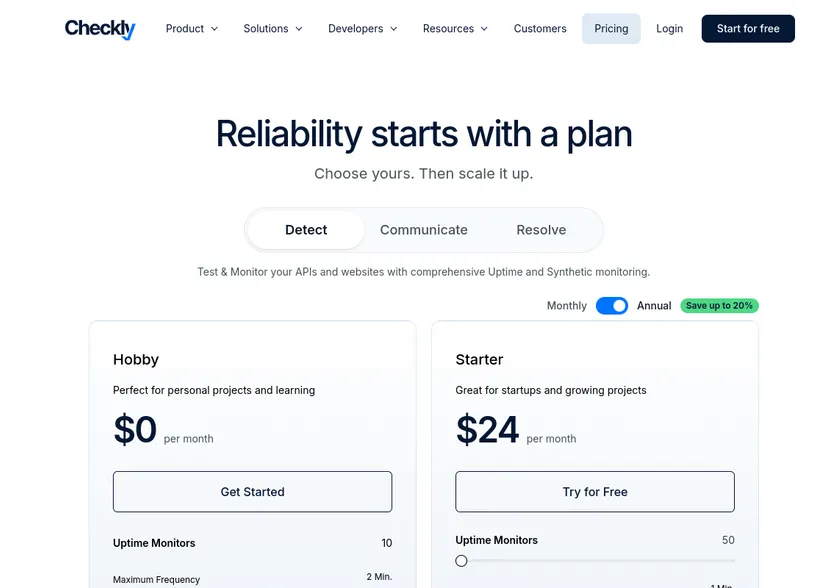
A store whose checkout flow breaks in ways a simple ping never catches needs browser checks, and this Checkly Detect Starter plan costs twenty-four dollars a month billed annually. Its browser checks click through the real checkout like a shopper, while API checks test the store backend directly, and the checks live as code in version control. Communicate and Resolve are separate paid modules, so incident chat and status pages add to the bill.
What we like
- Browser checks click through the real checkout flow
- API checks test the store backend directly
- Checks run as code, so they live in version control
Watch out for
- Communicate and Resolve are separate paid modules
- Writing checks as code needs a developer, not just a store owner
How to try it
- Write a browser check that adds a product and reaches checkout
- Add an API check for the store backend and payment endpoints
- Set alert channels so failed checks page the team at once
8. Dotcom-Monitor
Best for: Stores that want monitoring from many global locations
Paid tool Starting price: $19.99/month · Nineteen dollars and ninety-nine cents a month for WebView with ten targets and five-minute checks; MetricsView starts at thirteen dollars and thirty-three cents a month, BrowserView at twenty-nine dollars and ninety-six cents, UserView at thirty-eight dollars and ninety-five cents and ServerView at forty dollars; free plan covers up to twenty-five targets
Free plan: Free plan (up to 25 targets)
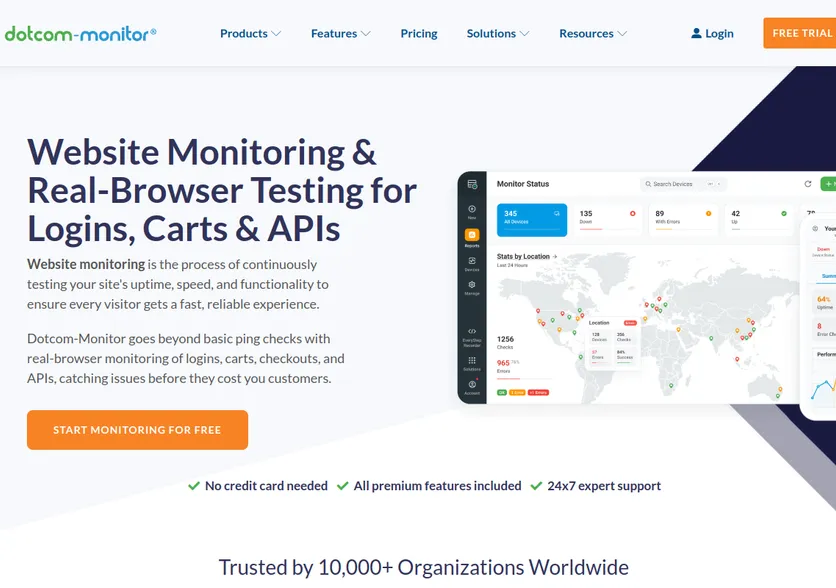
A store that sells to shoppers on several continents needs checks from many places, and this Dotcom-Monitor WebView plan costs nineteen dollars and ninety-nine cents a month for ten targets. It runs uptime and browser checks from locations around the world, and the free plan covers up to twenty-five targets for a small store. The product is split into separate views that each cost money, so a store should price the full setup before committing.
What we like
- Checks run from locations around the world
- Free plan covers up to twenty-five targets
- Browser checks test the store the way a shopper sees it
Watch out for
- The product is split into separate views that each cost money
- The interface feels dated next to newer monitors
How to try it
- Add the store homepage and checkout as WebView targets
- Pick check locations near the biggest customer regions
- Turn on alerts and set the check interval to five minutes
Prices above were checked on each vendor’s own website on Nov 29, 2026 and can change — the vendor’s page is the final word. Vendor links are editorial: nobody paid to be listed or ranked here. Vendors who want a featured listing can see how it works on our Get listed page.
How to monitor a store so downtime never costs a sale
Start with the pages that make money: the homepage, the product pages, the cart and the checkout, because a monitor that only watches the homepage will miss a broken payment step. Check from locations near the biggest customer regions, since a store that sells across the country can be fast at home and slow abroad. Set the check interval to one minute on the checkout flow and five minutes elsewhere, and send alerts to the person who can fix the problem, not to a shared inbox nobody reads. Keep a public status page ready before an outage happens, and post on it during the outage so customers see the store is working on the fix. Test the alerts once a month by taking a test page down, because an alert that never fires is worse than no monitor at all.
Before you buy
- Confirm the monitor checks the checkout flow, not just the homepage, because a dead payment step costs sales while the site looks fine
- Check the interval on the plan you will buy, since five-minute checks can miss an outage that one-minute checks would catch
- Ask whether status pages, Real User Monitoring and transaction checks cost extra or come with the plan
- Make sure alerts reach the person on call by SMS or phone, not only by email that sits unread overnight
- Test the free plan or trial on the real store before paying, including a page that returns an error on purpose
Official websites
Official websites of the products reviewed above. Features and prices were checked against these sites when this guide was written, and they can change, so confirm on the vendor site before you buy.
Frequently asked questions
What is website monitoring software for ecommerce stores?
It is software that checks an online store around the clock and alerts the owner when a page stops loading, slows down or returns an error. Good tools watch the homepage, product pages, cart and checkout separately, and they check from several locations so a problem in one region shows up fast. The best plans add status pages, so customers see the store is fixing the outage instead of guessing.
How much does UptimeRobot cost for an ecommerce store?
UptimeRobot costs seven dollars a month on Solo billed annually, and the free plan covers fifty monitors with five-minute checks, which is enough for a small store to start. Team is twenty-nine dollars a month and Enterprise is fifty-four dollars a month, adding one-minute checks, keyword monitoring and more alert options. A store should start on the free plan and upgrade only when it needs faster checks or status pages.
Can I monitor my ecommerce store for free?
Yes, with UptimeRobot, StatusCake, Better Stack and Dotcom-Monitor, which all offer free plans that cover a small store's main pages. UptimeRobot's free plan covers fifty monitors, StatusCake offers unlimited tests with ten monitors, and Better Stack covers ten monitors. Free plans check less often and lack status pages, so a busy store will outgrow them and should compare the paid plans above.
Which monitoring tool is best for checking a checkout flow?
Checkly is the best pick for checkout flows, at twenty-four dollars a month on Detect Starter billed annually, because its browser checks click through the real checkout like a shopper. Uptime.com is the runner-up, with transaction checks that test the whole purchase path and Real User Monitoring that shows how real shoppers experience the store. A simple uptime monitor cannot test a checkout, so it is the wrong tool for that job.
How fast should a store monitor check its pages?
One-minute checks are the right speed for the checkout flow and the homepage, because a store can lose several orders in five minutes of downtime. Five-minute checks are fine for blog pages and help articles that do not take money. Tools such as StatusCake and Site24x7 offer one-minute checks on paid plans, while free plans usually check every five minutes, so the interval is worth checking before buying.
Compare the eight tools above, then start with a free plan or trial on the tool that matches how the store already takes orders before paying for a full year.
Browse Network & IP Tools tools