On this page
A startup needs a website live this week, and it needs one that a founder can change without hiring a developer or waiting for an agency. The site is the pitch, the storefront and the signup page, and a slow launch costs customers. The eight tools below get a small team from blank page to live site fast. Framer leads because it turns design into a live website for five dollars per site a month, and the rest are ranked on how fast and cheaply a startup can launch.
How we researched this
We checked every price on the vendor pricing page on November 29, 2026, and only included tools with a published US dollar list price. Adobe XD is dead and InVision shut down at the end of 2024, so neither appears here. Axure and Elementor were left out because their prices conflict between November 2026 reads, and Elementor's Agency figure is quoted at both three hundred and ninety-nine and nine hundred and ninety-nine dollars a year, and prices change, so confirm the current figure on the vendor site before you buy.
Compare the tools
| Name | Best for | Starting price | Free plan | |
|---|---|---|---|---|
 Framer | Startups that need a marketing site live this week | $5/site/month | Free plan | Visit |
 Carrd | Startups that need a landing page for almost nothing | $9/year | Free plan (3 sites) | Visit |
 Canva | Startups whose team has no designers | $10/month | Free plan | Visit |
 Webflow | Startups that want a production website they can grow into | $14/month | Free plan (Starter) | Visit |
 Wix | Startups that need a website live fast without a developer | $17/month | Free plan | Visit |
 Squarespace | Startups that want a polished site with built-in commerce | $19/month | No free plan; 14-day free trial | Visit |
 Duda | Startups that build websites for clients | $19/month | No free plan; 14-day free trial | Visit |
 Bubble | Startups that need a web app, not just a website | $29/month | Free plan (development only) | Visit |
The web design software for startups, compared
1. Framer
Best for: Startups that need a marketing site live this week
Paid tool Starting price: $5/site/month · Five dollars per site a month billed annually on Mini (ten dollars month to month); Basic is fifteen dollars, Pro is thirty dollars and Business is seventy-five dollars a month billed annually
Free plan: Free plan
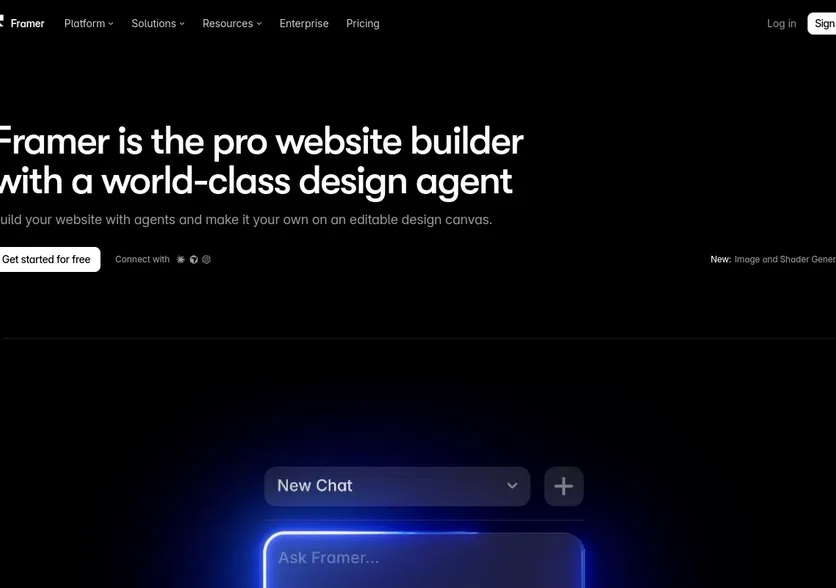
A startup that needs a marketing site live this week will like this Framer plan, which costs five dollars per site a month billed annually. Its canvas feels like a design tool and its output is a real website, so a founder can design and publish without hiring a developer. The free plan lets a startup test the workflow before paying.
What we like
- Canvas feels like a design tool and outputs a real website
- Free plan lets a startup test the workflow before paying
- Sites publish fast with no handoff step
Watch out for
- Priced per site, so many sites cost more
- Less flexible than Webflow for complex layouts
How to try it
- Design the site on the canvas
- Connect a custom domain on the Mini plan
- Publish and share the live link with the team
2. Carrd
Best for: Startups that need a landing page for almost nothing
Paid tool Starting price: $9/year · Nine dollars a year on Pro Lite for three sites; Pro Standard is nineteen dollars a year for ten sites with custom domains and Pro Plus is forty-nine dollars a year for twenty-five sites; all plans are billed yearly only
Free plan: Free plan (3 sites)
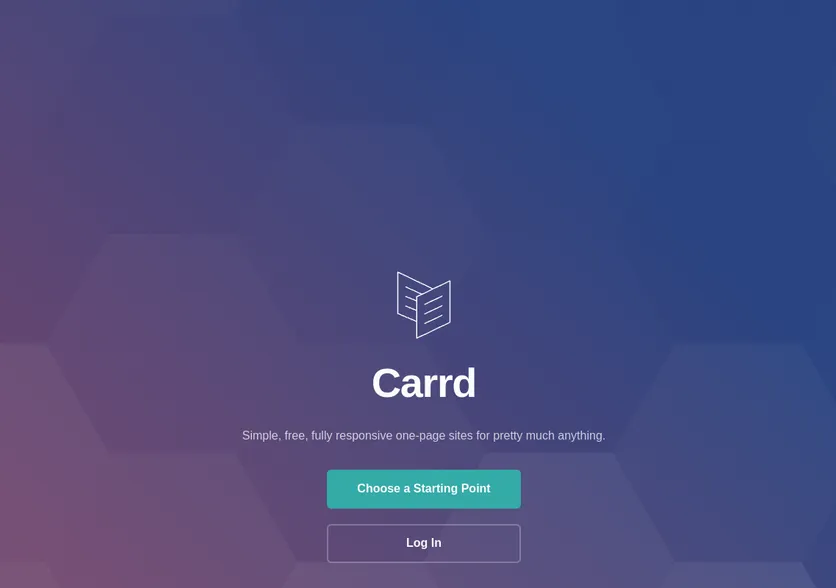
A startup that needs a landing page for almost nothing will like this Carrd plan, which costs nine dollars a year. Its simple builder handles one-page sites well, custom domains come with the paid plan, and the yearly billing keeps the cost trivial. It is a one-page tool, so a startup that needs a full site should look at the dearer options.
What we like
- Simple builder handles one-page sites well
- Custom domains come with the paid plan
- Yearly billing keeps the cost trivial
Watch out for
- One-page sites only, so no full website here
- Templates are simple, so a custom look needs more work
How to try it
- Pick a template for the landing page
- Add the copy and the signup form
- Connect a custom domain and publish
3. Canva
Best for: Startups whose team has no designers
Paid tool Starting price: $10/month · Ten dollars a month billed annually on Pro, or one hundred and twenty dollars a year (fifteen dollars month to month); Teams is ten dollars per user a month billed annually with a two-user minimum; thirty-day Pro trial
Free plan: Free plan
A startup whose team has no designers will like this Canva plan, which costs ten dollars a month billed annually. Its templates and brand kit keep every page on brand, and the Teams plan lets the whole team edit the same design at once. The free plan covers the basics, so a startup can launch without paying.

What we like
- Templates and brand kit keep every page on brand
- Teams plan lets the whole team edit the same design at once
- Free plan covers the basics for a startup
Watch out for
- Not a proper web design tool for custom layouts
- Websites published from Canva are simple one-page sites
How to try it
- Set up the brand kit with colours and logos
- Pick a template and adapt it for the page
- Share the design with the team for comments
4. Webflow
Best for: Startups that want a production website they can grow into
Paid tool Starting price: $14/month · Fourteen dollars a month billed annually on the Basic site plan (eighteen dollars month to month); CMS is twenty-three dollars and Business is thirty-nine dollars a month billed annually; Workspace plans are separate
Free plan: Free plan (Starter)
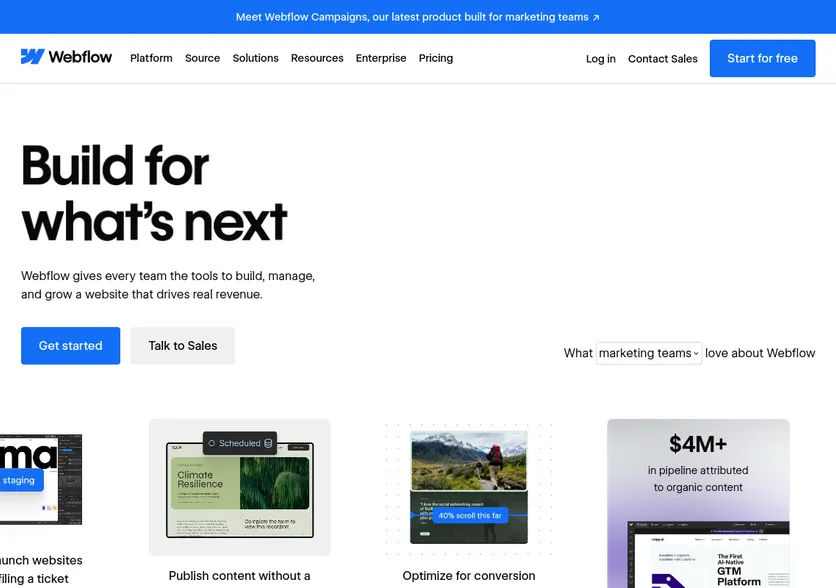
A startup that wants a production website it can grow into will find the fit here, since this Webflow plan costs fourteen dollars a month billed annually. Its visual builder produces real code, the CMS handles content without a developer, and the free Starter plan lets a startup test the workflow first. The learning curve is steeper than the simpler builders.
What we like
- Visual builder produces real code, not just pictures
- CMS handles content without a developer
- Free Starter plan lets a startup test the workflow first
Watch out for
- Learning curve is steeper than the simpler builders
- Workspace seats cost extra for larger teams
How to try it
- Design the site in the visual builder
- Set up the CMS collections for the content
- Publish and hand the live site to the team
5. Wix
Best for: Startups that need a website live fast without a developer
Paid tool Starting price: $17/month · Seventeen dollars a month billed annually on Light (twenty-four dollars month to month); Core is twenty-nine dollars, Business is thirty-six dollars and Business Elite is one hundred and fifty-nine dollars a month billed annually
Free plan: Free plan
A startup that needs a website live this week without a developer will like this Wix plan, which costs seventeen dollars a month billed annually. Its templates and drag-and-drop editor get a site up fast, and the free plan lets a startup test the format first. It is a builder rather than a design tool, so a startup that needs pixel control should look at Framer or Webflow.
What we like
- Templates and drag-and-drop editor get a site up fast
- Free plan lets a startup test the format first
- Simple pricing with no per-seat charges
Watch out for
- A builder, not a design tool for pixel control
- One source lists the Business plan at thirty-nine dollars
How to try it
- Pick a template close to the finished site
- Adapt it with the drag-and-drop editor
- Publish and share the live link with the team
6. Squarespace
Best for: Startups that want a polished site with built-in commerce
Paid tool Starting price: $19/month · Nineteen dollars a month billed annually on Basic (twenty-five dollars month to month); Core is twenty-nine dollars, Plus is forty-nine dollars and Advanced is ninety-nine dollars a month billed annually; plans were renamed in February 2026
Free plan: No free plan; 14-day free trial
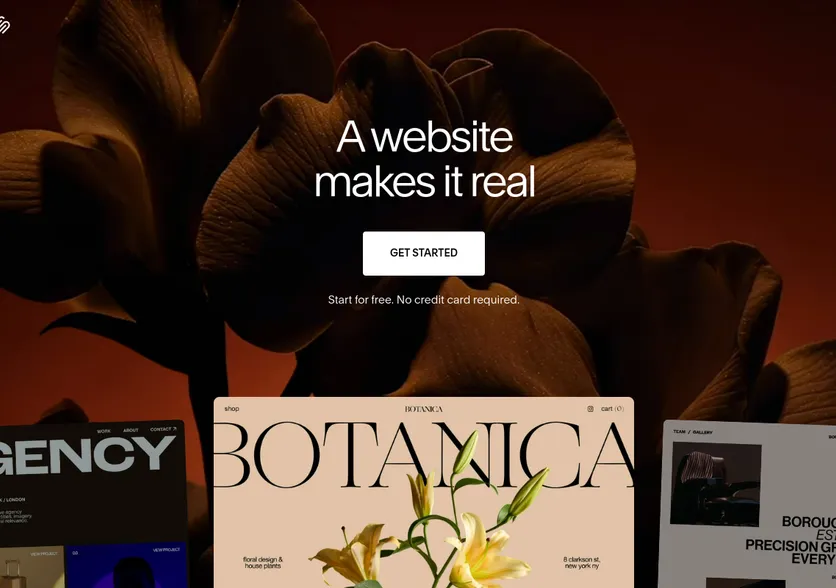
A startup that wants a polished website with built-in commerce will like this Squarespace plan, which costs nineteen dollars a month billed annually. Its templates look good out of the box, the commerce tools handle a small shop, and the free trial lets a startup test the design before paying. It is less flexible than Webflow for custom layouts.
What we like
- Templates look good out of the box
- Commerce tools handle a small shop
- Free trial lets a startup test the design before paying
Watch out for
- Less flexible than Webflow for custom layouts
- No free plan, so a trial is the only way to test it
How to try it
- Pick a template close to the finished site
- Add the pages and the shop with the editor
- Publish and share the live link with the team
7. Duda
Best for: Startups that build websites for clients
Paid tool Starting price: $19/month · Nineteen dollars a month billed annually on Basic (twenty-five dollars month to month); Team is twenty-nine dollars, Agency is fifty-two dollars and White Label is one hundred and forty-nine dollars a month billed annually; extra sites cost extra
Free plan: No free plan; 14-day free trial
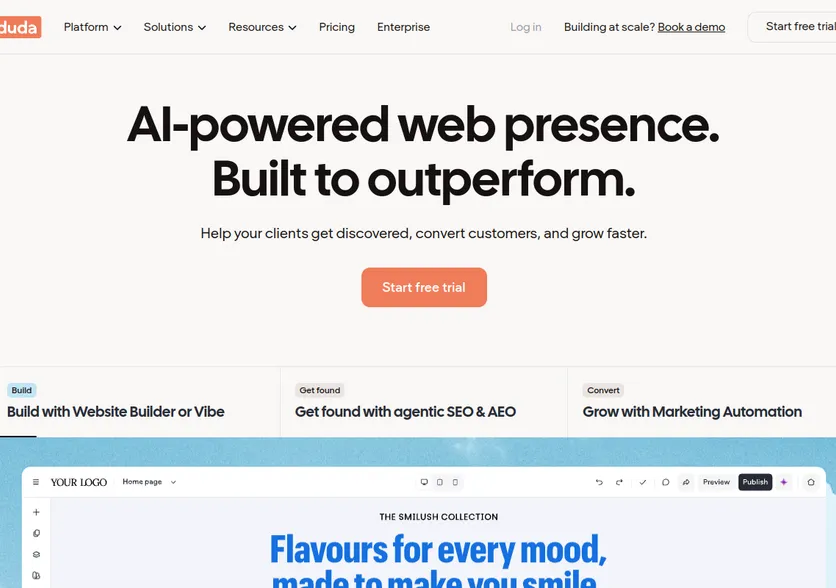
A startup that builds websites for clients will like this Duda plan, which costs nineteen dollars a month billed annually. Its client management and white-label options suit an agency model, and the fourteen-day trial lets a startup test the workflow first. It is built for agencies, so a startup building one site for itself may find it heavier than it needs.
What we like
- Client management and white-label options suit agencies
- Fourteen-day trial lets a startup test the workflow first
- Built for teams that ship many sites
Watch out for
- Built for agencies, so one site feels heavier than it needs
- One source lists the Agency plan at sixty-nine dollars a month
How to try it
- Set up the client account and the white-label branding
- Build the site with the editor
- Publish and hand the live site to the client
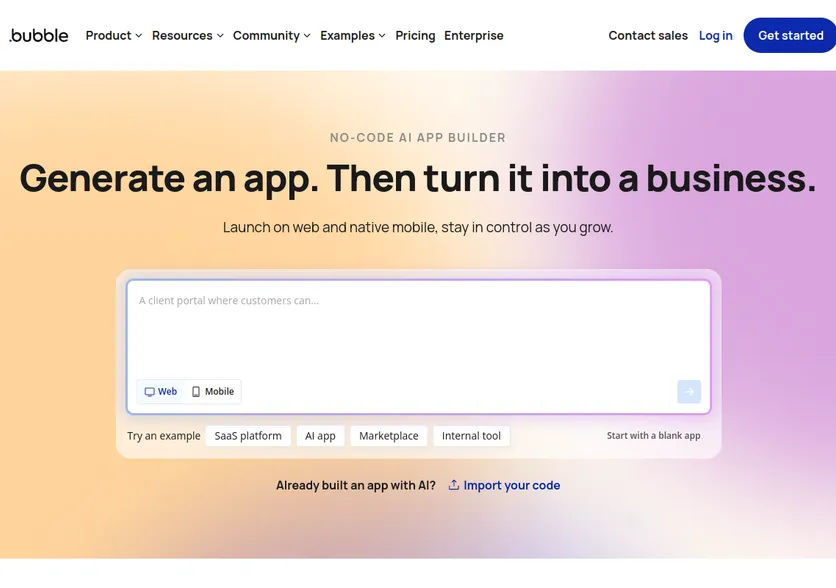
8. Bubble
Best for: Startups that need a web app, not just a website
Paid tool Starting price: $29/month · Twenty-nine dollars a month billed annually on Starter for web apps (thirty-two dollars month to month); Growth is one hundred and nineteen dollars and Team is three hundred and forty-nine dollars a month billed annually; billing is metered on workload units above the included allowance
Free plan: Free plan (development only)
A startup that needs a web app, not just a website, will like this Bubble plan, which costs twenty-nine dollars a month billed annually. Its no-code builder handles databases, user accounts and payments, and the free dev plan lets a startup prototype before paying. Workload-unit metering means the bill grows with usage, so a busy app costs more than the headline price.
What we like
- No-code builder handles databases, user accounts and payments
- Free dev plan lets a startup prototype before paying
- Grows from prototype to production in the same tool
Watch out for
- Workload-unit metering means a busy app costs more
- Learning curve is steeper than the simple builders
How to try it
- Build the prototype on the free dev plan
- Add the database, accounts and payments
- Launch on the Starter plan and watch the usage
Prices above were checked on each vendor’s own website on Nov 29, 2026 and can change — the vendor’s page is the final word. Vendor links are editorial: nobody paid to be listed or ranked here. Vendors who want a featured listing can see how it works on our Get listed page.
How a startup launches a website without a developer
Start with one page, and make it the page that matters most: the signup or the sale. Pick a template close to the finished site, because starting from a blank canvas costs days a startup does not have. Write the copy before designing anything, since a beautiful page with weak copy still loses customers. Connect a custom domain on day one, because a free subdomain looks unfinished to a buyer. Publish early and fix the details after launch, since a live site with rough edges beats a perfect site that never ships.
Before you buy
- Check that the plan includes a custom domain, not just a free subdomain
- Make sure the site can grow from one page to a full website
- Confirm the free plan or trial is long enough to launch on
- Ask whether commerce or payments cost extra on top
- Test the site on a phone before paying, since most visitors arrive there
Official websites
Official websites of the products reviewed above. Features and prices were checked against these sites when this guide was written, and they can change, so confirm on the vendor site before you buy.
Frequently asked questions
What is web design software for startups?
It is software that lets a small team design and publish a website without hiring a developer. It offers templates, a drag-and-drop editor and hosting in one place, so a founder can go from blank page to live site in days. The best tools grow with the startup, from one landing page to a full website with commerce.
How much does Framer cost?
Framer costs five dollars per site a month billed annually on Mini, or ten dollars month to month. Basic is fifteen dollars a month billed annually, Pro is thirty and Business is seventy-five, and there is a free plan. It leads this list because it turns design into a live website, so a founder can publish without hiring a developer.
Can I build a startup website for free?
Yes, with Framer, which offers a free plan, Canva, which offers a free plan, Webflow, which offers a free Starter plan, Wix, which offers a free plan, and Bubble, which offers a free dev plan. All five are genuine free tiers rather than trials, so a startup can launch without paying. Bigger sites will need a paid plan.
Which tool is cheapest for a landing page?
Carrd is the cheapest, at nine dollars a year on Pro Lite for three sites, with custom domains included. Pro Standard is nineteen dollars a year for ten sites, and Pro Plus is forty-nine dollars a year for twenty-five sites. It handles one-page sites well, so a startup that needs a full website should look at Framer or Webflow.
Should a startup use a builder or a design tool?
Use a builder if the goal is a live site this week, and a design tool if the goal is pixel control. Framer, Webflow, Wix and Squarespace are builders that publish real websites, while Figma and Sketch are design tools that need a developer to turn the design into a site. Most startups should start with a builder.
Compare the eight tools above, then start with a free plan or trial on the one that matches how fast the startup needs to launch before paying for a full year.
Browse CSS & Web Design Generators tools