On this page
A remote design team works in the same file from different time zones, and the tool has to keep comments, versions and handoff in one place. A design that lives in screenshots and email threads will drift, and a developer who cannot read the file will build the wrong thing. The eight tools below are built for teams that design together while apart. Figma leads because its multiplayer canvas and dev mode keep design and development in step for sixteen dollars per full seat a month, and the rest are ranked on how well they fit a distributed team.
How we researched this
We checked every price on the vendor pricing page on November 29, 2026, and only included tools with a published US dollar list price. Adobe XD is dead and InVision shut down at the end of 2024, so neither appears here; Axure was left out because its price conflicts between November 2026 reads, and its current figure is unsettled. Figma's seat model changed in 2026, so the figures below use the current Full seat price, with the older structure noted in the price note, and prices change, so confirm the current figure on the vendor site before you buy.
Compare the tools
| Name | Best for | Starting price | Free plan | |
|---|---|---|---|---|
 Framer | Remote teams that publish live sites without a developer | $5/site/month | Free plan | Visit |
 Balsamiq | Remote teams that start projects with rough wireframes | $9/month | No free plan; free trial available | Visit |
 Canva | Remote teams with non-designers making web pages and graphics | $10/month | Free plan | Visit |
 Sketch | Remote teams of Mac-based designers with a design system | $12/editor/month | No free plan; 30-day free trial | Visit |
 Webflow | Remote teams that design and ship production websites | $14/month | Free plan (Starter) | Visit |
 Figma | Remote design teams working in the same file together | $16/editor/month | Free plan (Starter) | Visit |
 Wix | Remote teams that need a website live fast without a developer | $17/month | Free plan | Visit |
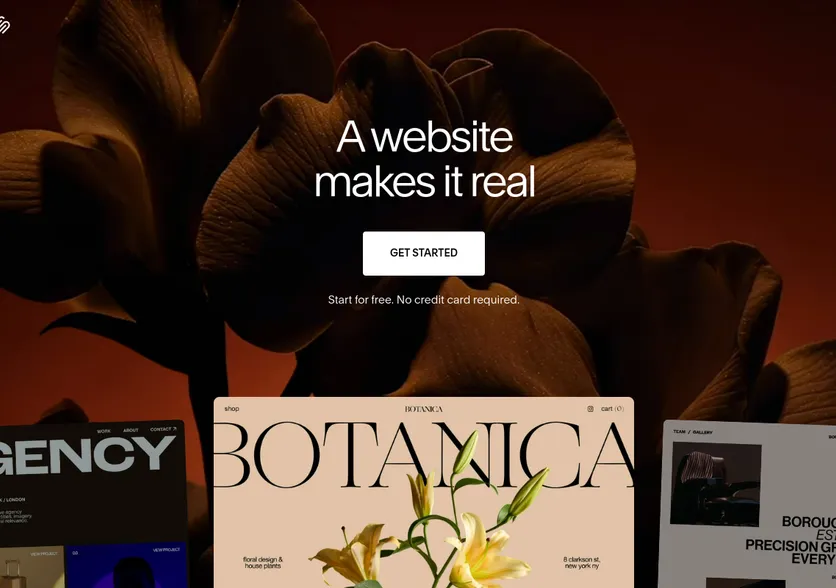
 Squarespace | Remote teams that want a polished site with built-in commerce | $19/month | No free plan; 14-day free trial | Visit |
The web design software for remote teams, compared
1. Framer
Best for: Remote teams that publish live sites without a developer
Paid tool Starting price: $5/site/month · Five dollars per site a month billed annually on Mini (ten dollars month to month); Basic is fifteen dollars, Pro is thirty dollars and Business is seventy-five dollars a month billed annually
Free plan: Free plan
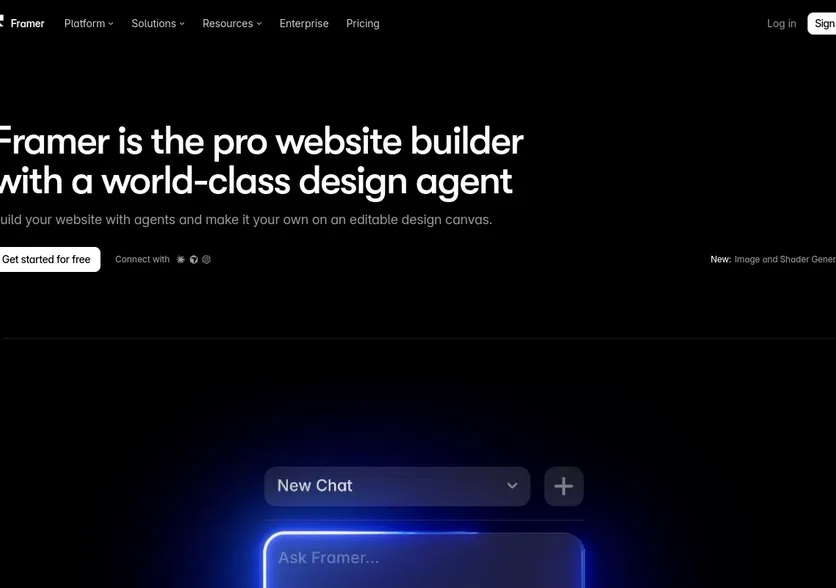
A remote team that wants to publish a live site without handing designs to a developer will like this Framer plan, which costs five dollars per site a month billed annually. Its canvas feels like a design tool and its output is a real website, so the designer and the developer stop passing files back and forth. The free plan lets a team test the workflow before paying.
What we like
- Canvas feels like a design tool and outputs a real website
- Free plan lets a team test the workflow before paying
- Sites publish fast with no handoff step
Watch out for
- Priced per site, so many sites cost more
- Less flexible than Webflow for complex layouts
How to try it
- Design the site on the canvas
- Connect a custom domain on the Mini plan
- Publish and share the live link with the team
2. Balsamiq
Best for: Remote teams that start projects with rough wireframes
Paid tool Starting price: $9/month · Nine dollars a month on Cloud Starter for two projects; Cloud Team is forty-nine dollars a month for twenty projects; a Desktop version is sold as a one-time purchase; sources disagree on whether the trial is fourteen or thirty days
Free plan: No free plan; free trial available
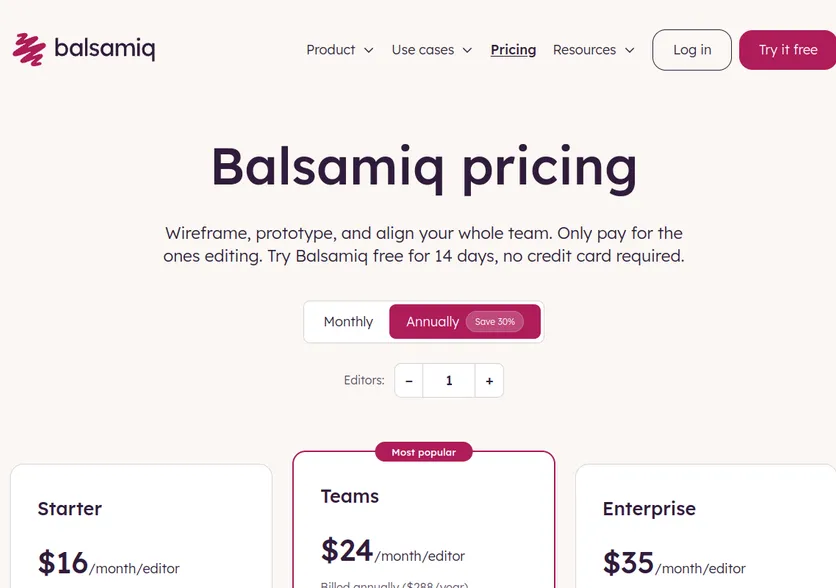
A remote team that starts every project with a rough wireframe will like this Balsamiq plan, which costs nine dollars a month. Its sketch-style wireframes keep the conversation on structure rather than colour, and the cloud version lets the whole team comment in one place. There is no free plan, so the trial is the way to judge it.
What we like
- Sketch-style wireframes keep the focus on structure
- Cloud version lets the whole team comment in one place
- Simple pricing with no per-user charges
Watch out for
- No free plan, so a trial is the only way to test it
- Wireframes only, so a design tool is needed next
How to try it
- Sketch the first wireframe for the project
- Share it with the team and collect comments
- Revise the structure before any visual design starts
3. Canva
Best for: Remote teams with non-designers making web pages and graphics
Paid tool Starting price: $10/month · Ten dollars a month billed annually on Pro, or one hundred and twenty dollars a year (fifteen dollars month to month); Teams is ten dollars per user a month billed annually with a two-user minimum; thirty-day Pro trial
Free plan: Free plan
A remote team that needs quick web pages and graphics from people who are not designers will like this Canva plan, which costs ten dollars a month billed annually. Its templates and brand kit keep every page on brand, and the Teams plan lets everyone edit the same design at once. The free plan covers the basics, so a small team can start without paying.

What we like
- Templates and brand kit keep every page on brand
- Teams plan lets everyone edit the same design at once
- Free plan covers the basics for a small team
Watch out for
- Not a proper web design tool for custom layouts
- Websites published from Canva are simple one-page sites
How to try it
- Set up the brand kit with colours and logos
- Pick a template and adapt it for the page
- Share the design with the team for comments
4. Sketch
Best for: Remote teams of Mac-based designers with a design system
Paid tool Starting price: $12/editor/month · Twelve dollars per editor a month billed annually on Standard (fourteen dollars month to month); Professional is twenty-four dollars and Enterprise is forty-four dollars; a Mac-only licence is one hundred and twenty dollars one time
Free plan: No free plan; 30-day free trial
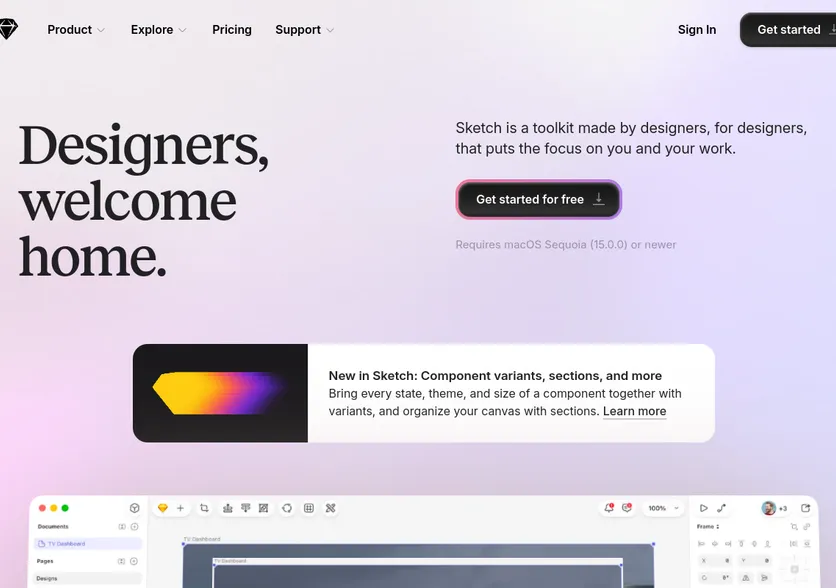
A remote team of Mac-based designers that wants a native design tool will like this Sketch plan, which costs twelve dollars per editor a month billed annually. Its symbols and shared libraries keep a design system consistent across the team, and the cloud workspace handles comments and handoff. It is Mac-only for editing, so a team with Windows users should look elsewhere.
What we like
- Symbols and shared libraries keep the design system consistent
- Cloud workspace handles comments and handoff
- Native Mac app is fast and familiar to designers
Watch out for
- Mac-only for editing, so Windows users cannot design
- No free plan, so a trial is the only way to test it
How to try it
- Set up the shared libraries for the design system
- Design the screens in the cloud workspace
- Hand the file to developers through the workspace
5. Webflow
Best for: Remote teams that design and ship production websites
Paid tool Starting price: $14/month · Fourteen dollars a month billed annually on the Basic site plan (eighteen dollars month to month); CMS is twenty-three dollars and Business is thirty-nine dollars a month billed annually; Workspace plans are separate
Free plan: Free plan (Starter)
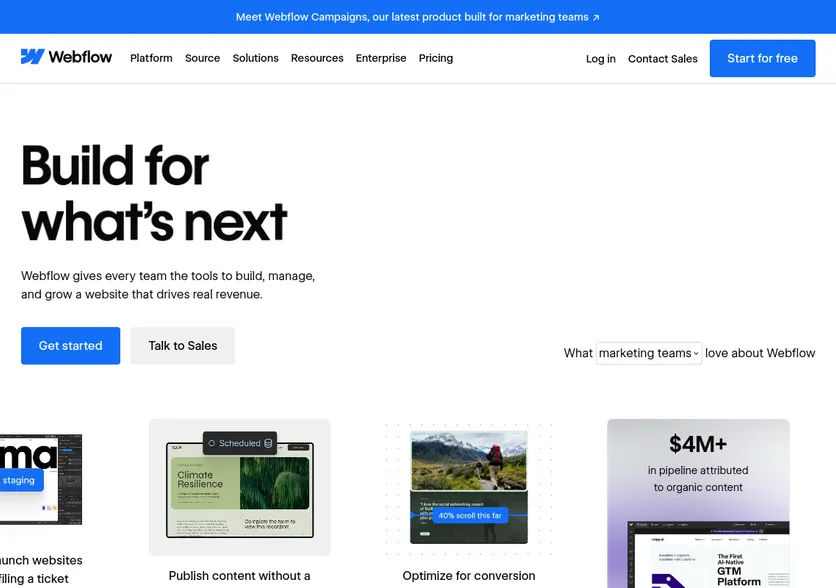
A remote team that designs and ships production websites in the same tool will find the fit here, since this Webflow plan costs fourteen dollars a month billed annually. Its visual builder produces real code, the CMS handles content without a developer, and the free Starter plan lets a team test the workflow first. The learning curve is steeper than the simpler builders.
What we like
- Visual builder produces real code, not just pictures
- CMS handles content without a developer
- Free Starter plan lets a team test the workflow first
Watch out for
- Learning curve is steeper than the simpler builders
- Workspace seats cost extra for larger teams
How to try it
- Design the site in the visual builder
- Set up the CMS collections for the content
- Publish and hand the live site to the team
6. Figma
Best for: Remote design teams working in the same file together
Paid tool Starting price: $16/editor/month · Sixteen dollars per editor a month billed annually for a Full seat (twenty dollars month to month); Dev seats are twelve dollars and Collab seats are three dollars a month billed annually; Organization is forty-five dollars in most reads and fifty-five dollars in one post-March-2025 read; the older twelve and fifteen dollar flat rates predate the seat restructure
Free plan: Free plan (Starter)
A remote design team that lives in the same file at the same time will like this Figma plan, which costs sixteen dollars per full seat a month billed annually. Its multiplayer canvas, comments and dev mode keep design and development in step, and the free plan covers the basics for a small team. Older reads list twelve and fifteen dollar figures, so the seat model above is the current structure.

What we like
- Multiplayer canvas lets the whole team design together
- Dev mode keeps design and development in step
- Free plan covers the basics for a small team
Watch out for
- Priced per seat, so a large team pays a lot
- Organization pricing conflicts between reads at forty-five and fifty-five dollars
How to try it
- Create the file and invite the team
- Design together on the multiplayer canvas
- Hand the file to developers through dev mode
7. Wix
Best for: Remote teams that need a website live fast without a developer
Paid tool Starting price: $17/month · Seventeen dollars a month billed annually on Light (twenty-four dollars month to month); Core is twenty-nine dollars, Business is thirty-six dollars and Business Elite is one hundred and fifty-nine dollars a month billed annually
Free plan: Free plan
A remote team that needs a website live this week without a developer will like this Wix plan, which costs seventeen dollars a month billed annually. Its templates and drag-and-drop editor get a site up fast, and the free plan lets a team test the format first. It is a builder rather than a design tool, so a team that needs pixel control should look at Figma or Webflow.
What we like
- Templates and drag-and-drop editor get a site up fast
- Free plan lets a team test the format first
- Simple pricing with no per-seat charges
Watch out for
- A builder, not a design tool for pixel control
- One source lists the Business plan at thirty-nine dollars
How to try it
- Pick a template close to the finished site
- Adapt it with the drag-and-drop editor
- Publish and share the live link with the team
8. Squarespace
Best for: Remote teams that want a polished site with built-in commerce
Paid tool Starting price: $19/month · Nineteen dollars a month billed annually on Basic (twenty-five dollars month to month); Core is twenty-nine dollars, Plus is forty-nine dollars and Advanced is ninety-nine dollars a month billed annually; plans were renamed in February 2026
Free plan: No free plan; 14-day free trial
A remote team that wants a polished website with built-in commerce will like this Squarespace plan, which costs nineteen dollars a month billed annually. Its templates look good out of the box, the commerce tools handle a small shop, and the free trial lets a team test the design before paying. It is less flexible than Webflow for custom layouts.
What we like
- Templates look good out of the box
- Commerce tools handle a small shop
- Free trial lets a team test the design before paying
Watch out for
- Less flexible than Webflow for custom layouts
- No free plan, so a trial is the only way to test it
How to try it
- Pick a template close to the finished site
- Add the pages and the shop with the editor
- Publish and share the live link with the team
Prices above were checked on each vendor’s own website on Nov 29, 2026 and can change — the vendor’s page is the final word. Vendor links are editorial: nobody paid to be listed or ranked here. Vendors who want a featured listing can see how it works on our Get listed page.
How a remote team keeps design and development in step
Start with one shared file, and make it the only source of truth, because a design that lives in screenshots will drift within a week. Agree the design system before the first screen, so colours, spacing and components stay consistent across time zones. Comment in the file, not in chat, since a comment in the file stays attached to the screen it refers to. Hand the file to developers through dev mode, and let them measure and copy values rather than asking the designer for specs. Review the live site together each week, because a design that looks right in the file can still break on a real screen.
Before you buy
- Check that the whole team can edit the same file at once
- Make sure comments and versions stay in the file, not in chat
- Confirm the plan covers enough seats for the whole team
- Ask whether developer handoff is included or costs extra
- Test the tool on a real project before paying for a year
Official websites
Official websites of the products reviewed above. Features and prices were checked against these sites when this guide was written, and they can change, so confirm on the vendor site before you buy.
Frequently asked questions
What is web design software for remote teams?
It is software that lets a distributed team design together in the same file, with comments, versions and developer handoff built in. It keeps the design system consistent across time zones, so a designer in one country and a developer in another work from the same source of truth. The best tools let the team publish the finished site without a separate handoff step.
How much does Figma cost?
Figma costs sixteen dollars per full seat a month billed annually, or twenty dollars month to month. Dev seats are twelve dollars a month billed annually, Collab seats are three dollars, and Organization is listed at forty-five dollars in most reads, with one read saying fifty-five. It leads this list because its multiplayer canvas and dev mode keep design and development in step.
Can I design websites for free?
Yes, with Framer, which offers a free plan, Canva, which offers a free plan, Webflow, which offers a free Starter plan, Figma, which offers a free plan, and Wix, which offers a free plan. All five are genuine free tiers rather than trials, so a small remote team can start designing without paying. Bigger teams will need a paid plan.
Which tool is best for shipping a live site?
Webflow is the best fit for shipping a live site, at fourteen dollars a month billed annually, because its visual builder produces real code and its CMS handles content without a developer. Framer is the cheapest way to publish, at five dollars per site a month billed annually, with a canvas that feels like a design tool.
Is Sketch still worth using for remote teams?
Yes, if the whole team works on Macs. Sketch costs twelve dollars per editor a month billed annually, and its symbols and shared libraries keep a design system consistent. But editing is Mac-only, so a team with Windows users cannot use it, and those teams should look at Figma or Webflow instead.
Compare the eight tools above, then start with a free plan or trial on the one that matches how the team designs together before paying for a full year.
Browse CSS & Web Design Generators tools