On this page
How we researched this
We compared eight acceleration options that publish a real USD price and suit a small business budget. We checked each vendor pricing page in November 2026, weighed free tiers, per-gigabyte costs and setup effort, and dropped quote-only CDNs and tools priced only in euros.
Compare the tools
| Name | Best for | Starting price | Free plan | |
|---|---|---|---|---|
 Cloudflare | Teams that want a CDN, DNS and security in one account | $20/month | Free plan | Visit |
 Fastly | Teams that need instant cache purging and edge logic | $0.12/GB | Free plan (100 GB a month) | Visit |
 Amazon CloudFront | Teams already running on AWS | $15/month | Free plan (1 TB a month) | Visit |
 Google Cloud CDN | Teams already hosting on Google Cloud | $0.08/GiB | No free plan; pay as you go | Visit |
 Azure Front Door | Enterprises already on Microsoft Azure | $35/month | No free plan; 30-day free trial | Visit |
 BunnyCDN | Small teams that want the cheapest per-gigabyte CDN | $1/month | No free plan; 14-day free trial | Visit |
 KeyCDN | Teams that want simple pay-as-you-go with no request fees | $0.04/GB | No free plan; pay as you go | Visit |
 LiteSpeed | Site owners that want faster server software without a CDN bill | $10/month | Free plan (1 domain, 1 worker) | Visit |
The 8 best web server accelerators for small business
1. Cloudflare
Best for: Teams that want a CDN, DNS and security in one account
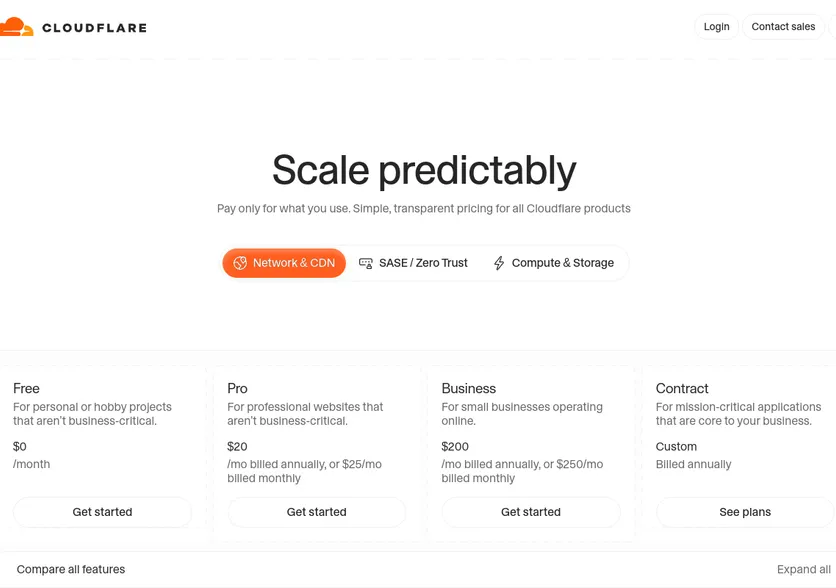
Paid tool Starting price: $20/month · $20 a month per domain for Pro, billed annually ($25 billed monthly); Business is $200 a month and Enterprise is priced by quote; the Free plan covers basic CDN and security.
Free plan: Free plan
A small business that wants one account for CDN, DNS and security should start here, since this Cloudflare Pro plan costs twenty dollars a month per domain billed annually. The free plan already covers basic CDN and security, so a shop can upgrade only when it needs the extras. The dashboard is simple enough that a non-technical owner can manage it alone.
What we like
- Huge global network with free tier included
- WAF, image optimization and rules on the Pro plan
- Simple dashboard and fast DNS propagation
Watch out for
- Per-domain pricing adds up across many sites
- Advanced caching controls need the Business tier
How to try it
- Add your domain to Cloudflare and update its nameservers
- Turn on the CDN and pick the Pro plan
- Set a page rule to cache your static assets
2. Fastly
Best for: Teams that need instant cache purging and edge logic
Paid tool Starting price: $0.12/GB · $0.12 per GB in North America and Europe after the first 100 GB a month free, plus $0.01 per 10,000 requests; fixed Network Services packages start at $1,500 a month; older accounts may carry a $50 monthly minimum.
Free plan: Free plan (100 GB a month)
A small business that needs its cache to update the moment a price changes will like the speed here, since this Fastly usage plan costs twelve cents per gigabyte in North America and Europe. The first one hundred gigabytes a month are free, so a small shop may never pay a cent. Real-time analytics show what visitors are actually loading, with no waiting.
What we like
- Edge compute runs code close to visitors
- Cache purges in about one hundred and fifty milliseconds
- Real-time analytics with no delay
Watch out for
- Usage pricing is hard to forecast without traffic data
- Support and fixed packages get expensive fast
How to try it
- Create a Fastly account and add your origin server
- Point your DNS at the Fastly hostname
- Set cache rules and test a purge on one asset
3. Amazon CloudFront
Best for: Teams already running on AWS
Paid tool Starting price: $15/month · $15 a month for the Pro flat-rate plan (50 TB transfer and 10 million requests); pay as you go is $0.085 per GB in the US and Europe after the first 1 TB free; Business is $200 a month.
Free plan: Free plan (1 TB a month)
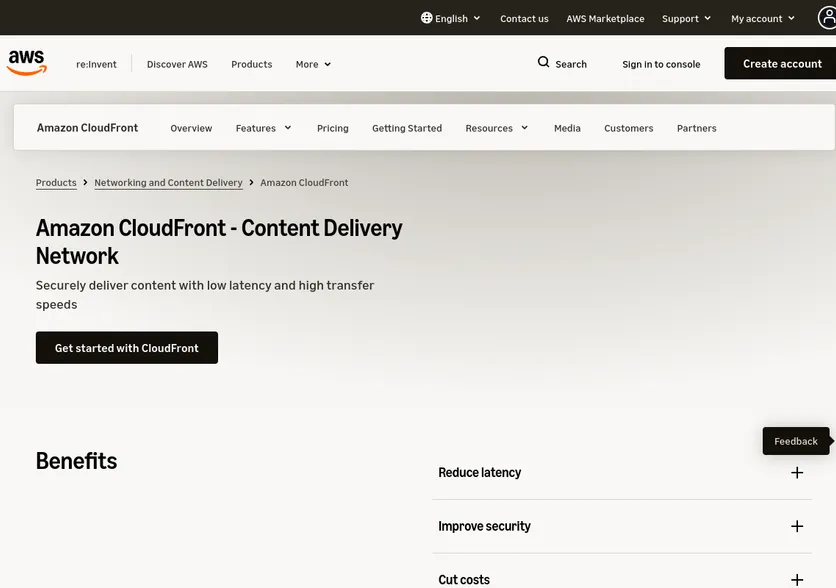
A small business already storing files on Amazon S3 gets the easiest setup here, since this Amazon CloudFront Pro flat-rate plan costs fifteen dollars a month. The free tier covers one terabyte a month for a year, which is more than most small sites ever use. The flat-rate plan keeps the monthly bill fixed even when traffic spikes.
What we like
- Deep integration with S3 and AWS services
- Free tier covers one terabyte a month for a year
- Flat-rate plans make heavy traffic predictable
Watch out for
- The console is complex for first-time users
- Regional pricing differences can surprise new accounts
How to try it
- Open the CloudFront console in your AWS account
- Create a distribution pointing at your origin
- Update your DNS records to the distribution domain
4. Google Cloud CDN
Best for: Teams already hosting on Google Cloud
Paid tool Starting price: $0.08/GiB · $0.08 per GiB of cache egress in North America and Europe for the first 10 TiB, plus $0.01 per GiB cache fill and $0.0075 per 10,000 cache lookups; there is no fixed monthly fee and no free tier; prices are per gibibyte, not gigabyte.
Free plan: No free plan; pay as you go
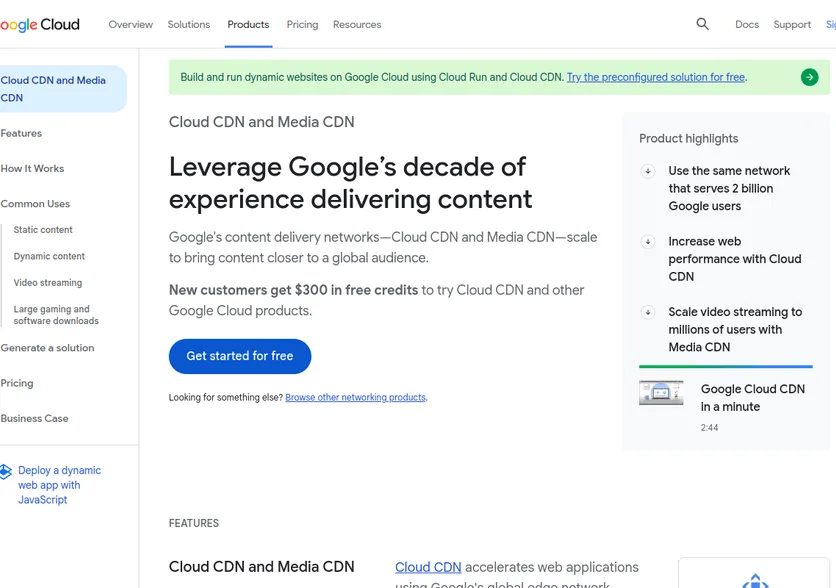
A small business hosting on Google Cloud can add global caching in a few clicks here, since this Google Cloud CDN plan costs eight cents per gibibyte of cache egress in North America and Europe. There is no fixed monthly fee, so a quiet shop pays almost nothing. It fits neatly with Cloud Load Balancing for sites that already use Google.
What we like
- Anycast network with Google backbone performance
- Seamless fit with Cloud Load Balancing
- Pay-as-you-go with no fixed monthly fee
Watch out for
- No free tier and no fixed-price option
- Pricing is per gibibyte, so bills read higher than gigabyte rivals
How to try it
- Enable Cloud CDN in your Google Cloud project
- Attach it to a load balancer backend
- Set cache policies and check the first egress report
5. Azure Front Door
Best for: Enterprises already on Microsoft Azure
Paid tool Starting price: $35/month · $35 a month base fee for Standard per profile, plus $0.0825 per GB egress in Zone 1 and $0.009 per 10,000 requests; Premium is $330 a month and adds managed WAF rules and bot protection.
Free plan: No free plan; 30-day free trial
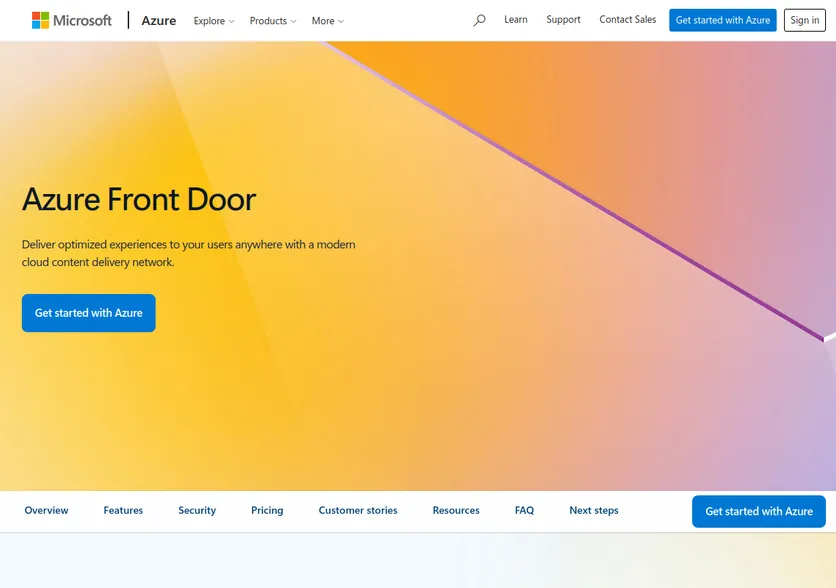
A small business already using Microsoft tools gets a natural fit here, since this Azure Front Door Standard profile costs thirty-five dollars a month before traffic charges. Global routing keeps the site fast for visitors in every region. The thirty-day free trial gives time to measure the speed gain before paying.
What we like
- Global routing with Microsoft backbone latency
- Premium tier adds managed WAF and bot protection
- Strong fit with Azure app services and storage
Watch out for
- Premium costs nearly ten times Standard
- Egress and request charges add to the base fee
How to try it
- Create a Front Door profile in the Azure portal
- Add your origin and a routing rule
- Point your domain at the Front Door endpoint
6. BunnyCDN
Best for: Small teams that want the cheapest per-gigabyte CDN
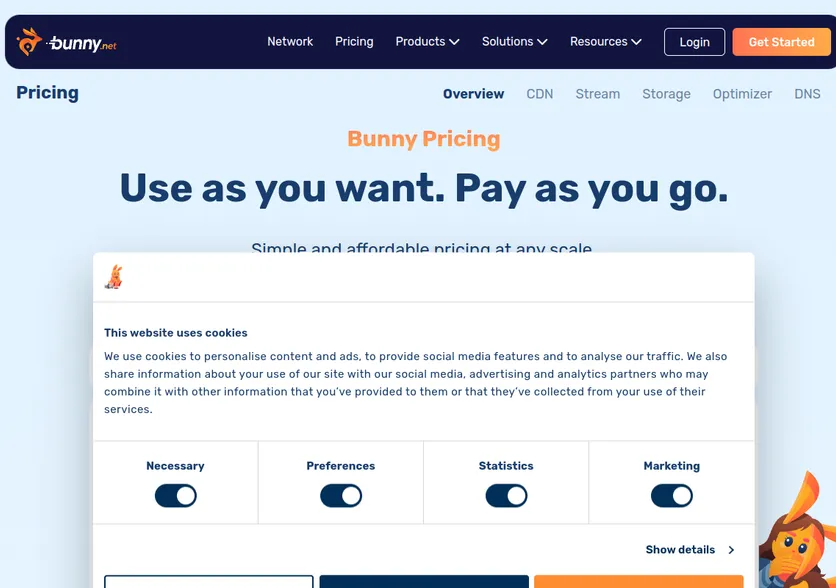
Paid tool Starting price: $1/month · $1 a month minimum, then $0.01 per GB on the Standard network in North America and Europe ($0.03 in Asia and Oceania, $0.045 in South America, $0.06 in the Middle East and Africa); the Volume network starts at $0.005 per GB; there are no request fees.
Free plan: No free plan; 14-day free trial
A small business that counts every dollar will struggle to beat the maths here, since this BunnyCDN plan starts at one dollar a month plus one cent per gigabyte on the Standard network. No per-request fees means the bill only grows with actual traffic. Setup is a pull zone and a DNS change, with free SSL included.
What we like
- Lowest per-gigabyte pricing in this roundup
- No per-request fees at any tier
- Free SSL and simple pull-zone setup
Watch out for
- Regional pricing varies sharply outside North America
- No enterprise support on the standard plans
How to try it
- Create a bunny.net account and add a pull zone
- Point your site assets at the pull-zone URL
- Turn on free SSL and test a cached image
7. KeyCDN
Best for: Teams that want simple pay-as-you-go with no request fees
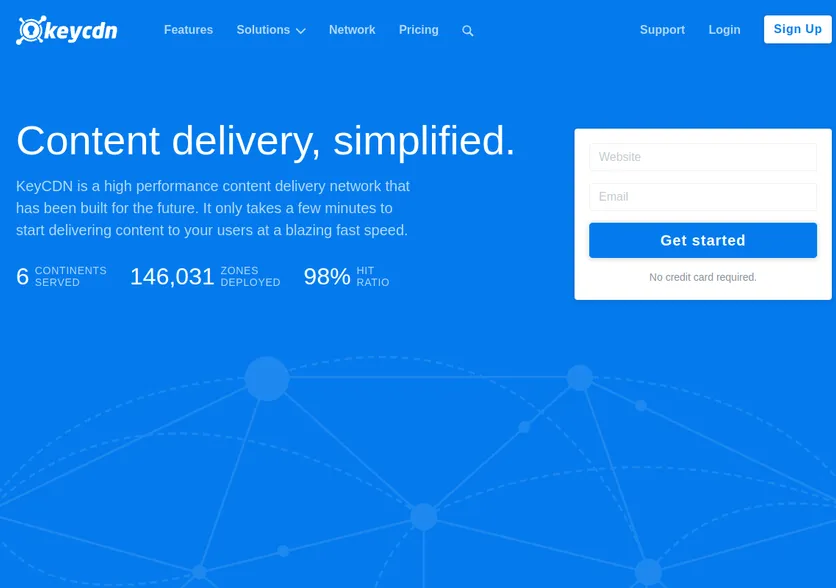
Paid tool Starting price: $0.04/GB · $0.04 per GB in North America and Europe for the first 10 TB, falling to $0.01 above 100 TB; $4 a month minimum usage; note the $49 minimum payment for top-ups; the first three zones are free, then $1 a month each.
Free plan: No free plan; pay as you go
A small business that wants to pay only for what it uses gets a fair deal here, since this KeyCDN plan costs four cents per gigabyte in North America and Europe. There are no per-request fees and no contracts, so costs stay proportional to traffic. The first three zones are free, which suits a shop with a site, a blog and a store.
What we like
- No per-request fees on any traffic
- Per-gigabyte rates fall as volume grows
- Zone setup takes minutes with no contracts
Watch out for
- Payments are in forty-nine-dollar top-up blocks
- No free tier for testing at zero cost
How to try it
- Open a KeyCDN account and create a zone
- Add your origin and set the zone URL
- Update your site links and check the traffic report
8. LiteSpeed
Best for: Site owners that want faster server software without a CDN bill
Paid tool Starting price: $10/month · $10 a month for Site Owner (5 domains, 1 worker, under 8 GB of RAM); Site Owner Plus is $16 and Web Host Enterprise is $65 a month; the Free Starter tier covers one domain; yearly and owned licences cost less per month.
Free plan: Free plan (1 domain, 1 worker)
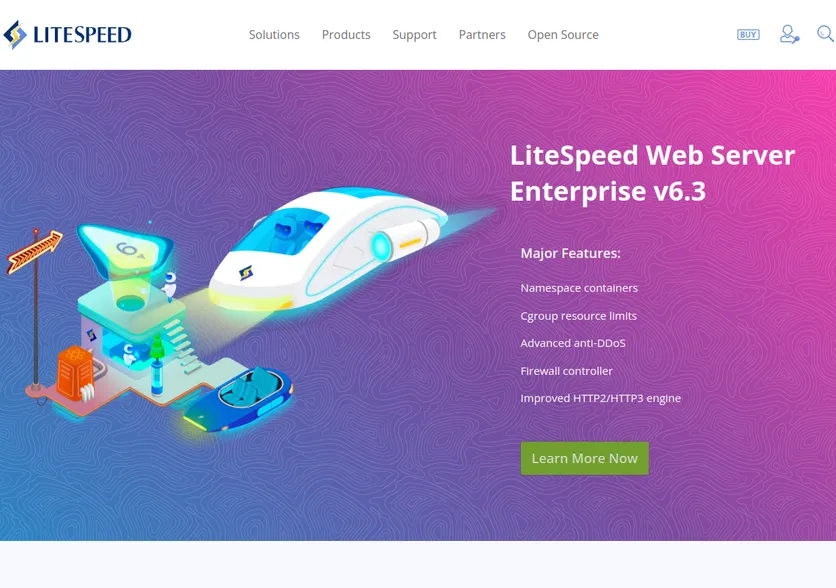
A small business that would rather speed up its own server than pay for a CDN gets a different answer here, since this LiteSpeed Site Owner plan costs ten dollars a month for five domains. It is a drop-in replacement for Apache, so existing sites move over without rebuilding. Built-in caching and HTTP/3 support make pages load faster without extra services.
What we like
- Drop-in Apache-compatible speed upgrade
- Built-in caching and HTTP/3 support
- Low entry price with a genuinely free starter tier
Watch out for
- Pricing is per server, so multi-server setups multiply the bill
- The entry tier caps at five domains and one worker
How to try it
- Buy a LiteSpeed licence and install the server build
- Switch your site to the LiteSpeed web server
- Turn on the built-in cache and run a speed test
Prices above were checked on each vendor’s own website on Nov 29, 2026 and can change — the vendor’s page is the final word. Vendor links are editorial: nobody paid to be listed or ranked here. Vendors who want a featured listing can see how it works on our Get listed page.
How to pick an accelerator for a small business site
Start with the free tier, because many small sites never outgrow one. A free plan that covers CDN and basic security can carry a shop for a year, and you can upgrade only when traffic proves the need. Watch the billing model next: a one-dollar minimum with per-gigabyte charges stays cheap, while a fixed monthly fee can cost more than the traffic it serves.
Then check setup effort. A pull zone and a DNS change take minutes, while a complex console can eat a whole afternoon. Finally, test speed before and after with a real page, not a marketing number, so you know what you actually gained.
Before you buy
- Start on a free tier and upgrade only when traffic proves the need
- Compare per-gigabyte rates in the regions where your visitors actually live
- Check the minimum monthly charge, because a small bill can exceed your traffic cost
- Test setup effort, since a pull zone takes minutes and a complex console takes hours
- Measure speed before and after with a real page, not a marketing claim
Official websites
Official websites of the products reviewed above. Features and prices were checked against these sites when this guide was written, and they can change, so confirm on the vendor site before you buy.
Frequently asked questions
What is the cheapest way to speed up a small business website?
Start with a free CDN tier. Cloudflare offers a free plan that covers CDN and basic security, and BunnyCDN starts at one dollar a month plus one cent per gigabyte. LiteSpeed costs ten dollars a month and speeds up the server itself instead of adding a CDN. For most small sites, the free tier is enough, and the first paid step should cost under twenty dollars a month.
How much does a CDN cost for a small business?
A small business CDN in this roundup costs between one and thirty-five dollars a month. BunnyCDN starts at one dollar a month plus usage, KeyCDN costs four cents per gigabyte, and Cloudflare Pro costs twenty dollars a month per domain. Amazon CloudFront offers a fifteen-dollar monthly flat-rate plan, and Azure Front Door starts at thirty-five dollars a month. Most small sites pay under twenty dollars a month once they leave the free tier.
Is a free CDN plan safe for a business site?
Yes, a free CDN plan is safe for most small business sites, because the core service is the same network that paying customers use. Cloudflare and Fastly both offer free tiers with real caching and security. The limits are usually support speed and advanced features, not reliability, so a shop can start free and upgrade when traffic or security needs grow.
Do I need technical skills to set up a CDN?
No, most CDNs in this roundup take minutes to set up. BunnyCDN and KeyCDN use a pull zone and a DNS change, while Cloudflare asks you to update your nameservers and then handles the rest. LiteSpeed needs a server install, which is the only option here that suits a developer or a managed host rather than a shop owner doing it alone.
What is the difference between Cloudflare and BunnyCDN?
Cloudflare bundles CDN, DNS and security in one account with a free plan and a flat twenty-dollar monthly Pro fee per domain. BunnyCDN is a pure CDN that charges one dollar a month plus one cent per gigabyte, with no request fees and no DNS or firewall included. A small business that wants one account for everything usually picks Cloudflare, while one that wants the lowest per-gigabyte price picks BunnyCDN.
Start free, test your speed and upgrade only when traffic proves the need.
Browse Business Tools tools