On this page
A consultant who builds sites for clients needs two things at once: a builder that looks good, and a second language that actually ranks. The eight tools below cover both, from full builders with multilingual features to translation layers that sit on any site. WordPress.com leads the list because a multilingual site starts at four dollars a month with the biggest plugin choice, and the other seven are ranked on the same practical test: how easily a consultant ships a second language that clients can find.
How we researched this
We checked every price on the vendor pricing page on November 28, 2026, and only included tools with a published US dollar list price. The enterprise translation platforms that sell by quote, including Localize and Smartling, publish no prices, so they are not in this list. Prices change, so confirm the current figure on the vendor site before you buy.
Compare the tools
| Name | Best for | Starting price | Free plan | |
|---|---|---|---|---|
 WordPress.com | Consultants who want the cheapest multilingual start with plugin choice | $4/month | Free plan | Visit |
| ConveyThis | Consultants who translate any CMS without rebuilding the site | $12/month | Free plan up to 10,000 words | Visit |
 Webflow | Consultants who sell design-led multilingual sites | $14/month | Free Starter plan | Visit |
| Linguise | Consultants with content-heavy clients in many languages | $15/month | Free trial, no free plan | Visit |
 Squarespace | Consultants whose clients judge the site by how it looks | $19/month | 14-day free trial | Visit |
 Weglot | Consultants who want the fastest multilingual setup | $17/month | Free plan up to 2,000 words | Visit |
 Wix | Consultants who want the easiest multilingual builder | $17/month | Free plan | Visit |
| Bablic | Consultants who translate by clicking on the live page | $19/month | Free trial | Visit |
The multilingual website builder software for consultants, compared
1. WordPress.com
Best for: Consultants who want the cheapest multilingual start with plugin choice
Paid tool Starting price: $4/month · Four dollars a month billed annually on the Personal plan; Premium is eight dollars, Business is twenty-five dollars and Commerce is forty-five dollars billed annually
Free plan: Free plan
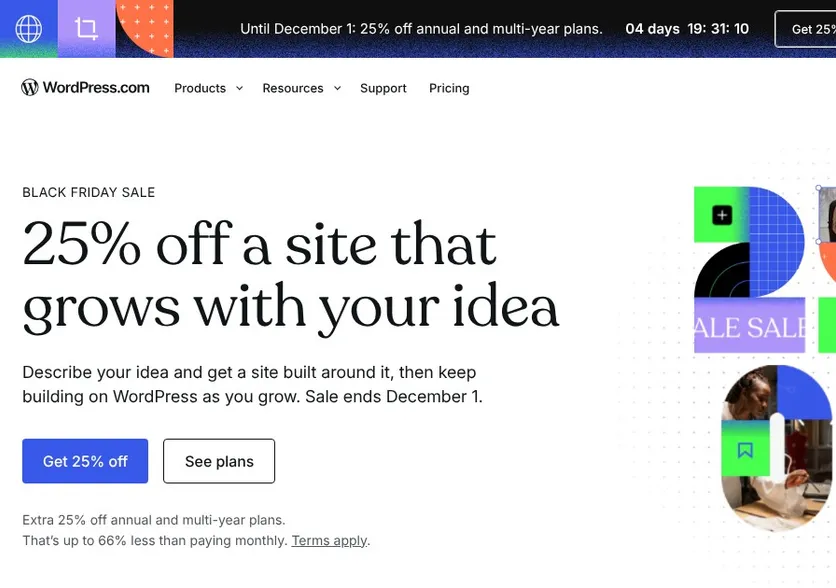
The cheapest way to a multilingual site, WordPress.com costs four dollars a month on its Personal plan billed annually, and it pairs a custom domain with the biggest translation plugin library anywhere. Polylang, TranslatePress and WPML all run on WordPress, so a consultant can pick the translation workflow that fits each client instead of living with one vendor's limits. The free plan already hosts a site, and the paid tiers add storage, support and commerce.
What we like
- Cheapest paid start in this list
- Biggest translation plugin library anywhere
- Free plan already hosts a real site
Watch out for
- The builder itself is plainer than Wix or Squarespace
- Translation quality depends on the plugin you choose
How to try it
- Start a site on the free plan and pick a language
- Install Polylang or TranslatePress for the second language
- Connect a custom domain on the Personal plan
2. ConveyThis
Best for: Consultants who translate any CMS without rebuilding the site
Paid tool Starting price: $12/month · Twelve dollars a month on the Starter plan for sixty thousand words and one language; Business is twenty-four dollars for two hundred thousand words and three languages, and Pro is sixty-four dollars for eight hundred thousand words and five languages
Free plan: Free plan up to 10,000 words
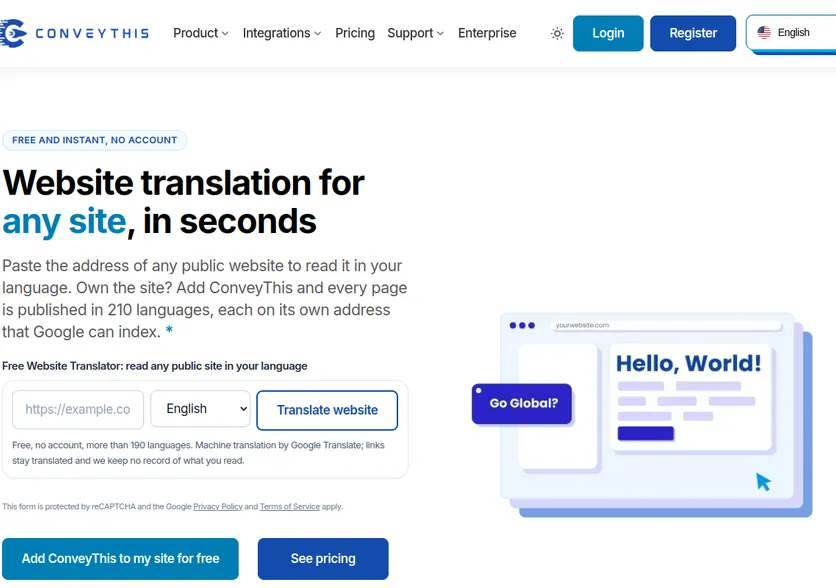
For a consultant who wants a hosted translation layer, ConveyThis costs twelve dollars a month on Starter, and it works on any website through a snippet or plugin. It translates with a visual editor, keeps a glossary and translation memory, and handles hreflang and translated meta tags so the second language can rank. The free plan covers ten thousand words, which is enough to translate a small client site before paying.
What we like
- Works on any website through a snippet
- Visual editor with glossary and translation memory
- Automatic hreflang and translated meta tags
Watch out for
- Word quotas cap how much content each plan covers
- Machine quality needs a human pass for client work
How to try it
- Install the snippet on the client site
- Translate the first pages in the visual editor
- Check the hreflang tags and the translated URLs
3. Webflow
Best for: Consultants who sell design-led multilingual sites
Paid tool Starting price: $14/month · Fourteen dollars a month billed annually on the Basic site plan; CMS is twenty-three dollars and Business is thirty-nine dollars billed annually; Webflow Localize is a separate add-on from nine dollars a month per locale
Free plan: Free Starter plan
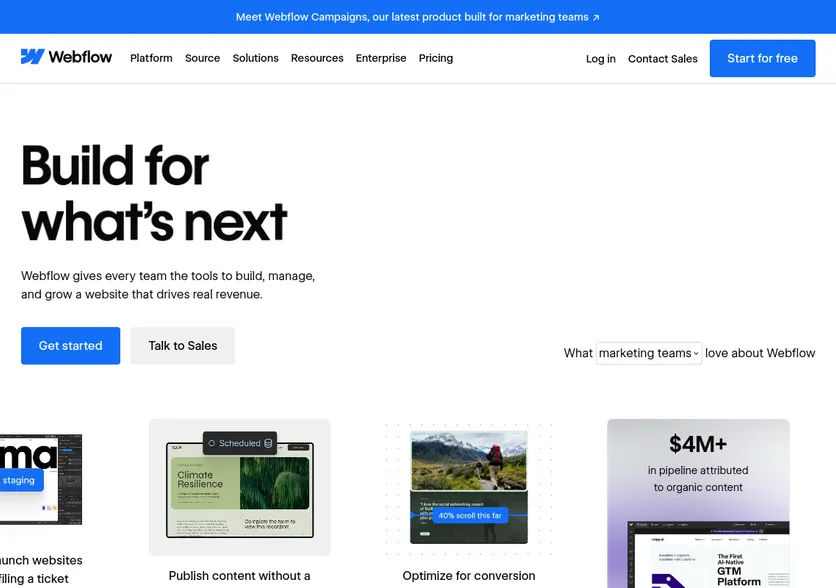
The designer's pick, Webflow costs fourteen dollars a month on its Basic site plan billed annually, and it gives pixel-level control over every page. Its Localize add-on starts at nine dollars a month per locale and translates content, images and SEO settings inside the same designer, with locale-specific publishing. A consultant who sells design-led multilingual sites gets the layout freedom and the translation workflow in one account.
What we like
- Pixel-level design control with clean code
- Localize add-on translates content and SEO settings
- Free Starter plan on a webflow.io subdomain
Watch out for
- Localization is a paid add-on, not included
- No native booking or client portal
How to try it
- Build the site on the free Starter plan
- Add the Localize add-on for the first locale
- Publish each locale and check the SEO settings
4. Linguise
Best for: Consultants with content-heavy clients in many languages
Paid tool Starting price: $15/month · Fifteen dollars a month on the Start plan for two hundred thousand words and unlimited languages; higher tiers raise the word quota and add more sites
Free plan: Free trial, no free plan
For content-heavy client sites, Linguise costs fifteen dollars a month on its Start plan, and it covers two hundred thousand words with unlimited languages. That word quota is far larger than Weglot or ConveyThis at the same price, which suits a consultant whose clients publish long pages in several languages. It works on WordPress, Joomla, Shopify, Squarespace, Webflow and Wix, or through a snippet on any site.
What we like
- Two hundred thousand words for fifteen dollars a month
- Unlimited languages on every plan
- Works on most CMS platforms and any site by snippet
Watch out for
- No free plan, only a trial
- Fewer design controls than a full builder
How to try it
- Start the trial on the biggest client site
- Translate the longest pages first and check quality
- Set the language switcher and the URL structure
5. Squarespace
Best for: Consultants whose clients judge the site by how it looks
Paid tool Starting price: $19/month · Nineteen dollars a month billed annually on the Basic plan, or twenty-five dollars month to month; Core is twenty-nine dollars, Plus is forty-nine dollars and Advanced is ninety-nine dollars billed annually. Squarespace renamed its plans in February 2026 (Personal became Basic, Business became Core, Commerce Basic became Plus, Commerce Advanced became Advanced) and raised prices in July 2026.
Free plan: 14-day free trial
The design-led pick, Squarespace costs nineteen dollars a month on its Basic plan billed annually, and its templates make even a simple consultant site look premium. Multilingual sites run through its built-in language settings or a Weglot integration, with hosting, a domain, invoicing and marketing tools in one account. The fourteen-day trial needs no card, so a consultant can build the first client draft before paying.

What we like
- Most polished templates in this list
- Hosting, domain, invoicing and marketing in one account
- Fourteen-day trial with no card needed
Watch out for
- No free plan, only the trial
- Multilingual depth depends on the Weglot integration
How to try it
- Start the fourteen-day trial and pick a template
- Build the first language, then add the second
- Connect the domain and publish
6. Weglot
Best for: Consultants who want the fastest multilingual setup
Paid tool Starting price: $17/month · About seventeen dollars a month on the Starter plan, or fifteen euros excluding VAT; Business is about thirty-two dollars a month and Pro is about eighty-seven dollars; Weglot bills in euros and labels its dollar prices as estimates, so the card charge moves with the exchange rate
Free plan: Free plan up to 2,000 words
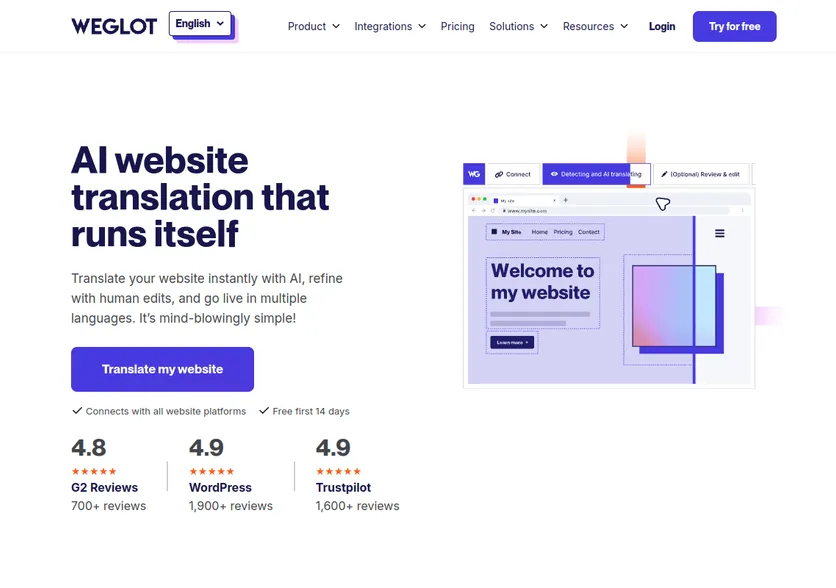
The best-known translation layer, Weglot costs about seventeen dollars a month on its Starter plan, and it translates a site in under an hour with a snippet or plugin. Starter covers ten thousand words and one language, with a glossary on every plan and translation memory on top, plus subdirectories, automatic hreflang and translated metadata. The word quota is fixed rather than renewing, so a consultant should count the site's words before choosing a tier.
What we like
- Live in under an hour with a snippet or plugin
- Glossary and translation memory included
- Automatic hreflang and translated metadata
Watch out for
- Bills in euros, so the dollar price moves with exchange rates
- Word quota is fixed, not renewing monthly
How to try it
- Install Weglot on the client site
- Translate the first pages and edit the glossary
- Check the translated URLs and hreflang tags
7. Wix
Best for: Consultants who want the easiest multilingual builder
Paid tool Starting price: $17/month · Seventeen dollars a month billed annually on the Light plan; Core is twenty-nine dollars, Business is thirty-six dollars and Elite is one hundred and fifty-nine dollars billed annually
Free plan: Free plan
The easiest all-round builder, Wix costs seventeen dollars a month on its Light plan billed annually, and it pairs a drag-and-drop editor with an AI site generator. Multilingual sites use Wix Multilingual, which translates pages, menus and SEO settings and lets a visitor switch language without leaving the site. The free plan already includes hosting, so a consultant can draft a client site and only pay when the custom domain goes live.
What we like
- Easiest drag-and-drop editor in this list
- AI site generator drafts the first version
- Free plan already includes hosting
Watch out for
- Translation depth is lighter than a dedicated layer
- The editor can feel busy on a large site
How to try it
- Generate the first draft with the AI builder
- Turn on Wix Multilingual and translate the pages
- Connect the custom domain on the Light plan
8. Bablic
Best for: Consultants who translate by clicking on the live page
Paid tool Starting price: $19/month · Nineteen dollars a month on the Go plan for one language; Core is forty-nine dollars for five languages and Pro is one hundred and ninety-nine dollars; Bablic bills by monthly visits rather than words
Free plan: Free trial
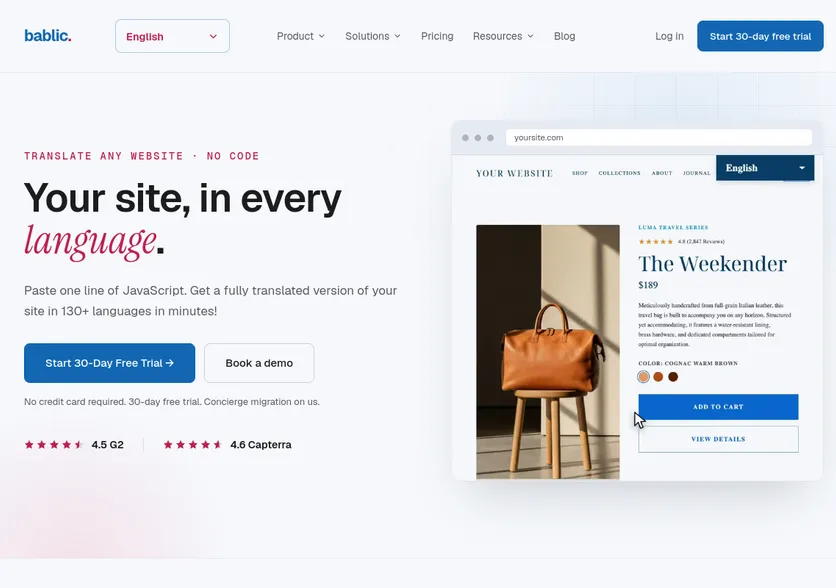
The visual editor's pick, Bablic costs nineteen dollars a month on its Go plan, and it lets a consultant translate by clicking directly on the live page. It bills by monthly visits rather than words, which suits a client site with short pages and steady traffic, and it keeps the translation live even past the visit limit. Machine translation plus human editing sits in the same editor, so a consultant can polish the copy where it matters.
What we like
- Translate by clicking on the live page
- Bills by visits, not by word count
- Machine and human editing in the same editor
Watch out for
- One language only on the Go plan
- Visit-based billing punishes a traffic spike
How to try it
- Install the snippet and open the visual editor
- Click each section and translate it in place
- Publish the translation and check the language switcher
Prices above were checked on each vendor’s own website on Nov 28, 2026 and can change — the vendor’s page is the final word. Vendor links are editorial: nobody paid to be listed or ranked here. Vendors who want a featured listing can see how it works on our Get listed page.
How to ship a second language that clients can find
Start with the URL, not the translation. A second language only ranks when it lives on its own indexable URL with hreflang tags, so a tool that swaps text on the same page without a real URL is a dead end for search. Next, count the words: translation layers bill by words, visits or languages, and a ten-thousand-word quota disappears fast on a real client site. Then check who owns the translation: a hosted layer keeps it on its servers, while a WordPress plugin keeps it in your database, which matters when a client leaves. Finally, translate one page, publish it and search for it before doing the rest.
Before you buy
- Check that each language gets its own indexable URL with hreflang tags
- Count the site's words against the plan quota before you buy
- Confirm who owns the translations if the client leaves
- Translate one page first and check it ranks before doing the rest
- Price the tool per client, including the locale add-on where it applies
Official websites
Official websites of the products reviewed above. Features and prices were checked against these sites when this guide was written, and they can change, so confirm on the vendor site before you buy.
Frequently asked questions
What is multilingual website builder software for consultants?
It is a website builder, or a translation layer that sits on one, that publishes a site in two or more languages with proper URLs, hreflang tags and translated meta data. The tools in this list cover both routes: full builders like Wix and Squarespace with multilingual features, and layers like Weglot and ConveyThis that translate any existing site. A consultant needs both, because clients arrive with different sites.
How much does WordPress.com cost for a multilingual site?
WordPress.com Personal costs four dollars a month billed annually and includes a custom domain, while Premium costs eight dollars and Business costs twenty-five dollars. Translation comes from plugins: Polylang is free at the base level, TranslatePress Personal costs ninety-nine euros a year, and WPML is a yearly license. The builder is the cheapest part; the plugin sets the translation cost.
Which tool is best for translating any existing site?
ConveyThis is the best value translation layer, from twelve dollars a month for sixty thousand words with a free plan up to ten thousand words, and it works on any site through a snippet. Weglot is the best-known option, from about seventeen dollars a month, with the fastest setup. Linguise suits content-heavy sites, with two hundred thousand words for fifteen dollars a month.
Do translated pages rank on Google?
Yes, when each language lives on its own indexable URL with hreflang tags and translated meta data, which Weglot, ConveyThis and Webflow Localize all provide. A tool that swaps text on the same URL without a separate address gives Google nothing to index in the second language. Always check the translated URL and the hreflang tags before publishing the rest of the site.
Should I use a builder or a translation layer?
Use a builder when the client needs a new site anyway, because Wix, Squarespace or Webflow ship the design and the second language together. Use a translation layer when the client already has a site worth keeping, because Weglot, ConveyThis, Linguise or Bablic add languages without rebuilding anything. A WordPress site can do either, since the plugins live inside the builder.
Compare the eight tools above, then start with a free plan on the tool that matches how your clients' sites are built before you pay for a full year.
Browse CSS & Web Design Generators tools