On this page
Remote teams cannot walk over to a server room, so monitoring has to work from anywhere and show everyone the same picture. The eight tools below cover that job for teams of different sizes, from a handful of people to a distributed company. Datadog leads the list because it puts network flows, logs and traces in one cloud console for five dollars a host a month, and the rest are ranked on the same practical test: how well they help a team that never shares a room find and fix a fault together.
How we researched this
We checked every price on the vendor pricing page on November 28, 2026, and only included tools with a published US dollar list price. Quote-only tools such as Cisco ThousandEyes, Auvik, NinjaOne and LogicMonitor publish no prices, so they are not in this list. Prices change, so confirm the current figure on the vendor site before you buy.
Compare the tools
| Name | Best for | Starting price | Free plan | |
|---|---|---|---|---|
 Datadog | Multi-site estates that already run cloud services | $5/host/month | 14-day free trial | Visit |
 Better Stack | Remote teams that need on-call paging with uptime checks | $29/month | Free plan (10 monitors) | Visit |
 Site24x7 | Teams that want website, server and network checks together | $9/month | Free plan (50 resources) | Visit |
 UptimeRobot | Teams that mainly need to know when a site goes down | $12/month | Free plan (50 monitors) | Visit |
 Domotz | Remote teams supporting offices or co-working spaces | $35/site/month | 14-day free trial | Visit |
 PRTG Network Monitor | Teams that want one install for the whole infrastructure | $200/month | Free plan (100 sensors) | Visit |
 ManageEngine OpManager | Small estates that need simple device monitoring | $95/year | Free plan | Visit |
 Atera | IT teams that support endpoints as well as networks | $129/month | 30-day free trial | Visit |
The network monitoring software for remote teams, compared
1. Datadog
Best for: Multi-site estates that already run cloud services
Paid tool Starting price: $5/host/month · Five dollars per host per month billed annually for Network Performance Monitoring, on top of Infrastructure Monitoring Pro at fifteen dollars per host per month billed annually; Network Device Monitoring is seven dollars per device per month, with wireless access points at four dollars per device
Free plan: 14-day free trial
Remote teams cannot walk over to a server room, so Datadog Network Monitoring earns its place at five dollars per host a month billed annually, as an add-on to Infrastructure Pro. Flows, DNS and device health appear in the same console as logs and traces, so a distributed team debugs a slow connection together instead of guessing. The bill stacks per host, so forecast it as the team adds machines.

What we like
- Network flows correlated with traces and logs in one console
- Flow and DNS visibility across cloud and hybrid estates
- Device monitoring by SNMP alongside cloud flow data
Watch out for
- The network add-on sits on top of the Infrastructure Pro bill
- Per-host metering grows fast as host counts rise
How to try it
- Add the Datadog agent to each host and enable network monitoring
- Tag hosts by site, team or role so filters match your estate
- Build a network dashboard and set alerts on traffic anomalies
2. Better Stack
Best for: Remote teams that need on-call paging with uptime checks
Paid tool Starting price: $29/month · Twenty-nine dollars per responder per month billed annually, or thirty-four dollars month to month, for on-call, uptime monitoring and status pages; extra monitors come in packs of fifty for twenty-one dollars a month billed annually
Free plan: Free plan (10 monitors)
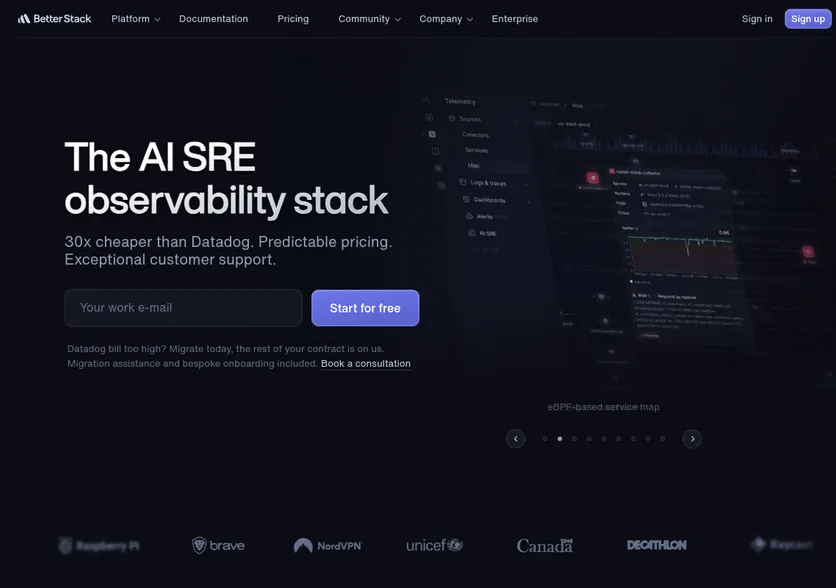
For a remote team that needs one person paged when things break, Better Stack costs twenty-nine dollars per responder per month billed annually. Uptime checks, on-call rotations and a public status page share one bill, and the free plan already gives ten monitors for a trial. Extra monitors come in packs of fifty, so the price stays predictable as the service list grows.
What we like
- Uptime, on-call and status pages on one bill
- Free plan includes ten monitors and a status page
- Phone and SMS alerts included with the responder licence
Watch out for
- Being paged costs at least one responder licence
- Telemetry bundles add cost for heavy log volumes
How to try it
- Add monitors for each endpoint and heartbeats for cron jobs
- Create an on-call schedule with escalation rules
- Publish a status page and link it from your site
3. Site24x7
Best for: Teams that want website, server and network checks together
Paid tool Starting price: $9/month · Nine dollars per month billed annually for the Lite infrastructure plan covering two servers and five websites, or for Web Uptime covering twenty-five websites; Professional is forty-two dollars a month billed annually and adds network components
Free plan: Free plan (50 resources)
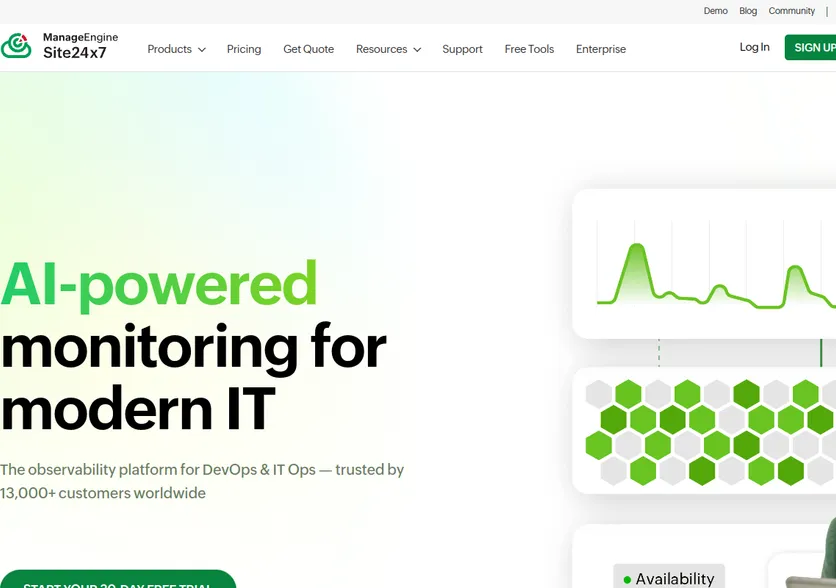
A remote team watching services spread across clouds can use Site24x7 from nine dollars a month billed annually for the Lite plan, covering two servers and five websites. One account covers websites, servers and network devices, and the free plan watches uptime on fifty resources. The entry plan is small, so teams should check Professional at forty-two dollars a month before they rely on it.
What we like
- One account covers websites, servers and network devices
- Free plan monitors uptime on fifty resources
- Thirty-day trial needs no credit card
Watch out for
- Entry plans cap servers and resources tightly
- Website and infrastructure plans are sold separately
How to try it
- Create an account and add your websites and servers
- Enable network monitoring for routers and switches
- Set alert thresholds and notification channels
4. UptimeRobot
Best for: Teams that mainly need to know when a site goes down
Paid tool Starting price: $12/month · Twelve dollars per month billed annually on the Solo plan, or thirteen dollars month to month, for ten monitors at sixty-second checks; Team is thirty-nine dollars a month billed annually for one hundred monitors, and prices rose from nine dollars in late 2026
Free plan: Free plan (50 monitors)
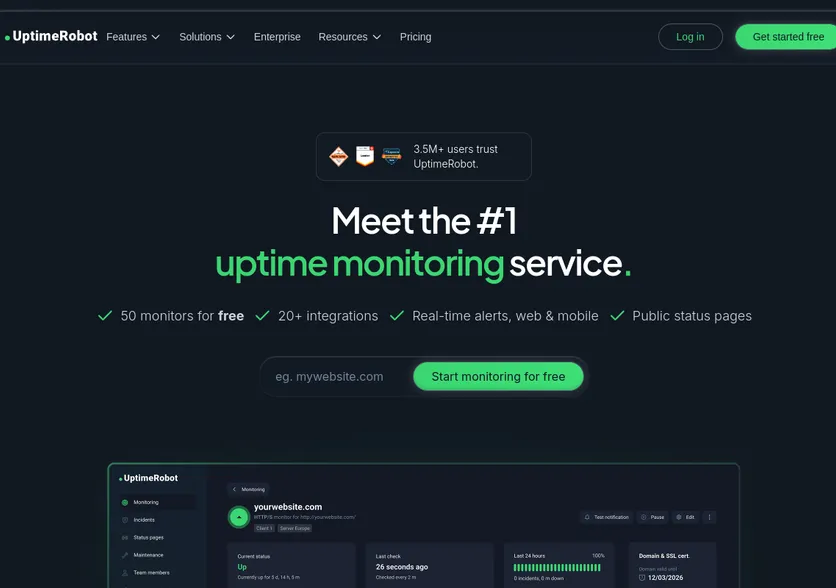
When a remote team just needs to know the moment a service drops, UptimeRobot costs twelve dollars a month billed annually on the Solo plan for ten monitors at sixty-second checks. Setup takes minutes with no agent to install, and the free plan already covers fifty monitors at five-minute checks. It checks uptime only, so deep device health needs another tool.
What we like
- Free plan covers fifty monitors at no cost
- Simple setup with no agent to install
- Status pages included on paid plans
Watch out for
- Solo covers only ten monitors, fewer than the free plan
- Checks only uptime, not deep device health
How to try it
- Add each website or service as a monitor
- Set alert contacts for email, SMS or chat
- Publish a status page for your users
5. Domotz
Best for: Remote teams supporting offices or co-working spaces
Paid tool Starting price: $35/site/month · Thirty-five dollars per site per month with unlimited devices and every feature included, per the vendor blog and September 2026 pricing update; volume pricing drops to seventeen dollars and fifty cents per site for MSPs on a twelve-month term, and the vendor pricing page lists thirty-five euros per collector
Free plan: 14-day free trial
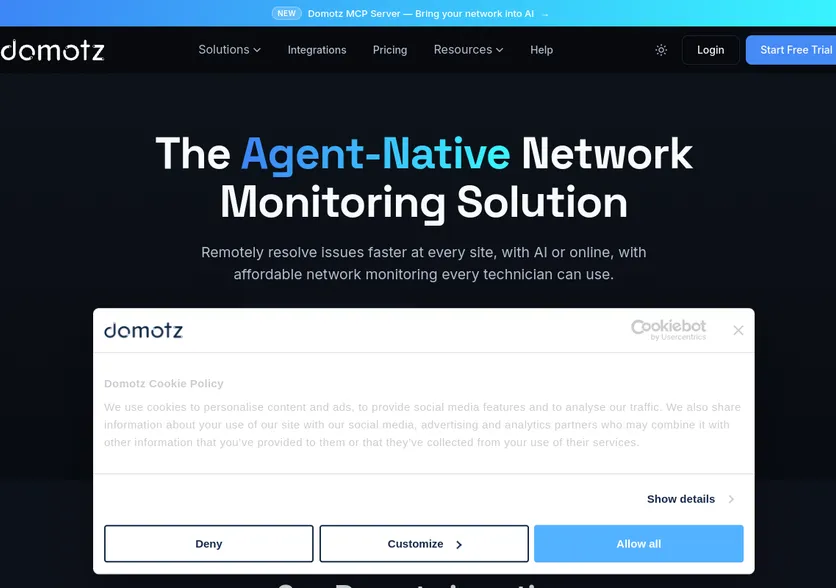
Remote teams supporting offices or co-working spaces can watch each location with Domotz at thirty-five dollars per site per month, with unlimited devices included. A collector at each site maps the network and reports back to one cloud dashboard, and built-in remote access lets an engineer reach a device without a VPN. One collector is needed at every site, so the bill follows the location count.
What we like
- Flat per-site price with unlimited devices
- Automatic network maps with device identification
- Remote access to devices without a VPN
Watch out for
- One collector needed at every site
- No free plan, only a fourteen-day trial
How to try it
- Deploy a collector at each site you manage
- Let Domotz discover and map every device
- Set alerts and remote-access rules per site
6. PRTG Network Monitor
Best for: Teams that want one install for the whole infrastructure
Paid tool Starting price: $200/month · Two hundred dollars per month billed annually for PRTG 500, covering five hundred sensors or about fifty devices; PRTG 1000 is three hundred and fifty-eight dollars a month, and the Freeware Edition covers one hundred sensors at no cost
Free plan: Free plan (100 sensors)
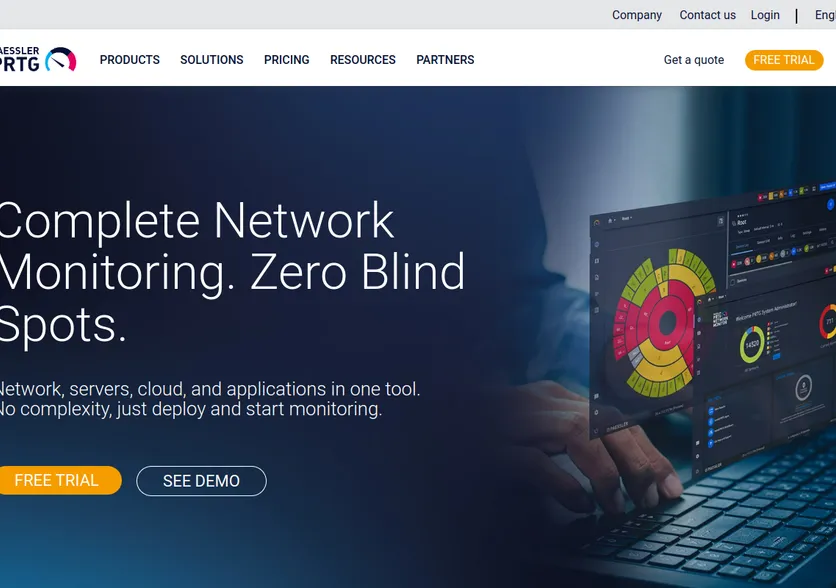
A remote team with a central Windows server can run PRTG Network Monitor at two hundred dollars a month billed annually for five hundred sensors, covering about fifty devices. Sensors group by site, so each location gets its own view, and auto-discovery maps new offices quickly. The server is Windows-only, and sensor counts climb on devices with many checks.
What we like
- Sensor model makes the bill easy to count before you buy
- Auto-discovery maps a new site in minutes
- One install covers routers, switches, servers and applications
Watch out for
- Windows-only server install
- Sensor counts climb fast on busy devices
How to try it
- Install PRTG on a Windows server and run auto-discovery
- Group sensors by site so each location has its own view
- Set sensor thresholds and notification triggers per group
7. ManageEngine OpManager
Best for: Small estates that need simple device monitoring
Paid tool Starting price: $95/year · Ninety-five dollars per year for the Standard edition covering ten devices, per the vendor store; larger device bundles and the Professional and Enterprise editions cost more
Free plan: Free plan
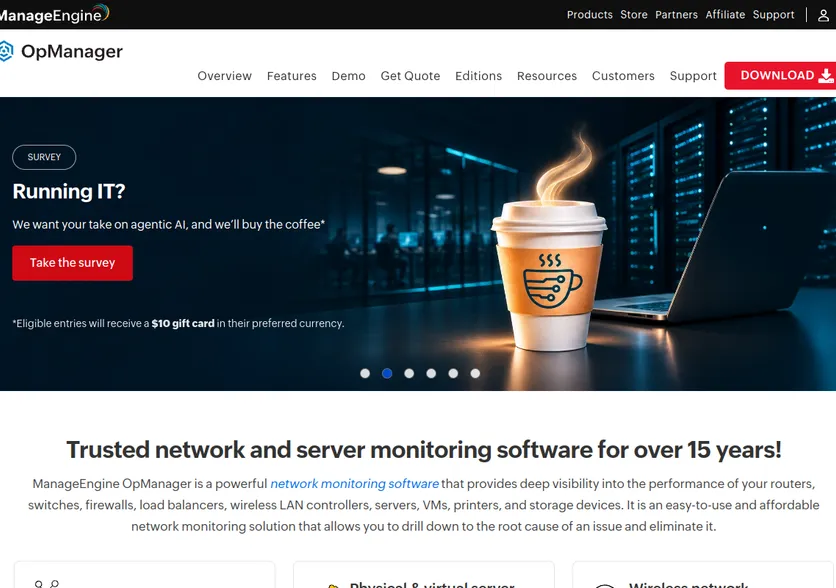
For a remote team with a modest device estate, ManageEngine OpManager costs ninety-five dollars a year for the Standard edition covering ten devices. It discovers routers, switches and servers and alarms on failures, which is enough when the team needs device status rather than deep flow analysis. The ten-device limit is the main constraint for a growing estate.
What we like
- Straightforward device monitoring with little setup
- Affordable entry price for small estates
- Maps, workflows and alarms included in the base product
Watch out for
- Entry edition covers only ten devices
- Advanced features sit in higher editions
How to try it
- Install OpManager and discover devices on the network
- Apply device templates for routers, switches and servers
- Configure alarms and escalation rules for critical devices
8. Atera
Best for: IT teams that support endpoints as well as networks
Paid tool Starting price: $129/month · One hundred and twenty-nine dollars per technician per month billed annually on the MSP Pro plan, or one hundred and thirty-nine dollars month to month, with unlimited endpoints; Growth is one hundred and fifty-nine dollars billed annually, and internal IT plans start at one hundred and forty-nine dollars
Free plan: 30-day free trial
Remote teams that support endpoints as well as networks may prefer Atera at one hundred and twenty-nine dollars per technician per month billed annually on the MSP Pro plan. One licence covers unlimited endpoints, so a small distributed team can support hundreds of devices for one flat technician price. It bundles patching, remote access and ticketing alongside monitoring.
What we like
- Per-technician pricing covers unlimited endpoints
- RMM, patching and helpdesk in one console
- Thirty-day trial with no credit card
Watch out for
- Entry MSP plan is Windows-focused
- One technician licence is pricey for a solo operator
How to try it
- Install agents on every endpoint you manage
- Set monitoring thresholds and patch policies
- Route alerts into the built-in ticketing queue
Prices above were checked on each vendor’s own website on Nov 28, 2026 and can change — the vendor’s page is the final word. Vendor links are editorial: nobody paid to be listed or ranked here. Vendors who want a featured listing can see how it works on our Get listed page.
How a remote team monitors a network it never touches
Start with cloud-hosted monitoring, because a tool that lives on an office server is useless when nobody is in the office. Put uptime checks on every service your users touch, then add device monitoring for the offices and co-working spaces the team uses. Give everyone the same dashboard, so the person who spots a problem and the person who fixes it look at the same data. Set up an on-call rotation with clear escalation, and publish a status page so users see a clear message during an outage. Record every change in a shared runbook, so the next person on call inherits the same working picture.
Before you buy
- Choose cloud-hosted monitoring that works from anywhere, not an office server
- Put uptime checks on every service your users touch first
- Give everyone the same dashboard so the team debugs together
- Set up an on-call rotation with clear escalation rules
- Publish a status page so users see a clear message during an outage
Official websites
Official websites of the products reviewed above. Features and prices were checked against these sites when this guide was written, and they can change, so confirm on the vendor site before you buy.
Frequently asked questions
What should remote teams look for in network monitoring software?
Prioritise cloud-hosted monitoring with a shared dashboard, so everyone sees the same picture from anywhere. Uptime checks should cover every service users touch, with on-call rotations for the team that fixes problems. Avoid tools that live on an office server, since nobody is in the office to reach them.
How much does Datadog network monitoring cost?
Datadog Network Performance Monitoring costs five dollars per host per month billed annually, as an add-on to Infrastructure Monitoring Pro at fifteen dollars per host per month. Network Device Monitoring is seven dollars per device per month. The total depends on host and device counts, so forecast it as the team adds machines.
Is there a free network monitoring tool for remote teams?
Yes. UptimeRobot has a free plan covering fifty monitors, Site24x7 has a free plan for fifty resources, and Better Stack has a free plan with ten monitors and a status page. These cover uptime checks well, while deeper device monitoring and on-call paging need a paid plan.
Which tool is best for on-call alerting?
Better Stack is the strongest fit for on-call, because one responder licence at twenty-nine dollars a month billed annually covers uptime checks, on-call schedules, phone alerts and a status page. UptimeRobot and Site24x7 alert well but do not run on-call rotations, so a team that needs paging should start with Better Stack.
Can one tool monitor offices the team rarely visits?
Yes, with a collector or agent at each location. Domotz places a collector at every site for thirty-five dollars a site a month and reports everything to one cloud dashboard, with remote access built in. PRTG and OpManager can also watch remote sites, but they need a server the team maintains.
Compare the eight tools above, then start with the free plan or trial on the tool that matches how your team works.
Browse Network & IP Tools tools