On this page
Franchise networks mix head-office systems, store equipment and cloud services, so monitoring has to span every location without adding complexity. The eight tools below cover that job for estates of different sizes, from a handful of shops to hundreds of sites. Datadog leads the list because it watches cloud, on-premise and hybrid traffic in one place for five dollars a host a month, and the rest are ranked on the same practical test: how clearly they show what is wrong, and where, across many sites.
How we researched this
We checked every price on the vendor pricing page on November 28, 2026, and only included tools with a published US dollar list price. Quote-only tools such as Cisco ThousandEyes, Auvik, NinjaOne and LogicMonitor publish no prices, so they are not in this list. Prices change, so confirm the current figure on the vendor site before you buy.
Compare the tools
| Name | Best for | Starting price | Free plan | |
|---|---|---|---|---|
 Datadog | Multi-site estates that already run cloud services | $5/host/month | 14-day free trial | Visit |
 SolarWinds Network Performance Monitor | Large networks that need deep traffic and performance data | $2,829 | 30-day free trial | Visit |
 PRTG Network Monitor | Teams that want one install for the whole infrastructure | $200/month | Free plan (100 sensors) | Visit |
 Domotz | Franchise chains that want one flat price per store | $35/site/month | 14-day free trial | Visit |
 ManageEngine OpManager | Small estates that need simple device monitoring | $95/year | Free plan | Visit |
 Site24x7 | Teams that want website, server and network checks together | $9/month | Free plan (50 resources) | Visit |
 Nagios XI | Teams that want to own their monitoring platform outright | $2,595 | Free plan (7 nodes) | Visit |
 UptimeRobot | Franchises that mainly need their website and ordering watched | $12/month | Free plan (50 monitors) | Visit |
The network monitoring software for franchises, compared
1. Datadog
Best for: Multi-site estates that already run cloud services
Paid tool Starting price: $5/host/month · Five dollars per host per month billed annually for Network Performance Monitoring, on top of Infrastructure Monitoring Pro at fifteen dollars per host per month billed annually; Network Device Monitoring is seven dollars per device per month, with wireless access points at four dollars per device
Free plan: 14-day free trial
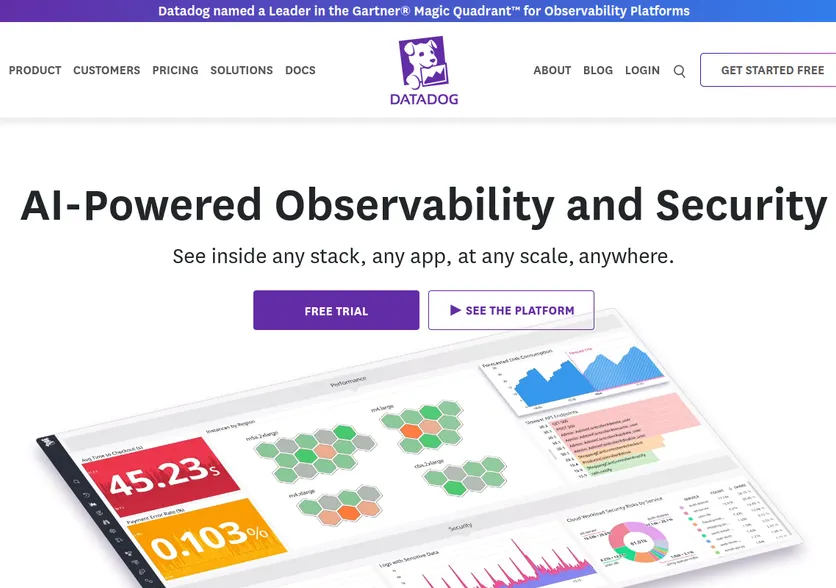
For a franchise running dozens of stores, Datadog Network Monitoring costs five dollars per host a month as an add-on, and it watches cloud, on-premise and hybrid traffic from one console. That breadth matters when every store mixes local gear with central cloud services, because one dashboard shows whether a slowdown sits in a shop, on the WAN or in the cloud. The bill stacks on top of Infrastructure Pro, so count hosts across all locations before you commit.
What we like
- Network flows correlated with traces and logs in one console
- Flow and DNS visibility across cloud and hybrid estates
- Device monitoring by SNMP alongside cloud flow data
Watch out for
- The network add-on sits on top of the Infrastructure Pro bill
- Per-host metering grows fast as host counts rise
How to try it
- Add the Datadog agent to each host and enable network monitoring
- Tag hosts by site, team or role so filters match your estate
- Build a network dashboard and set alerts on traffic anomalies
2. SolarWinds Network Performance Monitor
Best for: Large networks that need deep traffic and performance data
Paid tool Starting price: $2,829 · Two thousand eight hundred and twenty-nine dollars for the SL100 subscription covering up to one hundred nodes, interfaces and volumes; larger tiers are quoted, and the same monitoring also ships inside Observability Self-Hosted from eight dollars per node per month on multi-year contracts billed annually
Free plan: 30-day free trial
A franchise that needs deep troubleshooting across hybrid sites will find SolarWinds Network Performance Monitor priced from two thousand eight hundred and twenty-nine dollars for the SL100 subscription, covering one hundred nodes. NetPath traces a slow application hop by hop across networks the franchise does not own, which is exactly the view a central IT team needs when stores blame the network. It is self-hosted, so the team must run the Windows servers behind it.
What we like
- Hop-by-hop NetPath traces across networks you do not own
- NetFlow analysis with deep performance history
- Multi-vendor device support with strong alerting
Watch out for
- Self-hosted install needs Windows servers you maintain
- Entry price is steep for small estates
How to try it
- Install NPM on a Windows server and discover devices by SNMP
- Add NetPath probes for the links between your sites
- Set thresholds and alert actions for each critical device
3. PRTG Network Monitor
Best for: Teams that want one install for the whole infrastructure
Paid tool Starting price: $200/month · Two hundred dollars per month billed annually for PRTG 500, covering five hundred sensors or about fifty devices; PRTG 1000 is three hundred and fifty-eight dollars a month, and the Freeware Edition covers one hundred sensors at no cost
Free plan: Free plan (100 sensors)
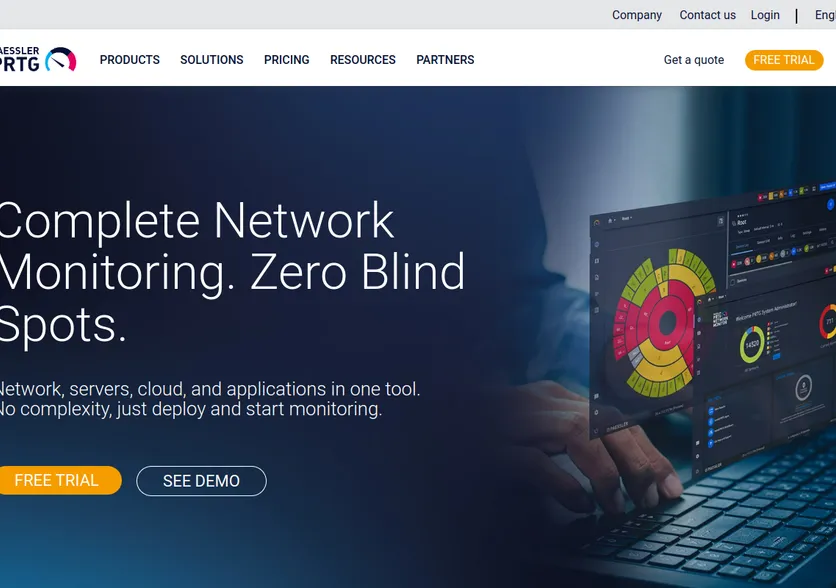
When every franchise location needs the same checks, PRTG Network Monitor costs two hundred dollars a month billed annually for five hundred sensors, which covers about fifty devices. The sensor model makes multi-site budgeting simple, since each store gets the same sensor bundle and the bill scales with the estate. Auto-discovery maps a new shop quickly, though the Windows-only server install means the central team hosts it.
What we like
- Sensor model makes the bill easy to count before you buy
- Auto-discovery maps a new site in minutes
- One install covers routers, switches, servers and applications
Watch out for
- Windows-only server install
- Sensor counts climb fast on busy devices
How to try it
- Install PRTG on a Windows server and run auto-discovery
- Group sensors by site so each location has its own view
- Set sensor thresholds and notification triggers per group
4. Domotz
Best for: Franchise chains that want one flat price per store
Paid tool Starting price: $35/site/month · Thirty-five dollars per site per month with unlimited devices and every feature included, per the vendor blog and September 2026 pricing update; volume pricing drops to seventeen dollars and fifty cents per site for MSPs on a twelve-month term, and the vendor pricing page lists thirty-five euros per collector
Free plan: 14-day free trial
Per-site pricing fits franchising neatly, and Domotz costs thirty-five dollars per site per month with unlimited devices and every feature included. A collector at each store discovers the till, the Wi-Fi and the back-office gear, then reports everything to one cloud dashboard. There is no per-device charge, so adding a new store costs the same flat rate every time.
What we like
- Flat per-site price with unlimited devices
- Automatic network maps with device identification
- Remote access to devices without a VPN
Watch out for
- One collector needed at every site
- No free plan, only a fourteen-day trial
How to try it
- Deploy a collector at each site you manage
- Let Domotz discover and map every device
- Set alerts and remote-access rules per site
5. ManageEngine OpManager
Best for: Small estates that need simple device monitoring
Paid tool Starting price: $95/year · Ninety-five dollars per year for the Standard edition covering ten devices, per the vendor store; larger device bundles and the Professional and Enterprise editions cost more
Free plan: Free plan
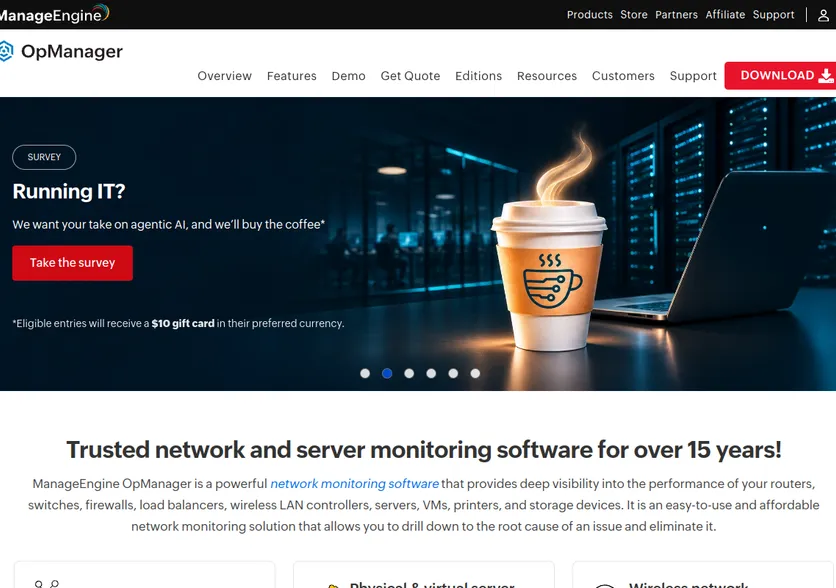
For a franchise IT team that wants simple device checks without a big bill, ManageEngine OpManager costs ninety-five dollars a year for the Standard edition covering ten devices. It watches routers, switches and servers with straightforward alarms, which suits lean teams that need up and down status more than deep flow analysis. Ten devices will not cover a large estate, so bigger franchises should price the larger bundles.
What we like
- Straightforward device monitoring with little setup
- Affordable entry price for small estates
- Maps, workflows and alarms included in the base product
Watch out for
- Entry edition covers only ten devices
- Advanced features sit in higher editions
How to try it
- Install OpManager and discover devices on the network
- Apply device templates for routers, switches and servers
- Configure alarms and escalation rules for critical devices
6. Site24x7
Best for: Teams that want website, server and network checks together
Paid tool Starting price: $9/month · Nine dollars per month billed annually for the Lite infrastructure plan covering two servers and five websites, or for Web Uptime covering twenty-five websites; Professional is forty-two dollars a month billed annually and adds network components
Free plan: Free plan (50 resources)
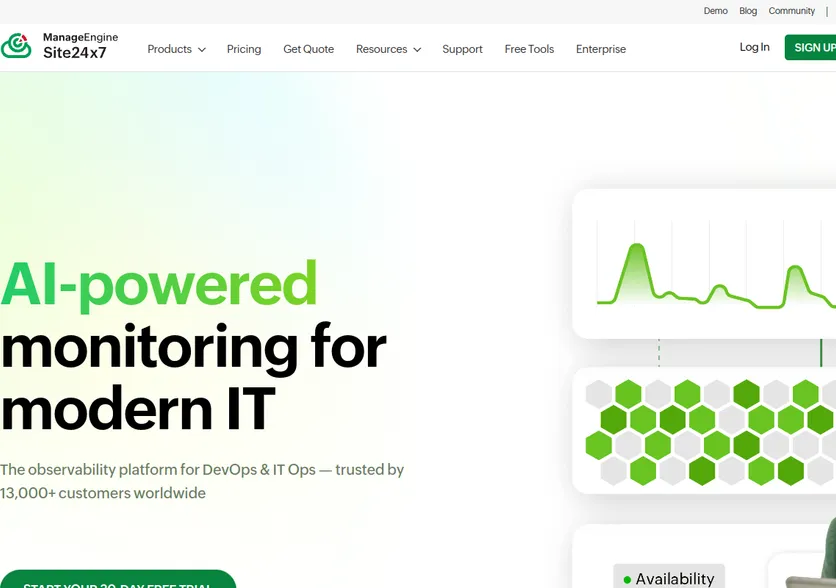
A franchise that also runs a booking site and a head-office network can start with Site24x7 at nine dollars a month billed annually for the Lite plan, covering two servers and five websites. One account watches website uptime, servers and network devices together, which keeps a small central team from juggling three tools. The entry plan caps are tight, so count servers across every store before relying on it.
What we like
- One account covers websites, servers and network devices
- Free plan monitors uptime on fifty resources
- Thirty-day trial needs no credit card
Watch out for
- Entry plans cap servers and resources tightly
- Website and infrastructure plans are sold separately
How to try it
- Create an account and add your websites and servers
- Enable network monitoring for routers and switches
- Set alert thresholds and notification channels
7. Nagios XI
Best for: Teams that want to own their monitoring platform outright
Paid tool Starting price: $2,595 · Two thousand five hundred and ninety-five dollars one time for the Standard edition covering one hundred nodes, with the first year of maintenance and support included; Enterprise starts at four thousand six hundred and ninety dollars for one hundred nodes
Free plan: Free plan (7 nodes)
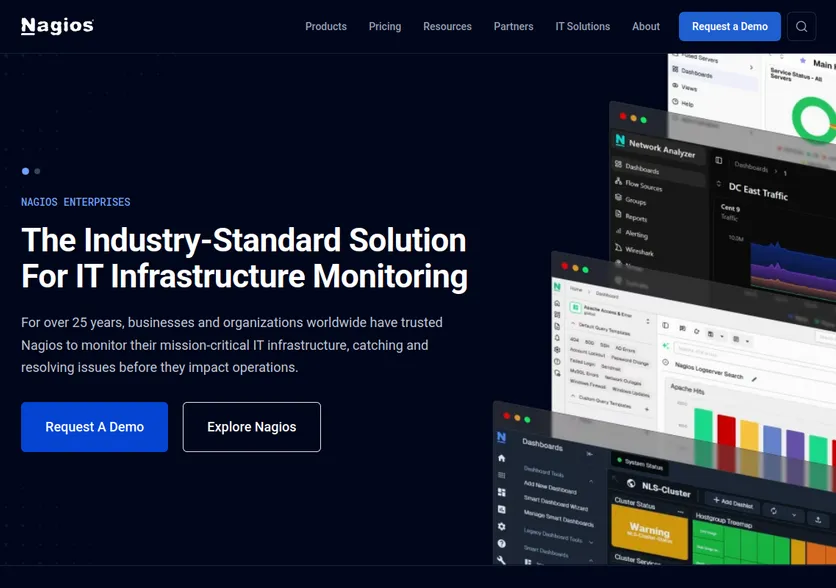
Franchises with their own IT staff sometimes prefer to own the platform outright, and Nagios XI Standard costs two thousand five hundred and ninety-five dollars one time for one hundred nodes. The perpetual licence covers unlimited services on those nodes, and thousands of community plugins extend it to almost any device a store runs. Configuration takes real effort, and maintenance renewals start after the included first year.
What we like
- Thousands of community plugins extend monitoring to anything
- Perpetual licence with no monthly bill
- Mature alerting, dashboards and reporting
Watch out for
- Self-hosted setup takes real configuration effort
- Maintenance renewals add cost after year one
How to try it
- Install Nagios XI and add hosts with the configuration wizards
- Apply service checks for ping, SNMP and common protocols
- Set contact groups and notification rules for outages
8. UptimeRobot
Best for: Franchises that mainly need their website and ordering watched
Paid tool Starting price: $12/month · Twelve dollars per month billed annually on the Solo plan, or thirteen dollars month to month, for ten monitors at sixty-second checks; Team is thirty-nine dollars a month billed annually for one hundred monitors, and prices rose from nine dollars in late 2026
Free plan: Free plan (50 monitors)
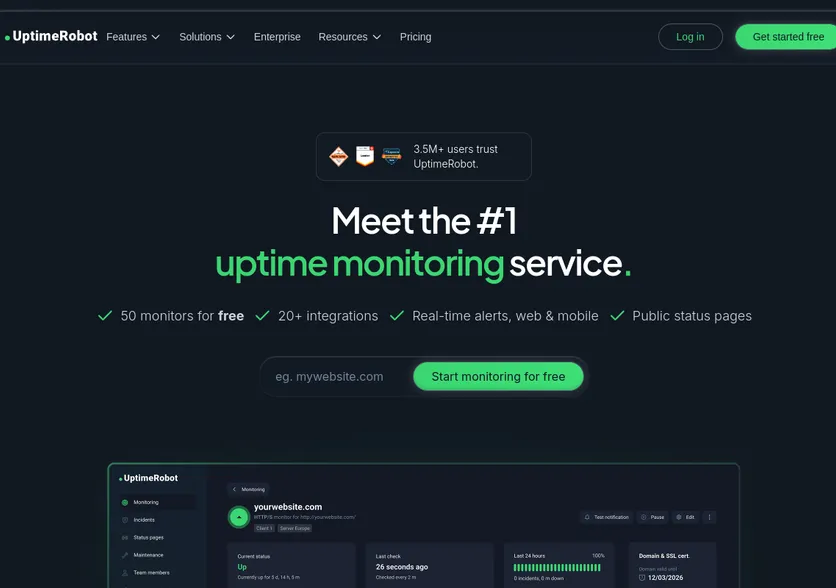
When the franchise website and online ordering matter most, UptimeRobot costs twelve dollars a month billed annually on the Solo plan for ten monitors at sixty-second checks. It is the lightest tool here, doing one job well: telling the team the moment a customer-facing service stops answering. It will not monitor store routers or switches, so pair it with a device monitor for full coverage.
What we like
- Free plan covers fifty monitors at no cost
- Simple setup with no agent to install
- Status pages included on paid plans
Watch out for
- Solo covers only ten monitors, fewer than the free plan
- Checks only uptime, not deep device health
How to try it
- Add each website or service as a monitor
- Set alert contacts for email, SMS or chat
- Publish a status page for your users
Prices above were checked on each vendor’s own website on Nov 28, 2026 and can change — the vendor’s page is the final word. Vendor links are editorial: nobody paid to be listed or ranked here. Vendors who want a featured listing can see how it works on our Get listed page.
How to monitor a franchise network without drowning in alerts
Start by listing every location and the devices that matter at each one, because franchise monitoring fails when a store is simply missing from the map. Pick a tool whose billing matches your estate: per-site pricing suits many stores, while per-host pricing suits cloud-heavy head offices. Give each store the same sensor or device bundle so a new shop comes online in minutes, and route alerts to one queue so the central team sees every site in the same place. Test the alert path before you need it, and review dead or silent devices monthly, because a monitor that stopped reporting is worse than no monitor at all.
Before you buy
- Confirm the tool covers every location, including stores with only a few devices
- Check whether the price is per site, per host, per device or per sensor before you compare
- Ask if remote sites need a local collector or agent to report back
- Make sure alerts reach one queue that the central team actually watches
- Test the setup on one store first, then roll the same template to the rest
Official websites
Official websites of the products reviewed above. Features and prices were checked against these sites when this guide was written, and they can change, so confirm on the vendor site before you buy.
Frequently asked questions
What should franchise IT teams look for in network monitoring software?
Prioritise visibility across many locations, support for both store equipment and cloud services, and a deployment model your team can maintain. Also check how licensing scales as stores are added, since franchise estates tend to grow. A tool that charges per site is often easier to budget than one that charges per device across hundreds of shops.
How much does Datadog network monitoring cost?
Datadog Network Performance Monitoring costs five dollars per host per month billed annually, as an add-on to Infrastructure Monitoring Pro at fifteen dollars per host per month. Network Device Monitoring is seven dollars per device per month, with wireless access points at four dollars per device. The total depends on host and device counts across every location.
Is open source monitoring a good fit for franchises?
Open source tools such as Zabbix can work well when you have technical staff to run them and want full control. Franchises with lean IT teams often prefer vendor-supported products that reduce maintenance effort. The free software costs nothing, but the servers, upgrades and tuning are your responsibility.
Can one tool cover every franchise location?
Often yes, but coverage depends on the deployment model and how checks are licensed across sites. Confirm with each vendor how remote locations are monitored and whether local collectors are needed before you decide. A pilot on one store will show whether the tool maps a new location cleanly.
Which tool is cheapest for a small franchise?
UptimeRobot has a free plan covering fifty monitors, and Site24x7 starts at nine dollars a month billed annually. OpManager Standard is ninety-five dollars a year for ten devices. These cover uptime and basic device checks, while deeper tools such as SolarWinds NPM start at two thousand eight hundred and twenty-nine dollars.
Compare the eight tools above, then trial the one that matches your store count on a single location before you roll it out to the whole estate.
Browse Network & IP Tools tools