On this page
A startup network usually breaks quietly: one link saturates, one host eats the bandwidth, and nobody knows until users complain. Traffic analysis tools turn that guesswork into a map of who talks to whom and how much data moves. The seven tools below all publish a US dollar price, so you can compare real numbers rather than sales calls. PRTG leads the list because its sensor pricing starts at two hundred dollars a month and its free tier covers a hundred sensors, and the rest are ranked on the same test: how much insight you get for the money.
How we researched this
We checked every price on the vendor pricing page or store on November 28, 2026, and only included tools with a published US dollar list price. Quote-only platforms such as Kentik and ExtraHop publish no prices, so they are not in this list. Prices change, so confirm the current figure on the vendor site before you buy.
Compare the tools
| Name | Best for | Starting price | Free plan | |
|---|---|---|---|---|
 PRTG | Startups that want sensor-based pricing and a free tier to start | $200/month | Freeware up to 100 sensors | Visit |
| ManageEngine NetFlow Analyzer | Startups that need flow analysis on a tight yearly budget | $172/year | Free edition, 2 interfaces | Visit |
| SolarWinds NetFlow Traffic Analyzer | Startups that want deep flow forensics and a path to a bigger platform | $1,036/year | 30-day free trial | Visit |
 Nagios XI | Startups that prefer a one-time license over a subscription | $2,595 one-time | Free trial | Visit |
| Auvik | Small teams that want automatic network mapping and simple per-device pricing | $15/device/month | Free trial | Visit |
 LogicMonitor | Startups that want network traffic data next to cloud and server metrics | $19/Hybrid Unit/month | Free trial | Visit |
 Datadog Network Monitoring | Cloud-native startups already running Datadog for observability | $5/host/month | Free trial | Visit |
The network traffic analysis software for startups, compared
1. PRTG
Best for: Startups that want sensor-based pricing and a free tier to start
Paid tool Starting price: $200/month · Two hundred dollars per month billed annually for PRTG 500, covering 500 sensors; PRTG 1000 is $358 per month, PRTG 2500 is $742, PRTG 5000 is $1,300 and PRTG 10000 is $1,642, all billed annually; freeware covers 100 sensors
Free plan: Freeware up to 100 sensors
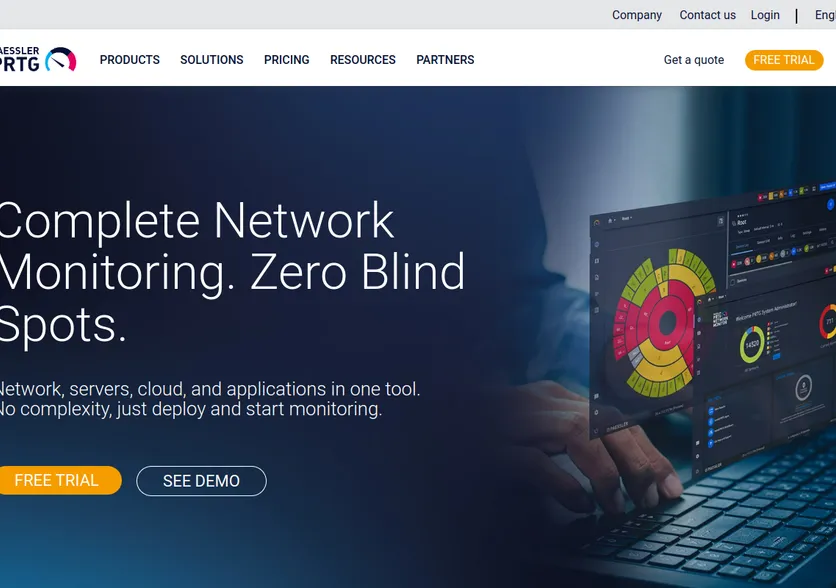
This PRTG plan costs two hundred dollars a month billed annually, and it covers five hundred sensors across about fifty devices. A startup can watch bandwidth, uptime and traffic flows from one dashboard, with alerts that flag a failing link before users notice. The sensor model keeps small networks cheap, since you pay for what you monitor rather than for seats.
What we like
- Sensor pricing that scales with the network, not headcount
- Flow monitoring, uptime and bandwidth in one dashboard
- A freeware tier that covers 100 sensors
Watch out for
- Costs climb fast once you pass 500 sensors
- The interface feels dense on a first install
How to try it
- Install a PRTG probe on your network and add devices by IP
- Enable flow sensors on the routers you want to watch
- Set alert thresholds and pick who gets the notifications
2. ManageEngine NetFlow Analyzer
Best for: Startups that need flow analysis on a tight yearly budget
Paid tool Starting price: $172/year · One hundred and seventy-two dollars per year for the Standard edition covering 10 interfaces, from the vendor pricing article in October 2026; Professional is $595 per year and Enterprise is $1,045 per year; a free edition covers 2 interfaces
Free plan: Free edition, 2 interfaces
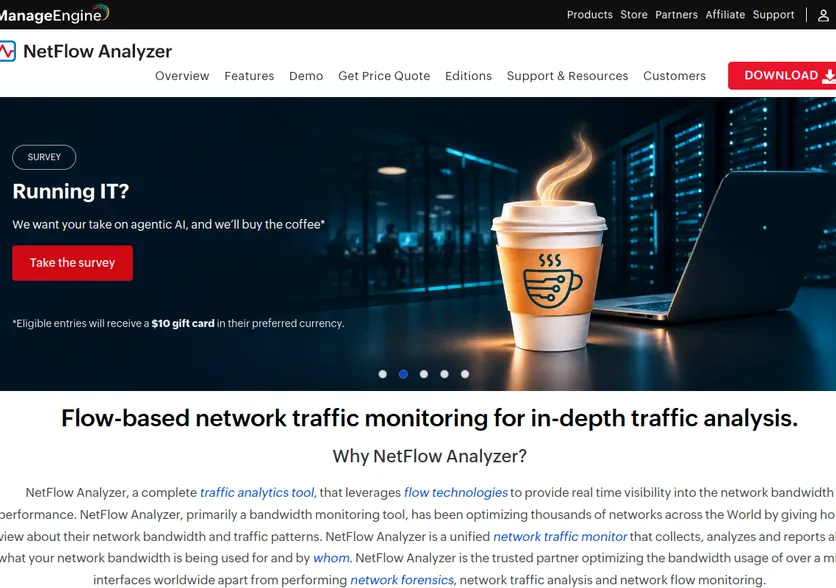
This ManageEngine NetFlow Analyzer plan costs one hundred and seventy-two dollars a year, and it watches traffic on ten network interfaces. A small team can see which applications and hosts use the most bandwidth, then spot the conversation that is slowing everyone down. The low yearly price makes it one of the cheapest ways for a startup to get real flow analysis.
What we like
- A very low yearly price for ten interfaces
- Clear reports on top applications and conversations
- A free edition for testing on two interfaces
Watch out for
- The Standard tier caps at ten interfaces
- Setup assumes some networking knowledge
How to try it
- Point your routers at NetFlow Analyzer with NetFlow or sFlow
- Add the interfaces you want to monitor
- Review the top talkers report and set bandwidth alerts
3. SolarWinds NetFlow Traffic Analyzer
Best for: Startups that want deep flow forensics and a path to a bigger platform
Paid tool Starting price: $1,036/year · One thousand and thirty-six dollars per year from the vendor store listing; pricing is node-based and most deployments are quoted in practice, so confirm the figure for your node count before buying; a 30-day free trial is available
Free plan: 30-day free trial
This SolarWinds NetFlow Traffic Analyzer plan costs one thousand and thirty-six dollars a year, and it maps traffic across routers, switches and firewalls. A startup can trace a slow application to the exact device and conversation causing it, then show the history to prove the fix worked. It pairs with the wider SolarWinds platform when a team outgrows a single flow tool.
What we like
- Detailed traffic forensics down to the conversation level
- Long history and reporting for capacity planning
- Integrates with the wider SolarWinds monitoring suite
Watch out for
- Pricing is node-based and often quoted rather than listed
- Heavier to run than the lighter flow tools here
How to try it
- Install NTA alongside the SolarWinds platform or on its own
- Configure flow export on your network devices
- Build a dashboard for the links and applications you care about
4. Nagios XI
Best for: Startups that prefer a one-time license over a subscription
Paid tool Starting price: $2,595 one-time · Two thousand five hundred and ninety-five dollars as a one-time perpetual license for the Standard edition covering 100 nodes, with the first year of maintenance included; Enterprise is $4,690; older yearly figures conflict with the current pricing page, so use the listed perpetual price
Free plan: Free trial
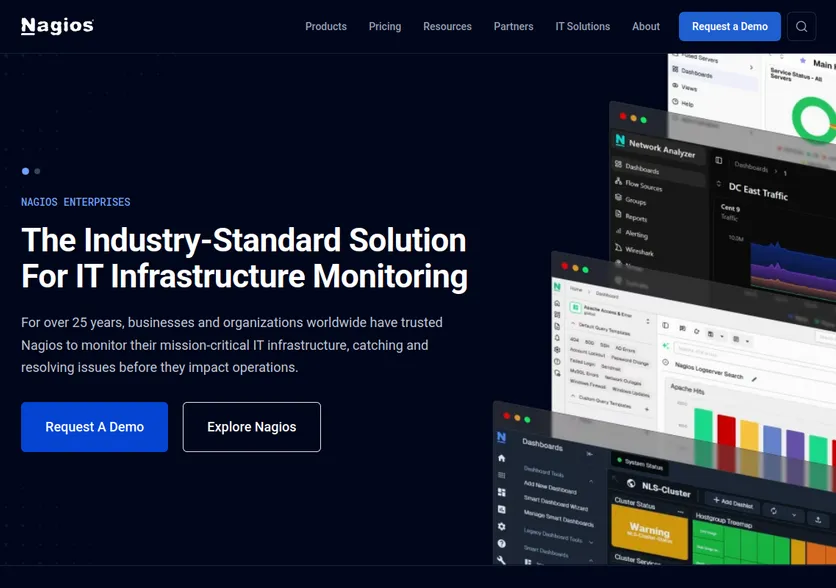
This Nagios XI license costs two thousand five hundred and ninety-five dollars as a one-time purchase for one hundred nodes, and it monitors hosts, services and traffic from a single console. A startup that prefers owning its monitoring software outright can run Nagios XI for years without a monthly bill. The first year of maintenance is included, so updates and support are covered while the team settles in.
What we like
- A one-time license with no recurring subscription
- A long track record in infrastructure monitoring
- Hundreds of plugins for extra checks
Watch out for
- The upfront cost is high for a small startup
- Configuration takes more effort than cloud tools
How to try it
- Install Nagios XI on a Linux server in your network
- Add hosts and services with the configuration wizards
- Set notification rules for the team on call
5. Auvik
Best for: Small teams that want automatic network mapping and simple per-device pricing
Paid tool Starting price: $15/device/month · Fifteen dollars per network device per month on the Essentials plan, from the vendor online store; Performance is $25 per device per month; the main pricing page is quote-based, so confirm the store price for your device count
Free plan: Free trial
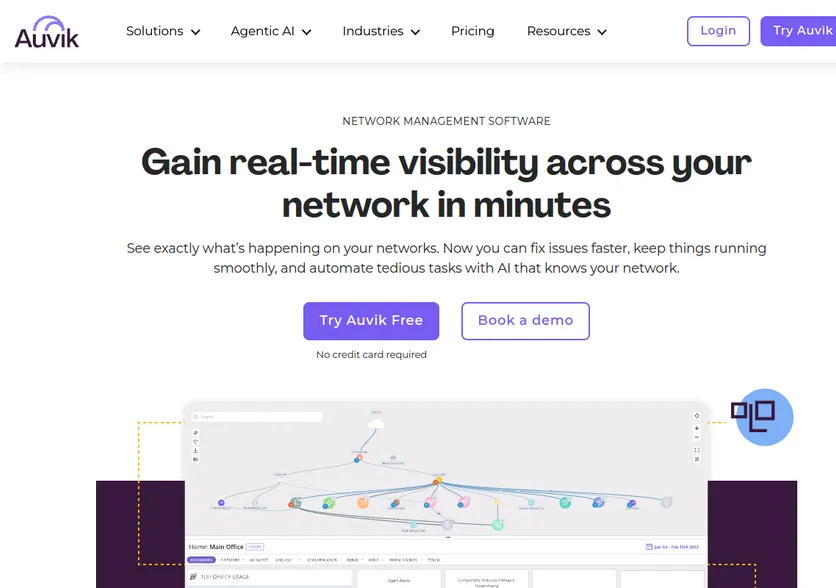
This Auvik plan costs fifteen dollars per network device a month, and it maps the whole network automatically as devices appear. A startup can see every switch, firewall and access point on one live map, with traffic data attached to each one. The per-device price keeps the bill predictable, since you only pay for the hardware you actually manage.
What we like
- Automatic discovery and a live network map
- Per-device pricing that is easy to forecast
- Traffic insights tied to each device on the map
Watch out for
- The main pricing page is quote-based rather than listed
- Costs grow with every device you add
How to try it
- Deploy an Auvik collector on your network
- Let it discover and map your devices automatically
- Turn on traffic analysis for the links you want to watch
6. LogicMonitor
Best for: Startups that want network traffic data next to cloud and server metrics
Paid tool Starting price: $19/Hybrid Unit/month · Nineteen dollars per Hybrid Unit per month on the Essentials plan, from the vendor blog in November 2026; Advanced is $37 and Signature is $50; prices rose during 2026, so confirm the current figure before buying
Free plan: Free trial
This LogicMonitor plan costs nineteen dollars per Hybrid Unit a month, and it covers infrastructure, cloud and network monitoring in one platform. A startup can watch servers, containers and traffic flows together, with alerts that group related problems into one incident. The platform scales from a handful of devices to a full hybrid estate without a rebuild.

What we like
- Network, cloud and server monitoring in one place
- Smart alert grouping that cuts notification noise
- A large library of out-of-the-box monitors
Watch out for
- Hybrid Unit pricing takes a while to understand
- The entry price rose during 2026
How to try it
- Install a collector and add your network devices
- Apply monitoring templates to each device type
- Set alert thresholds and route them to your team channel
7. Datadog Network Monitoring
Best for: Cloud-native startups already running Datadog for observability
Paid tool Starting price: $5/host/month · Five dollars per host per month billed annually for Cloud Network Monitoring, or six dollars month to month; it is an add-on to Infrastructure Monitoring Pro at $15 per host per month, so the real cost includes the base platform
Free plan: Free trial
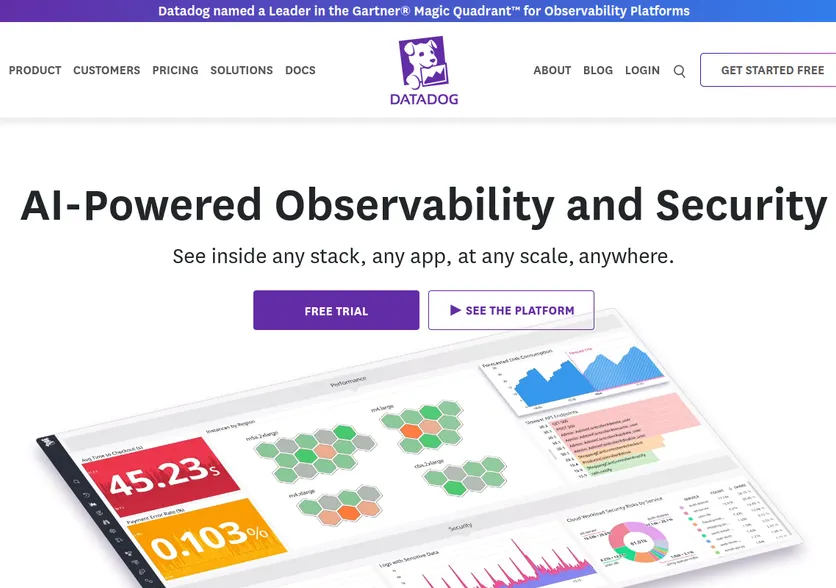
This Datadog Network Monitoring add-on costs five dollars per host a month billed annually, and it shows traffic between every service in your cloud. A startup can trace a slow request from the load balancer through each service to the database, with network flows overlaid on application metrics. It works best for teams already running Datadog, since the network data lands in the same dashboards.
What we like
- Network flows shown next to application traces
- Service maps that make dependencies visible
- Strong alerting and dashboarding from the wider platform
Watch out for
- It is an add-on, so you also pay for the base platform
- Costs rise with every host you monitor
How to try it
- Install the Datadog agent on your hosts
- Enable Network Performance Monitoring in the agent config
- Open the network map and filter by service or host
Prices above were checked on each vendor’s own website on Nov 28, 2026 and can change — the vendor’s page is the final word. Vendor links are editorial: nobody paid to be listed or ranked here. Vendors who want a featured listing can see how it works on our Get listed page.
How to pick network traffic analysis software on a startup budget
Start by counting what you actually need to watch, because most of these tools price by sensors, interfaces, devices or hosts, and the wrong unit can double your bill. A five-device office needs a different tool than a cloud fleet of fifty hosts, so match the pricing unit to your network before you compare headline prices. Use the free tier or trial to watch your real traffic for a week, and check whether the tool shows the conversations and applications behind the totals rather than just a bandwidth graph. Finally, confirm where the data lives and how long history is kept, because a tool that only keeps a day of flows cannot prove a pattern or settle a capacity argument.
Before you buy
- Count your sensors, interfaces or hosts first, because the pricing unit decides the real monthly bill
- Check whether the free tier covers your whole network or only a small slice of it
- Make sure the tool shows traffic by application and conversation, not just total bandwidth
- Ask how long flow history is kept before you need it for a capacity dispute
- Confirm whether the price is listed or quoted, and get the quote in writing before you commit
Official websites
Official websites of the products reviewed above. Features and prices were checked against these sites when this guide was written, and they can change, so confirm on the vendor site before you buy.
Frequently asked questions
What is network traffic analysis software?
It is software that collects flow data from routers, switches and firewalls, then shows which hosts, applications and conversations use your bandwidth. Instead of a single total, you see the traffic broken down by source, destination and protocol. That breakdown is what lets a small team find the one link or device behind a slowdown.
How much does PRTG cost for a startup?
PRTG 500 costs two hundred dollars a month billed annually and covers five hundred sensors across about fifty devices, while the freeware tier covers one hundred sensors at no cost. Larger tiers run from three hundred and fifty-eight dollars a month for one thousand sensors up to one thousand six hundred and forty-two dollars for ten thousand sensors.
Do I need flow data, or is bandwidth monitoring enough?
Bandwidth monitoring tells you a link is full, but flow data tells you why it is full and who is responsible. For a startup, that difference matters when one backup job or one chatty device is the real cause. Flow tools cost more to set up, so start with bandwidth monitoring and add flows when you need to explain a slowdown.
Can I start with a free network traffic tool?
Yes, PRTG freeware covers one hundred sensors and ManageEngine NetFlow Analyzer has a free edition for two interfaces, so a very small network can start at no cost. Both free tiers are real working tools rather than demos, though they cap how much of your network you can watch. Move to a paid tier when your device count passes the free limit.
Which tool is best for a cloud-native startup?
Datadog Network Monitoring is the strongest fit when your workloads already run in the cloud, because it shows network flows next to application traces for five dollars a host a month billed annually. Keep in mind it is an add-on to Infrastructure Monitoring Pro at fifteen dollars a host, so budget for the base platform too.
Compare the seven tools above, then start with a free tier or trial on the tool that matches how your network is priced before you pay for a full year.
Browse Network & IP Tools tools