On this page
Remote teams lose more to scattered notes than to missed meetings, because a decision made in one time zone is invisible to the colleague who wakes up hours later. The eight tools below were compared on how well they keep shared notes searchable, current and linked to work across distances. Notion leads because its workspaces, databases and AI search give a distributed team one place to find answers for ten dollars a member a month.
How we researched this
We checked every price on the vendor pricing page on November 28, 2026, and only included tools with a published US dollar list price. Bear and Roam Research publish their prices too, while tools that sell by quote are not in this list. Prices change, so confirm the current figure on the vendor site before you buy.
Compare the tools
| Name | Best for | Starting price | Free plan | |
|---|---|---|---|---|
 Notion | Project managers who want notes, docs and databases in one workspace | $10/user/month | Free plan | Visit |
 Confluence | Teams that need a shared home for decisions and documentation | $7.15/user/month | Free plan | Visit |
 ClickUp | Managers who want notes sitting next to tasks and goals | $9/user/month | Free plan | Visit |
 Evernote | Managers who want fast personal capture of notes and follow-ups | $8.25/month | Free plan | Visit |
 Obsidian | Managers who think in linked notes and want to own their files | $4/user/month | Free plan | Visit |
 Bear | Managers who want a clean, fast notes app on Apple devices | $2.99/month | Free plan | Visit |
| Roam Research | Managers who want daily notes linked into a research graph | $15/user/month | 31-day free trial | Visit |
| Superhuman Docs | Managers who want notes blended with structured tables and trackers | $12/doc maker/month | Free plan | Visit |
The note taking software for remote teams, compared
1. Notion
Best for: Project managers who want notes, docs and databases in one workspace
Paid tool Starting price: $10/user/month · Ten dollars per member a month on the Plus plan billed annually, or twelve dollars billed monthly; Business is twenty dollars a member a month billed annually
Free plan: Free plan
As a workspace that holds notes and tasks together, Notion Plus plan costs ten dollars per member a month on annual billing. It combines meeting notes, project wikis and lightweight databases in one connected space, so decisions stay next to the work they describe. AI search and automations help a busy manager find answers and clear routine admin without leaving the workspace.

What we like
- Notes, docs and databases in one workspace
- AI search across connected apps
- Flexible templates for meeting notes and wikis
Watch out for
- Setup takes discipline or pages multiply
- No built-in Gantt chart for heavy scheduling
How to try it
- Create a workspace with one page per project
- Add a decisions log and a meeting notes template
- Link notes to tasks in a shared database
2. Confluence
Best for: Teams that need a shared home for decisions and documentation
Paid tool Starting price: $7.15/user/month · Seven dollars and fifteen cents per user a month on the Standard plan for one to one hundred users billed monthly; Premium is twelve dollars and ninety-five cents and annual tiers start at seven hundred and twenty dollars a year for up to ten users
Free plan: Free plan
When shared knowledge is the priority, Confluence Standard plan costs seven dollars and fifteen cents per user a month. It is built for shared team knowledge, so decisions, requirements and meeting records live in pages that many people can read and edit over time. AI drafting and summaries help turn rough meeting notes into clear records, and tight Jira links keep notes close to delivery work.

What we like
- Shared pages for decisions and requirements
- AI drafting, summaries and search
- Strong links into Jira and Atlassian tools
Watch out for
- Heavier than a simple notes app
- Best value inside Atlassian setups
How to try it
- Create a space for each project or programme
- Add a decisions page and a meeting notes template
- Link pages to Jira issues for traceability
3. ClickUp
Best for: Managers who want notes sitting next to tasks and goals
Paid tool Starting price: $9/user/month · Nine dollars per user a month on the Core plan billed annually, or twelve dollars billed monthly; Business is seventeen dollars a user a month billed annually
Free plan: Free plan
For managers who want one hub for work, ClickUp Core plan costs nine dollars per user a month on annual billing. It puts docs, tasks, goals and chat in one app, so a meeting note can sit beside the tasks it creates instead of in a separate tool. Docs support tables, checklists and embedded views, which makes status reporting and decision logs easy to keep current.

What we like
- Docs, tasks, goals and chat in one place
- Flexible views for status and planning
- AI features for summaries and drafting
Watch out for
- Feature breadth can overwhelm new teams
- Setup takes deliberate planning
How to try it
- Create a doc for each project with linked tasks
- Turn meeting action items into assigned tasks
- Review the docs dashboard in the weekly status meeting
4. Evernote
Best for: Managers who want fast personal capture of notes and follow-ups
Paid tool Starting price: $8.25/month · Eight dollars and twenty-five cents a month on the Starter plan billed annually as ninety-nine dollars a year, or fourteen dollars and ninety-nine cents billed monthly; Advanced is twenty dollars and eighty-three cents a month billed annually
Free plan: Free plan
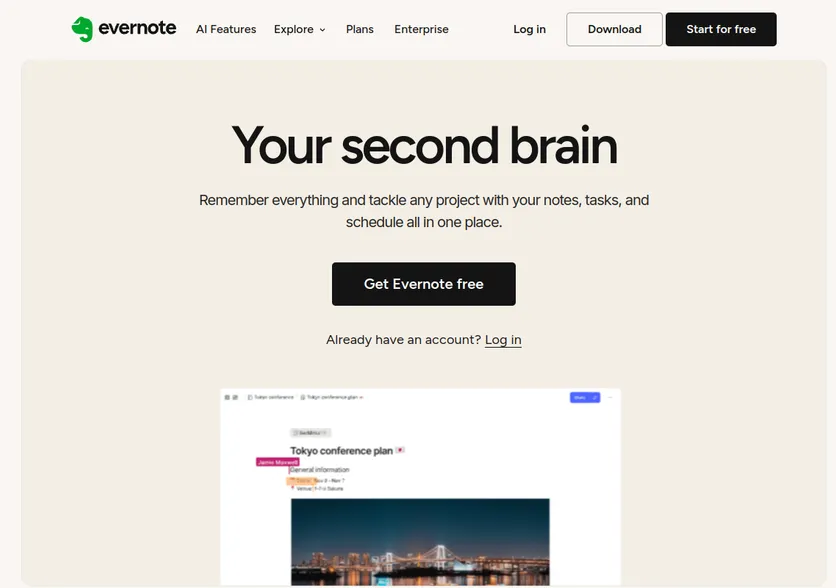
For managers who capture notes on the move, Evernote Starter plan costs eight dollars and twenty-five cents a month on annual billing. It is built for quick capture, so ideas, web clips, meeting minutes and to-do lists land in one searchable inbox within seconds. Search finds text inside PDFs and images, which helps when a decision made months ago needs to be found in a hurry.
What we like
- Fast capture of ideas, clips and to-do lists
- Strong search inside PDFs and images
- Simple notebooks that need little setup
Watch out for
- Team sharing is weaker than in workspace tools
- The free plan caps notes, notebooks and devices
How to try it
- Create a notebook for each active project
- Clip decisions and follow-ups into dated notes
- Review the inbox weekly and turn notes into tasks
5. Obsidian
Best for: Managers who think in linked notes and want to own their files
Paid tool Starting price: $4/user/month · Four dollars per user a month on the Sync plan billed annually, or five dollars billed monthly; the core app is free for personal use and commercial use needs a commercial licence
Free plan: Free plan
When you want to own every note file, Obsidian Sync plan costs four dollars per user a month on annual billing. It stores notes as plain local files linked together, so decisions, risks and stakeholder context form a web a manager can navigate by thought rather than by folder. Sync keeps those files updated across devices with end-to-end encryption, and a large plugin library adds calendars, kanban boards and task views.

What we like
- Local files you own and can export freely
- Linked notes that surface related decisions
- Large plugin library for tasks and calendars
Watch out for
- Limited built-in team collaboration
- Shared documentation needs extra setup
How to try it
- Create a vault with one note per decision or risk
- Link meeting notes to project and stakeholder notes
- Turn on Sync to keep notes updated across devices
6. Bear
Best for: Managers who want a clean, fast notes app on Apple devices
Paid tool Starting price: $2.99/month · Two dollars and ninety-nine cents a month on the Pro plan billed monthly, or twenty-nine dollars and ninety-nine cents a year; the free plan covers basic notes without sync
Free plan: Free plan
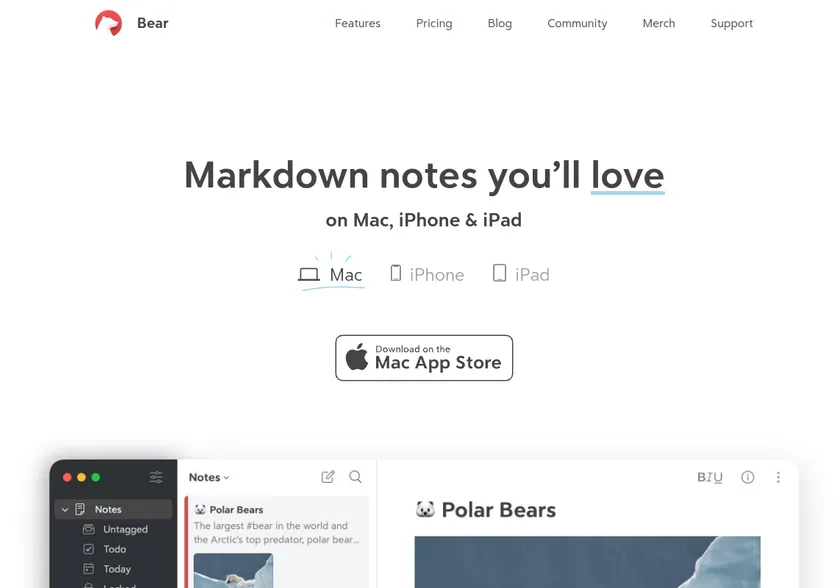
For Apple users who want a clean notes app, Bear Pro plan costs two dollars and ninety-nine cents a month. It is a focused writing app with tags instead of folders, so a manager can file a note under a project and a topic at the same time without a rigid hierarchy. Sync keeps notes updated across iPhone, iPad and Mac, and export to common formats is simple when notes need to move elsewhere.
What we like
- Clean, fast writing with no clutter
- Tags that replace rigid folders
- Reliable sync across Apple devices
Watch out for
- Apple only, with no Windows or Android app
- No real-time team collaboration
How to try it
- Create a tag for each project
- Write meeting notes with inline to-do items
- Export the note as a PDF for the project file
7. Roam Research
Best for: Managers who want daily notes linked into a research graph
Paid tool Starting price: $15/user/month · Fifteen dollars per user a month on the Pro plan billed monthly, or one hundred and sixty-five dollars a year; Believer is five hundred dollars for five years
Free plan: 31-day free trial
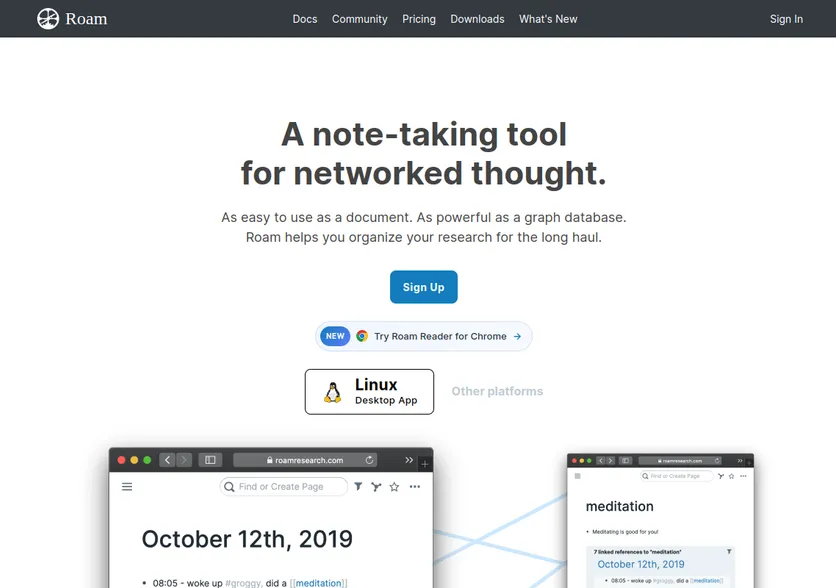
For managers who keep daily research notes, Roam Research Pro plan costs fifteen dollars a month. It organises notes by day and by block, so a thought captured in a meeting can be linked to a project, a person and a decision in a few keystrokes. The graph view shows how ideas connect across months of notes, which helps when a long project needs its history reconstructed.
What we like
- Daily notes that link into a knowledge graph
- Block-level links between ideas and people
- Graph view for long project histories
Watch out for
- Steep learning curve for new users
- No free plan beyond the trial
How to try it
- Start a daily note for each working day
- Link decisions to project and stakeholder pages
- Review the graph weekly for forgotten connections
8. Superhuman Docs
Best for: Managers who want notes blended with structured tables and trackers
Paid tool Starting price: $12/doc maker/month · Twelve dollars per Doc Maker a month on the Pro plan billed annually, or fifteen dollars billed monthly; Business is thirty-three dollars per Doc Maker a month billed annually. Older reads list ten dollars, which is stale since the July 2026 rename from Coda; editors and viewers are free
Free plan: Free plan
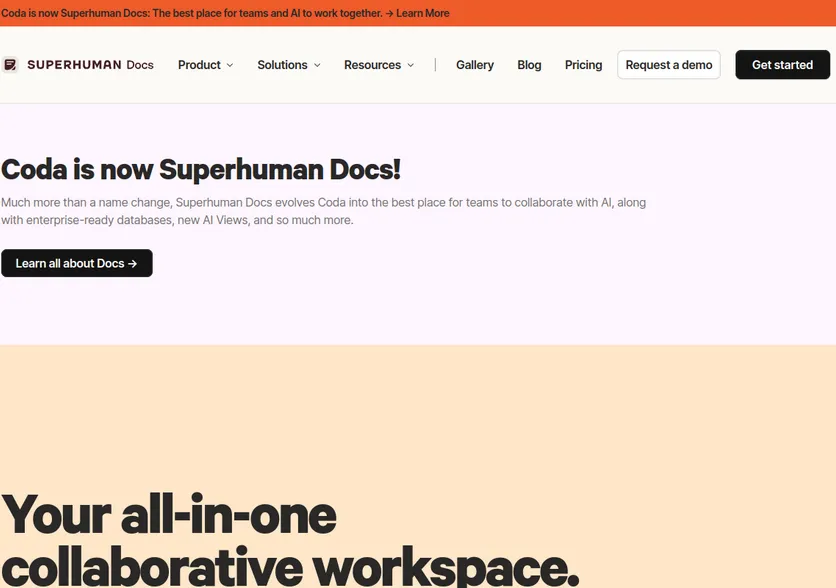
For managers who build status reports in docs, Superhuman Docs Pro plan costs twelve dollars per Doc Maker a month on annual billing. It blends docs with spreadsheet-like tables, so a status report, a risk register and meeting minutes can live in one document that updates itself. Only Doc Makers are billed while editors and viewers are free, which keeps the cost down when a whole team needs to read and comment.
What we like
- Docs with live tables and trackers
- Only Doc Makers are billed, editors are free
- AI features for drafting and summarising
Watch out for
- Building a workspace takes real time
- The rename from Coda confuses older guides
How to try it
- Build one doc per project with a status table
- Add a meeting log that feeds the risk register
- Invite the team as editors so they can comment free
Prices above were checked on each vendor’s own website on Nov 28, 2026 and can change — the vendor’s page is the final word. Vendor links are editorial: nobody paid to be listed or ranked here. Vendors who want a featured listing can see how it works on our Get listed page.
How to keep remote team notes searchable across time zones
Agree on one shared home for notes before you pick a tool, because a team that splits notes across five apps has no searchable record at all. Write decisions in the open with the date and the owner attached, so a colleague in another time zone can act without waiting for a meeting. Keep meeting notes in a dated template that always ends with action items, and review them in the next stand-up so nothing goes stale. Use search-friendly titles instead of clever ones, and retire old pages on a schedule so the workspace stays trustworthy. Finally, make sure offline access and mobile apps work, since remote work happens on trains and in cafes as often as at a desk.
Before you buy
- Confirm real-time collaboration works across time zones without conflicts or lost edits
- Check whether permissions let you share some pages widely and keep others private
- Verify mobile and offline access so field and travelling staff can still take notes
- Review how search handles notes, comments and attachments across the whole workspace
- Test export options so the team can leave with its knowledge if it switches tools
Official websites
Official websites of the products reviewed above. Features and prices were checked against these sites when this guide was written, and they can change, so confirm on the vendor site before you buy.
Frequently asked questions
What is note taking software for remote teams?
It is software that lets a distributed team capture, share and find notes, decisions and meeting records in one place. The tools in this list range from shared workspaces like Notion and Confluence to personal linked-note apps like Obsidian and Roam Research. A good tool makes a decision written in one time zone actionable in another without a meeting.
How much does Notion cost for remote teams?
Notion Plus costs ten dollars per member a month on annual billing, or twelve dollars billed monthly, and Business is twenty dollars a member a month billed annually. The free plan covers individual use with limited uploads and collaboration. For that price a remote team gets notes, docs, databases and AI search in one workspace.
Is there a free note taking tool for remote teams?
Yes. Notion, Confluence, ClickUp, Evernote, Obsidian and Bear all offer free plans, and OneNote is free with a Microsoft account. Free plans cap storage, collaborators or features, so check the limits against your team size. A free plan is a fair way to test whether the structure fits a distributed team before paying.
Which tool is best for a remote team that already uses Atlassian?
Confluence is the natural fit, since it is built for shared team knowledge inside Atlassian setups and links tightly into Jira. Its Standard plan costs seven dollars and fifteen cents per user a month. If your team needs notes next to tasks rather than a knowledge base, ClickUp is the stronger alternative at nine dollars a user a month.
How do I stop remote team notes from going stale?
Give every project one page with a fixed structure and a dated meeting log, and review it in a weekly stand-up so stale items get closed or moved. Assign an owner and a date to every action item, and retire old pages on a schedule. A workspace that only grows becomes a graveyard, so pruning is part of the job, not an afterthought.
Compare the eight tools above, then start with a free plan on the tool that matches how your remote team already works before you pay for a full year.
Browse Productivity Tools tools