On this page
Sales calls move fast, and the right note-taking tool decides whether details reach your CRM or disappear when the call ends. The seven tools below were compared on capture, summaries and CRM follow-through for reps and revenue teams. Fireflies.ai leads because it transcribes and summarises calls across Zoom, Meet, Teams and Webex for ten dollars a seat a month, and the others are judged on the same practical test.
How we researched this
We checked every price on the vendor pricing page on November 28, 2026, and only included tools with a published US dollar list price. Gong, Chorus by ZoomInfo and Clari Copilot publish no prices, so they are not in this list despite their sales focus. Prices change, so confirm the current figure on the vendor site before you buy.
Compare the tools
| Name | Best for | Starting price | Free plan | |
|---|---|---|---|---|
 Fireflies.ai | Teams that meet on mixed platforms and want one notetaker | $10/seat/month | Free plan | Visit |
 Otter.ai | Reps who want live transcription and quick recaps | $8.33/user/month | Free plan | Visit |
 Fathom | Individual reps who want fast, reliable call recaps | $15/user/month | Free plan | Visit |
 Avoma | Teams that want notes, scheduling and coaching in one place | $19/recorder seat/month | Free trial | Visit |
 Read AI | Teams that want meeting summaries tied to Salesforce or HubSpot | $15/user/month | Free plan | Visit |
 Fellow | Teams that run structured one-to-ones and meeting agendas | $7/user/month | Free plan | Visit |
 Granola | Reps who want notes without a meeting bot joining the call | $14/user/month | Free plan | Visit |
The note taking software for sales calls, compared
1. Fireflies.ai
Best for: Teams that meet on mixed platforms and want one notetaker
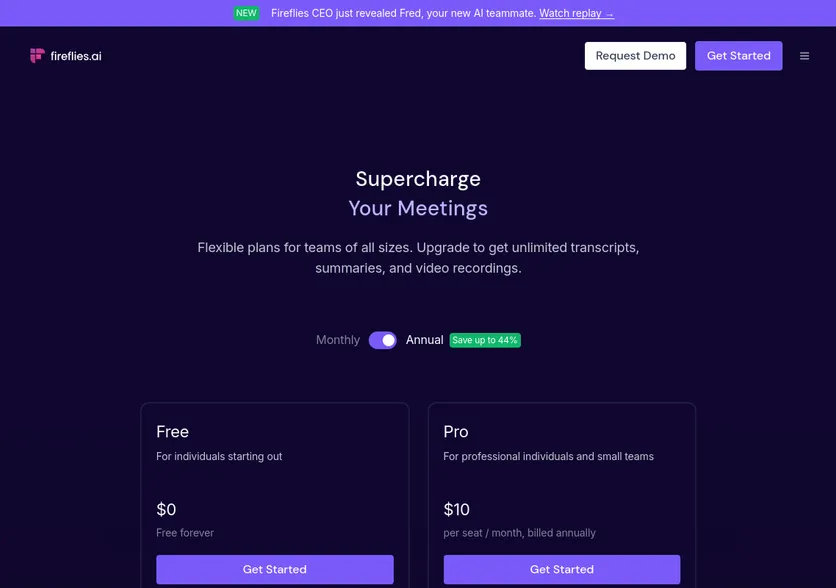
Paid tool Starting price: $10/seat/month · Ten dollars per seat a month on the Pro plan billed annually, or eighteen dollars billed monthly; Business is nineteen dollars a seat a month billed annually and Enterprise is thirty-nine dollars
Free plan: Free plan
For teams that meet on mixed platforms, Fireflies.ai Pro plan costs ten dollars per seat a month on annual billing. It joins Zoom, Google Meet, Teams and Webex calls and returns transcripts with smart summaries, so reps stop typing and start listening. Search across past calls finds the exact moment a price or a promise was discussed, which settles follow-up disputes quickly.
What we like
- Works across Zoom, Meet, Teams and Webex
- Transcripts with smart summaries and search
- Unlimited integrations on the Pro plan
Watch out for
- Sales-specific coaching is limited
- Summary quality depends on clear audio
How to try it
- Invite the assistant to your sales calls
- Review the summary and action items after each call
- Send the notes to your CRM automatically
2. Otter.ai
Best for: Reps who want live transcription and quick recaps
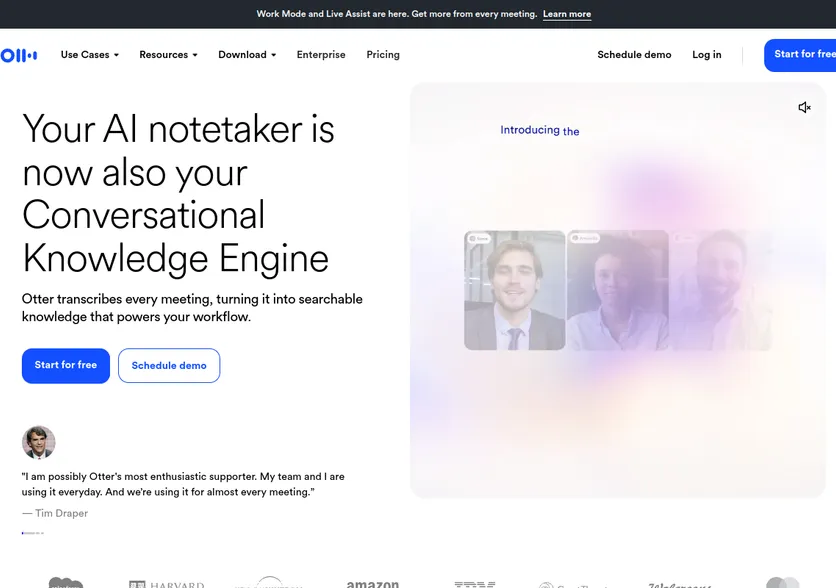
Paid tool Starting price: $8.33/user/month · Eight dollars and thirty-three cents per user a month on the Pro plan billed annually, or sixteen dollars and ninety-nine cents billed monthly; Business is nineteen dollars and ninety-nine cents a user a month billed annually
Free plan: Free plan
For reps who want live transcription, Otter.ai Pro plan costs eight dollars and thirty-three cents per user a month on annual billing. It transcribes in real time and chats about the meeting while it runs, so a rep can ask what was agreed without waiting for a recording. Automated summaries and action items arrive after the call, and the free Basic plan gives three hundred transcription minutes a month to start.
What we like
- Real-time transcription during the call
- Automated summaries and action items
- Live chat to ask about the meeting
Watch out for
- Sales analytics are limited
- Best results need dependable audio
How to try it
- Start the AI agent before the call begins
- Check the live transcript for key commitments
- Share the summary with the account team
3. Fathom
Best for: Individual reps who want fast, reliable call recaps
Paid tool Starting price: $15/user/month · Fifteen dollars per user a month on the Team plan billed annually, or nineteen dollars billed monthly, with a two-user minimum; Business is twenty-five dollars a user a month billed annually
Free plan: Free plan
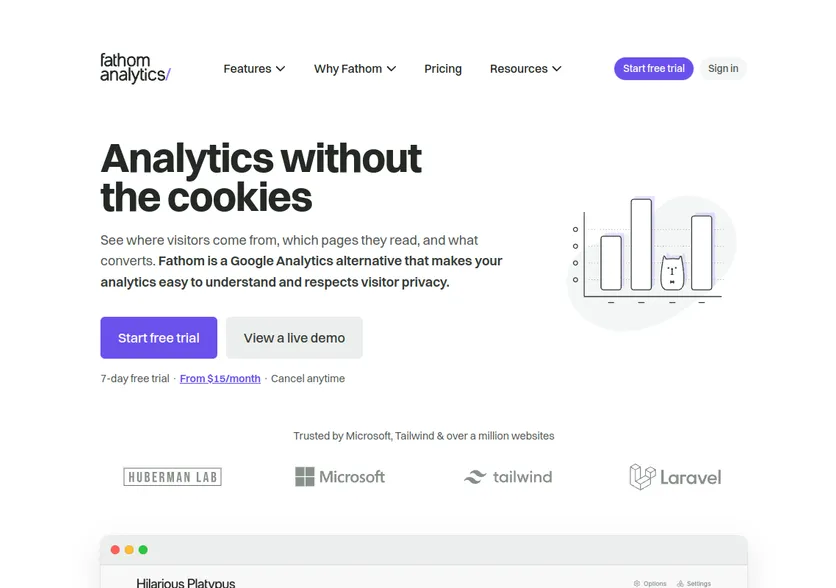
For individual reps who want quick recaps, Fathom Team plan costs fifteen dollars per user a month on annual billing. It captures, transcribes and summarises Zoom, Meet and Teams calls, then offers AI-assisted CRM updates without a heavy platform to learn. The free plan covers unlimited recordings, and the Team plan adds standard HIPAA support with a business associate agreement.
What we like
- Captures Zoom, Meet and Teams calls
- Fast summaries with AI-assisted CRM updates
- Free plan with unlimited recordings
Watch out for
- Deeper revenue analytics are limited
- Coaching workflows are not the focus
How to try it
- Connect Fathom to your calendar
- Let it record and summarise each sales call
- Push the summary into your CRM
4. Avoma
Best for: Teams that want notes, scheduling and coaching in one place
Paid tool Starting price: $19/recorder seat/month · Nineteen dollars per recorder seat a month on the Startup plan billed annually, or twenty-nine dollars billed monthly; Enterprise is thirty-nine dollars billed annually with a ten-seat minimum and viewers are free
Free plan: Free trial
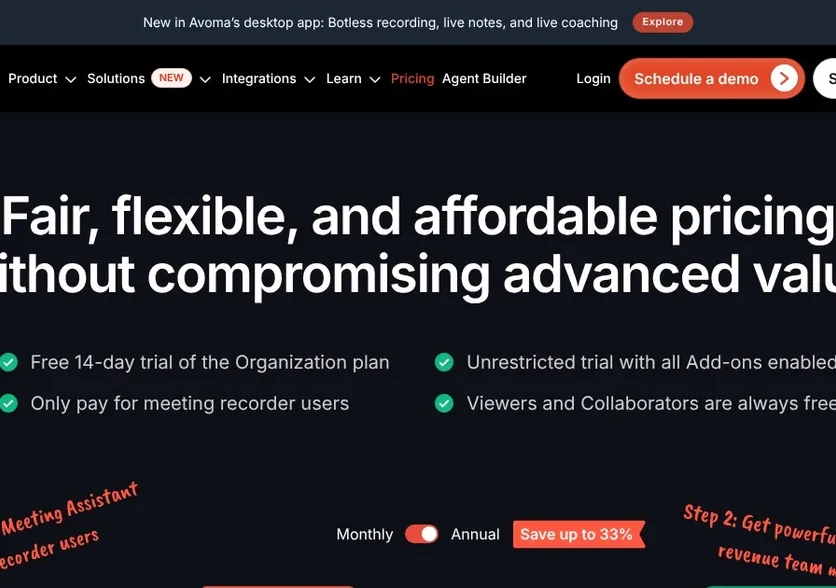
For teams that want notes and coaching together, Avoma Startup plan costs nineteen dollars per recorder seat a month on annual billing. It automates note-taking, scheduling, call coaching and CRM updates in one platform, so the note itself connects to follow-up scheduling and rep development. Only recorder seats are billed while viewers are free, which keeps the cost fair when managers only need to review calls.
What we like
- Notes, scheduling and coaching in one platform
- CRM updates saved to deal records
- Only recorder seats are billed
Watch out for
- Bundled scope may exceed simple note needs
- Setup spans several workflows
How to try it
- Connect Avoma to your calendar and CRM
- Record calls and review the AI notes
- Use coaching playlists to develop reps
5. Read AI
Best for: Teams that want meeting summaries tied to Salesforce or HubSpot
Paid tool Starting price: $15/user/month · Fifteen dollars per user a month on the Pro plan billed annually, or nineteen dollars and seventy-five cents billed monthly; Enterprise Plus is twenty-nine dollars and seventy-five cents a user a month billed annually with a five-licence minimum
Free plan: Free plan
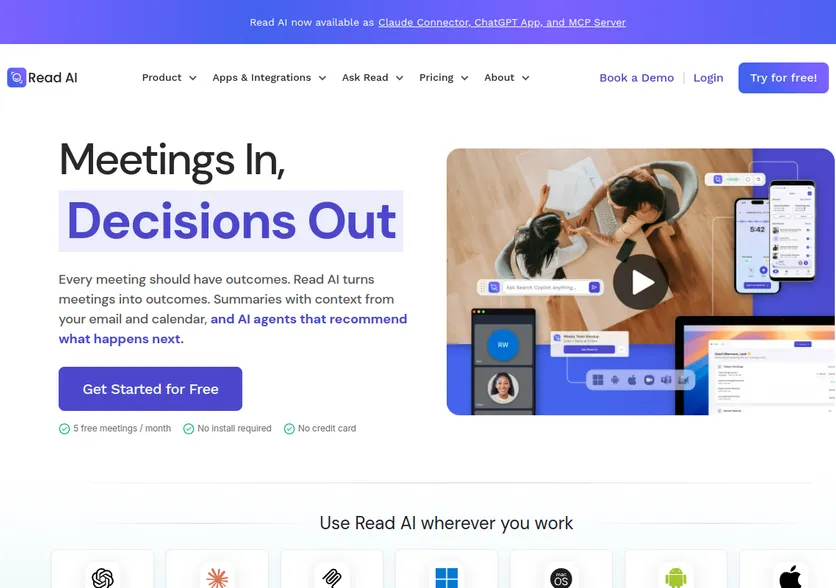
For teams that want summaries tied to the CRM, Read AI Pro plan costs fifteen dollars per user a month on annual billing. It turns meetings into searchable summaries with speaker insights and action items, and connects to Salesforce and HubSpot on the Pro plan. Playback and coaching views help managers spot where a call drifted, while the free plan covers basic summaries for small teams.
What we like
- Searchable summaries with speaker insights
- Salesforce and HubSpot integrations on Pro
- Coaching views for managers
Watch out for
- Enterprise features need five or more licences
- Pricing rises steeply above Pro
How to try it
- Connect Read AI to your meeting platform
- Review the summary and speaker insights after each call
- Sync action items to your CRM
6. Fellow
Best for: Teams that run structured one-to-ones and meeting agendas
Paid tool Starting price: $7/user/month · Seven dollars per user a month on the Team plan billed annually, or eleven dollars billed monthly; Business is fifteen dollars a user a month billed annually
Free plan: Free plan
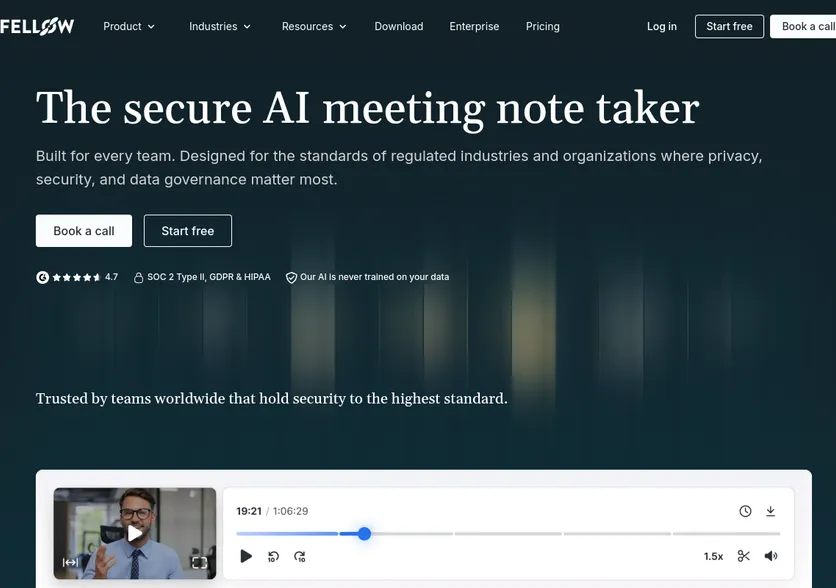
For teams that run structured meeting agendas, Fellow Team plan costs seven dollars per user a month on annual billing. It pairs AI meeting notes with shared agendas and action items, so a sales call starts with a plan and ends with owners and deadlines. Notes feed into one-to-ones and team meetings, which keeps follow-ups visible instead of buried in a transcript.
What we like
- AI notes with shared agendas
- Action items with owners and deadlines
- Notes that flow into one-to-ones
Watch out for
- Ten AI notes a month per user on Team
- Sales coaching is lighter than on revenue platforms
How to try it
- Build an agenda template for sales calls
- Let Fellow take notes and capture actions
- Review open actions in the next one-to-one
7. Granola
Best for: Reps who want notes without a meeting bot joining the call
Paid tool Starting price: $14/user/month · Fourteen dollars per user a month on the Business plan; Enterprise is thirty-five dollars a user a month and the free Basic plan covers limited meeting history
Free plan: Free plan
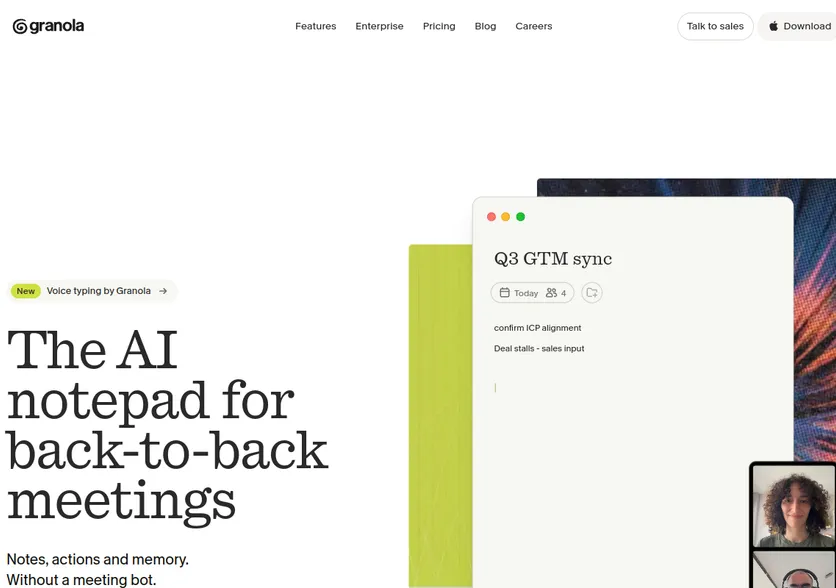
For reps who hate bots joining calls, Granola Business plan costs fourteen dollars per user a month. It takes notes from device audio without adding a bot to the call, so prospects never see an extra participant join the meeting. Notes stay editable and shareable, and HubSpot and Attio integrations on Business push follow-ups where the team already works.
What we like
- No bot joins the call
- Clean editable notes with sharing
- HubSpot and Attio integrations on Business
Watch out for
- Meeting history is limited on the free plan
- HIPAA support needs Enterprise
How to try it
- Install Granola and start it before the call
- Edit the notes and add follow-ups
- Share the note with the account team
Prices above were checked on each vendor’s own website on Nov 28, 2026 and can change — the vendor’s page is the final word. Vendor links are editorial: nobody paid to be listed or ranked here. Vendors who want a featured listing can see how it works on our Get listed page.
How to make sales call notes land in your CRM
Start with the capture, not the coaching: a tool that cannot record your meeting platform cleanly will fail before any analytics matter. Agree on what a good summary contains, such as the decision, the next step and the owner, and check the first ten summaries against that list. Push notes into the CRM automatically and confirm exactly which fields sync, because a summary that sits in another app will not be read. Tell prospects the call is being recorded and transcribed, and check your consent rules before the first call. Finally, review call notes weekly with the team, since a note that nobody reads is just storage.
Before you buy
- Check which meeting platforms the tool captures natively without extra setup
- Confirm how transcripts and summaries reach your CRM and which fields sync
- Verify language support and transcription accuracy for your customers and accents
- Review admin controls, permissions and data retention options before rollout
- Ask how sales coaching and deal insights are delivered to managers
Official websites
Official websites of the products reviewed above. Features and prices were checked against these sites when this guide was written, and they can change, so confirm on the vendor site before you buy.
Frequently asked questions
What should sales teams look for in note-taking software?
Prioritise automatic capture across your meeting platforms, accurate transcripts, clear summaries and action items, and a reliable path into your CRM. Sales-focused tools add conversation intelligence and coaching, which matter if managers review calls. The seven tools in this list cover that range, from ten dollars a seat a month for Fireflies.ai to nineteen dollars for Avoma.
How much does Fireflies.ai cost for sales calls?
Fireflies.ai Pro costs ten dollars per seat a month on annual billing, or eighteen dollars billed monthly, and Business is nineteen dollars a seat a month billed annually. The free plan covers four hundred minutes of storage per team. For that price a team gets transcripts and smart summaries across Zoom, Meet, Teams and Webex.
Do I need conversation intelligence or just transcription?
Transcription and summaries cover record-keeping and follow-up, which is enough for most reps. Conversation intelligence adds deal signals, buyer sentiment and coaching views, which matter when managers and revenue leaders act on call data. Choose based on whether anyone will act on call data beyond the notes themselves.
Can these tools update the CRM automatically?
Yes, several options here advertise CRM updates, including Fathom and Avoma, while Read AI connects to Salesforce and HubSpot on its Pro plan. Confirm exactly which fields sync and how edits are handled before relying on automation. A summary that lands in the wrong field is worse than no summary at all.
How do I choose between a sales platform and a general notetaker?
Pick a sales platform when call notes must feed forecasting, coaching and pipeline reviews, and Avoma is the strongest all-in-one option here. Pick a general notetaker like Fireflies.ai or Fathom when broad platform coverage and simple summaries are enough. Many teams start with a notetaker and move up as needs grow.
Compare the seven tools above, then start with a free trial on the tool that covers your meeting platforms before you pay for a full year.
Browse Business Tools tools