
On this page
Onboarding is the unglamorous work behind every hire: forms, signatures, payroll setup and a first week that either feels organised or chaotic. BambooHR leads this list for small teams, but the right pick depends on whether you hire locally or across borders. These seven paid tools cover onboarding from $4 a month, with prices verified on each vendor site in November 2026.
How we researched this
We picked tools with published per-month prices, onboarding workflows a solo freelancer can run alone, and support for the worker types freelancers actually hire, from local employees to overseas contractors. Every price below was read on the vendor pricing page and checked against a second source where the page was hard to read. Tools that stopped publishing prices were left out.
Compare the tools
| Name | Best for | Starting price | Free plan | |
|---|---|---|---|---|
 BambooHR | Freelancers who onboard client staff and need a simple HR system | $10/month | No free plan; 7-day free trial | Visit |
 Breezy HR | Freelancers who hire for clients and need applicant tracking with onboarding | $157/month | No free plan | Visit |
 GoCo | Small teams that want onboarding, benefits and payroll in one place | $5/month | No free plan | Visit |
 Rippling | Freelancers who onboard staff across payroll, devices and apps at once | $8/month | No free plan | Visit |
 Gusto | US freelancers who run payroll and onboarding for small client teams | $49/month | No free plan | Visit |
 Eddy | Small businesses that want simple onboarding with time tracking | $4/month | No free plan | Visit |
 Deel | Freelancers who onboard international contractors and remote staff | $5/month | No free plan | Visit |
The 7 best onboarding tools for freelancers
1. BambooHR
Best for: Freelancers who onboard client staff and need a simple HR system
Paid tool Starting price: $10/month · Core $10 per employee a month for 26+ employees; flat $250 a month for up to 25 employees; Pro $17, Elite $25
Free plan: No free plan; 7-day free trial
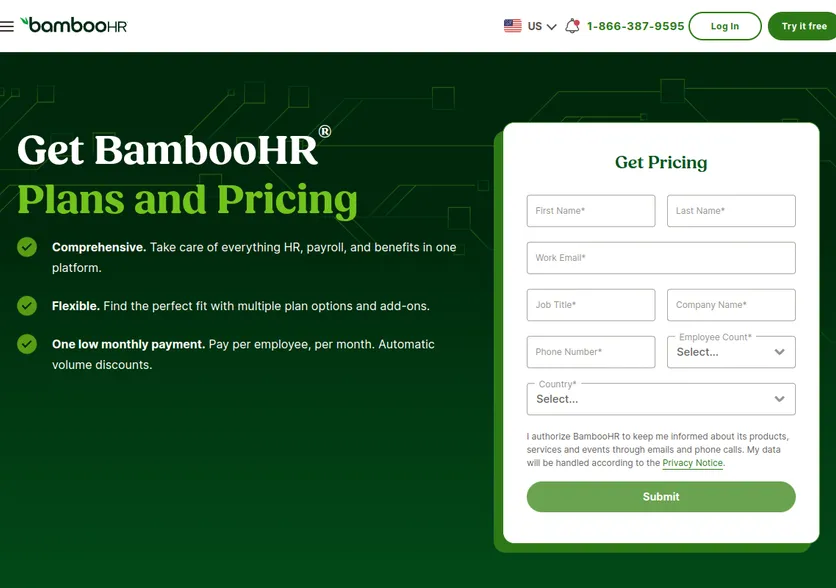
BambooHR is the friendly face of small-team HR, and it fits freelancers who handle onboarding for a client with a dozen or so employees. This BambooHR Core plan starts at $10 per employee a month for teams of 26 or more, while smaller teams pay a flat $250 a month. New hires get checklists, e-signatures and a clean employee database, so the first week stops being a paper chase.
What we like
- Clean interface that new hires understand fast
- Onboarding checklists and e-signatures built in
- Strong reporting for small teams
Watch out for
- Flat $250 tier is steep for tiny teams
- Payroll is a paid add-on, not included
How to try it
- Start the free trial and build one onboarding template for new hires
- Add the new hire, assign the checklist and send documents for signature
- Track first-week tasks from the dashboard until nothing is left open
2. Breezy HR
Best for: Freelancers who hire for clients and need applicant tracking with onboarding
Paid tool Starting price: $157/month · Startup $157 a month billed annually, $189 monthly; Growth $273, Business $439
Free plan: No free plan
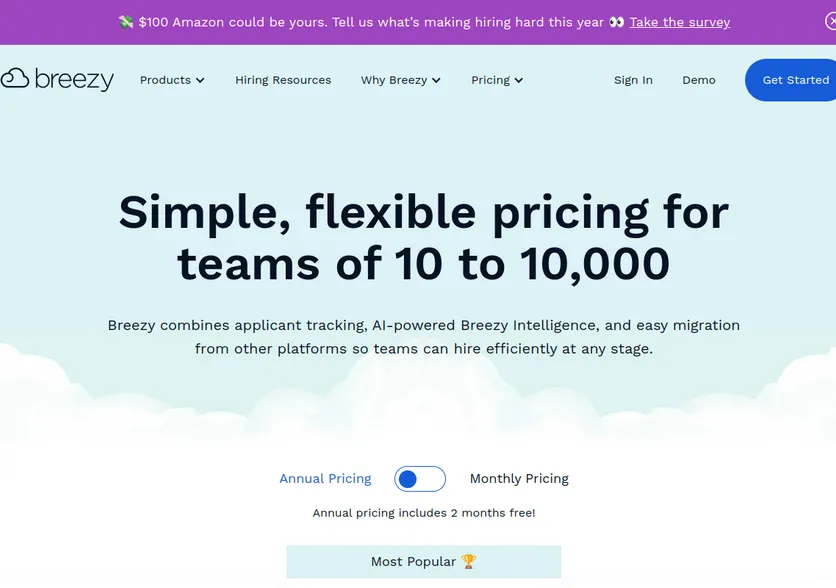
Breezy HR starts with hiring and carries the new hire through onboarding, which suits freelancers who recruit for clients and then hand the person over. This Breezy HR Startup plan costs $157 a month on annual billing and covers job boards, candidate pipelines and onboarding workflows. It is the priciest tool on this list, but for a freelancer who hires regularly the pipeline alone can pay for itself.
What we like
- Hiring and onboarding in one workflow
- Candidate scorecards keep decisions tidy
- Job board posting from one dashboard
Watch out for
- Entry price is high for occasional hiring
- Onboarding depth is lighter than pure HR tools
How to try it
- Post the role to job boards from one Breezy dashboard
- Move candidates through the pipeline with scorecards and notes
- Trigger the onboarding workflow the moment an offer is accepted
3. GoCo
Best for: Small teams that want onboarding, benefits and payroll in one place
Paid tool Starting price: $5/month · Starter $5 per employee a month; Core $5, Professional $8 to $9; pricing page now redirects after the Intuit acquisition
Free plan: No free plan
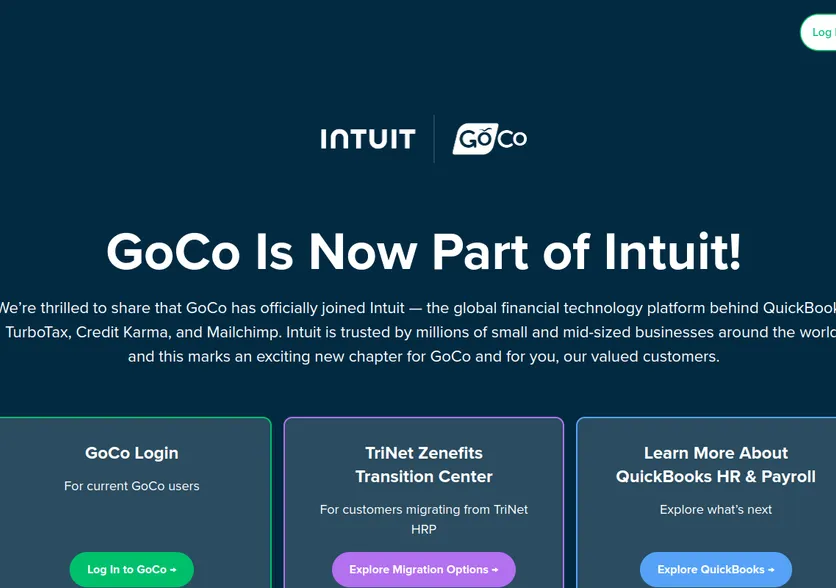
GoCo bundles onboarding with benefits administration and payroll, which is handy when a freelancer manages the whole employment stack for a small client. This GoCo Starter plan starts at $5 per employee a month and covers onboarding workflows, document storage and time tracking. The price is honest, though the standalone pricing page now redirects to its new parent, so the figures come from the last published list.
What we like
- Onboarding, benefits and payroll in one system
- Low $5 starting price per employee
- Simple workflows for small teams
Watch out for
- Pricing page now redirects to its new parent
- Smaller vendor with fewer integrations
How to try it
- Set up the company profile and add the first onboarding workflow
- Invite the new hire to complete forms and sign documents online
- Connect payroll once the paperwork is done
4. Rippling
Best for: Freelancers who onboard staff across payroll, devices and apps at once
Paid tool Starting price: $8/month · $8 per user a month plus a $40 monthly base fee, published on Rippling small-business page
Free plan: No free plan
Rippling is the most ambitious tool here, tying onboarding to payroll, device management and app access in a single flow. This Rippling entry price is $8 per user a month plus a $40 monthly base fee, which buys onboarding that provisions accounts and hardware as part of the hire. It is overkill for a single hire, but for a freelancer running onboarding for a growing client it removes a whole layer of manual work.

What we like
- Onboarding provisions apps and devices automatically
- Payroll, HR and IT in one system
- Scales from tiny teams to hundreds of staff
Watch out for
- Base fee plus per-user price adds up fast
- Setup takes longer than simpler tools
How to try it
- Open the Rippling pricing page and start a demo for your client size
- Build an onboarding template that provisions apps and devices
- Run the first hire through it and check every account is created
5. Gusto
Best for: US freelancers who run payroll and onboarding for small client teams
Paid tool Starting price: $49/month · Simple $49 a month plus $6 per person; Plus $80 plus $12, Premium $180 plus $22
Free plan: No free plan
Gusto is the payroll-first option, and its onboarding flows are built around getting a new hire paid correctly from day one. This Gusto Simple plan costs $49 a month plus $6 per person and covers onboarding checklists, offer letters and payroll with tax filings. For a freelancer supporting US small businesses, the combination of onboarding and payroll in one place is the main reason to choose it.

What we like
- Payroll and onboarding in one US-focused system
- Offer letters and checklists built in
- Tax filings handled automatically
Watch out for
- US payroll only, so no international hires
- Per-person fees grow with every hire
How to try it
- Create the company account and add the first employee
- Send the offer letter and onboarding checklist from Gusto
- Run the first payroll and check tax filings are handled
6. Eddy
Best for: Small businesses that want simple onboarding with time tracking
Paid tool Starting price: $4/month · Starter $4 per person a month plus a $50 monthly base; Growth $8 plus $75
Free plan: No free plan
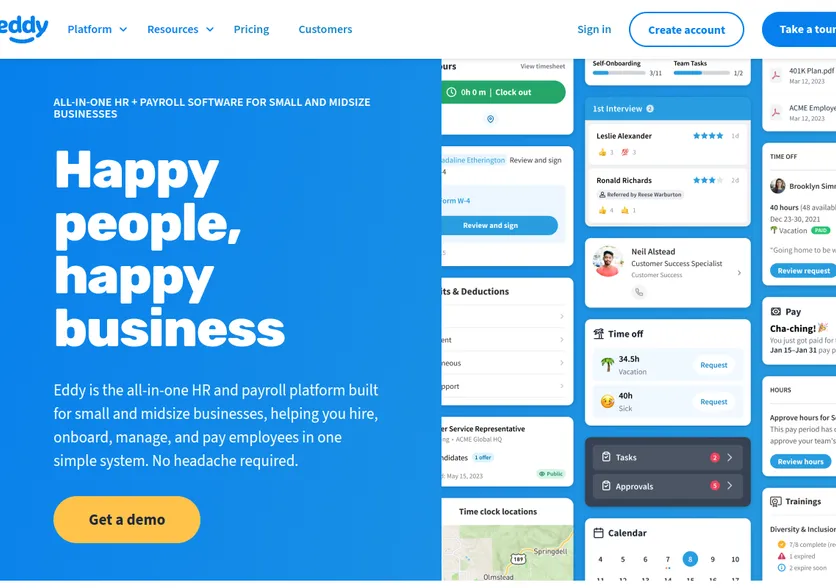
Eddy is built for small employers who want onboarding without the enterprise weight, and it adds hiring and time tracking to the same account. This Eddy Starter plan costs $4 per person a month plus a $50 monthly base and covers onboarding packets, document signing and employee records. It is a good fit for a freelancer who onboards a handful of people a year for a local client.
What we like
- Low per-person price for small teams
- Onboarding packets are quick to build
- Time tracking included in the same account
Watch out for
- Monthly base fee lifts the real cost
- Fewer integrations than bigger HR platforms
How to try it
- Build an onboarding packet with the forms the client needs
- Send the packet to the new hire for completion and signature
- Track time and attendance once the hire starts work
7. Deel
Best for: Freelancers who onboard international contractors and remote staff
Paid tool Starting price: $5/month · Deel HR Core $5 per employee a month; Advanced $19, Elite $29
Free plan: No free plan
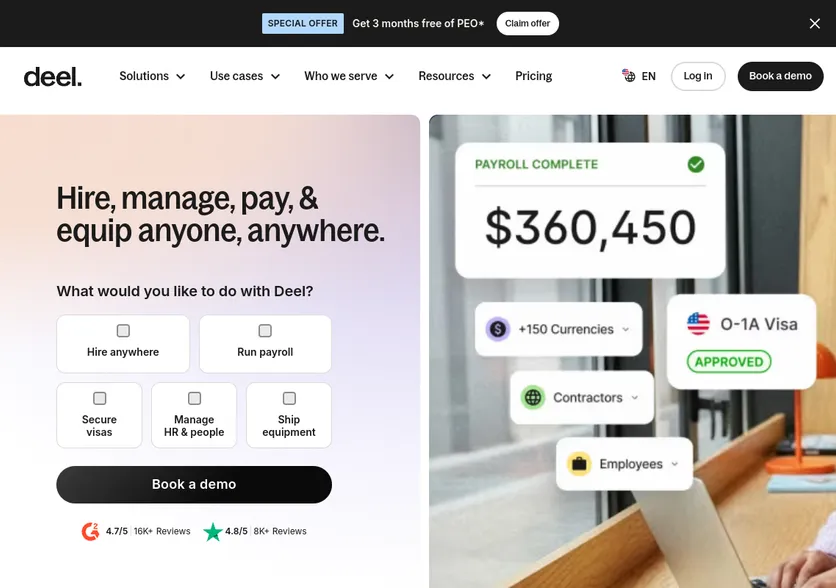
Deel is the go-to when the new hire sits in another country, because it handles contracts, compliance and payments across borders. This Deel HR Core plan costs $5 per employee a month and covers onboarding, time off and document management for distributed teams. Contractor hiring and employer-of-record services sit on separate plans, so check which piece you actually need before buying.
What we like
- International contracts and compliance built in
- Handles contractors and employees together
- Clean dashboard for distributed teams
Watch out for
- Employer-of-record services cost far more
- Some features vary by country
How to try it
- Choose the HR Core plan for onboarding your distributed team
- Create compliant contracts for each country you hire in
- Track documents, time off and equipment from one dashboard
Prices above were checked on each vendor’s own website on Nov 26, 2026 and can change — the vendor’s page is the final word. Vendor links are editorial: nobody paid to be listed or ranked here. Vendors who want a featured listing can see how it works on our Get listed page.
How to run a clean first week for every new hire
Build one onboarding template per client with the same forms, signatures and first-week tasks every time, then clone it for each hire instead of starting from scratch. Assign every task a named owner and a due date, and send the new hire a single welcome message with links to everything they need, so the first day starts with work instead of paperwork. Keep a copy of every signed document in one shared folder so audits never become a scramble.
Before you buy
- Count the people you will onboard each year before comparing prices, because per-person billing punishes seasonal hiring.
- Check whether payroll and benefits are included or sold separately, since the headline price often covers onboarding only.
- Confirm the tool handles the worker types you use, such as employees, contractors and international hires.
- Ask how document signing and storage work, because signed contracts are the part clients audit first.
- Run one real onboarding end to end on the trial to see the forms, reminders and first-day checklist in action.
Official websites
Official websites of the products reviewed above. Features and prices were checked against these sites when this guide was written, and they can change, so confirm on the vendor site before you buy.
Frequently asked questions
What is the cheapest onboarding software for freelancers?
Eddy starts at $4 per person a month plus a $50 base, and GoCo and Deel both start at $5 per employee a month. The cheapest headline price is rarely the cheapest bill, because base fees and per-person charges stack. Add up the base fee plus every seat before comparing two tools.
Do freelancers really need onboarding software?
Yes, if you hire regularly or manage onboarding for a client. A checklist tool in a spreadsheet works for one hire a year, but it breaks when forms, signatures and first-week tasks pile up. Paid tools pay for themselves the moment a missed form delays a start date or a payroll run.
Is there a free trial for onboarding software?
Most tools here offer a free trial of 7 to 14 days, long enough to run one real hire through the full flow. BambooHR offers 7 days, and several others offer 14. Use the trial on a genuine onboarding, not a test account, so you see the real forms and reminders.
Which onboarding tool works best for international hires?
Yes, Deel is built for international hiring with compliant contracts and payments across borders. Rippling also handles global payroll and devices. Gusto is US-only, so avoid it for overseas hires, and check each tool country by country because features vary by location.
What should an onboarding checklist include?
Offer letters, signed contracts, tax forms, emergency contacts and a first-week checklist with a named owner for each task. The checklist is the part most people skip, and it is the part that decides whether the first week feels organised or chaotic for the new hire.
Keep the rest of your freelance toolkit free — try Toolsvine's browser tools for invoices, budgets and time right now.
Browse Business Tools tools


