On this page
A veterinary clinic hires vet techs, receptionists and assistants into a workplace where a bad first week costs animal care, not just productivity. The eight tools below get a new hire trained, scheduled and compliant without pulling the practice manager off the floor. Homebase leads the list because it covers hiring, onboarding, payroll and scheduling from twenty-four dollars a location a month, and the other seven tools are judged on the same test: how quickly a new hire can work a shift safely on their own.
How we researched this
We checked every price on the vendor pricing page on November 28, 2026, and only included tools with a published US dollar list price. Trainual and Workstream publish no prices, so they are not in this list, and Freshteam was left out after reports that Freshworks began sunsetting it in early 2026. Prices change, so confirm the current figure on the vendor site before you buy.
Compare the tools
| Name | Best for | Starting price | Free plan | |
|---|---|---|---|---|
 Homebase | Single clinics that want hiring, payroll and scheduling in one account | $24/location/month | Free plan | Visit |
 7shifts | Clinics that run on shifts and need scheduling first | $39.99/location/month | Free plan | Visit |
 Harri | Clinic groups that hire frontline staff constantly | $70/month | Free demo | Visit |
 Gusto | Clinics that want onboarding tied directly to payroll | $49/month + $6/person | Free demo | Visit |
 Deputy | Clinics that want scheduling, timesheets and HR basics together | $5/user/month | Free trial | Visit |
 Sling | Small clinics that want the cheapest scheduling and onboarding | $1.70/user/month | Free plan | Visit |
 When I Work | Clinics that need cheap scheduling with light onboarding | $2.50/user/month | 14-day free trial | Visit |
 BambooHR | Clinic groups that need proper HR records and onboarding | $10/employee/month | Free demo | Visit |
The onboarding software for veterinary clinics, compared
1. Homebase
Best for: Single clinics that want hiring, payroll and scheduling in one account
Paid tool Starting price: $24/location/month · Twenty-four dollars per location per month on the Essentials plan billed annually, or thirty dollars month to month; Plus is fifty-six dollars and All-in-One is ninety-six dollars a month billed annually; the free plan covers scheduling and time tracking for one location
Free plan: Free plan
This Homebase plan costs twenty-four dollars per location a month on annual billing, and it is the most complete package for a single clinic. A practice can hire, onboard, schedule and pay staff from one account, with the new hire completing most of the paperwork themselves. That breadth matters in a clinic, where the person doing the hiring is usually also running the front desk.

What we like
- Free plan covers scheduling and time tracking
- Hiring, onboarding, payroll and scheduling in one place
- Built for managers with no HR background
Watch out for
- Onboarding depth is lighter than a dedicated HR suite
- Per-location pricing suits single clinics more than groups
How to try it
- Post the job and review applications in Homebase
- Send the offer and onboarding documents digitally
- Add the hire to payroll and publish their first schedule
2. 7shifts
Best for: Clinics that run on shifts and need scheduling first
Paid tool Starting price: $39.99/location/month · Thirty-nine dollars and ninety-nine cents per location per month on the Essentials plan billed annually, or forty-four dollars and ninety-nine cents month to month; Pro is seventy-nine dollars and ninety-nine cents and Premium is one hundred and thirty-four dollars and ninety-nine cents; the free Comp plan covers one location and up to fifteen employees
Free plan: Free plan
A clinic running on shifts gets scheduling, time tracking, team messaging and onboarding from this 7shifts plan, which costs thirty-nine dollars and ninety-nine cents per location a month on annual billing. It combines those tools in one place, so a new vet tech gets their paperwork, training and first shifts without a separate HR system. The shift-first design fits a clinic roster better than an office HR tool.

What we like
- Built for shift-based teams, not office HR
- Scheduling, messaging and onboarding share one roster
- Free Comp plan for a single small location
Watch out for
- Onboarding depth is lighter than a full HR suite
- Per-location pricing adds up across many sites
How to try it
- Create your location, add roles and invite the new hire
- Send onboarding documents and training before day one
- Publish the first schedule and track the hire's shifts
3. Harri
Best for: Clinic groups that hire frontline staff constantly
Paid tool Starting price: $70/month · Seventy dollars per month for the Silver job-posting plan, which buys one job post; Gold is one hundred and sixty-eight dollars a month for three posts and Platinum is two hundred and forty dollars for five; the full Employee Experience platform, including onboarding, is quoted by sales and is not part of the seventy-dollar plan
Free plan: Free demo
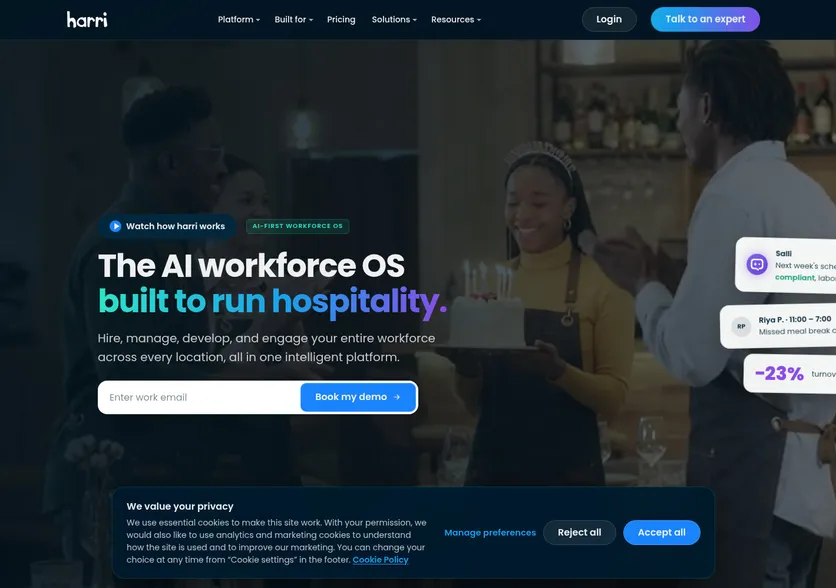
This Harri plan costs seventy dollars a month for one job post, and it is the published entry point of a frontline hiring platform. Harri is built for high-turnover frontline teams, with hiring, onboarding, scheduling and employee experience tools designed around staff who work on their feet. A clinic group that hires vet techs constantly will value that focus, but the full onboarding suite itself is quoted rather than priced on the page.
What we like
- Purpose-built for frontline and high-turnover hiring
- Hiring, onboarding and scheduling in one suite
- Team communication tools for staff on their feet
Watch out for
- The seventy-dollar plan buys a job post, not the onboarding suite
- Full platform pricing is quoted, so costs are not public
How to try it
- Post the open role to the job board
- Screen applicants and send offers from the same dashboard
- Move the hire into onboarding and their first schedule
4. Gusto
Best for: Clinics that want onboarding tied directly to payroll
Paid tool Starting price: $49/month + $6/person · Forty-nine dollars per month plus six dollars per person on the Simple plan; Plus is eighty dollars plus twelve dollars per person and Premium is one hundred and eighty dollars plus twenty-two dollars per person; the Contractor Only plan closed to new signups on October 1, 2026
Free plan: Free demo
This Gusto plan costs forty-nine dollars a month plus six dollars per person, and it turns clinic onboarding into a payroll task. A new hire fills in their own tax forms, direct deposit and benefits choices, and the information flows straight into payroll without retyping. It is the simplest route for a clinic that wants compliant hiring without a separate HR hire.

What we like
- Self-service onboarding that feeds straight into payroll
- Tax forms, direct deposit and benefits in one flow
- Clear per-person pricing with no hidden modules
Watch out for
- No built-in scheduling, so a rota tool is still needed
- The per-person fee grows with headcount
How to try it
- Add the new hire and send the onboarding checklist
- Let the hire complete tax forms and direct deposit online
- Run the first payroll with the hire already set up
5. Deputy
Best for: Clinics that want scheduling, timesheets and HR basics together
Paid tool Starting price: $5/user/month · Five dollars per user per month on the Lite plan billed annually, or five dollars and fifty cents month to month; Core is six dollars and fifty cents and Pro is nine dollars per user per month billed annually; a thirty-dollar monthly minimum applies per invoice on monthly plans; the HR add-on is two dollars per user per month
Free plan: Free trial
This Deputy plan costs five dollars per user a month on annual billing, and it pairs clinic scheduling with the HR basics a practice needs. New hires complete their details and documents in the app, managers approve timesheets against the roster, and labor costs stay visible as the schedule is built. It is a solid middle ground between a rota app and a full HR platform.

What we like
- Scheduling, timesheets and onboarding in one app
- Labor cost tracking built into the roster
- Strong mobile apps for managers and staff
Watch out for
- The HR add-on costs extra on top of the base plan
- A monthly minimum applies on monthly billing
How to try it
- Add the new hire and send the onboarding forms
- Build the roster and set labor cost budgets
- Approve timesheets and export hours to payroll
6. Sling
Best for: Small clinics that want the cheapest scheduling and onboarding
Paid tool Starting price: $1.70/user/month · One dollar and seventy cents per user per month on the Premium plan billed annually, or two dollars month to month; Business is three dollars and forty cents billed annually or four dollars month to month; free for up to thirty users with a fifteen-day trial on paid plans
Free plan: Free plan
For a small clinic watching every dollar, this Sling plan costs one dollar and seventy cents per user a month on annual billing, and it is the lowest-priced paid option in this list. It covers scheduling, time clock, task lists and team chat, which is enough to get a new hire trained, scheduled and communicating from day one. A small clinic can even run it free for up to thirty users before paying anything.

What we like
- Free for teams up to thirty users
- Scheduling, time clock and chat in one app
- Very low paid price per user
Watch out for
- No payroll or compliance depth
- Onboarding is task lists, not a full HR flow
How to try it
- Create the schedule template for each role
- Invite the new hire and assign onboarding tasks
- Publish shifts and track hours in the same app
7. When I Work
Best for: Clinics that need cheap scheduling with light onboarding
Paid tool Starting price: $2.50/user/month · Two dollars and fifty cents per user per month on the Essentials plan; Pro is five dollars and Premium is eight dollars per user per month; time tracking is one dollar and fifty cents extra on Essentials and two dollars on Pro and Premium, although one November 2026 read says it is now included in every plan; no free plan, fourteen-day trial; the billing period of the listed prices is not stated on the vendor page
Free plan: 14-day free trial
This When I Work plan costs two dollars and fifty cents per user a month, and it is the cheapest way to get a new clinic hire onto the rota. Managers build schedules by drag and drop, staff swap shifts from their phones, and onboarding basics like team messaging and availability sit in the same app. It suits a clinic that needs scheduling first and light onboarding second.

What we like
- Very low per-user price for a scheduling tool
- Shift swaps and messaging from staff phones
- Fast setup with no training needed
Watch out for
- Onboarding is basic compared with HR suites
- No free plan, only a fourteen-day trial
How to try it
- Create the team and set each role and pay rate
- Invite the new hire to set availability in the app
- Publish the schedule and let staff swap shifts
8. BambooHR
Best for: Clinic groups that need proper HR records and onboarding
Paid tool Starting price: $10/employee/month · Ten dollars per employee per month on the Core plan, or two hundred and fifty dollars a month flat for up to twenty-five employees; Pro is seventeen dollars and Elite is twenty-five dollars per employee per month; add-ons for payroll, benefits, time tracking and global employment are quoted separately
Free plan: Free demo
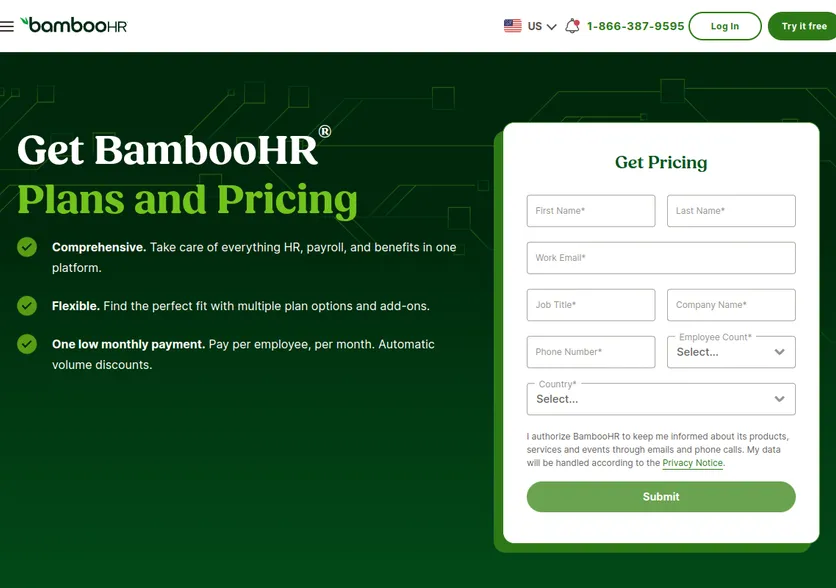
This BambooHR plan costs ten dollars per employee a month, and it brings real HR structure to a clinic group. Onboarding checklists, e-signatures, employee records and time-off tracking live in one system, so a multi-location practice stops chasing paper files. It is the pick for a clinic business that has outgrown spreadsheets and rota apps.
What we like
- Structured onboarding checklists with e-signatures
- Employee records and time-off tracking in one place
- Clear flat pricing for small teams up to twenty-five staff
Watch out for
- No built-in scheduling for shifts
- Payroll and benefits are separate quoted add-ons
How to try it
- Set up onboarding checklists and document templates
- Send the new hire a self-service onboarding link
- Track completion and store signed documents centrally
Prices above were checked on each vendor’s own website on Nov 28, 2026 and can change — the vendor’s page is the final word. Vendor links are editorial: nobody paid to be listed or ranked here. Vendors who want a featured listing can see how it works on our Get listed page.
The onboarding software for veterinary clinics, compared
Start onboarding before the first shift, not on it. Send the paperwork, the safety procedures and the clinic protocols the day the offer is accepted, so the first day is about patients, not forms. Pair every new hire with one experienced team member for the first two weeks and give that buddy a short checklist, because most early quits happen when a new starter feels ignored. Keep the schedule stable for the first month, and review the hire at day seven and day thirty with the same three questions: what is unclear, what is slow, and what would help.
Before you buy
- Confirm the tool handles the documents your state requires, including tax forms and work eligibility
- Check whether onboarding checklists, e-signatures and training are included or sold as add-ons
- Ask how scheduling, payroll and onboarding share data, so no hire is typed in twice
- Make sure new hires can complete everything from a phone before their first shift
- Test the offboarding flow too, because clinics remove people as often as they add them
Official websites
Official websites of the products reviewed above. Features and prices were checked against these sites when this guide was written, and they can change, so confirm on the vendor site before you buy.
Frequently asked questions
What is onboarding software for veterinary clinics?
It is software that takes a new clinic hire from the accepted offer to a productive shift, covering paperwork, training, scheduling and payroll setup in one flow. The tools in this list differ in emphasis: some are scheduling apps with onboarding basics, while others are HR systems with checklists and e-signatures. A good fit depends on whether the clinic needs rotas first or HR records first.
How much does Homebase cost for a veterinary clinic?
Homebase costs twenty-four dollars per location per month on the Essentials plan billed annually, or thirty dollars month to month. Plus is fifty-six dollars and All-in-One is ninety-six dollars a month billed annually. A free plan covers scheduling and time tracking for one location, which makes it the cheapest serious starting point in this list.
Can a veterinary clinic onboard new hires for free?
Yes, with the free plans from Homebase, 7shifts and Sling. Homebase offers a free plan for one location, 7shifts has a free Comp plan for one location and up to fifteen employees, and Sling is free for up to thirty users. Free plans cover scheduling and basic onboarding, while paid plans add payroll, advanced onboarding and reporting.
Which tool is best for a clinic that hires vet techs often?
Harri is built for high-turnover frontline hiring, with recruiting and onboarding designed around staff who work on their feet. Homebase is the practical budget pick, because hiring, onboarding, payroll and scheduling sit in one account from twenty-four dollars a location a month. 7shifts is the best all-rounder when scheduling matters as much as hiring.
Do these tools handle payroll as well as onboarding?
Some do and some do not. Gusto and Homebase run payroll from the same account as onboarding, so a new hire's tax forms flow straight into pay runs. 7shifts, When I Work, Deputy and Sling focus on scheduling and integrate with payroll providers instead. Check whether the tool pays staff itself or hands the hours to another system.
Compare the eight tools above, then start with a free plan or trial on the tool that matches how your clinic hires before you pay for a full year.
Browse Business Tools tools