On this page
A small team does not need an enterprise suite, it needs a board everyone can read and deadlines nobody misses. The nine tools below cover that job for teams of three to twenty people, from a free card board to a workspace that holds tasks, docs and invoices. ClickUp leads because it gives a small team the full workspace for nine dollars per user a month, and the rest are ranked on how much they deliver for a small budget.
How we researched this
We checked every price on the vendor pricing page on November 28, 2026, and only included tools with a published US dollar price. The quote-only suites that sell by sales call, including Planview, Clarity and Sciforma, publish no prices, so they are not in this list. Prices change, so confirm the current figure on the vendor site before you buy.
Compare the tools
| Name | Best for | Starting price | Free plan | |
|---|---|---|---|---|
 ClickUp | Small teams that want one app for everything | $9/user/month | Free plan | Visit |
 Trello | Teams that want the simplest possible board | $5/user/month | Free plan | Visit |
 Notion | Small teams that plan in documents | $10/member/month | Free plan | Visit |
 Zoho Projects | Small teams on Zoho apps that want the cheapest seat | $4/user/month | Free plan (up to 3 users) | Visit |
 Airtable | Small teams that organise work in tables | $20/seat/month | Free plan | Visit |
 ProofHub | Small teams that want flat pricing for everyone | $45/month | No free plan; 14-day free trial | Visit |
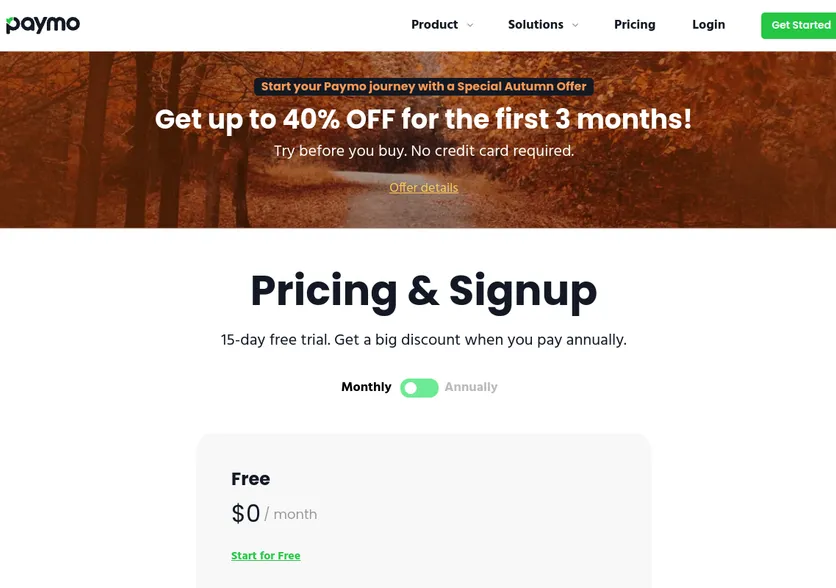
 Paymo | Small service teams that bill by the hour | $10.90/user/month | Free plan | Visit |
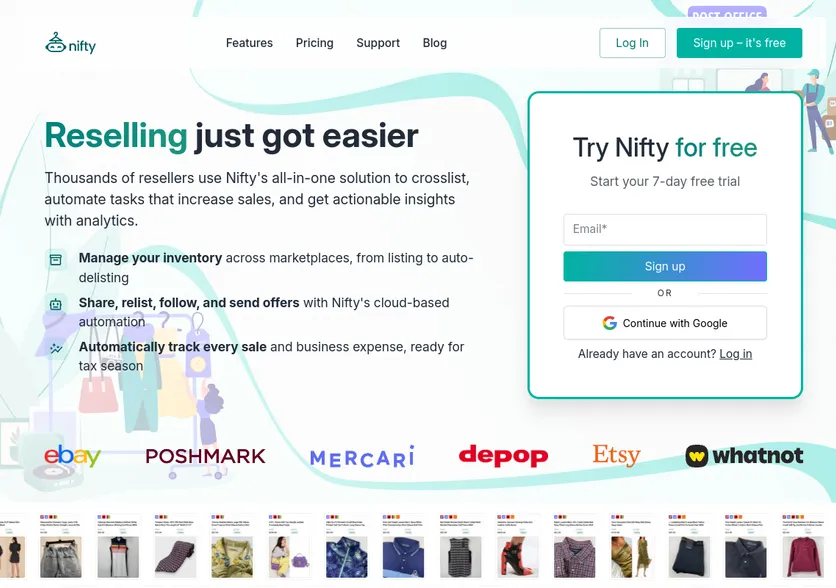
 Nifty | Small teams that want chat with their tasks | $5/user/month | Free plan | Visit |
 Basecamp | Small teams that want one quiet workspace | $29/month | Free plan | Visit |
The online project management software for small teams, compared
1. ClickUp
Best for: Small teams that want one app for everything
Paid tool Starting price: $9/user/month · Nine dollars per user a month billed annually; twelve dollars billed monthly; Business is seventeen dollars a user a month billed annually
Free plan: Free plan
For a small team that cannot afford five separate subscriptions, this ClickUp plan costs nine dollars per user a month billed annually, and it packs tasks, docs, goals and chat into a single workspace. A team of five can run its whole week from one login, switching between a board, a calendar and a Gantt chart. It is the strongest all-round pick for a small team that wants room to grow.

What we like
- One login covers tasks, docs, goals and chat
- Board, calendar and Gantt views included
- Free plan is generous enough to start for real
Watch out for
- The many features can feel cluttered at first
- Some views are slow on very large projects
How to try it
- Create one space and add a list for each area of work
- Invite the team and set a goal for the month
- Switch views between board and calendar to plan the week
2. Trello
Best for: Teams that want the simplest possible board
Paid tool Starting price: $5/user/month · Five dollars per user a month billed annually; six dollars billed monthly; Premium is ten dollars a user a month billed annually and Enterprise is seventeen dollars and fifty cents
Free plan: Free plan
When a small team just needs everyone to see what is being done and what is next, this Trello plan costs five dollars per user a month billed annually, and it delivers the clearest card board in this list. Cards move across lists with a drag, due dates show on the card, and Butler automations handle the routine moves. It is the easiest tool here to set up, and the right pick when the team has no time for training.

What we like
- The clearest card board in this list
- Butler automations move cards without manual work
- Power-Ups add calendars and time tracking
Watch out for
- No workload view for spotting overloaded people
- Large projects outgrow a single board quickly
How to try it
- Make a board with a list for each stage of the work
- Add a card for every task with an owner and a due date
- Set Butler rules to move cards as work is finished
3. Notion
Best for: Small teams that plan in documents
Paid tool Starting price: $10/member/month · Ten dollars per member a month billed annually; twelve dollars billed monthly; Business is twenty dollars a member a month billed annually
Free plan: Free plan
A small team that writes its plans before it builds them will get the most from this workspace, because this Notion plan costs ten dollars per member a month billed annually, and it keeps plans, notes and tasks in the same pages. A task database turns into a board for the week and a table for the monthly review, while the wiki answers the questions new joiners ask. It suits teams that think in writing.

What we like
- Plans, notes and tasks live in the same pages
- One task database becomes a board or a table
- The wiki answers new joiner questions for you
Watch out for
- No built-in time tracking or workload view
- Offline access is limited on the web app
How to try it
- Write the team wiki with a page for each work area
- Add a task database and link it into the project pages
- Invite the team and set who can edit each page
4. Zoho Projects
Best for: Small teams on Zoho apps that want the cheapest seat
Paid tool Starting price: $4/user/month · Four dollars per user a month billed annually; five dollars billed monthly; Enterprise is nine dollars a user a month billed annually and Ultimate is fourteen dollars
Free plan: Free plan (up to 3 users)
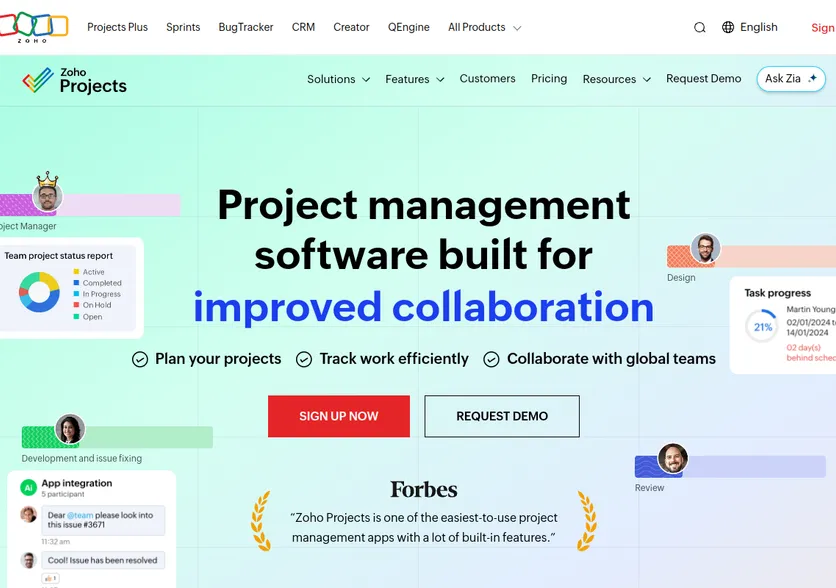
A small team that already uses Zoho apps gets the lowest paid seat here, since this Zoho Projects plan costs four dollars per user a month billed annually, and it covers tasks, Gantt charts, milestones and time tracking in one app. Its integrations with Zoho CRM and Zoho Books keep sales and billing beside the project, and the free plan covers three users. It is the best value for a small team that wants real project features at a low price.
What we like
- Lowest paid seat in this list at four dollars
- Gantt charts, milestones and time tracking included
- Integrates with Zoho CRM and Zoho Books
Watch out for
- The interface is busier than a simple board
- Some views need the dearer Enterprise plan
How to try it
- Create a project and add milestones for each phase
- Assign tasks to the team and set due dates
- Open the Gantt chart to check the plan against the calendar
5. Airtable
Best for: Small teams that organise work in tables
Paid tool Starting price: $20/seat/month · Twenty dollars per seat a month billed annually; twenty-four dollars billed monthly; Business is forty-five dollars a seat a month billed annually
Free plan: Free plan
A small team that lives in spreadsheets will feel at home here, because this Airtable plan costs twenty dollars per seat a month billed annually, and it turns a familiar grid into a project tracker with calendars, boards and forms. A content team can plan, assign and approve work from one base, and automations send reminders when a deadline approaches. It is the most flexible tracker here, though also the priciest seat for a small team.

What we like
- A familiar grid becomes boards, calendars and forms
- Automations send reminders before deadlines
- Templates cover content, launches and events
Watch out for
- The priciest seat in this list
- Record limits push growing teams up a tier
How to try it
- Start from a project tracker template
- Add the team and assign records to each person
- Switch to the calendar view to plan the month
6. ProofHub
Best for: Small teams that want flat pricing for everyone
Paid tool Starting price: $45/month · Forty-five dollars a month flat billed annually for unlimited users and forty projects; fifty dollars billed monthly; Ultimate Control is one hundred and thirty-five dollars a month billed annually with an eighty-nine dollar first-three-months offer
Free plan: No free plan; 14-day free trial
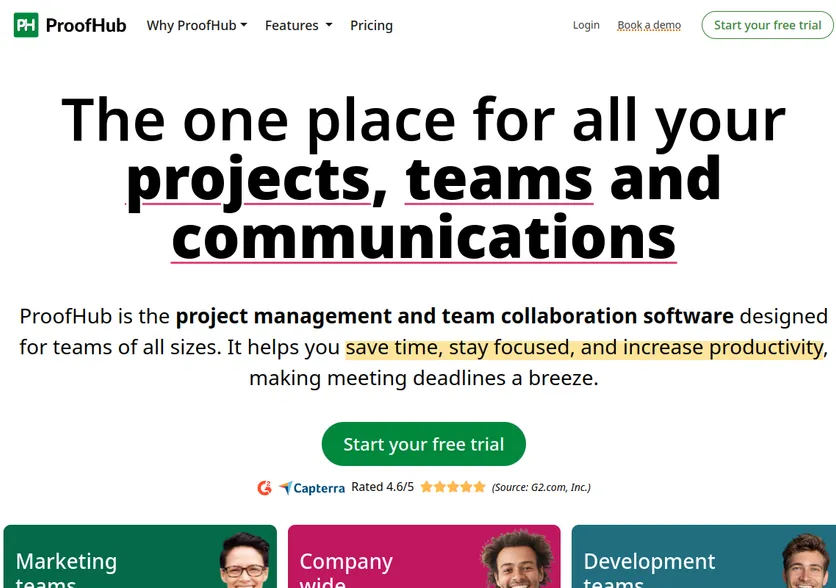
A small team that hates per-user billing will like the flat rate here, since this ProofHub plan costs forty-five dollars a month billed annually, and it covers unlimited users with tasks, discussions, files and time tracking. Adding the tenth person costs nothing extra, which makes budgeting simple. It is the best flat-price pick here for a small team that expects to hire soon.
What we like
- Flat monthly price for unlimited users
- Tasks, discussions, files and time tracking included
- Adding people costs nothing extra
Watch out for
- No free plan, only a fourteen-day trial
- Essential caps at forty projects
How to try it
- Create a project and invite the whole team for free
- Add tasks, discussions and files in one workspace
- Turn on time tracking to see where the week goes
7. Paymo
Best for: Small service teams that bill by the hour
Paid tool Starting price: $10.90/user/month · Ten dollars and ninety cents per user a month billed annually on Plus; fifteen dollars and ninety cents billed monthly; Solo is five dollars and ninety cents for one user and Pro is sixteen dollars and ninety cents; the ten dollar and ninety cent rate for three months applies to monthly billing
Free plan: Free plan
A small service team that bills by the hour gets tasks and time in one place here, since this Paymo plan costs ten dollars and ninety cents per user a month billed annually, and it pairs boards with time tracking, expenses and invoicing. A team can track a task, turn the hours into an invoice and send it from the app. It suits small agencies and consultants who need the money side beside the work.
What we like
- Time tracking, expenses and invoicing in one app
- Tracked hours become invoices in one click
- Gantt and kanban views included on Plus
Watch out for
- The interface packs a lot into small screens
- Invoicing templates are basic compared with accounting apps
How to try it
- Create a project for each client
- Track time on tasks from the timer or the timesheet
- Turn tracked hours into an invoice in one click
8. Nifty
Best for: Small teams that want chat with their tasks
Paid tool Starting price: $5/user/month · Five dollars per user a month billed annually; nine dollars billed monthly; Pro is ten dollars a user a month billed annually and Business is sixteen dollars
Free plan: Free plan
A small team that talks as much as it plans will like this chat-first workspace, because this Nifty plan costs five dollars per user a month billed annually, and it puts chat, tasks, docs and milestones on one screen. A discussion can turn into a task in one click, so nothing decided in chat is lost. It is the cheapest full workspace here for a small team that wants chat beside the work.
What we like
- Chat, tasks, docs and milestones on one screen
- Discussions turn into tasks in one click
- Lowest full-workspace price in this list
Watch out for
- Fewer integrations than the bigger tools
- Reporting is lighter than on Asana or Wrike
How to try it
- Create a project and invite the team
- Start a discussion and turn decisions into tasks
- Set milestones to track the project against the calendar
9. Basecamp
Best for: Small teams that want one quiet workspace
Paid tool Starting price: $29/month · Twenty-nine dollars a month flat on Freelancer; Pro $79 a month flat; Pro Plus $99; Pro Unlimited is one hundred and ninety-nine dollars a month billed annually for unlimited users
Free plan: Free plan
A small team that wants one calm place for the whole project will settle well here, since this Basecamp Freelancer plan costs twenty-nine dollars a month flat, and it combines boards, to-dos, schedules and files without the noise of chat. The automatic check-ins ask each person what they did and what is next, replacing the daily standup. It suits small teams that want less app-switching and more focus.

What we like
- One calm workspace for messages, tasks and files
- Automatic check-ins replace the daily standup
- Pro Unlimited flat price suits a growing team
Watch out for
- No Gantt chart or workload view
- Freelancer covers 3 projects for $29 a month flat
How to try it
- Create a project and invite the team
- Post the weekly plan on the message board
- Set up automatic check-ins to replace the standup
Prices above were checked on each vendor’s own website on Nov 28, 2026 and can change — the vendor’s page is the final word. Vendor links are editorial: nobody paid to be listed or ranked here. Vendors who want a featured listing can see how it works on our Get listed page.
How a small team picks a project tool without overbuying
Start with the free plan and a real project, not a demo, because a tool that feels easy on a sample board can still frustrate a team on real work. Count the seats you will actually need in six months, since per-user pricing punishes growth and a flat plan wins once the team passes nine people. Pick the tool the least technical person on the team can use, because a board only works when everyone updates it. Finally, agree on one rule: every task gets an owner and a date, or it does not go on the board at all.
Before you buy
- Pick a tool the whole team can learn in a day, not one that needs a consultant
- Check that the free plan covers the team size you have today, not just two people
- Make sure the tool shows deadlines in a calendar, not only on a board
- Ask if the price stays flat when the team grows past ten people
- Test the mobile app, since small teams check tasks on the go
Official websites
Official websites of the products reviewed above. Features and prices were checked against these sites when this guide was written, and they can change, so confirm on the vendor site before you buy.
Frequently asked questions
What is the best project management software for small teams?
ClickUp is the best pick for small teams, at nine dollars per user a month billed annually, because it covers tasks, docs, goals and chat in one app. Zoho Projects is the best value at four dollars a user a month billed annually for teams that want Gantt charts and milestones. Trello is the simplest start at five dollars a user a month for teams that only need a clear board.
How much does ClickUp cost for a small team?
ClickUp Core costs nine dollars per user a month billed annually, or twelve dollars billed monthly, and the free plan is generous enough to run a small team for real. Business, at seventeen dollars a user a month billed annually, adds goals with targets, workload views and deeper permissions. Most small teams will find Core covers the whole week without the upgrade.
Can a small team manage projects for free?
Yes, with ClickUp, Trello, Notion, Airtable, Zoho Projects, Paymo, Nifty and Basecamp, which all offer genuine free plans. Free plans usually cap users, storage or views, so a team of three can often run on free forever, while a team of ten will hit a limit and need a paid plan. ProofHub is the exception, with no free plan and only a fourteen-day trial.
Which project management tool is easiest for a small team?
Trello is the easiest tool in this list to learn, because the card board needs no training and a team can set it up in minutes. Basecamp is almost as simple, with message boards and to-dos in one calm workspace. ClickUp and Notion are more powerful but take a day or two to set up well, so pick them when the team wants room to grow.
What is the cheapest project management software for small teams?
Zoho Projects is the cheapest paid seat here at four dollars per user a month billed annually, and its free plan covers three users with Gantt charts and milestones. Trello and Nifty both start at five dollars a user a month billed annually. ProofHub charges a flat forty-five dollars a month for unlimited users, which beats every per-user price once the team passes nine.
Compare the nine tools above, then start with a free plan or trial on the one that fits how the team already works before paying for a full year.
Browse Productivity Tools tools