On this page
An enterprise org chart goes stale the moment it is printed, because hires, moves and restructures never stop. The eight tools below keep a chart of thousands current, either by syncing with the HR system, by letting the whole company edit together, or by modelling the next restructure before it is announced. OrgChart leads because it rebuilds the chart automatically from more than fifty HR and payroll systems for one hundred and five dollars a month, and the rest are ranked on how well they scale for large teams.
How we researched this
We checked every price on the vendor pricing page on November 28, 2026, and only included tools with a published US dollar list price. ChartHop and Ingentis org manager publish no prices, so they are not in this list, and Pingboard was left out because its published figures conflict between flat monthly plans and per-user rates. Prices change, so confirm the current figure on the vendor site before you buy.
Compare the tools
| Name | Best for | Starting price | Free plan | |
|---|---|---|---|---|
| Organimi | HR teams that want a dedicated chart on a budget | $13/month | Free plan (up to 25 people) | Visit |
| OrgChart | HR teams that want charts refreshed from the HRIS | $105/month | Free demo | Visit |
 Lucidchart | Teams that already diagram in Lucid | $9/month | Free plan (3 documents) | Visit |
 Sift | Companies that want the chart to maintain itself | $150/month | 14-day free trial | Visit |
 Microsoft Visio | Microsoft 365 shops that need Visio files | $5/user/month | 30-day free trial | Visit |
 SmartDraw | Teams that want charts to format themselves | $10.95/month | Free trial | Visit |
| Functionly | Leaders planning restructures and headcount | $24/seat/month | 22-day free trial | Visit |
 Miro | Workshops that turn into documented charts | $8/member/month | Free plan (3 boards) | Visit |
The org chart software for enterprise, compared
1. Organimi
Best for: HR teams that want a dedicated chart on a budget
Paid tool Starting price: $13/month · Thirteen dollars a month billed annually on Basic for up to 150 people charted ($156 a year); Premium is $25 a month for the same headcount; Enterprise is quoted; older listings showing $10 or $11 a month are stale against the November 2026 vendor reads
Free plan: Free plan (up to 25 people)
A large company that needs a dedicated chart without paying for a full HR suite gets a clean fit here, since this Organimi plan costs thirteen dollars a month billed annually for up to one hundred and fifty people charted. It builds unlimited traditional charts from CSV or Excel imports, with custom fields and share links that keep the structure visible to the whole company. Premium adds matrix and governance charts, single sign-on and regional hosting for teams that outgrow the basic plan.
What we like
- Dedicated org chart tool with unlimited traditional charts
- CSV and Excel imports build charts in minutes
- Matrix and governance charts on Premium
Watch out for
- Basic covers only 150 people charted before the price rises
- HRIS sync and single sign-on need the Premium plan
How to try it
- Import the employee list from CSV or Excel
- Choose the traditional, matrix or governance chart layout
- Share the chart by link and set who can edit it
2. OrgChart
Best for: HR teams that want charts refreshed from the HRIS
Paid tool Starting price: $105/month · One hundred and five dollars a month billed annually on Core for 100 employees charted; Plus is $157 and Pro is $263 a month for the same headcount; prices rise with headcount; nonprofits get 20% off
Free plan: Free demo
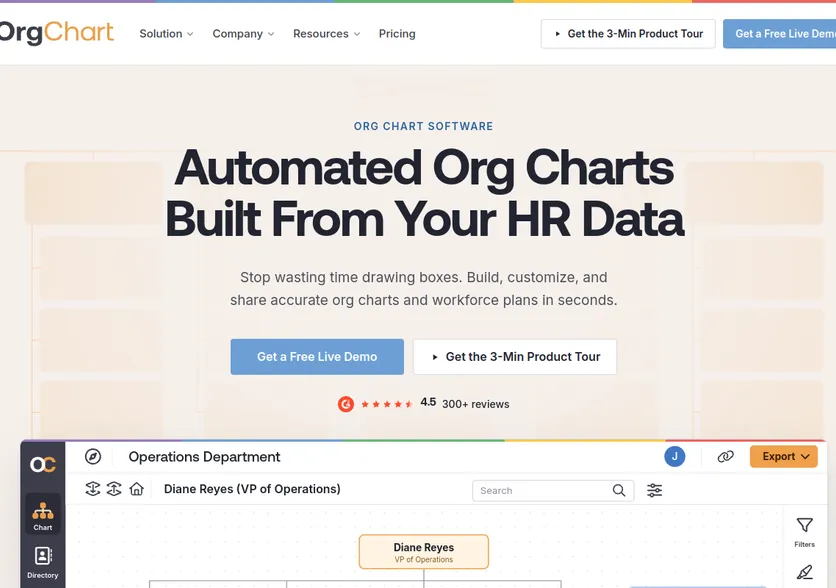
When the chart has to rebuild itself from HR data instead of being redrawn by hand, this OrgChart plan costs one hundred and five dollars a month billed annually for one hundred employees charted. It pulls from more than fifty HR, payroll and applicant systems and refreshes on a schedule, so the chart changes when the HRIS changes. Plus adds position-based and matrix views, and Pro adds workforce planning with position management for enterprise teams.
What we like
- Refreshes automatically from 50 plus HR and payroll systems
- Position-based charts show vacancies on Pro
- Exports to PowerPoint, PDF and web links
Watch out for
- Annual contracts only, one to three years
- No published price below 100 charted employees
How to try it
- Connect the HRIS or payroll system as a data source
- Pick the chart views the team needs, including matrix
- Publish the chart as a web link or export it to PowerPoint
3. Lucidchart
Best for: Teams that already diagram in Lucid
Paid tool Starting price: $9/month · Nine dollars a month billed annually on Individual; Team is $10 per user a month billed annually with a 3-user minimum; Enterprise is quoted
Free plan: Free plan (3 documents)
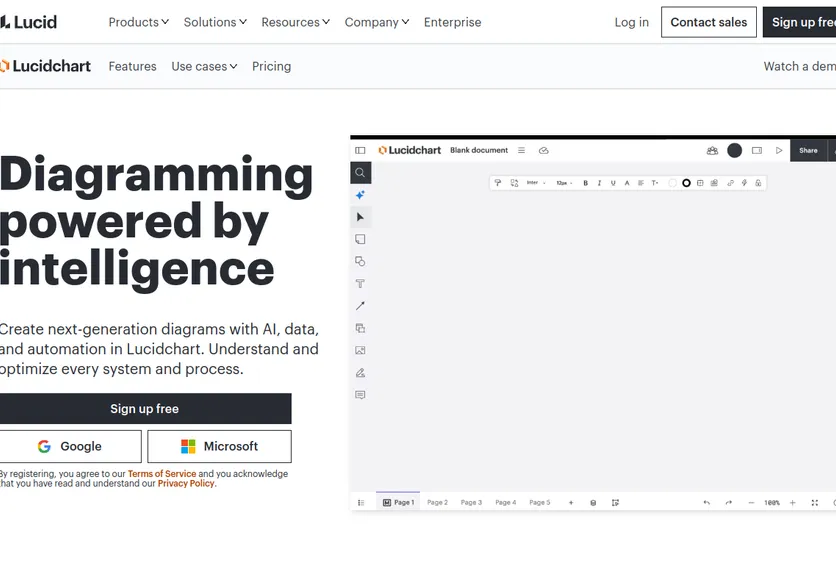
An enterprise team that already diagrams in Lucidchart can build its org chart in the same tool, since this Lucidchart plan costs nine dollars a month billed annually on Individual. It imports employee data from a spreadsheet, draws dotted-line and matrix reporting, and shares live charts that update when the data changes. The Team plan adds commenting, revision history and integrations with Confluence and Jira for larger groups.
What we like
- Spreadsheet import builds the hierarchy fast
- Dotted-line and matrix reporting supported
- Live charts update when source data changes
Watch out for
- Single sign-on needs the quoted Enterprise plan
- The free plan caps at 3 editable documents
How to try it
- Import the employee spreadsheet into a new diagram
- Apply the org chart template and set the reporting lines
- Share a live link so the chart stays current
4. Sift
Best for: Companies that want the chart to maintain itself
Paid tool Starting price: $150/month · One hundred and fifty dollars a month billed annually on Org Chart for 20 users, with extra users at $1.50 a user a month; Directory is $175 and Complete is $200 a month; Enterprise is quoted for 1,000-plus employees
Free plan: 14-day free trial
For a company whose directory is always out of date, this Sift plan costs one hundred and fifty dollars a month billed annually for twenty users, and it builds the chart automatically from the HRIS. Unlimited people can be charted, dotted-line relationships are supported, and Google and Office 365 sync keeps profiles current without manual edits. It suits enterprises that want the chart to maintain itself rather than depend on one administrator.
What we like
- Chart builds itself automatically from the HRIS
- Unlimited people charted on every plan
- Google and Office 365 sync included
Watch out for
- The entry plan starts at 20 paid users
- Employee profiles need the Directory tier
How to try it
- Connect the HRIS so Sift can build the chart
- Check the dotted-line relationships it generated
- Share the directory link with the whole company
5. Microsoft Visio
Best for: Microsoft 365 shops that need Visio files
Paid tool Starting price: $5/user/month · Five dollars per user a month billed annually on Plan 1 for the web app; Plan 2 is $15 per user a month billed annually and adds the desktop app; Visio in Microsoft 365 is included with eligible commercial plans
Free plan: 30-day free trial
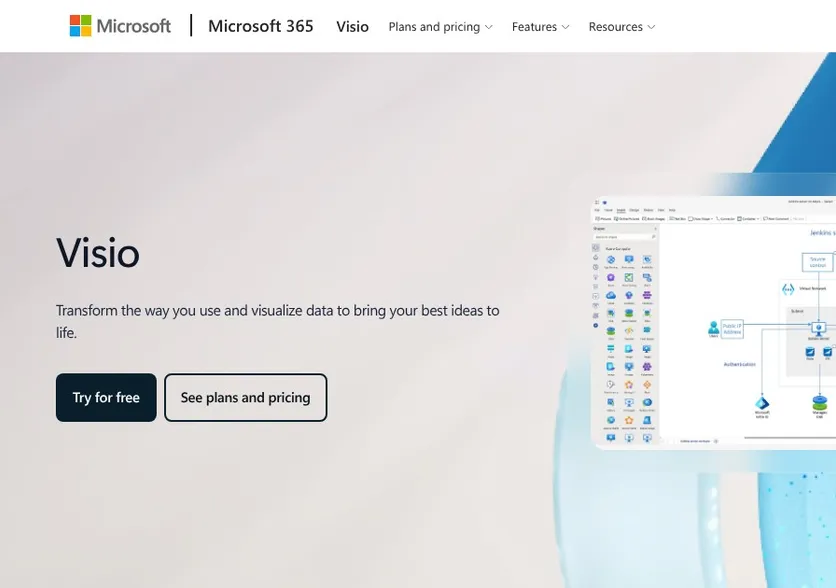
A Microsoft 365 enterprise that already lives in Office will find the shortest path here, since this Microsoft Visio plan costs five dollars per user a month billed annually on Plan 1 for the web app. It draws org charts from Excel or Entra ID data, exports to the Visio format every other tool in this list imports, and runs inside the tenant the IT team already manages. Plan 2 adds the Windows desktop app with offline work and floor plans for facilities teams.
What we like
- Native Visio format every other tool imports
- Builds charts from Excel or Entra ID data
- Runs inside the Microsoft 365 tenant IT already manages
Watch out for
- Plan 1 is web-only with no desktop app
- Windows-centric, with no native Mac desktop app
How to try it
- Open Visio for the web and pick the org chart template
- Import the employee data from Excel or Entra ID
- Export the finished chart as a Visio file or PDF
6. SmartDraw
Best for: Teams that want charts to format themselves
Paid tool Starting price: $10.95/month · Ten dollars and ninety-five cents a month billed annually on Individual at list; new customers are shown an introductory $7.95 a month and Team is $6.95 per user a month introductory against the same $10.95 list; Enterprise is quoted
Free plan: Free trial
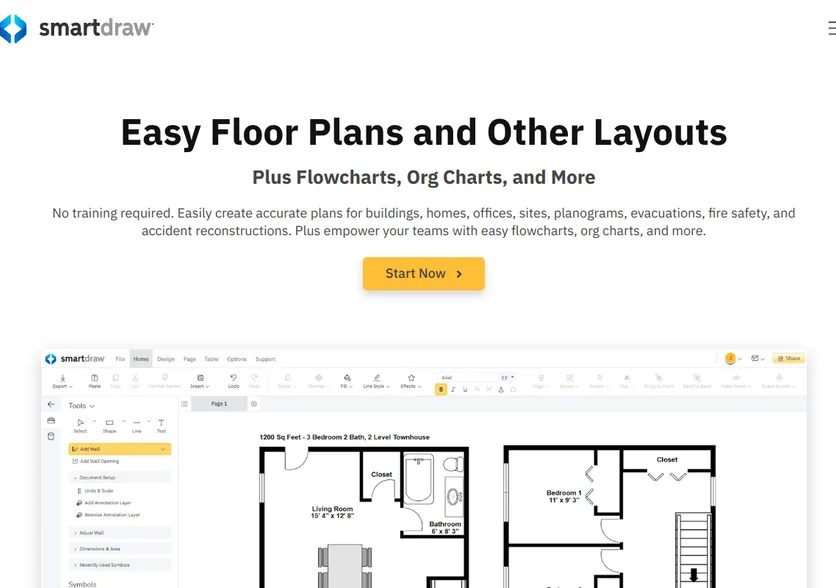
Teams that want charts to format themselves will like this option, because this SmartDraw plan costs ten dollars and ninety-five cents a month billed annually at list on Individual. It builds org charts automatically from data, imports and exports Visio files, and adds floor plans and network diagrams in the same subscription. The list price is higher than the introductory rate shown to new customers, so check the renewal figure before signing.
What we like
- Automatic formatting arranges boxes and connectors
- Imports and exports Visio files cleanly
- Floor plans and network diagrams in the same app
Watch out for
- The headline rate is introductory for new customers
- Interface feels dated next to newer diagram tools
How to try it
- Import the employee data or a Visio file
- Let SmartDraw arrange the hierarchy automatically
- Export the chart as Visio, PDF or an image
7. Functionly
Best for: Leaders planning restructures and headcount
Paid tool Starting price: $24/seat/month · Twenty-four dollars per editor seat a month billed annually on Starter with a 10-seat minimum ($240 a month); Advanced is $49 a seat and Enterprise is $79 a seat a month; monthly billing starts at 3 seats with higher per-seat rates
Free plan: 22-day free trial
Enterprises planning a restructure need more than a picture of today, and this Functionly plan costs twenty-four dollars per editor seat a month billed annually on Starter with a ten-seat minimum. It models vacancies, new teams and reporting changes as scenarios, then forecasts headcount, cost and full-time equivalents for each one. Unlimited people and positions are included on every plan, so the chart never caps headcount.
What we like
- Scenario planning with cost and headcount forecasts
- Unlimited people and positions on every plan
- Roles with dotted-line reporting and accountability maps
Watch out for
- Ten-seat minimum on annual billing
- HRIS connectors are a paid add-on
How to try it
- Import the current structure or build it by drag and drop
- Copy the chart into a scenario and model the change
- Compare scenarios by cost, headcount and full-time equivalents
8. Miro
Best for: Workshops that turn into documented charts
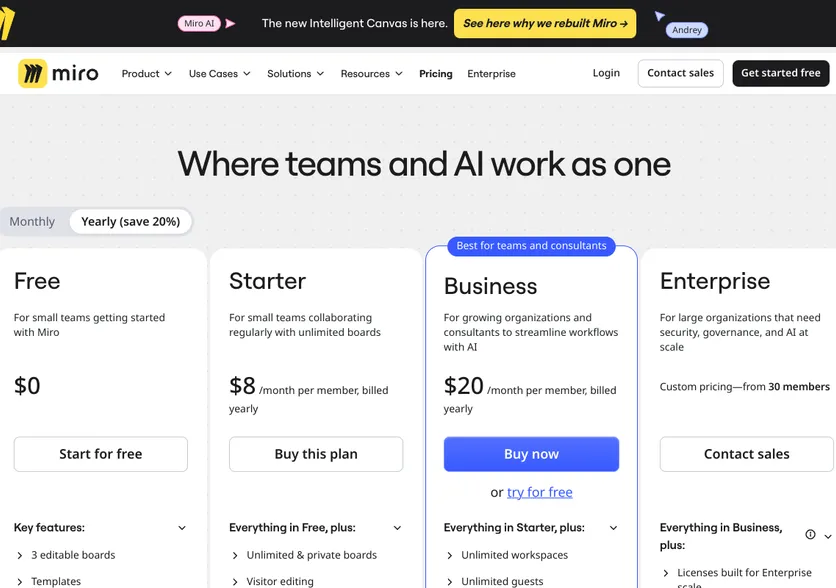
Paid tool Starting price: $8/member/month · Eight dollars per member a month billed annually on Starter ($10 monthly); Business is $20 per member a month billed annually; Enterprise is custom from 30 members
Free plan: Free plan (3 boards)
When the org chart is built in a workshop rather than by one HR administrator, this Miro plan costs eight dollars per member a month billed annually on Starter. Leaders can sketch reporting lines on an infinite canvas with the whole team, then turn the result into a documented chart with templates and shape packs. Business adds single sign-on and two-way Jira and Asana sync for larger enterprises.
What we like
- Infinite canvas the whole team can edit live
- Templates and shape packs for org charts
- Business adds single sign-on and Jira sync
Watch out for
- Single sign-on needs Business at $20 a member
- Seats stay billed until renewal after a member leaves
How to try it
- Open a board and add the org chart template
- Sketch the reporting lines with the team in a live session
- Turn the finished board into a documented chart
Prices above were checked on each vendor’s own website on Nov 28, 2026 and can change — the vendor’s page is the final word. Vendor links are editorial: nobody paid to be listed or ranked here. Vendors who want a featured listing can see how it works on our Get listed page.
How to roll out an org chart across a large company
Start with the data, not the drawing, because an enterprise chart is only as good as the HR feed behind it. Connect the HRIS first, then check the reporting lines it generates against what managers actually see, since dotted-line and matrix reporting rarely match the official hierarchy. Publish the chart where people already work, in the intranet or the directory, and give managers edit rights for their own teams so updates do not bottleneck on one administrator. Review the chart after every reorganisation and at least once a quarter, and keep a history of past versions so a restructure can be compared with what came before.
Before you buy
- Confirm the tool syncs with the HRIS or directory the company already runs, not just CSV imports
- Check the headcount ceiling on the entry price, since per-person pricing climbs fast past a hundred people
- Ask whether dotted-line, matrix and interim reporting lines are supported on the plan you would buy
- Make sure managers can edit their own teams without a licence for every employee who views the chart
- Test single sign-on and permissions before rollout, since enterprise security usually requires both
Official websites
Official websites of the products reviewed above. Features and prices were checked against these sites when this guide was written, and they can change, so confirm on the vendor site before you buy.
Frequently asked questions
What is org chart software for enterprise?
It is software that maps reporting lines, teams and vacancies across a large company and keeps that map current as people join, move or leave. Enterprise tools sync with the HR system, support dotted-line and matrix reporting, and control who can view or edit each part of the chart, which a spreadsheet or a slide cannot do at scale.
How much does OrgChart cost for enterprise teams?
OrgChart costs one hundred and five dollars a month billed annually on Core for one hundred employees charted, with Plus at one hundred and fifty-seven dollars and Pro at two hundred and sixty-three dollars a month for the same headcount. Prices rise with headcount, contracts run one to three years, and nonprofits receive twenty percent off any plan.
Can I build an enterprise org chart for free?
Partly, since Lucidchart offers a free plan with three editable documents, Miro offers three editable boards, and Creately offers a free plan with forty-five shapes per diagram. None of those free tiers includes HRIS sync or single sign-on, so a large company will outgrow them quickly and should compare the paid plans above.
Which org chart tool updates itself from HR data?
OrgChart and Sift both rebuild the chart from HR data without manual redrawing. OrgChart connects to more than fifty HR, payroll and applicant systems and refreshes on a schedule, while Sift syncs with Google and Office 365 and charts unlimited people. Organimi needs a CSV or Excel import instead, so it suits teams that update the chart by hand.
Which tool is best for planning a restructure?
Functionly is the best pick for planning a restructure, because it copies the current chart into scenarios and forecasts headcount, cost and full-time equivalents for each option before anything is announced. OrgChart Pro adds workforce planning with position management, but Functionly is built around scenario comparison from the start.
Compare the eight tools above, then start with a free trial or the free plan on the tool that matches how the enterprise already stores its people data before paying for a full year.
Browse Business Tools tools