On this page
HR teams answer the same question every week: who reports to whom, and who is on leave, vacant or new. A chart that only one person can update will always be out of date, so the tools below are judged on how easily HR keeps them current, whether by import, HRIS sync or shared editing. Organimi leads because it is a dedicated chart tool for thirteen dollars a month billed annually, and the rest are ranked on what they save an HR team in time.
How we researched this
We checked every price on the vendor pricing page on November 28, 2026, and only included tools with a published US dollar list price. ChartHop and Ingentis org manager publish no prices, so they are not in this list, and Pingboard was left out because its published figures conflict between flat monthly plans and per-user rates. Prices change, so confirm the current figure on the vendor site before you buy.
Compare the tools
| Name | Best for | Starting price | Free plan | |
|---|---|---|---|---|
| Organimi | HR teams that want a dedicated chart on a budget | $13/month | Free plan (up to 25 people) | Visit |
| OrgChart | HR teams that want charts refreshed from the HRIS | $105/month | Free demo | Visit |
 Lucidchart | Teams that already diagram in Lucid | $9/month | Free plan (3 documents) | Visit |
 Sift | Companies that want the chart to maintain itself | $150/month | 14-day free trial | Visit |
 Microsoft Visio | Microsoft 365 shops that need Visio files | $5/user/month | 30-day free trial | Visit |
 SmartDraw | Teams that want charts to format themselves | $10.95/month | Free trial | Visit |
| Functionly | Leaders planning restructures and headcount | $24/seat/month | 22-day free trial | Visit |
| Creately | Small HR teams that want the cheapest paid seat | $5/editor/month | Free plan (45 shapes per diagram) | Visit |
The org chart software for HR teams, compared
1. Organimi
Best for: HR teams that want a dedicated chart on a budget
Paid tool Starting price: $13/month · Thirteen dollars a month billed annually on Basic for up to 150 people charted ($156 a year); Premium is $25 a month for the same headcount; Enterprise is quoted; older listings showing $10 or $11 a month are stale against the November 2026 vendor reads
Free plan: Free plan (up to 25 people)
HR teams that want a dedicated org chart tool at a small-business price start here, since this Organimi plan costs thirteen dollars a month billed annually for up to one hundred and fifty people charted. It takes CSV and Excel imports, builds unlimited traditional charts with custom fields, and shares them by link with the whole company. Premium adds the matrix and governance views, single sign-on and integrations that keep the chart in sync with company systems.
What we like
- Dedicated org chart tool with unlimited traditional charts
- CSV and Excel imports build charts in minutes
- Matrix and governance charts on Premium
Watch out for
- Basic covers only 150 people charted before the price rises
- HRIS sync and single sign-on need the Premium plan
How to try it
- Import the employee list from CSV or Excel
- Choose the traditional, matrix or governance chart layout
- Share the chart by link and set who can edit it
2. OrgChart
Best for: HR teams that want charts refreshed from the HRIS
Paid tool Starting price: $105/month · One hundred and five dollars a month billed annually on Core for 100 employees charted; Plus is $157 and Pro is $263 a month for the same headcount; prices rise with headcount; nonprofits get 20% off
Free plan: Free demo
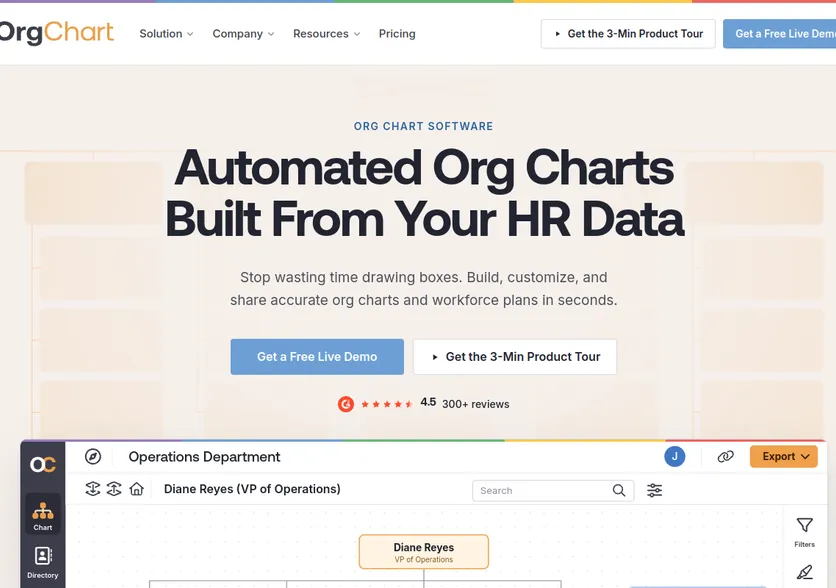
HR teams tired of redrawing the chart after every hire should look at this option, because this OrgChart plan costs one hundred and five dollars a month billed annually for one hundred employees charted. It connects to more than fifty HR, payroll and applicant systems and refreshes automatically, so new starters and moves appear without anyone opening the file. The trade-off is annual-only contracts and a starting point sized for one hundred people, not thirty.
What we like
- Refreshes automatically from 50 plus HR and payroll systems
- Position-based charts show vacancies on Pro
- Exports to PowerPoint, PDF and web links
Watch out for
- Annual contracts only, one to three years
- No published price below 100 charted employees
How to try it
- Connect the HRIS or payroll system as a data source
- Pick the chart views the team needs, including matrix
- Publish the chart as a web link or export it to PowerPoint
3. Lucidchart
Best for: Teams that already diagram in Lucid
Paid tool Starting price: $9/month · Nine dollars a month billed annually on Individual; Team is $10 per user a month billed annually with a 3-user minimum; Enterprise is quoted
Free plan: Free plan (3 documents)
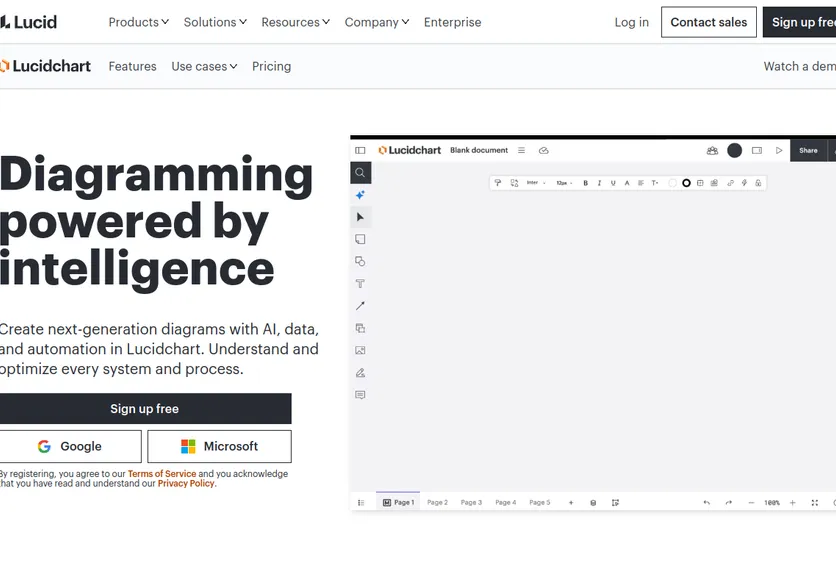
An HR team that already uses Lucidchart for process maps can keep org charts in the same place, since this Lucidchart plan costs nine dollars a month billed annually on Individual. Spreadsheet imports build the hierarchy in minutes, dotted-line reporting is supported, and live links mean the chart updates when the source data changes. Team adds real-time collaboration, commenting and revision history for HR groups that edit together.
What we like
- Spreadsheet import builds the hierarchy fast
- Dotted-line and matrix reporting supported
- Live charts update when source data changes
Watch out for
- Single sign-on needs the quoted Enterprise plan
- The free plan caps at 3 editable documents
How to try it
- Import the employee spreadsheet into a new diagram
- Apply the org chart template and set the reporting lines
- Share a live link so the chart stays current
4. Sift
Best for: Companies that want the chart to maintain itself
Paid tool Starting price: $150/month · One hundred and fifty dollars a month billed annually on Org Chart for 20 users, with extra users at $1.50 a user a month; Directory is $175 and Complete is $200 a month; Enterprise is quoted for 1,000-plus employees
Free plan: 14-day free trial
HR teams that field constant questions about who reports to whom get relief here, because this Sift plan costs one hundred and fifty dollars a month billed annually for twenty users, and the chart builds itself from the HRIS. It charts unlimited people, shows dotted-line relationships, and syncs with Google and Office 365 so profiles stay current. The Directory tier adds searchable employee profiles and single sign-on for teams that want more than the chart.
What we like
- Chart builds itself automatically from the HRIS
- Unlimited people charted on every plan
- Google and Office 365 sync included
Watch out for
- The entry plan starts at 20 paid users
- Employee profiles need the Directory tier
How to try it
- Connect the HRIS so Sift can build the chart
- Check the dotted-line relationships it generated
- Share the directory link with the whole company
5. Microsoft Visio
Best for: Microsoft 365 shops that need Visio files
Paid tool Starting price: $5/user/month · Five dollars per user a month billed annually on Plan 1 for the web app; Plan 2 is $15 per user a month billed annually and adds the desktop app; Visio in Microsoft 365 is included with eligible commercial plans
Free plan: 30-day free trial
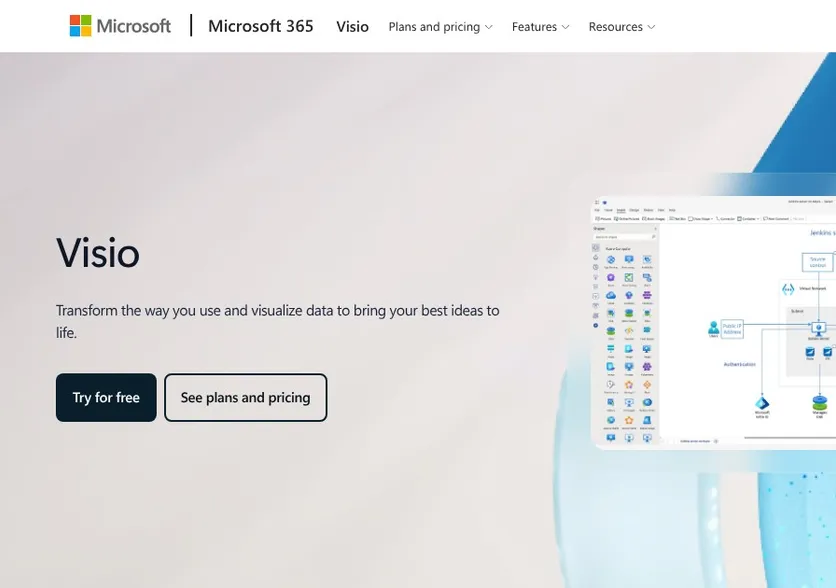
HR teams inside a Microsoft 365 company have the simplest route with this tool, since this Microsoft Visio plan costs five dollars per user a month billed annually on Plan 1 for the web app. It builds org charts from Excel data or Entra ID, and the finished file opens anywhere because Visio is the format other tools import. Plan 2 adds the desktop app for offline work, but most HR teams will never need it.
What we like
- Native Visio format every other tool imports
- Builds charts from Excel or Entra ID data
- Runs inside the Microsoft 365 tenant IT already manages
Watch out for
- Plan 1 is web-only with no desktop app
- Windows-centric, with no native Mac desktop app
How to try it
- Open Visio for the web and pick the org chart template
- Import the employee data from Excel or Entra ID
- Export the finished chart as a Visio file or PDF
6. SmartDraw
Best for: Teams that want charts to format themselves
Paid tool Starting price: $10.95/month · Ten dollars and ninety-five cents a month billed annually on Individual at list; new customers are shown an introductory $7.95 a month and Team is $6.95 per user a month introductory against the same $10.95 list; Enterprise is quoted
Free plan: Free trial
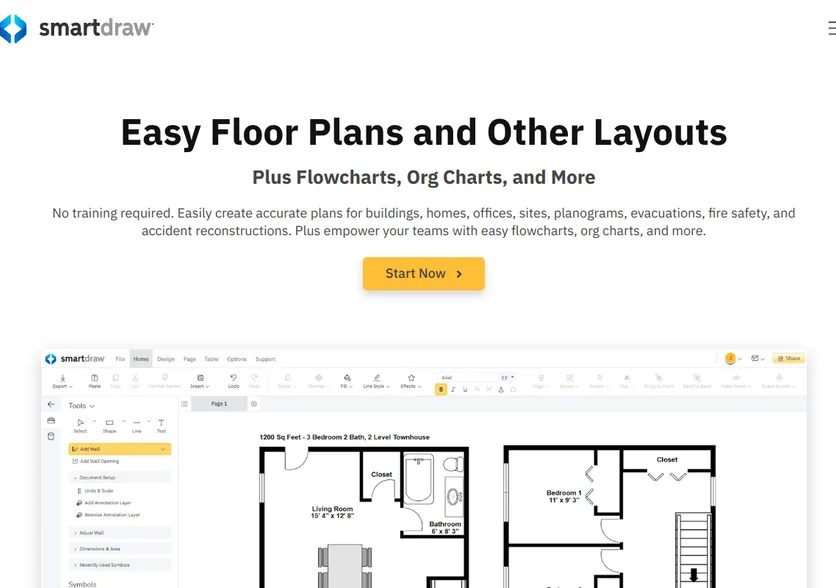
For HR teams that want a finished-looking chart without learning a design tool, this SmartDraw plan costs ten dollars and ninety-five cents a month billed annually at list on Individual. Drop in the employee data and the software arranges, aligns and connects the boxes automatically, and Visio files import and export cleanly. New customers see a lower introductory rate, so confirm the renewal price before the first year ends.
What we like
- Automatic formatting arranges boxes and connectors
- Imports and exports Visio files cleanly
- Floor plans and network diagrams in the same app
Watch out for
- The headline rate is introductory for new customers
- Interface feels dated next to newer diagram tools
How to try it
- Import the employee data or a Visio file
- Let SmartDraw arrange the hierarchy automatically
- Export the chart as Visio, PDF or an image
7. Functionly
Best for: Leaders planning restructures and headcount
Paid tool Starting price: $24/seat/month · Twenty-four dollars per editor seat a month billed annually on Starter with a 10-seat minimum ($240 a month); Advanced is $49 a seat and Enterprise is $79 a seat a month; monthly billing starts at 3 seats with higher per-seat rates
Free plan: 22-day free trial
HR leaders planning headcount changes need a chart that can look ahead, and this Functionly plan costs twenty-four dollars per editor seat a month billed annually on Starter with a ten-seat minimum. It lets HR model vacancies, new teams and reporting changes as scenarios with cost and headcount forecasts, then compare them side by side. Unlimited people and positions are included, so the whole workforce fits on one chart.
What we like
- Scenario planning with cost and headcount forecasts
- Unlimited people and positions on every plan
- Roles with dotted-line reporting and accountability maps
Watch out for
- Ten-seat minimum on annual billing
- HRIS connectors are a paid add-on
How to try it
- Import the current structure or build it by drag and drop
- Copy the chart into a scenario and model the change
- Compare scenarios by cost, headcount and full-time equivalents
8. Creately
Best for: Small HR teams that want the cheapest paid seat
Paid tool Starting price: $5/editor/month · Five dollars per editor a month billed annually on Pro; Business is $89 per organization a month billed annually ($149 monthly) with unlimited users; Enterprise is quoted
Free plan: Free plan (45 shapes per diagram)
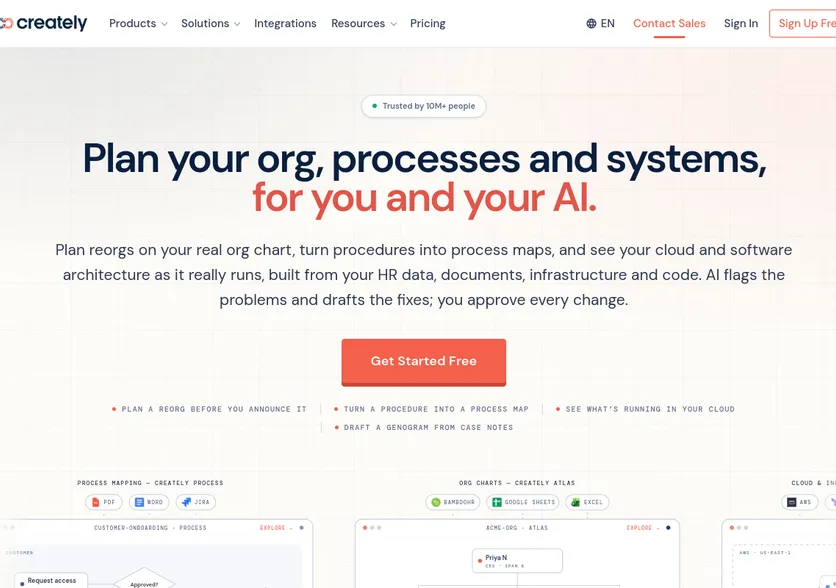
Small HR teams that want a chart tool with a genuinely cheap entry point land here, since this Creately plan costs five dollars per editor a month billed annually on Pro. It offers org chart templates, real-time collaboration and Visio import, and the flat-rate Business plan covers unlimited users for eighty-nine dollars a month billed annually. It is the cheapest paid seat in this list for an HR team that edits together.
What we like
- Pro costs five dollars per editor a month
- Business covers unlimited users for a flat fee
- Real-time collaboration and org chart templates
Watch out for
- Visio export is not supported, only import
- The free plan caps at 45 shapes per diagram
How to try it
- Pick the org chart template and invite the HR team
- Add employees and set their reporting lines
- Share the chart link with managers for review
Prices above were checked on each vendor’s own website on Nov 28, 2026 and can change — the vendor’s page is the final word. Vendor links are editorial: nobody paid to be listed or ranked here. Vendors who want a featured listing can see how it works on our Get listed page.
How to keep an HR org chart current without extra work
Pick the update method before the tool, because that decides whether the chart survives the first month. If HR already keeps a clean spreadsheet, a CSV import tool is enough; if the HRIS holds the truth, pay for the sync and let the chart rebuild itself. Give each manager view access to their own team and edit rights for their own reports, so changes arrive from the people who know first. Set a monthly reminder to check vacancies and interim cover, and publish the chart where new starters already look, in the intranet or the onboarding pack.
Before you buy
- Confirm the tool imports from the spreadsheet or HRIS the HR team already uses every day
- Check the headcount included in the entry price, since the figure climbs once the team grows
- Ask whether managers can view and edit their own teams without a paid seat for each one
- Make sure the chart shows vacancies, interim cover and dotted-line reporting if the team needs them
- Test the sharing options before paying, since a chart nobody can open is a chart nobody uses
Official websites
Official websites of the products reviewed above. Features and prices were checked against these sites when this guide was written, and they can change, so confirm on the vendor site before you buy.
Frequently asked questions
What is org chart software for HR teams?
It is software that lets an HR team build, share and update a map of reporting lines, teams and vacancies without redrawing it by hand. Good tools import employee data from a spreadsheet or the HR system, show dotted-line and matrix reporting, and let managers view their own teams, which keeps the chart current between reorganisations.
How much does Organimi cost for HR teams?
Organimi costs thirteen dollars a month billed annually on Basic for up to one hundred and fifty people charted, or one hundred and fifty-six dollars a year. Premium is twenty-five dollars a month for the same headcount and adds matrix and governance charts, single sign-on and HRIS integrations, while Enterprise is quoted.
Can HR teams build an org chart for free?
Yes, within limits, since Lucidchart offers a free plan with three editable documents and Creately offers a free plan with forty-five shapes per diagram. Organimi also offers a free plan for up to twenty-five people. None of those free tiers includes HRIS sync, so a growing team should expect to move to a paid plan.
Which org chart tool syncs with HR software?
OrgChart syncs with more than fifty HR, payroll and applicant systems and refreshes on a schedule, while Sift syncs with Google and Office 365 and charts unlimited people. Organimi Premium adds Organimi Connect for directory and HR integrations, and Functionly offers HRIS connectors as a paid add-on on its higher plans.
Which tool is cheapest for a small HR team?
Creately is the cheapest paid seat here, at five dollars per editor a month billed annually on Pro, and its flat-rate Business plan covers unlimited users for eighty-nine dollars a month. Organimi is the cheapest dedicated chart tool at thirteen dollars a month, while Microsoft Visio costs five dollars per user a month for teams inside Microsoft 365.
Compare the eight tools above, then start with a free trial or the free plan on the tool that matches how the HR team already stores its people data before paying for a full year.
Browse Business Tools tools