On this page
A large gathering only feels effortless when someone else is tracking the guest list, the seating plan, the budget and the vendors at the same time. The eight tools below cover that job for planners and venues of every size, from a fourteen-dollar solo plan to a venue platform. HoneyBook leads because it runs the whole booking workflow, proposals, contracts and payments, for twenty-nine dollars a month, and the rest are ranked on how much of the event they actually manage for the price.
How we researched this
We checked every price on the vendor pricing page on November 28, 2026, and only included tools with a published US dollar list price. The event platforms that sell by quote, including Cvent, Bizzabo and Whova, publish no usable list price, so they are not in this list. Prices change, so confirm the current figure on the vendor site before you buy.
Compare the tools
| Name | Best for | Starting price | Free plan | |
|---|---|---|---|---|
 HoneyBook | Planners who book clients with proposals and contracts | $29/month | No free plan; 30-day free trial | Visit |
| Coordon | Solo planners running a few large gatherings a year | $14/month | Free plan | Visit |
| Social Tables | Venue teams that plan seating and floor plans | $49/month | Free plan | Visit |
| Aisle Planner | Planners managing many clients at once | $49.99/month | No free plan; 30-day free trial | Visit |
 Planning Pod | Planners who want event, floor plan and budget tools together | $59/month | No free plan; free trial | Visit |
 Perfect Venue | Venues that take enquiries, tours and bookings | $199/month | No free plan; demo only | Visit |
 Event Temple | Hotel and venue sales teams | $249/month | No free plan; free trial | Visit |
| Tripleseat | Venue groups running events across several sites | $375/month | No free plan; demo only | Visit |
The party planning software for large gatherings, compared
1. HoneyBook
Best for: Planners who book clients with proposals and contracts
Paid tool Starting price: $29/month · Twenty-nine dollars a month billed annually on Starter (thirty-six dollars billed monthly); Essentials is forty-nine dollars billed annually and Premium is one hundred and nine dollars billed annually; a later vendor read showing thirty, thirty-eight and eighty-three dollars appears to be a promotion, so the established figures are used
Free plan: No free plan; 30-day free trial
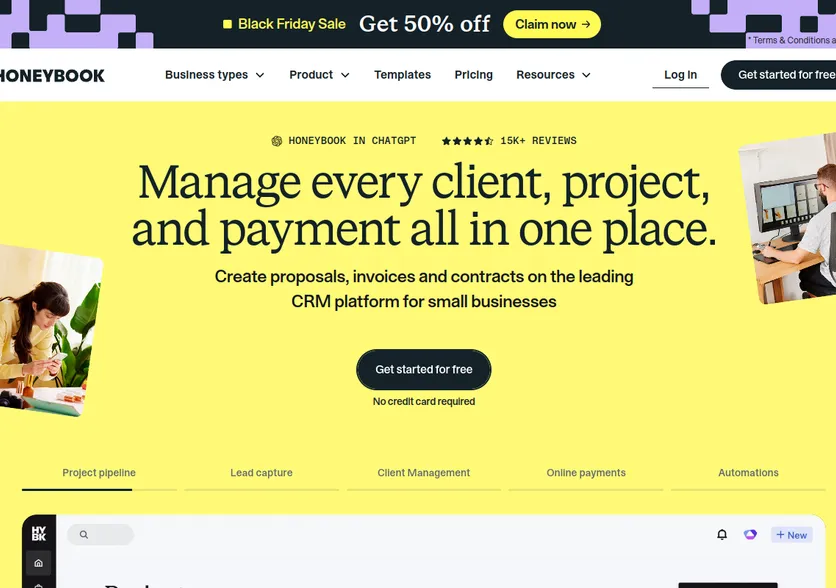
An event planner who books clients with proposals, contracts and invoices will find this tool saves hours every week, because this HoneyBook plan costs twenty-nine dollars a month billed annually. Client management, templates and online payments sit in one workspace, and the AI composer drafts replies in the planner's own voice. There is no free plan, but a thirty-day trial gives a planner a full booking cycle to test it.
What we like
- Client management, proposals and payments in one workspace
- AI composer drafts client replies in the planner's voice
- Online invoicing with deposits and payment scheduling
Watch out for
- No free plan, only a thirty-day trial
- Later vendor reads show lower promotional prices, so confirm the current figure
How to try it
- Set up the business profile and payment details
- Build a proposal template with the contract and deposit rules
- Send the first booking and track it through payment
2. Coordon
Best for: Solo planners running a few large gatherings a year
Paid tool Starting price: $14/month · Fourteen dollars a month billed annually on Solo (nineteen dollars billed monthly); Pro is twenty-nine dollars billed annually and adds unlimited events and collaboration; the first event is free
Free plan: Free plan
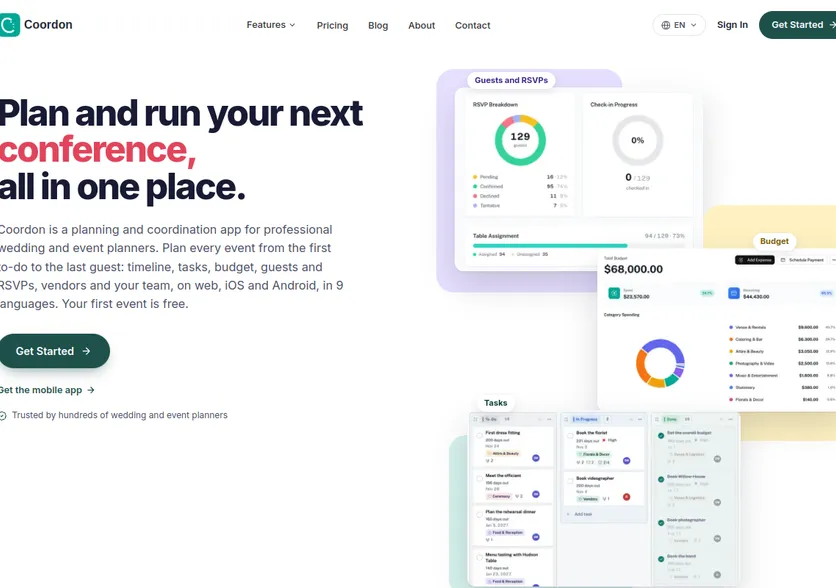
A solo planner who runs a handful of large gatherings a year will find the cheapest start here, because this Coordon plan costs fourteen dollars a month billed annually. It plans weddings and large events with drag-and-drop timelines, seating plans and vendor coordination, and the first event is free so a planner can run a real gathering before paying. Solo caps at three events a year, which is exactly the pace of a part-time planner.
What we like
- Cheapest paid start in this list at fourteen dollars a month
- First event free, so a planner can test on a real gathering
- Drag-and-drop timelines and seating plans included
Watch out for
- Solo caps at three events a year
- Team collaboration needs Pro at twenty-nine dollars
How to try it
- Plan the first event free and test the timeline tools
- Build the seating plan and vendor list for the gathering
- Upgrade to Solo when the second event of the year arrives
3. Social Tables
Best for: Venue teams that plan seating and floor plans
Paid tool Starting price: $49/month · Forty-nine dollars a month on Standard billed monthly with a twelve-month commitment; the free plan covers one user and three events a year; Pro is one hundred and fifty dollars and Premium is three hundred and twenty dollars; the tool now sells as Cvent Event Diagramming
Free plan: Free plan
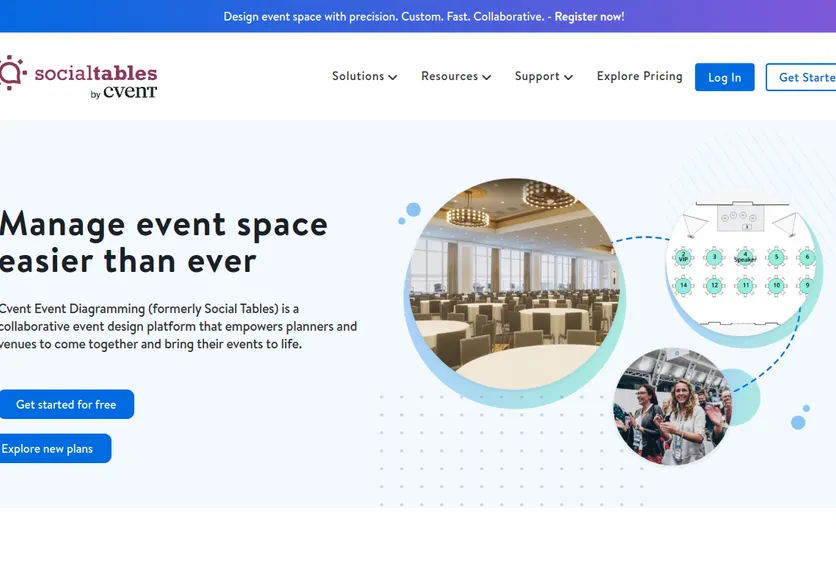
A venue team that lives in floor plans will recognise this tool at once, because this Social Tables plan costs forty-nine dollars a month billed monthly. It draws seating and floor plans to scale, moves tables and guests with drag and drop, and keeps the diagram, guest list and catering notes in one place. The free plan covers three events a year, which is enough for a venue to prove the workflow before paying.
What we like
- Floor plans drawn to scale with drag-and-drop seating
- Guest list, diagram and catering notes in one place
- Free plan covers one user and three events a year
Watch out for
- Standard bills monthly with a twelve-month commitment
- Now sold as Cvent Event Diagramming, so branding and support have changed
How to try it
- Draw the venue floor plan to scale
- Import the guest list and drag guests to tables
- Share the diagram with the caterer and the client
4. Aisle Planner
Best for: Planners managing many clients at once
Paid tool Starting price: $49.99/month · Forty-nine dollars and ninety-nine cents a month on the Sales Essentials plan; full plans run from sixty-nine dollars and ninety-nine cents to two hundred and twenty-nine dollars and ninety-nine cents a month by project count; annual billing saves ten percent
Free plan: No free plan; 30-day free trial
A wedding and event planner who manages many clients at once will appreciate the depth here, because this Aisle Planner plan costs forty-nine dollars and ninety-nine cents a month. It covers client management, design boards, budgets, checklists and vendor tracking, and the thirty-day trial is long enough to run a real event through it. The price is set by project count, so a planner pays more only when the book gets bigger.

What we like
- Client management, budgets and checklists in one workspace
- Design boards for sharing the vision with clients
- Price set by project count, so it grows with the book
Watch out for
- No free plan, only a thirty-day trial
- The entry plan is sales-focused, so full planning needs a higher tier
How to try it
- Set up the client pipeline and import the current book
- Build a design board and budget for the next event
- Run one full event on the trial before paying
5. Planning Pod
Best for: Planners who want event, floor plan and budget tools together
Paid tool Starting price: $59/month · Fifty-nine dollars a month billed annually on Planner; a vendor-supplied directory figure of seventy-four dollars a month conflicts with the vendor site figure; Business is one hundred and nine dollars, Venue Management is one hundred and forty-nine dollars and Enterprise 50 is one hundred and fifty-nine dollars
Free plan: No free plan; free trial
A planner who manages the whole event from one dashboard will find this tool covers the lot, because this Planning Pod plan costs fifty-nine dollars a month billed annually. It combines event management, floor plans, budgeting, registration and client collaboration, and the Planner plan includes unlimited events, users and floor plan tools. The conflicting seventy-four-dollar figure in directories looks stale against the vendor site, so confirm the price at checkout.
What we like
- Event management, floor plans and budgeting in one dashboard
- Unlimited events and users on the Planner plan
- Client collaboration portal included
Watch out for
- A directory figure of seventy-four dollars conflicts with the vendor site
- No free plan, only a free trial
How to try it
- Set up the event and build the floor plan
- Add the budget and share the client portal
- Track registrations and payments through the dashboard
6. Perfect Venue
Best for: Venues that take enquiries, tours and bookings
Paid tool Starting price: $199/month · One hundred and ninety-nine dollars a month per location billed annually (two hundred and thirty-nine dollars billed monthly); an older guide showing ninety-nine dollars a month appears stale against the September 2026 vendor read; the price is per location, so multi-venue operators multiply it
Free plan: No free plan; demo only
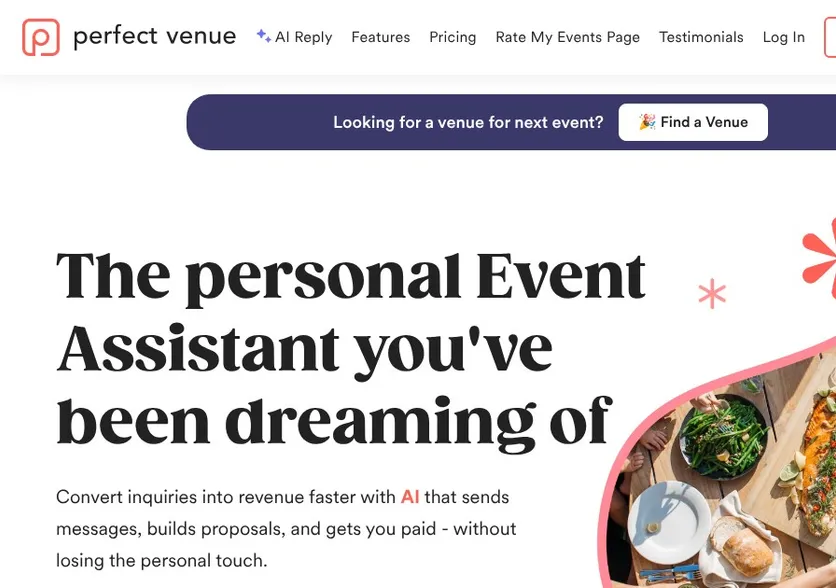
A venue that takes enquiries, tours and bookings from one inbox will find this tool worth the price, because this Perfect Venue plan costs one hundred and ninety-nine dollars a month per location billed annually. It automates enquiry replies, builds proposals and contracts, and takes deposits through a branded booking page. The per-location price is the catch, since a venue group pays it once for every site.
What we like
- Automated enquiry replies and proposal building
- Branded booking page with deposits and contracts
- Built for venues, not generic event planners
Watch out for
- Priced per location, so a venue group multiplies the bill
- An older guide shows ninety-nine dollars, which looks stale
How to try it
- Request a demo and confirm the per-location price in writing
- Connect the enquiry inbox and set the reply rules
- Build the booking page and take the first deposit
7. Event Temple
Best for: Hotel and venue sales teams
Paid tool Starting price: $249/month · Two hundred and forty-nine dollars a month; higher tiers and the exact feature split are not published on the pricing page, so confirm the scope on a demo
Free plan: No free plan; free trial
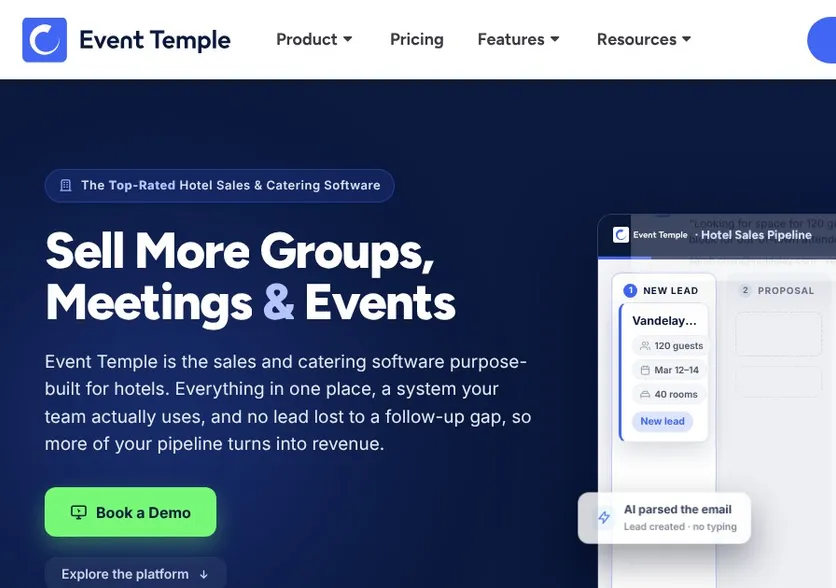
A venue sales team that lives in its CRM will find this tool fits the workflow, because this Event Temple plan costs two hundred and forty-nine dollars a month. It is built for hotels and event venues with sales pipelines, banquet event orders and contract management, and it syncs with the property management systems a hotel already runs. The price is the highest in this list for a single venue, so it suits a property with steady event volume.
What we like
- Built for hotel and venue sales pipelines
- Banquet event orders and contract management
- Syncs with hotel property management systems
Watch out for
- Two hundred and forty-nine dollars a month is the dearest single-venue price here
- The feature split between tiers is not published
How to try it
- Request a demo and confirm the tier scope in writing
- Connect the property management system and import the book
- Build the first banquet event order from a real booking
8. Tripleseat
Best for: Venue groups running events across several sites
Paid tool Starting price: $375/month · From three hundred and seventy-five dollars a month per venue on the packages page, checked November 2026; other pages on the same site route buyers to a personalised quote, so the packages figure is the published entry point; unlimited users included
Free plan: No free plan; demo only
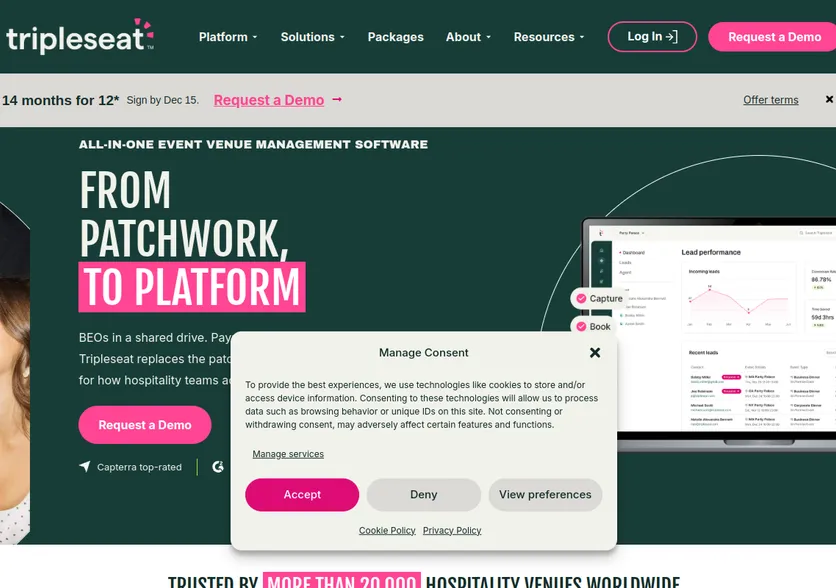
A venue group that runs events across several sites will find this tool scales, because this Tripleseat plan costs from three hundred and seventy-five dollars a month per venue. It manages the whole event sales pipeline from lead to banquet event order, with unlimited users and integrations for the tools a venue already runs. The per-venue price is the catch, and the quote-based pages on the site mean the final figure should be confirmed in writing.
What we like
- Whole event sales pipeline from lead to banquet order
- Unlimited users included on every plan
- Integrations for venue and hotel tools
Watch out for
- Priced per venue, so a group multiplies the bill
- Other pages on the site route buyers to a quote instead of a price
How to try it
- Request a demo and confirm the per-venue price in writing
- Map the sales pipeline from lead to banquet order
- Onboard the first venue and track its first event
Prices above were checked on each vendor’s own website on Nov 28, 2026 and can change — the vendor’s page is the final word. Vendor links are editorial: nobody paid to be listed or ranked here. Vendors who want a featured listing can see how it works on our Get listed page.
How to plan a large gathering without losing track of it
Start with the guest list, because every other decision, from seating to catering, follows from who is actually coming. Lock the headcount a month out and stop accepting changes a week before the event, or the seating plan will never settle. Give every vendor one named contact and one shared timeline, so nobody has to guess the order of the day. Build the budget with a ten percent buffer for the things that always cost more than quoted, and reconcile it the week after the event while the numbers are still fresh.
Before you buy
- Confirm whether the price is per planner, per event or per venue before budgeting
- Check if floor plans and seating tools are included or sold as a separate product
- Ask whether client proposals, contracts and deposits are built in or need another tool
- Make sure the guest list, budget and timeline stay in one place as the event grows
- Test the tool on one real event before paying, including the seating plan and the final invoice
Official websites
Official websites of the products reviewed above. Features and prices were checked against these sites when this guide was written, and they can change, so confirm on the vendor site before you buy.
Frequently asked questions
What is party planning software for large gatherings?
Party planning software helps planners and venues organise large gatherings by tracking the guest list, seating plan, budget, vendor list and timeline in one place. It replaces spreadsheets and email threads with shared plans and diagrams, so the planner, the venue and the client all work from the same version of the event.
How much does HoneyBook cost?
HoneyBook costs twenty-nine dollars a month billed annually on Starter, or thirty-six dollars billed monthly. Essentials is forty-nine dollars billed annually and Premium is one hundred and nine dollars billed annually, adding more automations, a dedicated success manager and priority support. A later vendor read shows thirty, thirty-eight and eighty-three dollars, which appears to be a promotion, so confirm the current figure.
Which party planning tool is cheapest?
Coordon is the cheapest start at fourteen dollars a month billed annually on Solo, and the first event is free. HoneyBook is next at twenty-nine dollars a month billed annually, and Social Tables and Aisle Planner both start at forty-nine dollars a month. The cheapest headline is not always the cheapest fit, because per-venue tools such as Perfect Venue and Tripleseat multiply the price by location.
Can I try party planning software for free?
Coordon offers a free first event and Social Tables offers a free plan covering one user and three events a year. HoneyBook offers a thirty-day free trial, Aisle Planner offers a thirty-day trial, and Planning Pod and Event Temple offer free trials. Perfect Venue and Tripleseat offer demos rather than trials, so ask for a scoped demo on a real venue workflow.
Is there a tool just for seating plans?
Yes. Social Tables is built for seating and floor plans drawn to scale, starting at forty-nine dollars a month with a free plan for three events a year. Planning Pod also includes floor plan tools on its fifty-nine-dollar Planner plan, and Coordon includes seating plans from its fourteen-dollar Solo plan. For seating alone, Social Tables is the most focused option here.
Compare the eight tools above, then start with a free trial or the free Coordon first event on the tool that matches how the planner or venue already works before paying for a full year.
Browse Business Tools tools