On this page
An IT admin's job is not to remember passwords but to make sure nobody else has to either, while keeping every credential auditable and revocable. The eight tools below cover that job for teams of every size, from a ninety-cent vault to a polished commercial platform. Keeper leads because its admin console gives the clearest view of who has access to what, with breach watch included, for four dollars per user a month, and the rest are ranked on how much admin control they give for the seat price.
How we researched this
We checked every price on the vendor pricing page on November 28, 2026, and only included tools with a published US dollar list price. The vaults that sell by quote, including CyberArk, Delinea and the enterprise tiers of the tools below, publish no usable list price for a team plan, so they are not in this list. Prices change, so confirm the current figure on the vendor site before you buy.
Compare the tools
| Name | Best for | Starting price | Free plan | |
|---|---|---|---|---|
 Keeper | IT admins who need a clear admin console and breach watch | $4/user/month | Free plan | Visit |
 1Password | Admins managing staff and contractors together | $8.99/user/month | No free plan; 14-day free trial | Visit |
 Bitwarden | Admins who want a self-hosted open-source vault | $4/user/month | Free plan | Visit |
| Zoho Vault | Admins already using Zoho tools or on a tight budget | $0.90/user/month | Free plan | Visit |
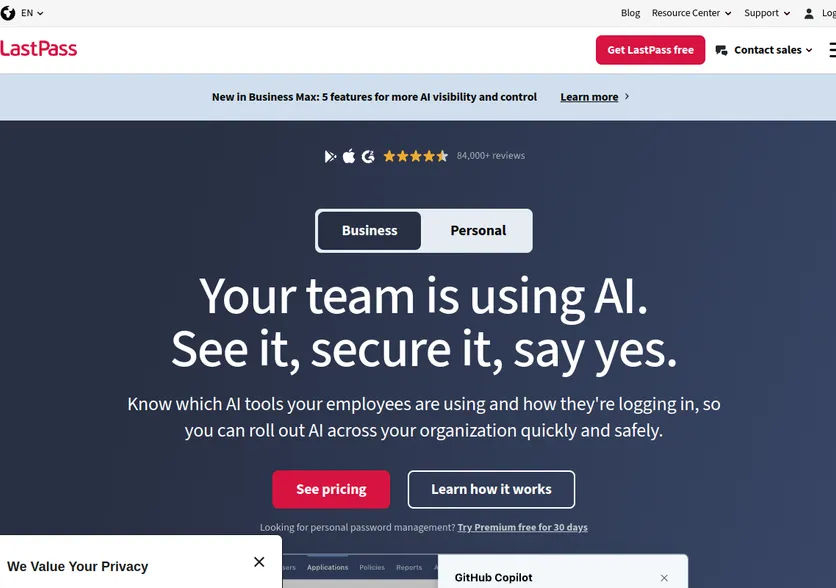
 LastPass | Admins migrating from another vault | $7/user/month | Free plan | Visit |
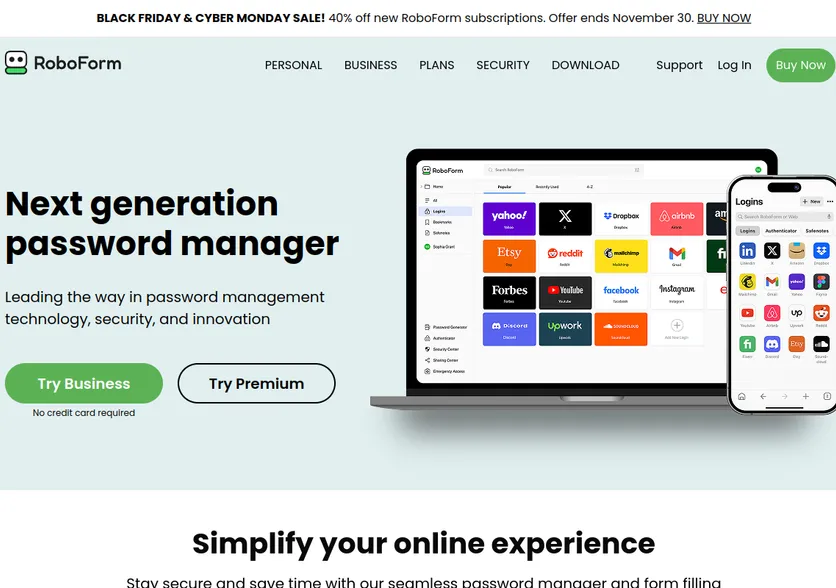
 RoboForm | Admins who need a fast, low-cost rollout | $3.33/user/month | Free plan | Visit |
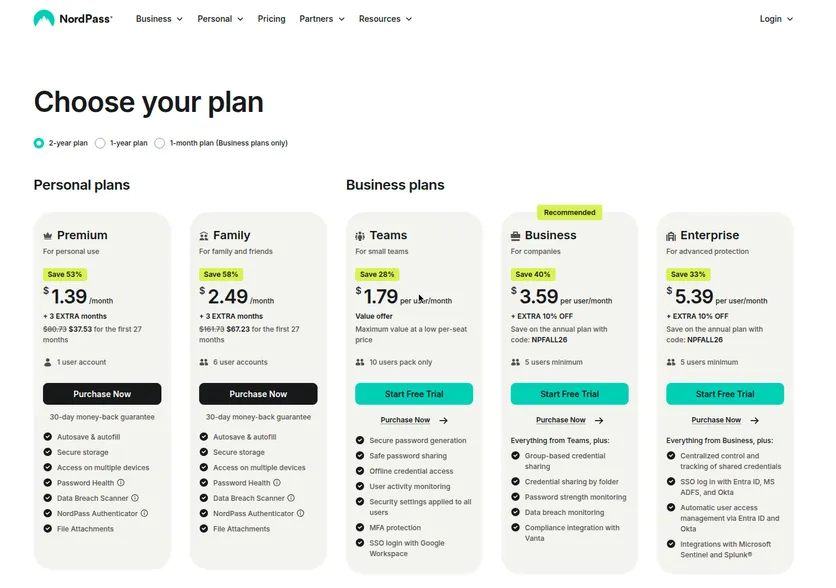
 NordPass | Admins already managing Nord products | $3.99/user/month | Free plan | Visit |
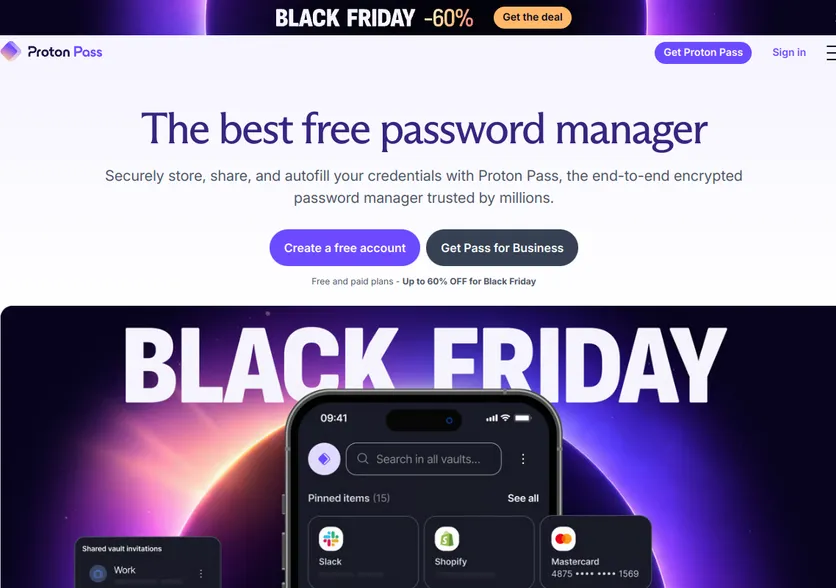
 Proton Pass | Admins who want end-to-end encryption and email aliases | $1.99/user/month | Free plan | Visit |
The password management software for it admins, compared
1. Keeper
Best for: IT admins who need a clear admin console and breach watch
Paid tool Starting price: $4/user/month · Four dollars per user a month billed annually on Business (some older reads show three dollars and seventy-five cents, which appears stale); Enterprise is six dollars; Business Starter is two dollars a month for five to ten users; a free plan covers one mobile device
Free plan: Free plan
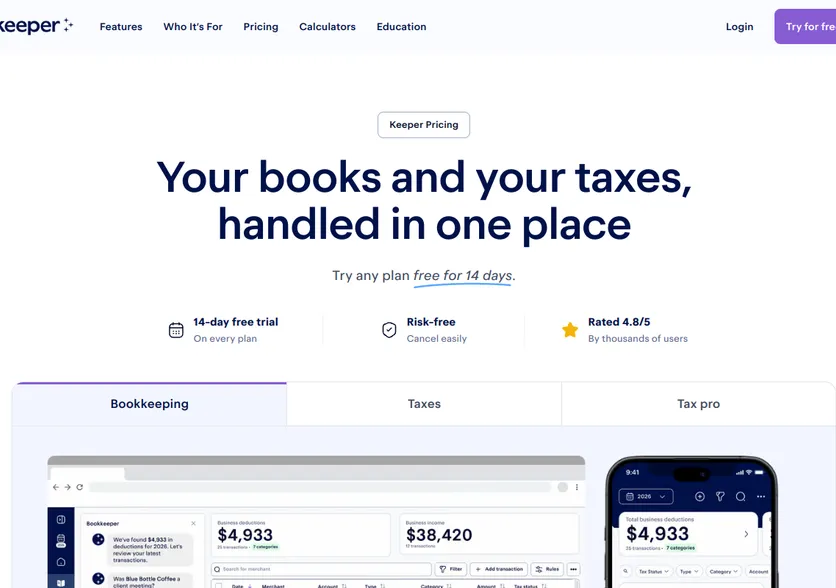
An IT admin who needs to see who has access to what, at a glance, will find this console the clearest in the list, because this Keeper plan costs four dollars per user a month billed annually. It stores passwords, files and secrets, adds breach watch and dark web monitoring, and the admin console covers user management, policies and reporting. Business Starter at two dollars a month suits a very small team, though it caps at ten users.
What we like
- Admin console with policies, reporting and user management
- Breach watch and dark web monitoring included
- Business Starter at two dollars suits a very small team
Watch out for
- Some older reads show three dollars and seventy-five cents, so confirm the price
- The free plan covers one mobile device only
How to try it
- Create the business account and invite the team
- Set the password policies and access rules
- Turn on breach watch and review the admin console weekly
2. 1Password
Best for: Admins managing staff and contractors together
Paid tool Starting price: $8.99/user/month · Eight dollars and ninety-nine cents per user a month billed annually on Business (older listings showing seven dollars and ninety-nine cents are stale against the November 2026 vendor read); Teams Starter Pack is nineteen dollars and ninety-five cents a month for up to ten users; Enterprise is quoted
Free plan: No free plan; 14-day free trial
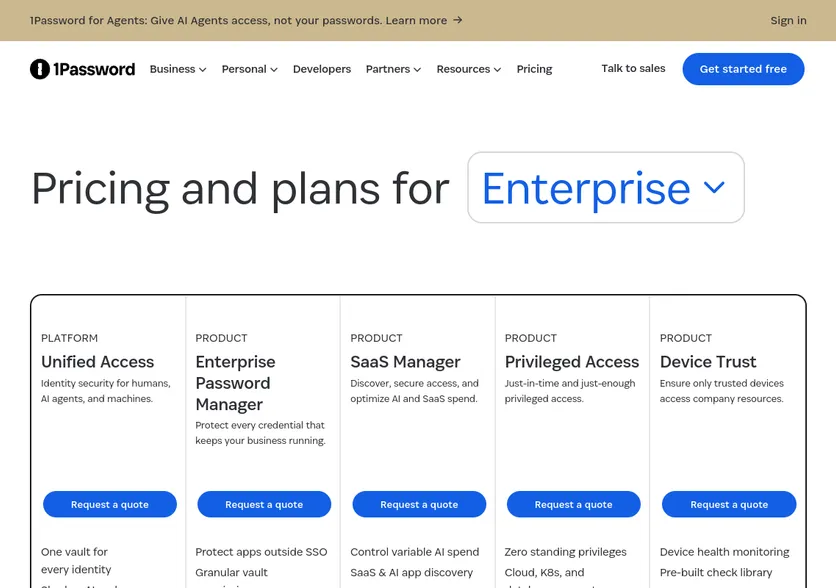
Admins who manage a mixed fleet of staff and contractors will appreciate the control here, because this 1Password plan costs eight dollars and ninety-nine cents per user a month billed annually. It stores passwords, passkeys, secrets and documents in one place, watches for breaches and gives admins fine-grained control over who sees what. The Teams Starter Pack at nineteen dollars and ninety-five cents a month covers up to ten users, which softens the price for a small team.
What we like
- Fine-grained admin controls over vault access
- Breach watchtower alerts the team to exposed credentials
- Stores passwords, passkeys, secrets and documents together
Watch out for
- The dearest per-seat price in this list
- Enterprise features such as custom reporting are quoted
How to try it
- Create the team account and invite staff and contractors
- Set up shared vaults by department or project
- Turn on Watchtower and review the security report weekly
3. Bitwarden
Best for: Admins who want a self-hosted open-source vault
Paid tool Starting price: $4/user/month · Four dollars per user a month billed annually on Teams (six dollars on Enterprise); a free plan covers two users with unlimited devices and password sharing; self-hosting is available
Free plan: Free plan
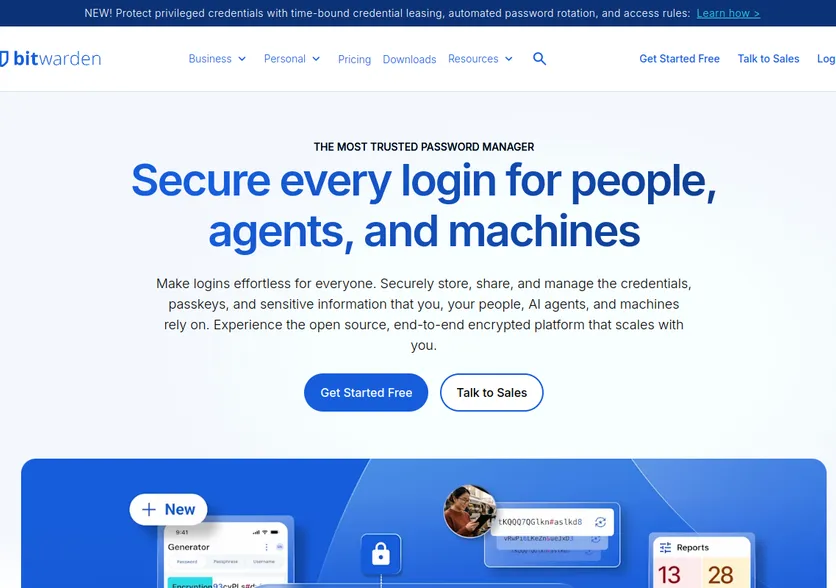
An admin who wants the vault under their own roof will find the self-hosting option decisive, because this Bitwarden plan costs four dollars per user a month billed annually. It is open source, syncs across every device and browser, and the Teams plan adds event logs, directory sync and emergency access. The free plan covers two users, which is enough to prove the workflow before the whole company moves over.
What we like
- Open source with a self-hosting option
- Event logs and directory sync on Teams
- Syncs across every device and browser
Watch out for
- The interface feels plain next to the commercial rivals
- Enterprise features such as SSO need the six-dollar plan
How to try it
- Create the organisation and invite the team
- Import the existing passwords from browsers or spreadsheets
- Turn on directory sync and set the emergency access policy
4. Zoho Vault
Best for: Admins already using Zoho tools or on a tight budget
Paid tool Starting price: $0.90/user/month · Ninety cents per user a month billed annually on Standard (one dollar billed monthly); Professional is four dollars and fifty cents billed annually and Enterprise is seven dollars and twenty cents; a free plan covers one user; a fifteen-day trial is included
Free plan: Free plan
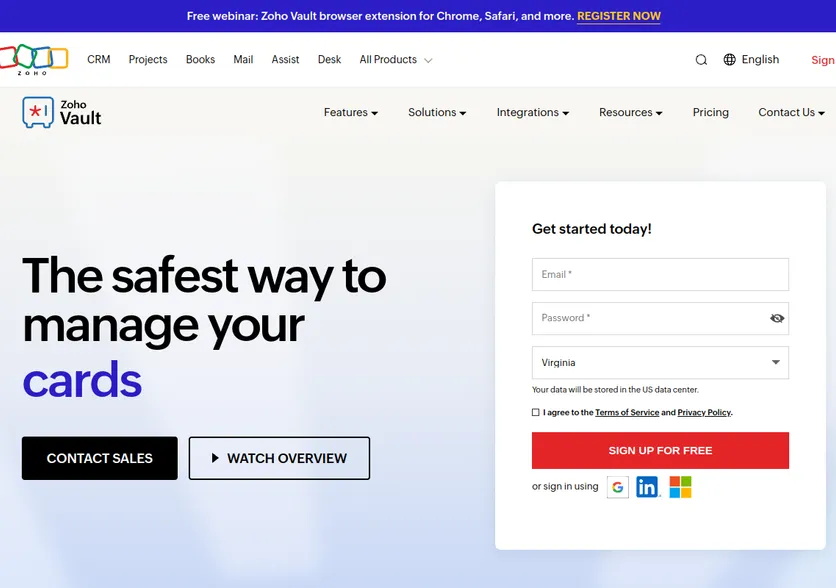
An admin already running Zoho tools will find this vault slots in for almost nothing, because this Zoho Vault plan costs ninety cents per user a month billed annually. It stores passwords and secrets, shares them with granular access controls, and the Standard plan covers the basics a small IT team needs. Professional at four dollars and fifty cents adds the admin depth a larger team will want, but the entry price is the lowest in this list by a wide margin.
What we like
- Lowest seat price in this list at ninety cents a month
- Granular access controls for shared passwords
- Fits naturally with the rest of the Zoho suite
Watch out for
- The free plan covers one user only
- Professional at four dollars and fifty cents is needed for deeper admin features
How to try it
- Create the organisation and invite the team
- Import passwords and set the access controls
- Share the team vaults and review access quarterly
5. LastPass
Best for: Admins migrating from another vault
Paid tool Starting price: $7/user/month · Seven dollars per user a month billed annually on Business; Teams is four dollars and twenty-five cents and Business Max is eleven dollars on one November 2026 read and nine dollars on an older September read, so confirm the Max figure; a free plan is included
Free plan: Free plan
An admin migrating from another vault will find the import tools here the smoothest, because this LastPass plan costs seven dollars per user a month billed annually. It stores passwords and passkeys, shares vaults with the team, and the admin dashboard covers policies, reporting and user management. Teams at four dollars and twenty-five cents suits a small group, while Business Max adds the deeper admin features a larger IT team needs.
What we like
- Smooth import tools for migrating from another vault
- Admin dashboard with policies and reporting
- Teams plan at four dollars and twenty-five cents for small groups
Watch out for
- Business Max pricing is unclear across reads, so confirm it before budgeting
- Seven dollars a seat is near the top of this list
How to try it
- Create the business account and invite the team
- Import passwords from the old vault
- Set the password policies and review the admin dashboard weekly
6. RoboForm
Best for: Admins who need a fast, low-cost rollout
Paid tool Starting price: $3.33/user/month · Three dollars and thirty-three cents per user a month billed annually on Business (thirty-nine dollars and ninety-five cents a year); a free plan is included; the price is per user with no published minimum
Free plan: Free plan
An admin who needs a vault up and running today, with no training budget, will find this one the easiest to roll out, because this RoboForm plan costs three dollars and thirty-three cents per user a month billed annually. It stores passwords and fills forms across browsers, shares folders with the team, and the admin console covers user management and two-factor enforcement. It lacks the secrets-management depth of the dearer tools, but for password storage and sharing it does the job at a low seat price.
What we like
- Lowest-cost commercial vault in this list after Zoho Vault
- Form filling and password sharing across browsers
- Admin console with two-factor enforcement
Watch out for
- No secrets-management depth to match Keeper or 1Password
- The interface feels dated next to the modern rivals
How to try it
- Create the business account and invite the team
- Import passwords and share the team folders
- Enforce two-factor login from the admin console
7. NordPass
Best for: Admins already managing Nord products
Paid tool Starting price: $3.99/user/month · Three dollars and ninety-nine cents per user a month on Business on the one-year term (three dollars and fifty-nine cents on the two-year term); Teams is one dollar and ninety-nine cents and Enterprise is five dollars and ninety-nine cents; a free plan is included
Free plan: Free plan
An admin who already manages NordVPN for the company will find this vault a natural addition, because this NordPass plan costs three dollars and ninety-nine cents per user a month on the one-year term. It stores passwords and passkeys, shares vaults with the team, and the admin panel covers access control and breach monitoring. The two-year term drops the price to three dollars and fifty-nine cents, which is the cheapest way to run it long term.
What we like
- Passkeys and password sharing in one vault
- Breach monitoring and admin controls included
- Two-year term drops the price to three dollars and fifty-nine cents
Watch out for
- The best price needs a two-year commitment
- The ecosystem is smaller than the big commercial rivals
How to try it
- Create the business account and invite the team
- Import passwords and set up shared vaults
- Turn on breach monitoring and review the admin panel weekly
8. Proton Pass
Best for: Admins who want end-to-end encryption and email aliases
Paid tool Starting price: $1.99/user/month · One dollar and ninety-nine cents per user a month billed annually on Essentials; Professional is four dollars and ninety-nine cents per user a month on one read and four dollars and forty-nine cents on another, so confirm the current figure; a free plan is included
Free plan: Free plan
An admin who takes encryption seriously will find this vault the most principled in the list, because this Proton Pass plan costs one dollar and ninety-nine cents per user a month billed annually. It is built by the Proton team behind Proton Mail, encrypts everything end to end, and bundles email aliases that hide real addresses from sign-up forms. The free plan is genuinely usable, which makes it the cheapest way for a small team to start properly.
What we like
- End-to-end encryption from the Proton team
- Email aliases hide real addresses from sign-up forms
- Free plan is genuinely usable for a small team
Watch out for
- Professional pricing is unclear across reads, so confirm it before budgeting
- The ecosystem is smaller than the big commercial rivals
How to try it
- Create the organisation and invite the team
- Set up email aliases for the services the team uses
- Import passwords and share the team vaults
Prices above were checked on each vendor’s own website on Nov 28, 2026 and can change — the vendor’s page is the final word. Vendor links are editorial: nobody paid to be listed or ranked here. Vendors who want a featured listing can see how it works on our Get listed page.
How to roll out a password manager across a company
Start with the IT team itself, because an admin who has not lived in the vault cannot support anyone else using it. Roll out in waves of ten users at a time, with one short training session per wave and a named contact for questions. Enforce two-factor login from day one, because a vault without it is a single point of failure. Set the password policy before the first user signs in, and audit access quarterly so a departed employee cannot still reach company accounts.
Before you buy
- Confirm whether the price is per user and if there is a seat minimum
- Check if the admin console covers policies, reporting and user offboarding
- Ask whether the vault stores secrets and API keys, not just website passwords
- Make sure the tool supports directory sync with the identity provider already in use
- Test the tool on one real department before paying, including import and offboarding
Official websites
Official websites of the products reviewed above. Features and prices were checked against these sites when this guide was written, and they can change, so confirm on the vendor site before you buy.
Frequently asked questions
What is password management software for IT admins?
Password management software for IT admins stores company passwords and secrets in an encrypted vault that staff can access with the right permissions, while giving admins control over policies, sharing and offboarding. It replaces spreadsheets and shared documents with audited, role-based access, so a credential can be shared, rotated and revoked without anyone seeing the secret itself.
How much does Keeper cost for IT admins?
Keeper costs four dollars per user a month billed annually on Business, or six dollars on Enterprise. Business Starter is two dollars a month for five to ten users, and a free plan covers one mobile device. Business includes breach watch, dark web monitoring, shared folders and the admin console with policies and reporting.
Which password manager is cheapest for IT admins?
Zoho Vault is the cheapest start at ninety cents per user a month billed annually on Standard, with a free plan for one user. Proton Pass is next at one dollar and ninety-nine cents, and RoboForm is three dollars and thirty-three cents. The cheapest seat is not always the cheapest fit, because admin depth, directory sync and secrets management vary widely.
Can I try a password manager for free?
Yes. Zoho Vault, Proton Pass, RoboForm, Bitwarden, Keeper, NordPass and LastPass all offer free plans, and 1Password offers a fourteen-day free trial. The free plans are usually limited to one or two users, so use them to prove the workflow, then move the whole team onto a paid plan with the admin console and policies.
Does LastPass still work for business teams?
Yes. LastPass Business costs seven dollars per user a month billed annually, with Teams at four dollars and twenty-five cents and Business Max at eleven dollars on one recent read. It stores passwords and passkeys, shares vaults with the team, and the admin dashboard covers policies, reporting and user management. Confirm the Business Max figure before budgeting, as reads disagree.
Compare the eight tools above, then start with a free trial or the free Zoho Vault or Proton Pass plan on the tool that matches how the company already manages identity before paying for a full year of seats.
Browse Security & Privacy tools