On this page
An accountant who runs payroll for clients needs a different tool from a business owner running one payroll. The price has to be quotable, the tax filings have to be provable, and switching a client across should take an afternoon, not a week. The eight tools below meet those tests at published prices, and Gusto leads because its accountant portal manages every client from one login for forty-nine dollars a month plus six dollars per person.
How we researched this
We checked every price on the vendor pricing page on November 28, 2026, and only included tools with a published US dollar list price. ADP RUN, Paychex Flex, Rippling, Paycor, UKG and Workday sell payroll by quote, so they are not in this list. Prices change, so confirm the current figure on the vendor site before you buy.
Compare the tools
| Name | Best for | Starting price | Free plan | |
|---|---|---|---|---|
 Gusto | Accounting firms that run payroll for many small clients | $49/month | No free plan; 30-day free trial | Visit |
 OnPay | Accountants who want one flat price for every client | $49/month | First month free | Visit |
 Patriot Software | Small practices that want tax filing done for them | $37/month | No free plan; 30-day free trial | Visit |
 QuickBooks Workforce | Accountants whose clients already use QuickBooks | $50/month | No free plan; 30-day free trial | Visit |
 SurePayroll | Accountants with price-sensitive small clients | $29.99/month | No free plan; 30-day free trial | Visit |
 Square Payroll | Accountants whose clients already sell through Square | $35/month | No free plan; 30-day free trial | Visit |
 Wave Payroll | Accountants with micro-business clients already on Wave | $40/month | No free plan; 30-day free trial | Visit |
| Roll by ADP | Accountants who want ADP backing for small clients | $59/month | No free plan; 3 months free | Visit |
The payroll software for accountants, compared
1. Gusto
Best for: Accounting firms that run payroll for many small clients
Paid tool Starting price: $49/month · Forty-nine dollars a month plus six dollars per person on Simple; Plus is eighty dollars a month plus twelve dollars per person and Premium is one hundred and eighty dollars plus twenty-two dollars per person
Free plan: No free plan; 30-day free trial
For an accounting firm running payroll for dozens of small clients, this Gusto plan costs forty-nine dollars a month plus six dollars per person, and it files federal, state and local taxes in all fifty states without a separate tax service. Client dashboards keep each business separate, contractor payments and benefits sit in the same account, and the accountant portal lets a firm manage every client from one login. It is the most accountant-friendly payroll setup in this list for firms that bill payroll as a service.

What we like
- Accountant portal manages many clients from one login
- Automatic tax filing in all fifty states
- Contractor payments and benefits in the same account
Watch out for
- The base plan caps at the essentials, so time tracking costs extra
- Per-person fees add up fast on large client payrolls
How to try it
- Create the client company and add its employees and pay rates
- Connect the bank account and set the pay schedule
- Run the first payroll and let Gusto file the taxes
2. OnPay
Best for: Accountants who want one flat price for every client
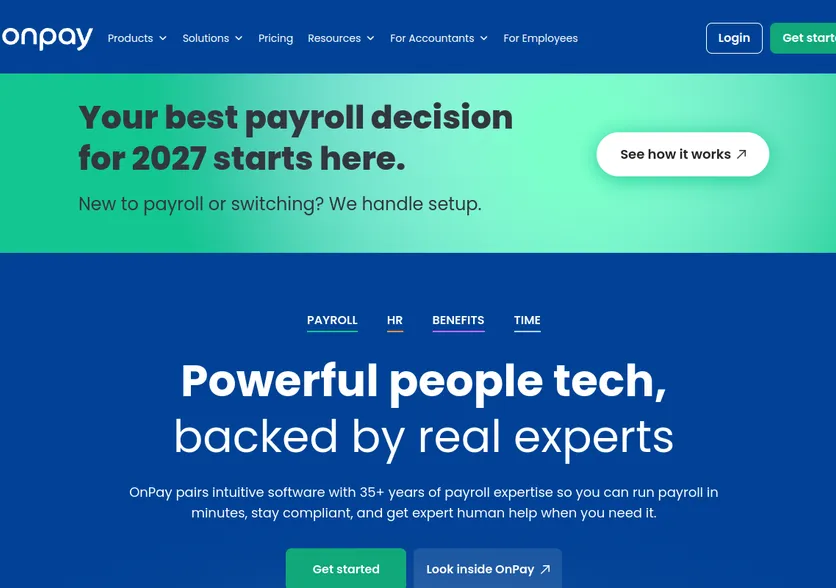
Paid tool Starting price: $49/month · Forty-nine dollars a month plus six dollars per worker on Payroll Essentials, one plan with everything included; an HR add-on is fifteen dollars a month plus two dollars per worker
Free plan: First month free
An accountant who wants one flat price to quote every client will like this OnPay plan, which costs forty-nine dollars a month plus six dollars per worker and includes unlimited pay runs, tax filings and direct deposit with no tier games. It handles multi-state payroll, garnishments and new-hire reporting, and the built-in HR tools cover offer letters, onboarding and PTO tracking. The first month is free, so a firm can move a client across and test the tax filings before charging for it.
What we like
- One plan with unlimited pay runs and tax filings included
- Multi-state payroll with garnishments and new-hire reporting
- Built-in HR tools for onboarding and PTO tracking
Watch out for
- No time tracking in the base plan, so hours come from elsewhere
- The interface looks plain next to the bigger payroll brands
How to try it
- Add the client business and its employees to OnPay
- Set the pay schedule and enter the first pay run
- Check the filed tax forms before the first client invoice
3. Patriot Software
Best for: Small practices that want tax filing done for them
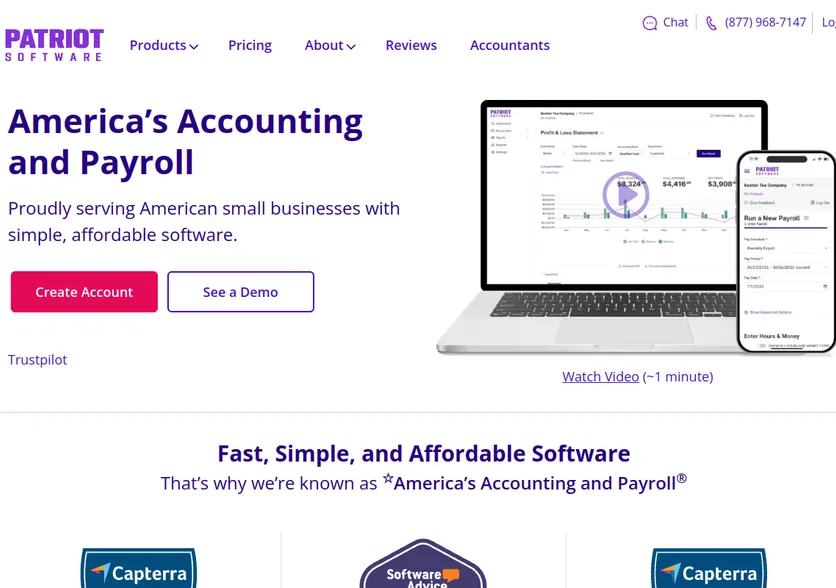
Paid tool Starting price: $37/month · Thirty-seven dollars a month plus five dollars per worker on Full Service, where Patriot files the taxes; Basic Payroll is seventeen dollars a month plus four dollars per worker and the employer files taxes
Free plan: No free plan; 30-day free trial
A small accounting practice that files taxes for its clients by hand will save hours with this Patriot Software plan, which costs thirty-seven dollars a month plus five dollars per worker and has Patriot file the federal, state and local taxes. Direct deposit, multiple pay rates and unlimited pay runs are included, and the accounting add-on keeps the general ledger beside payroll. The headline rate is the paid rate, not a first-month teaser, although a short promotion cuts the first three months in half.
What we like
- Patriot files federal, state and local taxes for you
- Unlimited pay runs with direct deposit included
- Accounting add-on keeps the ledger beside payroll
Watch out for
- The basic plan leaves tax filing to the employer
- No built-in benefits administration on the payroll plans
How to try it
- Choose Full Service and add the client company
- Enter employees, pay rates and tax details
- Run payroll and download the filed tax confirmations
4. QuickBooks Workforce
Best for: Accountants whose clients already use QuickBooks
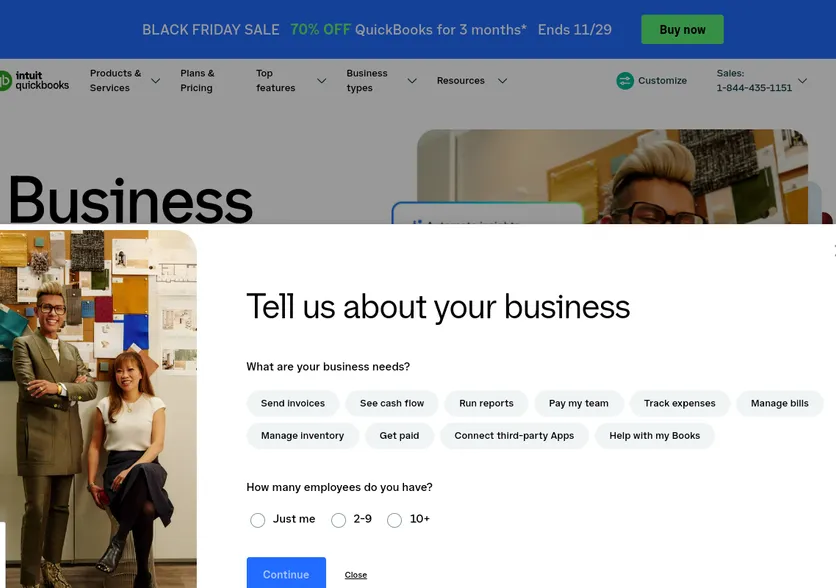
Paid tool Starting price: $50/month · Fifty dollars a month plus six dollars and fifty cents per employee on Payroll; Premium is eighty-eight dollars plus ten dollars and Elite is one hundred and thirty-four dollars plus twelve dollars; a fifty percent cut on the base for three months is a promotion, not the list price
Free plan: No free plan; 30-day free trial
When the client already keeps its books in QuickBooks, this QuickBooks Workforce plan costs fifty dollars a month plus six dollars and fifty cents per employee, and payroll posts straight into the ledger with no retyping. Tax filing, direct deposit and same-day direct deposit on the higher tiers are built in, and workers check pay stubs and tax forms in the Workforce app. It is the obvious pick for an accountant whose clients already live inside QuickBooks Online.
What we like
- Payroll posts straight into the QuickBooks ledger
- Workers check stubs and tax forms in the Workforce app
- Same-day direct deposit on Premium and Elite
Watch out for
- The per-employee fee is higher than the budget payroll tools
- Payroll only makes sense beside a QuickBooks subscription
How to try it
- Connect the client QuickBooks company to Payroll
- Add employees and set their pay schedules
- Run the first payroll and check the ledger entries
5. SurePayroll
Best for: Accountants with price-sensitive small clients
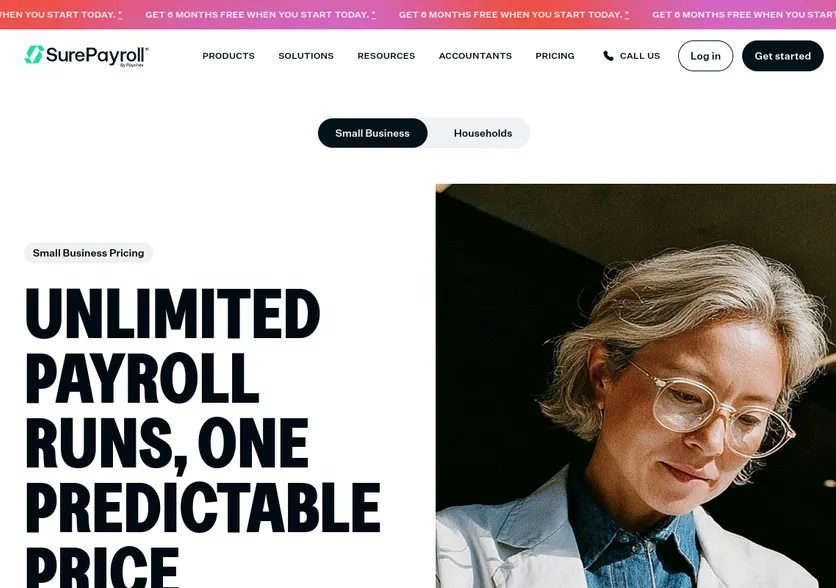
Paid tool Starting price: $29.99/month · Twenty-nine dollars and ninety-nine cents a month as the base price, with a per-employee fee on top; third-party listings put the per-employee figure around seven dollars
Free plan: No free plan; 30-day free trial
A firm with price-sensitive clients can start them here, since this SurePayroll plan costs twenty-nine dollars and ninety-nine cents a month as its base price, with a per-employee fee added for each worker on the run. It covers direct deposit, tax filing and new-hire reporting in all fifty states, and the mobile app lets owners approve a run from a job site. It is the cheapest entry point in this list for a client with a small, steady crew.
What we like
- Lowest base price in this list for small crews
- Tax filing and new-hire reporting in all fifty states
- Mobile app lets owners approve a run anywhere
Watch out for
- The per-employee fee is not shown as plainly as the base price
- Fewer HR extras than the bigger payroll platforms
How to try it
- Create the client account and add its workers
- Set the pay schedule and the direct deposit details
- Run payroll and review the filed tax forms
6. Square Payroll
Best for: Accountants whose clients already sell through Square
Paid tool Starting price: $35/month · Thirty-five dollars a month plus six dollars per person; some listings show five dollars per person, so confirm at checkout; a contractor-only plan is five to six dollars per contractor with no base fee
Free plan: No free plan; 30-day free trial
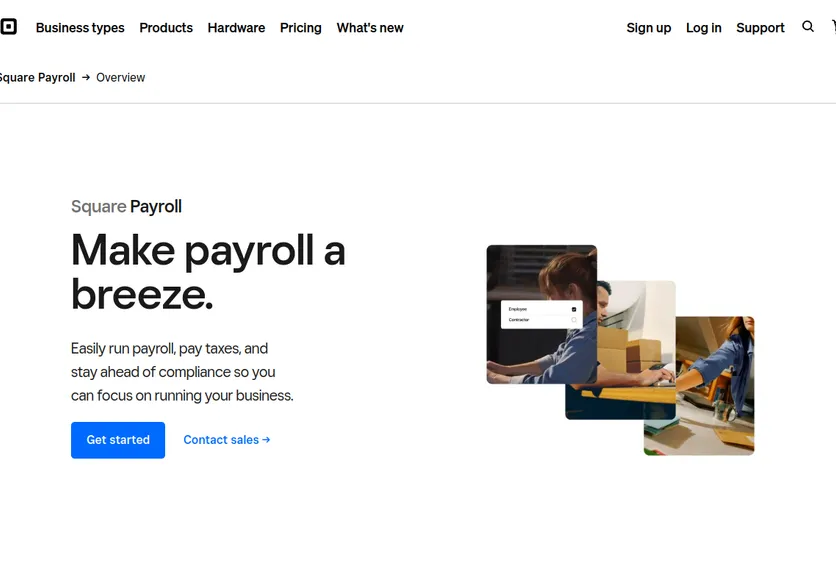
For a client that already takes card payments through Square, this Square Payroll plan costs thirty-five dollars a month plus six dollars per person, and payroll, tips and time cards flow from the same account as the sales. Tax filing, direct deposit and benefits through partners are included, and team members clock in from the Square point of sale. It fits accountants whose clients run shops, cafes and salons on Square hardware.
What we like
- Payroll, tips and time cards share the Square account
- Tax filing and direct deposit included
- Team members clock in from the point of sale
Watch out for
- The per-person fee is six dollars in most reads but five in some listings
- Payroll only shines beside a Square selling setup
How to try it
- Link the client Square account to Payroll
- Add employees and import their time cards
- Run payroll and check the tax filings
7. Wave Payroll
Best for: Accountants with micro-business clients already on Wave
Paid tool Starting price: $40/month · Forty dollars a month plus six dollars per active employee or contractor in all fifty states, one unified rate since April 2025; the old twenty-dollar self-service tier for thirty-six states is retired
Free plan: No free plan; 30-day free trial
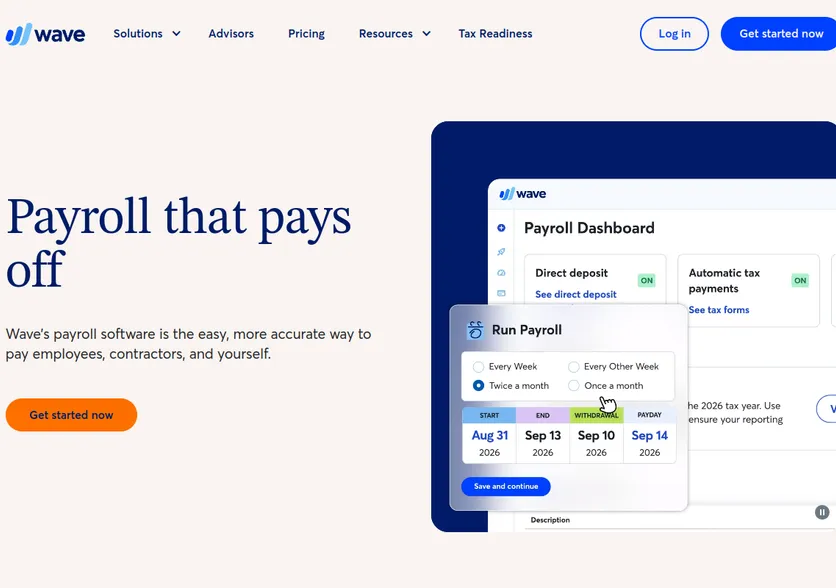
A freelancer-heavy client that already invoices in Wave gets the simplest switch here, because this Wave Payroll plan costs forty dollars a month plus six dollars per active employee or contractor, and it runs in all fifty states. Payroll posts into Wave Accounting automatically, tax filing and direct deposit are included, and contractors are paid from the same run as employees. It is a tidy fit for accountants with micro-business clients already on Wave.
What we like
- Payroll posts into Wave Accounting automatically
- Contractors and employees paid from the same run
- One unified rate in all fifty states
Watch out for
- The old twenty-dollar self-service tier no longer exists
- No time tracking built into the payroll plan
How to try it
- Connect the client Wave account to Payroll
- Add employees and contractors with their pay details
- Run payroll and confirm the accounting entries
8. Roll by ADP
Best for: Accountants who want ADP backing for small clients
Paid tool Starting price: $59/month · Fifty-nine dollars a month plus seven dollars per person, one plan for all fifty states; the price rose from thirty-nine dollars plus five dollars in June 2026, and three months free is a promotion
Free plan: No free plan; 3 months free
An accountant who wants the ADP name behind a small client payroll can use this Roll by ADP plan, which costs fifty-nine dollars a month plus seven dollars per person and covers every state from one chat-based app. Hour tracking is included, tax filing and direct deposit are standard, and the whole run happens inside a chat thread instead of a form. Note the price rose sharply in late 2026, so quote the current figure rather than an old one.

What we like
- ADP tax filing and compliance behind a simple app
- Hour tracking included in the single plan
- Payroll runs inside a chat thread, not a form
Watch out for
- The price rose from thirty-nine dollars plus five in mid 2026
- One plan only, so growing clients cannot step up a tier
How to try it
- Create the client company in the Roll app
- Add employees and their pay details
- Run the first payroll from the chat thread
Prices above were checked on each vendor’s own website on Nov 28, 2026 and can change — the vendor’s page is the final word. Vendor links are editorial: nobody paid to be listed or ranked here. Vendors who want a featured listing can see how it works on our Get listed page.
How to move a client onto a new payroll tool without breaking a pay run
Move one client first, and pick the smallest one, because the first migration teaches you where the data hides. Export the employee list, pay rates, tax IDs and year-to-date figures from the old tool before cancelling anything, and run the two systems side by side for one pay period so the numbers can be compared line by line. Tell the client the pay date will not move, then check the first filed tax forms yourself rather than trusting the confirmation email. Once the first client is clean, the rest follow the same checklist.
Before you buy
- Confirm the tool files federal, state and local taxes for the client, not just federal
- Check the per-person fee at the client headcount, since a cheap base price can hide an expensive run
- Ask whether an accountant portal exists, so client accounts stay separate from your own
- Test the year-to-date import with one client before moving the whole book
- Make sure direct deposit and new-hire reporting cover every state the client operates in
Official websites
Official websites of the products reviewed above. Features and prices were checked against these sites when this guide was written, and they can change, so confirm on the vendor site before you buy.
Frequently asked questions
What is the best payroll software for accountants?
Gusto is the best overall for accountants, because its portal manages every client from one login, files taxes in all fifty states and costs forty-nine dollars a month plus six dollars per person on Simple. OnPay is the best flat-price option at the same base price with unlimited pay runs, and QuickBooks Workforce is the best pick when clients already keep their books in QuickBooks.
How much does payroll software cost for accountants?
The tools in this list start at twenty-nine dollars and ninety-nine cents a month for SurePayroll, with a per-employee fee on top. Most accountant-friendly options cost forty to fifty dollars a month plus five to seven dollars per person, and the per-person fee is what decides the real monthly bill at any client headcount.
Can payroll software file taxes for my clients?
Yes, every tool in this list files federal, state and local taxes, except Patriot Basic Payroll, where the employer files taxes and the price drops to seventeen dollars a month plus four dollars per worker. Full Service Patriot, Gusto, OnPay, QuickBooks, SurePayroll, Square, Wave and Roll by ADP all file taxes for the client.
Do I need a separate tool for each client?
No, and that is the point of the accountant portals in Gusto and the multi-client setups in OnPay and Patriot. One login manages many client companies, each with its own employees, pay schedules and tax filings, so a firm can bill payroll as a service without juggling a dozen separate accounts.
Which payroll tool is cheapest for a small client?
SurePayroll is the cheapest entry point at twenty-nine dollars and ninety-nine cents a month plus a per-employee fee, and Wave Payroll is the simplest flat option at forty dollars a month plus six dollars per active worker. For a client with a handful of workers, the per-person fee matters more than the base price, so run both figures at the real headcount.
Compare the eight tools above, then start with a free trial on the tool that matches how the firm already handles client payroll before moving the whole book across.
Browse Business Tools tools