On this page
Restaurant payroll is harder than office payroll, because tips, overtime and shift changes make every pay period different. The tools below run payroll for hourly staff, handle tips and taxes, and keep you compliant with labour rules. Prices run from about eight dollars a user a month to forty-nine dollars a month plus a per-person fee, and most offer a free trial so you can run a real payroll first. Gusto is our first pick — the easiest payroll software for a restaurant.
How we researched this
We started with the payroll tools restaurants actually use, then read each price on the vendor pricing page on November 26, 2026 and noted the free trial each one offers. We judged them for a restaurant owner running payroll for hourly staff, where the tool must handle tips, overtime and taxes, and we kept only tools with a published price.
Compare the tools
| Name | Best for | Starting price | Free plan | |
|---|---|---|---|---|
 Gusto | Restaurants that want the easiest payroll with benefits | $49/month + $6/person | Free trial, no free plan | Visit |
 Square Payroll | Restaurants that already use Square for payments | $35/month + $6/person | Free trial, no free plan | Visit |
 Homebase | Restaurants that want scheduling and payroll in one place | $49/month + $6 per employee | Free trial, no free plan | Visit |
 Rippling | Growing restaurants that want payroll plus HR in one system | $8/user/month | Free trial, no free plan | Visit |
 OnPay | Restaurants that want a flat monthly price with no per-person fee | $49/month | Free trial, no free plan | Visit |
 Patriot Payroll | Small restaurants that want the cheapest base price | $37/month | Free trial, no free plan | Visit |
 SurePayroll | Small restaurants that want the lowest starting price | $29/month + $7 per worker | Free trial, no free plan | Visit |
The payroll software for restaurants, compared
1. Gusto
Best for: Restaurants that want the easiest payroll with benefits
Paid tool Starting price: $49/month + $6/person · Simple plan, $49 a month plus $6 a person a month; Plus is $80 plus $12, Premium is $180 plus $22
Free plan: Free trial, no free plan
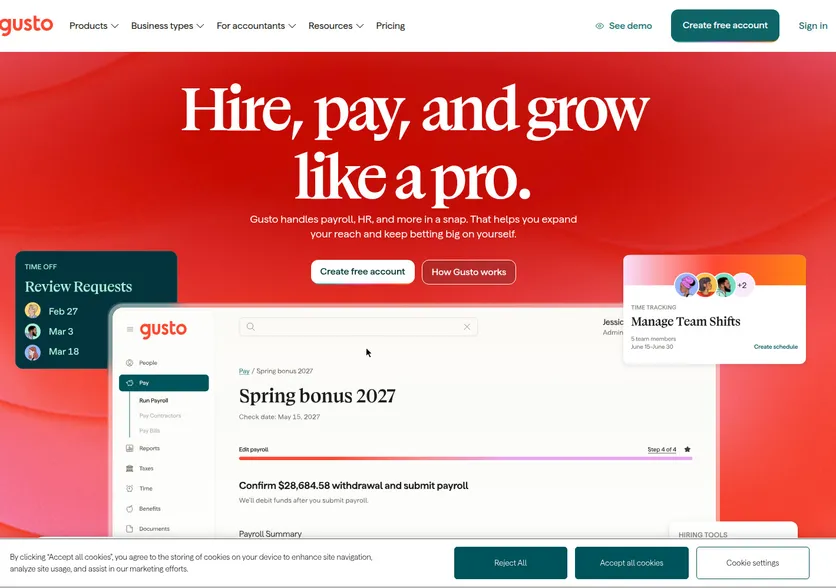
Gusto is the easiest payroll software for a restaurant, with a clean setup that takes a new owner through tips, overtime and taxes step by step. This Gusto Simple plan gives you payroll, tax filing and benefits for forty-nine dollars a month plus six dollars a person. A restaurant owner can run a pay period for a dozen hourly staff in minutes, with tips and taxes handled automatically.
What we like
- Easiest setup for a restaurant owner
- Tips and taxes handled automatically
- Benefits included on the Simple plan
Watch out for
- Simple costs forty-nine dollars a month plus six dollars a person
- Per-person fee grows with a bigger team
How to try it
- Open the Gusto pricing page and start a trial
- Add your staff, their hours and their tips
- Run payroll and let Gusto file the taxes
2. Square Payroll
Best for: Restaurants that already use Square for payments
Paid tool Starting price: $35/month + $6/person · Base plan, $35 a month plus $6 a person a month; known from live blog.json
Free plan: Free trial, no free plan
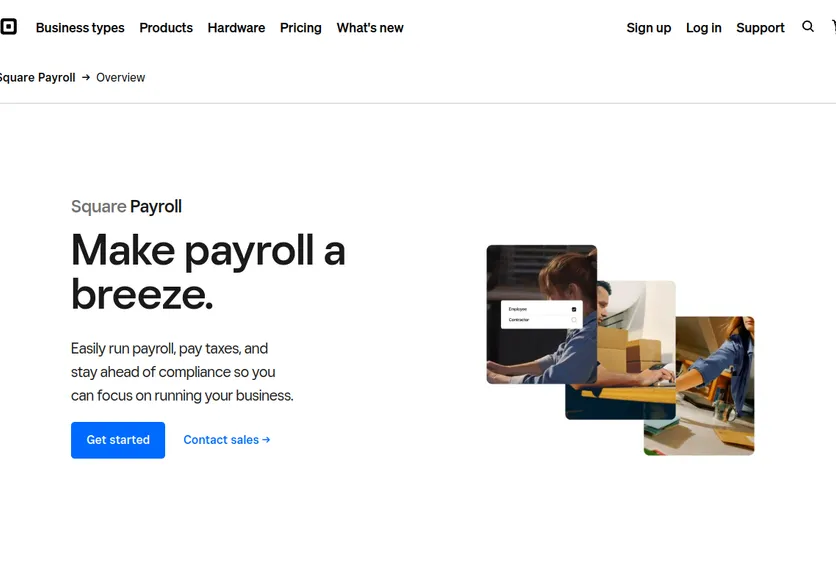
Square Payroll is the natural pick for a restaurant that already takes payments with Square, because hours flow straight from the point of sale into payroll. This Square Payroll plan gives you payroll, tax filing and time tracking for thirty-five dollars a month plus six dollars a person. A restaurant owner can import hours from the till, run payroll, and pay the team without retyping a single number.
What we like
- Hours flow straight from the point of sale
- Cheapest base price in this list
- Time tracking included in the plan
Watch out for
- Base costs thirty-five dollars a month plus six dollars a person
- Best when you already use Square
How to try it
- Open the Square Payroll pricing page and start a trial
- Connect your Square point of sale and import hours
- Run payroll and let Square file the taxes
3. Homebase
Best for: Restaurants that want scheduling and payroll in one place
Paid tool Starting price: $49/month + $6 per employee · Payroll add-on, $49 a month plus $6 an employee; scheduling base plans are Basic $0, Essentials $30 a location a month, Plus $70 a location a month, All-in-One $120 a location a month
Free plan: Free trial, no free plan
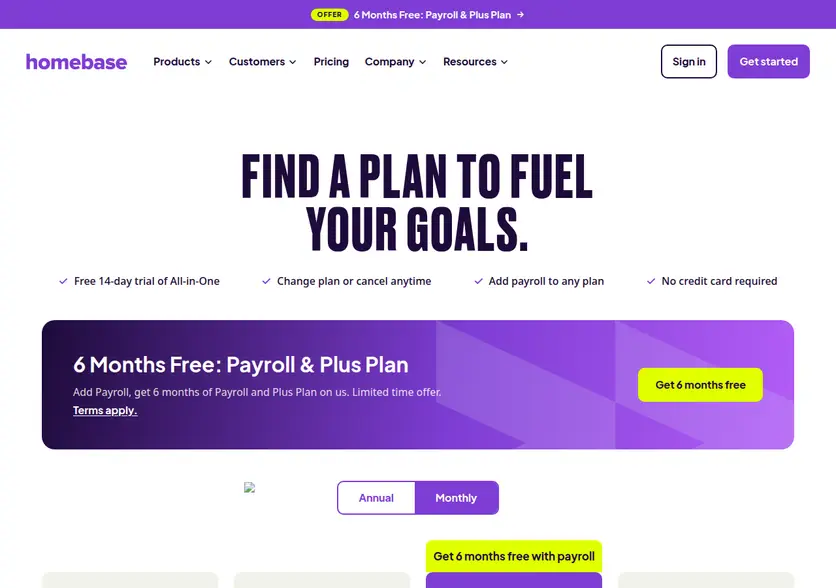
Homebase is the scheduling-first pick, where the payroll add-on sits on top of a shift planner your team already uses. This Homebase Payroll add-on gives you payroll, tax filing and tip tracking for forty-nine dollars a month plus six dollars an employee. A restaurant owner can build the rota, track the hours, and run payroll from the same dashboard.
What we like
- Scheduling and payroll in one place
- Tip tracking built into the add-on
- Team already knows the scheduling app
Watch out for
- Payroll add-on costs forty-nine dollars a month plus six dollars an employee
- Scheduling base plan costs extra
How to try it
- Open the Homebase pricing page and create an account
- Build your rota and track staff hours
- Add the payroll add-on and run payroll
4. Rippling
Best for: Growing restaurants that want payroll plus HR in one system
Paid tool Starting price: $8/user/month · Starting formula, $8 a user a month plus a $40 base fee; full quote is custom; known from live blog.json
Free plan: Free trial, no free plan
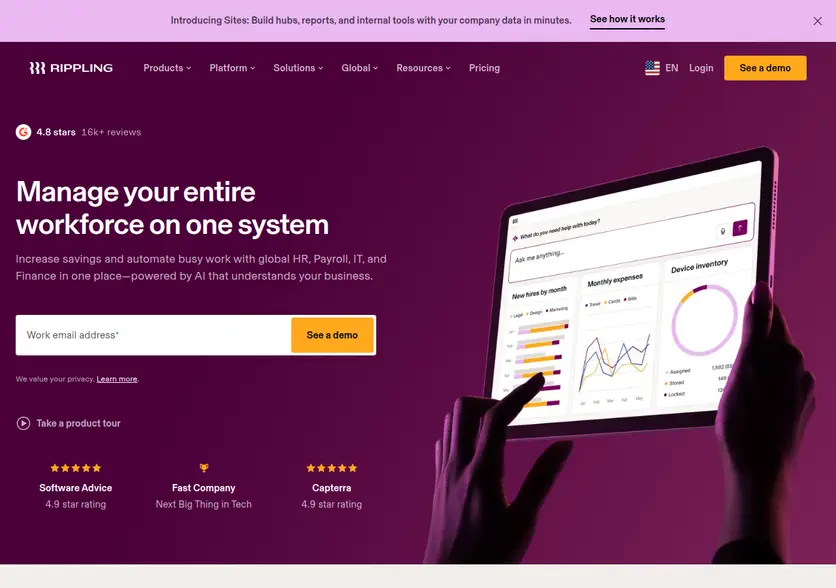
Rippling is the all-in-one pick, where payroll sits beside HR, benefits and IT in a single system that grows with your restaurant. This Rippling plan starts at eight dollars a user a month plus a forty-dollar base fee, with the full price quoted for your team. A growing restaurant can run payroll, onboard new staff and manage benefits from one dashboard.
What we like
- Payroll plus HR in one system
- Grows with a restaurant that is expanding
- Automates onboarding for new staff
Watch out for
- Starts at eight dollars a user a month plus a base fee
- Full price is quoted, not published
How to try it
- Open the Rippling pricing page and request a quote
- Add your staff and their roles
- Run payroll and manage HR from one dashboard
5. OnPay
Best for: Restaurants that want a flat monthly price with no per-person fee
Paid tool Starting price: $49/month · Flat plan, $49 a month; known from live blog.json
Free plan: Free trial, no free plan
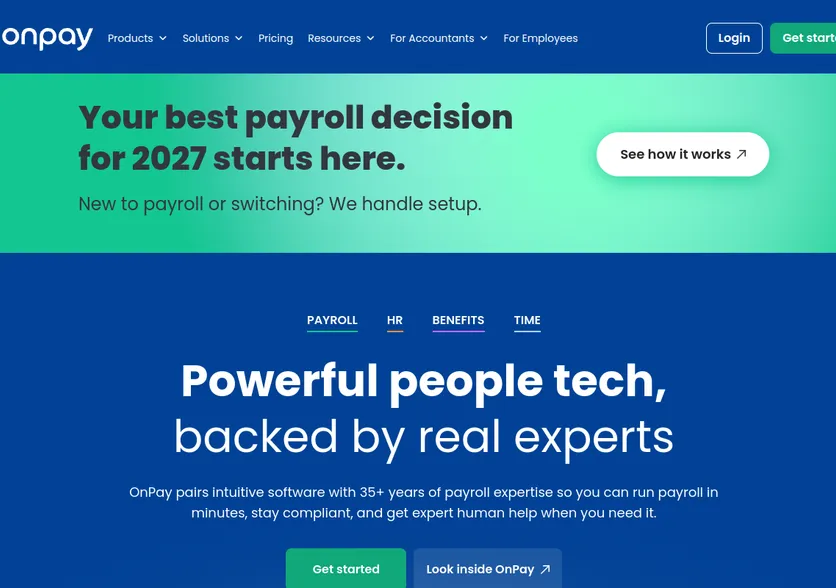
OnPay is the flat-price pick, with one monthly fee that covers payroll and tax filing with no per-person charge to track. This OnPay plan gives you payroll, tax filing and a simple dashboard for forty-nine dollars a month. A restaurant owner can run payroll for any number of staff and know the bill will be the same every month.
What we like
- One flat monthly price, no per-person fee
- Simple dashboard for a small team
- Tax filing included in the price
Watch out for
- Flat plan costs forty-nine dollars a month
- Fewer HR features than Gusto or Rippling
How to try it
- Open the OnPay site and start a trial
- Add your staff, their hours and their tips
- Run payroll and let OnPay file the taxes
6. Patriot Payroll
Best for: Small restaurants that want the cheapest base price
Paid tool Starting price: $37/month · Base plan, $37 a month; known from live blog.json
Free plan: Free trial, no free plan
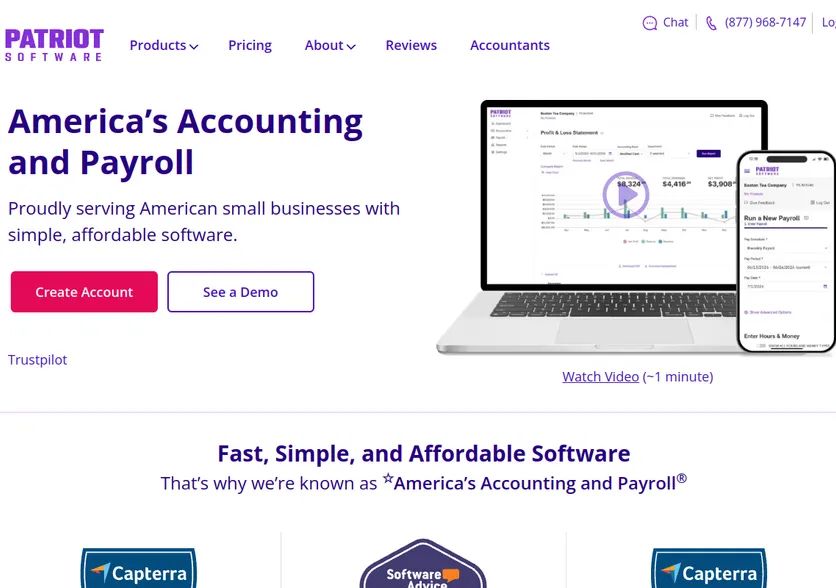
Patriot Payroll is the budget pick for a small restaurant, with a low base price and a simple payroll flow that takes minutes to learn. This Patriot Payroll plan gives you payroll, tax filing and direct deposit for thirty-seven dollars a month. A small restaurant can run payroll for a handful of staff, file the taxes, and pay less than any other base plan here.
What we like
- Cheapest base price in this list
- Simple payroll flow for a small team
- Direct deposit included in the plan
Watch out for
- Base costs thirty-seven dollars a month
- Per-person fees may apply on top
How to try it
- Open the Patriot site and start a trial
- Add your staff, their hours and their tips
- Run payroll and let Patriot file the taxes
7. SurePayroll
Best for: Small restaurants that want the lowest starting price
Paid tool Starting price: $29/month + $7 per worker · Full Service plan, $29 a month plus $7 a worker; No Tax Filing is $20 plus $4; year-end W-2 and 1099 fee is $50 plus $5 a form, multi-state is $9.99 a month; a six-free-months promo ran in November 2026, ignore it
Free plan: Free trial, no free plan
SurePayroll is the lowest starting price here, with a full-service plan that files taxes for you at a small monthly fee. This SurePayroll Full Service plan gives you payroll, tax filing and direct deposit for twenty-nine dollars a month plus seven dollars a worker. A small restaurant can run payroll for a few staff at the lowest cost in this list, with taxes filed for them.
What we like
- Lowest starting price in this list
- Full service files taxes for you
- Direct deposit included in the plan
Watch out for
- Full Service costs twenty-nine dollars a month plus seven dollars a worker
- Year-end forms cost extra
How to try it
- Open the SurePayroll pricing page and start a trial
- Add your staff, their hours and their tips
- Run payroll and let SurePayroll file the taxes
Prices above were checked on each vendor’s own website on Nov 26, 2026 and can change — the vendor’s page is the final word. Vendor links are editorial: nobody paid to be listed or ranked here. Vendors who want a featured listing can see how it works on our Get listed page.
What restaurant payroll software costs in 2026
Prices here run from about eight dollars a user a month for Rippling to forty-nine dollars a month plus a per-person fee for Gusto, OnPay and Homebase, and the per-person fee matters more than the base price. A restaurant with twenty staff pays far more on a per-person plan than on a flat plan like OnPay, so count your team before you compare. The headline plan each vendor shows on its own pricing page is the number in the table above, checked on November 26, 2026.
Start with the free trial on Gusto or Square Payroll and run one real pay period through it before you pay anything. Check how tips, overtime and taxes are handled, because a payroll tool that gets tips wrong will cost you more than its monthly fee. The tool that runs a clean pay period is the one to pick.
Before you buy
- Count your staff first, because a per-person fee grows fast when the team passes ten people.
- Check how tips are handled, because a payroll tool that gets tips wrong will cost you more than its fee.
- Ask whether tax filing is included, because a cheap plan that leaves taxes to you is no bargain.
- Test the time tracking, because hours that flow from the till save more time than any feature.
- Add up the yearly cost, because a per-person fee times twenty staff can double the headline price.
Official websites
Official websites of the products reviewed above. Features and prices were checked against these sites when this guide was written, and they can change, so confirm on the vendor site before you buy.
Frequently asked questions
What is the best payroll software for restaurants in 2026?
Gusto, at forty-nine dollars a month plus six dollars a person, is the best default because its setup handles tips, overtime and taxes step by step. Square Payroll is better when you already use Square, at thirty-five dollars a month plus six dollars a person, and Homebase wins when you want scheduling and payroll in one place. SurePayroll is the cheapest start at twenty-nine dollars a month plus seven dollars a worker.
How much does payroll software cost for a restaurant?
Most restaurant payroll tools cost between twenty-nine and forty-nine dollars a month plus a per-person fee of six to seven dollars, with OnPay the exception at a flat forty-nine dollars a month. A restaurant with ten staff usually pays about ninety to one hundred ten dollars a month in total. Rippling starts at eight dollars a user a month plus a forty-dollar base fee, with the full price quoted.
Can I run restaurant payroll for free?
No tool here offers a free plan, but most offer a free trial that is enough to run one real pay period and see the results. Gusto, Square Payroll, Homebase, OnPay, Patriot Payroll and SurePayroll all offer free trials. A trial is the best way to test how tips and overtime are handled before you commit.
What is the difference between Gusto and Square Payroll?
Gusto is a standalone payroll tool with benefits and a guided setup, at forty-nine dollars a month plus six dollars a person. Square Payroll is built for restaurants that already use Square, at thirty-five dollars a month plus six dollars a person, with hours flowing straight from the point of sale. A restaurant that already uses Square will prefer Square Payroll, and the rest will prefer Gusto.
Does payroll software handle tips?
Yes, every tool here handles tips, but the details differ: Gusto, Square Payroll and Homebase all track tips as part of payroll, and SurePayroll includes tip tracking in its full-service plan. Check whether tips are pooled or kept per server, because the rules differ by state. A tool that gets tips wrong will cost you more than its monthly fee, so test it in the trial.
Need free finance help too? Try Toolsvine's free finance calculators to plan your restaurant budget right in your browser.
Browse Finance Calculators tools