On this page
Payroll automation means pay runs, tax filings and direct deposit happen without manual spreadsheets, and the right tool for a small business is usually the one that files taxes for you at a price you can see before talking to sales. Some tools are pure payroll services with one flat plan, while others are HR platforms where payroll is one module among many. We compared seven paid tools on list prices, per-person fees, tax filing, free tiers and trial terms, using each vendor's own pricing page. The best value for most small teams is Square Payroll.
How we researched this
We shortlisted tools that publish a list price for payroll and that automate tax filing, direct deposit and pay runs for small teams. Quote-only providers were dropped, and every price below is the vendor's list price checked on 26 November 2026, with the cheapest payroll plan as the headline.
Compare the tools
| Name | Best for | Starting price | Free plan | |
|---|---|---|---|---|
 Square Payroll | Businesses already running Square POS that want payroll in the same system | $35/month + $6/person | No free plan; demo available by request | Visit |
 SurePayroll | Solopreneurs and tiny teams that want the lowest base fee | $29/month + $7/employee | No free plan; demo available by request | Visit |
 OnPay | Small teams that want one simple payroll plan with no tiers | $49/month + $6/worker | No free plan; first month free | Visit |
 Gusto | Small single-state teams that want payroll with HR and benefits | $49/month + $6/person | No free plan; demo available by request | Visit |
 QuickBooks Payroll | Businesses already on QuickBooks Online that want payroll inside their accounting | $50/month + $6.50/employee | No free plan; payroll excluded from the QuickBooks free trial | Visit |
 Rippling | Growing teams that want payroll automation with HR and IT in one system | $8/user/month | No free plan; demo available by request | Visit |
 Deel | Small businesses paying contractors or employees across borders | $29/employee/month | Free Deel HR for up to 200 employees | Visit |
The 7 best payroll tools for payroll automation, compared
1. Square Payroll
Best for: Businesses already running Square POS that want payroll in the same system
Paid tool Starting price: $35/month + $6/person · Full-service payroll at thirty five dollars a month plus six dollars per person paid; contractor-only payroll is six dollars per person paid with no base fee; unlimited pay runs and no contract
Free plan: No free plan; demo available by request
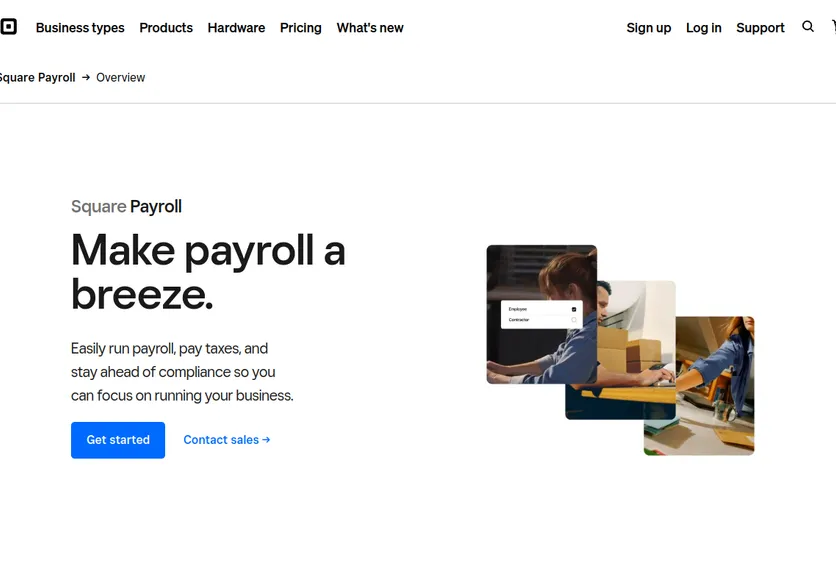
Square Payroll is a full-service payroll service for US small businesses, with unlimited pay runs, automatic federal and state tax payments and filings, and next-day direct deposit. Its full-service plan costs thirty five dollars a month plus six dollars per person paid, and a contractor-only plan costs six dollars per person paid with no base fee. The per-person fee is charged only in months when you actually pay someone, which suits teams with irregular hours. See the plans on Square Payroll.
What we like
- Lowest base fee among the full-service tools in this list
- Per-person fee charged only in months you pay someone
- Contractor-only plan with no base fee at all
Watch out for
- Support is limited to weekday business hours Pacific time
- Works best for businesses already using Square products
How to try it
- Choose full-service payroll or contractor-only payroll
- Add employees and contractors, then set pay schedules
- Run payroll and let Square file taxes automatically
2. SurePayroll
Best for: Solopreneurs and tiny teams that want the lowest base fee
Paid tool Starting price: $29/month + $7/employee · Full Service plan at twenty nine dollars a month plus seven dollars per employee, with taxes filed and deposited; No Tax Filing is twenty dollars plus four dollars; multi-state payroll adds nine dollars ninety nine cents a month and year-end forms cost fifty dollars plus five dollars per form; a November promotion offers six free months and is not the list price
Free plan: No free plan; demo available by request
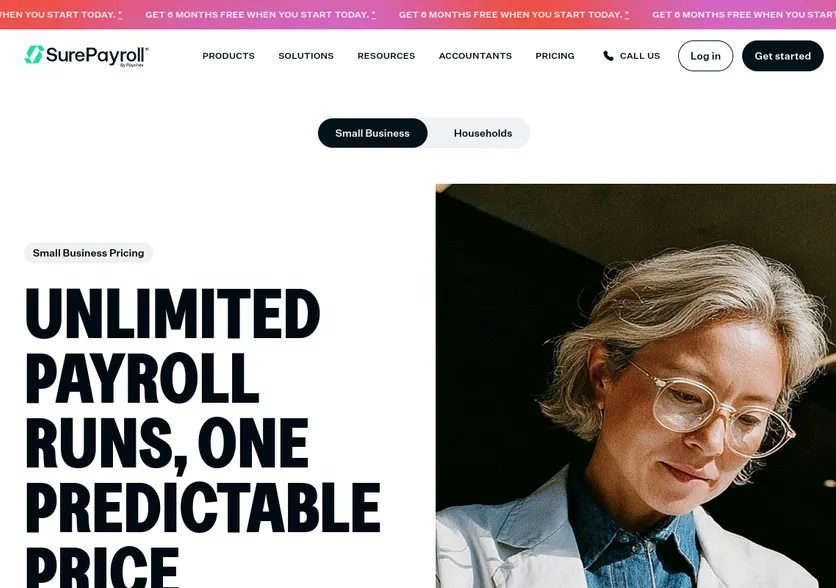
SurePayroll is an online payroll service owned by Paychex, built for solopreneurs and businesses with one to five employees. Its Full Service plan costs twenty nine dollars a month plus seven dollars per employee, with unlimited runs, free two-day direct deposit and taxes filed and deposited for you. Year-end W-2 and 1099 forms are billed separately, and multi-state payroll adds a flat monthly fee. Compare the plans on SurePayroll.
What we like
- Lowest monthly base fee in this list at twenty nine dollars
- Unlimited payroll runs with free two-day direct deposit
- Live phone and chat support included
Watch out for
- Year-end forms cost fifty dollars plus five dollars per form
- Some visitors are shown a higher base price, so confirm yours
How to try it
- Choose Full Service for tax filing or No Tax Filing to file yourself
- Add employees and set up automatic scheduled payroll
- Run payroll and review the filed taxes in the dashboard
3. OnPay
Best for: Small teams that want one simple payroll plan with no tiers
Paid tool Starting price: $49/month + $6/worker · Payroll Essentials at forty nine dollars a month plus six dollars per worker, the same rate for W-2 employees and 1099 contractors; HR and time tracking are paid add-ons; the first month is free and the vendor page also shows an unreconciled starting at fifty five dollars headline
Free plan: No free plan; first month free
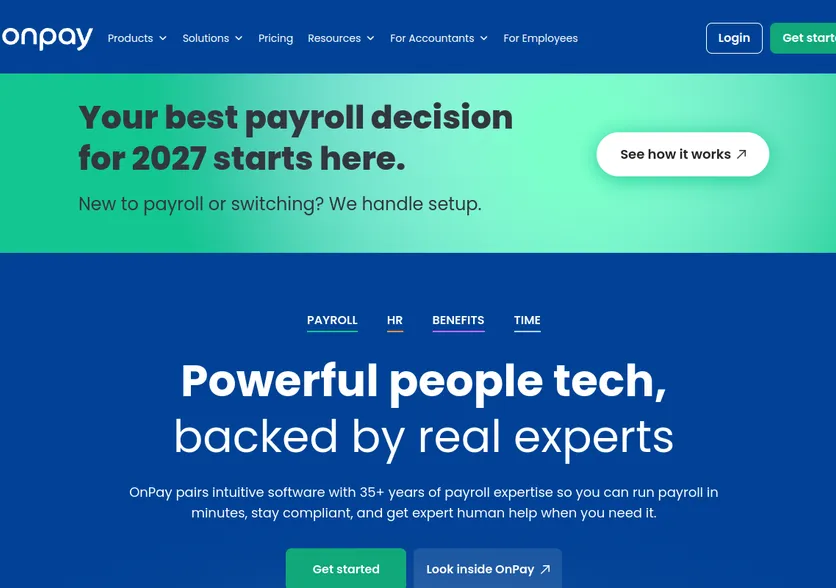
OnPay is a full-service payroll platform with a single plan and no tiers, which makes it one of the simplest payroll tools to price. Payroll Essentials costs forty nine dollars a month plus six dollars per worker, the same rate for W-2 employees and 1099 contractors, with multi-state payroll and tax filings included. HR and time tracking are paid add-ons, and the first month is free. See the single plan on OnPay.
What we like
- One plan with no tiers to compare
- Same per-worker rate for employees and contractors
- Multi-state payroll and tax filings included
Watch out for
- HR and time tracking cost extra as add-ons
- The vendor page also shows an unreconciled starting at fifty five dollars headline
How to try it
- Sign up for Payroll Essentials and add your workers
- Set pay schedules and add HR or time tracking if needed
- Run unlimited pay runs and let OnPay file taxes
4. Gusto
Best for: Small single-state teams that want payroll with HR and benefits
Paid tool Starting price: $49/month + $6/person · Simple plan at forty nine dollars a month plus six dollars per person; Plus is eighty dollars plus twelve dollars and Premium is one hundred eighty dollars plus twenty two dollars; promotions discount the first months and are not the list price
Free plan: No free plan; demo available by request
Gusto bundles payroll, HR and benefits into one platform for small US businesses, with unlimited payroll runs, automatic tax filing and employee self-service on every plan. Its Simple plan costs forty nine dollars a month plus six dollars per person, while Plus adds time tracking, multi-state payroll and onboarding tools. Premium adds a dedicated advisor, HR experts and priority support for larger teams. Compare the plans on Gusto.

What we like
- Every plan price is published, with no quote needed
- Unlimited payroll runs and automatic tax filing included
- Contractor-only plan from thirty five dollars a month plus six dollars per contractor
Watch out for
- Onboarding and time tracking need the Plus plan, not Simple
- Promotions discount the first months and are not the list price
How to try it
- Choose Simple for single-state payroll or Plus for multi-state and onboarding
- Add employees, set benefits and run payroll
- Use the contractor-only plan if you pay only 1099 workers
5. QuickBooks Payroll
Best for: Businesses already on QuickBooks Online that want payroll inside their accounting
Paid tool Starting price: $50/month + $6.50/employee · Workforce Payroll tier, formerly Core, at fifty dollars a month plus six dollars fifty cents per employee, added to a QuickBooks Online subscription; Premium is eighty eight dollars plus ten dollars and Elite is one hundred thirty four dollars plus twelve dollars; half off the first three months is a promotion, not the list price
Free plan: No free plan; payroll excluded from the QuickBooks free trial
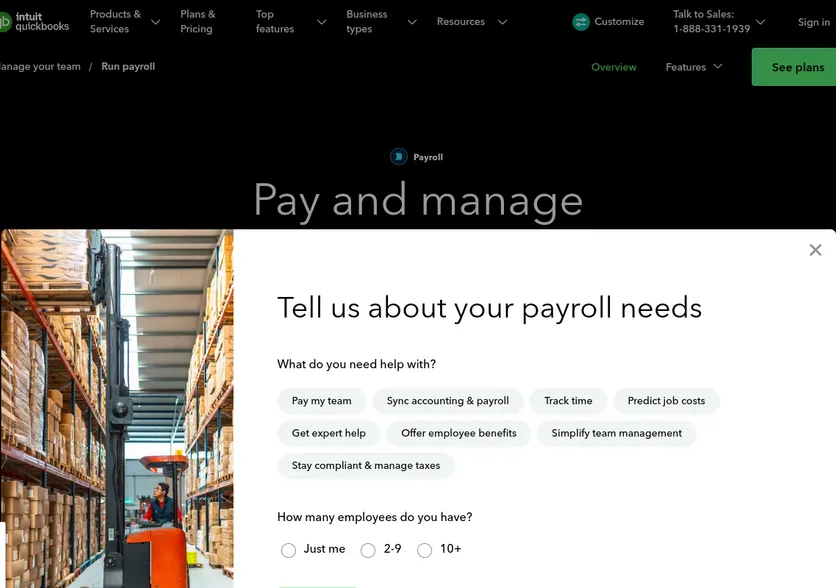
QuickBooks Payroll, now sold as QuickBooks Workforce, runs payroll and files taxes right inside QuickBooks Online. Its Workforce Payroll tier costs fifty dollars a month plus six dollars fifty cents per employee, added to a QuickBooks Online subscription, with full-service payroll and next-day direct deposit. Premium adds same-day direct deposit and HR support, while Elite adds tax penalty protection and a personal HR advisor. Explore the tiers on QuickBooks Payroll.
What we like
- Payroll and taxes inside the accounting software you already use
- Next-day direct deposit and 1099 e-filing on the entry tier
- Tax penalty protection on the Elite tier
Watch out for
- It is an add-on to a QuickBooks Online subscription, not standalone
- Half off the first three months is a promotion, not the list price
How to try it
- Add Workforce Payroll to your QuickBooks Online subscription
- Set up employees and pay schedules
- Run payroll and file taxes from the same dashboard
6. Rippling
Best for: Growing teams that want payroll automation with HR and IT in one system
Paid tool Starting price: $8/user/month · Core platform at eight dollars a user a month plus a forty dollar monthly base fee; US payroll is a separate eight dollars per employee a month billed annually, or ten dollars billed monthly
Free plan: No free plan; demo available by request
Rippling is a unified workforce platform that puts HR, payroll, IT and finance on a single employee record, with automated pay runs, tax filing and direct deposit. The core platform starts at eight dollars a user a month plus a forty dollar monthly base fee, and US payroll adds eight dollars per employee a month billed annually. That modular model is flexible but makes the total hard to forecast without a quote. Read the pricing details on Rippling.

What we like
- Payroll, HR, IT and finance on one employee record
- Automated pay runs with multi-state and global payroll
- No minimum headcount and you pay only for the modules you use
Watch out for
- Final cost needs a sales quote once you add modules
- Payroll is a separate module, not included in the eight dollar core
How to try it
- Start with the core platform and its employee records
- Add the US payroll module for automated pay runs
- Automate tax filing and direct deposit for each pay cycle
7. Deel
Best for: Small businesses paying contractors or employees across borders
Paid tool Starting price: $29/employee/month · Global payroll at twenty nine dollars per employee a month where you own the local entity; contractor management is forty nine dollars per contractor a month and employer of record is five hundred ninety nine dollars; Deel HR is free for up to two hundred employees
Free plan: Free Deel HR for up to 200 employees
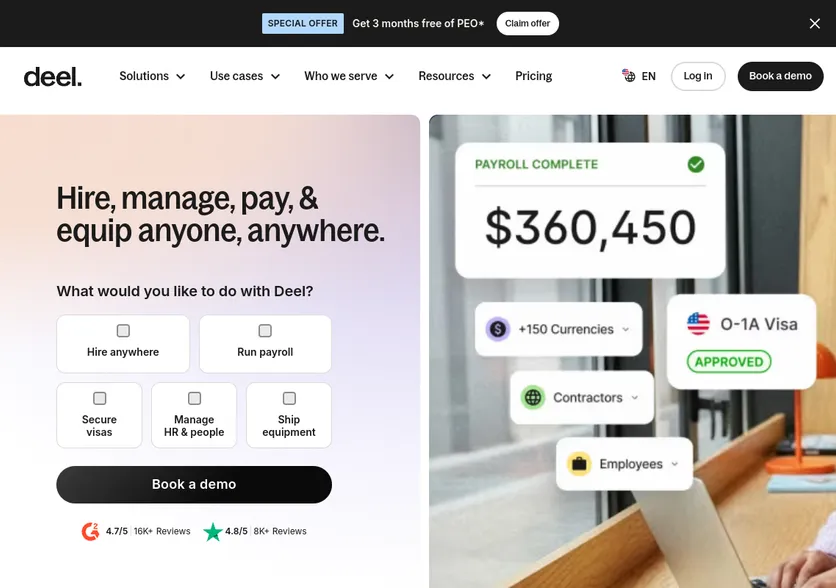
Deel helps small businesses pay contractors and employees in more than one hundred fifty countries, with payroll, compliance and onboarding in one system. Global payroll costs twenty nine dollars per employee a month where you own the local entity, contractor management is forty nine dollars per contractor a month, and employer of record is five hundred ninety nine dollars. Deel HR is free for up to two hundred employees, which makes the platform easy to adopt incrementally. Review the published prices on Deel.
What we like
- Global payroll, contractor payments and EOR in one platform
- Deel HR free for up to two hundred employees
- Every product price is published openly, with no quote wall
Watch out for
- Costs scale linearly with every person you engage
- A refundable deposit of about one month of employment cost applies per EOR hire
How to try it
- Start with free Deel HR for records and onboarding workflows
- Add global payroll for entities you own
- Use employer of record when you hire where you have no entity
Prices above were checked on each vendor’s own website on Nov 26, 2026 and can change — the vendor’s page is the final word. Vendor links are editorial: nobody paid to be listed or ranked here. Vendors who want a featured listing can see how it works on our Get listed page.
How to choose payroll software for payroll automation
Start with the base fee and the per-person fee together, because the cheapest base is not always the cheapest total. SurePayroll has the lowest base at twenty nine dollars a month but charges seven dollars per employee, while Square charges thirty five dollars plus six dollars and Gusto and OnPay charge forty nine dollars plus six dollars. Next, check what the price actually includes: tax filing, year-end forms and multi-state payroll are often billed separately, and SurePayroll charges fifty dollars plus five dollars per form for year-end forms. If you already use accounting or point-of-sale software, check the integration first, since QuickBooks Payroll lives inside QuickBooks Online and Square Payroll fits businesses already on Square. Finally, confirm the billing terms, because most of these tools bill month to month with no contract, while Rippling charges ten dollars per employee a month billed monthly against eight dollars billed annually.
Before you buy
- Compare the base fee and the per-person fee together, since SurePayroll has the lowest base but the highest per-employee charge.
- Check whether tax filing is included, because SurePayroll charges separately for year-end forms and multi-state payroll.
- Confirm the contractor rate, since Square and OnPay charge the same per-person fee for contractors as for employees.
- Ask whether payroll is standalone or an add-on, because QuickBooks Payroll needs a QuickBooks Online subscription.
- Check the billing period, since Rippling charges eight dollars billed annually or ten dollars billed monthly for payroll.
Official websites
Official websites of the products reviewed above. Features and prices were checked against these sites when this guide was written, and they can change, so confirm on the vendor site before you buy.
Frequently asked questions
What is the cheapest payroll software for a small business?
SurePayroll Full Service has the lowest base fee at twenty nine dollars a month plus seven dollars per employee, and Square Payroll is thirty five dollars plus six dollars per person paid. At ten people, Square costs ninety five dollars a month and SurePayroll costs ninety nine dollars, so Square is cheaper once you pass a few employees. Contractor-only teams pay least on Square, at six dollars per contractor a month with no base fee.
Do any payroll tools have a free plan?
No payroll tool in this list has a free plan. Deel HR is free for up to two hundred employees, but it covers records, time off and onboarding, not payroll runs. OnPay offers the first month free, and most of the others offer a demo instead of a trial. Budget for the monthly base fee plus the per-person fee from the first pay run.
How much does payroll software cost for a ten-person team?
At ten people, Square Payroll costs ninety five dollars a month, SurePayroll Full Service costs ninety nine dollars, and Gusto Simple and OnPay each cost one hundred nine dollars a month. QuickBooks Workforce Payroll costs about one hundred fifteen dollars a month, plus the QuickBooks Online subscription. Rippling costs about two hundred dollars a month for the core plus payroll, before any other modules.
Should a small business use a payroll-only tool or an HR platform?
A payroll-only tool such as Square, SurePayroll or OnPay is usually the better first buy, because it is cheaper, simpler to price and focused on pay runs and tax filing. An HR platform such as Gusto, Rippling or Deel makes sense when you also need benefits, time tracking and onboarding in the same system. Buy the platform only when you need the wider toolkit, not just payroll.
What should a small business check before buying payroll software?
Check whether tax filing and year-end forms are included, since SurePayroll bills year-end forms separately and some vendors charge extra for multi-state payroll. Confirm the per-person fee applies to everyone you pay, including contractors, and ask whether the price needs a separate subscription, as QuickBooks Payroll does. Finally, check support hours, because Square support runs on weekday business hours only.
Pick the payroll tool that files your taxes at a price you can see, then run one pay cycle on it before moving your whole team.
Browse Finance Calculators tools