On this page
A Shopify brand with a growing catalogue cannot manage product data in spreadsheets for long, because every channel needs the same specs, images and prices. The seven tools below keep the Shopify store and every other channel in sync from one catalogue. Plytix leads because its free Standard tier and Shopify connector make it the simplest start for a Shopify brand at one hundred and forty-nine dollars a month for Pro, and the rest are ranked on Shopify fit, channel reach and value.
How we researched this
We checked every price against the vendor pricing page or a current November 2026 read on November 28, 2026, and only included tools with a published list price. Quote-only vendors, including Akeneo, Salsify, inRiver and Productsup, publish no prices and are not in this list, and Struct PIM publishes euros only. Prices change, so confirm the current figure on the vendor site before you buy.
Compare the tools
| Name | Best for | Starting price | Free plan | |
|---|---|---|---|---|
| Plytix | Brands that want a friendly PIM with a free start | $149/month | Free plan (Standard, 100 SKUs) | Visit |
| Apimio | Brands that want a straightforward PIM with an API | $199/month | 14-day free trial | Visit |
| Pimcore | Brands that want an open-source PIM with enterprise depth | $9,900/year | Free plan (Community Edition) | Visit |
| Pimberly | Larger brands that need a proven enterprise PIM | $36,000/year | No free plan; free demo | Visit |
| JasperX PIM | Brands that want a guided PIM rollout | $999/month | 7-day free trial | Visit |
| KatanaPIM | Brands that want a focused PIM at a mid-range price | $399/month | No free trial | Visit |
| Sales Layer | Brands that want a PIM with strong channel syndication | $1,000/month | Demo on request | Visit |
The PIM software for Shopify brands, compared
1. Plytix
Best for: Brands that want a friendly PIM with a free start
Paid tool Starting price: $149/month · One hundred and forty-nine dollars a month from for Pro; Standard starts free for up to one hundred SKUs and Enterprise starts at six hundred and ninety-nine dollars a month; the slider price rises with SKUs, with Pro at two hundred and sixty-nine dollars a month for two thousand SKUs; the Shopify connector and other modules are paid add-ons from forty-nine to three hundred and ninety-nine dollars; the Shopify App Store ladder disagrees, listing Pro at four hundred and ninety-nine dollars for fifty thousand SKUs, so confirm the SKU tier at checkout
Free plan: Free plan (Standard, 100 SKUs)
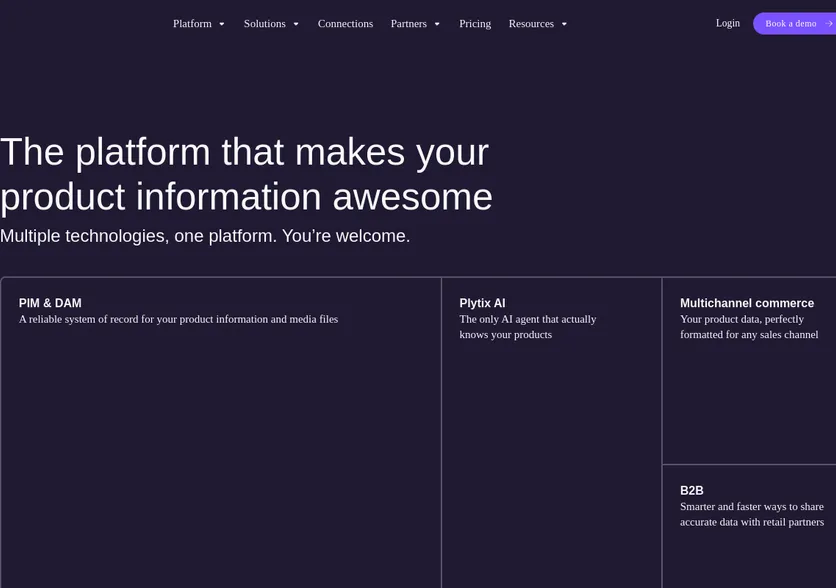
A Shopify brand with a growing catalogue needs product data that stays in sync, and this Plytix plan costs one hundred and forty-nine dollars a month from for Pro with a free Standard tier to start. The Shopify connector publishes products straight to the store, though it is a paid module. Visual product sheets keep specs and images together for the team.
What we like
- Free Standard tier for small catalogues
- Visual product sheets and digital asset management built in
- Channel feeds for marketplaces and shops
Watch out for
- Price rises steeply with SKU count
- Shopify connector and key modules cost extra
How to try it
- Sign up for the free Standard plan and import the catalogue
- Enrich the products with attributes and images
- Connect the Shopify channel and publish the first feed
2. Apimio
Best for: Brands that want a straightforward PIM with an API
Paid tool Starting price: $199/month · One hundred and ninety-nine dollars a month for Basic PIM; Advanced is three hundred and ninety-nine dollars and Enterprise starts at nine hundred and ninety-nine dollars; Basic covers one store and ten thousand SKUs and Advanced covers fifty thousand SKUs with multi-store, feeds and API; one January 2026 Shopify review claims the listed prices are wrong, so confirm at checkout
Free plan: 14-day free trial
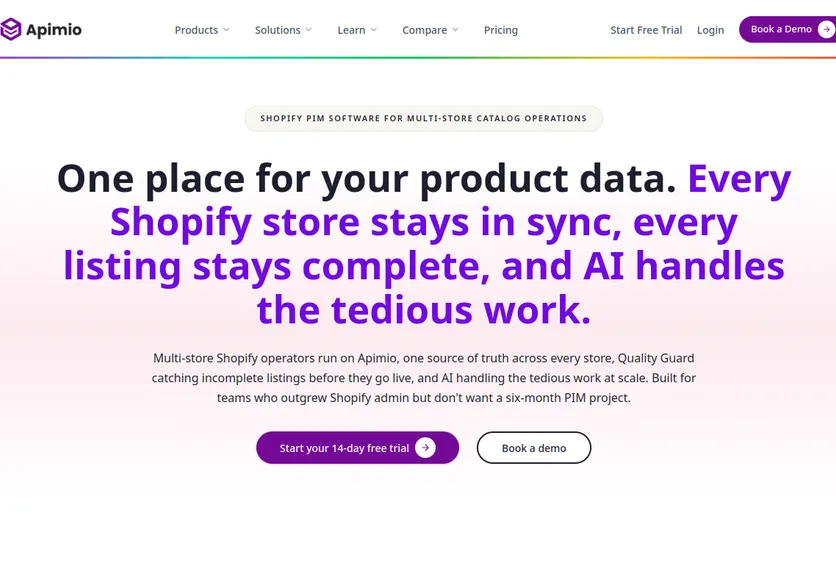
Shopify brands that sell on more than one channel will like this Apimio plan, which costs one hundred and ninety-nine dollars a month for Basic PIM with one store and ten thousand SKUs. The API connects the catalogue to the store and to marketplaces. A fourteen-day free trial covers the first import.
What we like
- Clear tiered pricing with a free trial
- API and channel feeds on the Advanced tier
- Multi-store support for growing brands
Watch out for
- Basic tier is limited to one store
- One review disputes the listed prices
How to try it
- Start the trial and import the product catalogue
- Set up the attributes and categories for each channel
- Connect the store and publish the first product feed
3. Pimcore
Best for: Brands that want an open-source PIM with enterprise depth
Paid tool Starting price: $9,900/year · Nine thousand nine hundred dollars a year for Professional; Enterprise is twenty-nine thousand nine hundred dollars a year and the platform-as-a-service option starts at thirty-nine thousand nine hundred dollars a year; the Community Edition is free and open source; the licence fee stays flat as the catalogue grows
Free plan: Free plan (Community Edition)
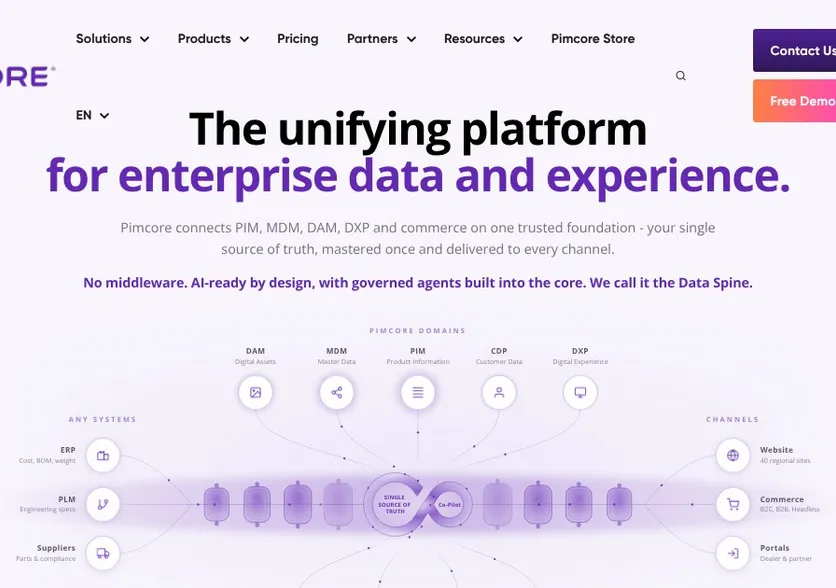
A Shopify brand with developers and a big catalogue should consider this Pimcore plan, which costs nine thousand nine hundred dollars a year for Professional with PIM, DAM, CMS and commerce in one platform. The free Community Edition lets the team prove the model first. The flat licence fee suits catalogues that keep growing.
What we like
- Free Community Edition to start and test
- PIM, DAM, CMS and commerce in one platform
- Flat licence fee as the catalogue grows
Watch out for
- Needs developers to run well
- Enterprise pricing is a big jump from Community
How to try it
- Install the Community Edition and import the catalogue
- Model the product attributes and categories
- Connect the storefront and publish the enriched products
4. Pimberly
Best for: Larger brands that need a proven enterprise PIM
Paid tool Starting price: $36,000/year · Thirty-six thousand dollars a year for Regular, covering fifty thousand SKUs, twenty users and three terabytes with DAM included; Pro is sixty thousand dollars and Corporate is ninety thousand dollars a year and Enterprise is by quote; AI add-ons start at around seven thousand five hundred dollars a year
Free plan: No free plan; free demo
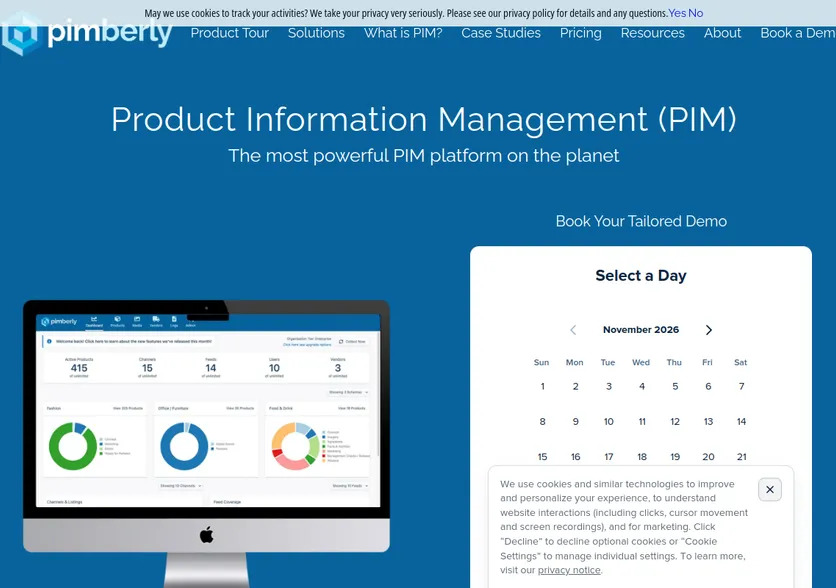
A larger Shopify brand needs a PIM with a track record, and this Pimberly plan costs thirty-six thousand dollars a year for Regular covering fifty thousand SKUs, twenty users and three terabytes with DAM included. Workflow tools stop bad data reaching the store. The onboarding team runs the migration.
What we like
- Built for large catalogues with DAM included
- Strong workflow and approval tools
- Experienced onboarding team for big migrations
Watch out for
- High entry price for smaller brands
- No free plan or trial
How to try it
- Book a demo and map the catalogue size to the Regular tier
- Plan the data migration with the onboarding team
- Set up the workflows and publish the first channel feed
5. JasperX PIM
Best for: Brands that want a guided PIM rollout
Paid tool Starting price: $999/month · Nine hundred and ninety-nine dollars a month for Growth with two sales channels and five hours of onboarding; Professional is one thousand nine hundred and ninety-nine dollars a month with eight channels and Enterprise is custom; Venzee bought the business on December 31, 2025 and the company is now JasperX
Free plan: 7-day free trial
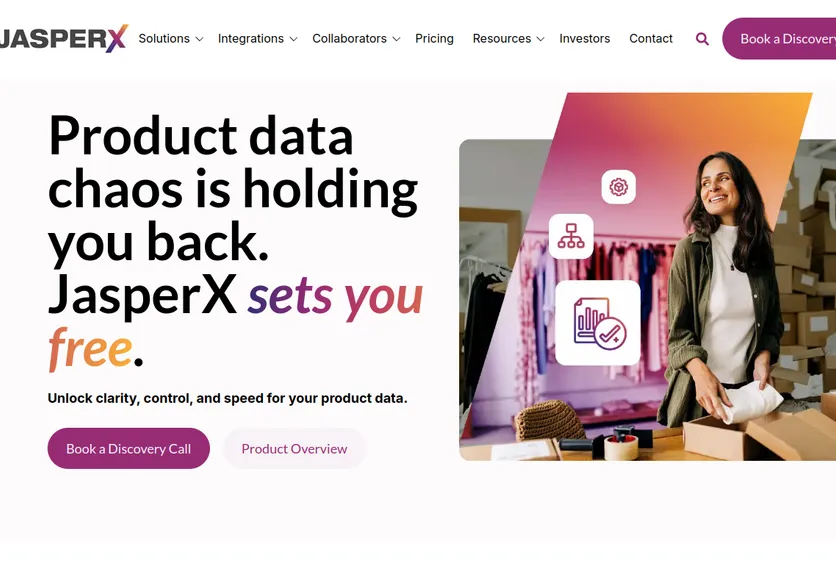
A Shopify brand that wants a guided rollout gets it here, because this JasperX PIM plan costs nine hundred and ninety-nine dollars a month for Growth with two sales channels and five hours of onboarding. The catalogue publishes to Shopify and one more channel from the same data. The business is now JasperX after a sale at the end of 2025.
What we like
- Onboarding hours included on every paid tier
- Multi-channel publishing from one catalogue
- Clear per-channel tier structure
Watch out for
- Growth tier covers only two channels
- Ownership change is recent, so the brand is in transition
How to try it
- Start the trial and import the product data
- Use the onboarding hours to model the catalogue
- Connect the first two channels and publish the products
6. KatanaPIM
Best for: Brands that want a focused PIM at a mid-range price
Paid tool Starting price: $399/month · Three hundred and ninety-nine dollars a month starting price, as listed by independent software directories including SourceForge and Slashdot; the vendor publishes no price on its own site, so confirm the figure with the vendor before buying
Free plan: No free trial
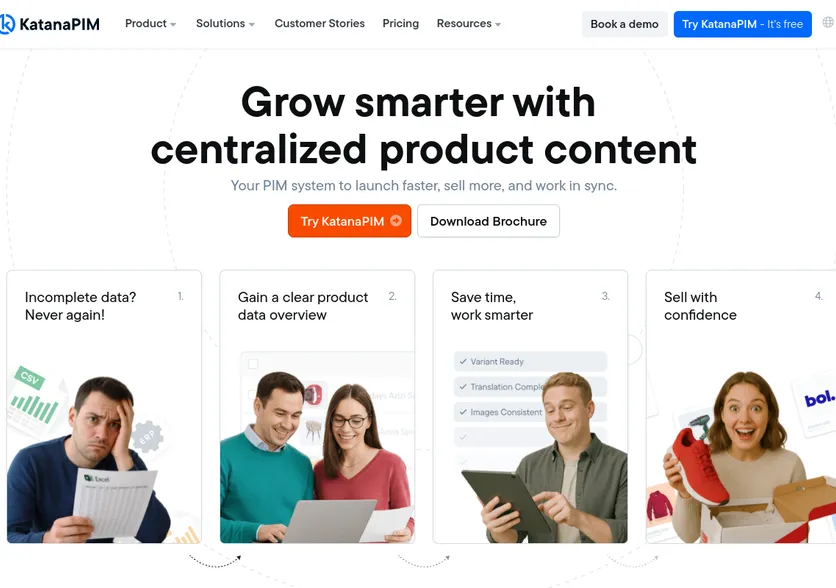
A mid-size Shopify brand gets a focused PIM here, since this KatanaPIM plan costs three hundred and ninety-nine dollars a month starting price as listed by independent software directories. Channel-specific content keeps the Shopify listing different from the marketplace listing. The vendor publishes no price itself, so confirm the figure before buying.
What we like
- Single source of truth for product data
- Channel-specific content for each sales channel
- Validation flags missing data before publishing
Watch out for
- Price is directory-reported, not vendor-published
- No free trial or free tier
How to try it
- Book a demo and import a sample of the catalogue
- Set up the attributes and validation rules
- Connect the first channel and publish the enriched products
7. Sales Layer
Best for: Brands that want a PIM with strong channel syndication
Paid tool Starting price: $1,000/month · One thousand dollars a month starting price, as listed by independent software directories including SourceForge; the vendor publishes no price on its own site and one comparison lists Sales Layer as quote-only, so confirm the figure with the vendor before buying
Free plan: Demo on request
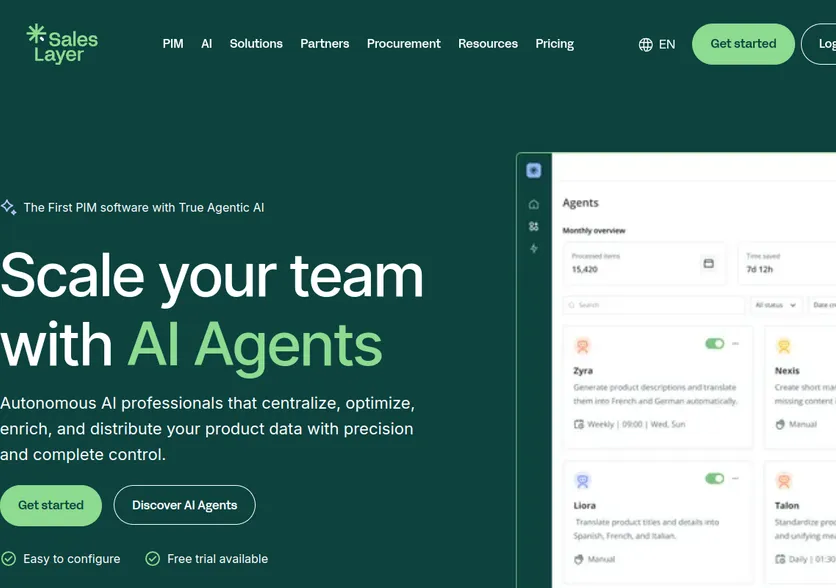
Shopify brands that also sell through retailers need strong syndication, and this Sales Layer plan costs one thousand dollars a month starting price as listed by independent software directories. Connectors push the same product data to marketplaces and retail partners. The vendor publishes no price itself, so confirm the figure with the vendor.
What we like
- Strong connectors for marketplaces and retailers
- Workflow and approval tools for large teams
- Digital asset management included
Watch out for
- Price is directory-reported, not vendor-published
- Entry cost is high for smaller brands
How to try it
- Book a demo and map the channels the brand sells through
- Import the catalogue and set up the enrichment workflow
- Publish the first product feed to a marketplace or store
Prices above were checked on each vendor’s own website on Nov 28, 2026 and can change — the vendor’s page is the final word. Vendor links are editorial: nobody paid to be listed or ranked here. Vendors who want a featured listing can see how it works on our Get listed page.
How to run product data for a Shopify brand
Start with the Shopify store, because that is where most of the sales happen, and make sure the PIM connector publishes cleanly to it. Map the product attributes once, including the variants, the specs and the images, and let every channel draw from the same source. Automate the feed to marketplaces, since manual exports go stale the moment a price changes. Check the SKU tier before signing, because a growing catalogue outgrows the entry plan fast. Test the full publish flow on a small set of products before migrating the whole catalogue.
Before you buy
- Confirm the Shopify connector is included or know exactly what the module costs
- Check whether the price covers your SKU count as the catalogue grows
- Ask if the tool publishes to marketplaces as well as the Shopify store
- Make sure the workflow flags missing images and specs before publishing
- Test the publish flow on a small set of products before migrating the catalogue
Official websites
Official websites of the products reviewed above. Features and prices were checked against these sites when this guide was written, and they can change, so confirm on the vendor site before you buy.
Frequently asked questions
What is the best PIM software for Shopify brands?
Plytix is the best overall pick for Shopify brands, because its free Standard tier and Shopify connector make it the simplest start, with Pro from one hundred and forty-nine dollars a month. Apimio is the best value at one hundred and ninety-nine dollars a month with one store and ten thousand SKUs. KatanaPIM is the best mid-range pick at three hundred and ninety-nine dollars a month for brands that want a focused PIM without enterprise prices.
How much does PIM software cost for a Shopify brand?
PIM prices in this list range from free to thirty-six thousand dollars a year. Plytix Pro starts at one hundred and forty-nine dollars a month, Apimio Basic costs one hundred and ninety-nine dollars a month, and KatanaPIM starts at three hundred and ninety-nine dollars a month. Enterprise options such as Pimcore Professional at nine thousand nine hundred dollars a year and Pimberly Regular at thirty-six thousand dollars a year suit larger catalogues with many channels.
Can Shopify brands use a PIM for free?
Yes, with limits. Plytix Standard is free for up to one hundred SKUs, and Pimcore Community Edition is free and open source with no SKU cap. Both suit a small Shopify brand testing a PIM or a team proving the model before buying. A brand with thousands of SKUs will outgrow the free tiers quickly and should budget for a paid plan that covers the full catalogue and the Shopify connector.
Does the Shopify connector cost extra?
It depends on the tool. Plytix sells the Shopify connector as a paid module, with modules from forty-nine to three hundred and ninety-nine dollars, so check the price before budgeting. Apimio includes store connections in its tiers, with Basic covering one store. Pimcore and Pimberly connect through their platforms rather than a single module. Always confirm the connector price at checkout, since the headline rate rarely includes every module.
Why does a Shopify brand need a PIM?
A Shopify brand with more than a few hundred products cannot keep specs, images and prices consistent in a spreadsheet. A PIM holds the master data once and publishes it to the store, to marketplaces and to retailers from the same source. Validation flags missing fields before they reach a customer, which cuts returns and support tickets. The result is faster launches, cleaner listings and fewer errors across every channel the brand sells through.
Compare the seven tools above, then start with a free trial or the free Plytix plan on the tool that matches how the Shopify brand already manages product data before paying for a full year.
Browse Business Tools tools