On this page
An accounting firm lives on recurring work: monthly bookkeeping, quarterly returns and the annual tax season, all with deadlines that do not move. The right system tracks that work, chases clients for documents, and keeps the whole team on the same page. The seven tools below were picked because they publish a US dollar list price, with every figure checked on the vendor site on November 28, 2026. Karbon leads because it was built for accounting firms from the start, at fifty-nine dollars per user a month billed annually.
How we researched this
We checked every price on the vendor pricing page on November 28, 2026, and only included tools with a published US dollar list price. Senta lists prices in pounds only and has no US dollar list, so it is not in this list. Xero Practice Manager and QuickBooks Online Accountant are bundled with their accounting platforms and have no standalone price, so they are excluded too.
Compare the tools
| Name | Best for | Starting price | Free plan | |
|---|---|---|---|---|
| Karbon | Accounting firms that want workflow plus client collaboration | $59/user/month | No free plan; demo available | Visit |
| Canopy | Tax firms that want practice management with a client portal | $74/user/month | No free plan; demo available | Visit |
 TaxDome | Tax firms that want one price for the whole team | $1,500/year | 14-day free trial | Visit |
| Financial Cents | Solo accountants and small firms on a tight budget | $19/month | 14-day free trial | Visit |
| Jetpack Workflow | Accounting firms that want simple recurring workflow tracking | $40/user/month | 14-day free trial | Visit |
| Uku | Accountants who want time tracking built into the workflow | $19/month | 14-day free trial | Visit |
| Pixie | Firms that want flat pricing with unlimited users | $129/month | No free plan; demo available | Visit |
The practice management software for accountants, compared
1. Karbon
Best for: Accounting firms that want workflow plus client collaboration
Paid tool Starting price: $59/user/month · Fifty-nine dollars per user a month on the Team plan billed annually, or seventy-nine dollars a month billed monthly; Business is eighty-nine dollars a month annually and Enterprise is quoted
Free plan: No free plan; demo available
For an accounting firm that wants workflow, email and client work in one system, this Karbon plan costs fifty-nine dollars per user a month billed annually on the Team plan. It was built for accounting firms from the start, so workflow, email, tasks and client collaboration sit in one system instead of four. Automations chase clients for documents and signatures, and the templates cover tax, bookkeeping and advisory work without heavy setup.

What we like
- Workflow, email, tasks and client collaboration in one system
- Automations chase clients for documents and signatures for you
- Built for accounting firms, not adapted from generic project tools
Watch out for
- No free plan and no free trial, only a demo before paying
- The price is per user, so a large team pays for every seat
How to try it
- Import the client list and set up the workflow templates
- Connect email so client messages land beside the right job
- Turn on the automations that chase missing documents and signatures
2. Canopy
Best for: Tax firms that want practice management with a client portal
Paid tool Starting price: $74/user/month · Seventy-four dollars per user a month on the Standard plan billed annually; the monthly figure is ninety-three dollars a month in most reads, though the vendor guide shows eighty-nine dollars, so confirm it before buying; higher tiers add client portals and document management
Free plan: No free plan; demo available
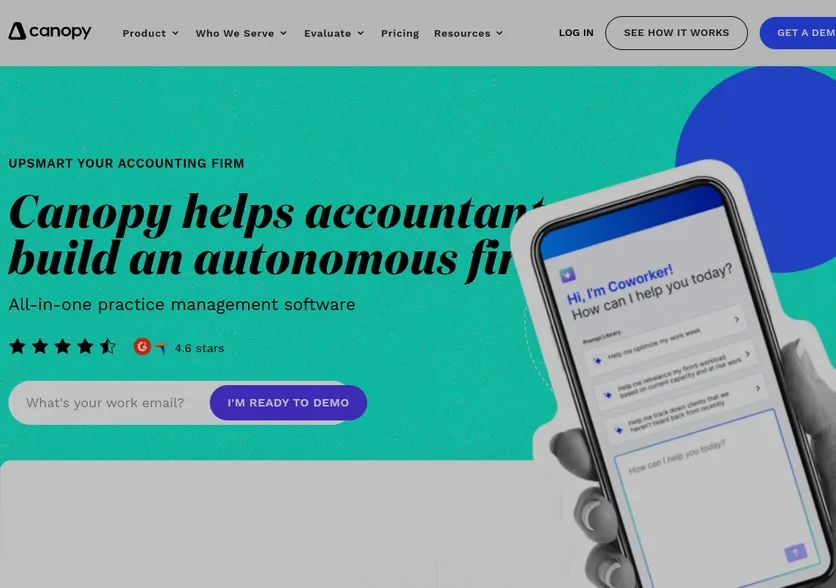
For a tax firm that wants practice management with a client portal and tax resolution tools, this Canopy plan costs seventy-four dollars per user a month billed annually on the Standard plan. It pairs practice management with a client portal, document management and e-signatures, so a tax firm can run the whole client journey in one platform. The tax resolution tools suit firms that handle IRS cases, and the portal cuts the email back-and-forth over missing documents.
What we like
- Practice management, tax resolution and client portal in one platform
- Document management with e-signatures keeps files moving
- Strong tax resolution tools for firms that handle IRS cases
Watch out for
- No free plan and no free trial, only a demo
- The monthly figure is disputed between vendor pages, so confirm it first
How to try it
- Book a demo and confirm the monthly figure for the Standard plan
- Import clients and set up the portal and document templates
- Turn on e-signatures and the client request workflow
3. TaxDome
Best for: Tax firms that want one price for the whole team
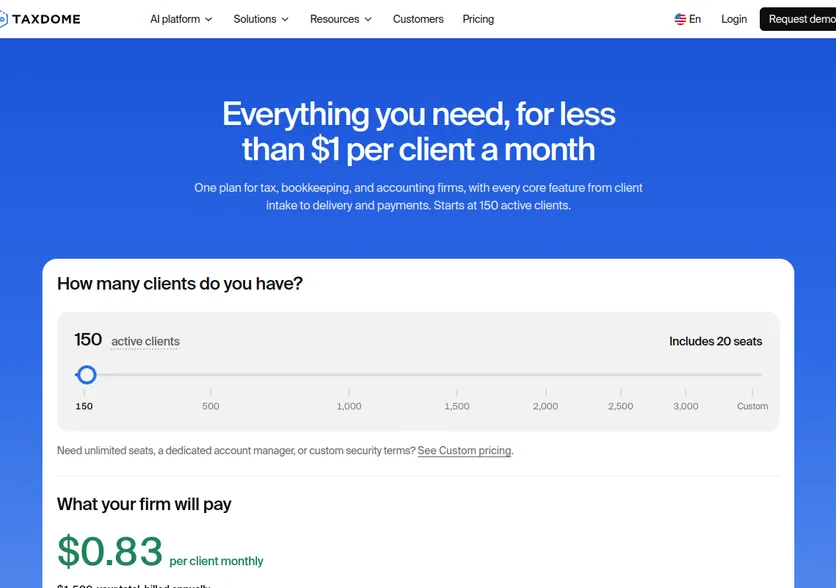
Paid tool Starting price: $1,500/year · One thousand five hundred dollars a year from one hundred and fifty active clients, with twenty seats included; the price rises with client count and the old per-seat pricing of eight hundred to one thousand two hundred dollars a year was replaced on November 2, 2026
Free plan: 14-day free trial
For a tax firm that would rather pay one flat yearly price than count seats, this TaxDome plan costs one thousand five hundred dollars a year from one hundred and fifty active clients, with twenty seats included. Its new pricing is the story: one flat yearly price from one thousand five hundred dollars covers twenty seats, so a tax firm stops counting users and starts counting clients. CRM, workflow, portal, e-signatures and billing sit in one platform, which suits a firm that wants a single system for the whole season.
What we like
- One flat yearly price covers the whole team, not per-seat billing
- CRM, workflow, portal, e-signatures and billing in one platform
- Twenty seats included, so small and mid-size firms pay one figure
Watch out for
- The flat price starts at one thousand five hundred dollars a year, which is steep for a solo firm
- The pricing model changed in November 2026, so old per-seat quotes are stale
How to try it
- Count the active clients to confirm the yearly figure
- Import the client list and set up the portal and workflows
- Turn on e-signatures and the billing reminders for the tax season
4. Financial Cents
Best for: Solo accountants and small firms on a tight budget
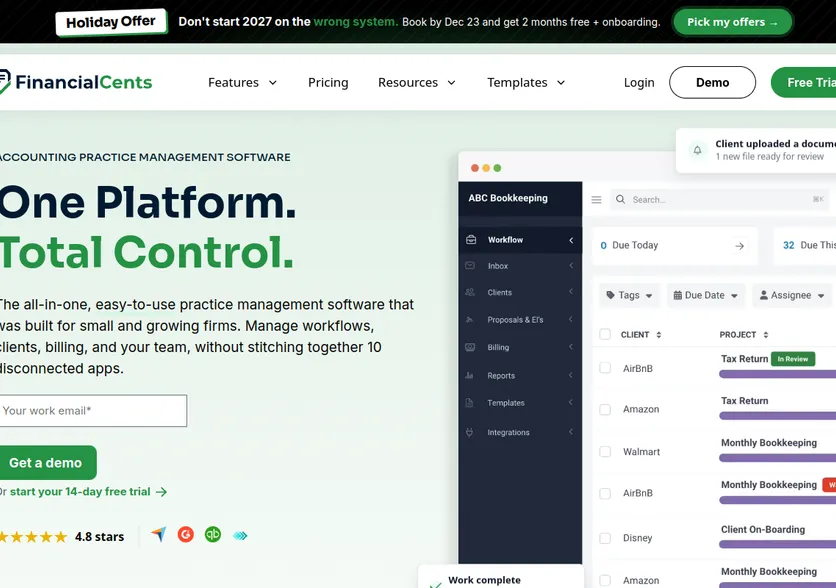
Paid tool Starting price: $19/month · Nineteen dollars a month on the Solo plan billed annually; Team is forty-nine dollars a month and Scale is sixty-nine dollars a month; monthly billing is sixty-nine dollars a month for Team and eighty-nine dollars for Scale, with a five-user minimum on paid plans
Free plan: 14-day free trial
For a solo accountant or small firm that needs real practice management on a tight budget, this Financial Cents plan costs nineteen dollars a month billed annually on the Solo plan. It is the cheapest real practice management tool in this list, and it still covers workflow, client portal and time tracking in one low-cost app. Unlimited clients on every plan means the bill does not rise as the firm grows, which is exactly what a solo accountant or small firm needs.
What we like
- The cheapest real practice management tool in this list
- Workflow, client portal and time tracking in one low-cost app
- Unlimited clients on every plan, so growth does not raise the bill
Watch out for
- The Solo plan is built for one person, so teams need the Team plan
- Reporting is lighter than the dearer tools in this list
How to try it
- Start the trial and import the client list
- Set up the workflow templates for monthly bookkeeping and tax
- Turn on the client portal so documents arrive without email chains
5. Jetpack Workflow
Best for: Accounting firms that want simple recurring workflow tracking
Paid tool Starting price: $40/user/month · Forty dollars per user a month on the Starter plan billed annually, or forty-nine dollars a month billed monthly; Premium is fifty dollars a month annually and Enterprise is quoted
Free plan: 14-day free trial
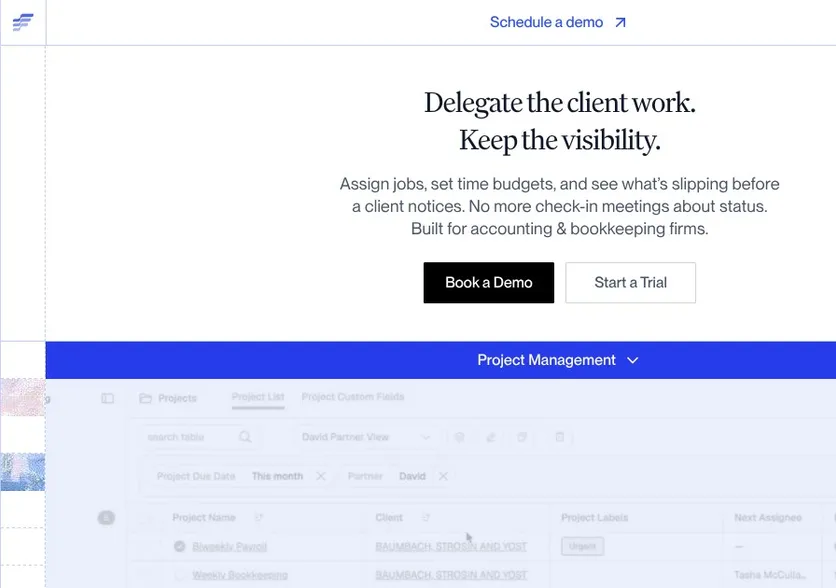
For an accounting firm that wants simple recurring workflow tracking without a heavy platform, this Jetpack Workflow plan costs forty dollars per user a month billed annually on the Starter plan. It keeps the promise simple: recurring workflow tracking for the monthly and annual jobs that fill an accounting firm, with templates and due-date automation doing the chasing. Client tasks and file requests sit beside each job, so the team sees what is missing before a deadline slips.
What we like
- Clean recurring workflow tracking for monthly and annual jobs
- Job templates and due-date automation keep the team on schedule
- Client tasks and file requests sit beside each job
Watch out for
- It is workflow-first, with no CRM or billing built in
- The Starter plan is light on reporting for larger firms
How to try it
- Build the recurring job templates for monthly and annual work
- Assign due dates and owners, then let the automation chase them
- Add client tasks so missing documents surface before deadlines
6. Uku
Best for: Accountants who want time tracking built into the workflow
Paid tool Starting price: $19/month · Nineteen dollars a month on the Solo plan billed annually, or twenty-five dollars a month billed monthly; Team is thirty-eight dollars a month annually and Elite is forty-eight dollars a month annually
Free plan: 14-day free trial
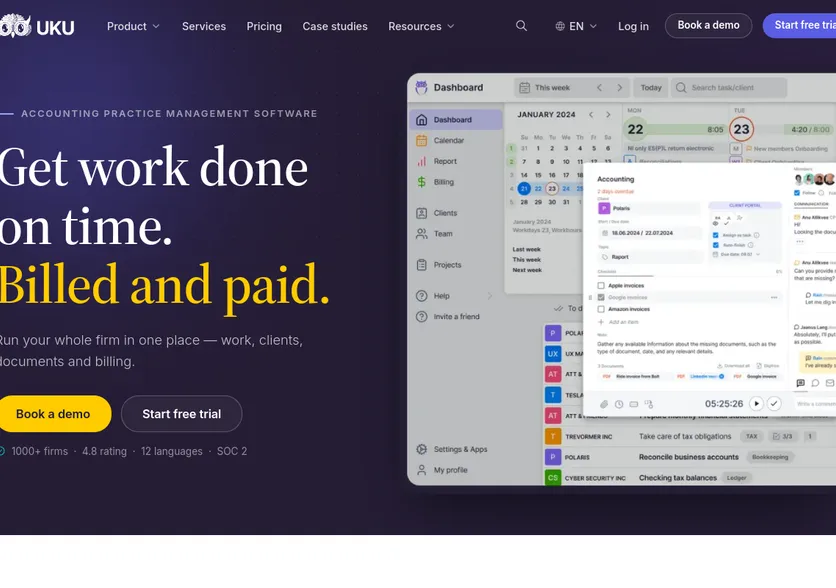
For an accountant who wants time tracking built into the workflow instead of a separate timer, this Uku plan costs nineteen dollars a month billed annually on the Solo plan. It pairs time tracking with workflow in one app, so an accountant stops juggling a separate timer tool and a separate task list. The client portal and e-signatures come at a low price, and the simple tier structure stays cheap as the firm adds staff.
What we like
- Time tracking and workflow in one app, with no separate timer tool
- Client portal and e-signatures included at a low price
- Simple pricing that stays cheap as the firm adds staff
Watch out for
- It is a smaller vendor, so the integration list is shorter
- The Solo plan is built for one person, so teams pay for Team or Elite
How to try it
- Start the trial and connect the client list
- Set up the recurring workflow templates and time budgets
- Turn on the client portal and e-signatures for client documents
7. Pixie
Best for: Firms that want flat pricing with unlimited users
Paid tool Starting price: $129/month · One hundred and twenty-nine dollars a month flat for firms under two hundred and fifty clients with unlimited users; one hundred and ninety-nine dollars a month to five hundred clients and three hundred and twenty-nine dollars a month to one thousand clients
Free plan: No free plan; demo available
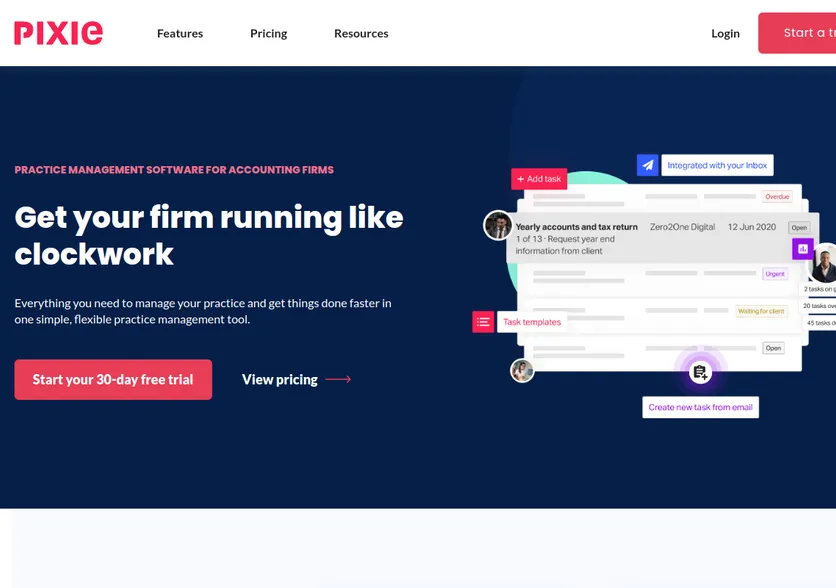
For an accounting firm that wants flat pricing with unlimited users for the whole team, this Pixie plan costs one hundred and twenty-nine dollars a month flat for firms under two hundred and fifty clients. Its flat pricing is the draw: one hundred and twenty-nine dollars a month covers unlimited users for a firm under two hundred and fifty clients, so the whole team can join without a per-seat bill. Workflow, email, portal and e-signatures sit in one platform built for accountants.
What we like
- Flat monthly price with unlimited users, so the team can grow freely
- Workflow, email, portal and e-signatures in one platform
- Built for accountants, with templates for bookkeeping and tax
Watch out for
- No free plan and no free trial, only a demo
- The price steps up with client count, so large firms pay more
How to try it
- Book a demo and confirm the flat figure for the client count
- Import clients and set up the workflow and email templates
- Turn on the portal and e-signatures, then invite the whole team
Prices above were checked on each vendor’s own website on Nov 28, 2026 and can change — the vendor’s page is the final word. Vendor links are editorial: nobody paid to be listed or ranked here. Vendors who want a featured listing can see how it works on our Get listed page.
How to pick practice management software for an accounting firm
Start by listing the recurring jobs that fill the firm, from monthly bookkeeping to annual tax returns, and check that the tool handles them without custom work. Count the seats honestly, because a per-user price can double the bill for a firm with twenty staff, while a flat price stays put. Test the client portal with a real client, since a portal nobody uses is just an expensive email inbox. Run one tax season task through the trial end to end before paying for a year.
Before you buy
- Check whether the price is per user, per month flat, or per year flat, because the same headline can mean very different bills
- Ask if the client portal, e-signatures and document requests are included or paid extras
- Confirm the tool has templates for the firm's actual work, such as tax, bookkeeping and advisory
- Make sure the workflow automations chase clients for documents without manual reminders
- Test the tool on a real tax season task before committing to a yearly plan
Official websites
Official websites of the products reviewed above. Features and prices were checked against these sites when this guide was written, and they can change, so confirm on the vendor site before you buy.
Frequently asked questions
What is the best practice management software for accountants?
Karbon is the best overall pick for most accounting firms, because it was built for accountants and combines workflow, email, tasks and client collaboration in one system. TaxDome is the best choice for firms that prefer one flat yearly price, and Financial Cents is the best value at nineteen dollars a month for a solo accountant or small firm.
How much does Karbon cost?
Karbon costs fifty-nine dollars per user a month on the Team plan billed annually, or seventy-nine dollars a month billed monthly. Business is eighty-nine dollars a month annually, and Enterprise is quoted. There is no free plan and no free trial, only a demo, so the firm should book one before committing.
What is the cheapest practice management software for accountants?
Financial Cents and Uku are the cheapest here, both at nineteen dollars a month billed annually on their Solo plans. Financial Cents covers workflow, client portal and time tracking, while Uku pairs time tracking with workflow. Both are built for solo accountants and small firms, and both offer a fourteen-day free trial.
Why did TaxDome change its pricing?
TaxDome replaced its old per-seat pricing of eight hundred to one thousand two hundred dollars a year with a flat yearly price on November 2, 2026. The new price is one thousand five hundred dollars a year from one hundred and fifty active clients, with twenty seats included, and it rises with client count rather than seat count.
Does Canopy have a free plan?
No, Canopy has no free plan and no free trial, only a demo. The Standard plan costs seventy-four dollars per user a month billed annually. The monthly figure is disputed between vendor pages, with most reads showing ninety-three dollars a month and the vendor guide showing eighty-nine dollars, so confirm it before buying.
Compare the seven tools above, then start with a free trial or a demo on the one that matches how the firm actually works before paying for a full year.
Browse Business Tools tools