On this page
Patent work is a docketing discipline: every application carries a chain of USPTO deadlines, office actions and responses, and one missed date can cost a client their rights. The eight tools below handle that pressure for firms of every size, from a solo prosecutor to a team running hundreds of applications. Clio leads because it covers matters, billing and documents in the system most firms already know for forty-nine dollars per user a month, and the rest are ranked on how safely they carry a prosecution docket.
How we researched this
We checked every price on the vendor pricing page on November 28, 2026, and only included tools with a published US dollar list price. The big platforms that sell by quote, including Smokeball, Filevine, LEAP and Actionstep, publish no prices, so they are not in this list. Prices change, so confirm the current figure on the vendor site before you buy.
Compare the tools
| Name | Best for | Starting price | Free plan | |
|---|---|---|---|---|
 Clio | Firms that want the most widely used platform | $49/user/month | 7-day free trial | Visit |
 MyCase | Small firms that want billing and texting built in | $50/user/month | 10-day free trial | Visit |
 PracticePanther | Firms that want published prices and fast intake | $49/user/month | 7-day free trial | Visit |
 CosmoLex | Firms that want accounting built in | $49/user/month | 10-day free trial | Visit |
 Rocket Matter | Firms that bill by matter and retainer | $59/user/month | 10-day free trial | Visit |
 Lawcus | Firms that think in pipelines and boards | $49/user/month | Free trial available | Visit |
 CaseFox | Budget-conscious solos and small firms | $39/user/month | Free plan (2 users, 4 cases) | Visit |
 CARET Legal | Firms that want email and accounting in one system | $79/user/month | No free plan; book a demo | Visit |
The practice management software for patent law firms, compared
1. Clio
Best for: Firms that want the most widely used platform
Paid tool Starting price: $49/user/month · Forty-nine dollars per user a month billed annually on EasyStart ($59 billed monthly); Essentials is $89 a user a month billed annually ($99 monthly), Advanced $119, Complete $149; higher tiers are quoted; the $79 Essentials figure in older guides is stale
Free plan: 7-day free trial
With this Clio plan costing forty-nine dollars per user a month billed annually, an patent law firm gets the full practice toolkit without a sales call, and it covers matters, billing and documents in one workspace. Matters, documents, calendar, time and billing sit in one workspace, and Clio Grow adds intake and electronic signature. It is the default comparison point for patent law firm buyers, with integrations for accounting, document automation and payments.

What we like
- Matter-centered workspace with documents, calendar and billing together
- Largest integration library in legal practice management
- Clio Grow intake and e-signature bolt on cleanly
Watch out for
- Trust accounting add-ons and higher tiers raise the real monthly cost
- The interface packs in so much that new staff need training time
How to try it
- Create a matter and add the client, contacts and key dates
- Log time and expenses as work happens
- Share documents and updates through the client portal
2. MyCase
Best for: Small firms that want billing and texting built in
Paid tool Starting price: $50/user/month · Fifty dollars per user a month billed annually on Basic ($60 billed monthly); Pro is $100 a user a month billed annually ($120 monthly) and Advanced is $130 ($150 monthly); MyCase Accounting adds $39 per user a month on Pro and Advanced; prices rose in August 2026 from $39, $89 and $109
Free plan: 10-day free trial
With this MyCase plan costing fifty dollars per user a month billed annually, an patent law firm gets the full practice toolkit without a sales call, and it bundles cases, billing, texting and a client portal. Cases, billing, documents and a client portal sit in one simple system, with two-way texting that keeps clients informed. For a patent law firm, the draw is how little setup it needs, since intake forms, payment links and texting work out of the box.

What we like
- Client portal with two-way texting and payment links
- Simple setup that a small team learns in days
- Intake forms and lead tracking included from the start
Watch out for
- Full trust accounting costs thirty-nine dollars extra per user a month
- Reporting is lighter than the enterprise platforms
How to try it
- Add the client and open a case with the intake form
- Send documents and payment requests through the portal
- Track time and send the invoice when the work is done
3. PracticePanther
Best for: Firms that want published prices and fast intake
Paid tool Starting price: $49/user/month · Forty-nine dollars per user a month billed annually on Solo ($59 billed monthly); Essential is $69 ($79 monthly), Business $89 ($99 monthly) and Business Pro $114 ($124 monthly); annual billing saves $120 per user a year
Free plan: 7-day free trial
With this PracticePanther plan costing forty-nine dollars per user a month billed annually, an patent law firm gets the full practice toolkit without a sales call, and it covers intake, cases, billing and payments in a clean interface. Intake, cases, documents, time and billing run in a clean interface, with native electronic signature and payment links. A patent law firm that wants every plan priced in public will like the four published tiers, since the firm can budget without a sales call.

What we like
- Four published plans, so budgeting needs no sales call
- Native e-signature and payment links in every plan
- Fast intake forms with two-way texting
Watch out for
- Full trust accounting needs the Business Pro tier
- Automations are thinner than the dedicated intake CRMs
How to try it
- Build an intake form and share it on the firm website
- Open the matter and track time against it
- Send the invoice with a payment link
4. CosmoLex
Best for: Firms that want accounting built in
Paid tool Starting price: $49/user/month · Forty-nine dollars per user a month billed annually on Launch ($59 billed monthly); Core is $99 a user a month billed annually ($109 monthly) and Pro is $129 ($139 monthly)
Free plan: 10-day free trial
With this CosmoLex plan costing forty-nine dollars per user a month billed annually, an patent law firm gets the full practice toolkit without a sales call, and it pairs practice management with full legal accounting. Practice management comes with full legal accounting built in, so business and trust ledgers, billing and matter files live in the same system. For a patent law firm that reconciles trust accounts every month, that single ledger is the point, since it removes the sync errors of a separate app.

What we like
- Full business and trust accounting built into the base plan
- Single ledger removes sync errors between apps
- LEDES billing and matter accounting in one place
Watch out for
- The interface feels dated next to newer rivals
- Core and Pro tiers cost double or more than Launch
How to try it
- Set up the matter and link it to the client ledger
- Record time and expenses, then bill the matter
- Reconcile the trust account inside CosmoLex each month
5. Rocket Matter
Best for: Firms that bill by matter and retainer
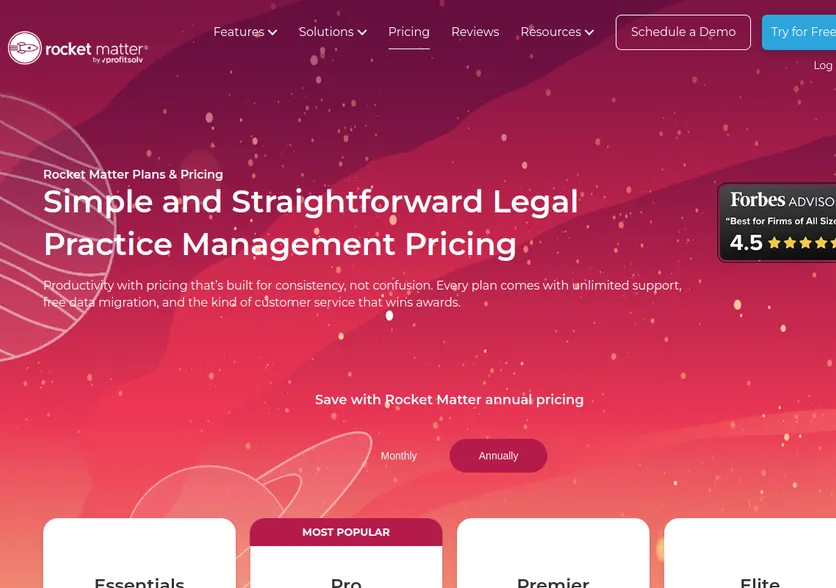
Paid tool Starting price: $59/user/month · Fifty-nine dollars per user a month billed annually on Essentials; Pro is $95, Premier $115 and Elite $145 on the same billing basis; the $49 FAQ figure is stale; the CRM add-on carries a $399 onboarding fee
Free plan: 10-day free trial
With this Rocket Matter plan costing fifty-nine dollars per user a month billed annually, an patent law firm gets the full practice toolkit without a sales call, and it centers on billing with batch invoices and retainers. Billing sits at the center, with batch billing, evergreen retainers and trust accounting from the entry tier, plus document assembly for repeated forms. A patent law firm that bills by the matter rather than the hour will like flat fees and retainers instead of forcing everything into a timer.
What we like
- Batch billing and evergreen retainers from the entry tier
- Document assembly for repeated forms and letters
- Trust accounting included without an add-on
Watch out for
- The entry price is higher than the forty-nine dollar rivals
- The CRM add-on carries a three hundred ninety-nine dollar onboarding fee
How to try it
- Open a matter and set the billing arrangement
- Assemble documents from templates and track time
- Run batch billing and collect payment online
6. Lawcus
Best for: Firms that think in pipelines and boards
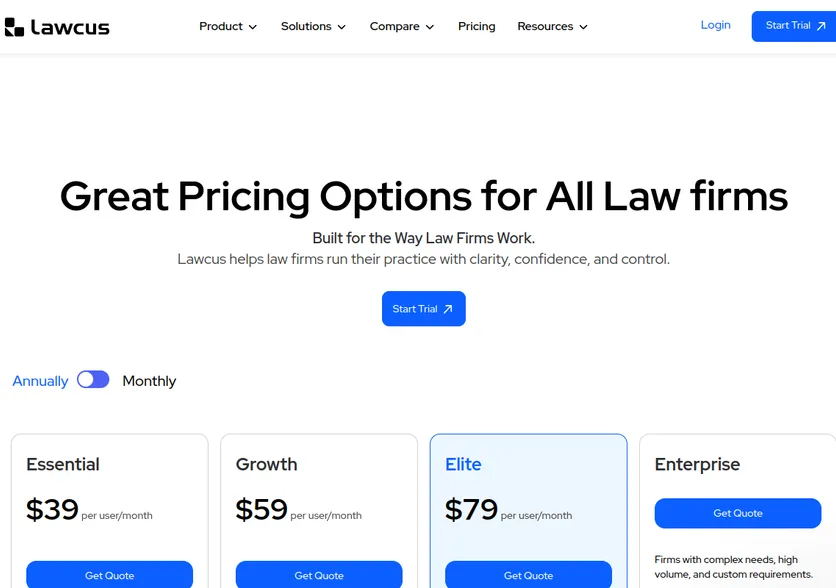
Paid tool Starting price: $49/user/month · Forty-nine dollars per user a month; older listings show $34 or $39 a user a month, but multiple November 2026 reads of the vendor pricing page agree on $49
Free plan: Free trial available
With this Lawcus plan costing forty-nine dollars per user a month, an patent law firm gets the full practice toolkit without a sales call, and it runs matters as visual Kanban pipelines. Matters run as visual Kanban pipelines, so a firm can see every case move from intake to close on one board, with intake, time and billing on each card. For a patent law firm that juggles many small matters at once, the board view beats a list, since bottlenecks show up at a glance.
What we like
- Visual Kanban boards make caseload status obvious
- Intake, time and billing attached to each matter card
- Simple pricing with no tier maze
Watch out for
- Fewer integrations than the biggest platforms
- Older listings quote lower prices, so confirm the current rate
How to try it
- Create a pipeline with stages for each matter type
- Drag each matter card forward as the work progresses
- Log time on the card and invoice from it
7. CaseFox
Best for: Budget-conscious solos and small firms
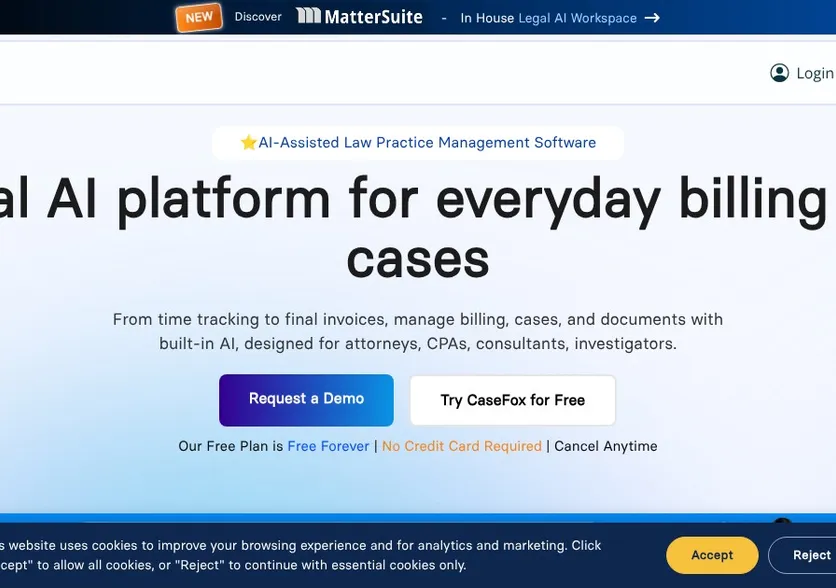
Paid tool Starting price: $39/user/month · Thirty-nine dollars per user a month billed annually on Pro ($45 billed monthly); Enterprise is $79; the free Solo plan covers 2 users and 4 cases with all Pro features
Free plan: Free plan (2 users, 4 cases)
With this CaseFox plan costing thirty-nine dollars per user a month billed annually, an patent law firm gets the full practice toolkit without a sales call, and it covers cases, time, billing and trust accounting at the lowest price here. Case management, timekeeping, billing, invoicing, trust accounting and document storage come in one hosted platform, and the free Solo plan covers two users and four cases. A patent law firm on a tight budget gets the cheapest paid tier in this list, and the free plan means a solo can run real matters for months before paying.
What we like
- Cheapest paid tier in this list at thirty-nine dollars
- Free Solo plan covers two users and four cases
- Time, billing and trust accounting in one hosted app
Watch out for
- Fewer integrations than the larger platforms
- Support and training resources are thinner than the big names
How to try it
- Sign up for the free Solo plan and add a case
- Track time and expenses against the matter
- Generate the invoice and send it with a payment link
8. CARET Legal
Best for: Firms that want email and accounting in one system
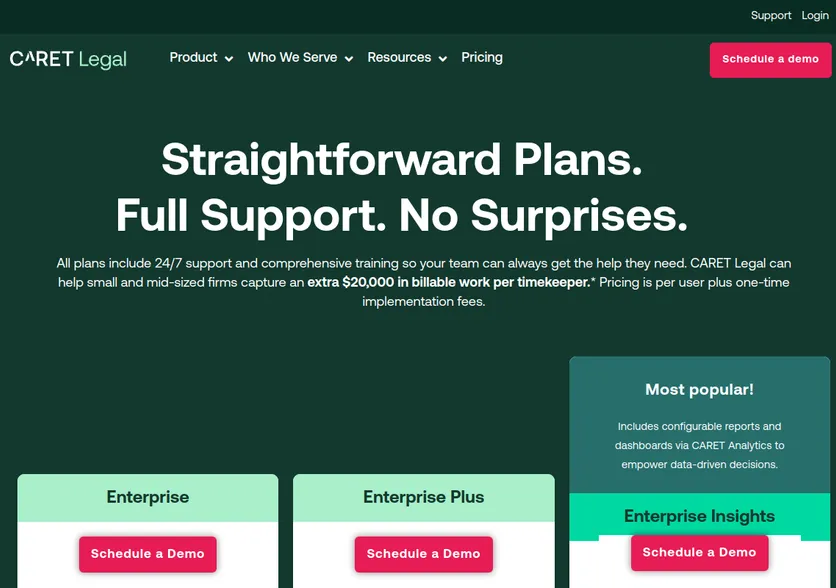
Paid tool Starting price: $79/user/month · Seventy-nine dollars per user a month billed annually on Enterprise; Enterprise Plus is $99 and Enterprise Insights is $119; one-time implementation fees sit on top of the subscription; formerly Zola Suite
Free plan: No free plan; book a demo
With this CARET Legal plan costing seventy-nine dollars per user a month billed annually, an patent law firm gets the full practice toolkit without a sales call, and it bundles email, documents, billing and accounting in one system. The platform formerly known as Zola Suite pairs matter management with built-in email, document management, LEDES invoicing and integrated payments. For a patent law firm that wants one system for email, documents, billing and accounting, CARET Legal is the most complete bundle here, though implementation fees sit on top.
What we like
- Built-in email plus full legal accounting in one system
- Document automation included from the entry tier
- LEDES invoicing and integrated payments standard
Watch out for
- One-time implementation fees add to the first-year cost
- Highest starting price in this list
How to try it
- Migrate matters, documents and email into CARET Legal
- Set up billing templates and the trust ledger
- Use the client portal to share documents
Prices above were checked on each vendor’s own website on Nov 28, 2026 and can change — the vendor’s page is the final word. Vendor links are editorial: nobody paid to be listed or ranked here. Vendors who want a featured listing can see how it works on our Get listed page.
How to run a patent docket without missing a USPTO date
Give every application its own matter with the next USPTO deadline on the calendar the day the office action arrives, because a missed response date is the one error a client never forgives. Keep the full prosecution history inside the matter file, not in email, so any lawyer on the team can pick the case up mid-stream. Bill prosecution work in fixed stages where the client expects it, and track the hours behind each stage so the flat fee stays honest. Use document assembly for the repeated responses, since retyping the same forms invites typos. Review the docket every week.
Before you buy
- Confirm the tool keeps a separate matter per application with its own USPTO deadline
- Check whether document assembly covers the repeated responses the firm sends every week
- Ask if billing handles fixed-stage prosecution fees and tracks the hours behind them
- Make sure the client portal shows application status without a phone call
- Test the tool on a real prosecution docket before paying, including the deadline reminders
Official websites
Official websites of the products reviewed above. Features and prices were checked against these sites when this guide was written, and they can change, so confirm on the vendor site before you buy.
Frequently asked questions
What is the best practice management software for patent law firms?
Clio is the best overall pick for patent law firms, at forty-nine dollars per user a month billed annually, because it covers matters, documents, calendar, time and billing in the system most firms already know. Its integration library connects to docketing and document automation tools. Firms that bill corporate clients by the hour should also look at Rocket Matter, which centers on retainers and batch billing.
How much does Clio cost for a patent law firm?
Clio costs forty-nine dollars per user a month billed annually on EasyStart, or fifty-nine dollars billed monthly. Essentials is eighty-nine dollars a user a month billed annually and adds more automation and reporting, while Advanced and Complete cost one hundred nineteen and one hundred forty-nine dollars. A seven-day free trial lets the firm test it first.
Is there a free practice management option for patent law firms?
Yes, CaseFox offers a free Solo plan covering two users and four cases with all Pro features, which suits a solo patent lawyer starting out. The paid Pro plan is thirty-nine dollars per user a month billed annually. No other tool here has a free plan, though Clio, MyCase and PracticePanther offer free trials.
Which tool is best for patent prosecution docketing?
None of these eight tools is a dedicated docketing system, so the firm should treat the practice platform as the matter hub and connect a docketing tool to it. Clio has the largest integration library, which makes that connection easiest. CARET Legal is the strongest all-in-one pick, since built-in email and document automation keep the filing history beside the matter.
Which tool is best for a small patent law firm?
CaseFox is the best value for a small patent law firm, at thirty-nine dollars per user a month billed annually, with a free Solo plan for two users and four cases. PracticePanther is the better pick for fixed-fee prosecution work, since its published plans and e-signature speed up engagement. Clio suits firms that plan to grow.
Compare the eight tools above, then start with a free trial or the free CaseFox plan on the tool that matches how the firm already handles patent matters before paying for a full year.
Browse Business Tools tools