
On this page
Software license management best practices start with knowing what is installed, where it runs and who uses it, and the eight tools below turn that inventory into compliance reports, renewal alerts and audit-ready records. Prices run from twenty dollars a month for a simple hosted list to about three hundred dollars a month for network-wide discovery, and every figure was checked on the vendor site on November 26, 2026. Most tools here carry a free tier or trial, so test with real assets before paying. Lansweeper is our first pick — the strongest discovery engine in this list.
How we researched this
We started with the asset and license tools IT teams actually buy, then read each price on the vendor pricing page on November 26, 2026 and noted the free tier or trial each one carries. We judged them for a team that needs to track installed software, prove license compliance and catch renewals before they lapse, and we kept only tools with a published price.
Compare the tools
| Name | Best for | Starting price | Free plan | |
|---|---|---|---|---|
 Lansweeper | IT teams that need to find every device on the network and tie installed software to it | $299/month | Free for up to 100 assets after a 14-day full trial | Visit |
 ManageEngine AssetExplorer | Small IT teams that want discovery plus license compliance on a published per-asset price | $115/month | Free edition for up to 50 cloud nodes | Visit |
 SysAid | IT teams of twenty or more agents that want ITSM, asset management and AI in one price | $89/agent/month | No free plan; free trial with all features and no card | Visit |
 Alloy Navigator | Small IT teams of up to three technicians that want tickets, assets and software licensing in one system | $19/technician/month | No free plan; free trial available | Visit |
 Freshservice | Teams that want a fast service desk with incident, knowledge and asset tracking in one place | $19/agent/month | No free plan; 14-day free trial with all features | Visit |
 AssetTiger | Small teams and schools that want a low flat monthly price for a hosted asset list | $20/month | No free plan; 30-day free trial for up to 250 assets | Visit |
 Snipe-IT | Teams that can host a web app and want a free asset register with license tracking | $39.99/month | Free self-hosted open source version with unlimited users and assets | Visit |
 InvGate Asset Management | IT teams that want license compliance and full asset management in one easy tool | $1,499/year | No free plan; 30-day free trial with no card | Visit |
The software license management tools, compared
1. Lansweeper
Best for: IT teams that need to find every device on the network and tie installed software to it
Paid tool Starting price: $299/month · Starter plan, from $299 a month billed annually for 2,000 assets; Pro from $528 a month; free for up to 100 assets after a 14-day trial
Free plan: Free for up to 100 assets after a 14-day full trial
Lansweeper scans the network without an agent and builds a complete inventory of hardware, software and users, so a team can see every installed application and who runs it. This Lansweeper Starter plan starts at two hundred ninety-nine dollars a month billed annually for two thousand assets, with a free tier below it. An IT team that needs to find unregistered devices and tie installed software to the machines that run it gets the deepest discovery in this list.
What we like
- Agentless discovery finds devices nobody registered
- Ties installed software to the device that runs it
- Free tier covers up to one hundred assets
Watch out for
- Starter has no vulnerability or end-of-life insights
- All plans are billed annually, with no monthly option
How to try it
- Start the fourteen-day trial and scan one subnet
- Review the installed software list for unlicensed apps
- Set the asset cap before the trial ends and pick a plan
2. ManageEngine AssetExplorer
Best for: Small IT teams that want discovery plus license compliance on a published per-asset price
Paid tool Starting price: $115/month · Cloud plan, $115 a month for 250 assets or $1,245 a year; 500 assets $225 a month; free edition covers 50 nodes
Free plan: Free edition for up to 50 cloud nodes
ManageEngine AssetExplorer combines network discovery with software license compliance, purchase orders and contracts, so a team can track a licence from purchase to renewal in one system. This ManageEngine AssetExplorer cloud plan starts at one hundred fifteen dollars a month for two hundred fifty assets, with a free edition below it. A small IT team that wants a published per-asset price and a free tier that never expires gets a predictable bill.
What we like
- Published per-asset pricing with no sales call
- Free edition never expires for fifty nodes
- License compliance sits beside discovery and contracts
Watch out for
- No SaaS subscription or spend management coverage
- Priced per asset, so the bill grows with the fleet
How to try it
- Start the free edition with up to fifty nodes
- Run discovery and check the license compliance view
- Upgrade to the cloud plan when the fleet passes fifty assets
3. SysAid
Best for: IT teams of twenty or more agents that want ITSM, asset management and AI in one price
Paid tool Starting price: $89/agent/month · Professional plan, $89 per agent a month at 10 to 19 agents, falling to $59 at 70 agents, billed annually; Enterprise is custom from 20 agents
Free plan: No free plan; free trial with all features and no card
SysAid pairs ITSM tickets with asset management and a license manager, so a team can link a licence to the user, the device and the ticket that requested it. This SysAid Professional plan lists at eighty-nine dollars per agent a month for smaller teams, with the rate falling as agent count grows. An IT team of twenty or more agents that wants AI-assisted service and license tracking in one price gets a lot for the money.
What we like
- AI Copilot included with no usage caps
- License Manager Essentials sits in the base plan
- Two hundred fifty managed assets included
Watch out for
- Small teams pay the eighty-nine dollar rate or more
- Enterprise needs a custom quote from twenty agents
How to try it
- Start the free trial with all features enabled
- Import the asset list and check the license view
- Compare the per-agent rate at your real headcount
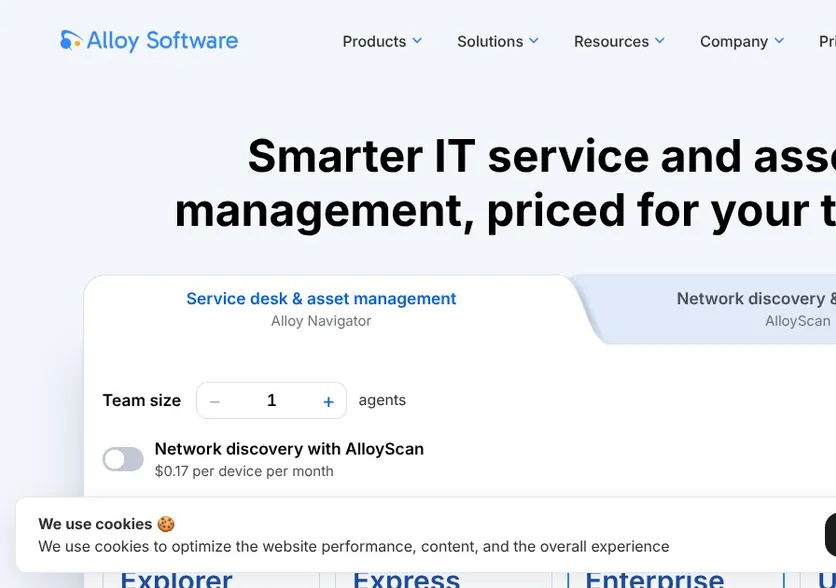
4. Alloy Navigator
Best for: Small IT teams of up to three technicians that want tickets, assets and software licensing in one system
Paid tool Starting price: $19/technician/month · Explorer plan, $19 per technician a month billed annually for up to 3 technicians; Express $49 and Enterprise $89 a month
Free plan: No free plan; free trial available
Alloy Navigator combines help desk tickets, a self-service portal and asset records in one system, with software licensing tracked from the Express plan upward. This Alloy Navigator Explorer plan costs nineteen dollars per technician a month billed annually for teams of up to three technicians. A tiny IT desk that wants tickets and licence records together gets a complete system at the lowest per-technician price in this list.
What we like
- Tickets, portal and assets in one system
- Unlimited requesters on every edition
- On-premises or cloud deployment
Watch out for
- Software licensing needs Express at forty-nine dollars
- Cloud hosting fees sit on top of the licence price
How to try it
- Start a trial with the Explorer plan for three technicians
- Import the software licence list and link it to assets
- Move to Express when the fourth technician joins
5. Freshservice
Best for: Teams that want a fast service desk with incident, knowledge and asset tracking in one place
Paid tool Starting price: $19/agent/month · Starter plan, $19 per agent a month billed annually or $29 billed monthly; Growth $49 and Pro $99 a month; asset management is sold separately
Free plan: No free plan; 14-day free trial with all features
Freshservice is a clean service desk that covers incidents, knowledge and tasks, with asset and licence tracking available as a separate module. This Freshservice Starter plan costs nineteen dollars per agent a month billed annually, with a free trial on every plan. A team that wants fast ticketing first and licence tracking second gets the easiest setup in this list.

What we like
- Fastest setup of the service desks here
- Starter covers incidents, knowledge and a portal
- Fourteen-day trial with all features
Watch out for
- Asset management is sold separately since 2026
- AI Copilot costs twenty-nine dollars extra below Enterprise
How to try it
- Start the fourteen-day trial on the Starter plan
- Set up incident and knowledge workflows first
- Add the asset module when licence tracking matters
6. AssetTiger
Best for: Small teams and schools that want a low flat monthly price for a hosted asset list
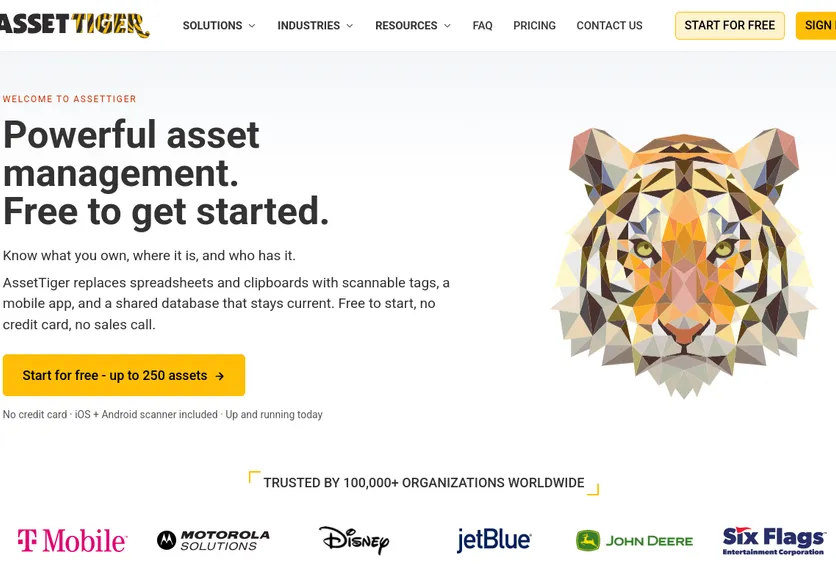
Paid tool Starting price: $20/month · Basic plan, $20 a month for up to 500 assets or $220 a year; unlimited users on every paid plan
Free plan: No free plan; 30-day free trial for up to 250 assets
AssetTiger is a cloud asset tracker that prices by asset count, not by seat, so a whole organisation can log in while the bill stays flat. This AssetTiger Basic plan costs twenty dollars a month for up to five hundred assets, with unlimited users on every paid plan. A school or small team that wants a hosted list with barcode scanning gets the cheapest paid plan in this list.
What we like
- Cheapest paid plan in this comparison
- Unlimited users on every paid plan
- Barcode and QR scanning on every plan
Watch out for
- No free plan since the free tier was removed
- No automated discovery, so assets are entered by hand
How to try it
- Start the thirty-day trial with up to two hundred fifty assets
- Scan barcodes and check items in and out
- Pick the Basic plan when the trial ends
7. Snipe-IT
Best for: Teams that can host a web app and want a free asset register with license tracking
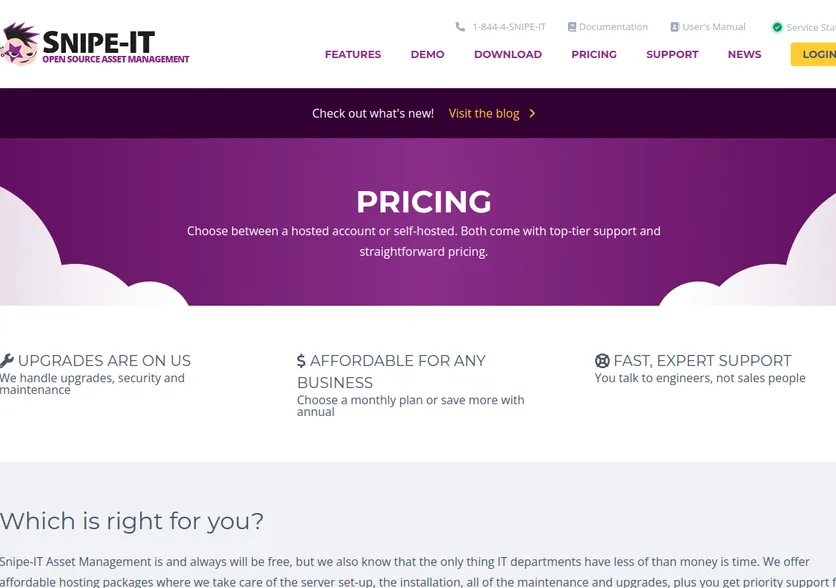
Paid tool Starting price: $39.99/month · Basic Hosting, $39.99 a month or $399.99 a year; Small Business Hosting $99.99 a month; self-hosted version is free
Free plan: Free self-hosted open source version with unlimited users and assets
Snipe-IT is a free open source asset manager that tracks hardware, accessories and software licences with check-in and check-out, and a hosted plan removes the server work. This Snipe-IT Basic Hosting plan costs thirty-nine dollars and ninety-nine cents a month, with the self-hosted version free. A team with server skills gets unlimited users and assets for nothing, while the hosted plan adds upgrades and support.
What we like
- Free self-hosted version with unlimited assets
- Check-out tracking stops double-booking
- Hosted plan adds upgrades and email support
Watch out for
- No automated discovery, so assets are entered by hand
- Self-hosting needs Linux and web server skills
How to try it
- Install the free self-hosted version on a test server
- Import the asset list and assign licences to users
- Move to Basic Hosting when the team wants managed upgrades
8. InvGate Asset Management
Best for: IT teams that want license compliance and full asset management in one easy tool
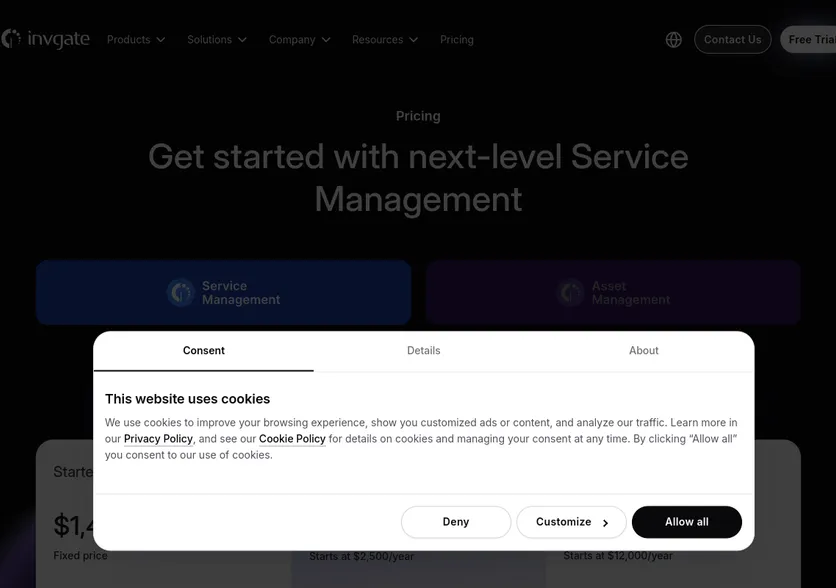
Paid tool Starting price: $1,499/year · Starter plan, $1,499 a year for 500 IP devices, each including two non-IP devices; Pro from $2,500 a year; Enterprise from $12,000 a year
Free plan: No free plan; 30-day free trial with no card
InvGate Asset Management discovers assets with agents and network scans, then tracks licences, warranties and contracts with a software compliance module. This InvGate Asset Management Starter plan costs one thousand four hundred ninety-nine dollars a year for five hundred IP devices, with two non-IP devices included per device. An IT team that wants an enterprise-style asset system without enterprise complexity gets a fixed price it can budget.
What we like
- Fixed price per IP device with two non-IP devices included
- Software compliance module tracks licence positions
- Thirty-day free trial with no card
Watch out for
- Starter is a fixed package with no add-ons
- Teams over five hundred devices move to Pro pricing
How to try it
- Start the thirty-day trial and run discovery
- Check the software compliance view for licence gaps
- Pick Starter when the device count fits five hundred
Prices above were checked on each vendor’s own website on Nov 26, 2026 and can change — the vendor’s page is the final word. Vendor links are editorial: nobody paid to be listed or ranked here. Vendors who want a featured listing can see how it works on our Get listed page.
How to run software license management best practices day to day
Start with a full inventory before buying anything, because a licence count is only as good as the discovery behind it. Run the free tier or trial on one subnet, compare installed software against purchased licences, and write down every gap before the audit finds it. A team that discovers its own shortfall first negotiates from strength, while a team that learns it from an auditor pays for the lesson.
Set renewal alerts the day a licence is recorded, not the week it expires, and assign one owner to each vendor. Check the per-asset or per-agent price against the real fleet, because a cheap seat price turns expensive when every technician, admin and field user needs a login. Review the inventory every quarter, because unused licences are the easiest money to save.
Before you buy
- Count the assets first, because Lansweeper Starter covers two thousand assets and AssetExplorer starts at two hundred fifty.
- Check the free tier caps, because AssetTiger has no free plan and Snipe-IT self-hosted is free with unlimited assets.
- Compare per-agent and per-asset pricing, because SysAid charges per agent while AssetExplorer charges per asset.
- Test discovery with real devices, because Alloy Navigator needs paid audit licences for auto-discovered computers.
- Check what the entry plan excludes, because Freshservice sells asset management separately and Alloy needs Express for licensing.
Official websites
Official websites of the products reviewed above. Features and prices were checked against these sites when this guide was written, and they can change, so confirm on the vendor site before you buy.
Frequently asked questions
Which tool is best for software license management in 2026?
Lansweeper is the safest default, because agentless discovery finds every device and ties installed software to it for two hundred ninety-nine dollars a month. AssetTiger is the cheapest paid option at twenty dollars a month for a hosted list. Snipe-IT is the best free option, with a self-hosted version that costs nothing and tracks licences with unlimited users.
How much does license management software cost?
Prices in this list run from twenty dollars a month on AssetTiger Basic to two hundred ninety-nine dollars a month on Lansweeper Starter, with Snipe-IT free to self-host. Per-agent tools like SysAid and Freshservice start at nineteen and eighty-nine dollars per agent a month, so the bill depends on team size as much as on asset count.
Is there a free license management tool?
Yes. Snipe-IT is free to self-host with unlimited users and assets, and it tracks software licences with check-in and check-out. ManageEngine AssetExplorer has a free edition for fifty nodes, and Lansweeper is free for up to one hundred assets after a fourteen-day trial. AssetTiger and InvGate offer trials but no permanent free plan.
What is the difference between ITAM and SAM?
ITAM tracks every technology asset a team owns, from laptops to servers, while SAM focuses on the software licences installed on those assets and whether the team owns enough of them. Most tools here do both, because a licence count is meaningless without knowing which device runs the software. Lansweeper, AssetExplorer and InvGate cover both jobs in one system.
How do I prepare for a software license audit?
Run discovery across the whole network, then compare installed software against purchased licences and record every gap before the auditor arrives. Keep purchase records, contracts and renewal dates in the same system as the inventory, so the audit trail is one click away. Tools with a compliance module, like AssetExplorer and InvGate, turn that comparison into a report automatically.
Need more business help? Try Toolsvine's free business tools for invoices, budgets and planning right in your browser.
Browse Business Tools tools


