On this page
A remote sales team presents through a screen, and the deck has to do more than sit behind the rep: it has to hold attention, carry the numbers and close the deal without a handshake. The eight tools below do that at prices a team can verify. Canva leads because it turns any rep into a designer for one hundred and forty-four dollars a year, and the rest are ranked on how they present remotely.
How we researched this
We checked every price on the vendor pricing page on November 28, 2026, and only included tools with a published US dollar list price. Tome is no longer sold as a presentation tool, since its founders moved on and the site returns a hosting error, so it is not in this list. Prices change, so confirm the current figure on the vendor site before you buy.
Compare the tools
| Name | Best for | Starting price | Free plan | |
|---|---|---|---|---|
 Canva | Remote sales teams that need branded decks fast | $144/year | Free plan | Visit |
 Prezi | Remote teams that present live on video calls | $19/month | Free plan (Basic) | Visit |
 Pitch | Sales teams that build decks together in real time | $25/user/month | Free plan | Visit |
 Gamma | Teams that want AI to draft the deck | $9/seat/month | Free plan (400 credits) | Visit |
 Visme | Teams that present data-heavy sales decks | $12.25/month | Free plan (Basic) | Visit |
| Mentimeter | Remote teams that run interactive live sessions | $14/presenter/month | Free plan (50 participants a month) | Visit |
 Beautiful.ai | Reps who want clean decks without designing | $14.50/month | No free plan; 14-day free trial | Visit |
 Qwilr | Sales teams that send proposals buyers sign online | $35/user/month | No free plan; 14-day free trial | Visit |
The presentation software for remote sales teams, compared
1. Canva
Best for: Remote sales teams that need branded decks fast
Paid tool Starting price: $144/year · One hundred and forty-four dollars a year for one person on Pro ($12 a month effective); $18 a month billed monthly; Business is $250 a person a year; older listings showing $120 a year are stale
Free plan: Free plan
A remote sales team needs decks that look designed even when nobody on the team designs, and this Canva plan costs one hundred and forty-four dollars a year for one person on Pro. Templates, Brand Kits and Magic Studio turn a rough outline into a client-ready deck in an afternoon. It is the fastest route to good-looking sales decks in this list.

What we like
- Huge template and asset library for sales decks
- Brand Kits keep every deck on message
- Magic Studio speeds up first drafts
Watch out for
- Pro is a single seat, teams need Business
- Prices have risen twice since 2024
How to try it
- Pick a sales deck template from the library
- Apply the brand kit and drop in the numbers
- Share the deck link and track views
2. Prezi
Best for: Remote teams that present live on video calls
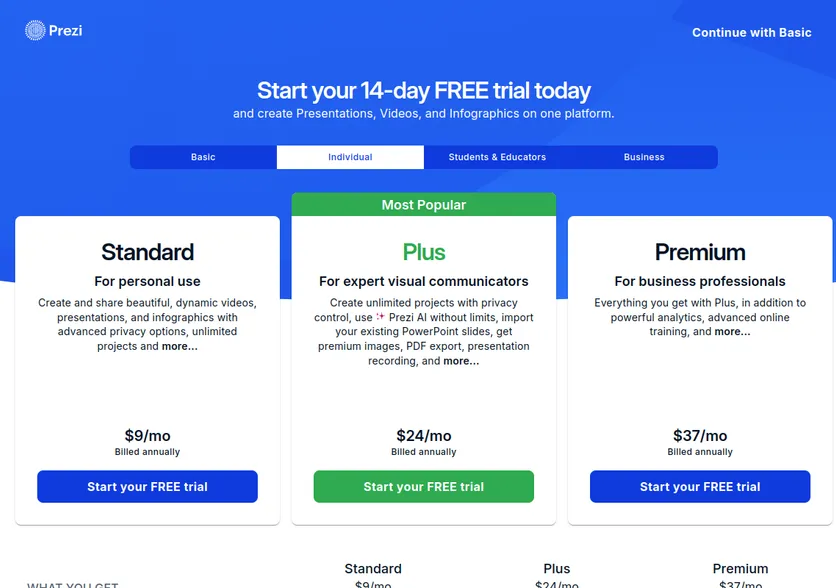
Paid tool Starting price: $19/month · Nineteen dollars a month billed annually on Plus, the cheapest plan with PDF export and unlimited AI; Standard is $7 a month and Premium is $29, though a November 27 read showed $6.50 and $32, so confirm at checkout; Teams is $39 per user a month
Free plan: Free plan (Basic)
A remote pitch lives or dies on holding attention through a video call, and this Prezi plan costs nineteen dollars a month billed annually on Plus. The zoomable canvas moves the room through the story instead of clicking through flat slides, and video mode keeps the presenter beside the deck. It suits a remote team that presents live and wants the deck to perform.
What we like
- Zoomable canvas holds a room during live pitches
- AI generation builds a first draft in minutes
- Video mode puts the presenter beside the slides
Watch out for
- Premium price rose between recent vendor reads
- Learning curve is steeper than linear slide tools
How to try it
- Start from a template or a prompt
- Arrange the topics on the zoomable canvas
- Present live or share the link with the team
3. Pitch
Best for: Sales teams that build decks together in real time
Paid tool Starting price: $25/user/month · Twenty-five dollars per user a month on Pro under the November 2026 pricing page; older listings show $20 a user a month and $8 is stale; Business is $100 a month for teams up to 200
Free plan: Free plan
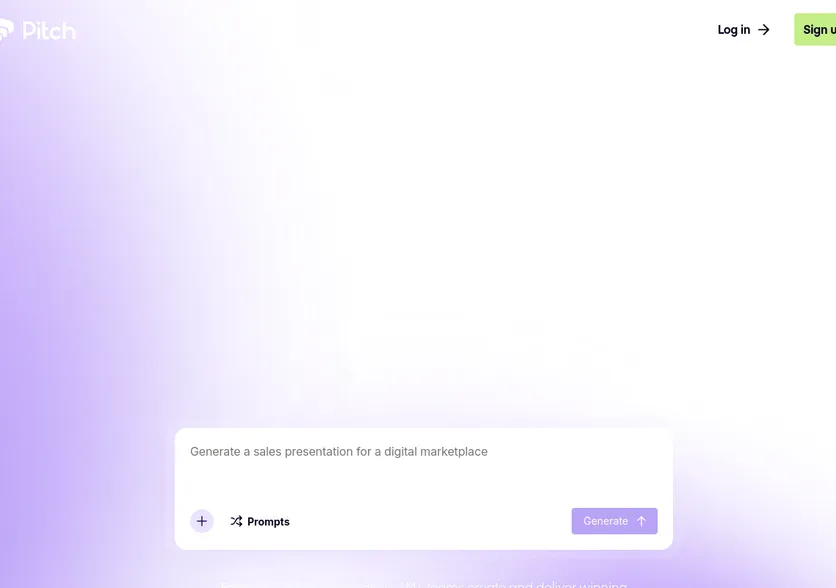
A remote sales team builds decks together across time zones, and this Pitch plan costs twenty-five dollars per user a month on Pro. Real-time editing, a shared brand library and slide analytics keep everyone on the same deck and show which slides held the buyer. It is the collaboration pick for a distributed team.
What we like
- Real-time collaboration built for sales teams
- Slide analytics show which slides held attention
- Brand library keeps decks consistent
Watch out for
- Pro price changed in November 2026, so confirm it
- Fewer templates than Canva or Google Slides
How to try it
- Create the deck from a template or blank
- Invite the team to edit in real time
- Share the live link and check the analytics
4. Gamma
Best for: Teams that want AI to draft the deck
Paid tool Starting price: $9/seat/month · Nine dollars per seat a month billed annually on Plus ($108 a year); $12 billed monthly; Pro is $18 a seat a month billed annually and Ultra is $90; older listings showing $10 for Plus are stale
Free plan: Free plan (400 credits)
A remote rep should not spend a day building a deck, and this Gamma plan costs nine dollars per seat a month billed annually on Plus. Paste the outline, pick a theme, and the AI builds a web-native deck that shares as a link rather than a file. It is the speed pick here for teams that present often and build fast.
What we like
- AI builds a full deck from a prompt
- Web-native decks share as links, not files
- Credits roll over up to twice the monthly amount
Watch out for
- Exports to PowerPoint can break layouts
- AI credits cap how much you can generate
How to try it
- Paste the outline or prompt into Gamma
- Pick a theme and let the AI build the deck
- Share the link or export to PDF
5. Visme
Best for: Teams that present data-heavy sales decks
Paid tool Starting price: $12.25/month · Twelve dollars and twenty-five cents a month billed annually on Starter ($147 a year); $29 billed monthly; Pro was renamed Business in October 2026 at $24.75 a month billed annually ($59 monthly)
Free plan: Free plan (Basic)
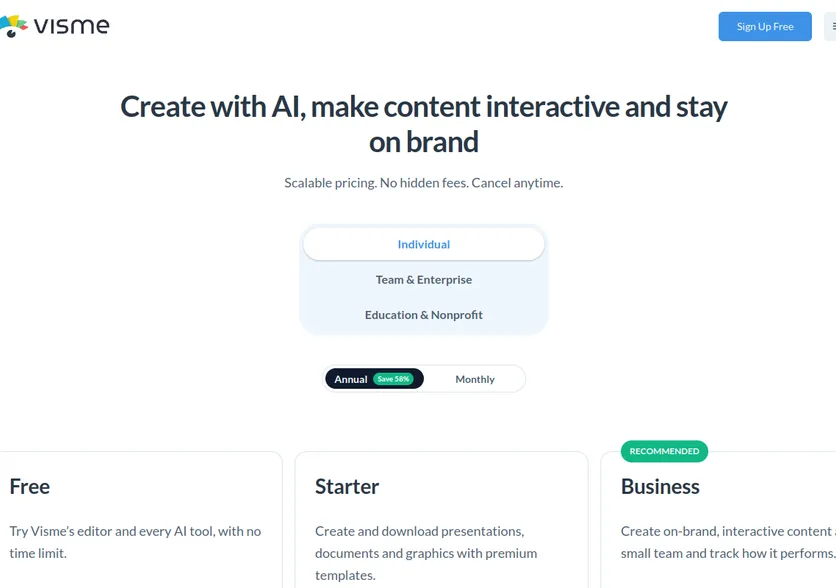
A sales deck full of numbers needs charts that a buyer can read at a glance, and this Visme plan costs twelve dollars and twenty-five cents a month billed annually on Starter. Data widgets, infographics and downloads come on the first paid tier, and the free plan is there to test the editor. It suits a remote team that sells with data.
What we like
- Infographics and data widgets inside the deck
- Downloads unlock on the first paid tier
- Brand kit and analytics on the Business tier
Watch out for
- Free plan cannot download anything
- Annual discount is steep, monthly billing is costly
How to try it
- Choose a presentation template
- Add charts and data widgets for the numbers
- Download the deck or share it online
6. Mentimeter
Best for: Remote teams that run interactive live sessions
Paid tool Starting price: $14/presenter/month · Fourteen dollars per presenter a month billed annually on Basic ($168 a year); Pro is $28 per presenter a month billed annually; older directory listings showing $11.99 are stale against the November 2026 vendor-page reads; yearly billing only, no monthly option
Free plan: Free plan (50 participants a month)
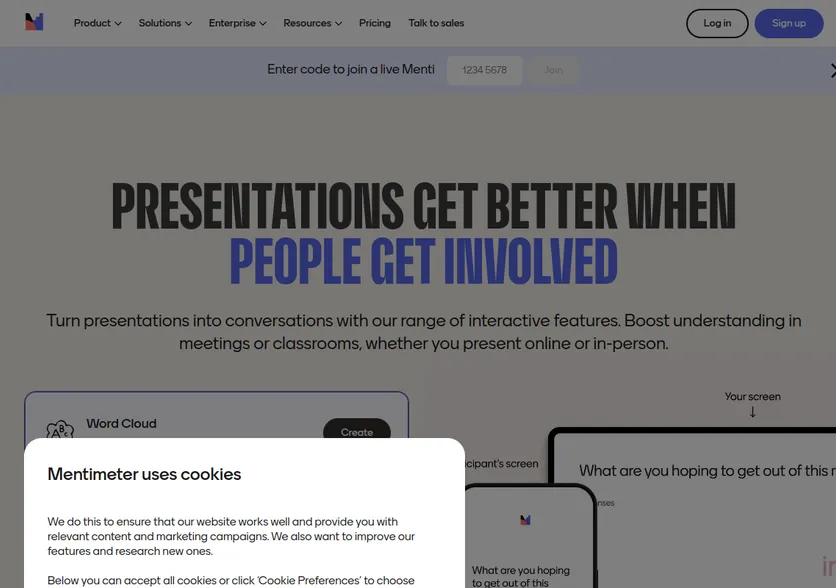
A remote audience goes quiet fast, and this Mentimeter plan costs fourteen dollars per presenter a month billed annually on Basic. Live polls, quizzes and word clouds pull the room back in, and existing slides import from PowerPoint or Keynote. It is the engagement pick for remote sessions that need the audience involved.
What we like
- Live polls and quizzes keep remote audiences awake
- Unlimited participants on paid plans
- Import existing slides from PowerPoint or Keynote
Watch out for
- Yearly billing only, no monthly option
- Older listings show a lower price than the vendor page
How to try it
- Build the deck and add poll slides
- Share the join code with the remote team
- Run the live poll and show results in real time
7. Beautiful.ai
Best for: Reps who want clean decks without designing
Paid tool Starting price: $14.50/month · Fourteen dollars and fifty cents a month billed annually on Pro ($174 a year); $45 billed monthly for a single presentation; Team is $40 per user a month billed annually; older listings showing $12 for Pro are stale
Free plan: No free plan; 14-day free trial
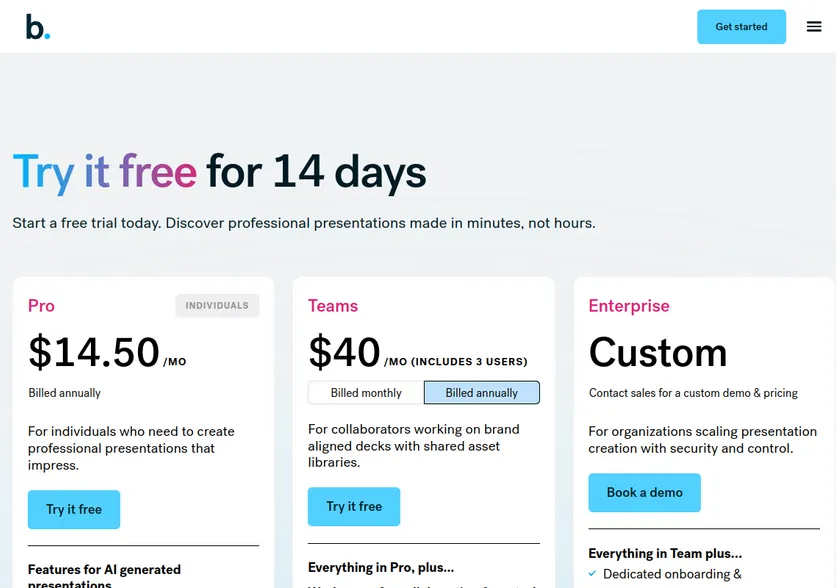
A rep who hates designing still has to send a clean deck, and this Beautiful.ai plan costs fourteen dollars and fifty cents a month billed annually on Pro. Smart Slides reformat the content as it is typed, and unlimited AI generation means the deck is never stuck on a blank slide. It suits a remote seller who wants polish without a designer.
What we like
- Smart Slides reformat as you type
- Unlimited AI generation on paid plans
- PowerPoint export keeps decks portable
Watch out for
- No free plan, only a 14-day trial needing a card
- Monthly billing costs three times the annual rate
How to try it
- Start a deck with Create with AI
- Type the content and let Smart Slides format it
- Export to PowerPoint or share the link
8. Qwilr
Best for: Sales teams that send proposals buyers sign online
Paid tool Starting price: $35/user/month · Thirty-five dollars per user a month billed annually on Business ($39 billed monthly); Enterprise is $59 per user a month with a ten-user minimum
Free plan: No free plan; 14-day free trial
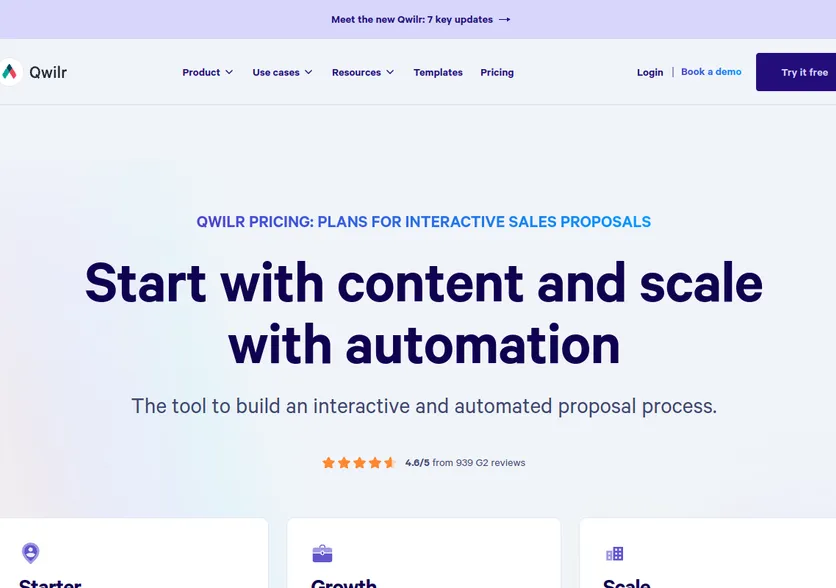
A remote sale often ends with a proposal, not a presentation, and this Qwilr plan costs thirty-five dollars per user a month billed annually on Business. Interactive proposals with pricing and a sign button close the loop the deck opened, and page analytics show what the buyer actually read. It is the closing pick for a team that sells over links.
What we like
- Interactive proposals that buyers can sign in one click
- Page analytics show what the buyer actually read
- CRM integrations keep deals in sync
Watch out for
- Enterprise needs ten users minimum
- Add-ons for branding and identity cost extra
How to try it
- Build the proposal from a template
- Add interactive pricing and the accept form
- Send the link and watch the analytics
Prices above were checked on each vendor’s own website on Nov 28, 2026 and can change — the vendor’s page is the final word. Vendor links are editorial: nobody paid to be listed or ranked here. Vendors who want a featured listing can see how it works on our Get listed page.
How to present to a remote buyer who can mute you
Open with the outcome, not the company history, because a remote buyer decides in the first minute whether the call is worth their time. Keep each slide to one idea, since a crowded slide on a small video window is a slide nobody reads. Ask the room a question every few minutes, through a poll or a direct prompt, and end with the next step on the screen while the buyer is still watching, not in a follow-up email they may never open. Send the deck link before the call so the buyer can follow along, and check the view analytics afterwards to see which slides held attention and which were skipped.
Before you buy
- Check whether the tool supports live presenting with the rep on screen beside the deck
- Confirm decks share as links with view analytics, so the team sees what buyers read
- Ask if brand kits and templates keep every rep on the same message
- Make sure the tool works for remote audiences, with polls or interaction built in
- Test the tool on a real sales call before paying, including a screen share
Official websites
Official websites of the products reviewed above. Features and prices were checked against these sites when this guide was written, and they can change, so confirm on the vendor site before you buy.
Frequently asked questions
What is presentation software for remote sales teams?
It is software that helps a distributed sales team build, present and share decks over video calls, covering templates, brand kits, live presenting, audience interaction and view analytics. Good tools keep every rep on message, hold a remote room through the pitch, and show which slides the buyer actually read.
How much does Canva Pro cost for a sales team?
Canva Pro costs one hundred and forty-four dollars a year for one person, or eighteen dollars a month billed monthly. Pro is a single seat, so a team that needs shared brand control should look at Business at two hundred and fifty dollars a person a year.
Which tool builds a sales deck fastest?
Gamma is the fastest, at nine dollars per seat a month billed annually on Plus, because its AI builds a full deck from a prompt or an outline. Canva is close behind with templates and Magic Studio, while Prezi suits teams that present live rather than sending decks.
Can a remote sales team present for free?
Yes, with Canva, Prezi, Pitch, Gamma, Visme, Mentimeter and Qwilr, which all offer free plans, though most limit exports, branding or analytics. Beautiful.ai has no free plan, only a fourteen-day trial that needs a card, so a team should start on a free tier and upgrade when the limits bite.
How do I keep a remote audience engaged during a pitch?
Mentimeter is the best pick for engagement, at fourteen dollars per presenter a month billed annually on Basic, because live polls, quizzes and word clouds pull the room back in. Prezi also helps, since its zoomable canvas and video mode keep the presenter visible beside the deck.
Compare the eight tools above, then start with a free plan or a free trial on the tool that matches how the team already presents to remote buyers before paying for a full year.
Browse Business Tools tools