On this page
Consulting runs on follow-ups: proposals that need signing, invoices that need chasing, and clients who need onboarding before the work even starts. The eight tools below automate that admin for consultants, from an all-in-one that carries a proposal to an invoice to a simple booking link that ends the scheduling emails. Bonsai leads because it bundles proposals, contracts, time tracking and invoicing for nineteen dollars a month, and the rest are ranked on how much billable time they give back.
How we researched this
We checked every price on the vendor pricing page on November 28, 2026, and only included tools with a published US dollar list price. The enterprise platforms that sell by quote publish no flat starting price for this use, so they are not in this list. Prices change, so confirm the current figure on the vendor site before you buy.
Compare the tools
| Name | Best for | Starting price | Free plan | |
|---|---|---|---|---|
 Bonsai | Consultants who want proposals, contracts and invoices in one flow | $19/month | No free plan; 7-day free trial | Visit |
 Zapier | Consultants who want their existing apps to share client data | $19.99/month | Free plan (100 tasks a month) | Visit |
 Make | Consultancies that want time, invoice and project data to flow | $9/month | Free plan (1,000 credits a month) | Visit |
 HoneyBook | Consultants who want a polished client onboarding flow | $29/month | No free plan; 7-day free trial | Visit |
 Dubsado | Consultancies that live on repeatable engagement workflows | $335/year | No free plan; 21-day free trial | Visit |
 Moxie | Small consultancies that want a budget all-in-one | $10/month | No free plan; 14-day free trial | Visit |
 Plutio | Consultants who want a simple client portal | $15/month | No free plan; 7-day free trial | Visit |
 Calendly | Consultants who want prospects to book themselves | $10/user/month | Free plan (1 event type) | Visit |
The process automation software for consultants, compared
1. Bonsai
Best for: Consultants who want proposals, contracts and invoices in one flow
Paid tool Starting price: $19/month · Nineteen dollars per user a month billed annually on Essentials (twenty-five dollars billed monthly); Basic is nine dollars a month billed annually but has no invoicing, proposals or contracts; Premium is twenty-nine dollars; Elite is forty-nine dollars with a three-user minimum; Zoom acquired Bonsai in November 2025
Free plan: No free plan; 7-day free trial
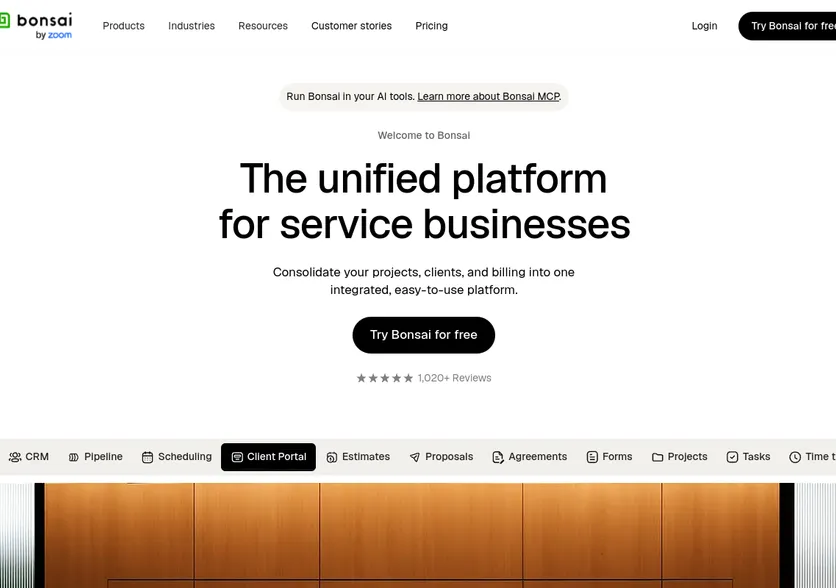
A consultant who writes proposals, signs contracts and chases invoices from separate apps will find this Bonsai plan costs nineteen dollars per user a month billed annually, and it carries a proposal through to a contract and then an invoice without retyping anything. Time tracking, expenses and a client portal share the same login, so the admin around a project stays in one place. The nine-dollar Basic tier looks cheap but has no invoicing, proposals or contracts, so Essentials is the real starting point.
What we like
- A proposal becomes a contract and then an invoice without retyping
- Time tracking, expenses and a client portal in one subscription
- Tax preparation and bookkeeping tools for solo consultants
Watch out for
- The Basic plan has no invoicing, proposals or contracts
- The interface is built for freelancers, not large teams
How to try it
- Create the proposal template with the standard service packages
- Send the proposal, then convert it to a contract when accepted
- Track time against the project and raise the invoice from the same record
2. Zapier
Best for: Consultants who want their existing apps to share client data
Paid tool Starting price: $19.99/month · Nineteen dollars and ninety-nine cents a month billed annually on Professional (twenty-nine dollars and ninety-nine cents billed monthly); Team is sixty-nine dollars a month billed annually; the free plan covers one hundred tasks a month and two-step Zaps only
Free plan: Free plan (100 tasks a month)
A consultant who juggles proposals, invoices and follow-ups across five different apps will find this Zapier plan costs nineteen dollars and ninety-nine cents a month billed annually, and it moves client details between those apps without retyping. A signed proposal can raise an invoice, open a project folder and ping the client automatically. With more than nine thousand connected apps, the odds are good that the tools a consultancy already uses are already supported.

What we like
- Connects more apps than any other automation tool in this list
- Multi-step workflows with filters and formatting built in
- A free plan that covers the first workflow for a solo consultant
Watch out for
- Per-task pricing grows with volume, so busy months cost more
- Complex branching needs the dearer Team plan
How to try it
- Connect the proposal, invoicing and email apps to the account
- Build the first flow from signed proposal to invoice to folder
- Test it with a fake client, then switch it on for real engagements
3. Make
Best for: Consultancies that want time, invoice and project data to flow
Paid tool Starting price: $9/month · Nine dollars a month billed annually on Core (ten dollars and fifty-nine cents billed monthly); Pro is sixteen dollars a month billed annually; Teams is twenty-nine dollars; the free plan includes one thousand credits a month
Free plan: Free plan (1,000 credits a month)
A consultancy that bills by the hour needs its tools to talk to each other, and this Make plan costs nine dollars a month billed annually while it moves time, invoice and project data between apps on a visual canvas. Each app is a box and the data flows between them, which makes a broken step easy to spot and fix. Ten thousand credits a month cover a busy consultancy, and the free plan is enough to prove the first workflow.

What we like
- Visual scenarios show every step, branch and filter on one canvas
- Ten thousand credits a month for less than ten dollars
- Routers and filters handle the tricky cases without code
Watch out for
- The visual builder takes longer to learn than a simple trigger list
- Credit counting is less obvious than a plain task count
How to try it
- Connect the time tracking, invoicing and project apps
- Draw the billing flow as a scenario with branches and filters
- Run it on the free plan, then move to Core when credits run low
4. HoneyBook
Best for: Consultants who want a polished client onboarding flow
Paid tool Starting price: $29/month · Twenty-nine dollars a month billed annually on Starter (thirty-six dollars billed monthly); Essentials is forty-nine dollars a month billed annually; Premium is one hundred and nine dollars; autumn 2026 reads show a fall offer of thirty dollars, thirty-eight dollars and eighty-three dollars, while the twenty-nine dollar figure is the vendor list price
Free plan: No free plan; 7-day free trial
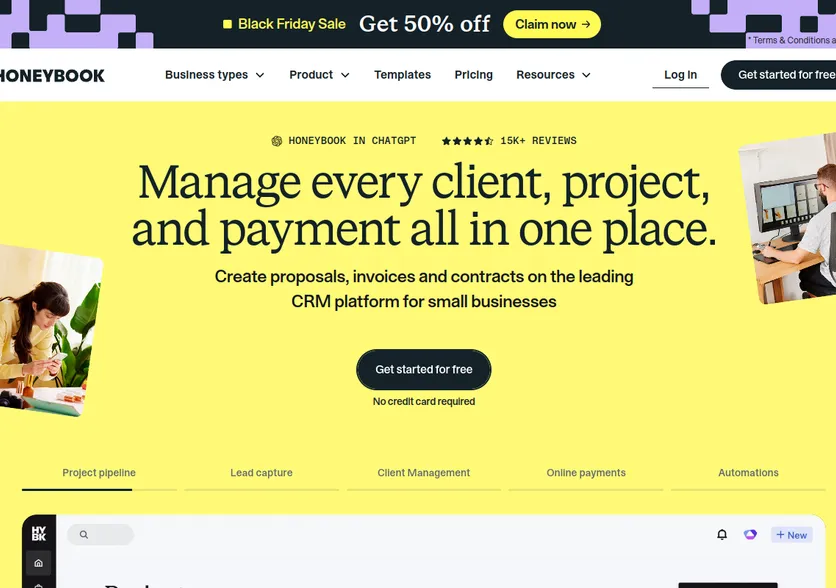
A consultant who onboards clients with a proposal, a contract and a deposit will find this HoneyBook plan costs twenty-nine dollars a month billed annually, and it covers intake, proposals, contracts, invoicing, payments and scheduling in one portal. A signed proposal can trigger the invoice and the kick-off booking without a consultant copying details between apps. It suits solo consultants and small firms who want the client-facing side to look polished from the first email.
What we like
- Proposals, contracts, invoicing and scheduling in one portal
- Automated reminders keep clients and payments moving
- A client-facing look that suits a small consultancy
Watch out for
- Automations and the scheduler need the Essentials plan
- No time tracking, so billable hours need another tool
How to try it
- Build the proposal template for the main service offering
- Send the proposal with the contract and the deposit request
- Switch on the follow-up reminders for unsigned proposals
5. Dubsado
Best for: Consultancies that live on repeatable engagement workflows
Paid tool Starting price: $335/year · Three hundred and thirty-five dollars a year for Starter (about twenty-seven dollars and ninety-two cents a month equivalent); thirty-five dollars a month month to month; Premier is five hundred and twenty-five dollars a year (fifty-five dollars a month); new pricing from December 1, 2025, with the old twenty and forty dollar plans grandfathered
Free plan: No free plan; 21-day free trial
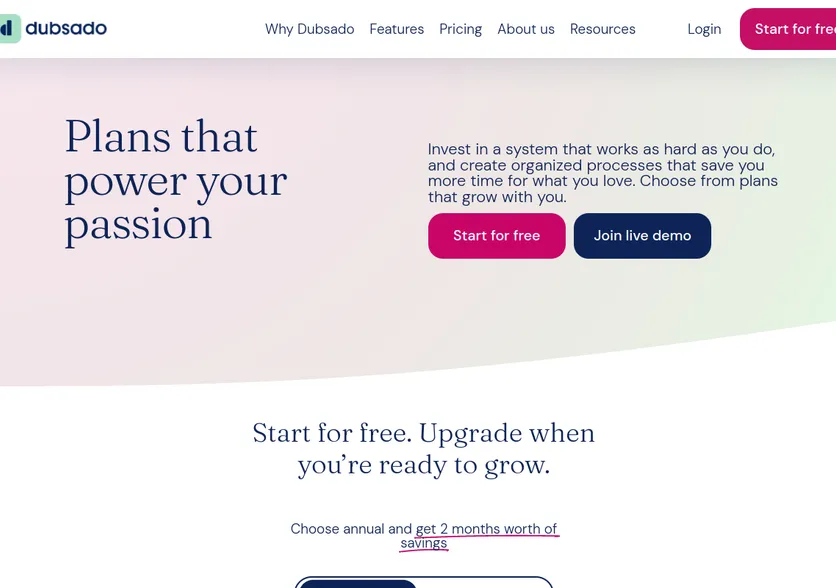
A consultancy that runs every engagement through the same steps will find this Dubsado plan costs three hundred and thirty-five dollars a year, and it turns those steps into workflows that send forms, contracts and invoices in order. A signed proposal can start the onboarding sequence, collect the deposit and book the kick-off call on its own. It is the strongest workflow builder in this list, but automations and scheduling need the Premier plan.
What we like
- Workflow automation that runs the whole engagement from first form
- Forms, contracts, scheduling and invoices in one client portal
- Canned emails and lead capture keep the pipeline full
Watch out for
- Automations and scheduling need the Premier plan
- Setup takes longer than the simpler all-in-one rivals
How to try it
- Map the engagement steps from first call to final invoice
- Build the forms, contract and invoice templates for each step
- Run a test engagement end to end before taking on a real client
6. Moxie
Best for: Small consultancies that want a budget all-in-one
Paid tool Starting price: $10/month · Ten dollars a month billed annually on Starter (one hundred and twenty dollars a year; twelve dollars billed monthly); Pro is twenty dollars a month billed annually; Teams is thirty-two dollars a month billed annually for up to five team members; automations, the white-label portal and custom domains start on Pro
Free plan: No free plan; 14-day free trial
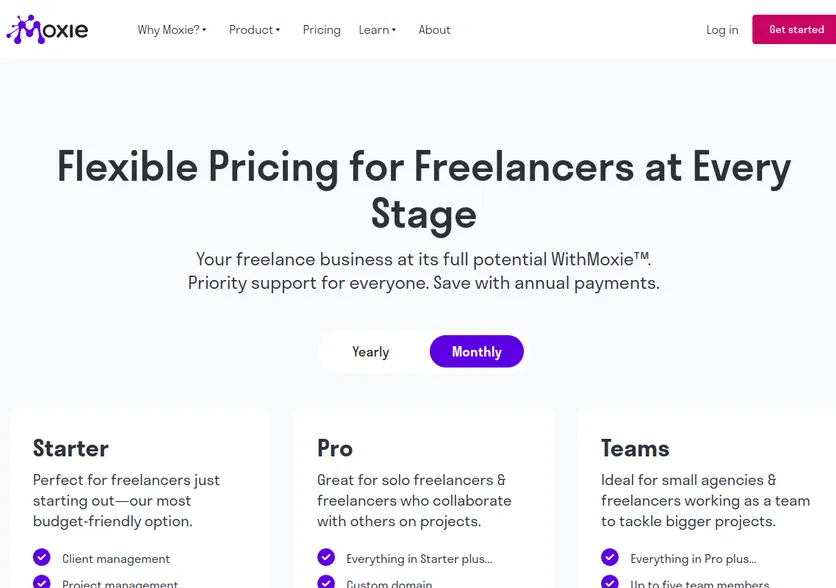
A small consultancy that needs a real business system without a big monthly bill will find this Moxie plan costs ten dollars a month billed annually, and it covers leads, projects, proposals, contracts, invoices and a client portal in one login. Clients log in to their own portal to see projects, pay invoices and share files. It is the cheapest all-in-one in this list, though automations and the white-label portal need the Pro plan.
What we like
- A client portal with CRM, proposals, contracts and time tracking
- The cheapest all-in-one on this list at ten dollars a month
- Clean, modern interface that a small team learns fast
Watch out for
- Automations and the white-label portal need the Pro plan
- Fewer integrations than the bigger consultancy platforms
How to try it
- Add the service offerings and the proposal template
- Invite the first clients to the portal and share their project files
- Switch on invoicing and time tracking for the first engagement
7. Plutio
Best for: Consultants who want a simple client portal
Paid tool Starting price: $15/month · Fifteen dollars a month billed annually on Core (one hundred and eighty dollars a year; nineteen dollars billed monthly, though some listings show a one hundred and ninety dollar annual total); Pro is thirty-nine dollars a month billed annually; Max is one hundred and fifty-nine dollars; Core caps at nine active clients with no contributors
Free plan: No free plan; 7-day free trial
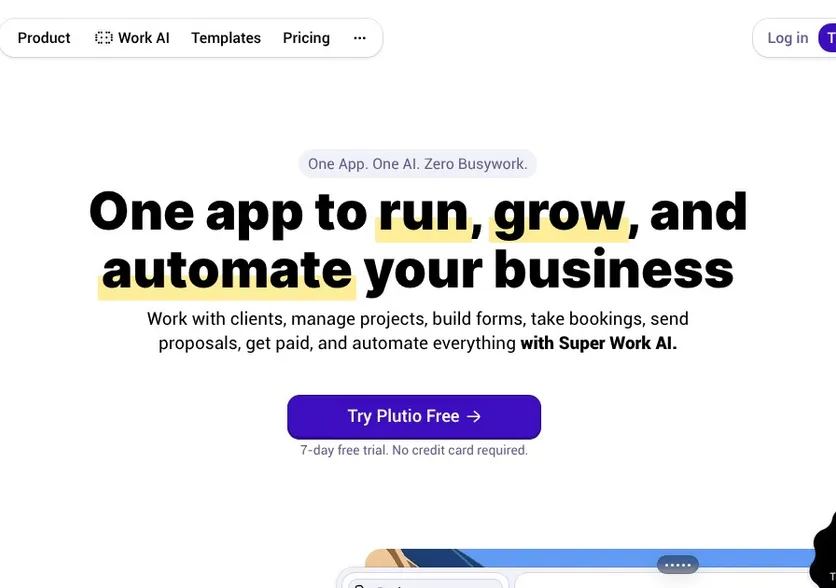
A consultant who wants a simple client portal without a heavy platform will find this Plutio plan costs fifteen dollars a month billed annually, and it covers proposals, contracts, projects, invoices and file sharing in one tidy workspace. Clients approve a proposal, sign the contract and pay the invoice from the same portal. Core caps at nine active clients with no contributors, so a growing consultancy should check the Pro tier before committing.
What we like
- Proposals, contracts, projects and invoices in one workspace
- A clean client portal that small firms can set up in an afternoon
- White-label available as a nine-dollar add-on
Watch out for
- Core caps at nine active clients with no contributors
- The annual total is listed differently in different places
How to try it
- Create the proposal and contract templates for the main offering
- Invite the first clients and share their project workspace
- Send the first invoice from the portal and track the payment
8. Calendly
Best for: Consultants who want prospects to book themselves
Paid tool Starting price: $10/user/month · Ten dollars per user a month billed annually on Standard (twelve dollars billed monthly); Teams is sixteen dollars a month billed annually; the free plan covers one event type and one calendar
Free plan: Free plan (1 event type)
A consultant who loses billable hours to scheduling emails will find this Calendly plan costs ten dollars per user a month billed annually, and it lets a prospect pick a time from a link while the meeting appears on both calendars. Intake questions collect the project details before the call, and reminders cut no-shows. It is the simplest booking tool here, and it connects to the automation tools in this list for follow-up flows.

What we like
- Prospects book from a link with no email tennis
- Intake questions collect project details before the call
- Automated reminders cut no-shows
Watch out for
- Only one event type on the free plan
- No proposals or contracts, so it pairs with another tool
How to try it
- Create the consultation event type with intake questions
- Add the booking link to the website and the email signature
- Connect the calendar and switch on reminders
Prices above were checked on each vendor’s own website on Nov 28, 2026 and can change — the vendor’s page is the final word. Vendor links are editorial: nobody paid to be listed or ranked here. Vendors who want a featured listing can see how it works on our Get listed page.
How to automate a consultancy without sounding automated
Start with the proposal, because that is where a consultancy wins or loses a client: a template that sends itself, collects the signature and raises the invoice the moment it is accepted. Then automate the chasing, such as the reminder for an unsigned proposal and the nudge for a late invoice, since those two emails recover more revenue than any other automation. Keep the first message personal and let the machine handle the follow-ups. Finally, check the client portal once a week from the client's side, because a portal that confuses a client costs more than the admin it saves.
Before you buy
- Confirm the tool carries a proposal through to a contract and an invoice
- Check whether invoicing and automations are on the plan you would buy
- Make sure the client portal looks professional to a new prospect
- Ask if time tracking and expenses are included for billable work
- Test the onboarding flow as a client before paying for a year
Official websites
Official websites of the products reviewed above. Features and prices were checked against these sites when this guide was written, and they can change, so confirm on the vendor site before you buy.
Frequently asked questions
What is the best process automation software for consultants?
Bonsai is the best overall pick for consultants, at nineteen dollars a month billed annually, because it carries a proposal through to a contract and then an invoice without retyping. Zapier is the best choice when the consultancy already has favourite apps and only needs them connected. Moxie is the budget pick, with a full client portal and CRM for ten dollars a month.
How much does Bonsai cost for consultants?
Bonsai Essentials costs nineteen dollars per user a month billed annually, or twenty-five dollars billed monthly. That plan includes proposals, contracts, invoicing, time tracking and a client portal. The nine-dollar Basic plan looks cheaper but has no invoicing, proposals or contracts, so Essentials is the real starting point for a working consultancy.
Can I automate a consultancy for free?
Yes, partly. Zapier offers a free plan covering one hundred tasks a month, Make offers one thousand free credits a month, and Calendly offers a free plan with one event type. Those free tiers cover a first workflow and a simple booking link. A full client portal with proposals and invoicing needs a paid plan such as Bonsai or Moxie.
Is HoneyBook or Bonsai better for consultants?
Bonsai is better for consultants who bill by the hour, at nineteen dollars a month billed annually, because it includes time tracking, expenses and tax tools. HoneyBook is better for consultants who sell fixed packages, at twenty-nine dollars a month billed annually, because its proposals and scheduling are stronger. A solo consultant who tracks hours should pick Bonsai.
Which tool is cheapest for a small consultancy?
Moxie is the cheapest all-in-one in this list, at ten dollars a month billed annually, with a client portal, CRM, proposals, contracts and time tracking. Plutio is close behind at fifteen dollars a month billed annually, though Core caps at nine active clients. Zapier and Make also have free plans, but they only connect other apps.
Compare the eight tools above, then start with a free trial of the tool that matches how the consultancy already works before paying for a full year.
Browse Business Tools tools