On this page
Construction buying happens on site, under time pressure, and a late delivery can idle a whole crew, so procurement software has to keep materials, budgets and approvals moving at the pace of the job. The eight tools below do that without construction-specific bloat, from a nine-dollar-a-seat starter to a full low-code suite. Precoro leads because its flat four-hundred-and-ninety-nine-dollar monthly fee buys approvals, per-job budgets and three-way matching with no per-seat charge, and the rest are ranked on how well they fit multi-site buying for the price.
How we researched this
We checked every price on the vendor pricing page on November 28, 2026, and only included tools with a published US dollar list price. The construction platforms that sell by quote, including Procore, Autodesk Construction Cloud, Sage 100 Contractor and Jonas, publish no prices, and Buildertrend moved to custom quotes in 2026, so none of them is in this list. Prices change, so confirm the current figure on the vendor site before you buy.
Compare the tools
| Name | Best for | Starting price | Free plan | |
|---|---|---|---|---|
 Precoro | Flat-fee procurement for growing teams | $499/month | No free plan; 14-day free trial | Visit |
 Procurify | Mid-market teams that want a flat monthly rate | $1,000/month | Free demo | Visit |
 Tradogram | Small teams that need purchase orders first | $99/month | No free plan; free trial | Visit |
 ProcureDesk | Mid-size teams buying from PunchOut catalogs | $830/month | No free plan; 14-day free trial | Visit |
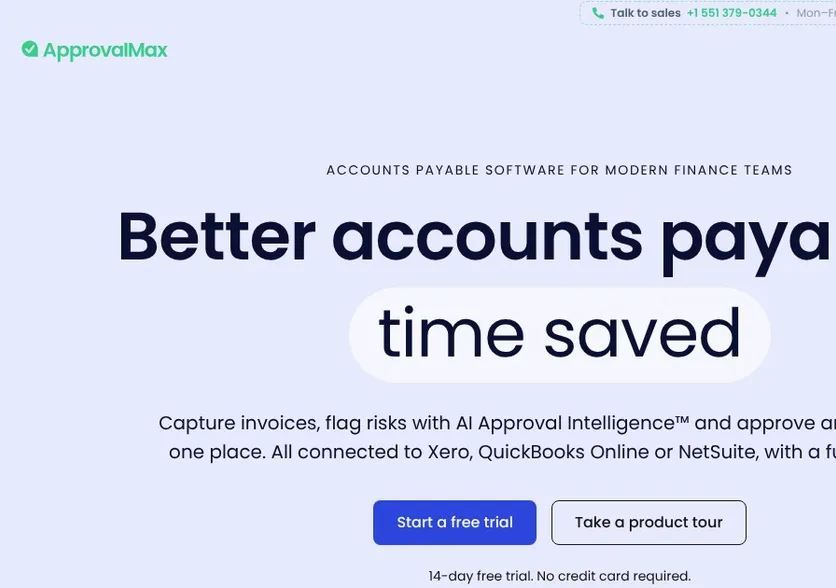
 ApprovalMax | Approval workflows on Xero or QuickBooks Online | $49.50/organization/month | No free plan; 14-day free trial | Visit |
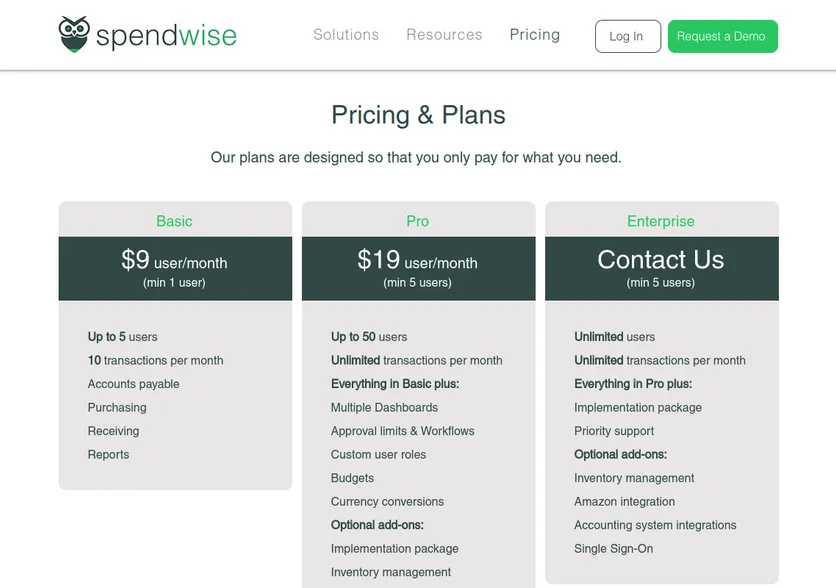
 Spendwise | Small teams replacing spreadsheet purchase orders | $9/user/month | No free plan; free trial | Visit |
 Kissflow Procurement Cloud | Larger teams needing a full procure-to-pay suite | $1,990/month | No free plan; 14-day free trial | Visit |
| Zapro | AI sourcing and vendor analytics for mid-market teams | $699/month | Free demo | Visit |
The procurement software for construction companies, compared
1. Precoro
Best for: Flat-fee procurement for growing teams
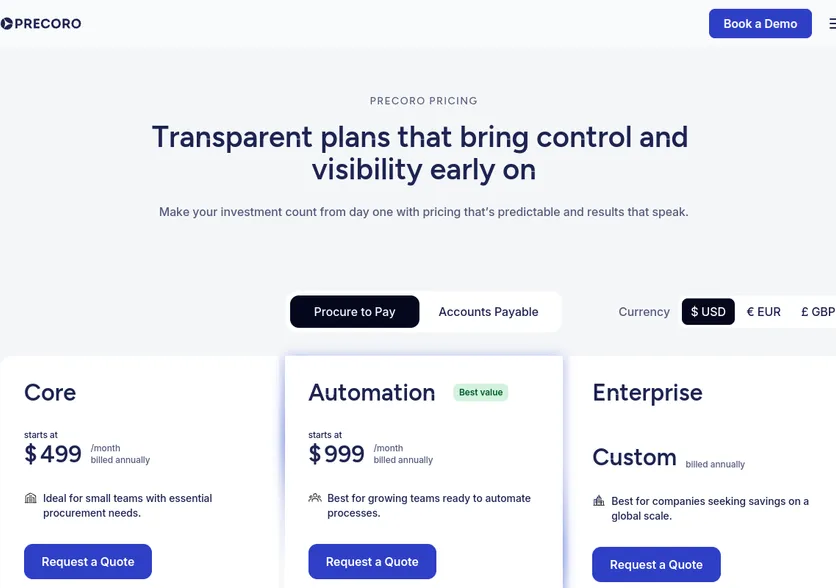
Paid tool Starting price: $499/month · Core is $499 a month billed annually ($5,988 a year); Automation is $999 a month billed annually; Enterprise is quoted; a standalone AP module starts at $499 a month
Free plan: No free plan; 14-day free trial
For a construction company buying materials across several live job sites, this Precoro plan costs four hundred and ninety-nine dollars a month billed annually, and it runs purchase requests, approvals and three-way matching in one place. Its budget tracking shows what is left before an order is approved, and PunchOut catalogs keep buyers on contracted prices. It is the most complete flat-fee option here for a construction company that wants control without per-seat billing.
What we like
- Flat monthly fee with no per-seat charge on Core
- Three-way matching and budget tracking in one place
- PunchOut catalogs and supplier portal on Automation
Watch out for
- Core lacks the supplier portal and RFP tools, which sit on Automation
- Annual billing means the entry commitment is about six thousand dollars a year
How to try it
- Create a purchase request and route it through the approval chain
- Convert the approved request into a purchase order and send it to the supplier
- Match the invoice against the order and receipt, then release payment
2. Procurify
Best for: Mid-market teams that want a flat monthly rate
Paid tool Starting price: $1,000/month · $1,000 a month flat, widely reported in November 2026 reads; the vendor pricing page routes buyers to a quote, so confirm the figure in writing before budgeting; add-ons such as accounts payable and guided intake are priced separately
Free plan: Free demo
For a construction company buying materials across several live job sites, this Procurify plan costs one thousand dollars a month flat, and it covers the whole buying flow from request to payment. Every request carries its budget position with it, so approvers see the remaining money before they sign. It suits a construction company that wants one predictable monthly bill whatever the headcount.
What we like
- Flat monthly rate that does not rise with headcount
- Request, approval, purchase order and payment in one flow
- Real-time budget visibility on every request
Watch out for
- The vendor page itself routes to a quote, so the flat rate needs written confirmation
- Add-on modules for payables and intake push the real bill higher
How to try it
- Raise a purchase request from the catalog or a blank form
- Send it through the approval chain and convert it to a purchase order
- Receive the goods, match the invoice and pay from the same record
3. Tradogram
Best for: Small teams that need purchase orders first
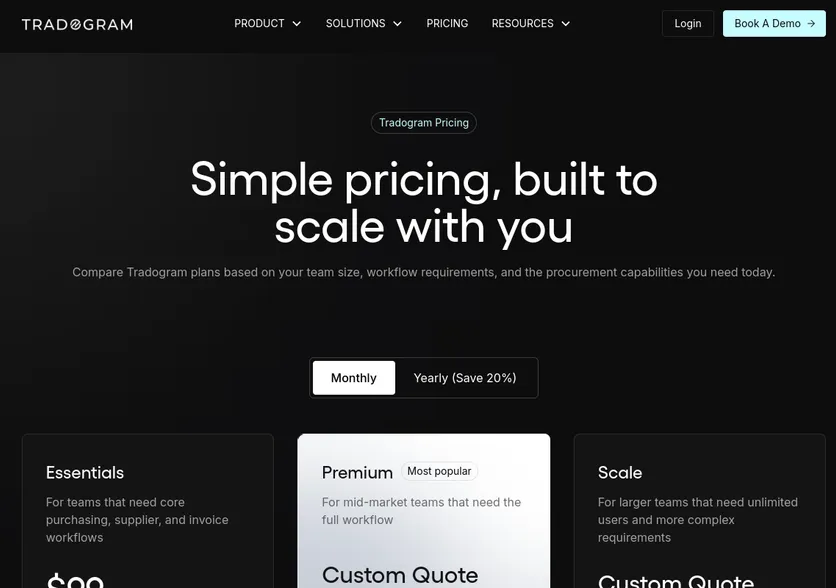
Paid tool Starting price: $99/month · Essentials is $99 a month billed monthly; annual billing is $950.40 a year, about $79.20 a month; Premium and Scale are quoted; an extra fee applies per additional user and is not published
Free plan: No free plan; free trial
For a construction company buying materials across several live job sites, this Tradogram plan costs ninety-nine dollars a month, and it covers purchase orders, supplier records and invoices for small teams. TradoScan AI reads supplier invoices without manual entry, and TradoPay settles them from the same screen. It is the cheapest real procurement suite here for a construction company that needs purchase orders first.
What we like
- Lowest published entry price of any full procurement suite here
- Purchase orders, supplier records and AP invoices in one place
- TradoScan AI reads invoices without manual entry
Watch out for
- Requisitions, receiving and budget tracking are add-ons on Essentials
- The per-user fee is unpublished, so team costs are hard to model
How to try it
- Create a purchase order from the catalog or a supplier quote
- Send it for approval, then track delivery against the order
- Scan the supplier invoice and match it before paying
4. ProcureDesk
Best for: Mid-size teams buying from PunchOut catalogs
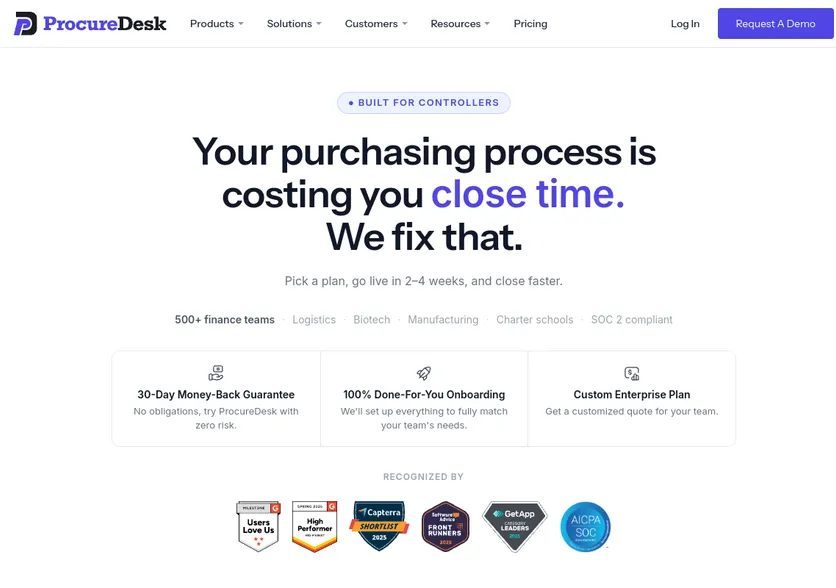
Paid tool Starting price: $830/month · Startup is $830 a month billed annually for 10 users ($996 a month on monthly billing); Growth is $1,250 a month billed annually for 20 users; extra users are $20 a month each; Enterprise is quoted
Free plan: No free plan; 14-day free trial
For a construction company buying materials across several live job sites, this ProcureDesk plan costs eight hundred and thirty dollars a month billed annually, and it automates purchase orders, approvals and invoice matching for mid-size teams. More than two hundred PunchOut catalogs are included on Startup, and Growth adds OCR invoice capture with advanced three-way matching. It is the strongest mid-market pick here for a construction company that buys from catalogs every week.
What we like
- More than 200 PunchOut catalogs included on Startup
- Three-way matching with OCR invoice capture on Growth
- Done-for-you onboarding with a 30-day money-back guarantee
Watch out for
- Startup caps at 10 users, so bigger teams pay for extra seats
- Supplier onboarding and single sign-on need the Growth plan
How to try it
- Raise a requisition and route it to the budget owner for approval
- Issue the purchase order through a PunchOut catalog or supplier email
- Capture the invoice with OCR and match it three ways before paying
5. ApprovalMax
Best for: Approval workflows on Xero or QuickBooks Online
Paid tool Starting price: $49.50/organization/month · Standard is $49.50 per organization a month billed annually ($59.40 billed monthly); Advanced is $79.20 and Premium is $111 a month billed annually; NetSuite plans are quoted; prices exclude tax
Free plan: No free plan; 14-day free trial
For a construction company buying materials across several live job sites, this ApprovalMax plan costs forty-nine dollars and fifty cents per organization a month billed annually, and it adds multi-step approval matrices to Xero and QuickBooks Online. Every plan includes unlimited users and requests, and budget checks stop an order before it overspends. It is the best approval layer here for a construction company that already runs its books on Xero or QuickBooks.
What we like
- Unlimited users and requests on every plan
- Multi-step approval matrices with budget checks
- Native sync with Xero, QuickBooks Online and NetSuite
Watch out for
- It approves documents rather than running full procurement, so pair it with a PO tool
- Document allowances cap at 500 approved documents a month on Premium
How to try it
- Connect ApprovalMax to the accounting ledger and set the approval matrix
- Route each purchase order or bill to the right approvers in order
- Approve on mobile and let the approved document post back automatically
6. Spendwise
Best for: Small teams replacing spreadsheet purchase orders
Paid tool Starting price: $9/user/month · Basic is $9 a user a month for up to 5 users and 10 transactions a month; Pro is $19 a user a month for 5 to 50 users with unlimited transactions; Enterprise is quoted
Free plan: No free plan; free trial
For a construction company buying materials across several live job sites, this Spendwise plan costs nine dollars a user a month, and it replaces spreadsheet purchase orders with requisitions, approvals and receiving. Purchase orders, budgets, vendor records and receiving sit in one simple screen that a small team learns in a day. It is the lowest-cost way in here for a construction company to put purchase orders under control.
What we like
- Cheapest per-seat procurement on this list by a wide margin
- Purchase orders, receiving, budgets and vendor records included
- Set-up takes days rather than weeks
Watch out for
- Basic stops at 5 users and 10 transactions a month
- Implementation and accounting integrations are paid add-ons with unpublished prices
How to try it
- Raise a purchase requisition and send it for approval
- Convert the approved request into a purchase order
- Receive the goods and match the invoice before releasing payment
7. Kissflow Procurement Cloud
Best for: Larger teams needing a full procure-to-pay suite
Paid tool Starting price: $1,990/month · $1,990 a month billed annually; some November 2026 listings show about $1,500 a month, which appears to be an older or negotiated figure against the vendor-read $1,990
Free plan: No free plan; 14-day free trial
For a construction company buying materials across several live job sites, this Kissflow Procurement Cloud plan costs one thousand nine hundred and ninety dollars a month billed annually, and it builds the whole procure-to-pay flow in a low-code designer. Purchase requests, approvals, purchase orders, supplier management, contracts, receiving and invoices run in a single cloud platform. It is the full-suite pick here for a construction company with unusual approval rules no off-the-shelf flow fits.
What we like
- Low-code builder shapes approvals around unusual workflows
- Full procure-to-pay coverage from request to invoice
- Automated three-way invoice matching built in
Watch out for
- The entry price is the highest in this list by a wide margin
- Configuration takes longer than the simpler tools here
How to try it
- Build the approval workflow in the low-code designer
- Route purchase requests through the workflow to the right approvers
- Match invoices three ways and close the loop on payment
8. Zapro
Best for: AI sourcing and vendor analytics for mid-market teams
Paid tool Starting price: $699/month · Spark is $699 a month for up to 50 vendors with unlimited users; Growth is $1,999 a month for up to 500 vendors; Scale is quoted
Free plan: Free demo
For a construction company buying materials across several live job sites, this Zapro plan costs six hundred and ninety-nine dollars a month, and it combines AI sourcing with vendor management and purchase orders. Its AI scores supplier bids side by side and flags contract renewals before they lapse. It is the analytics-led pick here for a construction company that compares suppliers on data rather than habit.
What we like
- AI sourcing scores supplier bids side by side
- Flat fee with unlimited users on every plan
- Vendor onboarding, contracts and invoices in one suite
Watch out for
- Spark caps at 50 vendors, so a big supplier list forces an upgrade
- Implementation and professional services are not priced on the page
How to try it
- Onboard suppliers and collect their documents in the portal
- Run a sourcing event and score the bids in one view
- Raise the purchase order and track the invoice against it
Prices above were checked on each vendor’s own website on Nov 28, 2026 and can change — the vendor’s page is the final word. Vendor links are editorial: nobody paid to be listed or ranked here. Vendors who want a featured listing can see how it works on our Get listed page.
How a construction company should keep job-site buying under control
Give every job its own budget and never let one job borrow from another, because a shared pot hides the jobs that are really losing money. Approve materials against the job budget before the order goes out, not after the invoice arrives. Track deliveries against the order on site, since a short delivery discovered at invoice time is already too late to fix. Keep the supplier list short per trade, because three reliable suppliers beat ten unknown ones when a deadline slips. Review the worst-performing job budget every week and move the buying conversation to the site, not the office.
Before you buy
- Give every job its own budget and never let one job borrow from another
- Approve materials against the job budget before the order goes out
- Check deliveries against the order on site, not at invoice time
- Ask whether the tool works from a phone on site, not just a desk
- Test the tool on one live job for a month before rolling it out company-wide
Official websites
Official websites of the products reviewed above. Features and prices were checked against these sites when this guide was written, and they can change, so confirm on the vendor site before you buy.
Frequently asked questions
What is procurement software for construction companies?
It is software that runs the buying side of building work, from site requests and approvals through purchase orders, deliveries and invoice matching, with a budget per job. For a construction company that means foremen can request materials from site, the office approves against the job budget, and invoices are matched to orders and receipts before payment. The tools here are general procurement platforms, since the construction-specific suites sell by quote.
How much does Precoro cost for a construction company?
Precoro costs four hundred and ninety-nine dollars a month billed annually on Core, or about five thousand nine hundred and eighty-eight dollars a year. That plan covers purchase requests, purchase orders, receipts, invoices, two-way and three-way matching and automated approvals with no per-seat charge, which suits a company with many site staff raising requests.
Why is Buildertrend not in this list?
Buildertrend stopped publishing prices in 2026 and now gives custom quotes based on builder type, annual revenue and business needs. The tier prices still circulating online, roughly four hundred and ninety-nine to one thousand and ninety-nine dollars a month, are leftovers from its old published model. Without a verifiable list price we do not include it, and the same rule excludes Procore and Autodesk Construction Cloud.
Which tool is best for buying from supplier catalogs?
ProcureDesk is the best fit, because its Startup plan includes more than two hundred PunchOut catalogs, so site teams order at contracted prices without retyping items. It costs eight hundred and thirty dollars a month billed annually for ten users. Precoro is the cheaper all-round pick, though its PunchOut catalogs sit on the nine-hundred-and-ninety-nine-dollar Automation plan.
Do these tools work on a job site phone?
Most do. Precoro, ProcureDesk, Tradogram and Spendwise all offer mobile apps or mobile-friendly approval screens, so a foreman can request materials and a manager can approve from site. Kissflow and Zapro are heavier desktop tools better suited to the office. Check the mobile approval flow on a real phone before committing, since a tool nobody opens on site will not be used.
Compare the eight tools above, then start with a free trial on the one that matches how the company already buys before paying for a full year.
Browse Business Tools tools