On this page
An architecture firm lives or dies on whether its fees cover its hours, so the practice software has to track phases, budgets and billing in one place. The seven tools below cover that job for studios of every size, from a seven-dollar job tracker for a three-person practice to a purpose-built platform for firms that bill by phase. Monograph leads because it was built only for architecture firms, with phase budgets and fee forecasting that generic project tools cannot match. The rest are ranked on how well they turn design hours into invoices for the price.
How we researched this
We checked every price on the vendor pricing page on November 28, 2026, and only included tools with a published US dollar list price. BQE Core, ArchiOffice and Deltek Ajera publish no prices, so they are not in this list even though firms ask about them often. Prices change, so confirm the current figure on the vendor site before you buy.
Compare the tools
| Name | Best for | Starting price | Free plan | |
|---|---|---|---|---|
 WorkflowMax | Small job-based firms that quote, track and invoice | $7.50/user/month | No free plan; 14-day free trial | Visit |
 Avaza | Small studios that want a flat monthly price | $9.96/month | Free plan | Visit |
 Teamwork | Teams that run client work in one shared space | $9.99/user/month | Free plan (up to 5 users) | Visit |
 Productive | Small firms that want one tool for everything | $10/user/month | No free plan; 14-day free trial | Visit |
 BigTime | Finance-led firms that bill by phase | $20/user/month | No free plan; free demo | Visit |
 Scoro | Firms that want quoting, delivery and money in one place | $29/user/month | No free plan; 14-day free trial | Visit |
 Monograph | Architecture firms that bill by phase and fee | $60/user/month | No free plan; 10-day free trial | Visit |
The PSA software for architecture firms, compared
1. WorkflowMax
Best for: Small job-based firms that quote, track and invoice
Paid tool Starting price: $7.50/user/month · Seven dollars and fifty cents per user a month billed annually; three-user minimum; fourteen-day free trial; higher tiers are quoted on request
Free plan: No free plan; 14-day free trial
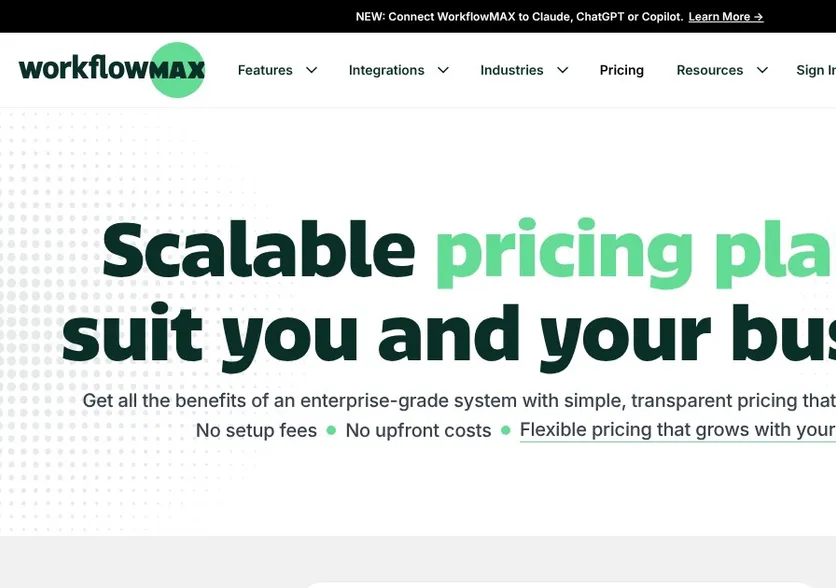
For a small architecture studio that quotes jobs by hand, this WorkflowMax plan costs seven dollars and fifty cents per user a month billed annually, and it turns a quote into a job with time and costs tracked against it. The job costing view shows the margin on every project before the invoice goes out, which matters when fees are fixed. It is the cheapest seat in this list, and it fits studios that want quoting and invoicing without a heavy platform.
What we like
- Quoting, jobs, time and invoicing in one flow
- Lowest per-seat price in this list
- Job costing shows profit on every job
Watch out for
- The three-user minimum sets the real floor at twenty-two dollars and fifty cents a month
- Fewer integrations than the bigger platforms
How to try it
- Raise a quote and convert it into a job
- Log time and costs against the job as it runs
- Invoice from the job and check the margin when it closes
2. Avaza
Best for: Small studios that want a flat monthly price
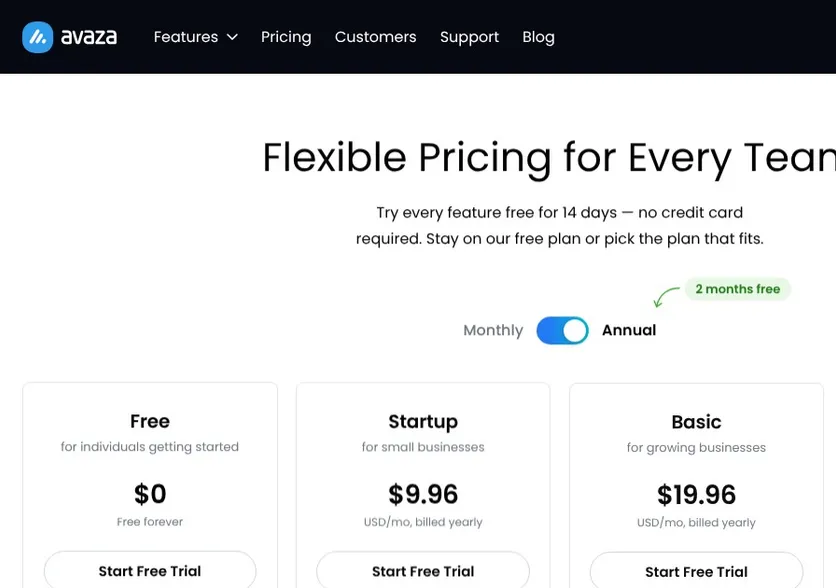
Paid tool Starting price: $9.96/month · Nine dollars and ninety-six cents a month billed annually on Startup (eleven dollars and ninety-five cents billed monthly); Basic is nineteen dollars and ninety-six cents and Business is thirty-nine dollars and ninety-six cents; flat per account, not per seat; free plan included
Free plan: Free plan
A studio that wants one flat monthly bill will like this Avaza plan, which costs nine dollars and ninety-six cents a month billed annually and covers the whole account rather than charging per seat. Projects, time, scheduling and invoicing sit in one app, so a small team can run a project from brief to invoice without extra tools. The free plan lets a studio test the workflow on a real project first.
What we like
- Flat per-account pricing, not per seat, so teams cost less
- Projects, time, scheduling and invoicing together
- Free plan for trying the core workflow
Watch out for
- Extra role users cost extra on top of the flat price
- Scheduling depth is thinner than dedicated resource tools
How to try it
- Set up projects and invite the whole team
- Schedule work and log time against each project
- Invoice clients from tracked time and expenses
3. Teamwork
Best for: Teams that run client work in one shared space
Paid tool Starting price: $9.99/user/month · Nine dollars and ninety-nine cents per user a month billed annually on Basics (thirteen dollars and ninety-nine cents monthly); Accelerate is twenty-four dollars and ninety-nine cents; Optimize and Enterprise are quoted; free plan covers up to five users; the vendor renamed Deliver to Basics in 2026
Free plan: Free plan (up to 5 users)
When the whole studio needs to see who is doing what, this Teamwork plan costs nine dollars and ninety-nine cents per user a month billed annually, and it puts projects, time and invoicing in one shared workspace. Clients can follow progress in the same place, which cuts the status emails that eat a Friday. The free plan covers five people, so a small studio can start without paying.

What we like
- Clean project views that clients can follow too
- Time tracking and invoicing built into projects
- Free plan covers a five-person team
Watch out for
- Full PSA features sit in the quoted Optimize tier
- AI runs on monthly credits that can run out
How to try it
- Create a project and invite the team and the client
- Assign tasks with deadlines and track time on each one
- Invoice from tracked time when the work is done
4. Productive
Best for: Small firms that want one tool for everything
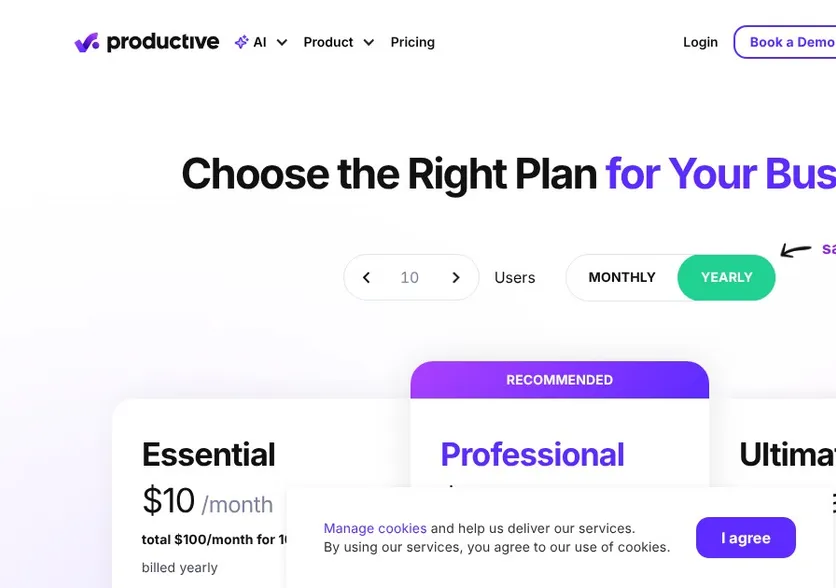
Paid tool Starting price: $10/user/month · Ten dollars per user a month billed annually on Essential (twelve dollars billed monthly); Professional is twenty-five dollars; Ultimate is quoted; three-seat minimum; one November 2026 read derives nine dollars from a ten-user total, which the vendor ladder does not support
Free plan: No free plan; 14-day free trial
A growing practice that wants projects, budgets and invoices in one subscription finds it here, since this Productive plan costs ten dollars per user a month billed annually. Budget tracking shows the profit on each project while the work is still running, not after it closes. It is the simplest all-in-one in this list for a firm moving off spreadsheets.
What we like
- Projects, time, budgets and invoicing in one place
- Low entry price with a clear upgrade path
- Budget tracking shows profit per project live
Watch out for
- CRM integrations and the MCP need the quoted Ultimate plan
- The three-seat minimum rules out solo users
How to try it
- Create a project and set its budget and rate card
- Track time and expenses against the project daily
- Invoice the client from the tracked work and check profitability
5. BigTime
Best for: Finance-led firms that bill by phase
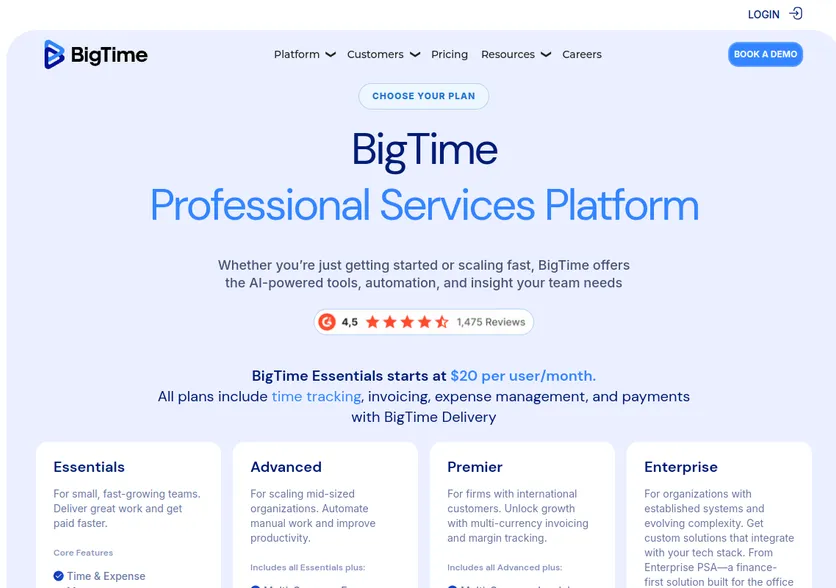
Paid tool Starting price: $20/user/month · Twenty dollars per user a month on Essentials, the only published price; Advanced, Premier and Enterprise are quoted; the vendor page states no minimum seat count or billing period, so confirm both before you buy; free demo only, no trial
Free plan: No free plan; free demo
Architecture firms that bill by phase need time tied to the fee schedule, and this BigTime plan costs twenty dollars per user a month on Essentials, with invoicing and payments in the same workflow. The QuickBooks and Sage Intacct links keep the back office in step with the project record. It is the best fit here for a finance-led practice that bills in phases.
What we like
- Phase-based billing ties time to fees cleanly
- Strong QuickBooks and Sage Intacct integrations
- Invoicing and payments sit in the same workflow
Watch out for
- Only the entry price is published, so higher tiers need a sales call
- Resource management is a separate module
How to try it
- Set up projects with phases that match the fee schedule
- Log billable time against each phase every day
- Generate invoices from approved time and send them for payment
6. Scoro
Best for: Firms that want quoting, delivery and money in one place
Paid tool Starting price: $29/user/month · Twenty-nine dollars per user a month billed annually on the Projects and Resources bundle; Time-billing is seventeen dollars, Quote to Cash is twenty-nine dollars and End-to-end is fifty-seven dollars; five-user minimum on every plan; the older Essential plan at twenty-six dollars is superseded by the new bundle ladder
Free plan: No free plan; 14-day free trial
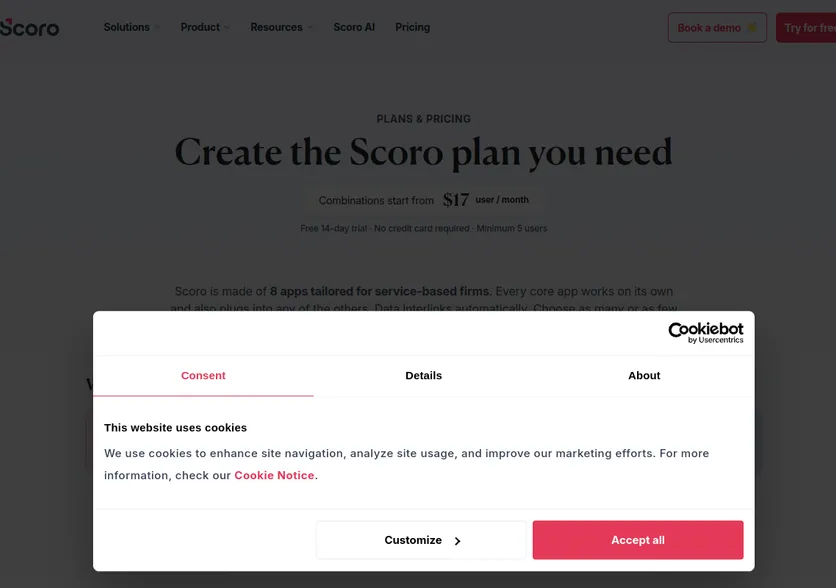
A practice that wants quoting, delivery and money in one suite will find it here, because this Scoro plan costs twenty-nine dollars per user a month billed annually on the Projects and Resources bundle. Real-time profitability reports show which projects make money and which ones quietly lose it. It is the strongest all-rounder in this list for a firm past the ten-person mark.
What we like
- Quotes, projects, capacity and invoices in one suite
- Real-time profitability reports per project
- CRM and quoting sit beside delivery work
Watch out for
- The five-user minimum makes the real floor one hundred and forty-five dollars a month
- Add-ons push the bill up as modules are added
How to try it
- Set up a quote and turn it into a live project
- Plan capacity across the team on the resource board
- Track time and invoice from the same project record
7. Monograph
Best for: Architecture firms that bill by phase and fee
Paid tool Starting price: $60/user/month · Sixty dollars per user a month billed annually on the Grow plan, with a pricing calculator that ranges from sixty to seventy-five dollars a seat depending on team size and a five-seat minimum; older listings show twenty-five dollars for Track and forty-five dollars for Grow, which appear stale against the November 2026 vendor reads
Free plan: No free plan; 10-day free trial
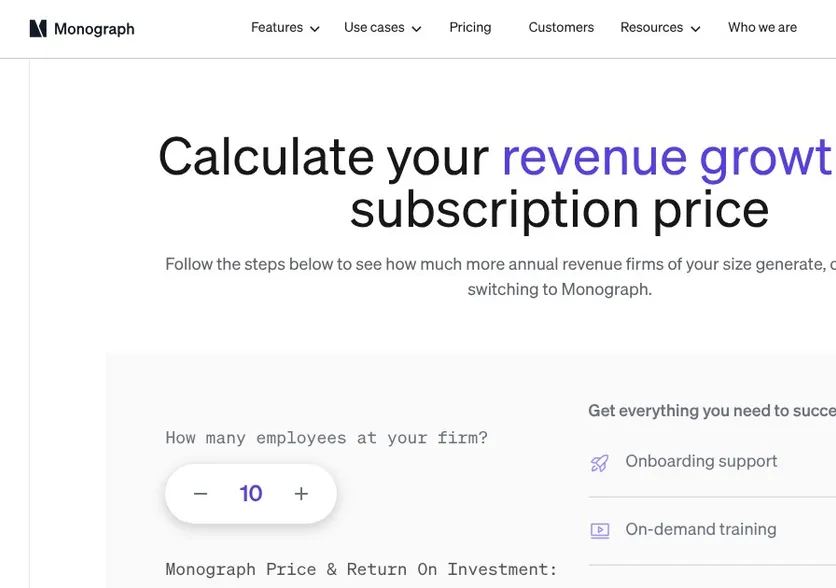
Built only for architecture and engineering firms, this Monograph plan costs sixty dollars per user a month billed annually, and its phase budgets and fee tracking speak the language of design work. Visual dashboards show project money at a glance, so a principal can see which phases are over budget before the client asks. It is the most architecture-specific tool in this list, and the price reflects that focus.
What we like
- Phase budgets and fee tracking built for architects
- Visual dashboards show project money at a glance
- QuickBooks Online sync keeps billing in step
Watch out for
- The per-seat calculator means the real bill depends on team size
- No free plan, only a ten-day trial
How to try it
- Create a project with its phases and fee structure
- Log time against each phase as the design work happens
- Invoice from the fee schedule and track what is billed
Prices above were checked on each vendor’s own website on Nov 28, 2026 and can change — the vendor’s page is the final word. Vendor links are editorial: nobody paid to be listed or ranked here. Vendors who want a featured listing can see how it works on our Get listed page.
How to pick PSA software for an architecture firm
Start with how the firm bills, because that decides the tool. A studio that bills fixed fees by phase needs phase budgets and fee tracking, while a studio that bills hourly needs fast time entry and clean invoicing. Check the minimum seat count before falling for a low per-seat price, since a five-seat minimum triples the real bill for a three-person studio. Test the accounting link on a real project, not a demo, because a broken QuickBooks sync creates more work than the tool saves. Finally, run a trial on one live project with real hours and real invoices, and only pay once the numbers match the old spreadsheet.
Before you buy
- Confirm the tool tracks time against phase budgets, not just against the project as a whole
- Check the minimum seat count, since a five-seat minimum can triple the bill for a small studio
- Ask whether the accounting integration is two-way, or only exports invoices one way
- Make sure fee schedules, change orders and reimbursable expenses all flow into billing
- Test the tool on one live project with real hours before paying for a full year
Official websites
Official websites of the products reviewed above. Features and prices were checked against these sites when this guide was written, and they can change, so confirm on the vendor site before you buy.
Frequently asked questions
What is PSA software for architecture firms?
It is software that runs the business side of a design practice: projects, phases, time tracking, fee schedules, invoicing and profitability in one system. Good tools track hours against phase budgets, so a principal sees whether a project is making money before it finishes. The best options also connect to the accounting software the firm already uses, so billing and books stay in step.
How much does Monograph cost for an architecture firm?
Monograph costs sixty dollars per user a month billed annually on the Grow plan, with a pricing calculator that ranges from sixty to seventy-five dollars a seat depending on team size. There is a five-seat minimum, so the real floor is about three hundred dollars a month. A ten-day free trial lets a firm test the phase budgets on a real project first.
Can a small architecture studio use PSA software for free?
Yes, with Avaza and Teamwork, which both offer free plans for small teams. Avaza covers the whole account on its free tier, while Teamwork covers up to five users. Both include projects and time tracking, so a three-person studio can run real work without paying. Growing firms will outgrow either free plan and should compare the paid tiers above.
Which PSA tool is best for a small architecture firm?
WorkflowMax is the best value for a small studio, at seven dollars and fifty cents per user a month billed annually, with quoting, jobs, time and invoicing in one flow. Monograph is the better pick once the firm bills by phase and needs fee forecasting. Productive sits between them, with budgets and invoicing for ten dollars a user a month.
Why are BQE Core and Deltek Ajera not in this list?
Both tools publish no prices, so buyers must request a written quote that lists licences, implementation, training and support before any budget figure exists. We only include tools with a published US dollar list price, so quote-only tools are excluded even when firms ask about them. Ask each vendor for a scoped quote before shortlisting either one.
Compare the seven tools above, then start with a free trial or the free Avaza plan on the tool that matches how the firm bills, before paying for a full year.
Browse Business Tools tools