On this page
A restaurant group buys the same stock across several kitchens, so a price rise at one supplier hits every menu at once. The seven tools below track inventory, cost recipes and process invoices, and they start at nineteen dollars a month. MarketMan leads because it covers inventory, ordering and recipe costing in one place, and the cheaper tools cover the groups that only need one job done well.
How we researched this
We checked every price on the vendor pricing page on November 28, 2026, and only included tools with a published US dollar list price. Restaurant365, BlueCart, Crunchtime and Fourth publish no prices, so they are not in this list. Prices change, so confirm the current figure on the vendor site before you buy.
Compare the tools
| Name | Best for | Starting price | Free plan | |
|---|---|---|---|---|
| MarketMan | Restaurant groups that want inventory and ordering together | $249/month | No free plan; demo available | Visit |
| MarginEdge | Restaurant groups that want invoices handled for them | $350/location/month | No free plan; demo available | Visit |
| WISK | Restaurant groups that count bar and kitchen stock | $249/month | No free plan; demo available | Visit |
| meez | Restaurant groups that cost recipes before they buy | $19/month | 14-day free trial; no free plan | Visit |
| Galley | High-volume kitchens and commissaries that plan production | $99/month | Free plan (Test Kitchen) | Visit |
| Supy | Restaurant groups that want inventory with AI ordering | $250/month | No free plan; demo available | Visit |
| xtraCHEF by Toast | Toast restaurants that want back office inside Toast | $279/location/month | No free plan; demo through Toast sales | Visit |
The purchasing software for restaurant groups, compared
1. MarketMan
Best for: Restaurant groups that want inventory and ordering together
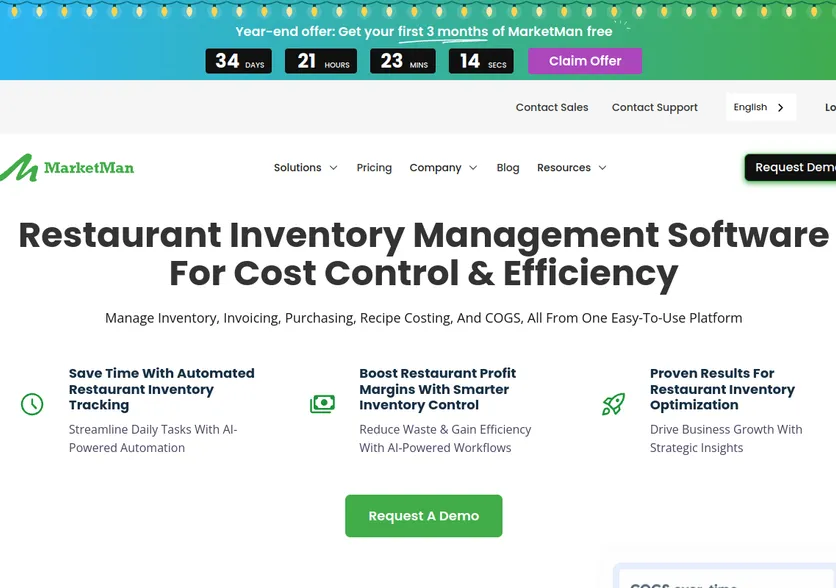
Paid tool Starting price: $249/month · Two hundred and forty-nine dollars a month per location on Starter billed annually; Growth is two hundred and ninety-nine dollars a month; Enterprise starts at four hundred and forty-nine dollars a month; Starter includes fifty AI invoice scans a month; prices rose in October 2026, so older listings showing one hundred and ninety-nine dollars are stale
Free plan: No free plan; demo available
Restaurant groups that lose money on food cost should start here, because this MarketMan plan costs two hundred and forty-nine dollars a month per location on Starter billed annually. Inventory, ordering and recipe costing share one screen, and supplier price tracking flags the ingredient that quietly got dearer. It is the most complete back-office tool in this list for a group that buys the same stock across several kitchens.
What we like
- Inventory, ordering and recipe costing in one place
- Supplier price tracking flags cost creep
- Integrates with major POS and accounting systems
Watch out for
- Priced per location, so a group pays for every site
- No free plan, only a demo
How to try it
- Connect the POS and the supplier accounts
- Count stock and set par levels per item
- Order from suppliers inside the app
2. MarginEdge
Best for: Restaurant groups that want invoices handled for them
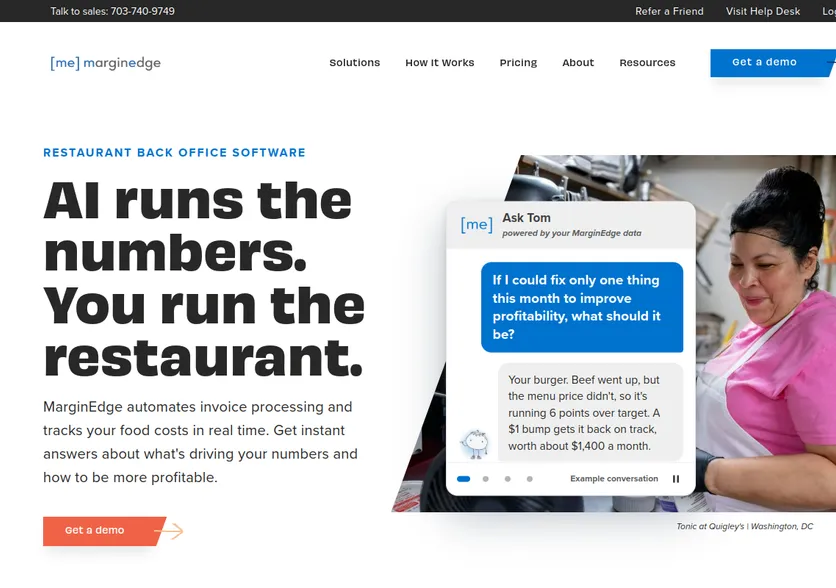
Paid tool Starting price: $350/location/month · Three hundred and fifty dollars per location a month, three hundred and fifteen dollars with the ten percent annual billing discount; the Freepour bundle is five hundred dollars per location a month; there is no annual contract on monthly billing; a separate Toast API fee applies
Free plan: No free plan; demo available
Groups that want someone else to process the invoices will like this, since this MarginEdge plan costs three hundred and fifty dollars per location a month, and invoices are coded for you. Food costs update against live sales, so a menu price problem shows up the same week it starts. It is the most hands-off tool in this list, and the one that costs the most per location.
What we like
- Invoices are processed for you, not just scanned
- Real-time food costs against live sales
- No annual contract on monthly billing
Watch out for
- Three hundred and fifty dollars per location adds up across a group
- Toast users pay a separate API fee
How to try it
- Forward supplier invoices to MarginEdge
- Review the coded invoices in the dashboard
- Check food costs against sales each week
3. WISK
Best for: Restaurant groups that count bar and kitchen stock
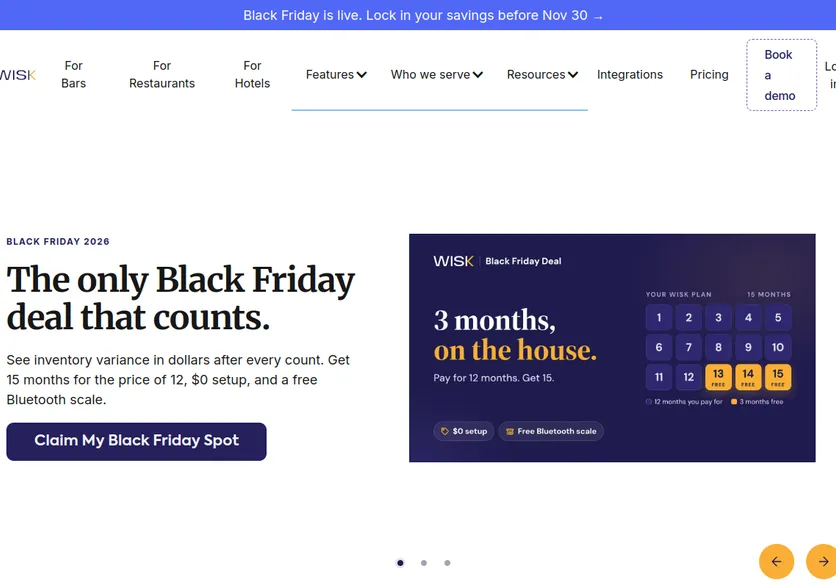
Paid tool Starting price: $249/month · Two hundred and forty-nine dollars a month per location billed annually for a single-venue beverage or food plan; the food and beverage bundle is three hundred and ninety-nine dollars a month; multi-outlet plans run from four hundred and ninety-nine to one thousand nine hundred and ninety-nine dollars a month; setup fees run from seven hundred and fifty to four thousand five hundred dollars by tier
Free plan: No free plan; demo available
Bars and kitchens that lose stock to waste and theft need variance reporting, and this WISK plan costs two hundred and forty-nine dollars a month per location billed annually for a single-venue plan. Barcode scanning makes stocktakes fast, and the variance report shows exactly what went missing between count and sale. It is the best counting tool in this list for a group with busy bars.
What we like
- Barcode scanning makes stocktakes fast
- Variance reports show exactly what went missing
- POS integration ties usage to sales
Watch out for
- Setup fees are charged on top of the subscription
- Beverage and food are separate plans unless bundled
How to try it
- Scan the bar and kitchen stock with the app
- Reconcile usage against POS sales
- Review variance reports and tighten the gaps
4. meez
Best for: Restaurant groups that cost recipes before they buy
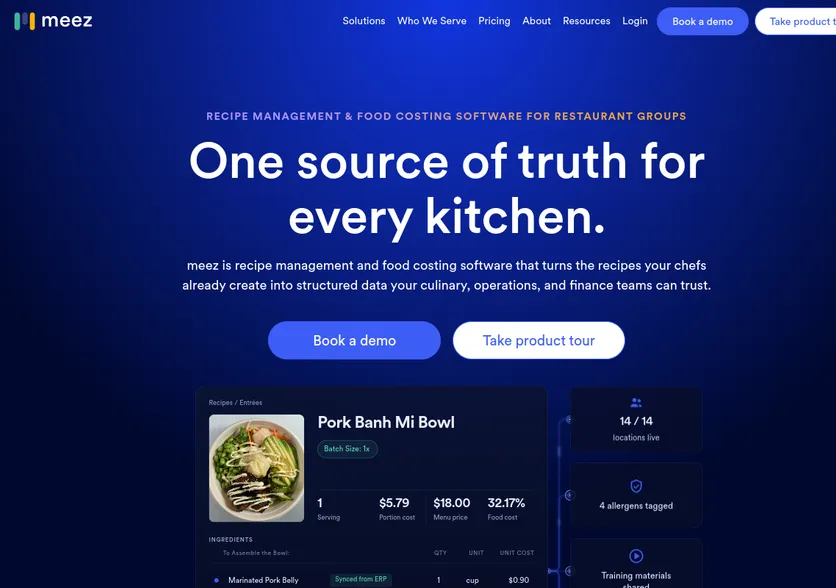
Paid tool Starting price: $19/month · Nineteen dollars a month on Starter billed annually, twenty-four dollars month to month, for unlimited recipes and basic costing without inventory; Pro is eighty-nine dollars a month billed annually and adds inventory for five devices; Premium is one hundred and seventy-nine dollars a month
Free plan: 14-day free trial; no free plan
Recipe costing is the job here, and this meez plan costs nineteen dollars a month on Starter billed annually for unlimited recipes and basic costing. Plate costs update as supplier prices move, and menu engineering shows which dishes actually earn their keep. Inventory needs the Pro tier, so treat Starter as a costing tool and Pro as the full back office.
What we like
- Recipe costing is fast and genuinely accurate
- Menu engineering shows which dishes earn
- Starter is cheap for a recipe-only tool
Watch out for
- Inventory needs the Pro tier at eighty-nine dollars a month
- No free plan, only a fourteen-day trial
How to try it
- Enter recipes with ingredient quantities
- Link supplier prices to each ingredient
- Check the plate cost before the menu goes out
5. Galley
Best for: High-volume kitchens and commissaries that plan production
Paid tool Starting price: $99/month · Ninety-nine dollars a month on the SMB Accelerator plan for recipes, menus and costing; a free Test Kitchen plan covers the core recipe tools; the full platform is priced by quote based on operation size and location count
Free plan: Free plan (Test Kitchen)
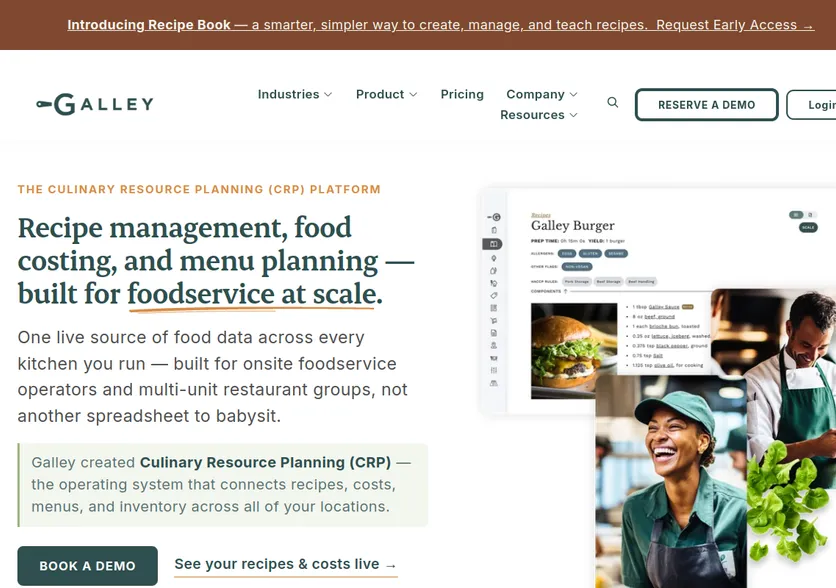
High-volume kitchens that plan production days ahead get a serious tool here, since this Galley plan costs ninety-nine dollars a month on the SMB Accelerator for recipes, menus and costing. Recipe costs follow live supplier prices, and production planning turns the menu into a prep list the kitchen can run. It is built for commissaries and ghost kitchens, so a single small restaurant may find it heavy.
What we like
- Recipe costing tied to live supplier prices
- Production planning turns menus into prep lists
- Free Test Kitchen plan to try the core tools
Watch out for
- Full inventory and purchasing need the quoted platform
- Built for volume, so a single small restaurant may find it heavy
How to try it
- Build recipes with live ingredient costs
- Plan menus and production for the week
- Push the prep list to the kitchen team
6. Supy
Best for: Restaurant groups that want inventory with AI ordering
Paid tool Starting price: $250/month · Two hundred and fifty dollars a month is the published starting figure; the final price is set by a sales conversation and depends on locations and modules, so treat two hundred and fifty dollars as a starting point, not a confirmed per-location US price
Free plan: No free plan; demo available
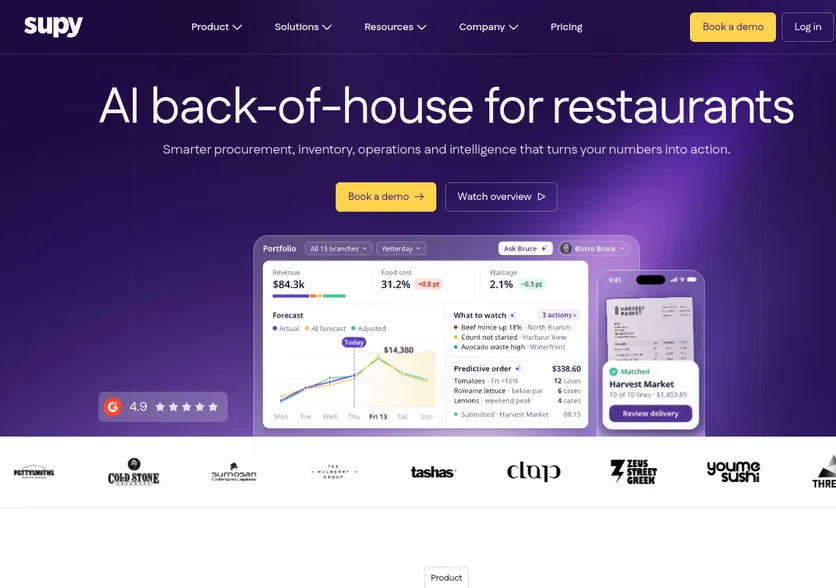
Groups that want the system to suggest the order will find it here, because this Supy plan starts at two hundred and fifty dollars a month, and AI forecasting predicts what each kitchen needs. Recipe costing updates with supplier prices, and multi-location dashboards give the group a single view of stock. The final price is set by a sales conversation, so treat the starting figure as a guide.
What we like
- AI forecasting suggests what to order and when
- Recipe costing updates as supplier prices move
- Multi-location dashboards for group operators
Watch out for
- Final price is quoted, so the starting figure may not hold
- Smaller groups may find the platform heavy
How to try it
- Import recipes and supplier price lists
- Count stock and set par levels
- Review the AI order suggestions each week
7. xtraCHEF by Toast
Best for: Toast restaurants that want back office inside Toast
Paid tool Starting price: $279/location/month · Two hundred and seventy-nine dollars per location a month on Pro, which adds inventory and recipe costing; Essentials is one hundred and seventy-nine dollars per location a month but has no inventory or recipe costing; both are priced per location; full value needs Toast POS for menu margin variance and actual-versus-theoretical reporting, and Toast IQ Inventory is replacing xtraCHEF in limited release since October 2026
Free plan: No free plan; demo through Toast sales
Toast restaurants get back office without a second vendor here, since this xtraCHEF by Toast plan costs two hundred and seventy-nine dollars per location a month on Pro, which adds inventory and recipe costing. Invoices are read and coded automatically, and food costs update against live Toast sales. It is only worth it inside the Toast system, and Essentials buyers get no inventory at all.
What we like
- Invoice automation reads supplier bills for you
- Food costs update against live Toast sales
- No separate vendor relationship to manage
Watch out for
- Only worth it if the group already runs Toast
- Inventory costs two hundred and seventy-nine dollars per location
How to try it
- Connect xtraCHEF to the Toast POS
- Let invoice automation code the supplier bills
- Check recipe costs against live sales data
Prices above were checked on each vendor’s own website on Nov 28, 2026 and can change — the vendor’s page is the final word. Vendor links are editorial: nobody paid to be listed or ranked here. Vendors who want a featured listing can see how it works on our Get listed page.
How to cut food costs across a restaurant group
Start with the ten dishes that sell most, because their plate costs decide whether the group makes money. Cost each recipe from live supplier prices, then check the food cost percentage every week rather than at month end. Compare the same ingredient across suppliers, because the cheapest price often hides in a delivery note nobody read. Count stock at the same time each week, and chase the variance before it becomes a habit. Fix the menu price on the dish whose cost moved most, and tell the kitchen why the change happened. Put one person in charge of supplier prices, because a cost nobody owns keeps rising.
Before you buy
- Confirm the tool prices per location, because a group pays for every site
- Check whether recipe costing updates when supplier prices move
- Ask if invoice processing is done for you or only scanned
- Make sure the tool connects to your POS and accounting system
- Test the tool on your ten best-selling dishes before paying
Official websites
Official websites of the products reviewed above. Features and prices were checked against these sites when this guide was written, and they can change, so confirm on the vendor site before you buy.
Frequently asked questions
What is purchasing software for restaurant groups?
It is software that manages inventory, ordering, recipe costing and supplier invoices across several restaurant locations. It tracks what each kitchen holds, what it needs and what it costs, and it flags the ingredient whose price moved. For a group it replaces a separate spreadsheet per site with one view of the whole operation.
How much does MarketMan cost per location?
MarketMan costs two hundred and forty-nine dollars a month per location on Starter billed annually, with Growth at two hundred and ninety-nine dollars a month and Enterprise from four hundred and forty-nine dollars. Starter includes fifty AI invoice scans a month. Prices rose in October 2026, so older listings showing one hundred and ninety-nine dollars are stale.
Can a restaurant group manage purchasing for free?
Partly, with Galley, which offers a free Test Kitchen plan for core recipe tools, and meez, which offers a fourteen-day free trial but no free plan. Neither free option covers full inventory, so a group that needs ordering and stock control should budget for a paid plan. MarketMan and MarginEdge offer demos only.
What is the cheapest purchasing tool for restaurant groups?
meez is the cheapest entry at nineteen dollars a month on Starter, but it covers recipes and costing only, not inventory. Galley follows at ninety-nine dollars a month on the SMB Accelerator. MarketMan is the best full back-office pick, at two hundred and forty-nine dollars a month per location.
Which tool is best for a restaurant group?
MarketMan is the best overall pick for a restaurant group, at two hundred and forty-nine dollars a month per location with inventory, ordering and recipe costing in one place. MarginEdge is the better pick if the group wants invoices processed for them. WISK suits a group with busy bars that need variance reporting.
Compare the seven tools above, then start with the free plan or trial on the tool that matches how the group already buys before paying for a full year.
Browse Business Tools tools