On this page
A restaurant needs accounting that tracks food costs, tips and payroll without slowing down a Friday dinner rush, and the wrong tool shows up as a surprise tax bill. The seven tools below run from about fifteen dollars a month to about three hundred dollars a month, and every price was checked on the vendor site on November 26, 2026. Most offer a free plan or a free trial, so a restaurant can test real sales data before paying. QuickBooks Online is our first pick — the standard most restaurant accountants already use, starting at thirty-eight dollars a month.
How we researched this
We started with the accounting tools restaurants actually use to track food costs and payroll, then read each price on the vendor pricing page on November 26, 2026 and noted the free plan or trial each one carries. We judged them for a restaurant that tracks sales per shift, pays staff with tips and needs clean books at tax time. We kept only tools with a published price, and we dropped any tool whose price we could not verify on the vendor site.
Compare the tools
| Name | Best for | Starting price | Free plan | |
|---|---|---|---|---|
 QuickBooks Online | Restaurants whose accountant already runs QuickBooks | $38/month | 30-day free trial, no free plan | Visit |
 Xero | Restaurants that want clean books and multi-location reporting | $27/month | 30-day free trial, no free plan | Visit |
 FreshBooks | Restaurants and caterers that bill clients by the event | $23/month | 30-day free trial, no free plan | Visit |
 Zoho Books | Restaurants that want low cost books inside the Zoho suite | $15/month | Free plan for revenue under fifty thousand dollars a year | Visit |
 Wave | Small restaurants and food trucks that need free core books | $19/month | Free accounting and invoicing plan; Pro is nineteen dollars a month | Visit |
 Bench | Restaurant owners who want a bookkeeper included, not just software | $299/month | No free plan; a bookkeeping service with a dedicated bookkeeper | Visit |
 Sage Accounting | Restaurants that want strong reporting from a long-established vendor | $20/month | 30-day free trial, no free plan | Visit |
The accounting software for restaurants, compared
1. QuickBooks Online
Best for: Restaurants whose accountant already runs QuickBooks
Paid tool Starting price: $38/month · Simple Start plan, $38 a month; Essentials $85, Plus $140, Advanced $340 a month
Free plan: 30-day free trial, no free plan
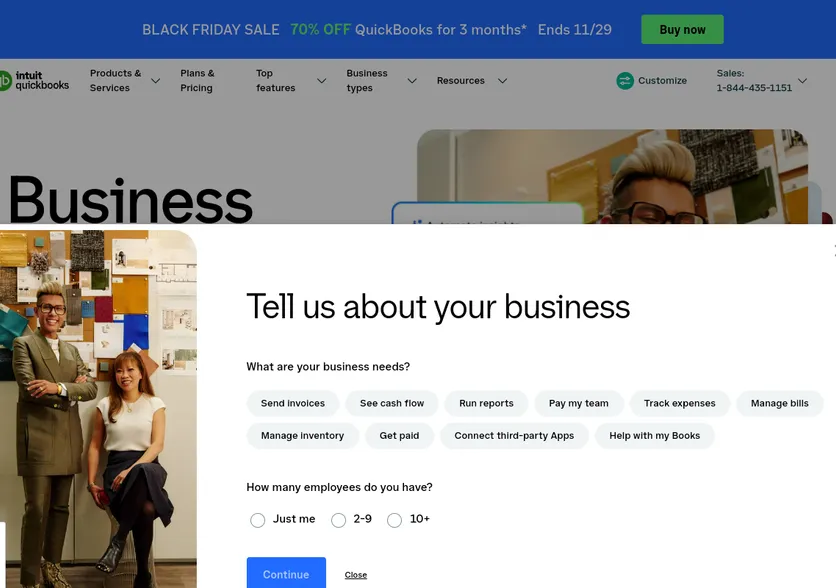
QuickBooks Online fits a restaurant because the accountant, the payroll provider and the point of sale all speak the same language. This QuickBooks Online Simple Start plan tracks sales and expenses, sends invoices and reconciles bank feeds for a single user. A restaurant can hand the books to an accountant who already knows the system and get answers back the same day.
What we like
- The tool most restaurant accountants already use
- Bank feeds reconcile sales in minutes
- Payroll connects without a second system
Watch out for
- Simple Start covers one user only
- Food cost tracking needs an add-on or a higher tier
How to try it
- Open the QuickBooks pricing page and start the free trial
- Connect your bank account and your point of sale
- Invite your accountant and set their permissions
2. Xero
Best for: Restaurants that want clean books and multi-location reporting
Paid tool Starting price: $27/month · Early plan, $27 a month for US customers; Growing $59, Established $97 a month
Free plan: 30-day free trial, no free plan
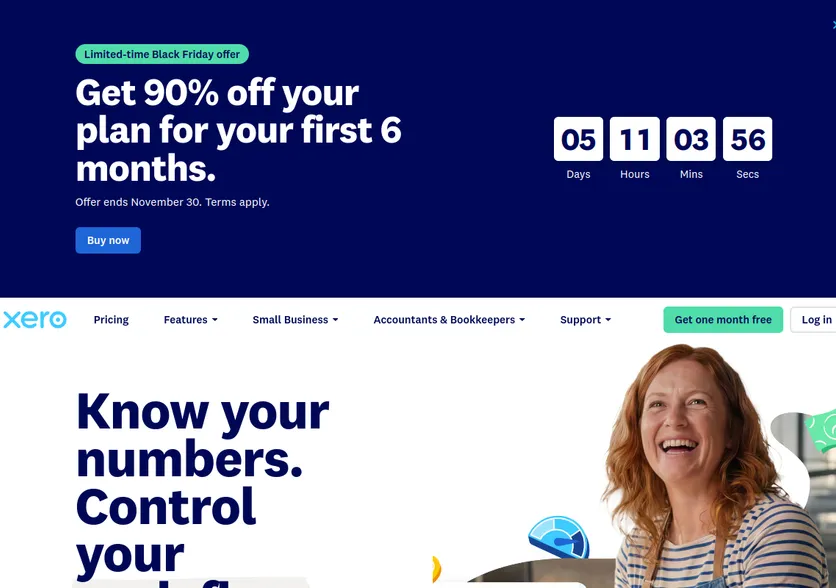
Xero keeps restaurant books tidy with a dashboard that shows cash flow at a glance, even across more than one location. This Xero Early plan handles invoicing, bank reconciliation and expense claims for a small restaurant. A restaurant with a second site can compare both locations side by side without opening a second ledger.
What we like
- Clean cash flow dashboard for owners
- Tracking categories compare locations
- Strong app marketplace for point of sale
Watch out for
- Early plan caps invoices and bills each month
- Payroll needs a paid add-on in the US
How to try it
- Open the Xero pricing page and start the free trial
- Connect a bank feed and match one week of sales
- Set up tracking categories for each location
3. FreshBooks
Best for: Restaurants and caterers that bill clients by the event
Paid tool Starting price: $23/month · Lite plan, $23 a month billed monthly; Plus $43, Premium $70 a month; the first-year promo of $1 a month is not the list price
Free plan: 30-day free trial, no free plan
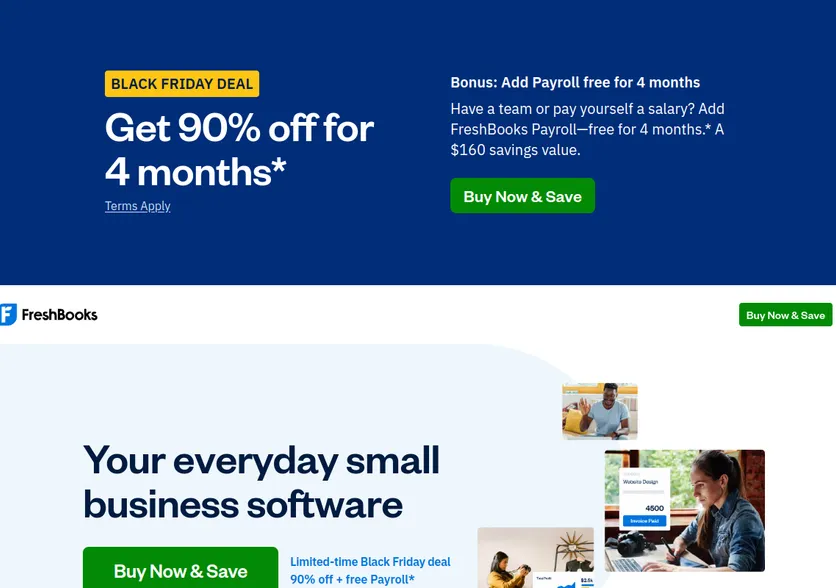
FreshBooks suits restaurants that cater events and bill clients per job, because invoicing is where it shines. This FreshBooks Lite plan sends polished invoices, tracks time and chases late payments automatically. A restaurant that runs weddings and private parties can invoice each event and watch the payments land without a spreadsheet.
What we like
- Invoicing is fast and looks professional
- Time tracking built into every plan
- Late payment reminders run themselves
Watch out for
- Lite plan caps billable clients at five
- Double-entry reports are thinner than QuickBooks
How to try it
- Open the FreshBooks pricing page and start the free trial
- Create an invoice for a catering event
- Turn on automatic late payment reminders
4. Zoho Books
Best for: Restaurants that want low cost books inside the Zoho suite
Paid tool Starting price: $15/month · Standard plan, $15 a month billed annually or $20 a month billed monthly
Free plan: Free plan for revenue under fifty thousand dollars a year
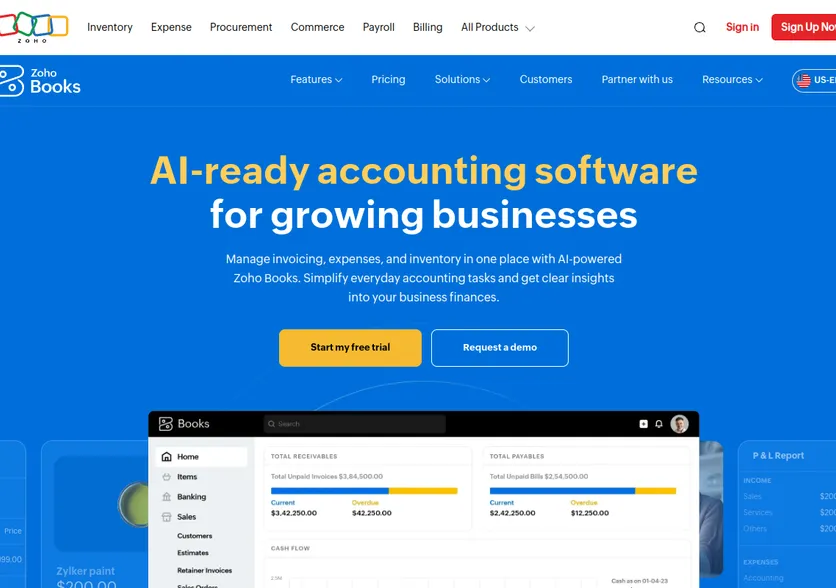
Zoho Books gives a restaurant full accounting at the lowest starting price on this list, with invoicing and expenses included. This Zoho Books Standard plan covers bank feeds, client portals and expense tracking for a small restaurant. A restaurant already using Zoho for bookings or customer records gets the shared data without another integration.
What we like
- Lowest starting price on this list
- Free plan for very small businesses
- Shares data with other Zoho apps
Watch out for
- Standard plan caps users at three
- US payroll needs a separate integration
How to try it
- Open the Zoho Books pricing page and start the free trial
- Import your chart of accounts and test one invoice
- Connect Zoho apps your restaurant already uses
5. Wave
Best for: Small restaurants and food trucks that need free core books
Paid tool Starting price: $19/month · Pro plan, $19 a month or $190 a year; core accounting and invoicing stay free
Free plan: Free accounting and invoicing plan; Pro is nineteen dollars a month
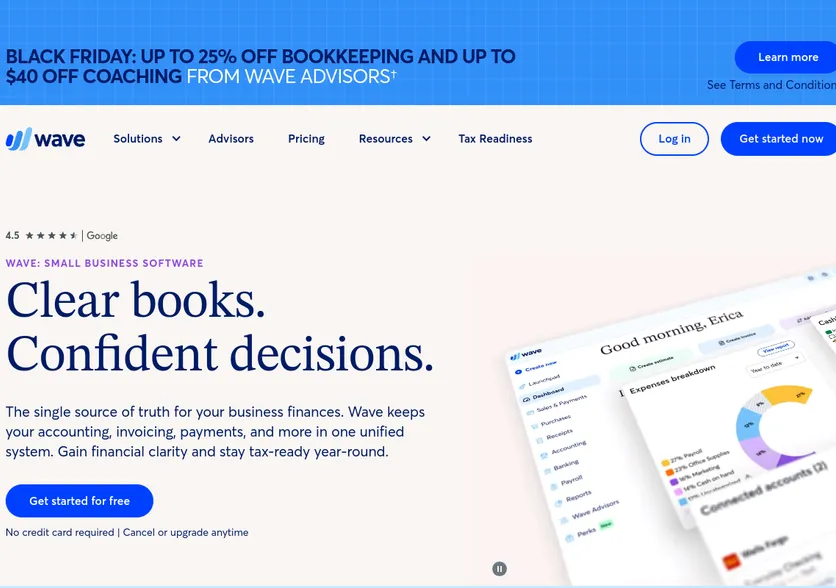
Wave is the free starting point for a small restaurant or food truck that needs real books without a monthly bill. This Wave Pro plan adds unlimited receipt scanning, faster payouts and dedicated support to the free accounting base. A food truck can run the free plan through a season and pay only when receipts pile up.
What we like
- Core accounting and invoicing are free
- No per-user fees on the free plan
- Receipt scanning is unlimited on Pro
Watch out for
- Pro costs nineteen dollars a month per business
- No built-in payroll in most states
How to try it
- Open the Wave pricing page and create a free account
- Connect a bank account and reconcile the first month
- Upgrade to Pro when receipts pile up
6. Bench
Best for: Restaurant owners who want a bookkeeper included, not just software
Paid tool Starting price: $299/month · Essential plan, $299 a month or $249 a month billed annually; Premium $499 a month or $399 billed annually
Free plan: No free plan; a bookkeeping service with a dedicated bookkeeper
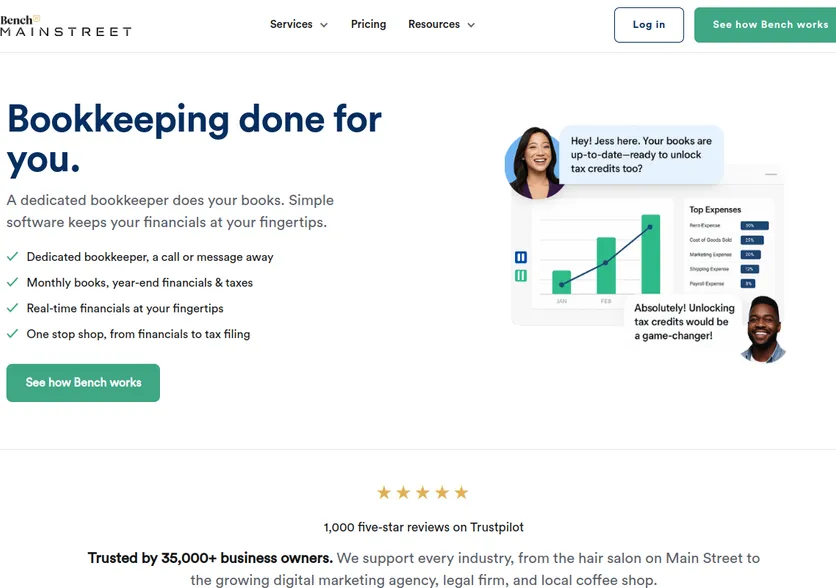
Bench is different from every other tool here, because the price buys a real bookkeeper who does the books for you. This Bench Essential plan pairs bookkeeping software with a dedicated bookkeeper and monthly financial statements. A restaurant owner who hates bookkeeping can hand over the receipts and get clean, tax-ready books back every month.
What we like
- A real bookkeeper does the work
- Monthly statements arrive tax-ready
- No accounting knowledge needed
Watch out for
- Essential costs two hundred ninety-nine dollars a month
- You wait for the bookkeeper instead of doing it yourself
How to try it
- Open the Bench pricing page and book a call
- Share your bank accounts and past books
- Review the first monthly statements with your bookkeeper
7. Sage Accounting
Best for: Restaurants that want strong reporting from a long-established vendor
Paid tool Starting price: $20/month · Start plan, $20 a month; Standard $40, Plus $50 a month; 30-day free trial, no free plan
Free plan: 30-day free trial, no free plan
Sage suits a restaurant that wants deep reports on food costs and margins from a vendor with decades behind it. This Sage Start plan handles invoicing, expenses and bank reconciliation for a small restaurant. A restaurant that grows into a second location can lean on reports the owner actually reads.
What we like
- Strong reporting for a low starting price
- Long-established vendor with deep support
- Clean bank reconciliation workflow
Watch out for
- Start plan covers one user only
- No free plan, only a trial
How to try it
- Open the Sage pricing page and start the free trial
- Import your chart of accounts
- Run a profit and loss report for one month
Prices above were checked on each vendor’s own website on Nov 26, 2026 and can change — the vendor’s page is the final word. Vendor links are editorial: nobody paid to be listed or ranked here. Vendors who want a featured listing can see how it works on our Get listed page.
What restaurant accounting costs in 2026
Most restaurants pay per user or per location, so the sticker price is only the start of the budget. This list runs from about fifteen dollars a month for Zoho Books to about three hundred dollars a month for Bench, and every figure is the list price from the vendor pricing page, checked on November 26, 2026. Bench costs more because the price buys a bookkeeper, not just software, so compare it against the cost of doing the books yourself.
Start with the free trial on two tools and run one real month of sales through both. Compare how fast bank reconciliation goes, whether food costs are easy to track, and how the reports look when the accountant opens them. The tool your accountant opens without calling you is the one that saves the restaurant the most hours.
Before you buy
- Count the users first, because a one-user plan forces an upgrade the moment a second person joins.
- Check food cost tracking, because a general ledger rarely shows what each dish actually costs.
- Test payroll and tips, because a restaurant pays staff with tips and the tool must handle both.
- Ask whether your point of sale connects, because sales data should flow in without manual entry.
- Add up the add-ons, because the base price rarely covers payroll, inventory and reporting together.
Official websites
Official websites of the products reviewed above. Features and prices were checked against these sites when this guide was written, and they can change, so confirm on the vendor site before you buy.
Frequently asked questions
Which accounting software is best for restaurants in 2026?
QuickBooks Online, at thirty-eight dollars a month, is the safest default because most restaurant accountants already use it, so the books move between owner and accountant without friction. Bench, at two hundred ninety-nine dollars a month, is better for an owner who wants a bookkeeper included instead of doing the books. Xero, at twenty-seven dollars a month, wins for clean multi-location reporting.
What is the cheapest accounting software for restaurants?
Zoho Books Standard, at fifteen dollars a month billed annually, is the cheapest paid plan here and includes invoicing, expenses and bank feeds. Wave keeps core accounting free and charges nineteen dollars a month only for the Pro extras like unlimited receipt scanning. Sage Start, at twenty dollars a month, adds strong reporting for a small restaurant on a tight budget.
Can restaurant accounting software handle payroll and tips?
Yes, though payroll is often a separate fee. QuickBooks Online connects to QuickBooks Payroll, which handles tips and tax filings for restaurant staff. Patriot and Xero also offer payroll, though Xero needs a paid add-on in the United States. Bench includes payroll support through its bookkeepers, so check the plan before promising payroll to your team.
Do restaurants need inventory tracking in their accounting software?
Most small restaurants do not, because inventory lives in the point of sale or a separate system. QuickBooks Online and Xero both track basic inventory on higher tiers, which suits a restaurant that sells retail goods alongside food. A restaurant that only needs food costs can track them as expenses and keep the accounting plan simple and cheap.
Can I try restaurant accounting software for free?
Most of them, yes. QuickBooks Online, Xero, FreshBooks and Sage all offer a thirty-day free trial, so a restaurant can test real sales data before paying. Zoho Books has a free plan for businesses under fifty thousand dollars in annual revenue, and Wave keeps core accounting free with no time limit. Start with a trial on the two tools your accountant already knows.
Need everyday finance help too? Try Toolsvine's free finance calculators for small teams right in your browser.
Browse Finance Calculators tools